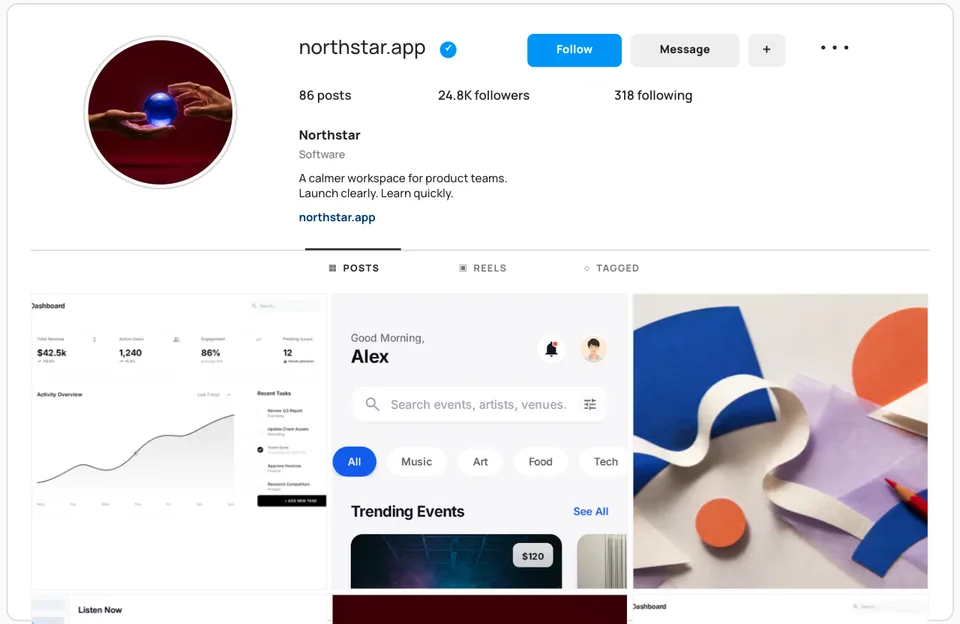
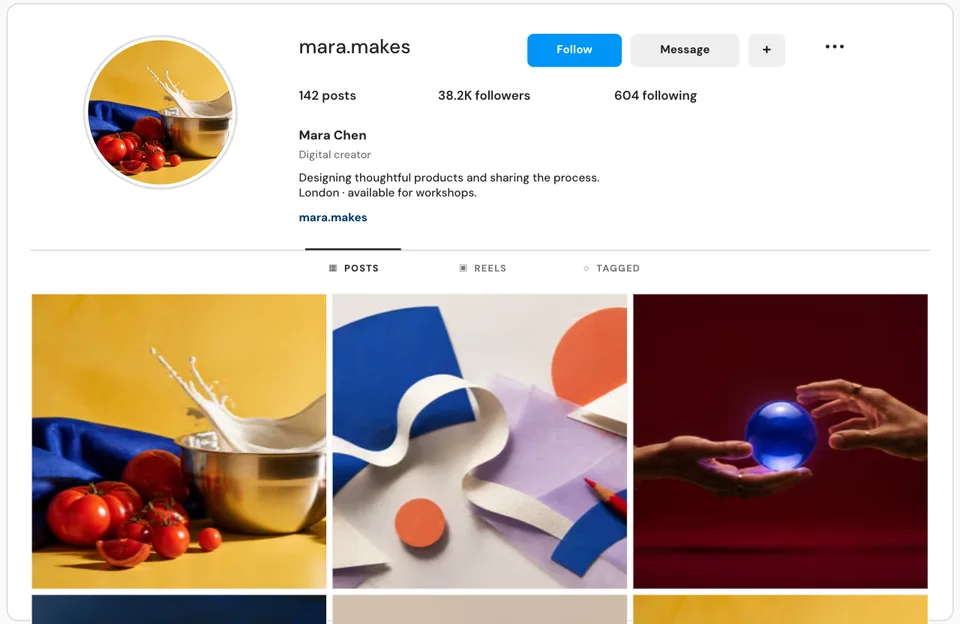
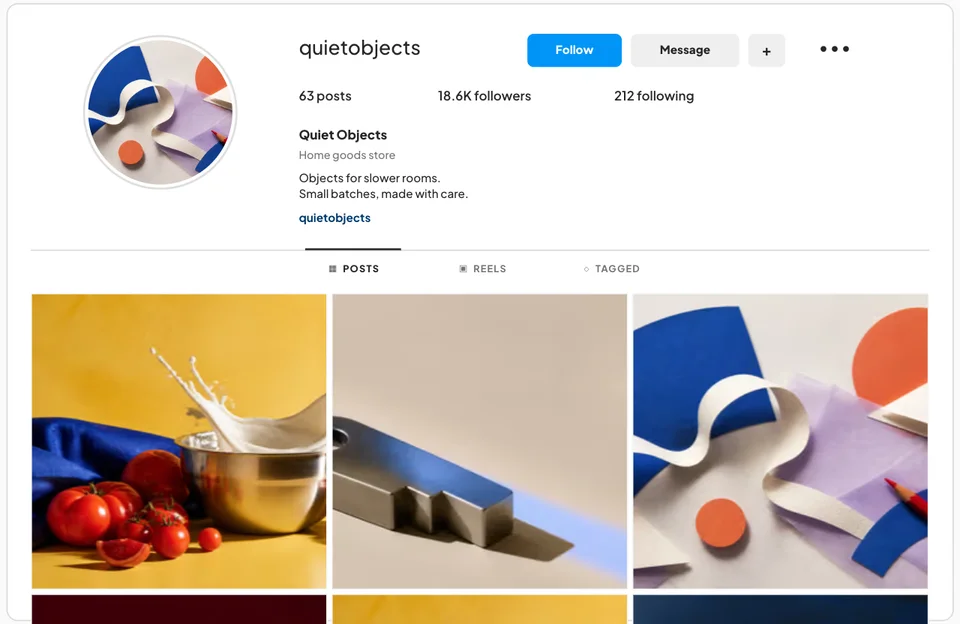
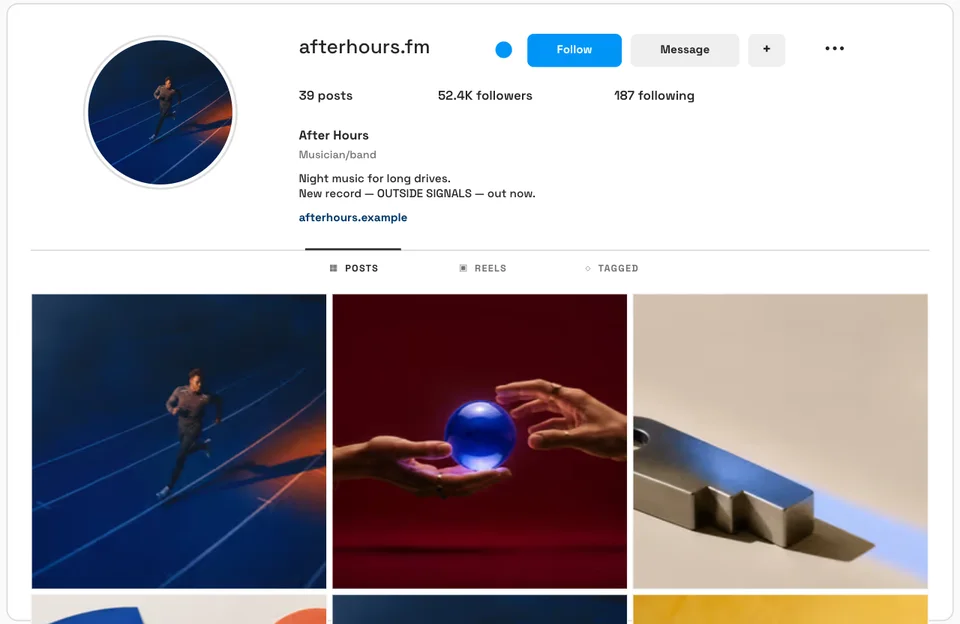
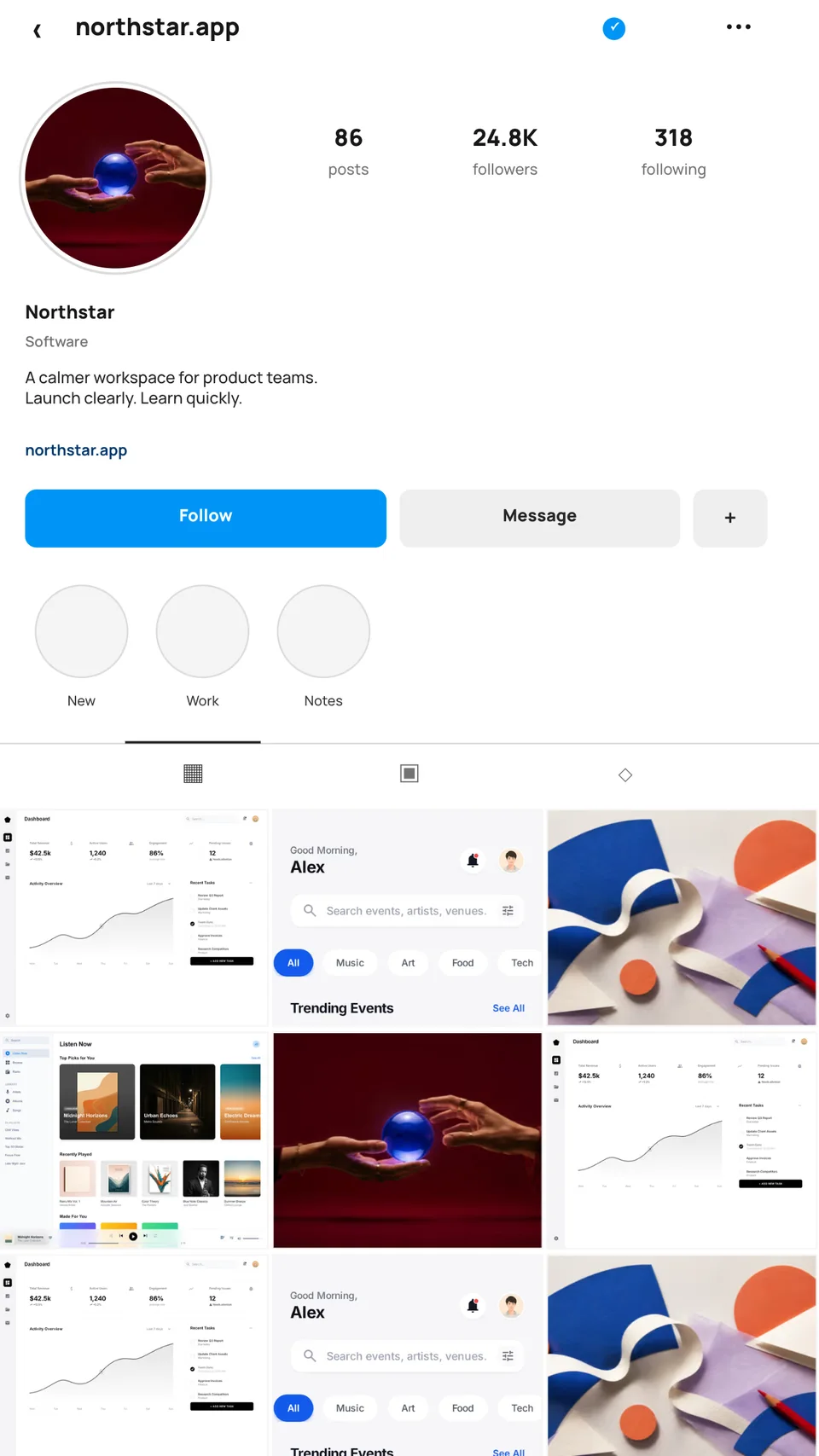
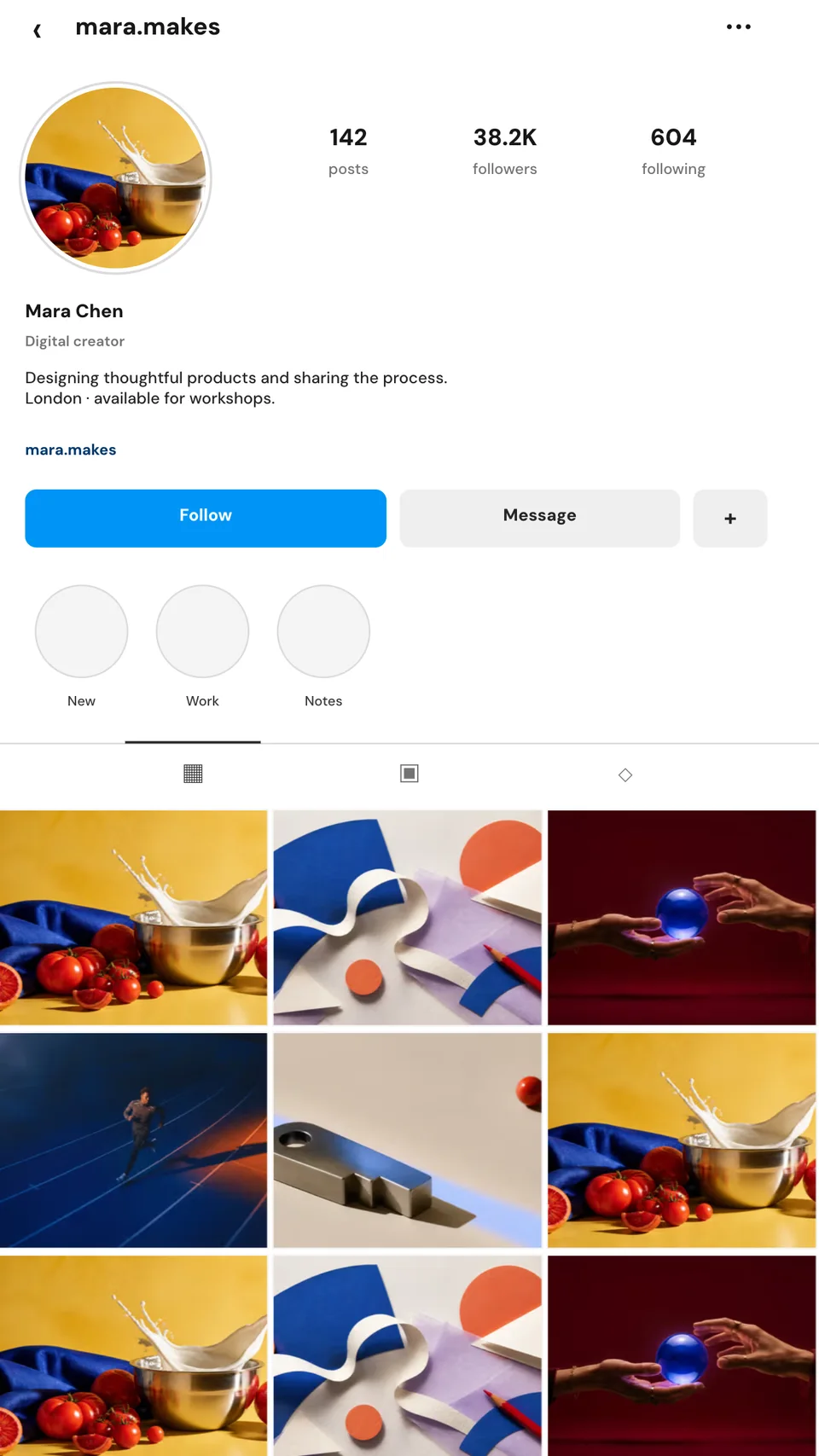
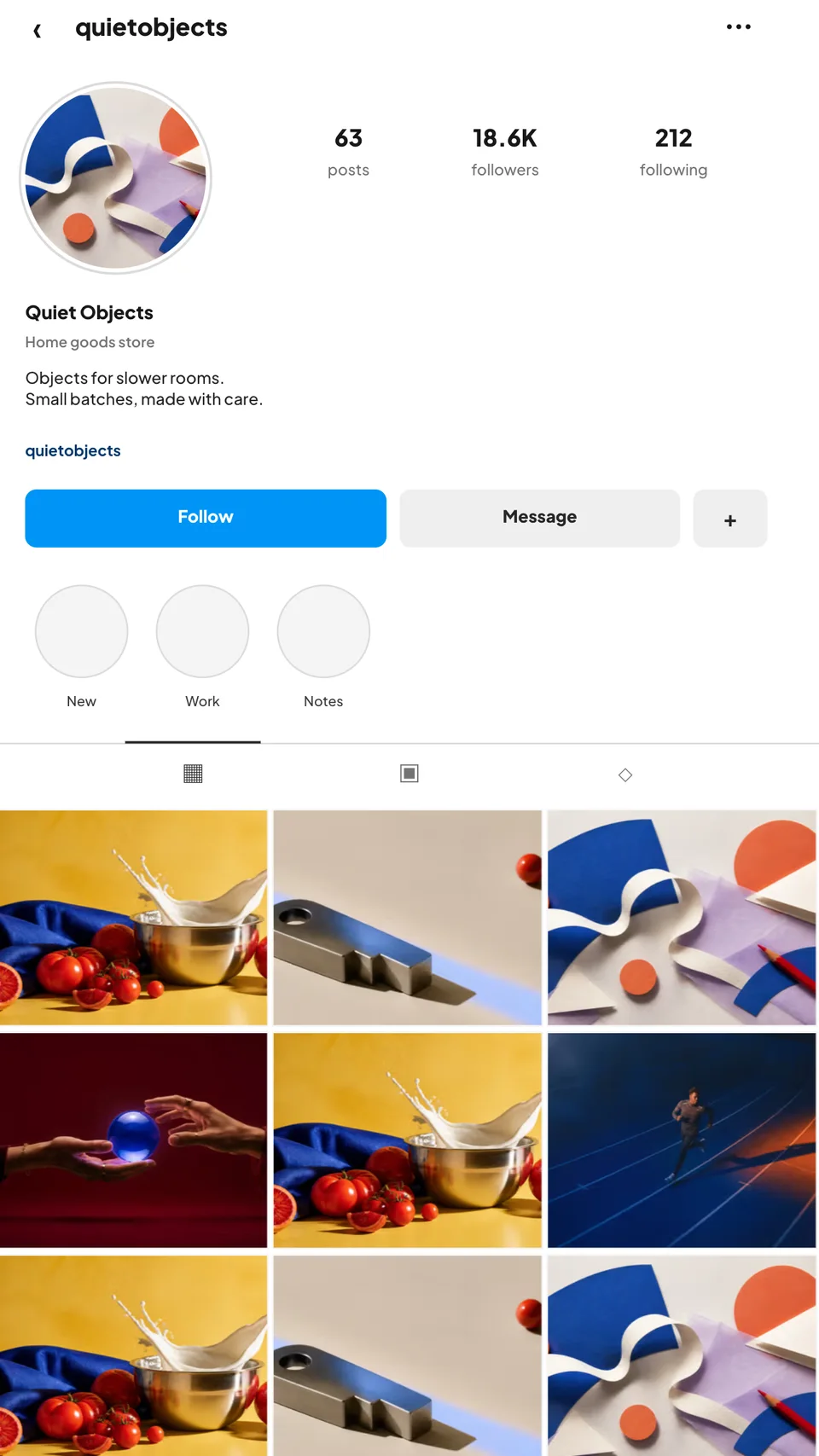
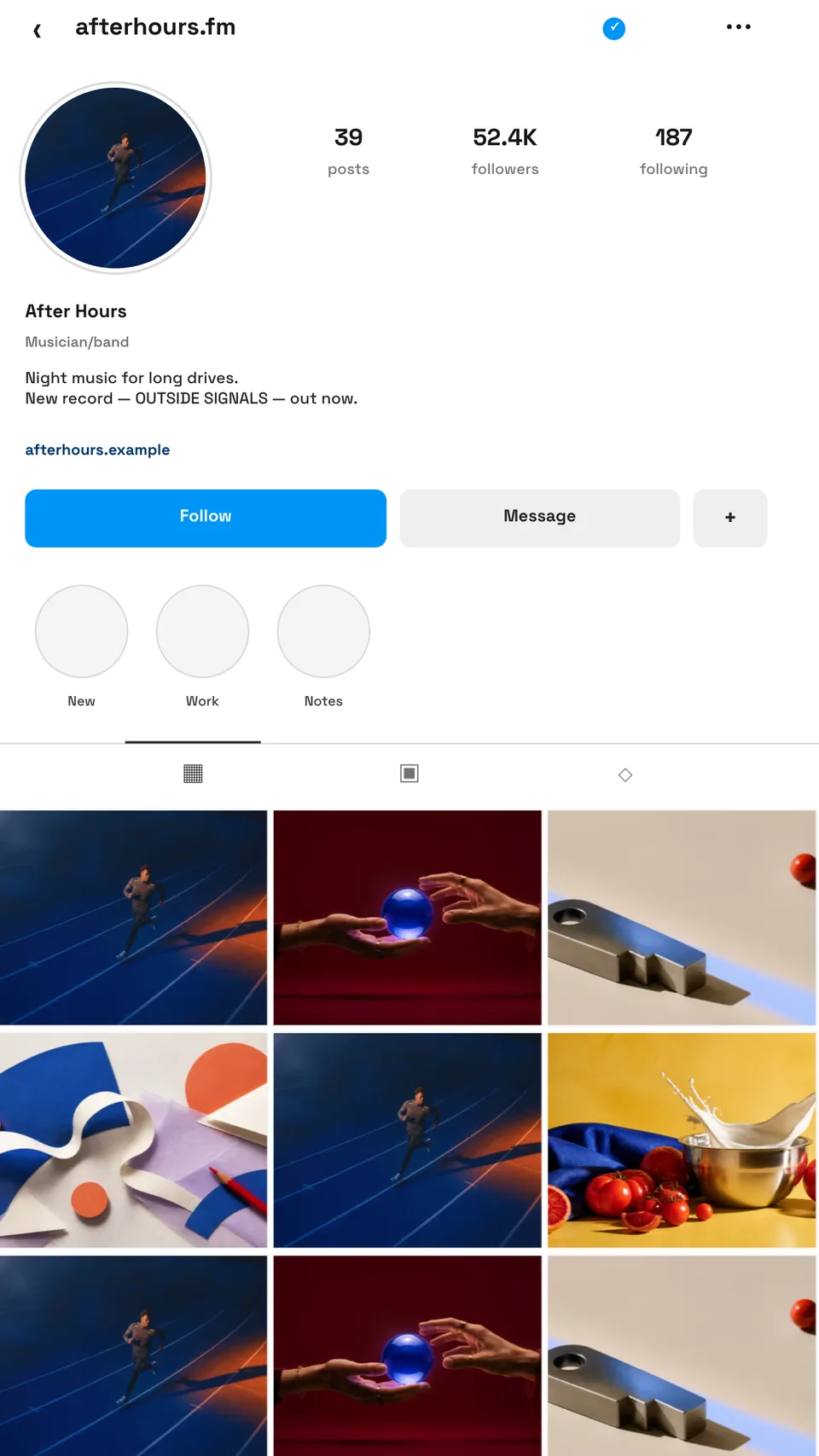
Present a complete Instagram presence—not a loose collection of squares. Edit the profile, bio, metrics, actions, verified badge, tabs, and six-image grid in a realistic desktop Instagram layout.
Loved by 3,000+ creators
Choose a SaaS, creator, shop, or artist profile. Every field and every image remains editable; the Instagram interface stays consistent.
The useful part of a profile mockup is the context: hierarchy, proof, actions, and the visual rhythm of the grid.
Desktop Instagram proportions, compact controls, profile statistics, tabs, spacing, and a true three-column grid.
Change the handle, display name, category, bio, link, follower counts, and verification state without flattening the design.
Swap every grid image independently so the mockup presents a real campaign, portfolio, product, or content system.
Start with the SaaS, creator, shop, or music profile whose content rhythm is closest to yours.
Replace the avatar and six grid images, then edit the handle, bio, link, metrics, and profile details.
Download a polished profile mockup for a deck, portfolio, campaign review, or launch post.
Present how a complete profile will feel after the new visual direction lands, not just a few detached tiles.
Show the grid, identity, bio, and account proof together in one credible project visual.
Preview the account people will discover when a new product, store, creator project, or release goes live.
Check whether six posts feel coherent as a system before the campaign is published.
A grid by itself does not show the account people actually encounter. The avatar, handle, bio, proof, actions, and tabs change how the same posts are interpreted.
Screenhance keeps that interface structure intact while making the content editable. You get the credibility of a realistic profile without rebuilding Instagram in a design file or editing a PSD smart object.
The templates use fictional brands and editable example metrics. They are intended for concept work, portfolio presentation, content planning, and campaign previews—not for fabricating real account activity.
For an individual post shown in a phone scene, use the Instagram post mockup collection. For designing the post itself, use the Instagram post generator. This page is specifically for the complete profile view.
Yes. The profile name, handle, category, biography, link, follower metrics, buttons, tabs, avatar, and six grid images are separate editable elements.
It recreates the current desktop profile structure and proportions closely, including the identity header, profile actions, statistics, content tabs, and three-column grid. Example content remains fictional and editable.
Yes. Each of the six post tiles is an independent image layer, and the profile photo is replaceable too.
Yes. Export the finished design for proposals, campaign reviews, portfolios, launch decks, and content-planning presentations.
No. The mockup is edited and exported in the browser. There are no PSD smart objects to download or manage.
Explore more ways to create stunning visuals with Screenhance.
Polished demo videos with click-to-place zoom
Try it freeBrowser screen recorder with click-to-place zoom
Try it freeNo-background devices, hands, apparel, and print
Try it freePut your real screenshot in a hand holding an iPhone
Try it freeTurn a book cover into a photorealistic 3D mockup
Try it freePut your design or app on a photorealistic billboard
Try it freeReplace the content, tune the profile details, and export a complete Instagram profile mockup in one editor.
Open the Instagram profile template