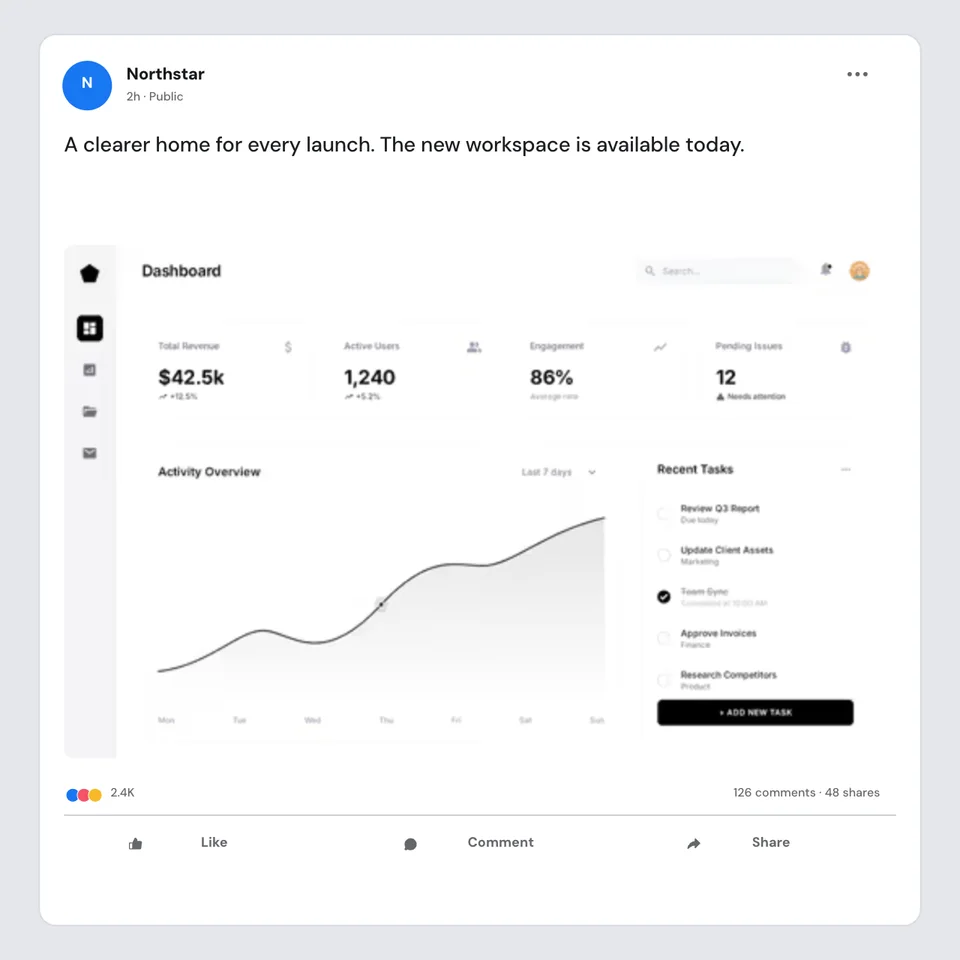
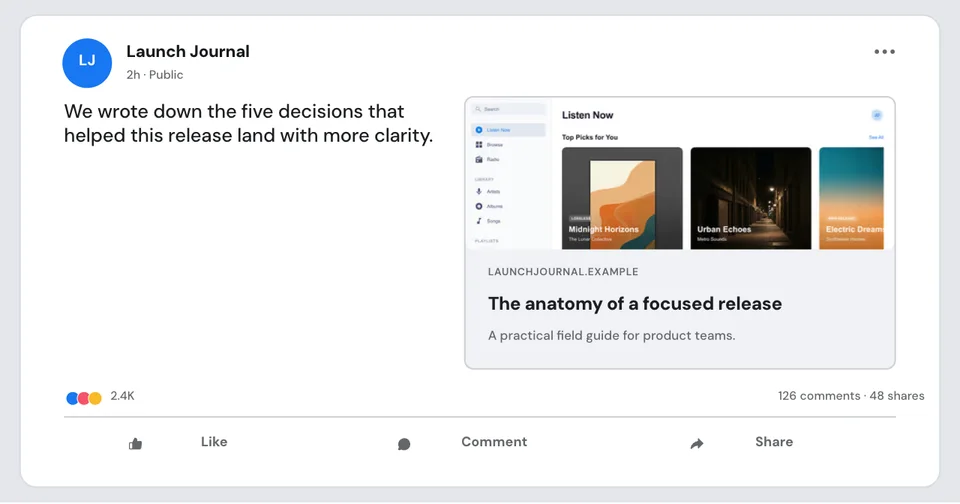
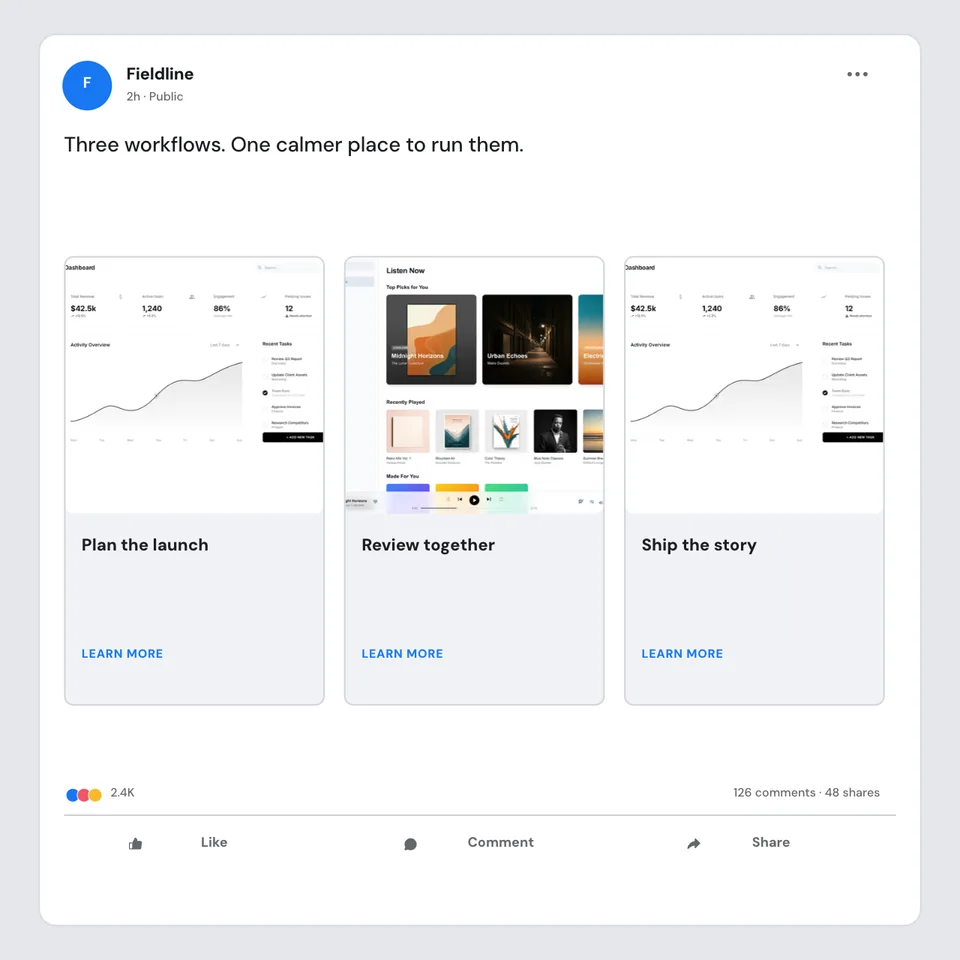
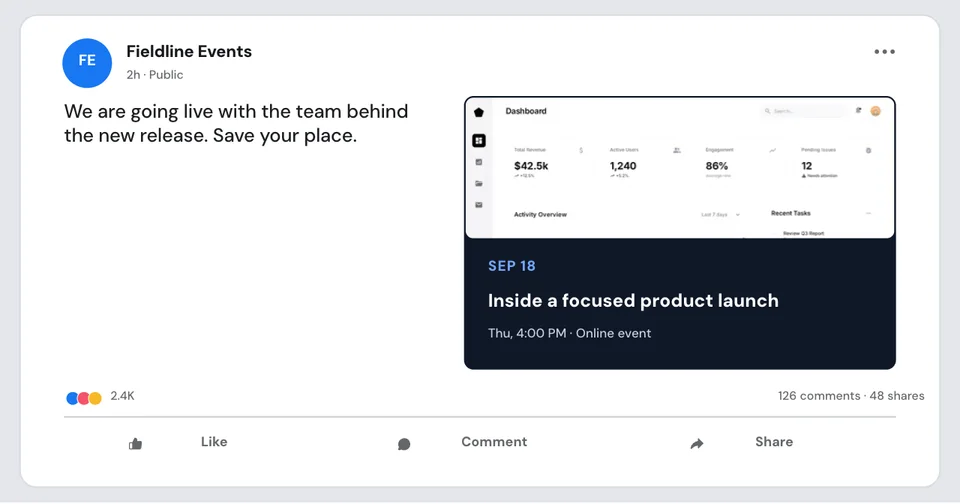
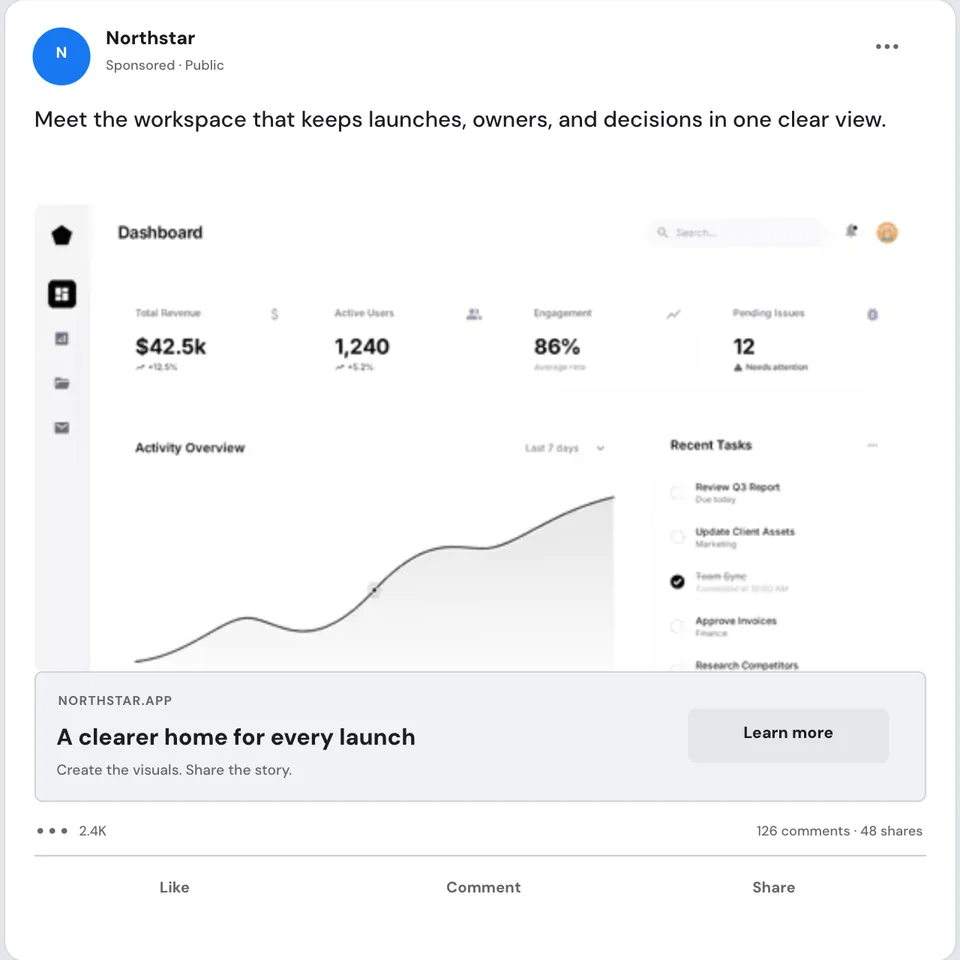
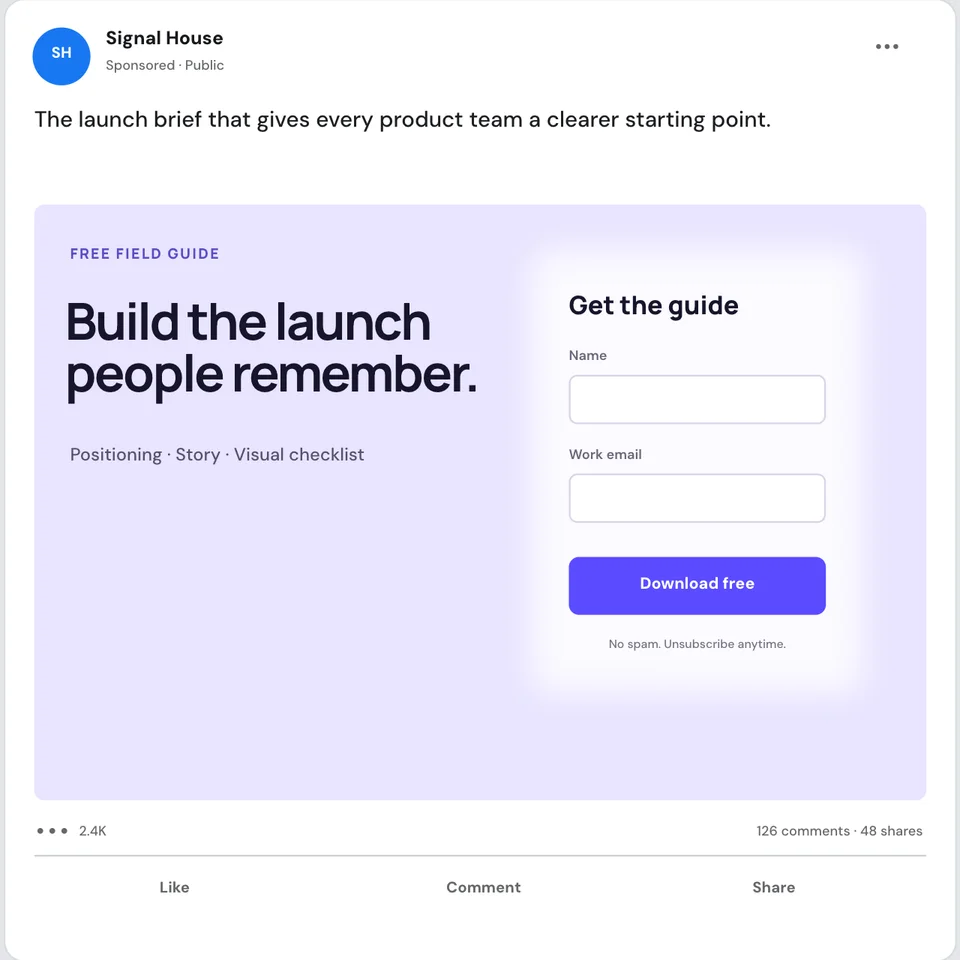
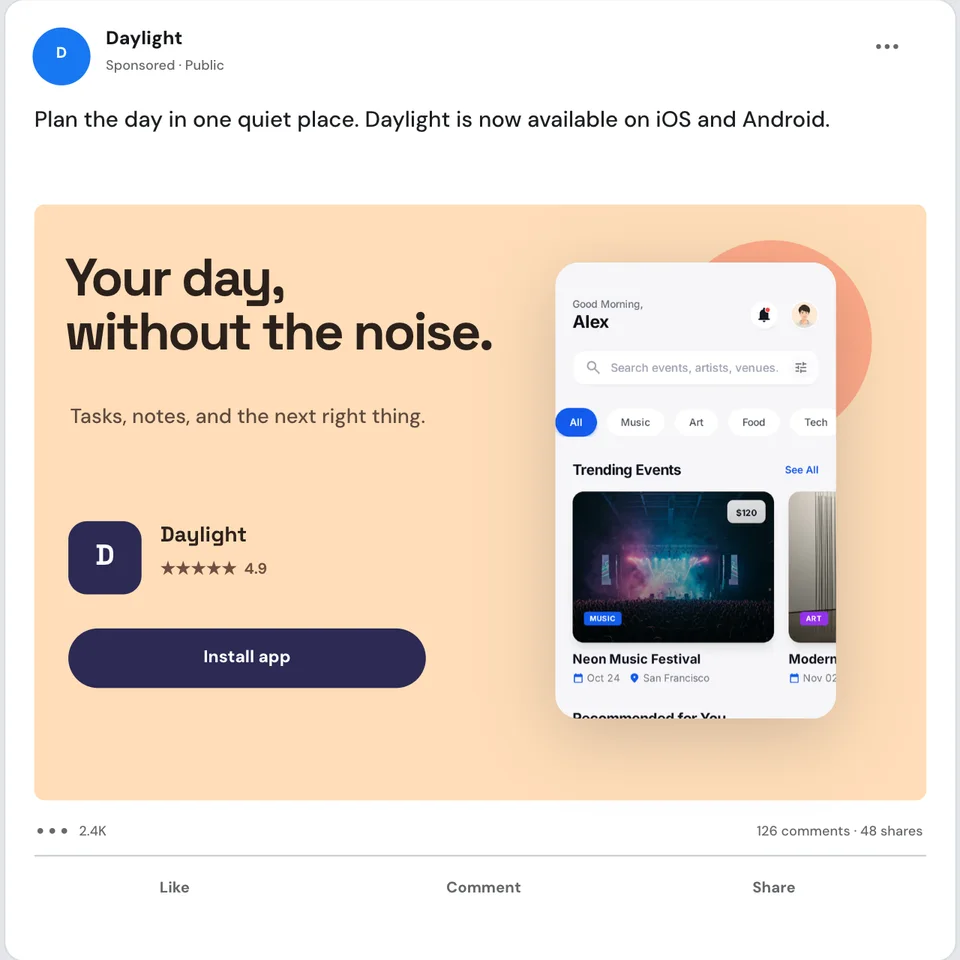
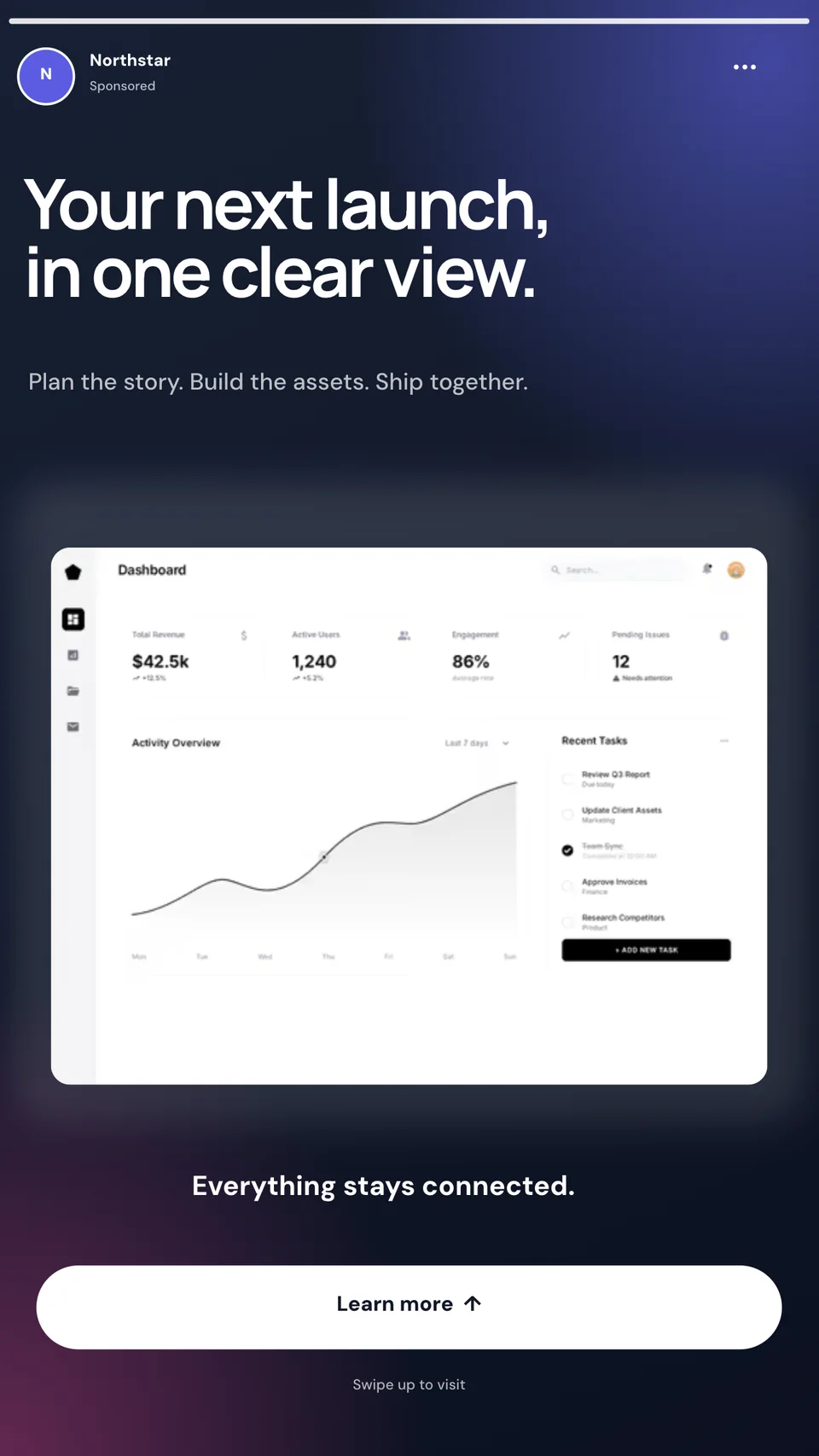
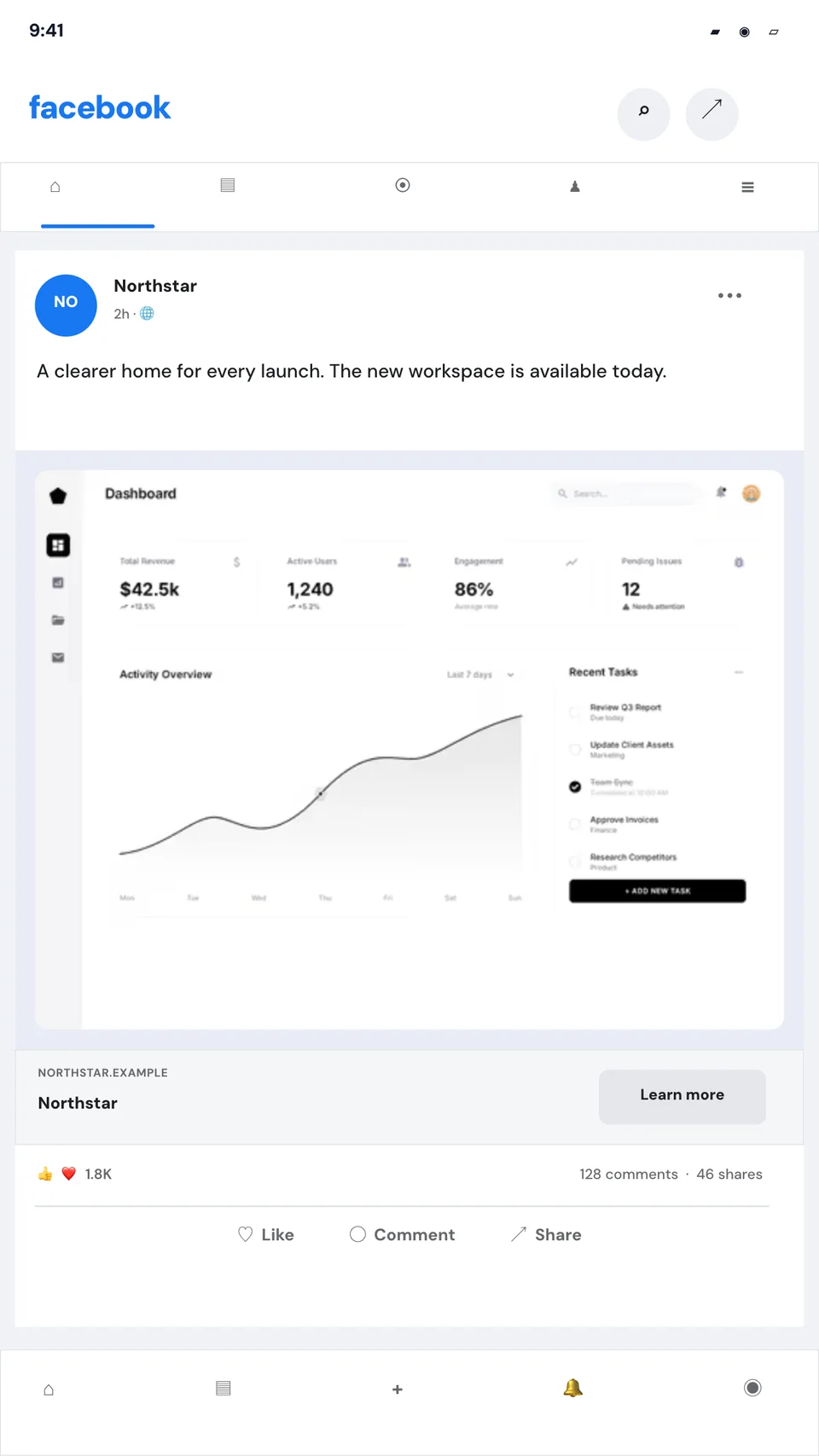
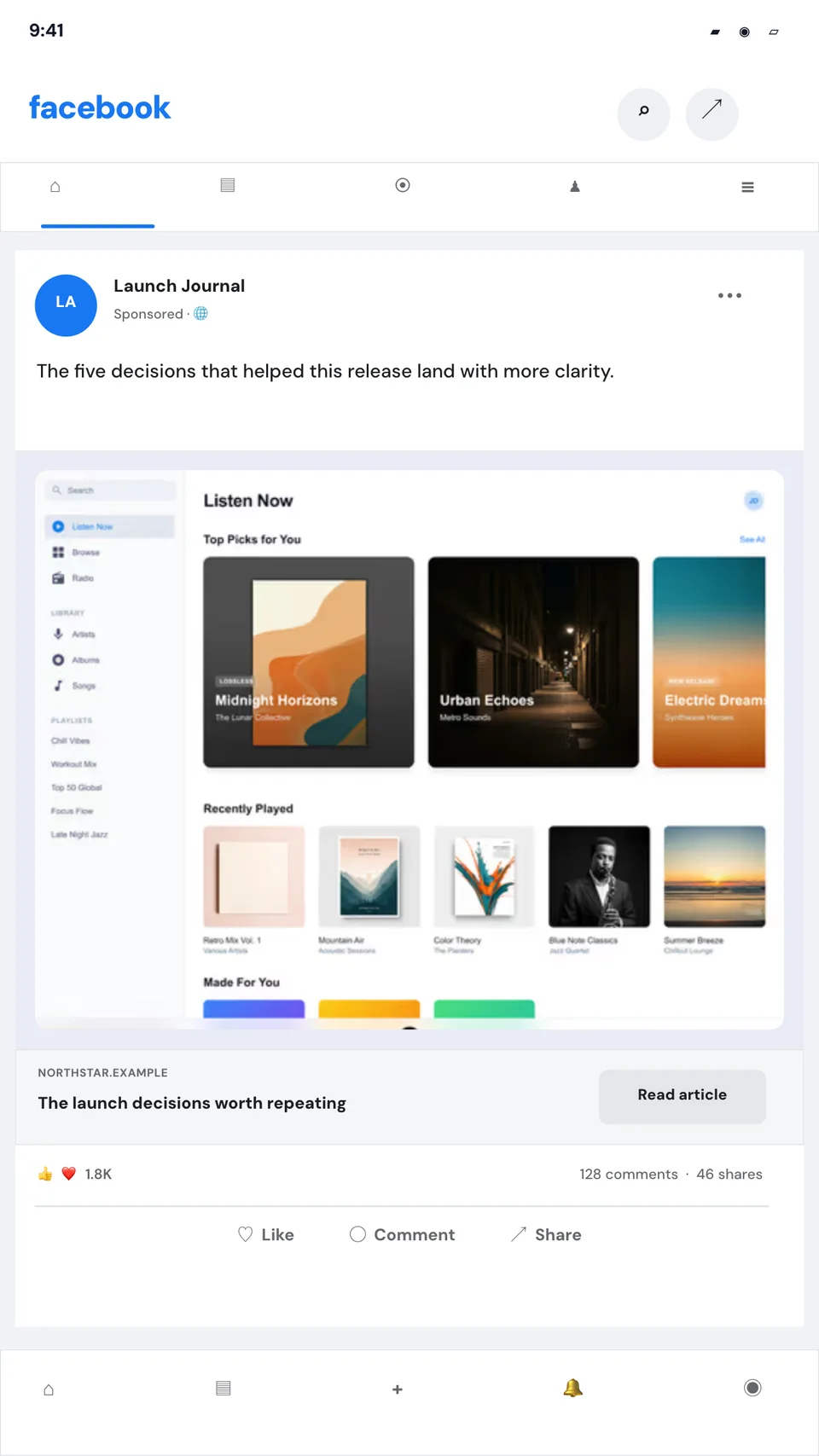
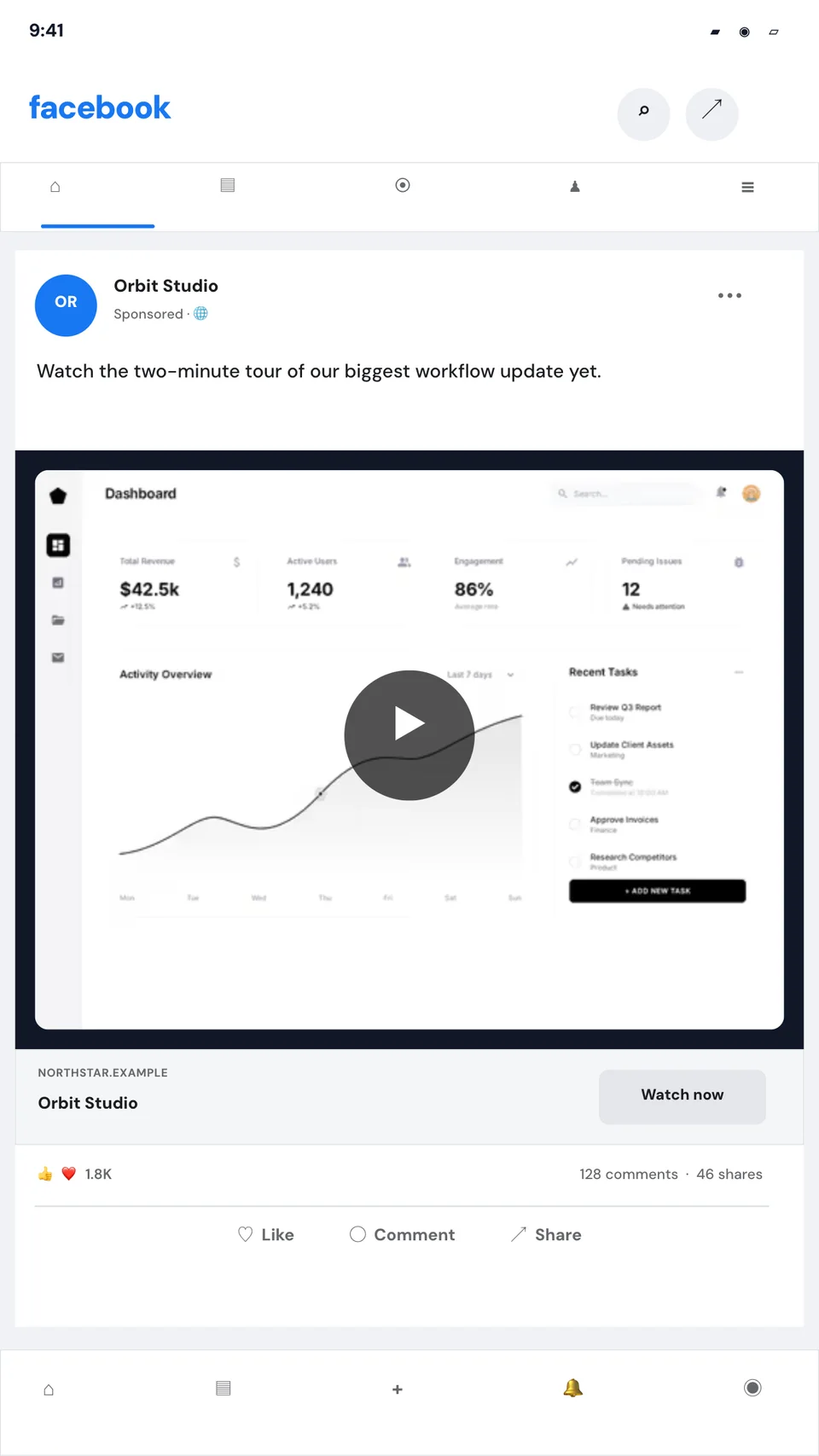
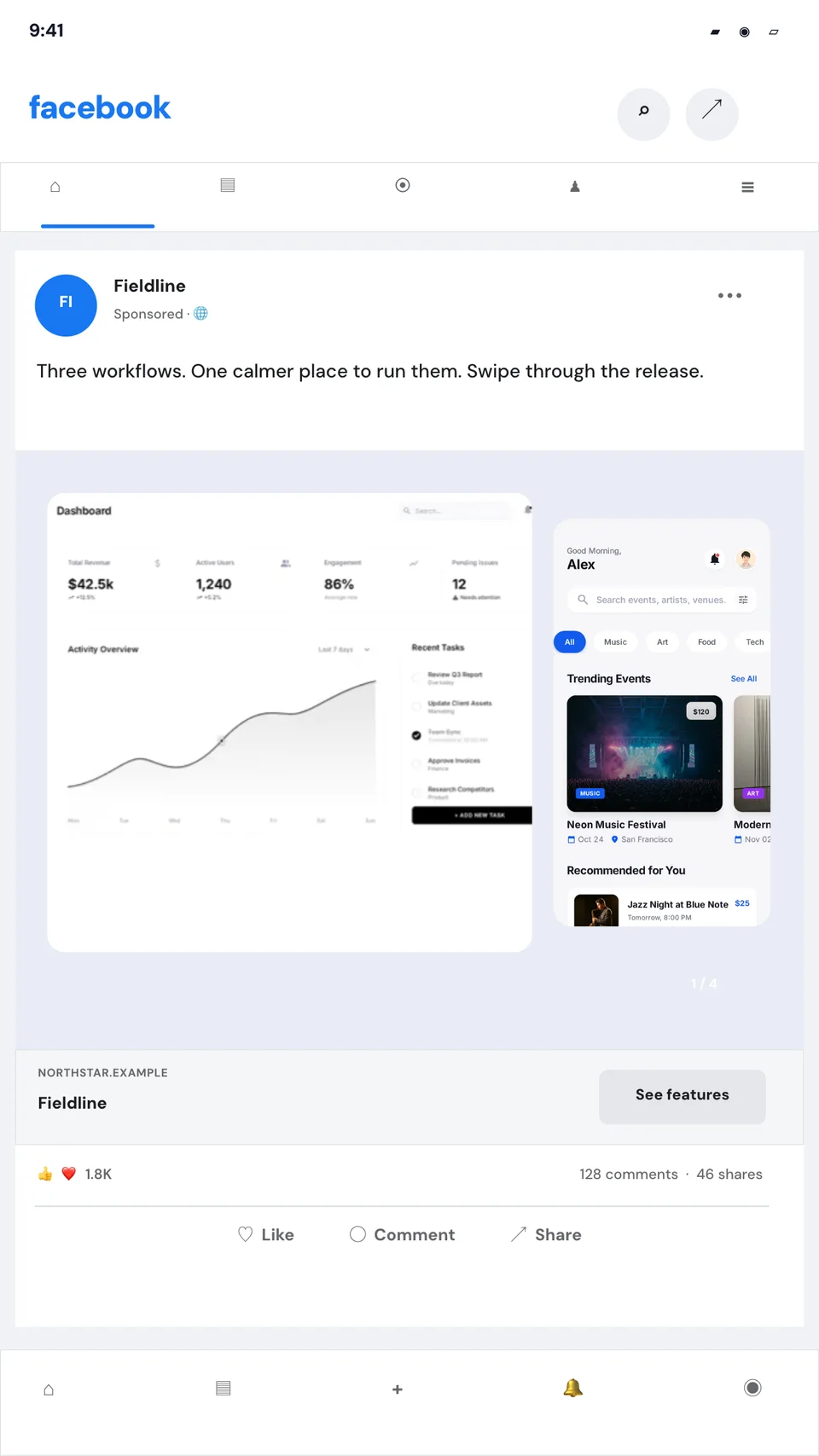
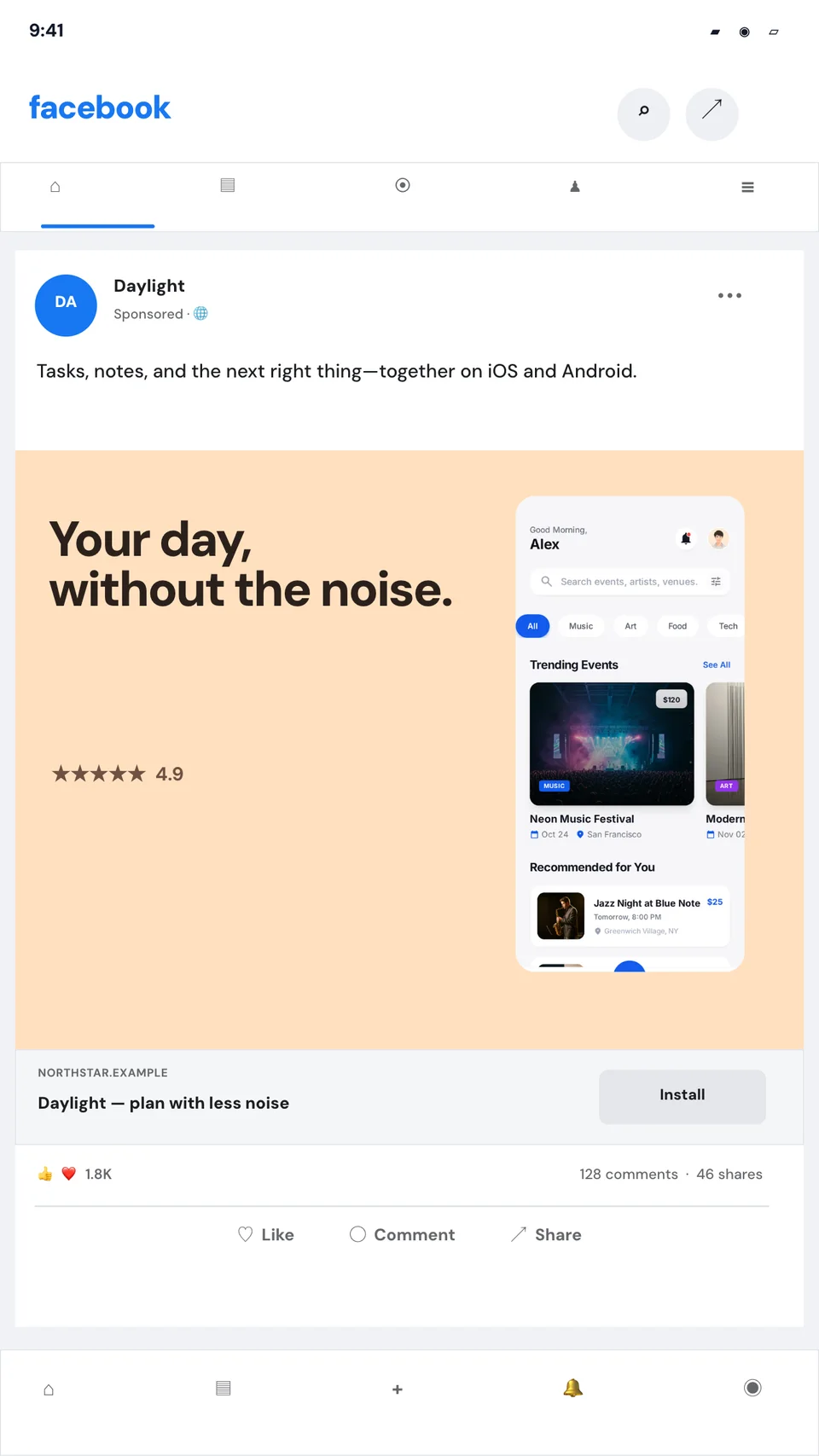
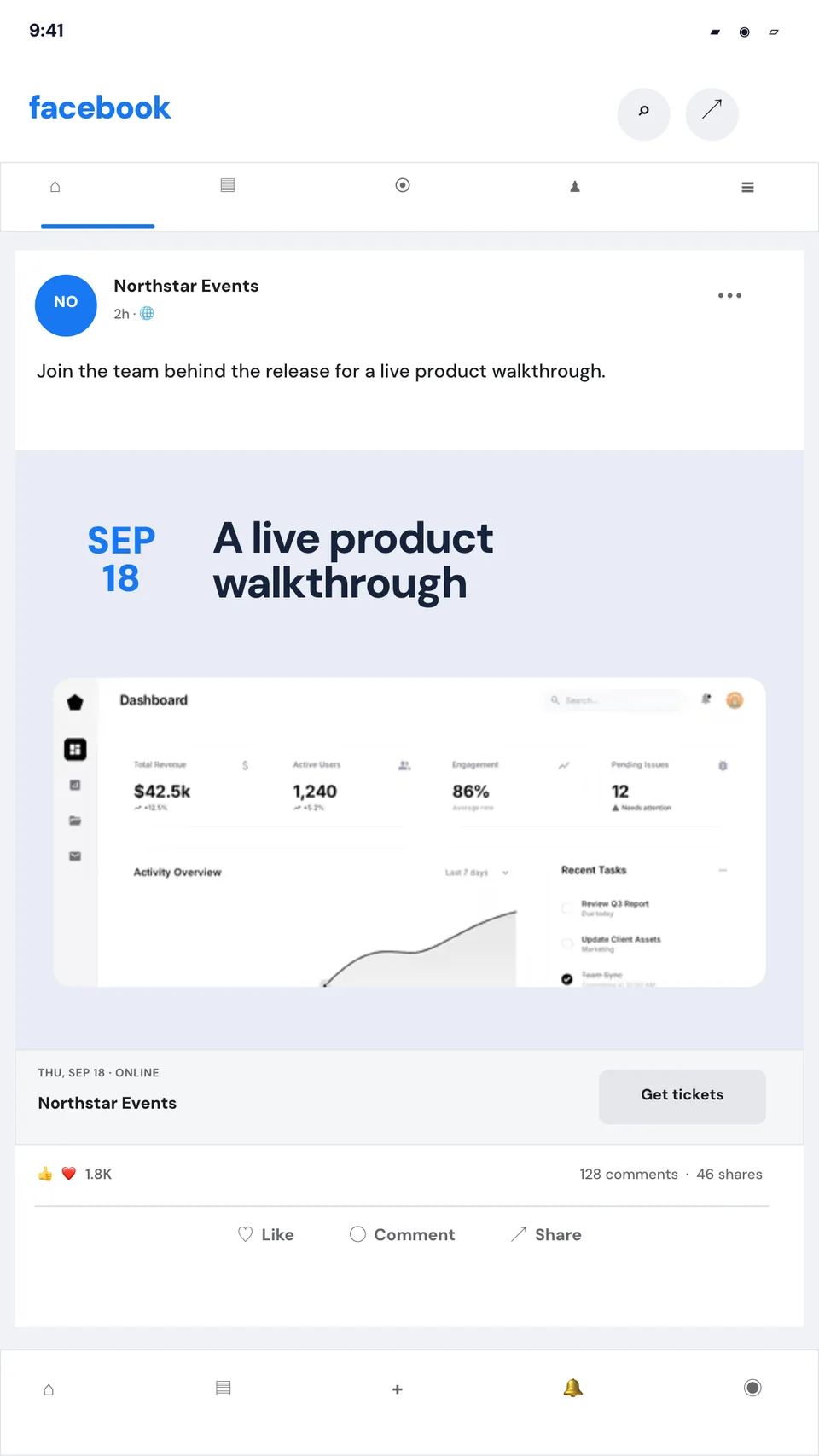
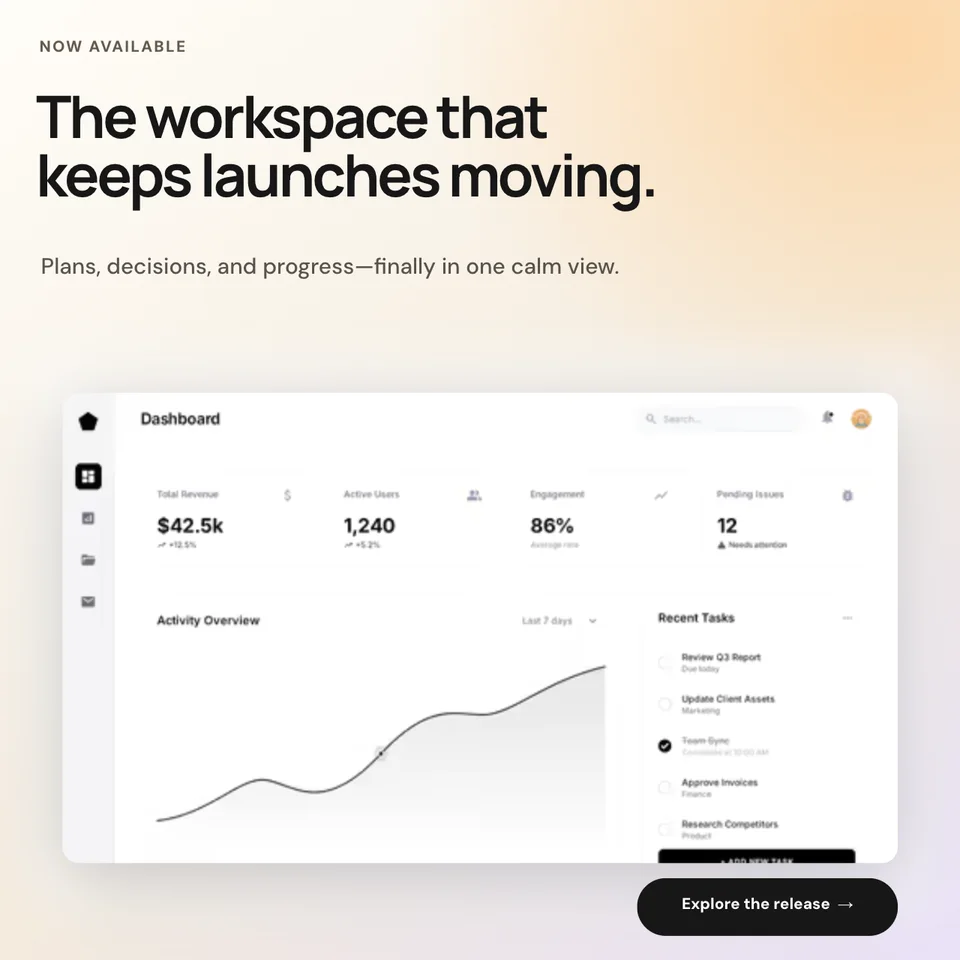
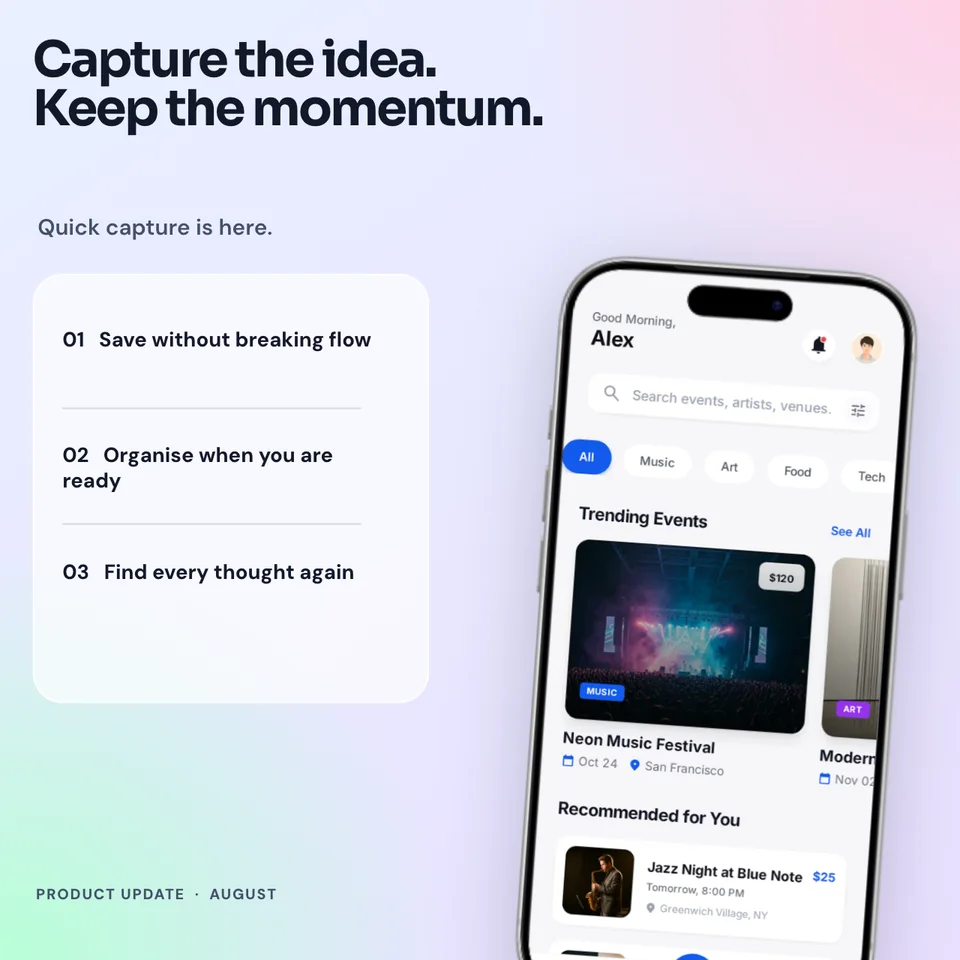
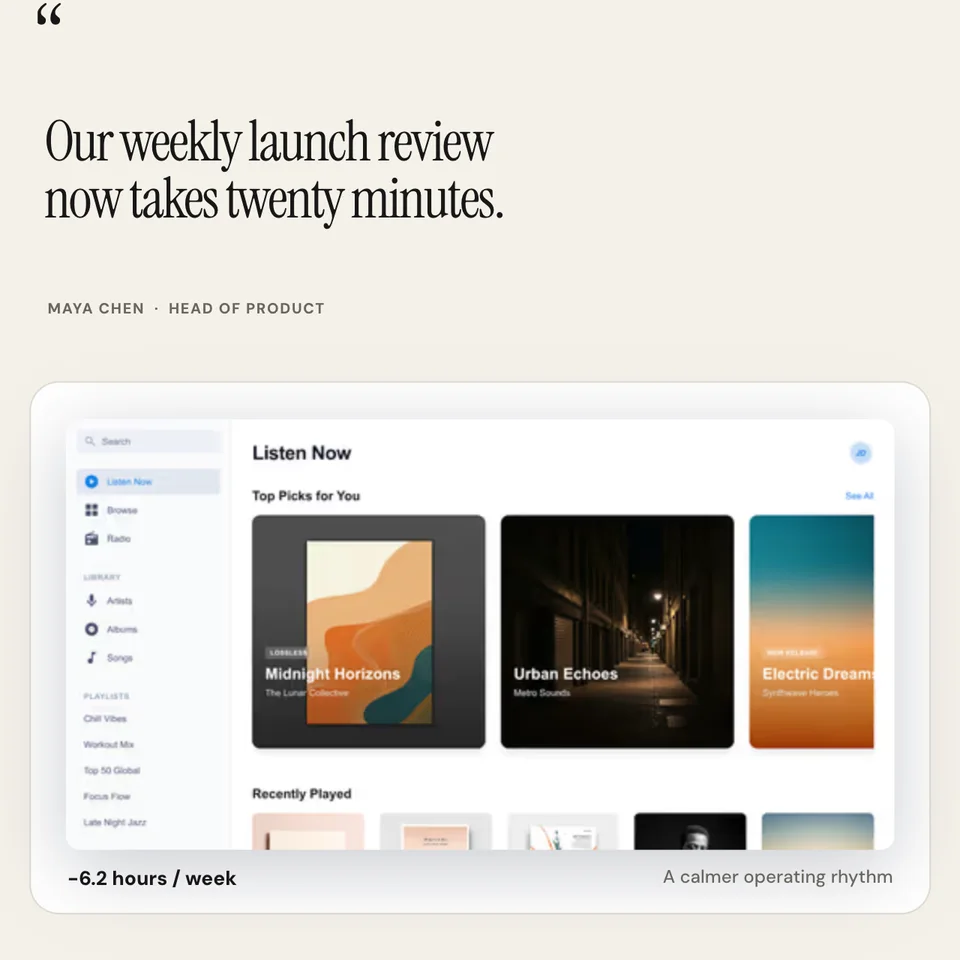
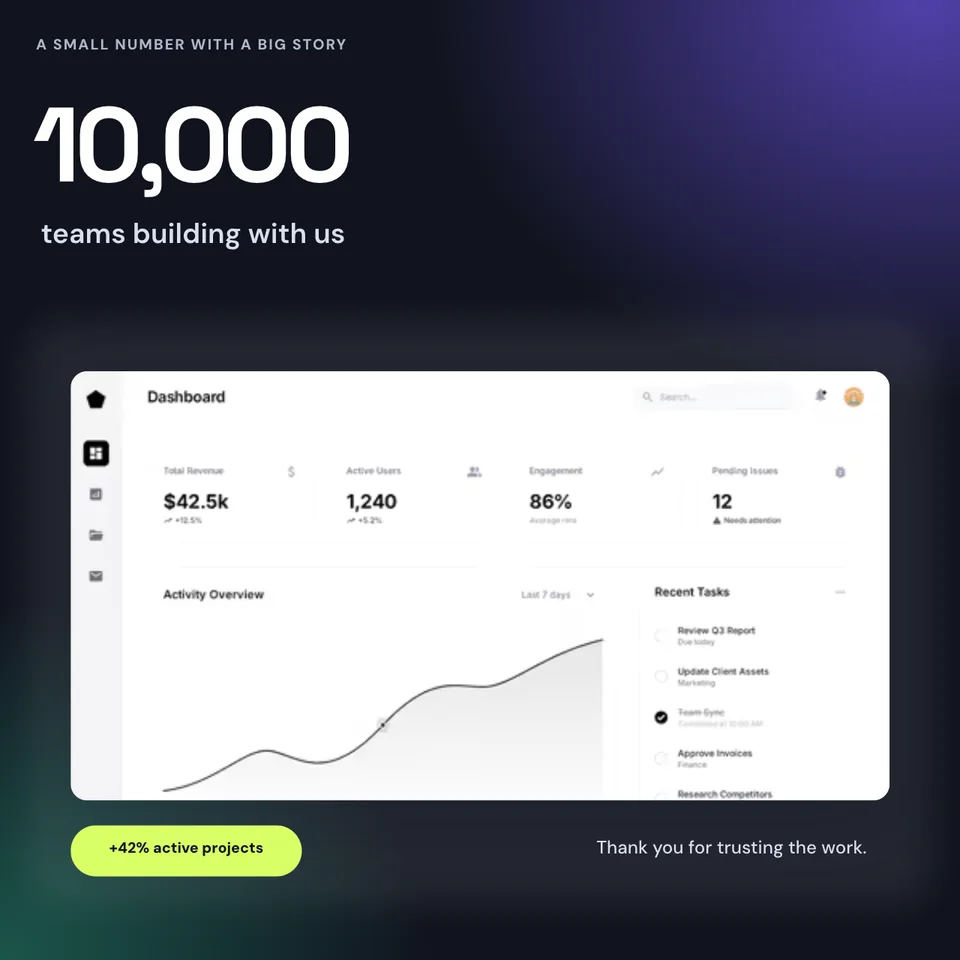
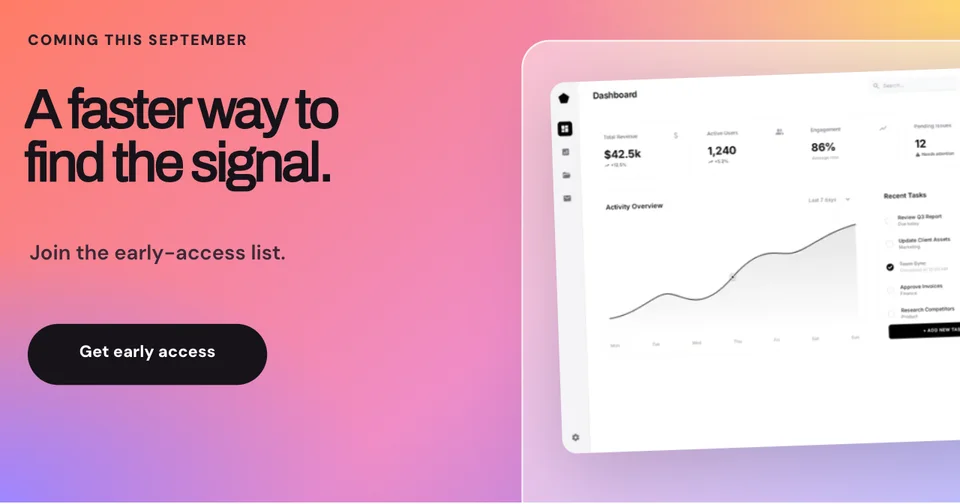
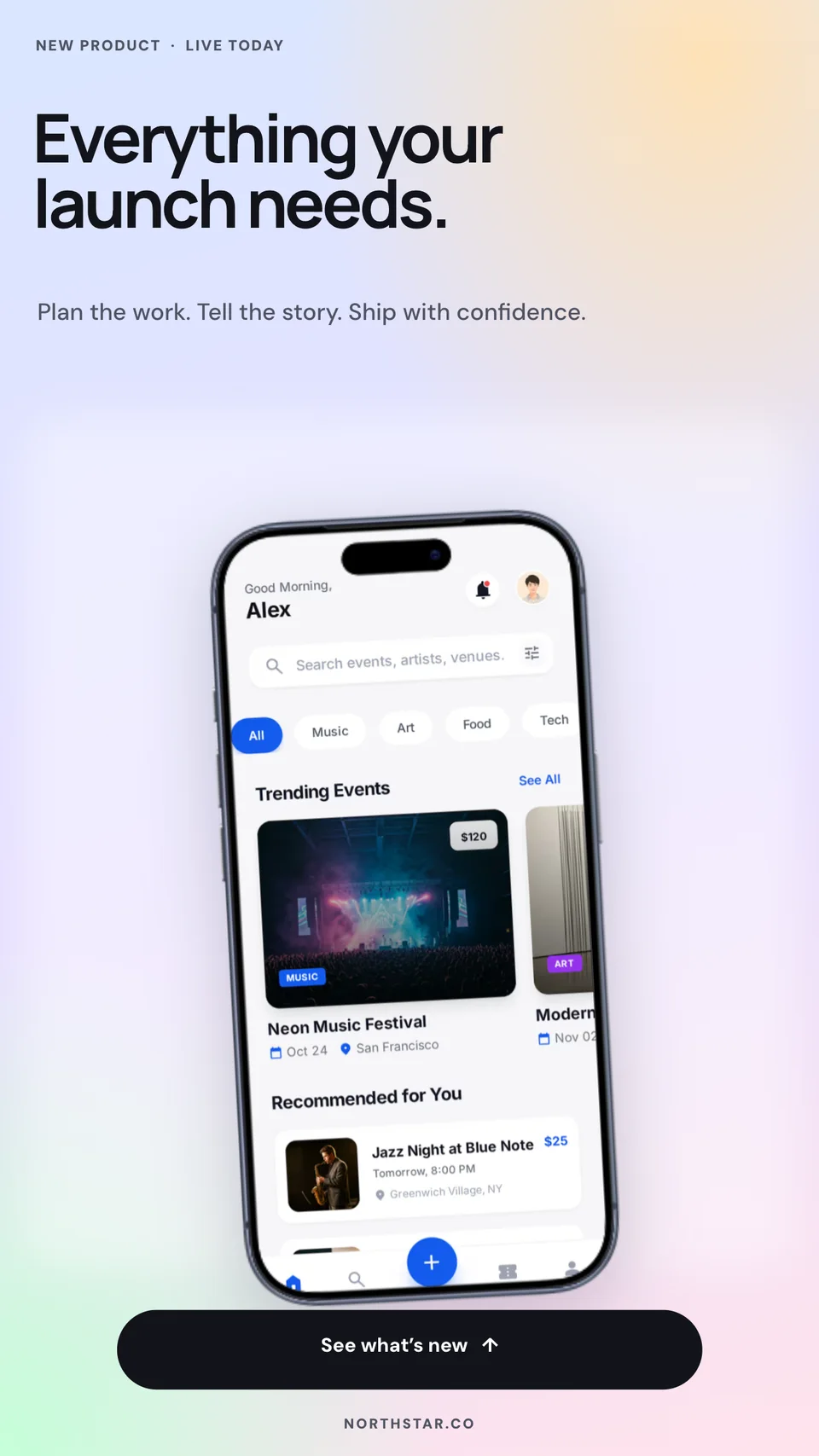
See the campaign before it spends a cent. Create realistic sponsored posts, link ads, lead-form concepts, app-install ads, and vertical Story placements with editable Facebook-style chrome.
Loved by 3,000+ creators
Preview a product campaign, lead magnet, app install, or Story ad. Replace the creative and edit every important piece of copy.
A standalone image cannot show hierarchy, CTA clarity, or how the message sits inside a familiar feed surface.
Page identity, sponsored label, primary text, reactions, comments, share counts, and actions create a convincing feed preview.
Use purpose-built structures for product traffic, lead generation, app installs, and full-screen Story placements.
Replace the campaign image or product screen and edit the headline, body, domain, CTA, proof, and metrics.
Start with product, lead form, app install, or Story instead of forcing one generic post to fit every objective.
Drop in your creative, edit the page name and ad copy, then tune the headline, description, CTA, and proof.
Download the mockup for a client approval, creative brief, campaign deck, portfolio, or pre-launch QA.
Give stakeholders one accurate ad view to review instead of asking them to imagine how loose assets fit together.
Show multiple campaign directions with the page identity, copy, creative, and CTA already in context.
Present the product screen, rating, promise, and install action as one coherent acquisition asset.
Document the final ad system without relying on screenshots from a live account or campaign dashboard.
Does the main message survive inside the feed? Is the CTA obvious? Does the image work with the headline, or are they saying the same thing twice? A realistic mockup makes those problems visible before media spend begins.
Each Screenhance template is composed from editable layers. You can present a faithful campaign concept without copying pixels from a real ad or rebuilding the interface every time the creative changes.
Square feed ads and vertical Stories solve different layout problems. The feed templates preserve the sponsored-post hierarchy and engagement context; the Story template gives the product, promise, and CTA room inside a 9:16 surface.
The examples use fictional brands and metrics, so they are safe starting points for client work, concept testing, and creative QA. Replace them with your own campaign details before export.
You can edit the page name, primary copy, campaign headline, description, domain, CTA label, reactions, comments, shares, and other visible text. Product images and screenshots are replaceable layers.
Yes. The focused templates cover a sponsored product ad, lead-generation concept, app-install ad, and vertical Story ad. The wider social library also includes organic Facebook post formats.
Yes. The Story template uses a 1080 by 1920 vertical canvas with sponsored identity, product creative, benefit copy, and a prominent call to action.
You can open a template, edit it, and preview the result for free in the browser. Free exports include a watermark; paid options remove it.
No. Screenhance is an independent design tool. The templates are presentation mockups and do not create, publish, or manage real Facebook campaigns.
Explore more ways to create stunning visuals with Screenhance.
Record, click-to-zoom, frame, and export a demo video
Try it freeCreate viral-worthy screenshot posts
Try it freeBrowser frames plus device and stylized frames
Try it freeHero images and landing page assets
Try it freeAbove-the-fold marketing visuals
Try it freeMock up entire landing pages
Try it freeChoose the right placement, replace the creative, edit the message, and export a Facebook post or ad mockup ready for approval.
Open a Facebook ad template