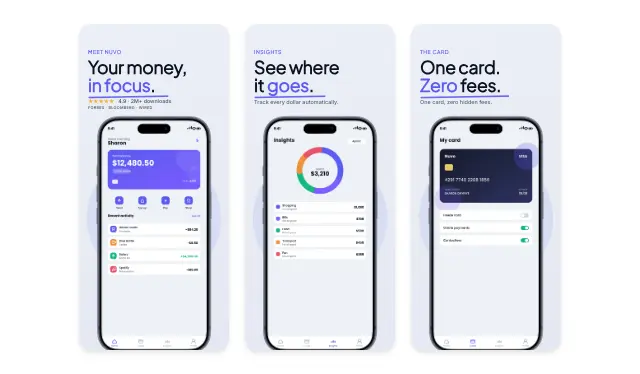
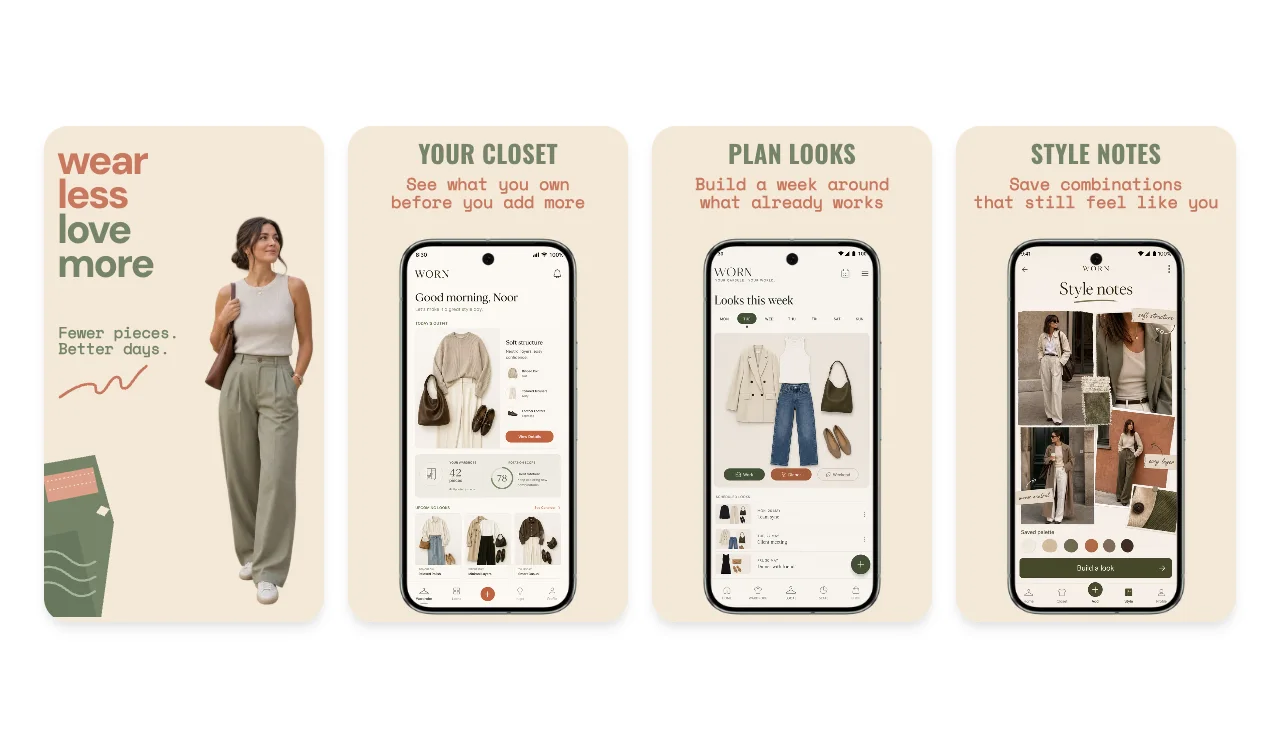
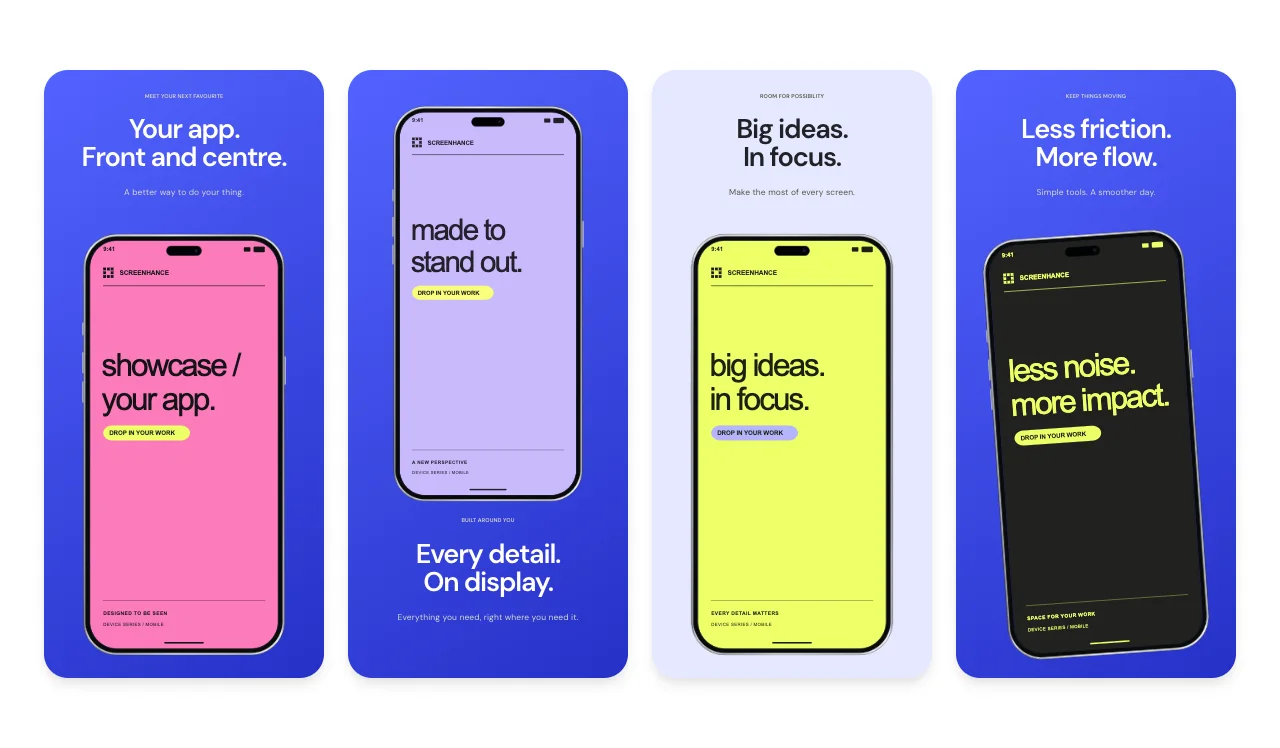
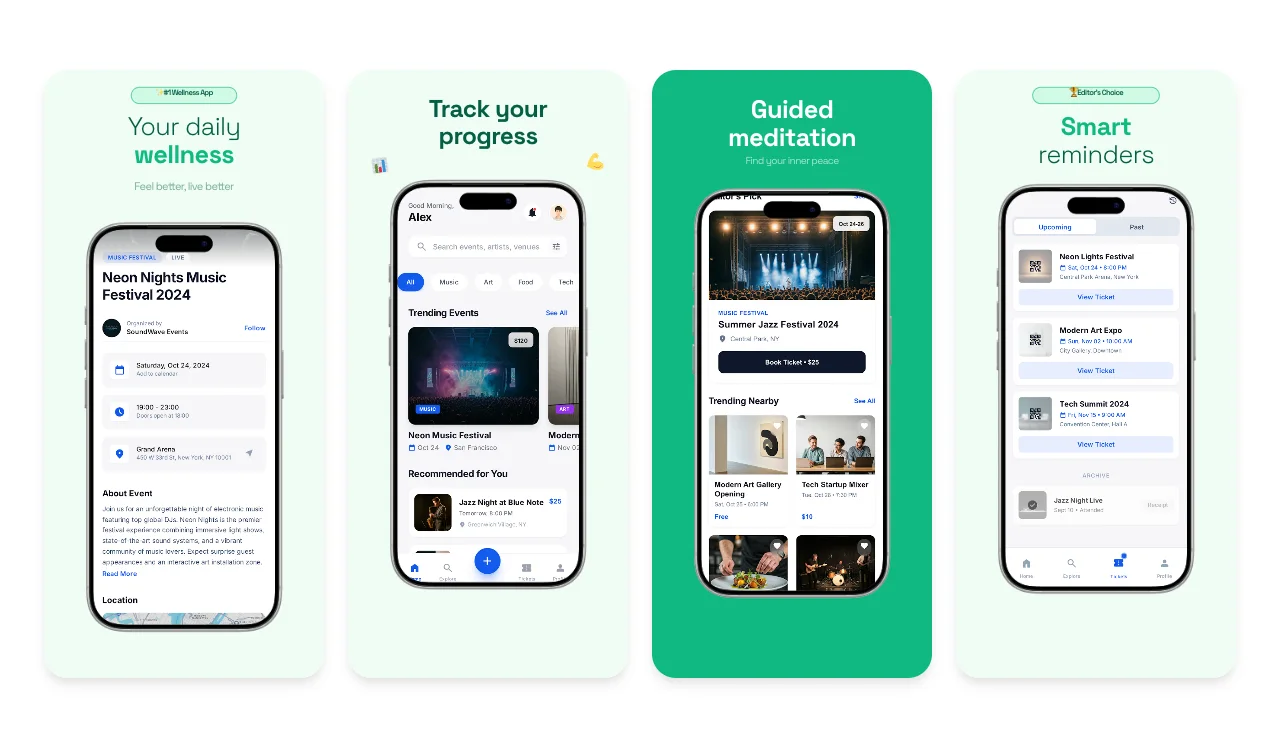
Screenhance

App Store Screenshots for Brazil

Brazil is the largest app market in Latin America and a top-10 country worldwide by consumer app spend. Design one screenshot set, swap the captions between Brazilian Portuguese and English, and export every size Google Play and the App Store require, starting on the free plan.

Olivia RhyePhoenix BakerLana SteinerDemi WilkinsonDrew Cano
4.9

Loved by 2,000+ creators

Templates Sized for Google Play and the App Store

Pick a template, drop in your app screens, and write your captions once. The same design exports at every dimension both stores accept.

Every Size for Both Stores, from One Design

Google Play accepts a range; Apple demands exact pixels. You should never have to remember either. Design once and export the full set.

Google Play phone screenshots

At least 2 and up to 8 per device type, as JPEG or 24-bit PNG, each side between 320 px and 3840 px, aspect ratio no wider than 2:1. Most Brazilian listings lead with 1080 × 1920 portrait, and Screenhance exports it by default.

Make Play Store screenshots

Apple App Store screenshots

Apple validates exact dimensions: 1320 × 2868 or 1290 × 2796 for the required 6.9-inch iPhone set, with older sizes like 1284 × 2778 still accepted. One pixel off means a rejection, so exports come out at the exact spec.

Make App Store screenshots

Tablets and iPad

iPad listings need 2064 × 2752 or 2048 × 2732, and Play tablet screenshots must sit inside the same 320 to 3840 px range as phones. If your app runs on big screens, the templates cover those exports too.

Cover tablet sizes

One design, one export pass

The point is not memorizing specs; it is never thinking about them. Build the set once, and every required Google Play and App Store dimension exports together, for each language your listing ships in.

Start your set

Want the deeper spec walkthroughs? See the dedicated Play Store screenshot generator and App Store screenshot generator pages.

One Listing in Brazilian Portuguese and English

Brazil browses its app stores in Portuguese, and listings convert dramatically better in the language users actually read. The detail that trips up foreign teams is which Portuguese: Brazilian Portuguese (pt-BR), not European Portuguese. The two differ in everyday vocabulary and phrasing, and Brazilian users notice immediately when copy was written for Lisbon instead of Sao Paulo. Google Play supports a dedicated pt-BR listing with its own screenshots, and Brazilian Portuguese is the primary language of the App Store's Brazil storefront.

Screenhance handles the design half of that job. You keep one master design, duplicate it, paste in the Brazilian Portuguese captions (accented characters render correctly, since captions accept any Unicode text), and export the second set in minutes, alongside the English one. To be clear about the other half: the tool exports the design, not the translation. Have a native pt-BR speaker write the captions, or translate them carefully and get them reviewed. The App Store screenshot translator workflow walks through exactly this process, and our screenshot localization guide covers the strategy: which captions to translate, how to handle text expansion, and when a second language is worth it.

Screenshots That Earn Local Trust

Language is only half of looking local. Brazilian users also read the small details in your screens: the currency, the payment options, the names in your demo data.

Prices in reais

Brazilians expect prices in R$. If your app shows pricing, capture those screens with local prices, because a screenshot quoting dollars quietly tells users the app was not built for them.

Pix where it is real

Pix is the dominant payment rail in Brazil. If your app supports it, a screenshot where the Pix option is visible, or a caption that says so, is a genuine trust signal. Never fake support you do not have.

Same design, local details

Capture the local version of your app, with R$ amounts and Brazilian demo data, and drop those screens into the same template set. The layout stays on brand while the content reads local.

How It Works

Move from source material to a polished launch asset without rebuilding the design in another tool.

Step 1

Start from a template or blank

Choose a visual template, a store-listing set, a Launch Kit, or an empty canvas for full control.

Step 2

Build the complete composition

Add screenshots, photo scenes, device frames, text, icons, annotations, backgrounds, layers, and motion in the browser editor.

Step 3

Export for the real destination

Download PNG, WebP, JPEG, GIF, WebM, or MP4, or export organized iOS, Google Play, and Chrome screenshot ZIPs.

Why Choose Screenhance?

Screenhance covers the full path from a raw screenshot or screen recording to coordinated, editable launch assets.

Frames + photorealistic scenes

Use current device frames, stylized treatments, or photorealistic placements across phones, tablets, laptops, watches, TVs, print, apparel, and outdoor media.

editable visual templates

Start with a complete composition for mockups, Product Hunt, OG images, website heroes, Play feature graphics, or Chrome Web Store promo assets, then edit every layer.

Store-listing sets and localization

Create coordinated iOS, Google Play, and Chrome Web Store screenshot sets, edit localized copy across supported languages, and export organized PNG ZIPs, including fastlane-ready iOS folders.

Motion and product video

Animate layers with editable motion styles and export GIF or WebM, or record and polish a product demo in Studio with frames, cursor motion, captions, audio, and MP4/WebM export.

Play for reach, App Store for revenue

Brazil's two stores play different roles. Google Play dominates by installs, so for most apps the Play listing is the one that drives reach: 1080 × 1920 portrait screenshots, at least two of them, captions that survive thumbnail size, and a first frame that states the app's one-line value in plain words. The Play Store screenshot generator templates are built around exactly that frame.

Then ship the App Store set from the same design. iOS is the smaller share of Brazilian devices, but it carries an outsized share of revenue in the premium segment, which makes it the wrong store to treat as an afterthought if you sell subscriptions or paid features. Since Screenhance re-exports your Play design at Apple's exact required dimensions, the marginal cost of the second store is close to zero. Use the App Store screenshot generator flow to check the captions still fit the taller iPhone canvas, then export.

The last step is language and local detail. Add the pt-BR listing on both stores using the duplicated-design workflow described above, and make sure the screens themselves read local: prices in reais, Pix where your app supports it. Brazil's indie dev scene ships to both stores as a matter of course, and this is the workflow that makes doing the same affordable: one design, two stores, both languages, every asset from a single set of app screenshots.

Frequently Asked Questions

Which store should I prioritize for an app launch in Brazil?

Start with Google Play, but do not stop there. Brazil is the largest app market in Latin America, and Android dominates by installs, so the Play listing drives most of your reach. iOS is the smaller share of devices but carries an outsized share of revenue in the premium segment, so if you monetize through subscriptions or paid features, the App Store listing matters from day one. Screenhance exports the same design at both stores' required sizes, so you never have to choose.

What screenshot sizes do Google Play and the Apple App Store require?

Google Play asks for at least 2 phone screenshots and accepts up to 8 per device type, as JPEG or 24-bit PNG, with every side between 320 px and 3840 px and an aspect ratio between 1:2 and 2:1. Most listings lead with 1080 × 1920 portrait. Apple validates against an exact list instead of a range: 1320 × 2868 or 1290 × 2796 for the required 6.9-inch iPhone set, and 2064 × 2752 or 2048 × 2732 for iPad. Screenhance exports every required dimension for both stores from the same design.

Should my Brazilian listing be in Portuguese or English?

Brazilian Portuguese first. It is the default storefront language in Brazil, and listings convert dramatically better in the language users actually browse in. Keep an English listing too for users who browse in English and for visibility outside Brazil. One important detail: the copy must be Brazilian Portuguese, not European Portuguese. The vocabulary differs in everyday words, and Brazilian users notice immediately when a listing was written for Lisbon instead of Sao Paulo.

Does Screenhance translate my captions into Portuguese?

No, and that is deliberate. Screenhance keeps one master design and exports it in every language you write captions for, at every required size, so the second listing costs minutes instead of days. The translation itself is yours to own: have a native Brazilian Portuguese speaker write the captions, or translate them carefully and get them reviewed. The tool guarantees the design and the dimensions, not the quality of the words.

Should my screenshots show prices in reais or mention Pix?

If your app shows pricing or handles payments, yes. Brazilians expect prices in R$, and a screenshot with dollar pricing quietly signals that the app was not built with them in mind. Pix is the dominant payment rail in Brazil, so if your app genuinely supports it, capturing a screen where the Pix option is visible is a real trust signal. Only show what your app actually does: never mock up payment support you do not have.

Is Screenhance free to use?

Yes. The free plan includes 3 exports per month, enough to design your set and ship a first listing without paying anything. When you are ready to export the full multi-language, multi-size bundle for both stores, paid plans unlock unlimited exports, and pricing is a few dollars, not an agency retainer.

✦ New · Launch Kit

Need the rest of your launch set?

You'll also need Play Store screenshots, a Product Hunt gallery, an OG image, and a website hero. Upload your screenshots once and Launch Kit generates them all, on-brand and matching.

Ship Your Listing to Both Stores

Design your screenshot set once, swap the captions into Brazilian Portuguese, and export every size Google Play and the App Store require. Free to start.