Use Cases
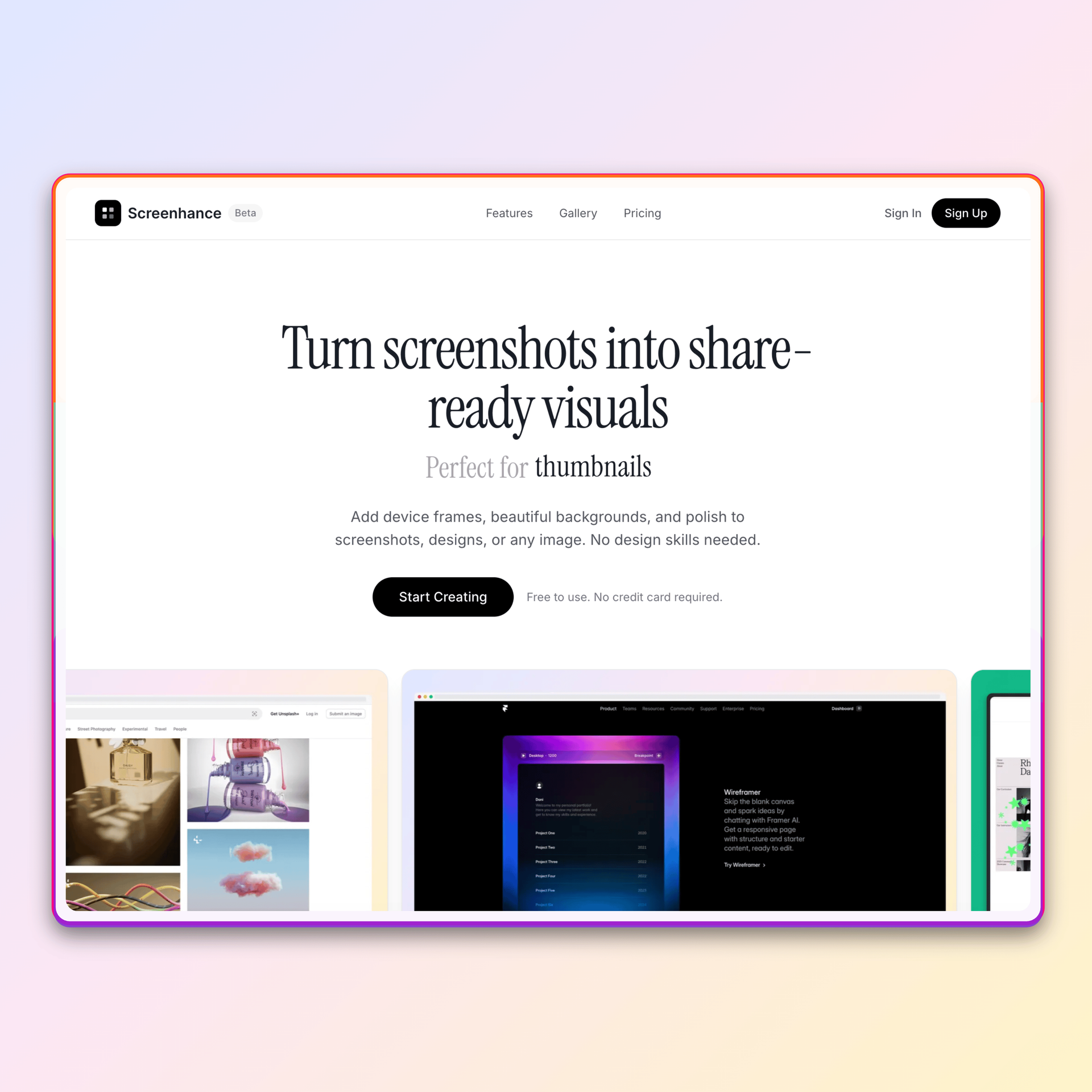
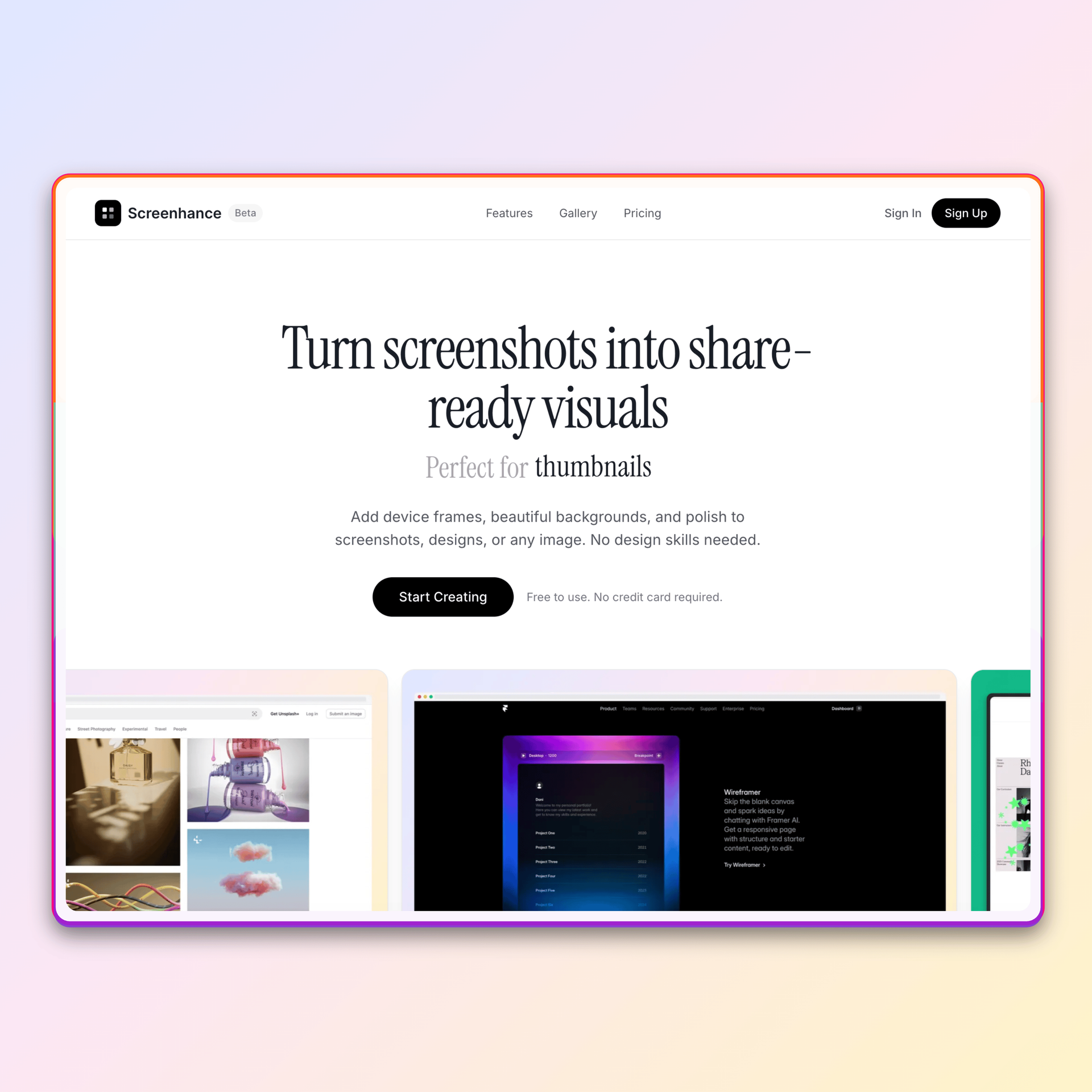
Start with the same browser screenshot, then continue into 180+ visual templates, 113 frames, 170+ scenes, store sets, launch assets, motion, Launch Kit, and Studio video.
Loved by 2,000+ creators
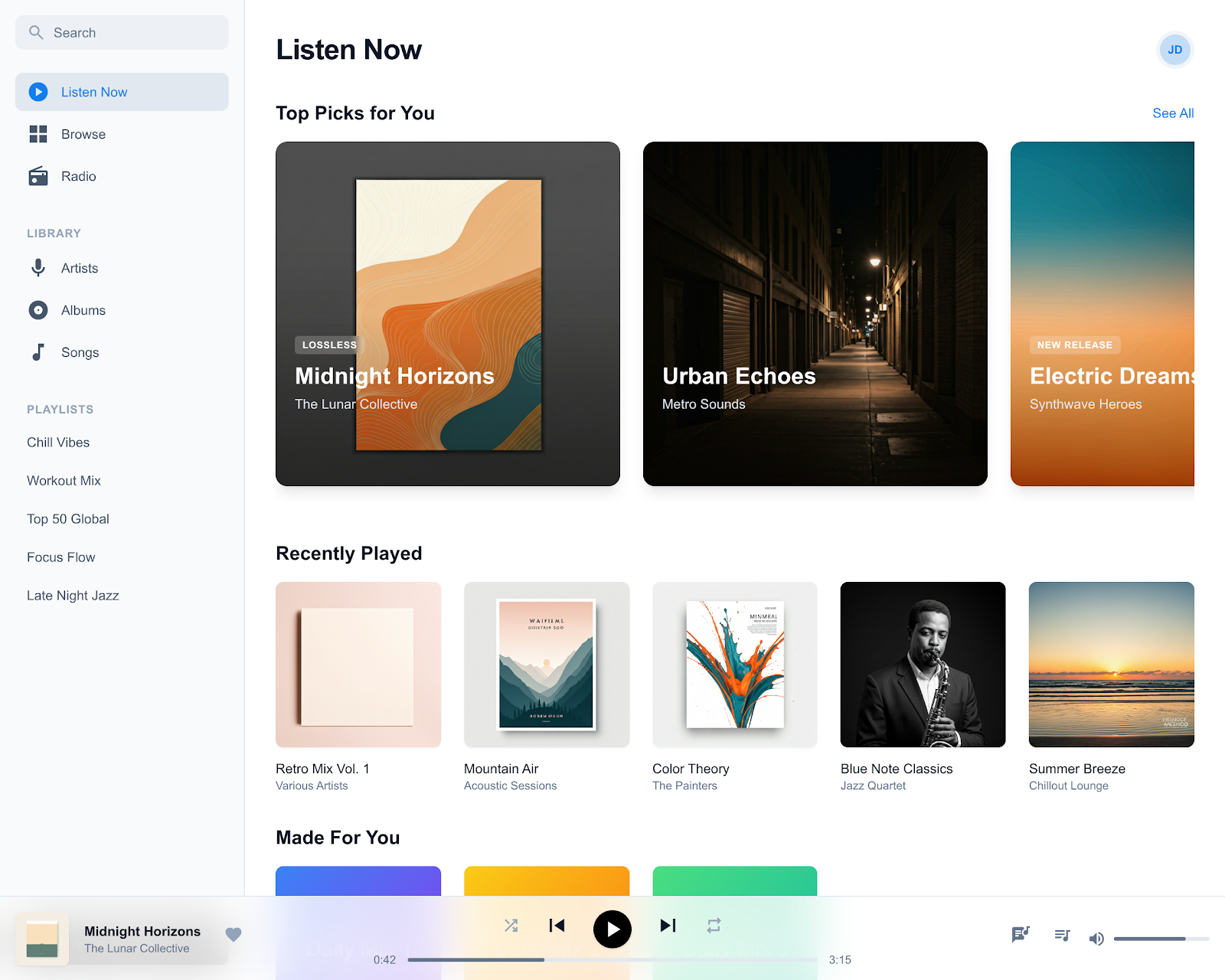
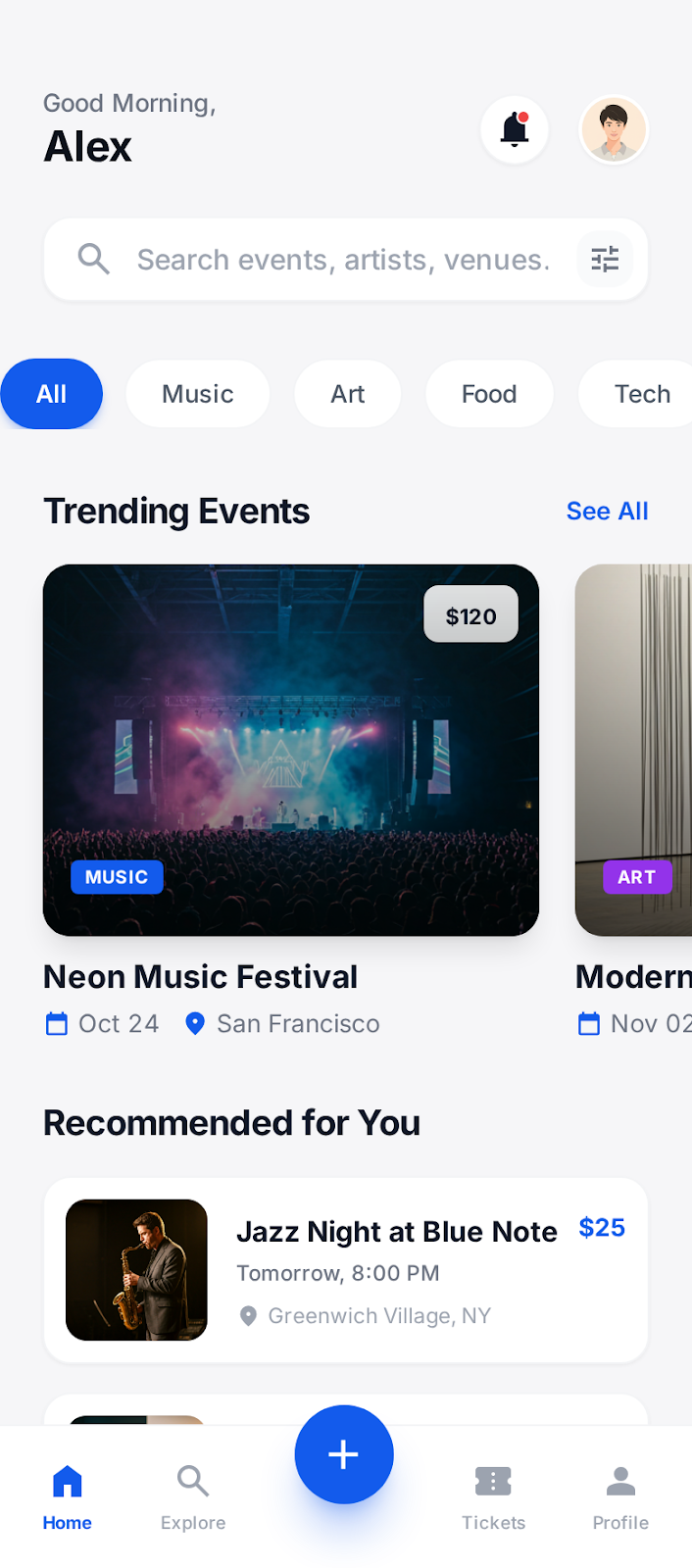
Browser frames plus phone, laptop, multi-device, launch, website, and social layouts with full layer control.
147 templates
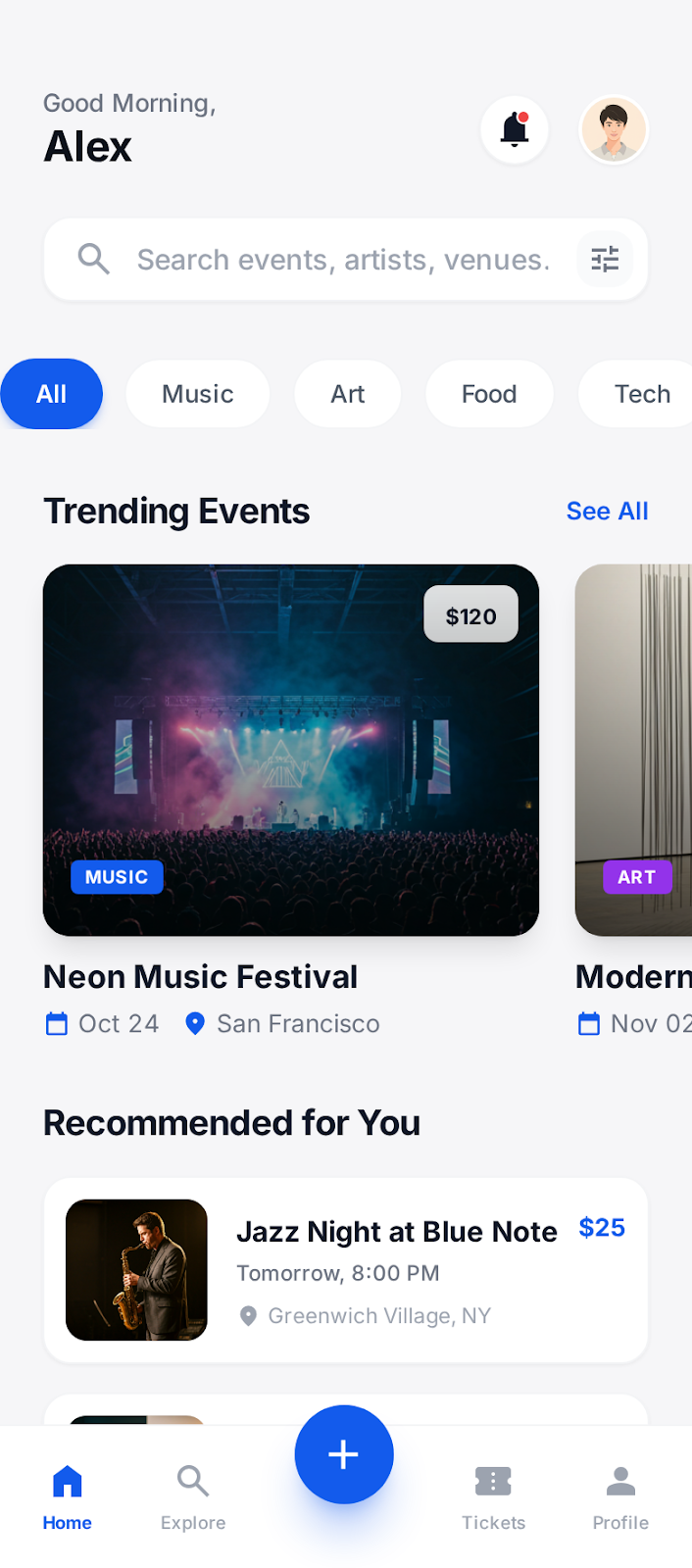
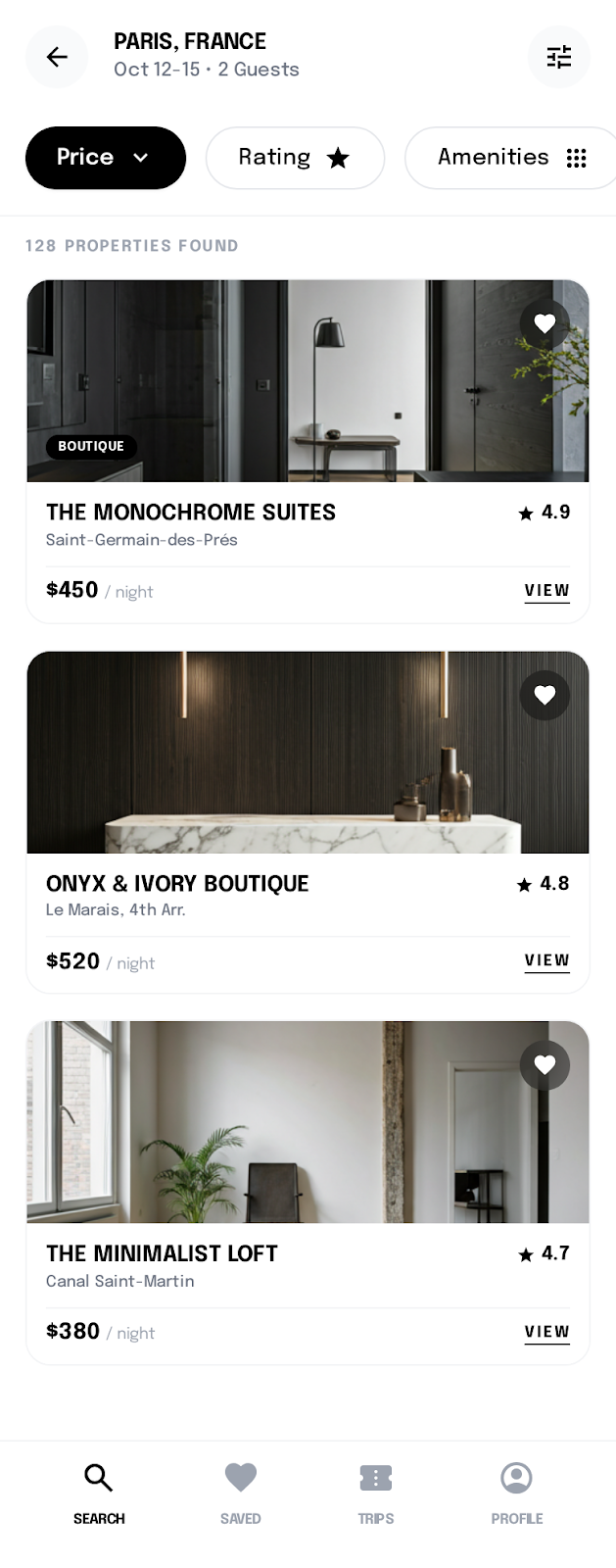
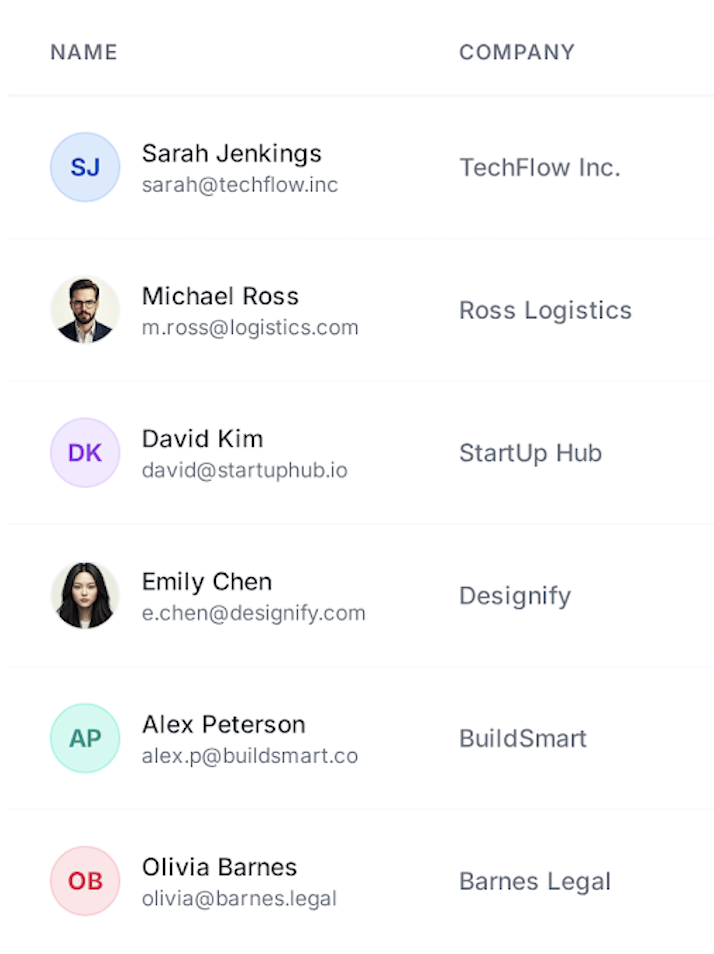
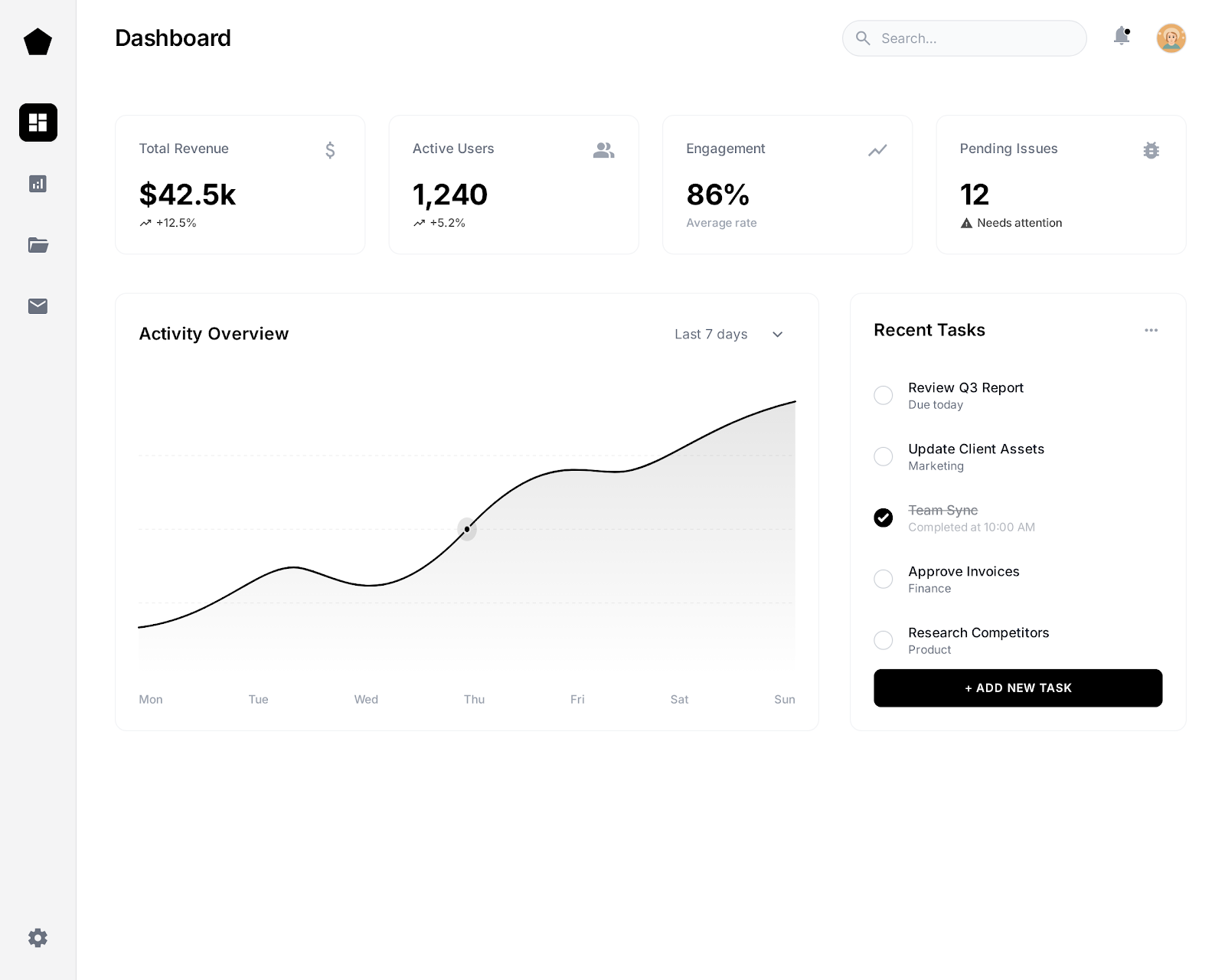
See what's possible. Real outputs from the editor.


Screenhance handles the one-off browser image and the broader release around it. These are six ways the workflow expands without changing editors.
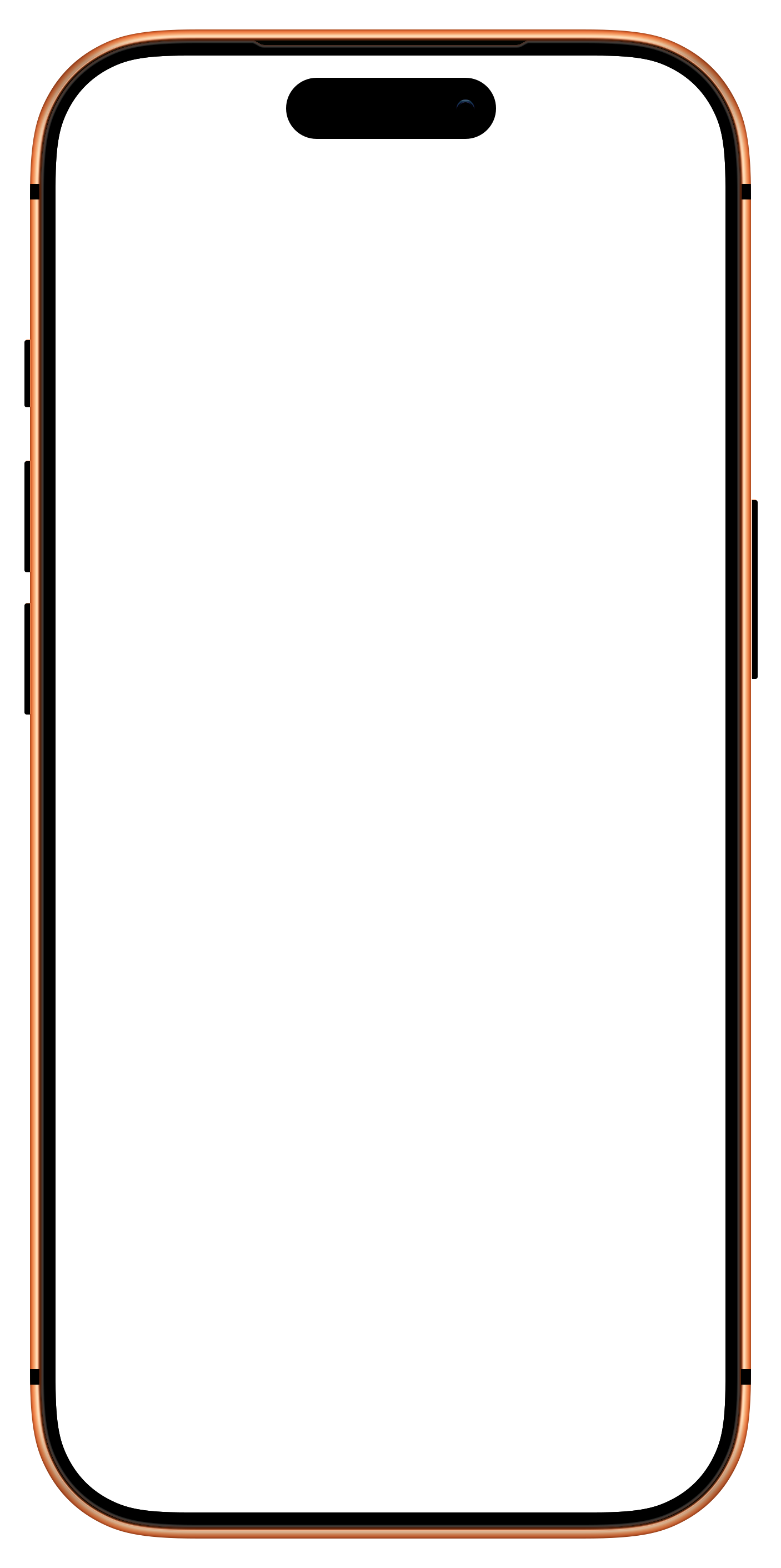
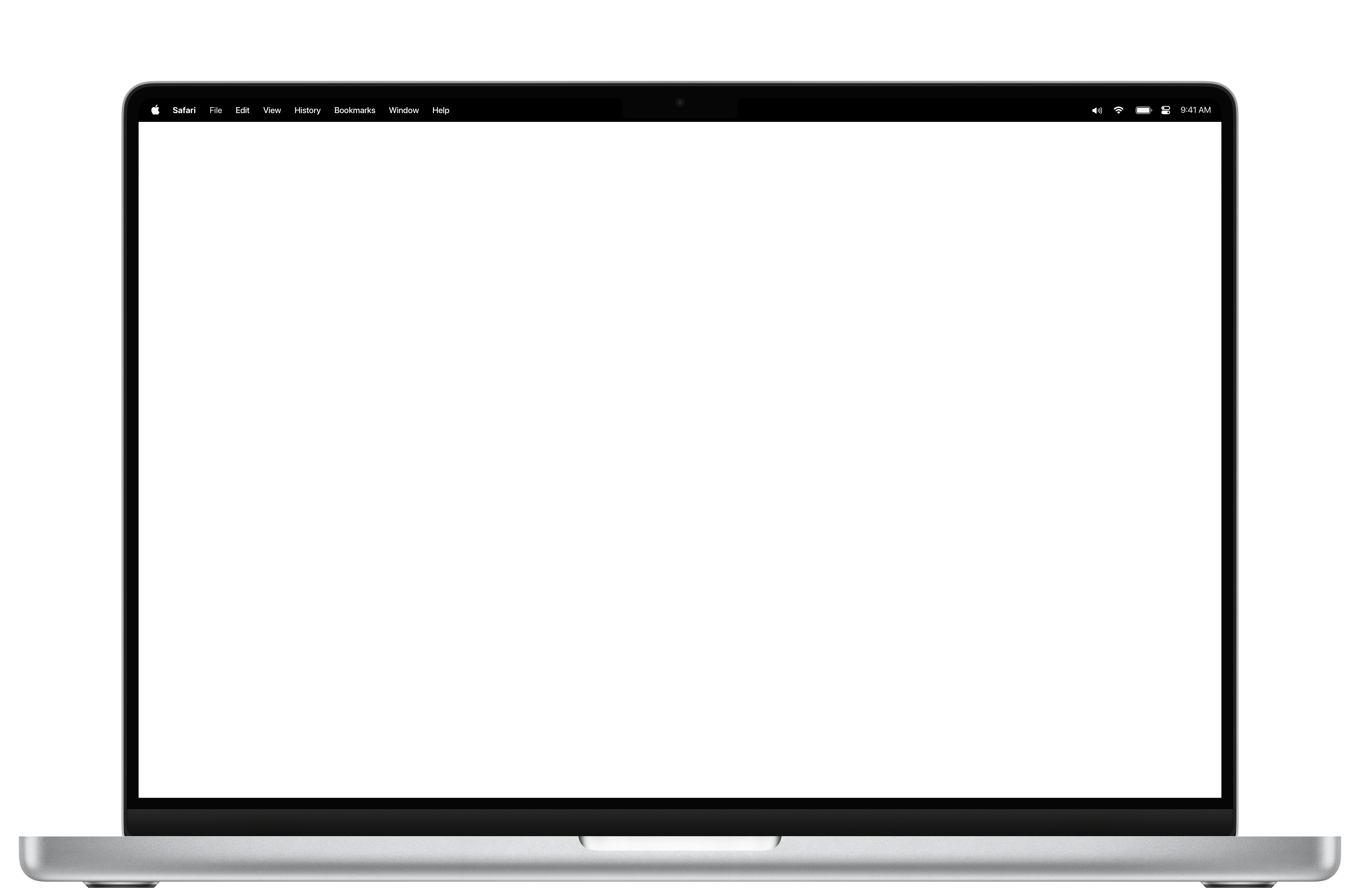
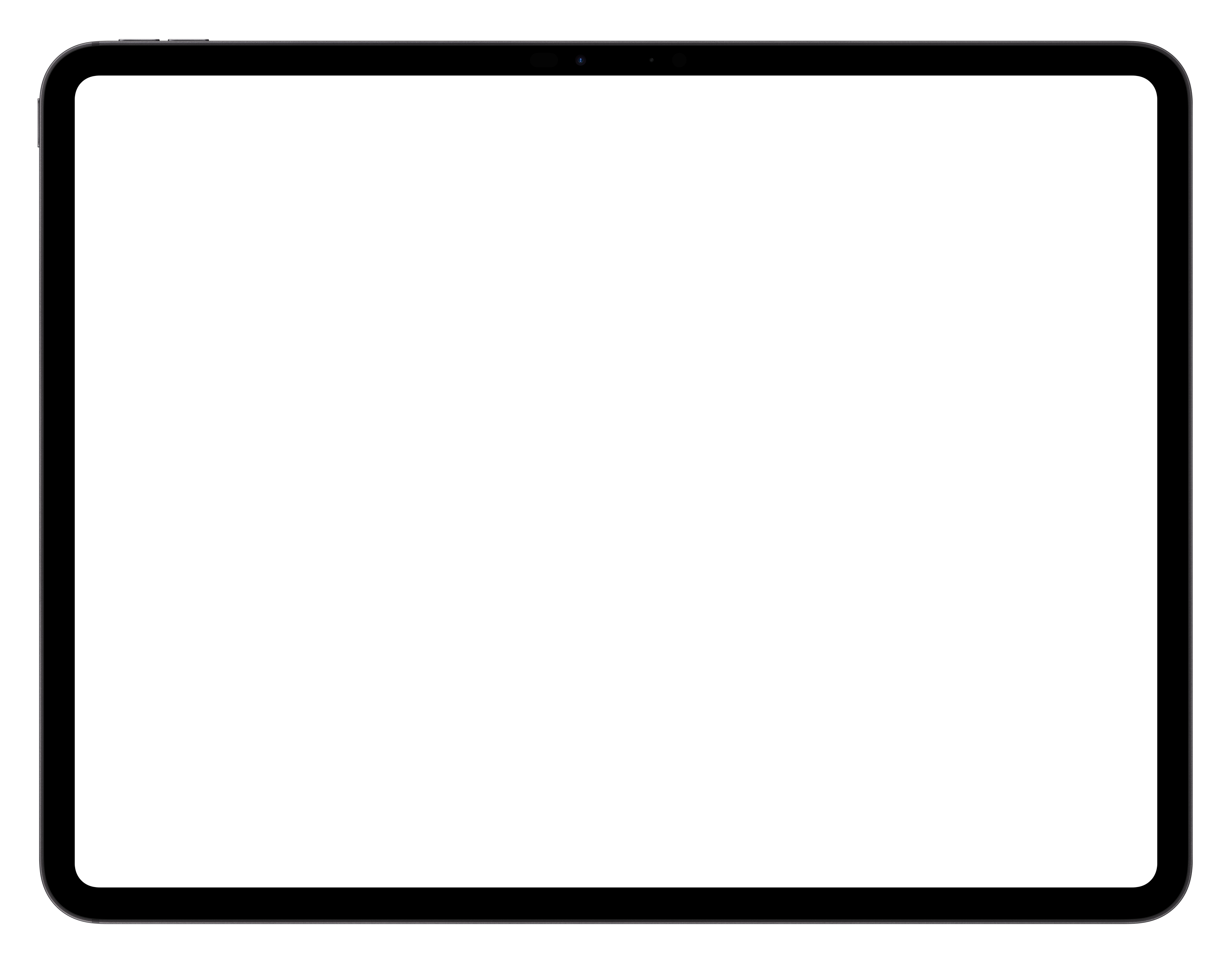
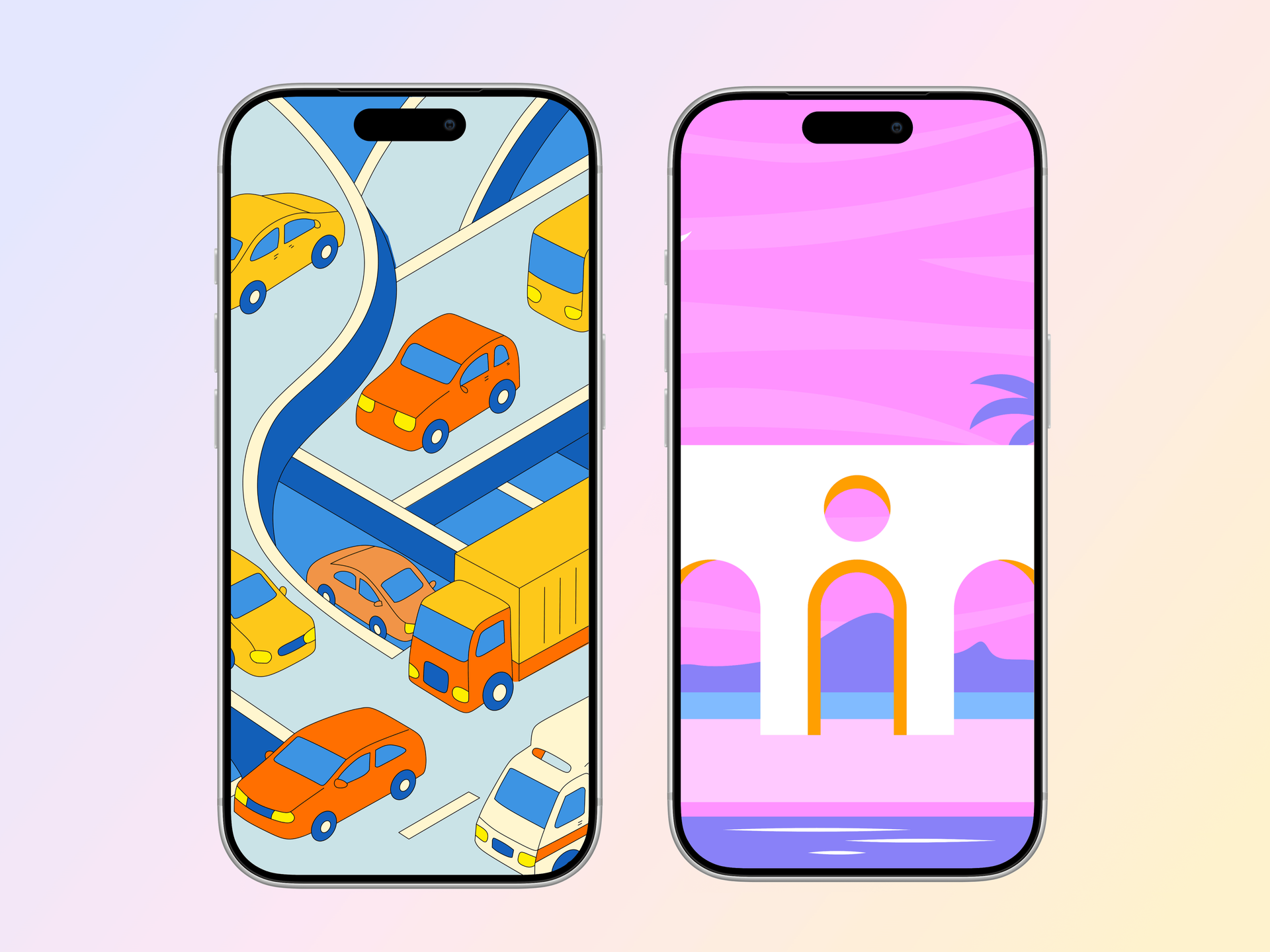
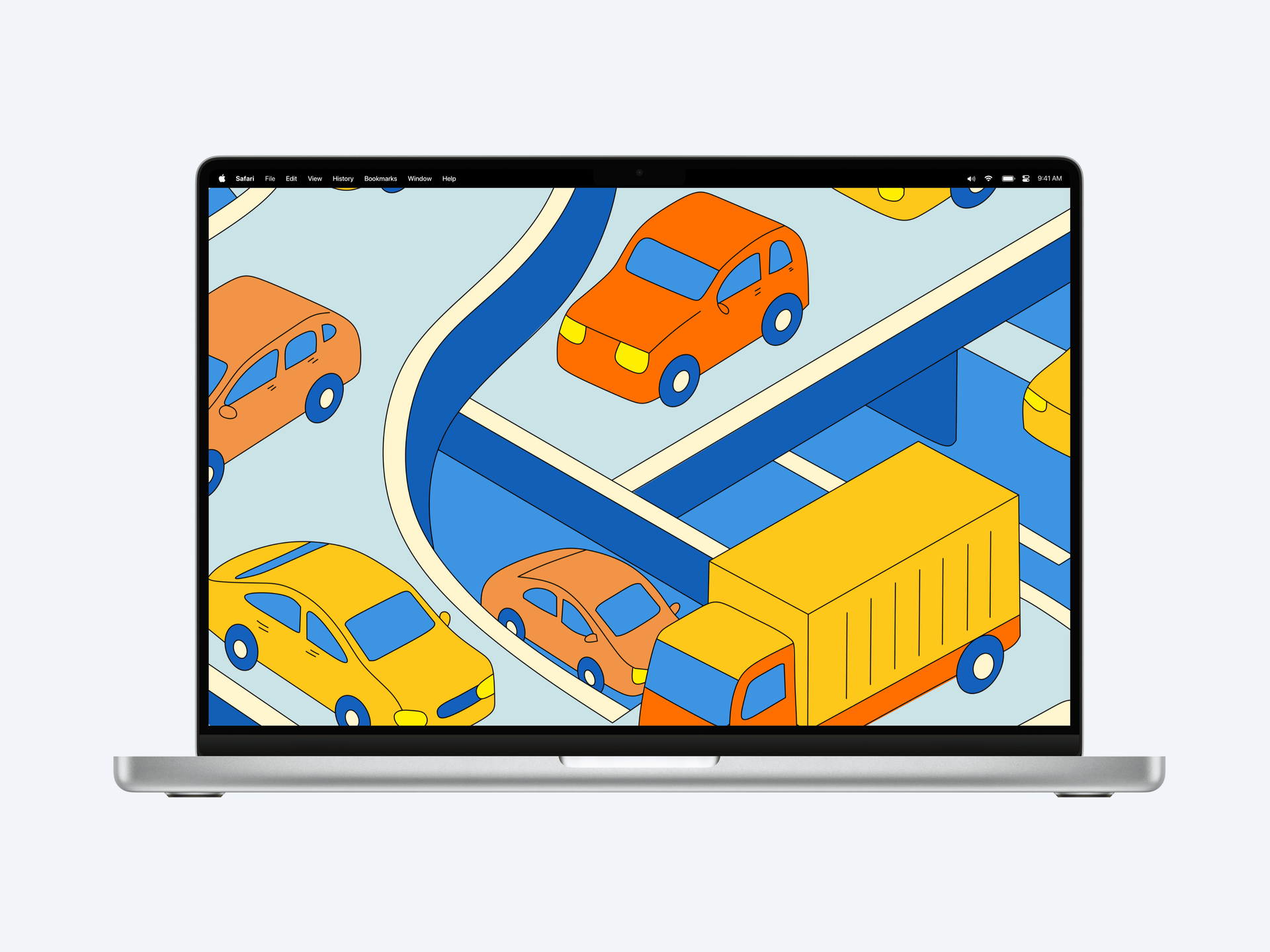
Screely stops at browser windows. Screenhance covers iPhone 17 and 16, MacBook, iPad, Apple Watch, Samsung Galaxy, Google Pixel, and browser frames too.
Use 100+ set templates for iOS, Google Play, and the Chrome Web Store, with store-ready presets, translation across 16 locales, and organized ZIP exports.
180+ templates with editable headlines, captions, assets, annotations, backgrounds, and multi-screenshot compositions.
Export GIF and WebM mockups for Product Hunt galleries, tweets, and landing pages. Screely exports static images only.
Product Hunt gallery (1270×760), OG cards (1200×630), and store sizes are pre-configured. No manual canvas math.
Free plan with 3 exports/month, or the $6 one-time Launch Pass for a launch's worth of watermark-free exports. No subscription required to ship one project.
| Feature | Screenhance | Screely |
|---|---|---|
| Browser frames | Yes | Yes |
| Phone / laptop / tablet frames | 113 frames (iPhone, MacBook, iPad, Android) | No, browser only |
| App Store screenshot sets | 100+ set templates + store-ready presets | No |
| Templates with text & layout | 180+ | No, pure beautifier |
| Photorealistic scenes | 170+ | No |
| Animated export (GIF/WebM) | Yes | No, static only |
| Product Hunt / OG sizing | Pre-configured (1270×760, 1200×630) | Manual |
| Free tier | 3 exports/month, all templates | Core flow free, no signup |
| Paid | $6 one-time Launch Pass or $12/mo Pro | Pro tier |
Move from source material to a polished launch asset without rebuilding the design in another tool.
Choose a visual template, a store-listing set, a Launch Kit, or an empty canvas for full control.
Add screenshots, photo scenes, device frames, text, icons, annotations, backgrounds, layers, and motion in the browser editor.
Download PNG, WebP, JPEG, GIF, WebM, or MP4, or export organized iOS, Google Play, and Chrome screenshot ZIPs.
Screenhance covers the full path from a raw screenshot or screen recording to coordinated, editable launch assets.
Use current device frames, stylized treatments, or photorealistic placements across phones, tablets, laptops, watches, TVs, print, apparel, and outdoor media.
Start with a complete composition for mockups, Product Hunt, OG images, website heroes, Play feature graphics, or Chrome Web Store promo assets, then edit every layer.
Create iOS, Google Play, and Chrome Web Store screenshot sets from 100+ set templates, edit localized copy across 16 languages, and export organized PNG ZIPs, including fastlane-ready iOS folders.
Animate layers with 18 motion styles and export GIF or WebM, or record and polish a product demo in Studio with frames, cursor motion, captions, audio, and MP4/WebM export.
Yes. Screenhance includes browser frames and extends the same source into 180+ editable visual templates, 113 frames, 170+ photorealistic scenes, store sets, Product Hunt and OG assets, motion, Launch Kit, and Studio video.
Screely is browser-only and exports static images. There are no phone or laptop frames, no App Store screenshot sizes, no text-and-layout templates, and no animated exports. It's a focused beautifier, great at its one job, but you'll hit its edges the first time you need an iPhone mockup or a store listing.
Screely's core flow (browser frame + background, export) is free with no signup, with a Pro tier for custom backgrounds and higher-res exports. Screenhance's free plan is 3 exports per month with all templates and frames; the $6 one-time Launch Pass (10 watermark-free image exports over 7 days) or Pro at $12/month removes the watermark.
Choose Screenhance when the browser frame needs to remain editable or continue into mobile mockups, photorealistic scenes, store sets, launch graphics, motion, Launch Kit, or product video. Screely is a focused fit when the job ends at one static browser-framed image.
Explore more ways to create stunning visuals with Screenhance.
Create stunning iPhone device mockups
Try it freeShowcase apps in iPad Pro and Air frames
Try it freePut an interface or creative on a photorealistic television
Try it freeValidate screenshots before App Store Connect rejects them
Try it freeCheck screenshots against Google Play's accepted range
Try it free1024×500 Google Play feature graphics
Try it freeOne editable workspace for browser shots, devices, scenes, store sets, launch assets, motion, and video.