
OG Image A/B Testing: How to Measure What Gets More Clicks
A practical framework for testing social share images, controlling variables, and measuring clicks without assuming a universal winner.
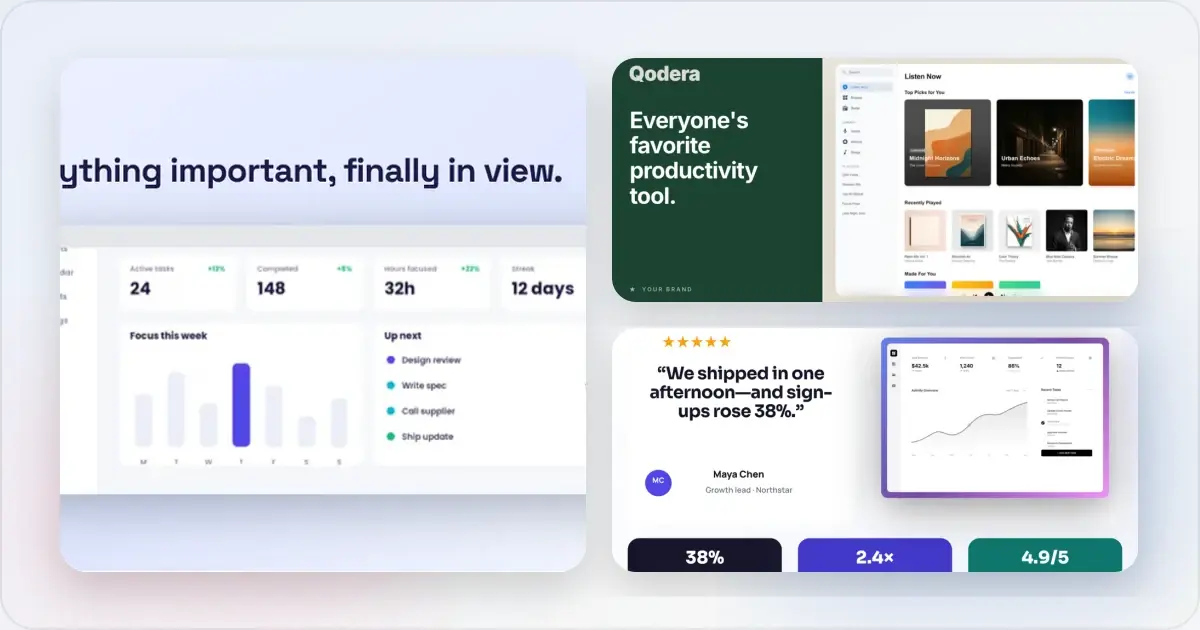
You spent 20 minutes designing the perfect OG image. Great colors, clean layout, bold headline. You deploy it. And you have no idea if it's actually working.
The OG image you think looks best might not be the one that gets the most clicks. Design intuition is useful, but a controlled test can show how your own audience responds without assuming a universal lift.
Why Most People Don't Test OG Images
It seems hard. Unlike a landing page button or email subject line, there's no built-in A/B testing framework for social share images. You can't just drop an OG image into Optimizely and get a winner.
But the perceived difficulty is worse than the actual difficulty. You can run meaningful OG image tests with tools you already have. It just requires a slightly different approach.
What to Test: The High-Impact Variables
Not all OG image changes are worth testing. Start with variables that create a visible, meaningful difference rather than tiny decorative tweaks.
Background Color and Style
This is often the single biggest lever. A switch from a light gray background to a bold blue gradient can dramatically change performance. Test:
- Light background vs dark background
- Solid color vs gradient
- Brand color vs contrasting color
- Neutral tones vs vibrant, saturated tones
Feed themes, surrounding posts, and brand colours all affect contrast. Preview both variations in the actual destinations and let your test determine which background works for your audience.
With Screenshot vs Without Screenshot
Some OG images include a product screenshot in a device frame. Others are text-only with a clean background. Both can work, but the difference in CTR is often substantial.
Test these variations:
- Clean text-only card with bold headline and brand colors
- Product screenshot in a browser or phone frame with supporting text
- Screenshot with no text overlay (image speaks for itself)
For a SaaS product, a screenshot can answer "what does this actually look like?" before the click. For an article, a text-focused design may make the subject clearer. Treat this as a hypothesis to test, not a category-wide rule.
Headline Wording
The text on your OG image is often different from your page title. You can optimize each independently.
Test variations in:
- A specific, substantiated claim vs a general benefit
- Question format vs statement format
- Benefit-focused vs feature-focused
- Short (3-4 words) vs medium (5-7 words)
Use Screenhance's OG image generator to keep dimensions and unaffected design elements consistent across variations. A reusable template reduces the setup required for each test.
With Author Photo vs Without
For blog posts and personal-brand content, an author headshot may help identify the source. Its effect varies by audience and context.
Test a version with a small, circular author photo in the corner against one without, keeping the headline and layout otherwise unchanged.
Layout and Composition
Even with the same elements, their arrangement matters:
- Headline left, image right vs centered headline with image below
- Logo in top-left vs bottom-right
- Full-bleed screenshot vs screenshot with padding and background
How to Run OG Image A/B Tests
Since there's no native A/B testing for OG images, you need a structured manual approach. Here are three methods that work.
Method 1: Sequential Testing with UTM Parameters
This is the simplest approach. Share the same link on different days with different OG images, and compare performance.
Setup:- Create two OG image variations (A and B)
- Set variation A as your OG image for a representative observation window
- Share the link on your social channels with UTM parameters (utm_content=og-variation-a)
- Switch to variation B for an equally representative window with different UTM parameters (utm_content=og-variation-b)
- Compare click-through data in your analytics
Method 2: Platform-Split Testing
Share the same content on different platforms with different OG images on the same day.
- Variation A goes on Twitter
- Variation B goes on LinkedIn
- Compare engagement metrics on each
This is faster than sequential testing but introduces a platform variable — Twitter and LinkedIn audiences behave differently. Best used for quick directional insights, not definitive conclusions.
Method 3: Controlled Sharing with Analytics
For more rigorous testing, use distinct URLs that resolve to the same content:
- yourdomain.com/page?v=a (shows OG image variation A)
- yourdomain.com/page?v=b (shows OG image variation B)
Implement server-side logic to serve different og:image meta tags based on the query parameter. Share each variation to comparable audience segments and track click-through rates independently.
This approach requires engineering and still depends on comparable audience assignment, but it gives you more control than comparing two different platforms.
Tracking and Measuring Results
What to Measure
- Click-through rate (CTR): Clicks divided by impressions. The primary metric.
- Engagement rate: Likes, shares, and comments on the post containing your link. Treat this separately from link CTR.
- Downstream behaviour: Sessions, engaged visits, or conversions attributed to each tagged link can show whether the clicks were useful.
Tools for Tracking
- Google Analytics 4 with UTM parameters shows sessions and downstream behaviour for each tagged link; pair it with platform impressions to calculate CTR
- Bitly or similar URL shorteners provide click counts per link
- Native platform analytics (Twitter Analytics, LinkedIn Page Analytics) show impression and engagement data
- Plausible or Fathom for privacy-friendly analytics with UTM tracking
Validating Your Images Before Testing
Before running any test, verify your images render correctly across platforms.
- Twitter Card Validator: Paste your URL to see exactly how Twitter/X renders your card. Also forces a cache refresh.
- LinkedIn Post Inspector: Preview your link's appearance on LinkedIn and force a refresh of cached images.
- Facebook Sharing Debugger: Check how Facebook and Messenger will display your link preview.
A test is meaningless if one variation is rendering incorrectly. Validate first, then test.
Create your test variations with a social card generator to ensure consistent dimensions and quality across all variations. When the only difference between versions is the variable you're testing, your data is cleaner.
A Simple Testing Framework
If you're starting from zero, here's a practical framework to follow:
Baseline. Set your current OG image and measure it across your regular sharing channels. Record impressions, clicks, and any downstream metrics for a representative period. First variable test. Change one thing — background colour is an easy starting point. Measure the same metrics under comparable conditions. Second variable test. If the first test produced a clear result, keep that version and test with versus without a product screenshot. Third variable test. Keep the best-supported combination and test headline wording.The required duration depends on publishing frequency, reach, and natural variance. A low-traffic account may need a longer observation window, and an inconclusive result should remain inconclusive rather than being declared a win.
When to Stop Testing
OG image testing has diminishing returns. After optimizing the big levers (background, screenshot inclusion, headline), further tweaks produce smaller and smaller improvements.
A good stopping point is when further tests do not produce a repeatable difference large enough to matter to the business. Use confidence intervals or repeated observations where possible instead of treating a small raw percentage as conclusive.
Revisit testing if you rebrand, your audience changes significantly, or platform rendering behavior updates.
The Bottom Line
Many teams treat OG images as a set-and-forget task. A periodic review can catch broken previews and identify worthwhile design hypotheses without promising that every test will improve traffic.
You don't need a complex testing infrastructure. Start with sequential testing using UTM parameters. Change one variable at a time. Let the data tell you what works.
The best OG image isn't the one that looks best in Figma. It's the one that gets the most clicks in real feeds.
Related Reading
- How to Create OG Images That Get Clicks on Twitter and LinkedIn - Creating effective OG images from scratch
- OG Image Best Practices: The Complete Guide to Social Share Images - Foundational design principles
- Free OG Image Generator: Create Social Share Images in Minutes - Quick OG image creation
- How to Make Your Screenshots Go Viral on Social Media - Broader social media visual strategies
See how your link looks when shared
Paste a public page URL to inspect its Open Graph tags, image dimensions and missing metadata. The card is an approximation; each platform controls its final preview.
Screenhance examples
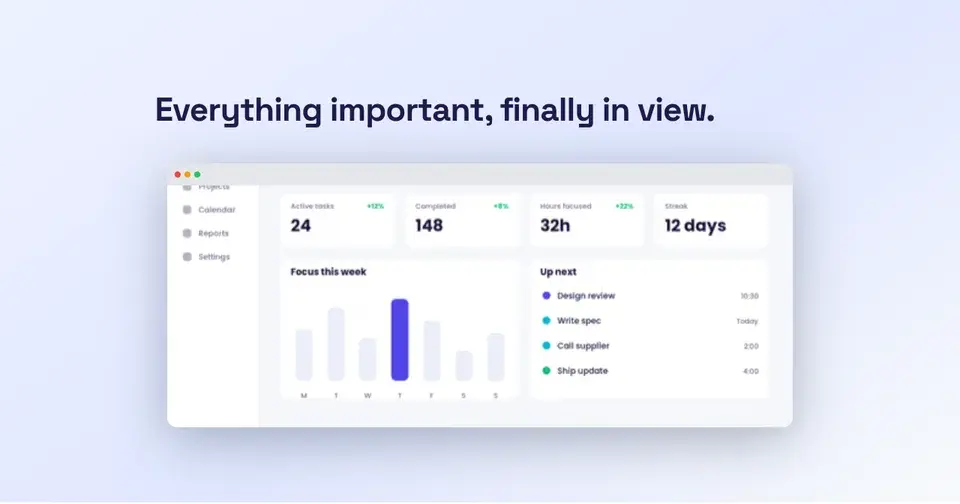
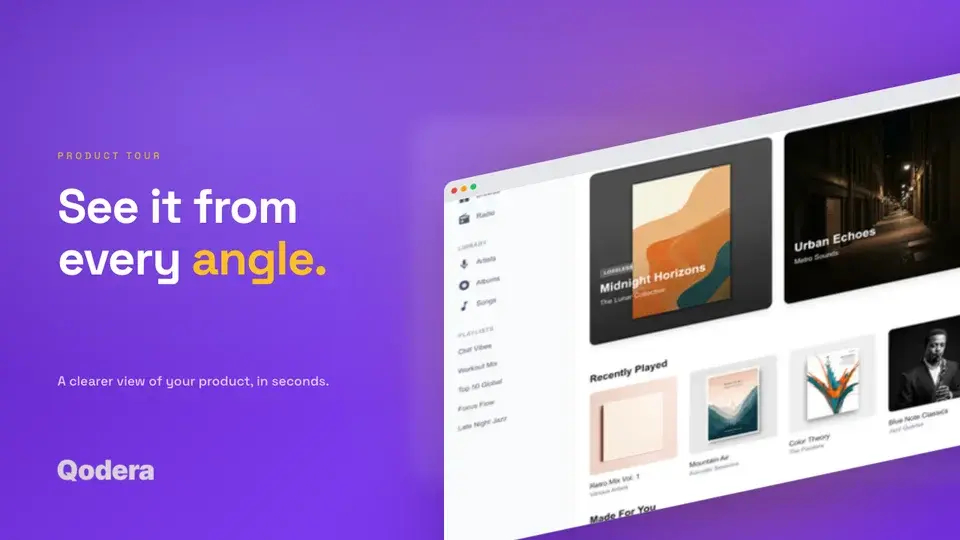
Two editable starting points from the Screenhance library, selected for this social and web guide.
Generate a social-ready OG image free
Free to start. No credit card required.
Keep reading
Related, product-tested guides from Screenhance.
12 Instagram Mockup Examples for Better Product Launches
Explore 12 original Instagram mockup examples for feed posts, carousels, Reels, Stories, profiles, reviews, launch graphics, and product scenes.
1 Sept 2026 · 9 min read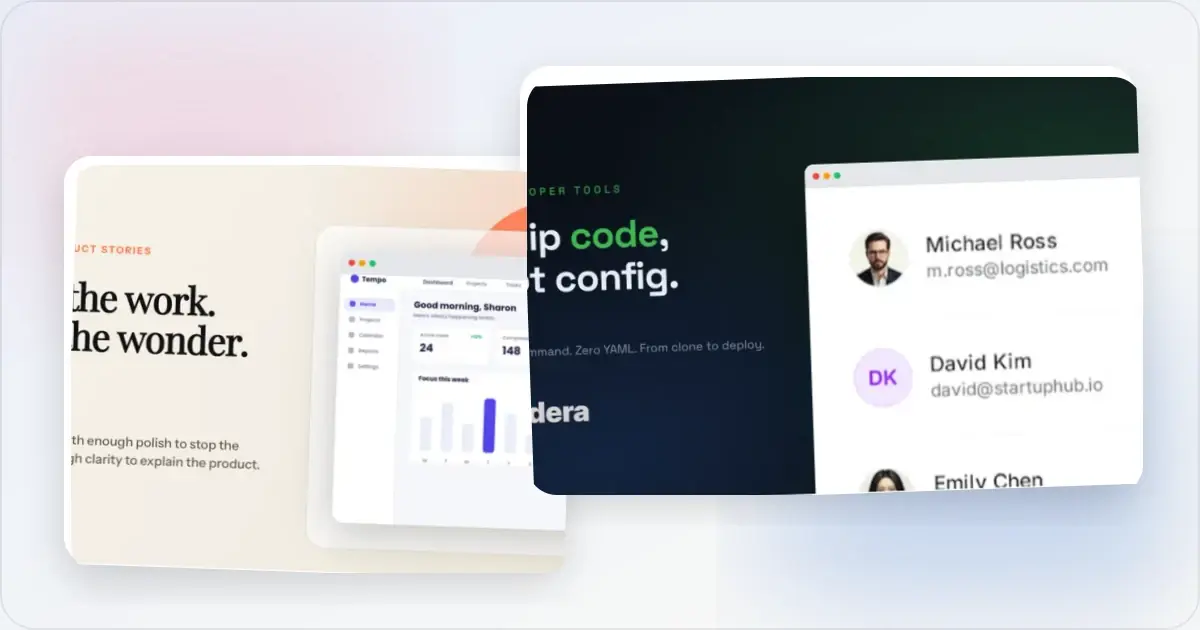
12 OG Image Examples With the Layout Logic Explained
Explore twelve original OG image examples and learn how product proof, hierarchy, contrast, crops, photography, metrics, and quotes change the composition.
20 Aug 2026 · 7 min read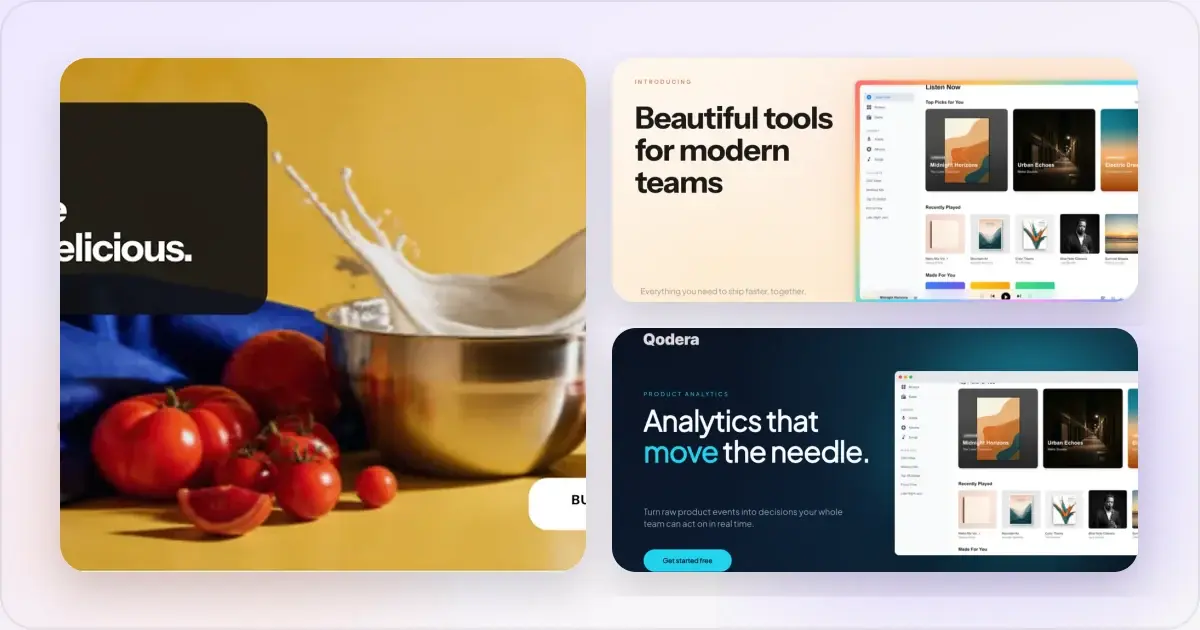
How to Blur Part of a Screenshot (and When to Redact Instead)
Blur emails, names, and API keys in a screenshot in your browser, free. When blur is enough, when to redact instead, and the two-minute workflow.
2 Jul 2026 · 4 min read