
OG Image Best Practices in 2026: What Gets Clicked on X, LinkedIn, and Slack
Design readable OG images, preview them across platforms, and measure whether headline and layout changes improve clicks for your own audience.
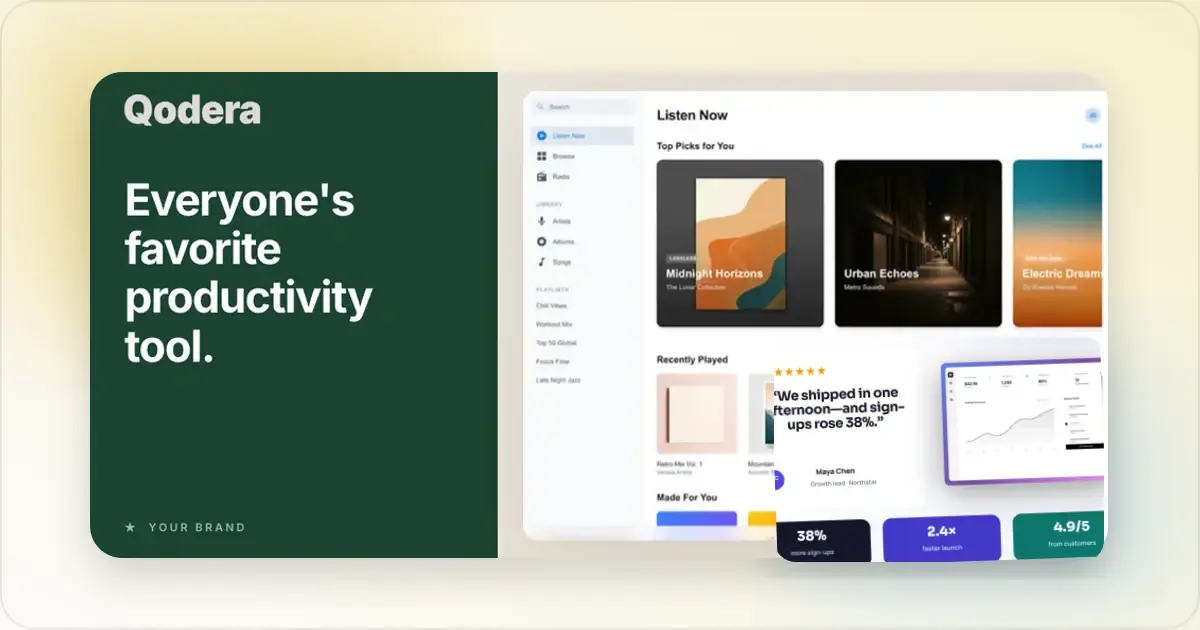
An OG image lets you control the visual preview that may appear when a page is shared. A clear headline and a relevant product screenshot can tell readers what is behind the link before they click, but there is no universal click-through multiplier. The result depends on the page, the copy, the audience, and how each platform renders the card.
This guide covers four useful headline structures, common readability failures, a practical testing framework, and platform-specific preview checks for X, LinkedIn, Slack, Facebook, and Discord.
What Is an OG Image and Why Does It Matter?
OG stands for Open Graph, a protocol Facebook introduced in 2010 that lets you control how your content appears when shared on social platforms. The OG image is the preview thumbnail that gets attached to your link.
When someone pastes your URL into a tweet, a LinkedIn post, or a Slack channel, the platform fetches your OG metadata and renders a card. That card includes three things:
- og:title: The headline
- og:description: A short summary
- og:image: The preview image
On large-card layouts, the image is one of the most prominent parts of the preview. It works with the title, description, source, and surrounding post; it does not determine clicks by itself.
Because the same page can be shared many times, a durable OG image is worth treating as part of the page rather than as a one-off social asset. Check it again when the product UI or headline changes.
Design Best Practices That Actually Work
Protect Contrast and Readability
Your OG image will appear in different contexts: light mode, dark mode, crowded timelines, Slack threads. If it doesn't pop against varying backgrounds, it disappears.
Rules to follow:
- Use bold background colors or gradients that stand out
- Ensure text has strong contrast against the background (WCAG AA minimum)
- Avoid placing text near edges where platforms might crop
- Test your image against both light and dark backgrounds
Text Size and Readability
OG images render at different sizes across platforms. What looks great at 1200px wide might be unreadable when Twitter crops it to a thumbnail.
Keep text handling tight:
- Keep the headline short enough to read in the smallest preview you support
- Choose type size by previewing the finished card, not by relying on one universal pixel threshold
- Stick to one or two font weights. Don't get fancy
- Leave generous padding around text (at least 60px from edges)
Branding Without Overdoing It
Your OG image should be recognizable as yours, but branding shouldn't dominate. The goal is to communicate value, not run a logo ad.
A good approach:
- Small logo in a consistent corner (bottom-right works well)
- Use your brand colors as the palette
- Maintain consistent typography across all OG images
- Create a template so every page's OG image feels cohesive
Show, Don't Just Tell
The best OG images include a visual preview of what's behind the link. For SaaS products, this means a screenshot or mockup. For blog posts, it might be an illustration that hints at the topic.
Avoid generic stock photos. A screenshot of your actual product in a clean device frame tells people exactly what they'll find when they click. A social card generator can help you create these product-focused OG images quickly and consistently.
How OG Images Differ by Platform
Not every platform treats OG images the same way. Understanding the differences prevents awkward surprises.
Twitter/X:- Displays images at approximately 1.91:1 ratio
- Large cards render at roughly 1200 x 628 pixels
- Crops images that don't match (center crop by default)
- Choose the large-image card when the visual is important, and preview the result before publishing
- Use a Twitter card generator to create images at the exact right dimensions
- Uses 1200 x 627 pixels for link previews
- Adds a slight overlay/shadow to images
- Keep product details and text readable at LinkedIn's in-feed preview size
- Text-heavy OG images can actually work well here
- Standard OG image size is 1200 x 630 pixels
- Messenger shares render at a smaller scale
- Images smaller than 600 x 315 get shown as tiny thumbnails (avoid this)
- Both pull from og:image tags
- Discord renders larger previews than Slack
- Slack often compresses images, so use high contrast to survive compression
- Both support animated images, but static is safer
For exact pixel dimensions per platform, check out the OG Image Size Guide.
Four headline structures worth testing
These four structures are useful starting points because they help make the promise specific. They are not guaranteed winners; test them against a plain descriptive headline for your own page.
Pattern 1: Concrete number, specific outcome
Format: "[Number] [thing] in [time/condition]."
Examples: "12 lessons from one launch." "7 onboarding screens compared." "A 30-day launch retrospective."
Why it can work: A meaningful number makes the promise concrete. Use it only when the page supports the number and explains where it came from; invented precision weakens trust.
Pattern 2: Contrarian opinion
Format: "[Surprising claim] (and why)."
Examples: "Daily standups are killing your team (and what works instead)." "Why we deleted our blog after 4 years." "Stop doing 1-on-1s."
Why it can work: Contrarian framing creates a clear tension. The page must substantiate the claim; otherwise the preview is clickbait and damages audience trust.
Pattern 3: Question that the reader is already asking
Format: "[Question the reader is silently asking]?"
Examples: "Should I launch on Tuesday or Friday?" "How much do solo SaaS founders actually make?" "Is Figma worth the switch from Sketch?"
Why it can work: The headline mirrors a question the reader may already have. Make the question specific enough that the destination can answer it directly.
Pattern 4: Strong noun phrase, no verb
Format: "[Bold noun phrase]."
Examples: "The 2026 SaaS pricing playbook." "Every iPhone 16 dimension." "The 47-tool indie founder stack."
Why it can work: A compact noun phrase labels the resource quickly. Avoid words such as "ultimate" or "complete" unless the page truly covers the subject at that depth.
Image and copy combinations that fail
These combinations often create clarity or credibility problems. Treat them as review prompts rather than universal performance rules.
Failure 1: Stock photo plus generic headline
A handshake photo with text saying "Building Great Teams" gives little information about the destination. Replace generic imagery or copy with a specific promise, a relevant visual, or both.
Failure 2: Logo-dominant OG image
A logo that dominates the canvas can push the subject and headline into a narrow area. Start with a modest, consistent placement, then enlarge it only when brand identification is the main purpose of the card.
Failure 3: A headline that is too long for the preview
OG images often render much smaller than the source file. If the headline wraps into several cramped lines, shorten it or change the layout. Previewing the card is more reliable than imposing the same word count on every typeface and title.
Failure 4: Low-contrast text on a busy background
Photographic backgrounds compete with text. Even high-contrast text loses readability on a busy photo. The fix: solid color or simple gradient backgrounds, with text in a clearly contrasting color (WCAG AA contrast minimum: 4.5:1).
Failure 5: Pricing or sales copy
"$199 lifetime!" or "50% off this week!" dates the image quickly and can omit important conditions. If price is the reason to click, include it accurately and keep the asset updated; otherwise lead with the page's durable value.
Platform-specific tactics in 2026
Each platform handles OG images slightly differently. Optimizing for the platform where the link will actually be shared most matters.
Twitter/X
- Use
summary_large_imagewhen you want the image to be prominent. - Test against both light and dark interfaces so the edge of the card and the text remain clear.
- Prepare a 1.91:1 asset (for example, 1200 x 628) and keep essential content away from crop-prone edges.
- Do not hide the destination in a reply based on an unverified algorithm rule. Make the link easy to find when traffic is the goal.
- LinkedIn aggressively caches OG images. To force a refresh after changes, append
?v=2to the URL or use the Post Inspector. - Preview typography-led and screenshot-led variants rather than assuming one visual style suits every professional audience.
- Write a headline that accurately represents the page instead of optimizing for provocation or manufactured comments.
- Inspect the actual in-feed preview on mobile; a single source-file font size does not guarantee readability across typefaces and layouts.
Slack
- Slack can render previews smaller than a full social feed card. Use high contrast and avoid relying on thin lines or fine detail.
- Workspace admins can disable link unfurling. OG images cannot be relied on as the only visual signal; the link text itself should also communicate the click promise.
- Preview a pasted link in a representative workspace because window width and workspace settings affect the unfurl.
Facebook and Discord
These may be secondary channels for some B2B teams, but the right priority depends on where the audience actually shares links:
- Facebook follows the OG protocol it created. 1200 x 630 px is the safest size.
- Discord renders dark-mode previews by default. Light-mode-only designs look awkward.
- Preview the final card on each platform instead of assuming they apply the same crop or compression.
The OG image A/B testing framework
If social referral traffic matters, test changes systematically instead of replacing an image and judging it from a handful of reactions.
What to test
In order of leverage:
1. Headline copy. Compare a small set of materially different, accurate promises.
2. Image style: device mockup vs typography-only vs photographic. The right answer depends on the audience.
3. Background color: brand color vs neutral vs dark mode. Surprising winners are common.
4. Logo placement: corner vs centered vs absent. Keep it only when it adds useful recognition without competing with the message.
How to run a test
1. Pick one variable. Testing multiple variables at once leaves you guessing which one moved the needle.
2. Define a decision rule before you start. Pick the metric, minimum sample, and test window based on normal traffic and the size of change you need to detect.
3. Run variants across comparable traffic. Account for channel, audience, day, and surrounding post copy when interpreting the result.
4. Use a tool that supports dynamic OG images (Vercel OG, Cloudinary, or a simple Next.js route handler). Manually swapping the OG image and tracking which version was shared when is unreliable.
What to track
- Card impressions: how many times the OG image was rendered in a feed.
- Card clicks: how many click-throughs to the link.
- Click-through rate (CTR): clicks divided by impressions. Use your own historical range as the baseline rather than an unsourced industry benchmark.
- Downstream conversion: of the click-throughs, how many actually do the thing the post was inviting (sign up, read the full piece, share further).
CTR is the easy metric; downstream conversion is the metric that matters. A high-CTR OG image that drives no conversions is a clickbait warning.
The Quick Way to Create OG Images
You can build the asset in a general design tool or start from a purpose-built template. The important part is preserving a reusable system while still checking the content of each page.
With Screenhance, the workflow looks like this:
- Upload a screenshot of your page or product
- Pick a device frame and background
- Add minimal text if needed
- Export at OG-ready dimensions
Preview the export on each platform that matters. A template speeds up composition, but it cannot guarantee that every crop, headline, or card renderer will look right.
The key is consistency without duplication. Reuse the grid, typography, and brand treatment, then change the headline and visual to match the destination.
Frequently Asked Questions
What size should an OG image be?
1200 x 630 pixels is a practical shared starting point for many large link previews. Platforms use slightly different ratios and can change their rendering, so keep important content inside generous margins and verify the live preview on the channels you use.
Do OG images affect SEO?
OG image metadata is intended for link previews, not as a direct Google ranking factor. A useful preview can support social sharing and referral traffic, but do not describe that traffic as a ranking boost. Search features may choose images from a page using their own systems, so follow Google's image and preview guidance separately.
What happens if I don't set an OG image?
Without an explicit OG image, a platform may select another image from the page or show a text-only preview. The exact fallback varies, which is why a defined image is preferable when visual consistency matters.
Related Reading
- OG Image Size Guide: Dimensions for Every Social Platform - Exact pixel dimensions per platform
- How to Make Your Screenshots Go Viral on Social Media - Social media visual strategies
- What Is the Best Screenshot Size? Complete Guide for Every Platform - Optimal dimensions for all use cases
- How to Create OG Images That Get Clicks on Twitter and LinkedIn - Platform-specific OG image tactics
Conclusion
An OG image is a durable page asset, but platforms may cache it, crop it, suppress an unfurl, or change their renderer. Treat preview checks and updates as part of maintaining the page.
Start with strong contrast, readable text, consistent branding, and dimensions suited to the target card. Then compare referral results with the previous version instead of promising a universal outcome.
Define the image, inspect the preview, and let your own referral data show whether the change helped.
See how your link looks when shared
Paste a public page URL to inspect its Open Graph tags, image dimensions and missing metadata. The card is an approximation; each platform controls its final preview.
Screenhance examples
Two editable starting points from the Screenhance library, selected for this social and web guide.
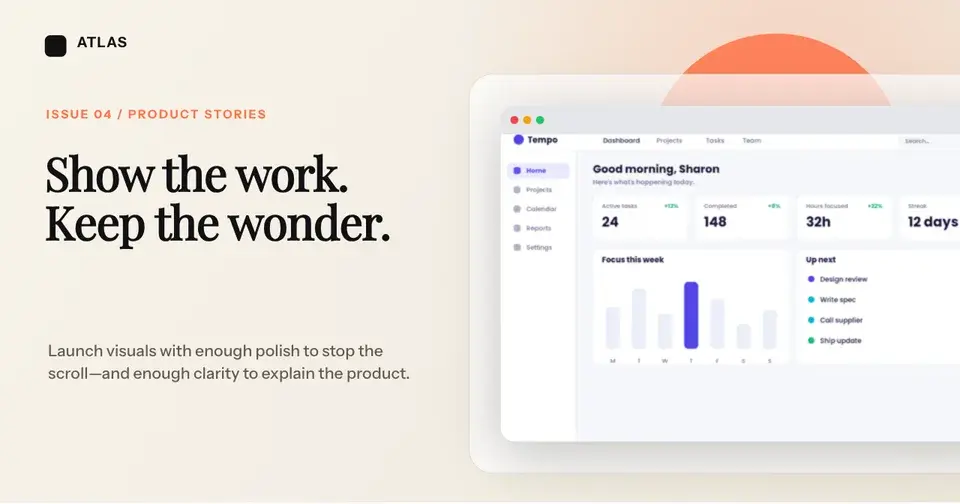
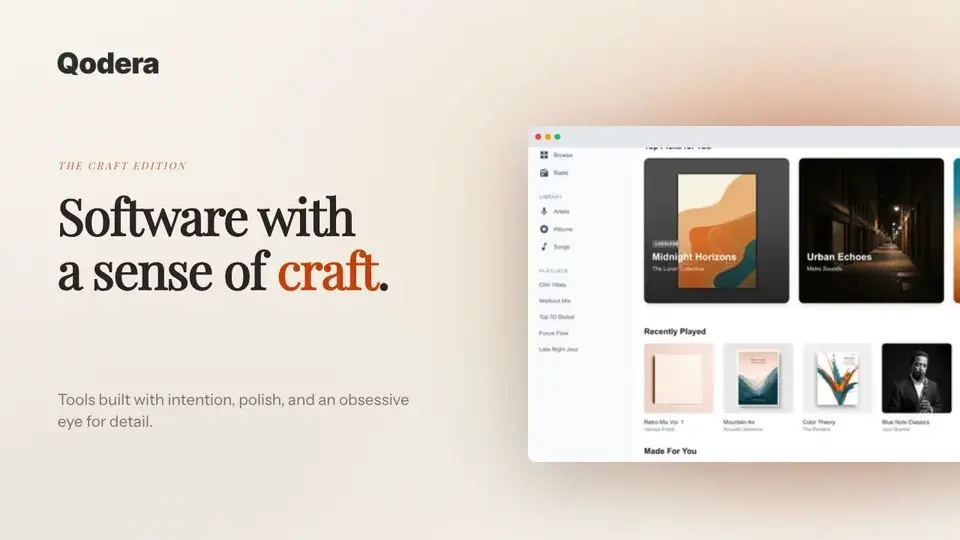
Generate a social-ready OG image free
Free to start. No credit card required.
Keep reading
Related, product-tested guides from Screenhance.
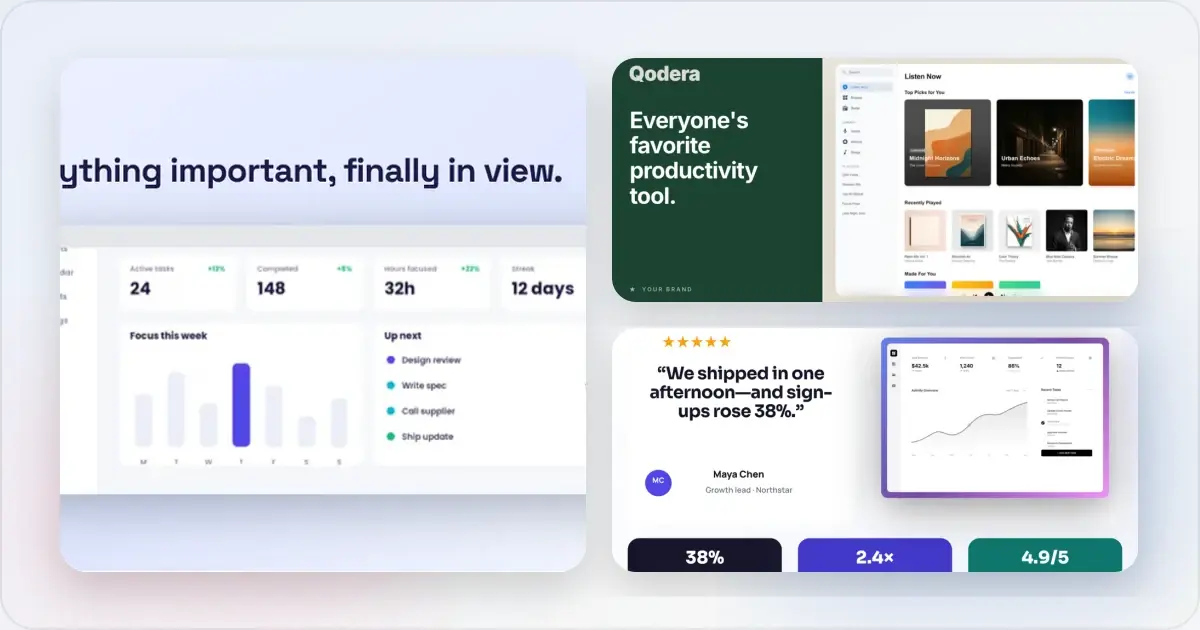
OG Image A/B Testing: How to Measure What Gets More Clicks
A practical framework for testing social share images, controlling variables, and measuring clicks without assuming a universal winner.
7 Feb 2026 · 7 min read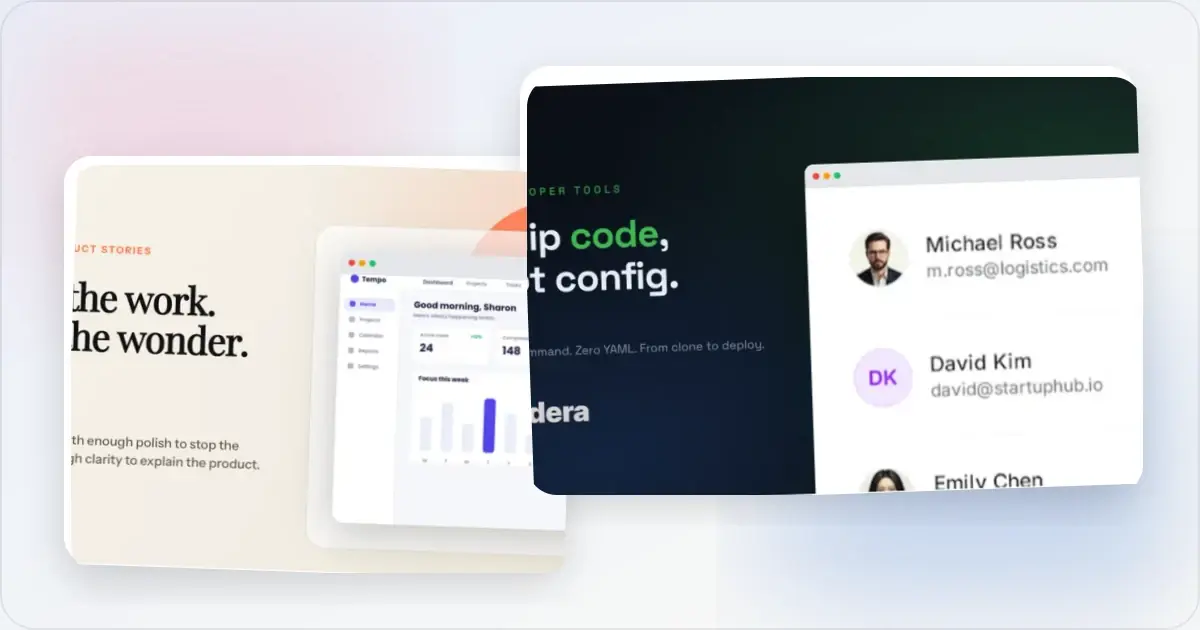
12 OG Image Examples With the Layout Logic Explained
Explore twelve original OG image examples and learn how product proof, hierarchy, contrast, crops, photography, metrics, and quotes change the composition.
20 Aug 2026 · 7 min read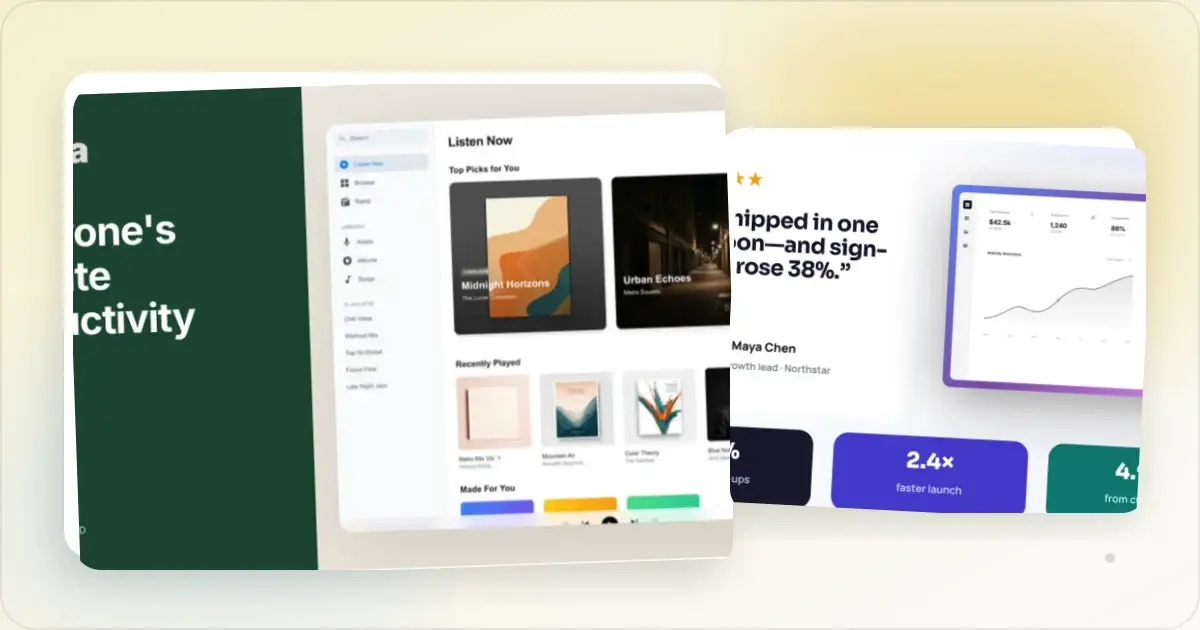
OG Image Size in 2026: 1200×630 + Every Platform's Dimensions
Open Graph images should be 1200×630 px. Check your URL preview free, then compare exact sizes for Facebook, X, LinkedIn, Slack, Discord and WhatsApp.
7 Feb 2026 · 7 min read