
MacBook Mockup Guide for SaaS Products
Choose, crop and export a MacBook mockup that keeps your SaaS interface readable across landing pages, decks and launch assets.
Start with the template shown in this guide

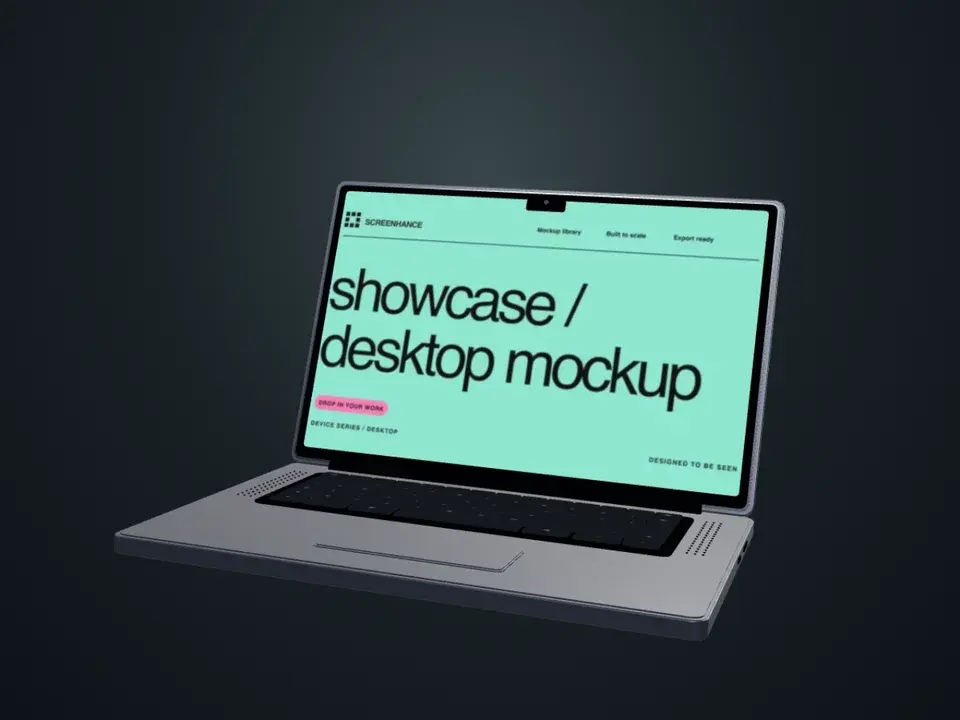
MacBook · Onyx opening
Opening animation · 1 screenshot
Use this template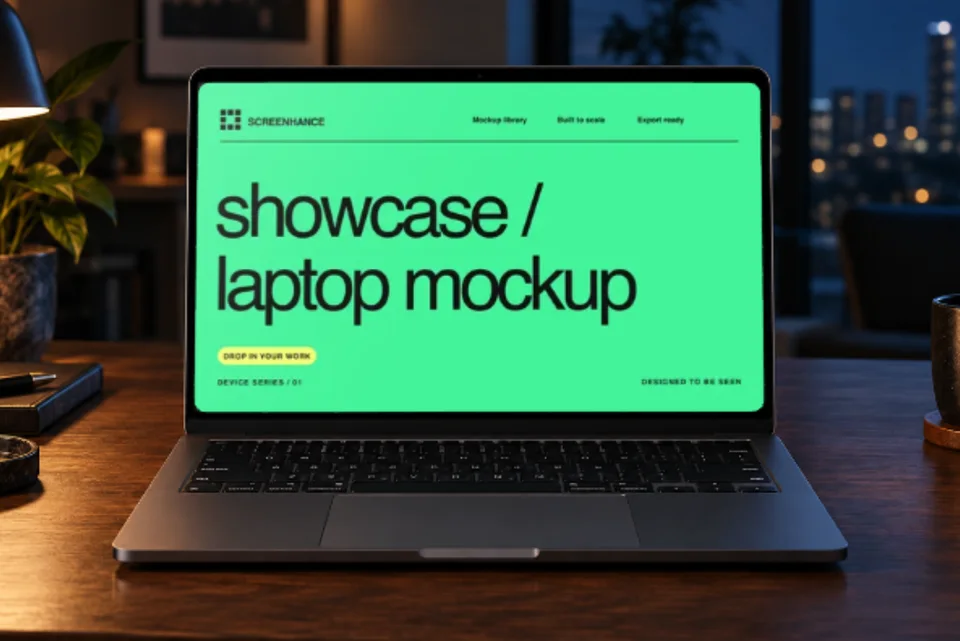
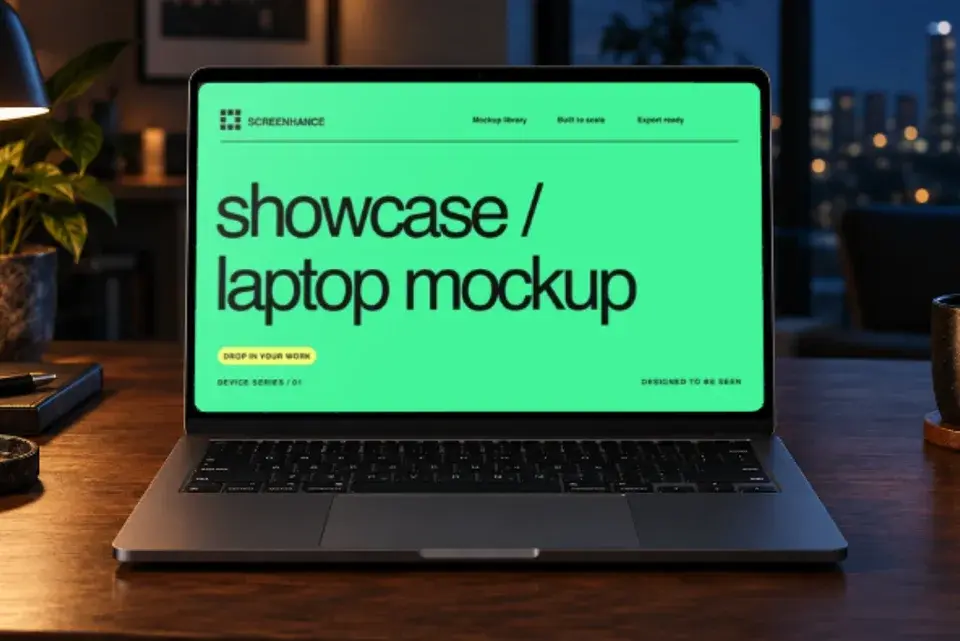
MacBook · Night workstation
Scene camera motion · 1 screenshot
Use this templateOpen a template, add your screenshots, then adjust the movement. GIF and video downloads require Pro.
A MacBook mockup gives a desktop product screenshot a familiar physical boundary. That context can be useful on a landing page, in a pitch deck or inside a launch gallery, but the frame is not the message. The interface still needs to explain what the product does at the size where people will actually see it.
This guide covers the decisions that matter: when to use a MacBook rather than a browser frame, how to crop the source screenshot, and how to keep the finished composition legible.
Watch the MacBook video with step-by-step chapters. You can jump straight to screen replacement, movement or export.Watch: replace the MacBook screen and export
This is a recording of the actual Visual Editor in a local demo workspace with Pro enabled. It uses Fieldnotes, our original fictional sample app. Captions explain each step; loading time and most of the export-processing wait are removed.
The walkthrough opens Onyx Opening, uses Mockups → Replace screen, and uploads a desktop screenshot. It tries Screen close-up, returns to Lid opening, sets 8 seconds, then chooses Export → Video → 1× → Export Video. The final download is an actual MP4. Animated exports require Pro.
Open the same MacBook template.New: a night workstation with camera motion
For a laptop grounded in a real setting, Night Workstation Film combines warm lamplight, a walnut desk and blue window bokeh. Its gentle camera arc moves the photograph and editable screen together. The lid stays in the photographed position.
MacBook frame or browser frame?
Start with the job of the visual.
| Use a MacBook frame when… | Use a browser frame when… |
|---|---|
| device context supports the story | the website or web app itself is the focus |
| the visual sits in a launch gallery or deck | you need more room for interface detail |
| you are showing a desktop-and-mobile product pair | operating-system branding would be distracting |
| the hardware silhouette is part of the composition | you want a neutral frame that works across audiences |
Make the MacBook opening film with your own screen
A raw screenshot can also be the right choice. Documentation, release notes and support articles often benefit from a direct image with annotations rather than a decorative device.
Choose a frame for the composition, not a customer stereotype
Screenhance currently includes straight-on MacBook Air 13-inch and MacBook Pro 16-inch frames, with angled variants for perspective compositions. The useful difference is geometry: the Pro frame gives the screen more visual weight, while the Air has a lighter silhouette. Neither model proves that a product is premium, professional or consumer-friendly.
Use the same model throughout a related set unless changing hardware communicates something real. Switching between several laptops just to create variety makes the set feel less connected.
Open the MacBook mockup generator to compare the supported frames with your own screenshot.
Prepare the screenshot before framing it
Show one understandable state
Choose a screen that demonstrates the page's claim. If the section describes team reporting, show the reporting view with believable data. Avoid an empty dashboard, an open settings panel or a collage of unrelated features.
Use demo data that is clearly fictional and never place real customer information, access tokens, email addresses or private analytics in a marketing screenshot.
Capture enough pixels for the final placement
There is no universal “export at 2×” rule. Work backwards from the largest rendered size and device-pixel density you need to support. If a mockup will render 800 CSS pixels wide on a high-density display, a source around 1,600 pixels wide gives the browser enough information. A smaller placement may need less.
Inspect the final file at its real display size. A high-resolution export cannot rescue interface text that was already tiny in the source.
Crop deliberately
A complete dashboard is not automatically a useful dashboard screenshot. Remove browser tabs, debug panels and unused whitespace. Keep navigation only when it helps the viewer understand where they are.
For a landing-page hero, a tighter crop of the main workflow usually reads better than shrinking the entire application until every label disappears. For documentation or a detailed feature section, the wider context may be necessary.
Build a landing-page mockup
1. Capture a real product state that supports the headline.
2. Place it in a straight-on MacBook frame if readability is the priority.
3. Choose a background with enough contrast against both the hardware and the interface.
4. Size the mockup at the mobile breakpoint before polishing the desktop version.
5. Export a responsive web format and keep a static fallback if motion is added later.
The hero does not need to show the whole chassis. Letting an edge extend beyond the composition can give the screen more space, as long as the crop still reads intentionally.
Backgrounds, shadows and perspective
The background should separate the frame from the page without competing with the product. A quiet solid colour or restrained gradient is a dependable starting point. Reuse brand colours only when they maintain contrast around the laptop and inside any caption.
Shadows should explain depth. If the laptop is straight-on, a soft centred shadow is usually enough. A strongly directional shadow beneath a flat front-facing frame creates conflicting perspective cues.
Angled frames trade legibility for depth. They work best as supporting visuals or large hero compositions. Use a straight-on frame for screenshots with dense tables, code or small controls.
MacBook mockups in pitch decks
Decks are often viewed at an unknown size, on a shared screen or from the back of a room. Treat the mockup as one clear exhibit rather than decoration.
- Put one main idea on each product slide.
- Enlarge the relevant panel instead of expecting the full dashboard to be readable.
- Remove customer data and notifications before capture.
- Check the exported PDF or presentation in slideshow mode.
- Keep frame, crop and background treatment consistent across the deck.
If the interface needs detailed explanation, follow the framed overview with an enlarged unframed crop on the next slide.
Pair desktop and mobile without creating clutter
A MacBook and iPhone composition can show that one workflow continues across devices. Use it only when both interfaces are real parts of the product story. A companion mobile app beside a desktop dashboard is useful; adding a phone purely to fill space is not.
Give one device clear priority. The secondary screen should reinforce the same task, not introduce a second unrelated feature. You can prepare the mobile element with the iPhone mockup generator.
Build a MacBook hero with a readable screen
These examples use the same mint Screenhance desktop demo artwork. Compare the camera treatment, rather than attributing a difference to a different interface. Replace the demo with your own product screen in the editor’s Media panel.
Start with a lid reveal for the introduction
Onyx Opening opens the laptop, holds the screen and closes it again. It suits an introduction where revealing the product is the point. Keep the page headline outside the animation so someone who arrives during the closed portion can still understand the offer.Use a screen close-up for the feature explanation
Screen Study moves from a three-quarter view toward a centered screen. This gives the interface more room during the readable part of the loop. Use it for a feature section, then check the export at the actual mobile width: camera movement cannot make a dense full dashboard readable in a tiny card.Choose the background and pace together
The collection includes cream behind a silver MacBook, soft blue around a MacBook Air, mint behind Screen Study, and blurred sea and sand. Choose a treatment that separates the hardware from the surrounding page.
The editor offers 4-, 6-, 8- and 12-second device cycles; these templates begin at 8 seconds. The lightweight examples on this page are five-second gallery previews. Review a complete final export before deciding that a longer cycle has made the screen readable enough.
Publish a responsive video with a still fallback
Use a still with the screen visible as the poster. For the simplest accessible website treatment, keep native video controls, inline playback and preload="none", and let the visitor start it. Reserve the correct 4:3 space so loading does not move the text around. On a narrow screen, let the media shrink to its container rather than overflowing the page.
If you choose an automatic looping hero instead, provide a pause control and honor reduced-motion preferences. See the HTML video element reference and W3C’s pause, stop and hide guidance. Keep the useful product message visible without animation. The GIF versus MP4 comparison includes measured files and explains the delivery tradeoff.
Hardware motion presents a screenshot; a screen recording demonstrates the actual product interaction. Use the recorder for a real click or workflow, and use the animated mockup generator for these preset device moves. The animated app demo guide explains both workflows.
Export checklist
Before publishing, check the actual destination rather than only the editor canvas:
- Is the important interface text readable at mobile width?
- Does the frame match the product you are presenting?
- Is the screenshot free of private or misleading data?
- Does the crop support the surrounding headline?
- Is there sufficient contrast between the page, background and laptop?
- Is the file delivered in an appropriate format and size for that destination?
- If the visual moves, is there a useful static fallback?
For websites, modern formats such as WebP or AVIF can reduce transfer size, while PNG remains useful as a high-quality source and for destinations that require it. Compare the rendered result rather than applying one quality percentage to every image.
Frequently Asked Questions
How do I put a screenshot into a MacBook mockup?
Open the MacBook mockup generator, choose a supported MacBook frame, upload or paste the screenshot, adjust its crop, then set the background and export. Preview the result at the size where it will be used before downloading the final asset.
Should I show the macOS menu bar and Dock?
Keep them only when they add useful context. The Dock usually consumes valuable screen space in a marketing visual, while the menu bar can help a desktop screenshot feel authentic. Remove unrelated notifications and personal information either way.
Is a MacBook mockup suitable for Windows or Linux software?
Use a neutral browser or laptop frame if the operating system is irrelevant or if a MacBook would misrepresent the supported environment. If the product genuinely works on macOS and the screenshot shows that version, a MacBook frame can be appropriate.
Should I use a straight or angled MacBook frame?
Use straight-on framing when interface readability matters. Use an angled frame when the composition needs depth and the screenshot is simple enough to remain clear after perspective is applied.
Can I animate a MacBook mockup?
Yes. Animation can reveal a product state or connect several screens, but keep a useful static first frame and do not make motion the only way to understand the message.
Related guides
Screenhance examples
Two editable starting points from the Screenhance library, selected for this mockups guide.
Make the MacBook opening film with your own screen
Free to start. No credit card required.
Keep reading
Related, product-tested guides from Screenhance.
How to Display Screenshots on Your SaaS Landing Page
Learn how to choose, frame, and optimize product screenshots for a clear, responsive SaaS landing page.
21 Apr 2026 · 8 min read
The Complete Guide to Browser Mockups for Web Apps
Learn when a browser mockup helps, how to choose a frame, protect privacy, crop responsive UI, and use static or animated versions across web and marketing.
21 Apr 2026 · 7 min read
Apple Watch Mockup Guide: Framing watchOS Apps in 2026
How to create Apple Watch mockups that sell a watchOS app: choosing 46mm vs 42mm, capturing clean watch screenshots, and the iPhone-plus-Watch layout.
29 May 2026 · 6 min read