
Where to Launch Your App in 2026: 12 Options
Compare 12 app-launch channels, including Product Hunt, Show HN, BetaList, Peerlist, Reddit, directories, and the app stores, with practical visual prep.
Product Hunt is not the only place to launch an app. Choose channels where the audience and participation rules fit the product: that may include Product Hunt, Show HN, relevant communities, directories, and the app stores themselves. More submissions do not automatically mean more useful traffic or links.
Visual requirements differ by channel. Some need a gallery or thumbnail, while Show HN itself is text-based and a linked page may supply an Open Graph card. This guide maps useful assets, but every platform's current submission form remains the source of truth.
Coordinate the visual work: use Launch Kit to create store, website, Product Hunt, and social starting points from one brief, then check each output against its destination.
A launch is a week, not a day
Pick a primary channel based on audience fit, then schedule any secondary submissions you can support. Directory traffic and link treatment vary, so track qualified visits and avoid treating a listing as an SEO guarantee.
Below is the full map. Skim the table, then read the notes for the platforms that fit your product.
The launch platform map (2026)
| Platform | Best for | Key asset you need |
|---|---|---|
| Product Hunt | Consumer apps, dev tools, SaaS with a visual story | Gallery images + thumbnail; check the current launch form |
| Hacker News (Show HN) | Developer tools, technical products, open source | A clean OG image on the linked page; no on-site visuals |
| BetaList | Pre-launch and early beta products | Logo + one strong product screenshot |
| Peerlist | Makers, indie hackers, dev-leaning audiences | Logo + screenshots for the project card |
| Indie Hackers | Bootstrappers, solo founders, story-driven launches | OG image for the share + product screenshots |
| Reddit (niche subs) | Products with a clear, specific user community | Native-looking screenshots, no marketing frames |
| Uneed | Indie tools and SaaS, daily directory format | Logo + thumbnail + product screenshots |
| dev.to | Developer tools launched via a writeup | A cover image + inline product screenshots |
| AlternativeTo | Products that replace a known incumbent | Logo + screenshots that show the alternative clearly |
| SaaS directories (G2, Capterra, SaaSHub) | B2B SaaS building long-term discovery | Logo + product screenshots + feature graphics |
| Apple App Store | iOS apps | Accepted screenshots for each required display class |
| Google Play | Android apps | Feature graphic (1024 x 500) + phone screenshots |
Generate every launch visual from one brief — App Store, Product Hunt, OG, and website
Product Hunt
Product Hunt can suit consumer apps, SaaS, and developer tools with a visual story. Results vary by product and launch, so treat it as one channel rather than a promised press or acquisition outcome.
Check Product Hunt's current launch form for image count, dimensions, and formats. Prepare a legible thumbnail, logo, and a gallery that explains the real product. Build the set with the Product Hunt gallery generator, and use the Product Hunt launch checklist for preparation.
Hacker News (Show HN)
A Show HN post can reach a technical, skeptical audience. It works best with a functioning project, a clear problem, and a willingness to answer questions. There are no gallery images on the HN post itself; an Open Graph image on the linked page may appear when that URL is shared elsewhere, depending on the destination's crawler and cache.
It can suit developer tools, infrastructure, open source, and products that benefit from technical discussion. Follow the current Show HN guidance and write a factual title.
BetaList
BetaList is built for products that are pre-launch or in early beta, so it works best when you want sign-ups before a full release rather than a download spike. Submissions are reviewed and can sit in a queue, so plan for lead time rather than same-day publishing.
What it needs: a logo and one strong product screenshot that communicates the idea instantly, since the listing is short. This is a good place to reuse your sharpest App Store or hero screenshot.
Peerlist and Indie Hackers
Both are maker-first communities rather than pure directories, and both reward a story over a sales pitch.
Peerlist has a Launchpad where makers post projects to a dev-leaning audience. Your project card carries a logo and screenshots, so clean visuals matter for the click. Indie Hackers is where bootstrappers post launches, milestones, and lessons. The win here is narrative: how you built it, what you charge, what worked. The visual that travels is the OG image on whatever you link to, plus product screenshots inside the post.Reddit may be useful when a relevant subreddit permits the post. Read each community's rules, disclose your relationship to the product, and contribute context rather than dropping generic promotion.
Native-looking, unframed screenshots may fit discussion-oriented communities better than a launch card, but there is no universal Reddit format. Follow the subreddit's norms and show the actual product doing the actual thing.
Uneed, dev.to, and AlternativeTo
Uneed is a daily directory in the same family as Product Hunt, with a friendly indie audience and a lighter competitive field. It takes a logo, a thumbnail, and product screenshots. dev.to is a developer publishing platform rather than a directory, and a launch writeup there can rank in search and circulate for months. You need a cover image and inline screenshots that show the tool in use. AlternativeTo is where people compare products in an established category. An accurate listing can support discovery, but traffic and longevity are not guaranteed. Use a current logo and screenshots that explain the product without misrepresenting the comparison.SaaS directories: the long tail
G2, Capterra, SaaSHub, and niche SaaS directories can provide ongoing discovery when their audience matches the category. Keep any listing accurate with a current logo, real product screenshots, and suitable feature graphics, then measure referred visits and leads.
Pick five or ten that match your category rather than spraying every directory. Quality of fit beats quantity of listings.
The app stores themselves
If your product is a mobile app, the relevant app store is a launch surface in its own right. Store captures can provide source material for other listings, but each destination still needs its own crop, claims review, and preview.
Apple App Store requires screenshots in accepted dimensions for the display classes the app supports. For example, 1320 × 2868 is one accepted 6.9-inch iPhone portrait size. Build the relevant set with the App Store screenshot generator and verify it against Apple's current specification. Google Play uses a separate 1024 × 500 feature graphic and phone screenshots. Google documents where preview assets may appear, but placement varies; review the feature graphic independently from the screenshot gallery.How to not redo the work for every platform
One editable source can reduce repeated layout work, but destination variants still need review:
- A representative hero screenshot may be adapted for a directory listing.
- The same visual system can be adapted to the current Product Hunt gallery canvas.
- A wider composition can serve as an OG-image starting point.
- Store variants must follow Apple or Google requirements and show the corresponding app accurately.
- An unframed export may suit a community post when that community permits self-promotion.
Design an editable core set, then adapt it to the supported destinations. That is the idea behind the Launch Kit: one brief in, a coordinated group of launch-visual starting points out. You can also start from a ready layout in the template gallery and swap in your own screens.
A smaller set of well-matched, accurate listings is usually easier to support than indiscriminate directory submission. Coordinate timing only when it helps the team respond well on each channel.
Frequently Asked Questions
Where should I launch my app besides Product Hunt?
Start with the channel whose audience best matches the product, then add communities or directories where you can participate honestly. Product Hunt and Show HN suit different products; neither should be a default for every launch.
Is Product Hunt still worth it in 2026?
It can be worth testing for consumer apps, SaaS, and developer tools whose audience overlaps with Product Hunt. Treat it as one channel and evaluate qualified visits, conversations, and sign-ups rather than assuming a traffic burst.
What assets do I need to launch on these platforms?
Common assets include a logo, current product screenshots, an Open Graph image, gallery artwork, and store-specific visuals. The Play feature graphic is exactly 1024 × 500; Apple screenshots must match an accepted display-class size. Check every other channel's current form before export.
Can I launch on Reddit?
Only when the specific subreddit permits the post and the product is relevant to that community. Read its current self-promotion rules before posting. Choose native, framed, or unframed images based on what explains the product clearly; no treatment guarantees a particular voting response.
How do I make launch images for every platform at once?
Keep an editable core composition, then create destination-specific variants. The Launch Kit produces coordinated starting points for Product Hunt, stores, OG cards, and feature graphics; inspect and approve each one separately.
What is the difference between a launch directory and the app store?
Directories can provide discovery when their audience fits the product, but traffic and link treatment vary. App stores are distribution surfaces for supported mobile apps. Choose only relevant destinations, and adapt—not merely resize—screenshots when their rules, platform UI, or message differ.
Screenhance examples
Two editable starting points from the Screenhance library, selected for this launches guide.
Generate every launch visual from one brief — App Store, Product Hunt, OG, and website
Free to start. No credit card required.
Keep reading
Related, product-tested guides from Screenhance.
14 Best Fonts for App Screenshots and Launch Graphics
Choose readable fonts for App Store screenshots, Google Play graphics, social posts, and launch visuals, with practical pairings and editable examples.
1 Sept 2026 · 10 min read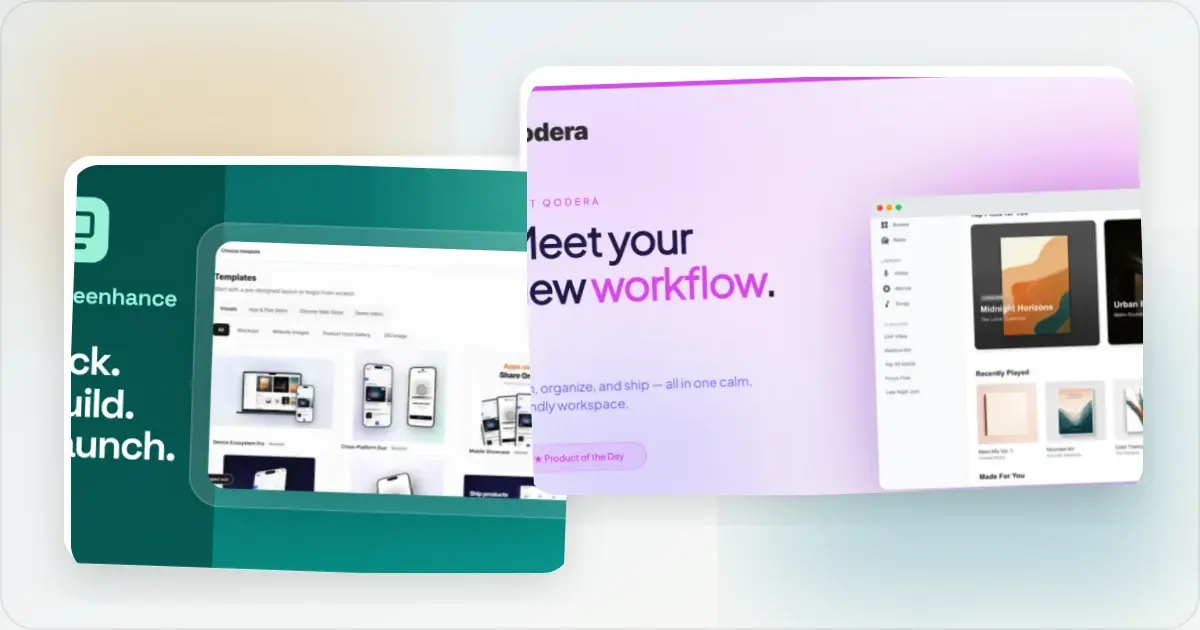
How to Launch an App in 2026: The Complete Step-by-Step Checklist
The complete 2026 app launch checklist: a 4-6 week timeline across pre-launch, launch day, and post-launch, plus every store, Product Hunt, and OG asset needed.
4 Jul 2026 · 8 min read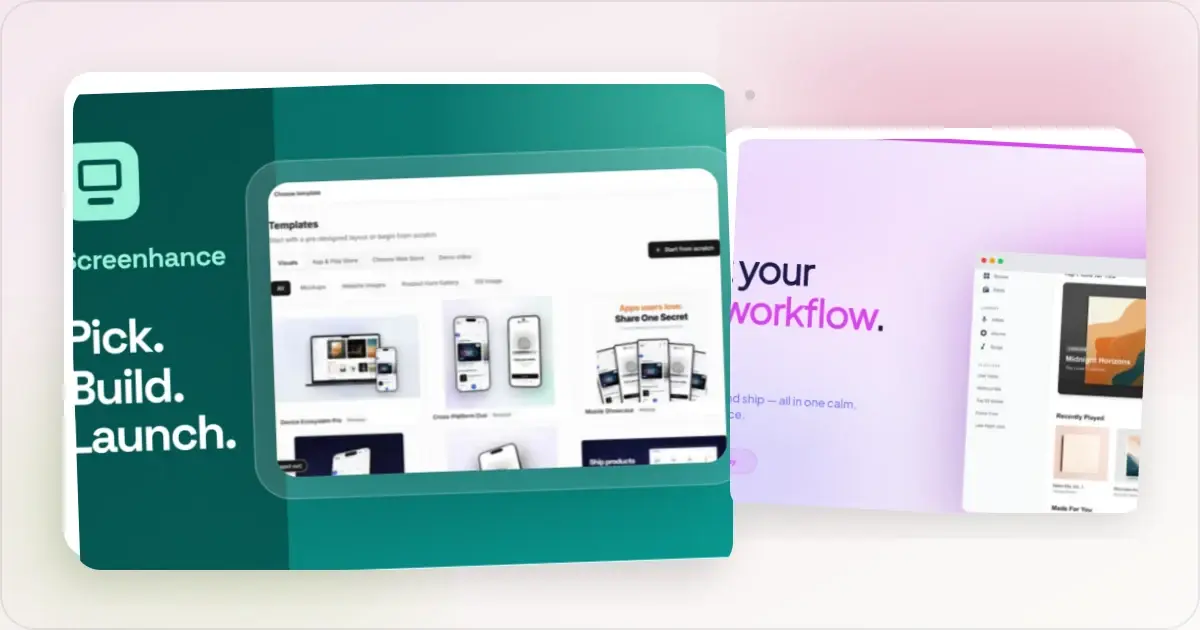
How to Publish an AI-Built App to the App Store (Lovable, Bolt, Replit)
A practical App Store submission walkthrough for AI-assisted apps: enrollment, builds, listing metadata, screenshots, privacy details, and review preparation.
2 Jul 2026 · 5 min read