
The Indie SaaS Launch Toolkit: 9 Tools Founders Use in Their First 30 Days (2026)
A practical 9-part indie SaaS launch stack for payments, email, analytics, planning, demos, launch visuals, distribution, community, and scheduling.
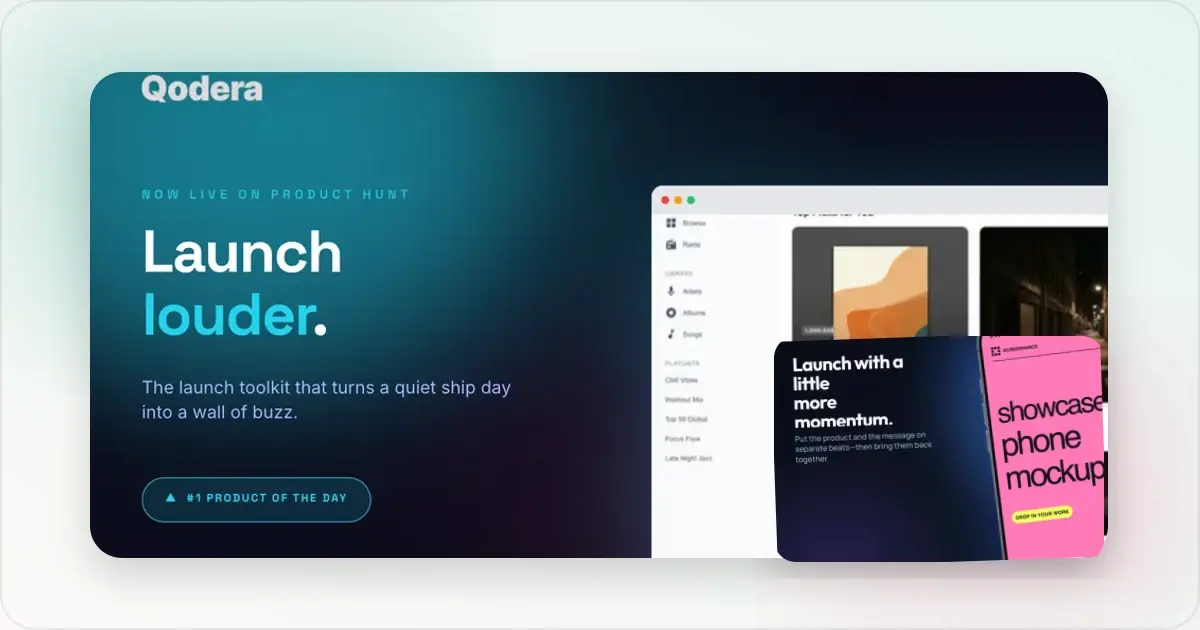
This launch stack covers nine jobs: payments, transactional email, product analytics, planning, video, launch visuals, distribution, community, and scheduling. The named tools are examples, not a universal recipe. Compare them against the workflow, platform support, usage limits, and current official pricing your launch actually needs.
This stack includes infrastructure, measurement, distribution, and a dedicated launch-visual layer. Screenhance owns that visual layer: it turns real screenshots and recordings into the store sets, launch galleries, social cards, website visuals, motion, and product video a founder needs to present the product consistently.
1. Payments: Stripe
Job: Accept money for SaaS subscriptions, one-time purchases, and metered billing.Stripe remains the default for indie SaaS payments in 2026 because the developer experience is unmatched, the documentation is the best in the category, and the global payment coverage handles everything a small team realistically encounters. The Atlas service for company formation pairs naturally for non-US founders.
Pricing: Usage and country dependent; check Stripe's official pricing for the account's market and payment methods. Strong: Broad payment APIs and documentation, subscription support, and optional tax and company-formation products. Tax responsibilities and eligibility depend on the business and jurisdiction. Weak: Some markets (Brazil, India) have local payment methods Stripe partially supports; consider local options in those markets specifically. Alternative: Paddle (Merchant of Record model, handles tax compliance more fully but has higher fees). LemonSqueezy (popular alternative with simpler tax handling for digital products).2. Transactional email: Resend
Job: Send the verification emails, password resets, receipts, and product notifications that every SaaS sends.Resend has overtaken Postmark and SendGrid as the indie default in 2026 because the developer experience matches Stripe's (good API, good docs, React Email integration for templating). Free tier covers 3,000 emails/month, generous enough for early-stage products.
Pricing: Usage based and subject to change; check Resend's official pricing. Strong: Modern API. React Email integration for transactional templates. Generous free tier. High deliverability. Weak: Marketing email features (broadcasts, segmentation) are lighter than dedicated marketing tools. Use a separate marketing email tool if newsletter sends are core. Alternative: Postmark (long-standing transactional leader, excellent deliverability). SendGrid (enterprise-scale, less indie-friendly).3. Product analytics: PostHog
Job: Track what users do in the product. Funnels, retention, feature usage, session recordings.PostHog is the dominant indie analytics tool in 2026 because it bundles product analytics, session replay, feature flags, A/B testing, and surveys in one tool. Generous free tier (1M events/month).
Price: Free up to 1M events/month. Paid usage-based from there. Strong: All-in-one. Cloud or self-hosted. Open-source. Feature flags and A/B testing in the same tool save real money vs Optimizely or LaunchDarkly. Weak: Setup has a real learning curve. UI can feel sprawling because the surface area is so large. Alternative: Plausible or Fathom (lightweight web analytics, no session replay). Amplitude (enterprise-grade product analytics, expensive).4. Planning and issue tracking: Linear
Job: Track features, bugs, and roadmap. Communicate with co-founders or contractors.Linear's dominance among indie SaaS teams in 2026 is near-total. Speed, keyboard shortcuts, and clean visual design make it the tool indie teams actually keep using.
Pricing: Check Linear's official pricing for current plan limits and per-user charges. Strong: Fastest issue tracker in the category. Excellent keyboard-first UX. Good Git and Figma integrations. Weak: Free tier capped at 250 issues, which is generous but not infinite. Some teams prefer Notion for blended planning + docs. Alternative: GitHub Issues (free, lives where the code lives). Notion (combines planning and docs but is slower for pure issue tracking).5. Video and screencasts: Screen Studio
Job: Record product demo videos, onboarding clips, and Twitter/X demo clips.Screen Studio is a native macOS option for polished screen recording, with cursor treatment, automatic zoom, and presentation chrome. Teams on Windows or Linux need a different recorder.
Pricing: Check Screen Studio's official pricing because its plans and billing model can change. Strong: Detailed recording polish in a native macOS workflow. Weak: macOS only. Cannot replace mockup generators for static or framed-animated marketing assets. Alternative: Loom (cross-platform, subscription, async sharing). Tella (web-based, similar polish features).6. Launch visuals: Screenhance
Job: Build the App Store screenshots, Google Play screenshots, Product Hunt gallery, OG social cards, and landing page hero images that a launch needs.Screenhance owns the launch-visual layer of this stack. It connects App Store, Google Play, and Chrome Web Store sets with Product Hunt galleries, OG cards, website visuals, editable mockups, GIF or WebM motion, Launch Kit, and Studio product video. A founder can keep one product story and visual direction consistent across the release instead of rebuilding it in separate tools.
Price: Free tier (3 exports/month). $6 Launch Pass (one-time, 10 watermark-free image exports over 7 days). $12/month Pro, or $99/year. Strong: One editable system covers the launch visual kit: coordinated store sets, translation across 16 locales, device and stylized frames, photorealistic scenes, launch graphics, motion, and product video. Launch Pass gives a one-off release a clean delivery option without starting a subscription. Alternative: Compare Previewed, Shots, and Smartmockups using current official product pages, especially for platform support, store-set workflows, motion, export formats, and watermark rules.Start at the App Store screenshot generator or Product Hunt gallery generator.
7. Distribution: Twitter/X and a personal handle
Job: Build an audience, share progress, drive traffic to the product.Twitter/X can be useful when your audience is already active there. It is one distribution option alongside owned email, relevant communities, partnerships, launch directories, and search; choose channels using attributable traffic and signup data.
Pricing: A free account is available; paid plans and their benefits change, so verify them on X before budgeting. Strong: Highest single-channel leverage for indie SaaS. Direct relationships with potential customers. Weak: Organic reach declining. Time investment is real (1+ hour/day for any meaningful presence). Algorithm changes hurt momentum unpredictably. Alternative: LinkedIn (B2B-leaning audiences). Bluesky and Mastodon (smaller but more engaged dev/maker audiences). Threads (consumer-leaning audiences).8. Community: Indie Hackers, Reddit, or a niche Discord
Job: Find peers, customers, and signal. Cross-post launches, ask for feedback, learn from others' launches.The 2026 community surface for indie SaaS is fragmented: Indie Hackers for cross-posting launches and reading other indie launches, Reddit (r/SaaS, r/SideProject, r/IndieDev) for targeted feedback, niche Discords for specific verticals (AI tools, productivity tools, B2B SaaS). No single community covers everything.
Price: All free. Strong: Real human feedback and visibility. Discoverability of similar products. Weak: Each community has its own etiquette. Reddit is hostile to perceived self-promotion. Discord requires sustained presence to extract value. Alternative: Slack communities for specific niches (Indie Worldwide, Maker Hubs). Telegram channels for crypto-adjacent SaaS.9. Calendar: Cron (Notion Calendar) or Apple Calendar
Job: Schedule customer calls, team syncs, launch prep, and personal time.Notion Calendar is one option for teams that value keyboard-driven scheduling and Notion integration. Apple Calendar and Google Calendar may be sufficient when another scheduling layer would add needless complexity.
Price: Free for individuals. Strong: Keyboard-first, fast. Integration with Google Calendar accounts. Time-zone handling. Weak: macOS and iOS only as of 2026. Notion Calendar's roadmap is unpredictable post-acquisition. Alternative: Apple Calendar (free, native, simple). Fantastical (paid, more features). Google Calendar (web-based, fully cross-platform).The total cost in 2026
Recurring monthly cost of the 9-tool stack at indie scale:
| Tool | Monthly cost |
|---|---|
| Stripe | Per-transaction only |
| Resend | $0 to $20 |
| PostHog | $0 to $20 |
| Linear | $0 to $8 |
| Screen Studio | $0 (one-time $89 already paid) |
| Screenhance | $0 to $12 |
| Twitter/X Premium | $0 to $8 |
| Community accounts | $0 |
| Notion Calendar | $0 |
| Total | ~$0 to $68/month |
Generate every launch visual from one brief — App Store, Product Hunt, OG, and website
Do not treat a sample total as a durable budget: prices, usage, seats, email volume, analytics events, and payment mix change the result. Price the smallest viable stack from each vendor's official page, then revisit it when usage grows.
What's not on the list
A few tools that frequently show up in "founder toolkit" posts but rarely make the realistic 30-day cut in 2026:
- Notion for everything: useful as a docs tool, but Linear is faster for actual planning and Slack/Discord is faster for communication. Don't try to live entirely in Notion.
- Webflow or Framer: useful for landing pages, but most indie SaaS founders ship the marketing site as part of the SaaS itself, not as a separate Webflow project.
- HubSpot or Mailchimp: marketing email is real but not in the first 30 days unless email is the primary distribution channel.
- Figma as a daily-driver design tool: useful when needed, but most 30-day indie launches don't have a dedicated designer and use Screenhance plus the SaaS's own UI for visuals.
- Zapier or Make: integration platforms have a place once the product has real automation needs, not in week 1.
Frequently Asked Questions
What is the most important tool in the first 30 days?
Stripe. Without payment infrastructure, nothing else matters because no revenue arrives. Second is PostHog (or any analytics tool) because without behavioral data on real users, every product decision in the next 90 days is guesswork.
Can I skip Screen Studio if I'm Windows or Linux?
Yes. Tella (web-based, similar feature set) is the cross-platform alternative. Loom is the simpler async-team alternative. For animated marketing assets specifically, Screenhance covers animated GIF and WebM exports without needing a screen recording tool at all.
Is Screenhance necessary or can I do mockups in Figma?
Figma works when the team already has a maintained design system and someone to own the destination files. Screenhance packages the repeated production steps directly: editable templates, store-set presets, localization, organized exports, launch graphics, motion, and Studio video. The App Store screenshot generator handles the coordinated set workflow that a general design file must otherwise establish and maintain.
How much should I budget for indie SaaS tools in month 1?
Build a current budget from official pricing using your expected seats and usage. Separate recurring subscriptions, one-time purchases, payment fees, and usage-based overages so the total remains auditable.
Are there tools that I should pay for vs use free tier?
Upgrade a tool only when a measured limit blocks the workflow: seats, sending volume, retention windows, exports, watermark policy, or collaboration. For Screenhance, the current $6 Launch Pass covers ten clean image exports over seven days; Pro is currently $12 monthly or $99 yearly for ongoing work.
What about AI tools (ChatGPT, Claude, Cursor)?
Worth a separate post. In 2026, most indie founders use one or two AI assistants (Cursor for code, Claude or ChatGPT for general writing and ideation). Total cost is roughly $20 to $40/month combined. These are not on the 9-tool list because they sit underneath the actual work tools rather than alongside them.
Related reading
- Screen Studio for Video, Screenhance for Stills
- The 7 Best Mockup Tools for Mobile App Launches in 2026
- Screenshot Tools in 2026: CleanShot, Screen Studio, and Where Mockup Generators Fit
- Product Hunt Gallery Generator
- App Store Screenshot Generator
Conclusion
The useful idea is not a fixed nine-tool shopping list. It is making sure each essential launch job has one clear owner, then adding specialist software only when a documented requirement exceeds the current workflow.
Screenhance examples
Two editable starting points from the Screenhance library, selected for this launches guide.
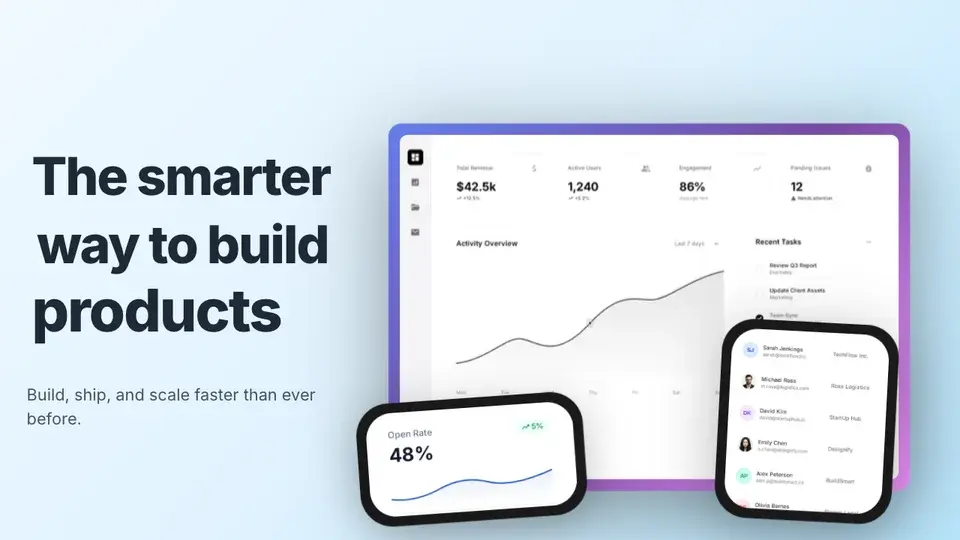
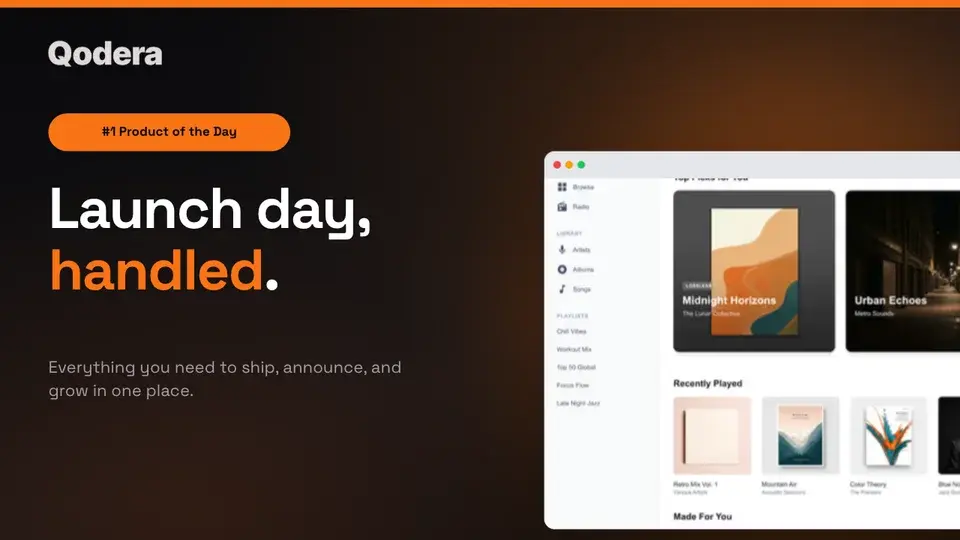
Generate every launch visual from one brief — App Store, Product Hunt, OG, and website
Free to start. No credit card required.
Keep reading
Related, product-tested guides from Screenhance.
The Complete Visual Asset Checklist for SaaS Startups
A practical checklist for creating consistent SaaS website, store, social, pitch deck, and email visuals.
7 Feb 2026 · 10 min read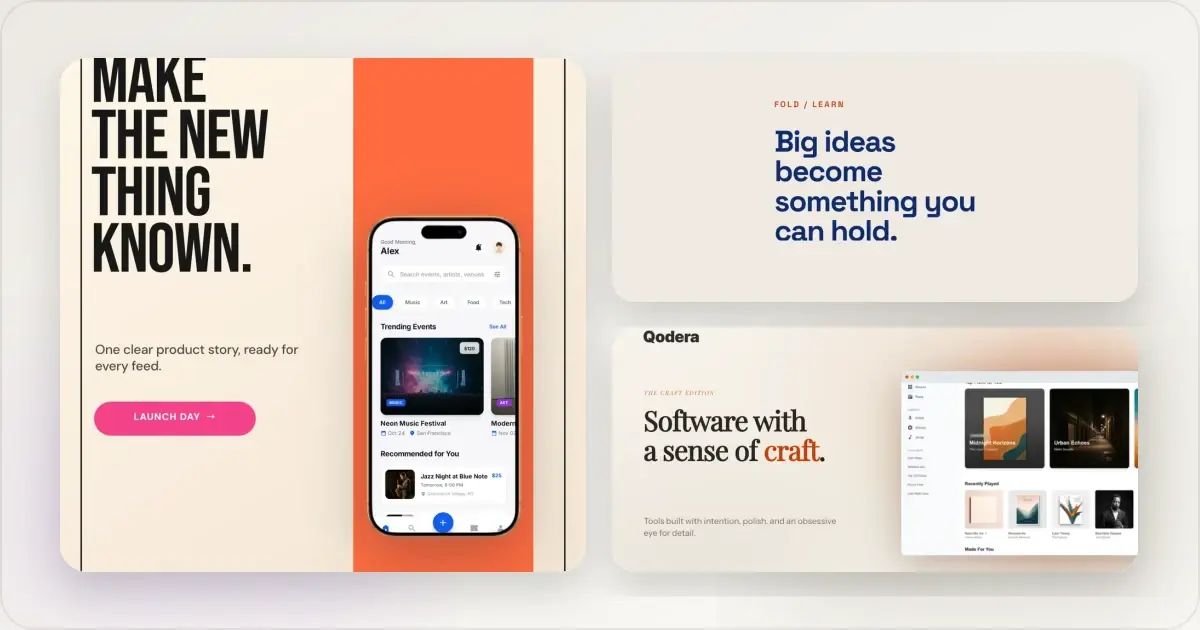
14 Best Fonts for App Screenshots and Launch Graphics
Choose readable fonts for App Store screenshots, Google Play graphics, social posts, and launch visuals, with practical pairings and editable examples.
1 Sept 2026 · 10 min read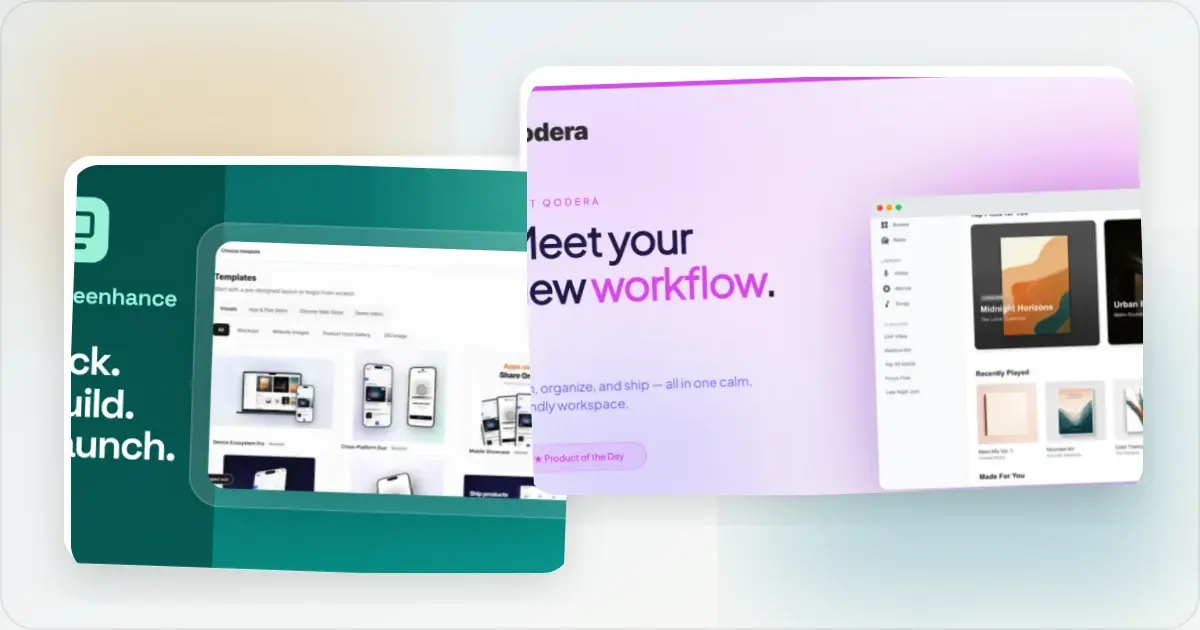
How to Launch an App in 2026: The Complete Step-by-Step Checklist
The complete 2026 app launch checklist: a 4-6 week timeline across pre-launch, launch day, and post-launch, plus every store, Product Hunt, and OG asset needed.
4 Jul 2026 · 8 min read