
Product Hunt Launch Guide 2026: A Practical Maker Checklist
A practical 2026 Product Hunt launch checklist covering submission assets, preparation, launch-day review, authentic sharing, and follow-up.
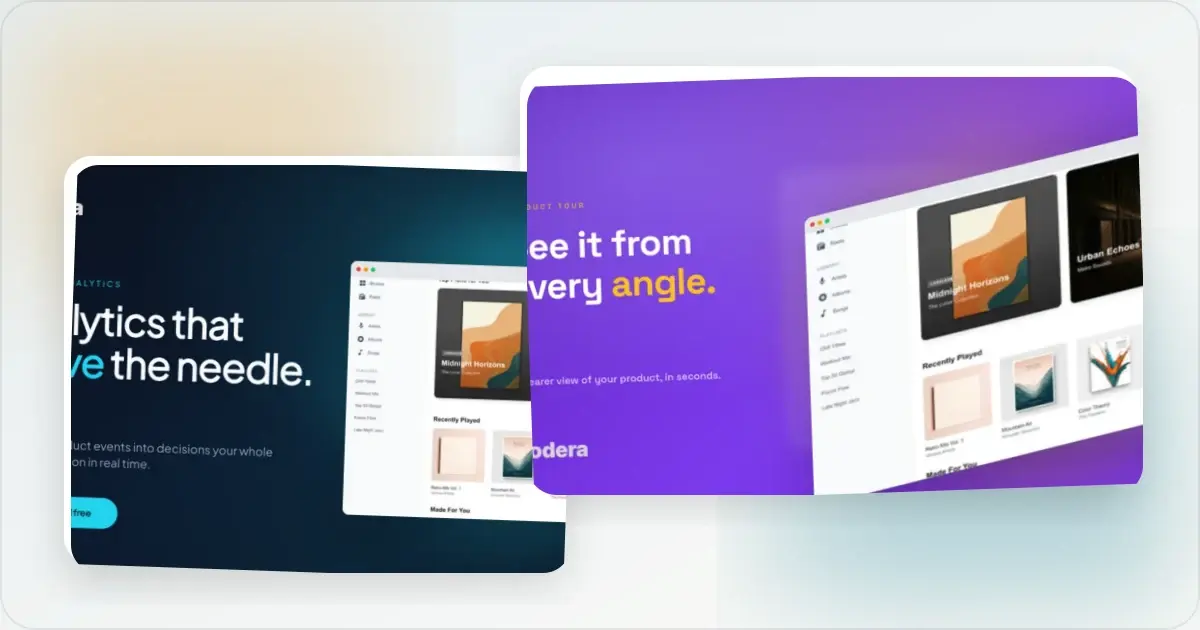
A Product Hunt submission needs a clear product page, a separate square thumbnail, a coordinated gallery, a useful maker comment, working links, and enough preparation time to review the whole experience. Product Hunt does not publish a target upvote count or a simple ranking formula. Its official explanation of points says points reflect genuine engagement rather than raw upvotes alone.
Use the timeline below as a planning template, not a formula for earning a badge. Adjust it to the state of the product, team, and audience.
Strategy: launch date, hunter selection, and preparation
Choose a date when the product is ready and the team can participate in the discussion. Do not trade a stable signup or onboarding flow for a supposedly easier day to rank.
Choosing the date
Pick a date when the build is stable, your website and onboarding work end to end, and someone can answer feedback. Product Hunt supports drafts and scheduled launches but does not publish a dependable day-of-week ranking formula.
The pragmatic answer: treat the date as an operational choice, not a shortcut to a badge. A stable product, accurate page, and available maker are more controllable than the day's competition.Hunter selection
You can post your own product, and Product Hunt no longer sends a hunter's followers an email when a product launches. Choose a hunter only when that person genuinely understands the product and wants to participate in the discussion; do not treat a follower count as a distribution shortcut.
Timing within the day
Product Hunt operates in 24-hour periods in Pacific time, and its posting guide says scheduled posts go live at 12:01 AM Pacific. Prepare the page and maker comment in advance, then plan social posts and replies around the hours when you can participate thoughtfully. Avoid tactics built around vote velocity.
Example 14-Day Pre-Launch Schedule
Working backwards from launch day, this is one way to organize the work. Compress or extend it to fit the product and team.
Day -14 to Day -10: positioning and visual prep
- Pick a launch day based on product readiness and team availability
- Write a short tagline that explains what the product does in plain language
- Draft the Product Hunt description within the platform's current 260-character limit
- Begin taking clean product screenshots (more on this below)
- Identify customers and communities who would genuinely benefit from the launch and may want to discuss it
Day -10 to Day -7: visual assets
This is where the visual work happens in earnest. Submission assets include:
- A coordinated gallery at the recommended 1270 x 760 px, with at least 2 images (the Product Hunt gallery generator handles the set in one workflow)
- A separate square thumbnail; Product Hunt recommends 240 x 240 px and accepts a restrained GIF under 3 MB
- An OG image for your own landing page, sized for the services where that URL will be shared
- Optional YouTube demo video for a workflow that needs motion
For more detail, see Product Hunt Gallery and Thumbnail Sizes.
Day -7 to Day -3: warming up the audience
- Create a draft and, if it fits your plan, a Product Hunt teaser page
- Tease the launch on Twitter/X with one to two short demo clips
- Email existing users with a clear product update if you have their permission to contact them
- Tell existing users and relevant communities what is launching, without asking anyone to coordinate votes
Day -3 to Day -1: dress rehearsal
- Final review of all gallery images at thumbnail size (the squint test)
- Test the landing-page preview in a draft post and with LinkedIn Post Inspector
- Schedule the launch in Product Hunt's submission queue
- Pre-write the maker comment (Day 1, first comment)
- Draft the social posts you genuinely plan to publish
- Verify payment, sign-up, and onboarding flows end to end
Pre-launch competitive research
Competitive research can help you understand the current category without turning another launch's point total into a target.
Review recent launches in the same category
Browse recent launches in the same category. For a useful sample, note:
- Number of gallery images
- Style and tone of the gallery (minimal vs photographic vs animated)
- Tagline and first paragraph wording
- Maker comment style and length
- Questions and objections raised in the comments
The goal is to find recurring positioning, missing explanations, and visual conventions—not to reverse-engineer a ranking threshold Product Hunt does not disclose.
Identify the gap
After the audit, decide what your page needs to explain that comparable launches did not. Differentiation can come from the problem, audience, workflow, evidence, or visual system; changing the background style alone does not create meaningful positioning.
Prepare the Submission Assets
Review these assets even if you use a shorter or longer schedule than the example above.
Take Clean Product Screenshots
Before you design anything, take accurate screenshots of representative product states.
- Use truthful demo data and do not imply that sample users, transactions or results are real
- Hide browser bookmarks, extensions, and notification badges
- Use the product state people will be able to access, or label a concept clearly
- Capture enough source detail for the recommended gallery dimensions
Keep a small set of alternate captures in case the gallery order or product state changes during review.
Design Your Gallery Images
Product Hunt recommends 1270 x 760 gallery images and requires at least two for the gallery to be viewable. Plan the sequence like a story.
Image 1, overview: The gallery opener is separate from the square thumbnail. Use it to identify the product and show enough of the interface to make the next image worth viewing. Middle images, key workflows: Let each image explain one distinct workflow or use case. Keep captions short enough to remain readable at the displayed size. Evidence, when available: Include a verified testimonial, example, or metric only when you have permission and can support the claim. Final image, optional next step: Close with pricing, a use case, or a next step only when it adds information not already present on the page.A Product Hunt gallery generator keeps the gallery canvas and visual system together. Upload your screenshots, choose a frame and background, edit the copy, and inspect every exported slide.
Create Your Product Hunt Thumbnail
The Product Hunt thumbnail is separate from the gallery. Product Hunt recommends a 240 x 240 square image and permits a restrained GIF under 3 MB.
- Keep it simple and recognizable at small sizes
- Keep important details away from the edge so the mark survives different crops
- Export a clean square image and preview it in the submission form
Write Your Tagline
Your tagline appears directly below your product name.
- Follow Product Hunt's guidance to keep it very short
- Focus on what your product does, not what it is
- Avoid jargon and buzzwords
Design Your OG Image
Your own landing page should have an Open Graph image for services that read that metadata. This is separate from Product Hunt's thumbnail and gallery.
- A 1200 x 630 canvas is a common 1.91:1 starting point; verify the destinations you care about
- Include your product name, tagline, and a visual that matches your gallery style
- Test the live URL because platforms can crop, cache, or omit previews differently
An OG image generator can help you produce this quickly with consistent branding.
The launch day timeline
Product Hunt says ranking is based on points that include genuine engagement, not a published upvote threshold or a fixed hour-by-hour formula. Use launch day to explain the product and learn from the discussion, not to orchestrate votes.
When the scheduled post goes live
- Verify the thumbnail, gallery, YouTube link, website link, signup flow, and pricing
- Post the maker comment with the problem, motivation, current product state, and one specific request for feedback
- Fix any broken link or misleading asset immediately
When your audience is active
- Share the launch organically on the channels where you already participate
- Attach the strongest visual so the product is understandable even before the click
- Let existing users know what changed and invite honest feedback; do not ask for coordinated upvotes
Throughout the day
- Answer substantive comments and questions while the context is fresh
- Note repeated objections, confusing language, and feature requests
- Keep the product page accurate if a launch-day fix changes what the product can do
At the end of the day
- Record the questions, traffic, signups, and product issues that matter to your own business
- Thank people for useful feedback without turning the follow-up into another vote request
- Decide what genuinely deserves a product improvement or a useful launch retrospective
The Maker Comment and Replies
The maker comment gives visitors context that the tagline and gallery cannot carry on their own. Use it to start a useful discussion rather than to repeat the product description.
What to include
- Open with the motivation, then explain the product in plain language.
- Be specific about what is and is not built yet. Clear beta status and limitations help people give relevant feedback.
- End with a focused question. Ask about the workflow, audience, or trade-off you most need to understand.
- Keep it scannable. Use short paragraphs and include only the context needed to start the conversation.
Responding to comments
- Reply while the context is fresh, without promising an artificial response-time target
- Reply substantively rather than using the same generic acknowledgement on every thread
- When someone reports a bug, acknowledge it, investigate safely and follow up with an accurate status
- When someone criticizes the product, address the substance and keep the response respectful
Comments and Product Hunt points
Product Hunt says points consider genuine engagement, including upvotes and comments, alongside other authenticity signals. There is no public formula. Optimize for a clear page and a useful conversation rather than a target count.
Post-launch follow-up
Thank participants and record the outcome
Thank people for useful feedback, then record the questions, traffic, signups, revenue, and product issues that matter to your business. Do not publish private customer data or turn the thank-you into another vote request.
Days +2 to +7: the launch story content
Write a useful account of what worked, what did not, and what changed because of the feedback. Publish it only if it contains lessons your audience can use.
Days +7 to +14: feature follow-ups
Ship a focused improvement when the feedback and roadmap support it. Credit a commenter publicly only with their permission.
Days +14 to +30: case study or numbers post
If the launch produced a useful lesson or a meaningful business result, share it with enough context to be honest about the measurement window and baseline.
Eight Product Hunt Launch Failure Modes
Practical failure modes to check before launch:
1. Treating rank as the strategy. A clear product story and an audience fit matter more than guessing which day will be easiest to win.
2. Weak or disconnected thumbnail. The separate square thumbnail does not clearly identify the product or match the gallery it leads into.
3. Coordinated vote requests. Product Hunt discourages mass messaging and asking people to upvote; share organically and invite genuine feedback instead.
4. A broken signup flow. Visitors cannot evaluate the product if the core path fails.
5. No useful maker context. A generic announcement misses the chance to explain why the product exists and what feedback would help.
6. Ignoring comments. Unanswered questions leave important objections unresolved for future visitors.
7. Overpromising in the tagline. A claim the current product cannot support makes the rest of the page harder to trust.
8. No post-launch follow-through. Repeated questions and useful feedback should feed the roadmap, documentation, and the next clear product update.
Core Product Hunt Visual Assets
The core submission and sharing assets are:
- A coordinated gallery at 1270 x 760 pixels (at least 2 images)
- Separate square thumbnail (Product Hunt recommends 240 x 240 pixels)
- OG image for your own landing page, sized and tested for its destinations
- Optional social images adapted for the channels where you plan to share
- Optional: a YouTube video for showing a workflow
Bookmark the Product Hunt launch checklist page for a quick-reference version you can use on launch day.
Frequently Asked Questions
What day of the week should I launch on Product Hunt?
Choose a date when the product is stable, your website and onboarding work, and the team can participate in the discussion. Product Hunt does not publish a dependable day-of-week ranking formula, so readiness is a safer basis than trying to predict the easiest badge.
Do I need a hunter to launch on Product Hunt in 2026?
You can self-hunt. If another person hunts the product, choose someone who knows it well and will contribute authentically to the conversation. Product Hunt says hunter followers do not receive launch emails, so do not build the plan around borrowed reach.
How many upvotes do I need to rank in the top 5?
There is no reliable threshold. Product Hunt says homepage position is determined by points that reflect genuine engagement, including upvotes, comments, authenticity, featured status, and other undisclosed signals. Build a clear launch page and invite useful discussion instead of targeting a vote number.
When should I start preparing for a Product Hunt launch?
Start early enough to test the product and review the submission without rushing. The 14-day runway in this guide is a planning example: compress or extend it based on team size, product stability, and the number of assets you need.
What should I do on launch day?
Have the page, gallery, thumbnail, and maker comment ready before the scheduled launch. Share the post organically on the channels and in the communities where you already participate, and respond thoughtfully to comments and feedback throughout the day.
What happens after launch day?
Day +1 thank the people who participated and record the questions that came up. During the next week, publish a useful recap or ship a focused improvement based on launch-day feedback. Continue only when you have something substantive to share rather than manufacturing a fixed posting cadence.
What is the most common Product Hunt launch failure?
Treating the launch as an upvote campaign. Product Hunt explicitly discourages mass messaging, coordinated voting, and asking people to upvote. Share the launch organically, invite honest feedback, and make the page clear enough that interested people can understand the product quickly.
Related reading
- Product Hunt Gallery and Thumbnail Sizes Plus 6 Templates
- How to Create Product Hunt Launch Visuals
- Visual Branding for Startup Launch Assets
- Product Hunt Gallery Generator
- Product Hunt Launch Checklist Tool
Conclusion
A Product Hunt launch is a product page and a conversation, not a guaranteed ranking playbook. Prepare accurate submission assets, test the product path, share the launch within Product Hunt's promotion guidelines, and use the discussion to learn what visitors understand or miss. The checklist reduces preventable mistakes; it cannot promise a badge, a point total, or a business result.
Screenhance examples
Two editable starting points from the Screenhance library, selected for this launches guide.
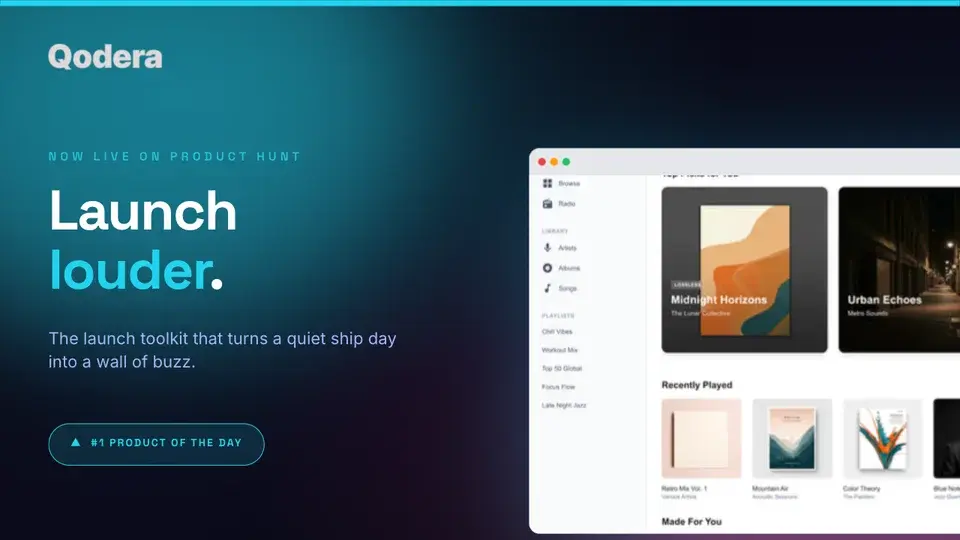
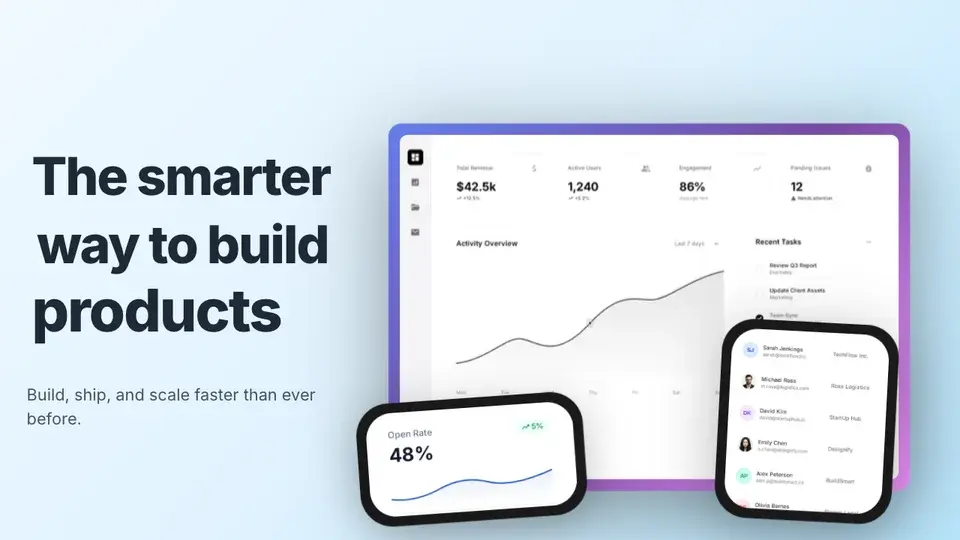
Generate every launch visual from one brief — App Store, Product Hunt, OG, and website
Free to start. No credit card required.
Keep reading
Related, product-tested guides from Screenhance.
Product Hunt Gallery and Thumbnail Sizes (2026)
Use Product Hunt's current 1270 × 760 gallery recommendation, a separate 240 × 240 thumbnail, and a clear visual sequence for your launch.
21 Apr 2026 · 6 min read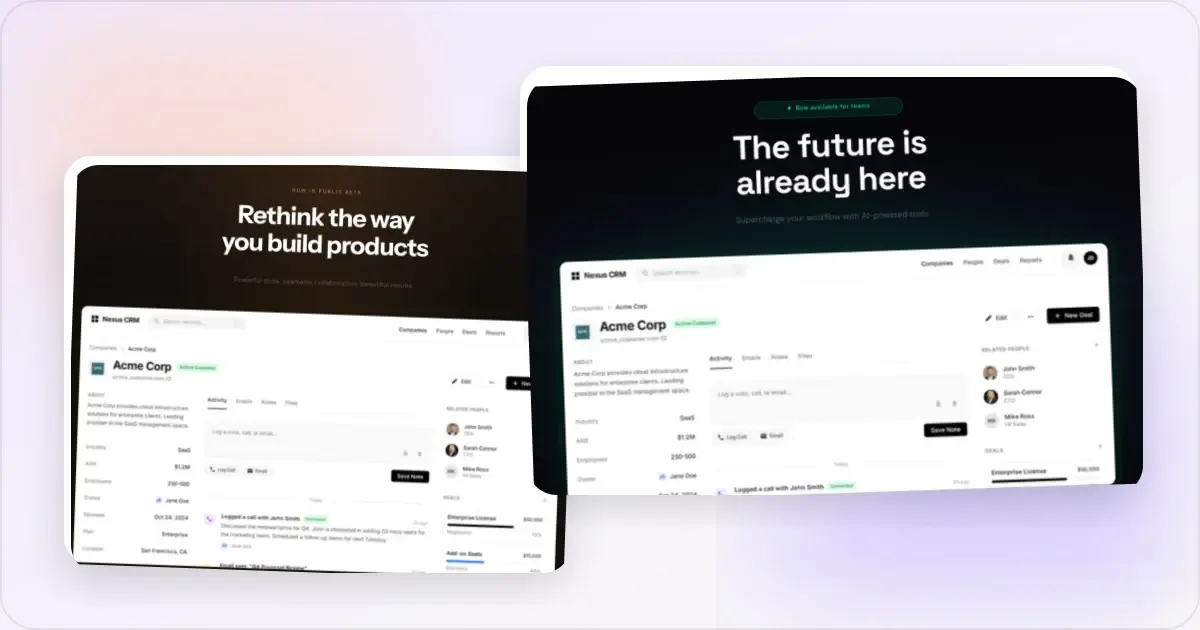
How to Create Clear Product Hunt Launch Visuals
Plan a clear Product Hunt thumbnail and gallery, preview the real upload, choose static or motion assets, and prepare an accurate visual story.
21 Apr 2026 · 8 min read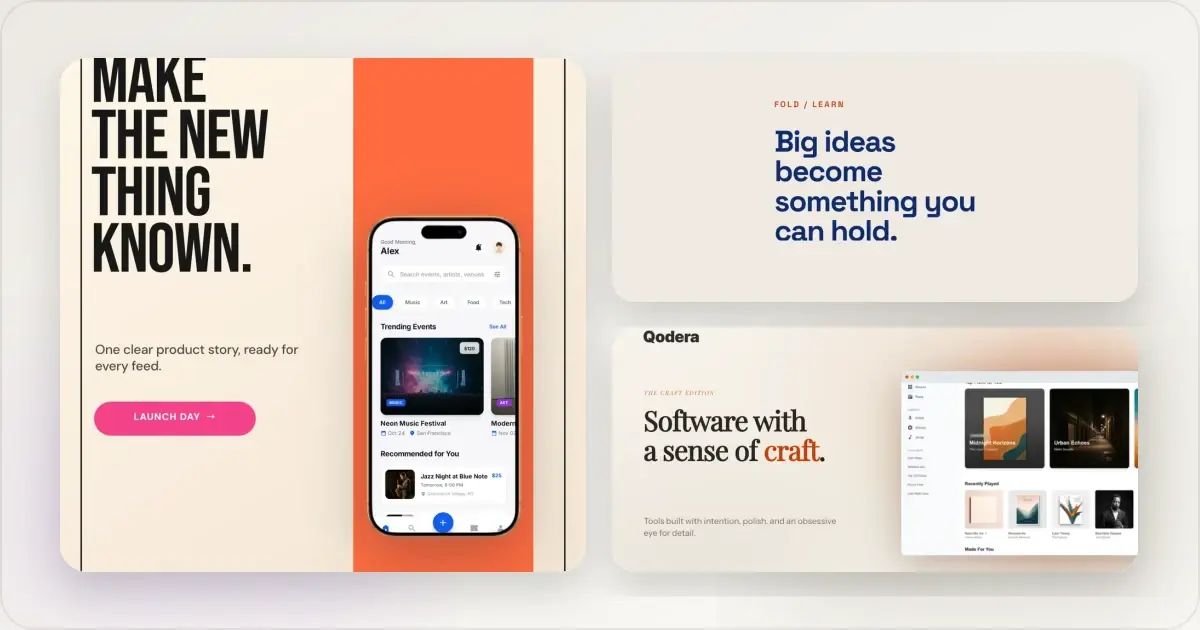
14 Best Fonts for App Screenshots and Launch Graphics
Choose readable fonts for App Store screenshots, Google Play graphics, social posts, and launch visuals, with practical pairings and editable examples.
1 Sept 2026 · 10 min read