
Visual Branding for Startups: Screenshots That Build Trust
Your startup's visual presentation affects credibility. Learn how consistent screenshot styling builds brand trust from day one.
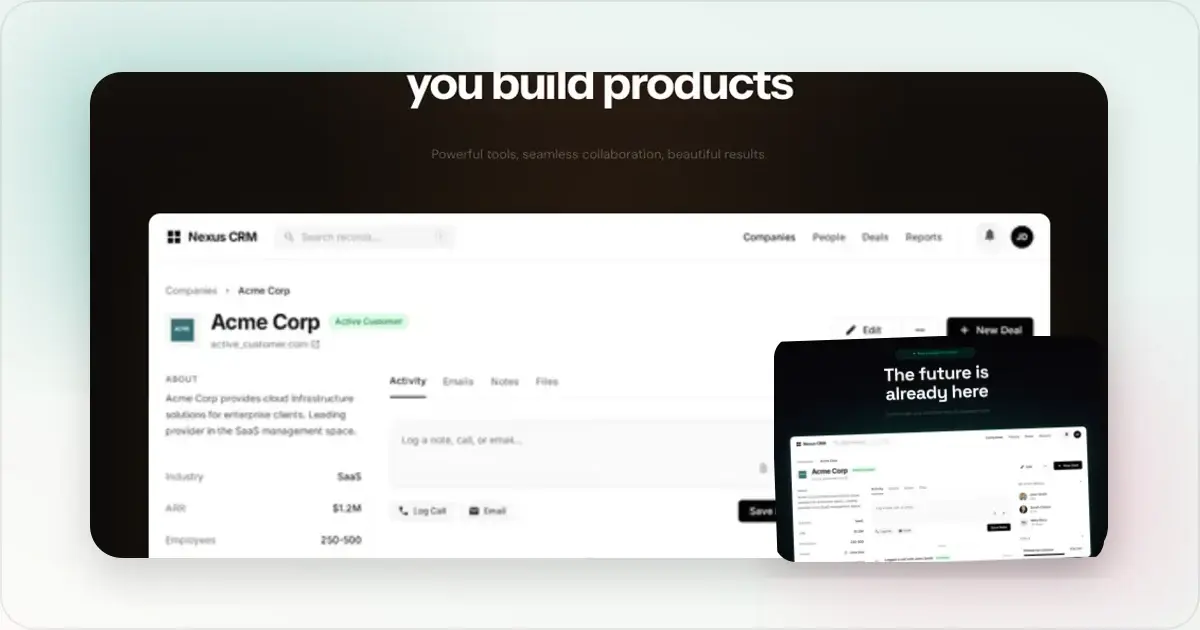
Early-stage startups compete on trust. Clear, consistent visual presentation helps visitors understand what the product is and whether the company appears credible.
Here's how to build credibility through consistent screenshot styling.
Why Visuals Signal Trust
When someone lands on your site, they unconsciously ask:
- Is this a real company?
- Do they care about quality?
- Can I trust them with my data/money?
Polished visuals answer "yes" to all three. Sloppy visuals create doubt.
The Minimum Viable Brand
You don't need a full brand guide on day one. Start with:
One or two colorsPick a primary color and use it consistently. Gradients, backgrounds, accents.
One device frame styleMacBook, iPhone, browser—pick one and stick with it.
Consistent padding and spacingSame margins around your screenshots everywhere.
That's it. These three things create visual consistency.
Where Consistency Matters
Landing pageEvery screenshot should feel like it belongs together. Same frames, same backgrounds.
Social mediaYour Twitter posts should be recognizable without reading. Consistent styling builds brand recall.
Product Hunt / launchesGallery images must feel cohesive. Inconsistency looks unprepared.
DocumentationEven docs benefit from consistent screenshot styling.
Quick Brand Setup
Step 1: Choose your gradientPick 2-3 colors that work together. Use this gradient everywhere.
Step 2: Choose your device frameMatch your product type:
- Web app → Browser or MacBook
- Mobile app → iPhone/Android
- Both → Create a standard composition
Make one well-styled mockup. Use the same settings for everything.
Common Startup Mistakes
Different styling everywhereHomepage uses blue gradient, Twitter uses pink, docs have no styling. Looks fragmented.
Outdated devicesiPhone X frames in 2025 make you look behind the times.
Inconsistent qualitySome screenshots are high-res, others are blurry. Shows lack of attention to detail.
No styling at allRaw screenshots everywhere. Looks like you don't care about presentation.
The Trust Stack
Visual consistency is part of what I call the "trust stack":
1. Professional domain - screenhance.com not screenhance.webflow.io
2. Polished visuals - Consistent, high-quality screenshots
3. Clear copy - Professional writing, no typos
4. Social proof - Testimonials, logos, user counts
5. Secure checkout - Trust badges, SSL
Missing any of these creates friction. Polished visuals are the easiest to fix with a startup screenshot tool.
For Solo Founders
You don't need a designer. You need:
- A mockup generator (like Screenhance)
- 10 minutes to pick your styling
- Discipline to use it consistently
That's the whole system. Pick your colors, pick your frames, apply everywhere.
Scaling Your Visual Brand
As you grow, document your choices:
- Exact gradient colors (hex codes)
- Device frame preferences
- Padding amounts
- Export dimensions
This lets team members or contractors maintain consistency.
A Minimum Viable Brand Kit for Pre-Seed Startups
Most founders try to build a brand system before they have a brand. That's backwards. At pre-seed, you need a _minimum viable brand kit_ — six things, no more — so you can ship consistent visuals across the landing page, Twitter, Product Hunt, and pitch deck.
1. One primary brand colour plus a darker shade for hover/CTA states. Pick from your logo or product UI; don't introduce a new colour just for marketing.
2. One gradient built from the primary colour. Use it on hero backgrounds, OG cards, and Product Hunt gallery #1. Document the exact hex values and angle.
3. One device frame style — realistic _or_ minimal, dark _or_ light. Pick one and use it everywhere. Mixing realistic iPhone and minimal Chrome frames in the same deck reads as inconsistent.
4. One typeface for headlines (often the same one as your product UI; otherwise a free Google font you'll stand by). One typeface for body. That's it.
5. One social card template at 1200×630, used for every blog post, landing page, and shared link. Auto-generated from your OG image generator so writers don't have to design each one.
6. One photo / texture / illustration treatment if you use any. Most early startups should skip this entirely — illustrations are expensive to maintain and date faster than anything else.
That kit fits on one Notion page. Anything beyond that is premature for under-20-employee teams.
Visual Branding for Funded vs Bootstrapped
The right level of visual investment depends on who's making the buying decision.
Bootstrapped, indie-focused. Audience is forgiving of rough edges as long as the product is honest and the founder is visible. Spend on a consistent brand kit (above) and skip everything else. Build in public, post unpolished progress shots, lean into personality. VC-backed, B2B. Audience is enterprise buyers and competitors. Polish is the price of entry — a sloppy landing page tells procurement you're not ready. Invest in a designer for the marketing site, but still use a pitch deck mockup generator for everyday investor and sales decks; bespoke deck design slows you down without changing outcomes. Consumer / D2C. Audience expects retail-grade polish. Lifestyle photography, custom illustration, and animated mockups all earn their cost here. The brand kit needs to extend to packaging, video, and physical merchandise.Resist the urge to mimic the visual style of companies one or two stages ahead of you. A seed-stage startup using late-stage Stripe-grade visuals looks like a fake, not a winner.
Frequently Asked Questions
How long should a startup brand kit document be?
One page. Anything longer doesn't get read. Colours (hex codes), typefaces, device frame style, gradient values, OG card template link, contact for "what do I do?" exceptions. Keep it in Notion or Linear so it can be edited as the brand evolves.
Should I hire a designer or use a generator?
Both, in that order. Use a generator for everyday visuals (landing page, social, decks, screenshots) to maintain velocity. Hire a designer for the things that compound — logo, brand mark, hero illustration, possibly the marketing site shell. Avoid hiring a designer for one-off mockups that you'll redo in two months.
How often should the visual brand change?
Refresh annually, redesign every three to five years. Annual refreshes are small: refreshed device frames (so iPhone 15 mockups don't carry into 2027), updated gradients, new screenshot covers. A full rebrand should happen because the product or audience changed, not because the team got bored.
Can I use stock photos in a startup brand?
Sparingly and only certain kinds. Lifestyle stock that depicts your buyer's context can work (e.g. a developer at a laptop, if you sell to developers). Generic "team in a glass office" stock photos undermine credibility — they're recognisable to anyone who's seen the same image on five other landing pages.
What's the highest-ROI visual investment for a 2-person startup?
A polished hero image on the landing page and a consistent OG card template. The hero is what converts; the OG card is what travels every time someone shares your link. Everything else is downstream.
Brand Evolution Without Rebrand Whiplash
Most early-stage startups oscillate between "we have no real brand" and "we're doing a full rebrand." Both are expensive. The middle path — incremental brand evolution — is what successful companies actually do.
Year one. Hold the line. Resist the urge to redesign your logo, change your accent colour, or refresh the device frames. Customers and investors associate consistency with stability, and constant visual changes signal team instability. The only legitimate reason to change the brand this early is if customers genuinely can't pronounce or remember the name. Year two. Refresh, don't rebrand. Update device frames to current hardware (iPhone 17, MacBook M4), refresh the gradient palette if it's looking dated, ship a new OG card template. Keep the logo, name, and primary colour locked. This is also when you formalise the brand into a one-page guide. Year three+. Allow incremental evolution. Add complementary colours, evolve the illustration style, swap out the hero pattern. Lock the logo and primary colour unless there's a strategic reason to change (acquisition, pivot, expansion into new markets). Year five+. A real rebrand can make sense — new logo, new colours, new wordmark. But only with a strategic reason and the budget to redo every customer touchpoint at the same time. Half-rebrands (new logo, old website) are worse than no rebrand at all.When to Hire a Designer (and When Not To)
Founders consistently misjudge when to bring in design help. The pattern:
Don't hire a designer for: routine mockups, social posts, OG cards, blog post headers, App Store screenshots, Product Hunt galleries. These are repeatable visuals that a mockup generator or hero image generator handles in minutes. Paying an agency $1,500 to design a Product Hunt gallery is a money-burn signal that you don't understand what's repeatable. Do hire a designer for: the logo (one-time), the marketing site shell (one-time), the icon and brand mark, custom illustrations that will be reused, the brand guidelines document. These compound — design effort spent here pays dividends for years. Hire a designer-on-retainer for: the brand-defining campaigns. Conference booth visuals, the year-end product video, the keynote deck. These need design taste that goes beyond what a generator can produce, but they happen rarely enough that a full-time designer is overkill. Hire a full-time designer when: you've outgrown the generator-plus-Figma stack. The signal is usually that the founder can't ship visuals fast enough to keep up with marketing demands, and freelance designers can't context-switch quickly enough to fill the gap. This typically happens between Series A and Series B for B2B and during the consumer growth phase for B2C.The mistake to avoid is hiring a full-time designer at seed stage. The throughput of generator + Figma at this stage is higher than a single designer working from scratch — and the designer ends up underutilised, building one polished piece of work per week while marketing needs five.
Related Reading
- What Is a Mockup? Types, Uses, and Examples - Mockup fundamentals
- How to Make a Mockup: Complete Beginner's Guide - Step-by-step guide
- Pitch Deck Mockup Generator - Create investor-ready product visuals
- How to Create SaaS Hero Images That Convert - Landing page hero best practices
- Mockup Design Trends for 2026 - Stay current with design trends
Conclusion
Your startup's credibility is partly visual. Consistent, polished screenshots build trust before visitors read a word.
Pick a style. Apply it everywhere. An image generator makes it easy to maintain consistency with minimal effort while signaling maximum professionalism.
First impressions matter. Make yours count.
Screenhance examples
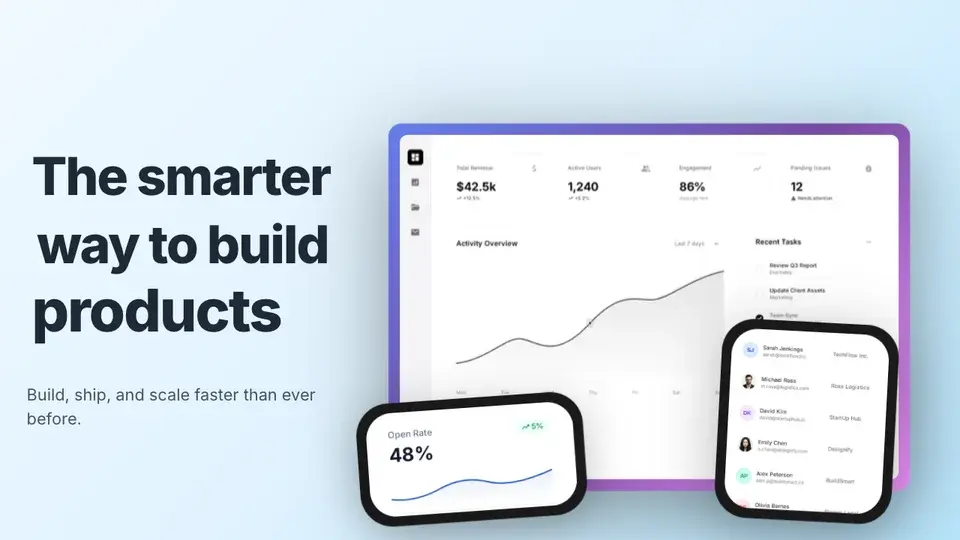
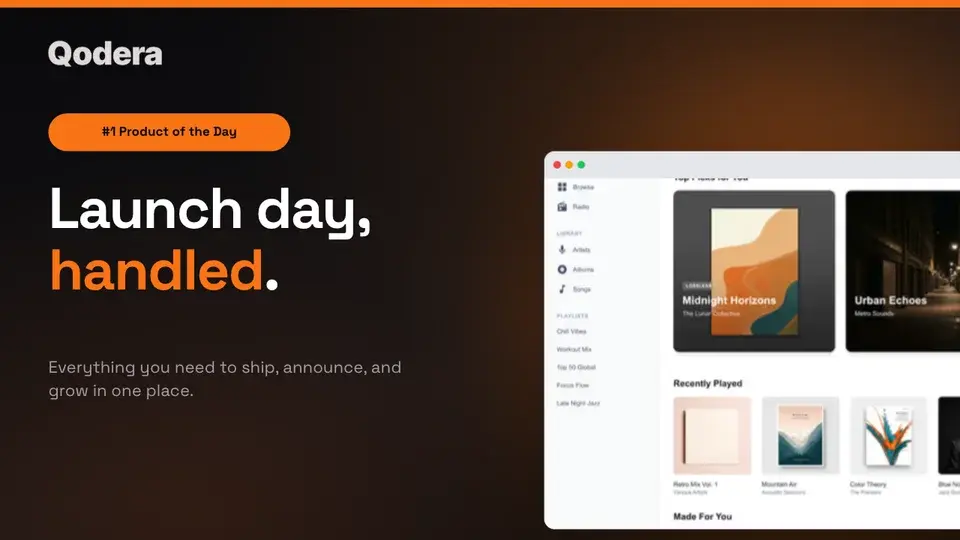
Two editable starting points from the Screenhance library, selected for this launches guide.
Ready to create stunning visuals?
Free to start. No credit card required.
Keep reading
Related, product-tested guides from Screenhance.
How to Create Visual Changelogs That Users Actually Read
Learn when product screenshots, annotations, and short motion clips make release notes clearer, plus how to keep a changelog archive consistent.
7 Feb 2026 · 10 min read
50 Screenshot Background Ideas: Gradients, Colors & Styles That Pop
Stop using plain white backgrounds for your screenshots. Here are 50 background ideas — gradients, mesh, glass, and aurora styles — organized by use case.
21 Apr 2026 · 11 min read
The Complete Visual Asset Checklist for SaaS Startups
A practical checklist for creating consistent SaaS website, store, social, pitch deck, and email visuals.
7 Feb 2026 · 10 min read