
Android Mockup Guide: Pixel, Samsung, and More
Android's device diversity is a marketing challenge. How to pick the right Android frames, create Play Store screenshots, and handle cross-platform mockups.
Marketing an Android app is different from marketing an iOS app, and the difference starts with mockups. While iPhone marketing revolves around one device family, Android has dozens of popular devices from multiple manufacturers. That diversity is both a strength and a challenge.
Here is how to navigate Android mockups effectively.
The Android Device Diversity Problem
When you create an iPhone mockup, the choice is straightforward: pick the latest iPhone model. With Android, you are immediately faced with questions.
- Do you use a Pixel frame to signal "pure Android"?
- Do you use a Samsung Galaxy because it has the largest market share?
- Do you pick a generic Android frame to avoid alienating any manufacturer's users?
The answer depends on your audience, your app's positioning, and where the mockup will be used. There is no single right answer, but there are clear guidelines.
Choosing the Right Android Device Frame
Google Pixel
The Pixel represents stock Android at its best. It signals that your app works perfectly with the latest Android version and follows Material Design guidelines.
Best for: Developer tools, productivity apps, apps that emphasize Android-first design, and any context where you want to signal technical credibility. The Pixel frame works well for Play Store listings, developer documentation, and marketing to Android enthusiasts who care about the platform experience.Samsung Galaxy
Samsung commands the largest share of the Android market globally. A Galaxy frame tells a huge portion of Android users "this app is built for your device."
Best for: Consumer apps with broad audiences, apps popular in markets where Samsung dominates, e-commerce apps, and social media tools. Samsung Galaxy S series provides a premium look comparable to the iPhone Pro line. The Galaxy A series frame signals accessibility and broad market appeal.Generic Android Frame
Sometimes the best choice is a clean, unbranded Android frame. This avoids favoring any manufacturer and keeps the focus entirely on your app.
Best for: Cross-platform apps that also run on iOS, apps with diverse user bases, and marketing materials where device brand is irrelevant to the message.Play Store Screenshot Strategy
Google Play Store screenshots are the primary conversion tool for your app listing. Android users browse quickly, and your screenshots need to communicate value within seconds.
Play Store Requirements
Google Play accepts screenshots between 320px and 3840px on each side, with a maximum aspect ratio of 2:1. You can upload up to 8 screenshots per device type.
What Works on the Play Store
Lead with benefits, not features. Your first screenshot should answer "why should I download this?" not "what buttons does this app have." Use device frames strategically. Some Play Store listings use full-screen screenshots without device frames to maximize visible content. Others use device frames for a polished, premium look. Test both approaches with your audience. Keep text large and readable. Play Store screenshots are often viewed on small phone screens. Any overlay text needs to be readable at thumbnail size.An Android mockup generator helps you produce consistent, high-quality screenshots quickly. Upload your screenshots, choose a device frame, pick a background, and export at the right dimensions.
Cross-Platform Marketing Challenges
If your app runs on both Android and iOS, your marketing materials need to serve both audiences without feeling like an afterthought for either.
The Dual-Platform Landing Page
Many app landing pages show both an iPhone and an Android device side by side. This works, but execution matters.
- Use current models for both platforms (no iPhone 15 next to a three-year-old Android phone)
- Match the visual treatment: same background, same shadows, same scale
- Show the same screen on both devices to emphasize cross-platform consistency
Platform-Specific Marketing
For platform-specific channels like the Play Store or App Store, use device frames native to that platform. Your Play Store listing should feature Android frames. Your App Store listing should feature iPhone frames.
For your website and social media, you can feature both. But if you have to pick one hero image, consider your analytics. Which platform drives more of your traffic? Lead with that device and feature the other as supporting context.
Avoiding the "iOS First" Look
A common mistake is clearly designing all marketing for iPhone first and then awkwardly adapting it for Android. Android users notice when mockups use iOS-style navigation patterns, iOS-specific UI elements, or when the Android version looks like it received less design attention.
Give your Android mockups the same care and polish as your iOS ones. The mockup generator approach helps here because it applies the same professional treatment regardless of which device frame you choose.
Material Design Considerations
Android users expect Material Design patterns. Your mockup screenshots should reflect this.
- Navigation: Use Android-style bottom navigation or navigation drawers, not iOS tab bars
- System UI: Show the Android status bar with the correct icons (battery, signal, time)
- Buttons and controls: Material Design buttons, toggles, and input fields look different from iOS equivalents
- Typography: Roboto or other Android-appropriate fonts
If your app uses a custom design system, that is fine. But the system-level UI elements visible in the screenshot should match the Android platform.
Background and Composition Tips
Android mockups benefit from the same background principles as other devices, with a few Android-specific considerations.
Material Design color palettes make natural background choices for Android mockups. Google's color system provides harmonious gradients that feel native to the Android ecosystem. Avoid Apple-associated aesthetics. Backgrounds with a very "Apple" feel (certain gradient styles, certain minimalist approaches) can create visual dissonance with an Android frame. Match the background energy to the platform. Show off Android-specific features. If your app uses widgets, quick settings tiles, or other Android-exclusive features, create dedicated mockups for those. They are differentiators that iOS apps cannot match.Common Mistakes
Using only one Android device. If your marketing features an Android phone, consider which model best represents your user base. A Pixel-only approach misses Samsung's massive audience, and vice versa. Ignoring the Play Store. Some developers treat the Play Store listing as an afterthought compared to their App Store listing. Android users deserve equally polished screenshots and mockups. Outdated Android UI in screenshots. Android's design language has evolved significantly. Material You and dynamic color make older Android UIs look dated. Keep your screenshots current. Wrong screen ratios. Android devices have varying aspect ratios. Make sure your screenshot matches the device frame you are placing it in. A screenshot from a 20:9 device will not fit correctly in a 16:9 frame.Android Device Fragmentation: Picking the Right Hero Frame for a Play Store Listing
The single hero frame on your Play Store listing — the device that anchors your feature graphic and the first screenshot — does more work than any other asset. It tells the viewer who your app is for before they read a single word.
A Pixel 9 Pro frame says "this app was built by people who care about Android." Stock Android, clean Material 3, current hardware. It's the right choice if you have a developer-leaning audience, if your app uses platform features that ship first on Pixel (call screen, on-device transcription, the latest Gemini integrations), or if your team's brand identity is "we sweat the details." The downside: Pixel still represents a single-digit slice of the global Android install base. To a user in Jakarta, Lagos, or Mumbai, a Pixel frame is just an unfamiliar device.
A Samsung Galaxy S frame is the opposite trade. It instantly reads as "a real Android phone" to the largest portion of the global market. The trade-off is that One UI looks different from stock Android — the system fonts, settings panels, and quick toggles all carry Samsung's design language. If your screenshots are stock Android styled and your frame is a Galaxy, the mismatch is subtle but visible to power users. Match the frame to the screenshot's UI dialect.
A Galaxy A-series or budget Pixel A frame is what you want for emerging-market apps, accessibility-focused products, and anything where you do not want the device to feel aspirational. The frame visually says "this app respects users on real budgets." For fintech in regions where most users own mid-range phones, this matters. A flagship frame on a financial inclusion app reads as out of touch.
The cleanest single-frame approach for a generic global Android audience is a current Pixel in a neutral colour (Obsidian or Porcelain on the Pixel 9 series), shown straight-on with no perspective. It's the closest thing Android has to "default device" and it lets the screenshot do all the persuasion.
Why Samsung Galaxy and Pixel Send Different Brand Signals
The frame you pick is a brand statement whether you intend it to be or not. Treating Pixel and Galaxy as interchangeable Android devices misses how differently they read.
Pixel signals software-first, opinionated, tasteful. The hardware design has been deliberately understated since the Pixel 6 — flat sides, the camera bar, restrained colours. Choosing a Pixel frame implicitly says your team values that aesthetic. It pairs naturally with apps that lean into Material You, dynamic colour, and Android's newer design language. Developer tools, productivity apps, journaling apps, RSS readers, anything Hacker News would discuss — these all benefit from Pixel framing.
Galaxy signals hardware-first, ambitious, mainstream. Samsung's industrial design has moved toward thinner bezels, more aggressive camera modules, and bolder colours (the recent Galaxy S Ultra finishes are intentionally striking). A Galaxy frame says your app meets users where the largest population of Android users actually lives. E-commerce, social, video, gaming, mainstream consumer utilities — these all read more naturally inside a Galaxy frame.
The miscalibration to watch for is putting a "Hacker News app" inside a Galaxy frame or a "mass-market consumer app" inside a Pixel frame. The mismatch creates a quiet sense that the developer doesn't know their audience. The Android mockup generator makes it cheap to render the same screenshot in both frames and pick by gut — the right answer is usually obvious once you see them side by side.
Frequently Asked Questions
How should I handle foldable phones like the Galaxy Z Fold or Z Flip in mockups?
Only use foldable frames if your app meaningfully adapts to the foldable form factor. A Z Fold mockup showing a regular phone-aspect screenshot stretched across the inner display is worse than no foldable mockup at all — it implies your app is broken on foldables. If you have proper foldable support, show the inner display with content that takes advantage of the wider canvas (multi-pane layouts, expanded sidebars, drag-and-drop between sections). A Z Flip mockup is most useful when showing the cover display in landscape with quick-glance UI, but again only if your app actually integrates with it.
What is the right way to show one-handed reach in Android screenshots?
Use a portrait phone mockup with a subtle hand overlay only if reachability is genuinely a selling point for your app. Most generic "hand holding phone" mockup styles look stocky and dated. The cleaner approach is a portrait device frame with the relevant UI clustered in the bottom third of the screen, which implicitly shows that the app respects thumb reach without needing to draw a hand. Material 3's bottom-anchored navigation patterns photograph well in this style.
Should I show Material 3 theming or stick with older Android theming for broader compatibility?
Material 3 with dynamic colour. Anything older looks like the app hasn't been touched since Android 11. Users running Android 14 and 15 expect the rounded, pill-shaped components and the system-tinted accents. Showing Material 2 in 2026 marketing reads the same way Material 1 read in 2020 — visibly behind. If your app actually still uses older theming, that's a separate problem worth fixing before the mockup matters.
How do Android 15 and later status bars and gesture navigation affect mockups?
The status bar got cleaner in Android 14 and 15 — fewer crowded icons, more breathing room around the clock, and the notification dots behave differently. Gesture navigation replaced the three-button nav years ago for most users, so showing a navigation bar with back/home/recents buttons inside an Android 15 frame is dated. Use the slim gesture indicator at the bottom of the screen instead. If your mockup generator still defaults to three-button nav, override it.
How do I handle ROM-specific UI variations like One UI, MIUI, or OxygenOS?
Match the frame to the ROM. If your screenshots show One UI's settings sheets, font, or notification style, use a Galaxy frame. If they show MIUI/HyperOS — common in Asian markets — use a Xiaomi frame. OxygenOS belongs in a OnePlus frame. Mixing stock Android screenshots with a Galaxy frame, or One UI screenshots with a Pixel frame, creates a credibility gap for any user familiar with that ROM. For global Play Store listings where you can't pick a single ROM, default to stock Android screenshots inside a Pixel frame — it's the most neutral combination Android offers.
Related Reading
- Play Store Screenshot Guide: Sizes and Best Practices - Detailed Play Store optimization
- App Store vs Play Store Screenshots: Key Differences - Cross-platform comparison
- How to Create iPhone Mockups That Convert - iPhone mockup strategy for comparison
- How to Make a Mockup: Complete Beginner's Guide - General mockup creation fundamentals
Check your image dimensions
Check the pixel size and file format for Google Play screenshots. Files stay in your browser and are not stored.
This checks dimensions and file type only. Check the selected display slot, colour profile, transparency and artwork separately. A matching size does not guarantee store approval.
Google Play screenshot dimensions
- 320–3840 pixels on each side. Long side no more than twice the short side. PNG or JPEG; check Google Play’s additional requirements for large screens separately.
Screenhance examples
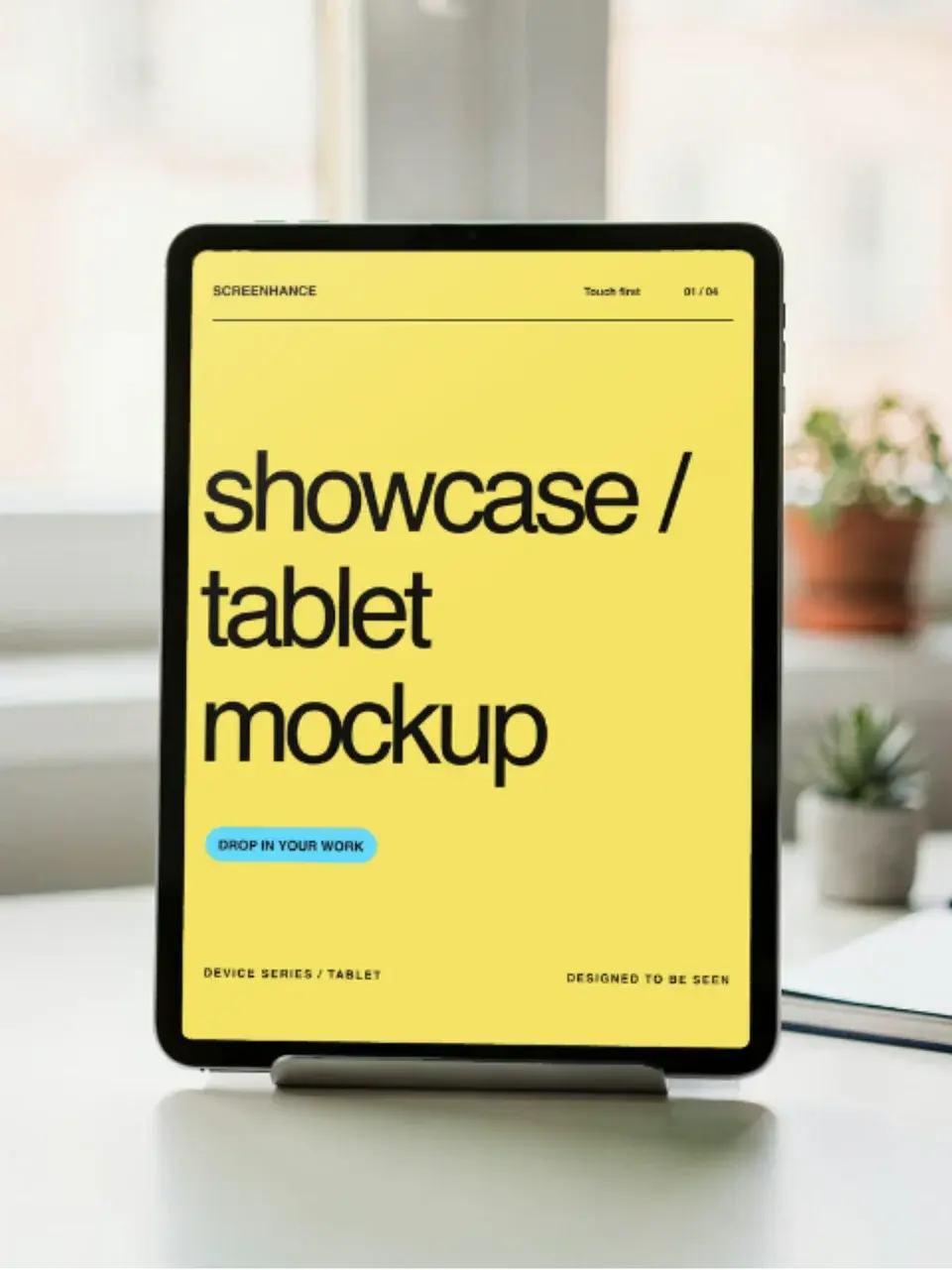
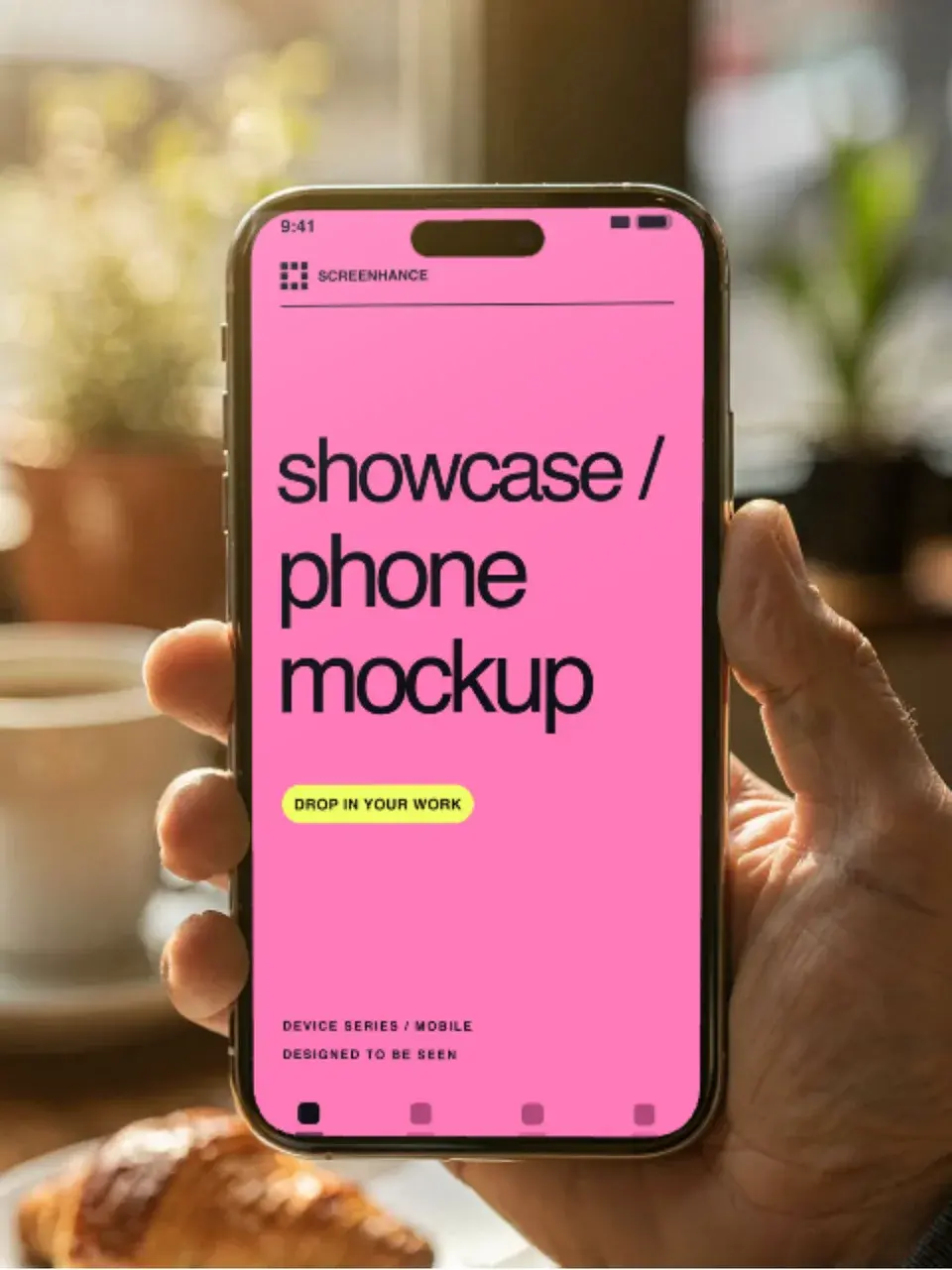
Two editable starting points from the Screenhance library, selected for this mockups guide.
Generate Google Play screenshots free
Free to start. No credit card required.
Keep reading
Related, product-tested guides from Screenhance.
iPad Mockups: Choose a Still, 3D Turn or Handheld Animation
Choose an iPad mockup for your app: a 3D turn, screen close-up, portrait handheld scene or keyboard desk animation. Learn how to prepare and export it.
7 Feb 2026 · 6 min read
Google Pixel Mockup Guide for Android Marketing in 2026
Choose and use a Google Pixel frame for Android marketing, compare it with a Galaxy treatment, and prepare accurate Play Store visuals.
29 May 2026 · 5 min read
Google Play Store Screenshot Guide: Sizes, Tips, and Templates
Prepare Google Play screenshots with current size rules, editable Android examples, a step-by-step export workflow, and a checklist for your next release.
7 Feb 2026 · 9 min read