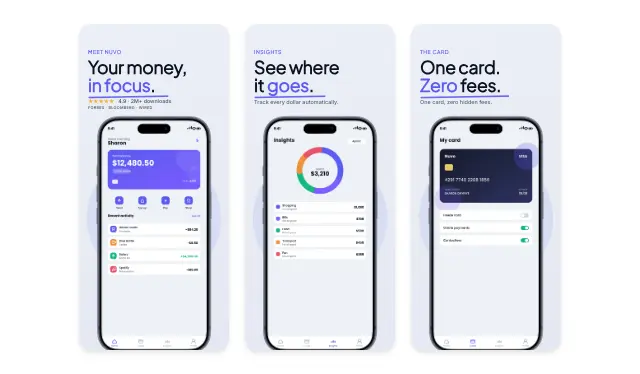
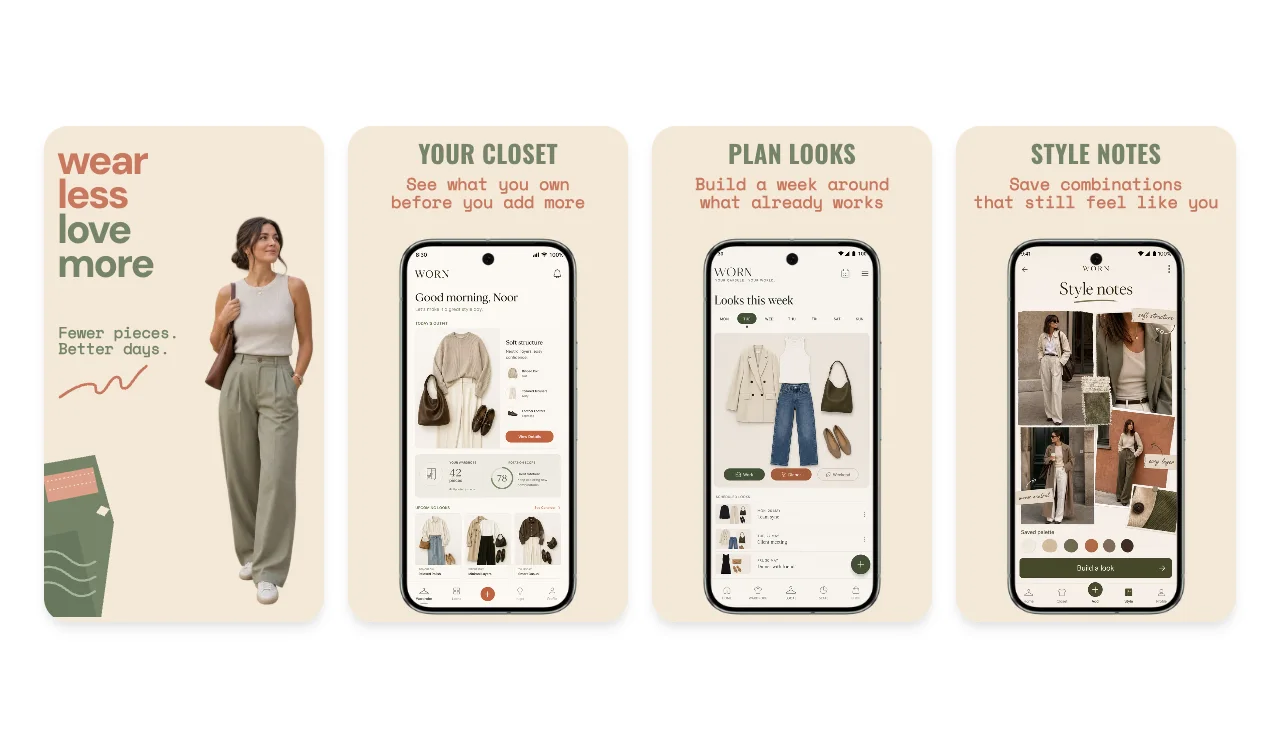
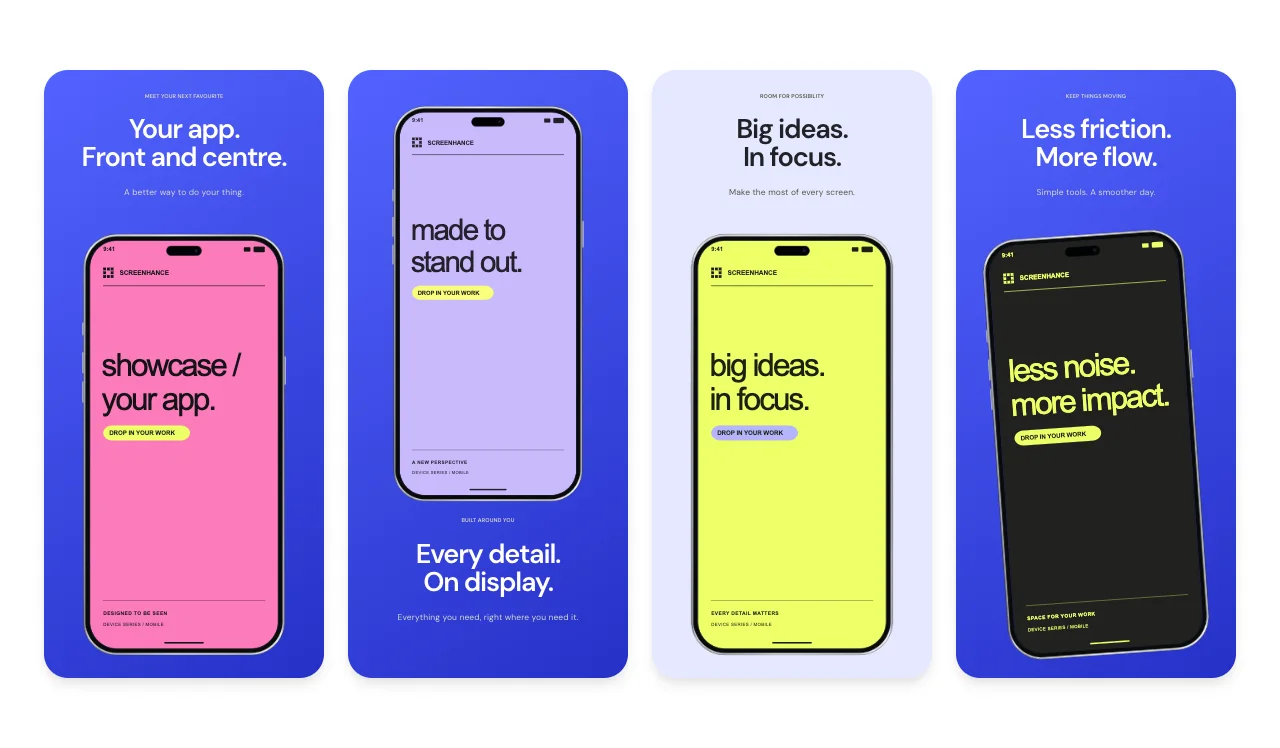
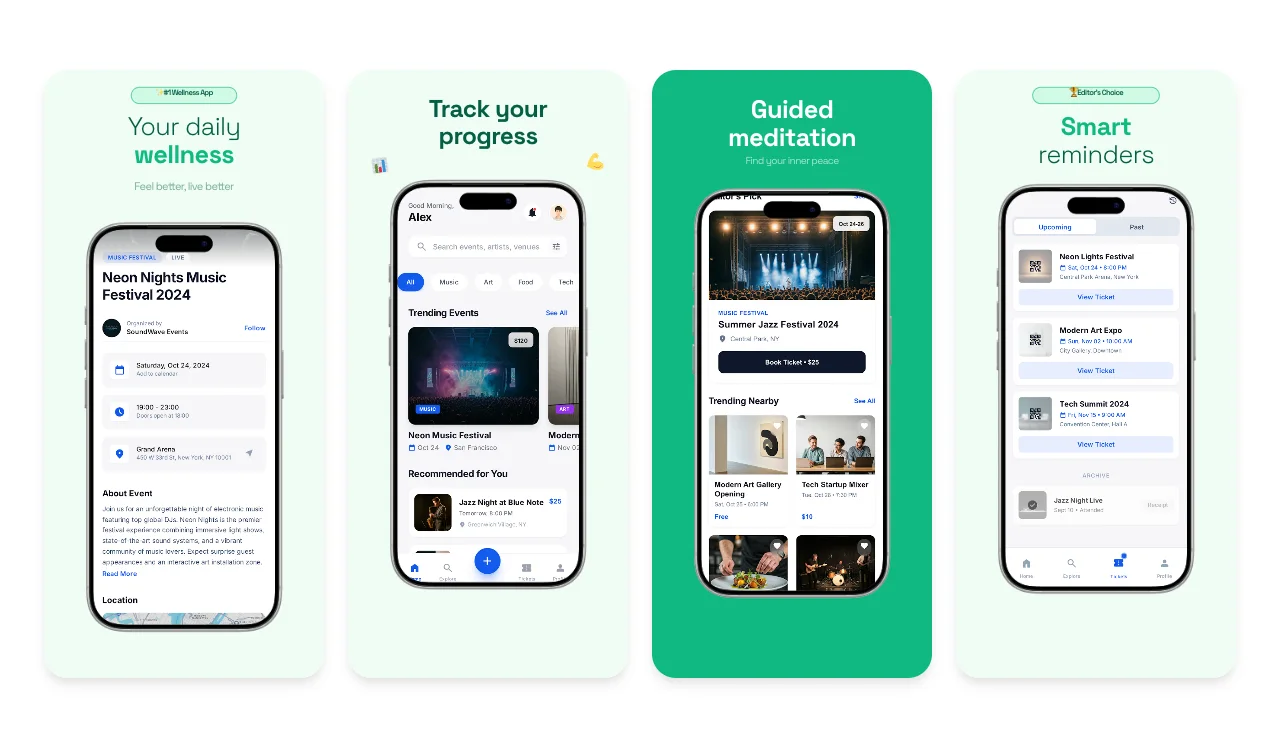
ScreenhanceBeta

App Store Screenshots for India

India ships to Google Play first and the App Store close behind. Design one screenshot set, swap the captions between Hindi and English, and export every size both stores require, starting on the free plan.

Olivia RhyePhoenix BakerLana SteinerDemi WilkinsonDrew Cano
4.9

Loved by 2,000+ creators

Templates Sized for Google Play and the App Store

Pick a template, drop in your app screens, and write your captions once. The same design exports at every dimension both stores accept.

Every Size for Both Stores, from One Design

Google Play accepts a range; Apple demands exact pixels. You should never have to remember either. Design once and export the full set.

Google Play phone screenshots

At least 2 and up to 8 per device type, as JPEG or 24-bit PNG, each side between 320 px and 3840 px, aspect ratio no wider than 2:1. Most Indian listings lead with 1080 × 1920 portrait, and Screenhance exports it by default.

Make Play Store screenshots

Apple App Store screenshots

Apple validates exact dimensions: 1320 × 2868 or 1290 × 2796 for the required 6.9-inch iPhone set, with older sizes like 1284 × 2778 still accepted. One pixel off means a rejection, so exports come out at the exact spec.

Make App Store screenshots

Tablets and iPad

iPad listings need 2064 × 2752 or 2048 × 2732, and Play tablet screenshots must sit inside the same 320 to 3840 px range as phones. If your app runs on big screens, the templates cover those exports too.

Cover tablet sizes

One design, one export pass

The point is not memorizing specs; it is never thinking about them. Build the set once, and every required Google Play and App Store dimension exports together, for each language your listing ships in.

Start your set

Want the deeper spec walkthroughs? See the dedicated Play Store screenshot generator and App Store screenshot generator pages.

One Listing in Hindi and English

India browses its app stores in more than one language. English is the default listing language for most Indian apps, but hundreds of millions of users run their phones in Hindi and other Indian languages, and a listing that greets them in their own language converts better than one that does not. Google Play supports a dedicated hi-IN listing with its own screenshots, and App Store Connect offers a Hindi locale as well.

The reason most teams skip the Hindi listing is not conviction, it is cost: rebuilding a screenshot set per language in a design tool is a day of duplicated work. Screenhance removes that cost. You keep one master design, duplicate it, swap the captions into Hindi (Devanagari renders correctly, since captions accept any Unicode script), and export the second set in minutes. The App Store screenshot translator workflow walks through exactly this process, and our screenshot localization guide covers the strategy: which captions to translate, how to handle text expansion, and when a second language is worth it.

Built for How India Downloads Apps

A listing browsed on a budget Android phone over mobile data has different priorities than one browsed on Wi-Fi in a design studio.

Clarity beats decoration

Many users decide from thumbnails on a 6-inch screen, often in bright light. Templates keep captions short, large, and high contrast, so the first two screenshots make the pitch on their own.

Files that stay light

Clean, flat compositions compress well, which keeps your listing quick to render for users on slower connections and stays comfortably inside both stores' file limits.

Start free, pay when it pays

The free plan includes 3 exports per month, so you can design and ship a first listing at zero cost. Upgrade only when you are exporting the full multi-language set for both stores.

How It Works

Create professional mockups in three simple steps. No design skills required.

Step 1

Upload your screenshot

Drag and drop or select any screenshot, design, or image from your device.

Step 2

Choose frame & background

Pick from iPhone, iPad, MacBook, browser frames and beautiful gradient backgrounds.

Step 3

Export & share

Download as PNG, WebP, JPEG, GIF, or video. Ready for marketing in seconds.

Why Choose Screenhance?

Two capabilities that separate Screenhance from every other mockup tool in 2026: animated exports and App Store screenshot localization.

Animated GIF & WebM exports

Template-driven motion — float, reveal, parallax. Export animated mockups at Product Hunt, landing-page, and Twitter/X dimensions. Most mockup tools are static-only.

App Store localization in 80+ languages

One master design, per-locale captions, every required Apple and Google Play size per language. RTL and CJK support. Apple reports localized listings drive 2-3x install lifts.

Every required Apple & Google size

iPhone 17 Pro Max (1320×2868), iPhone Air (1260×2736), iPad Pro M4 (2064×2752), and the full Google Play set — exported from one design in a single pass.

30 seconds, zero design skills

Pick a template, drop in your screenshot, export. No Figma, no Photoshop, no learning curve. Free tier covers 3 exports a month; $6 Week Pass unlocks unlimited for a launch.

Play first, App Store close behind

If you are shipping an app in India, your launch order is usually already decided: Android is where the vast majority of your users are, so the Google Play listing comes first. That inverts the advice on most screenshot guides, which are written App Store first. For India, start with Play's rules: 1080 × 1920 portrait screenshots, at least two of them, captions that survive thumbnail size, and a first frame that states the app's one-line value in plain words. The Play Store screenshot generator templates are built around exactly that frame.

Then ship the App Store set from the same design. iOS is a smaller share of the Indian market but an outsized share of its spending power, and since Screenhance re-exports your Play design at Apple's exact required dimensions, the marginal cost of the second store is close to zero. Use the App Store screenshot generator flow to check the captions still fit the taller iPhone canvas, then export.

The last step is language. Add the hi-IN listing on Play and the Hindi locale on the App Store using the same duplicated-design workflow described above. One design, two stores, two languages: that is the full India listing, and every asset in it came from a single set of app screenshots.

Frequently Asked Questions

Which store should I prioritize for an app launch in India?

Google Play. The overwhelming majority of smartphones in India run Android, so for most apps the Play Store listing is the one that drives installs. The App Store still matters, especially for premium and urban audiences, and since Screenhance exports the same design at both stores' required sizes, there is no reason to skip it. Build the set once, ship it to both.

What screenshot sizes does Google Play require?

Google Play asks for at least 2 phone screenshots and accepts up to 8 per device type. Each must be a JPEG or 24-bit PNG with every side between 320 px and 3840 px and an aspect ratio between 1:2 and 2:1. Most listings lead with 1080 × 1920 portrait, which is sharp on modern phones and downscales cleanly. Screenhance templates export inside this range automatically.

What sizes does the Apple App Store require?

Apple validates against an exact list of dimensions, not a range. For 6.9-inch iPhones that means 1320 × 2868 or 1290 × 2796, and App Store Connect requires at least the 6.9-inch set. iPad listings use 2064 × 2752 or 2048 × 2732. Screenhance exports every required Apple size from the same design you built for Google Play, so being one pixel off is never your problem.

Should my store listing be in Hindi or English?

Ideally both. English is the default store language for most Indian listings, but a large share of Indian users browse their stores in Hindi and other Indian languages, and a listing that speaks the user's language converts better. Google Play lets you add a hi-IN listing with its own screenshots, and App Store Connect supports a Hindi locale too. Screenhance keeps one master design and swaps the captions per language, so the second listing costs minutes, not days.

Can Screenhance render Hindi captions in Devanagari?

Yes. Caption text accepts Unicode, so Devanagari renders correctly alongside English in the same template. You duplicate the design, paste in the Hindi captions, adjust the font size if a translation runs longer, and export. The device frames, backgrounds, and layout stay identical across languages, which keeps the two listings looking like one brand.

Is Screenhance free to use?

Yes. The free plan includes 3 exports per month, enough to design your set and ship a first listing without paying anything. When you are ready to export the full multi-language, multi-size bundle for both stores, paid plans unlock unlimited exports, and pricing is a few dollars, not an agency retainer.

✦ New · Launch Kit

Need the rest of your launch set?

You'll also need Play Store screenshots, a Product Hunt gallery, an OG image, and a website hero. Upload your screenshots once and Launch Kit generates them all, on-brand and matching.

Ship Your Listing to Both Stores

Design your screenshot set once, swap the captions into Hindi, and export every size Google Play and the App Store require. Free to start.