
MacBook Mockup Free: Create Professional Laptop Mockups Online
Create free MacBook Pro and MacBook Air mockups for your SaaS, portfolio, or pitch deck. No Photoshop needed — just upload your screenshot and export.
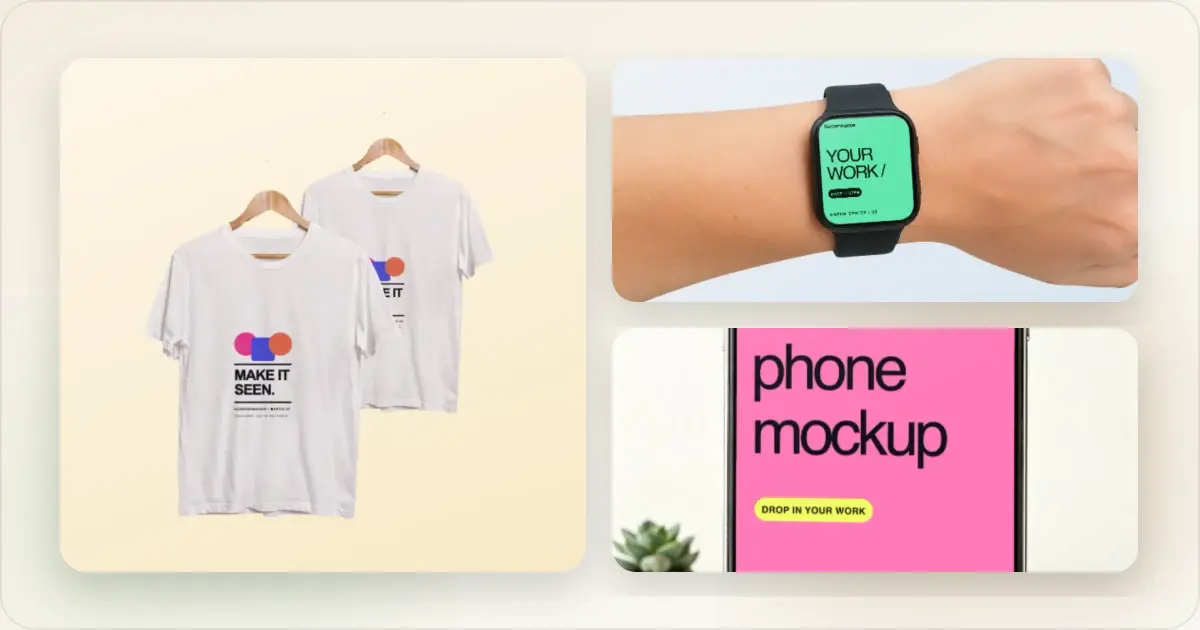
If you're building a SaaS product, web app, or portfolio site, you need MacBook mockups. Plain screenshots don't sell — a product screenshot inside a sleek MacBook frame immediately looks more professional and trustworthy.
Here's how to create them for free without Photoshop or design skills.
MacBook Models Available
Modern mockup tools support the full current MacBook lineup:
- MacBook Pro 16" — The flagship. Best for showcasing complex dashboards and full-width interfaces.
- MacBook Pro 14" — Slightly smaller, still premium. Great for general SaaS products.
- MacBook Air 15" — Thinner profile, consumer-friendly. Good for lifestyle and productivity apps.
- MacBook Air 13" — The most popular Mac. Best for broad-audience products.
MacBook Screen Dimensions
Use the correct native resolution for each model:
| Model | Screen Resolution | Display Size |
|---|---|---|
| MacBook Pro 16" | 3456 x 2234 px | 16.2" Liquid Retina XDR |
| MacBook Pro 14" | 3024 x 1964 px | 14.2" Liquid Retina XDR |
| MacBook Air 15" | 2880 x 1864 px | 15.3" Liquid Retina |
| MacBook Air 13" | 2560 x 1664 px | 13.6" Liquid Retina |
Make a free device mockup
Free MacBook Mockup Options
Option 1: Online Mockup Generators (Fastest)
Tools like Screenhance's mockup generator let you create MacBook mockups instantly:
1. Upload your screenshot or webpage capture
2. Select a MacBook model
3. Choose a background
4. Export
Time: Depends on the source image, styling, and review required Cost: Free (with limits) or paid for unlimited Skill required: NoneThis is the fastest option for most people.
Option 2: Figma (Free with Setup)
Figma has free MacBook mockup templates in the community:
1. Create a free Figma account
2. Search the community for "MacBook mockup"
3. Duplicate a template to your workspace
4. Replace the screen content with your screenshot
5. Export
Time: 5–10 minutes (first time), 2–3 minutes after Cost: Free Skill required: Basic Figma knowledgeGood if you already use Figma and want more control over angles and compositions.
Option 3: Free PSD Templates
Sites like Freepik, Mockup World, and GraphicBurger offer free MacBook PSD templates:
1. Download the PSD file
2. Open in Photoshop or Photopea (free)
3. Replace the smart object with your screenshot
4. Export
Time: 5–15 minutes Cost: Free (but Photoshop costs $20+/month) Skill required: Photoshop basicsOnly worth it if you already have Photoshop and need custom angles.
Creating Your MacBook Mockup Step-by-Step
Using Screenhance (Recommended)
Step 1: Capture your screenshot- Take a full-page screenshot of your web app or product UI
- Crop out browser chrome if you want a clean look, or keep it for realism
- Export at the highest resolution available
- Go to app.screenhance.com
- Drag and drop your screenshot
- Choose MacBook Pro 16", Pro 14", Air 15", or Air 13"
- The Space Black or Silver finish works best for most products
- Select a gradient, solid color, or custom background
- Match your brand colors for a cohesive look
- Adjust padding and shadow depth
- Download as PNG for best quality
- Choose 2x resolution for retina-ready images
- Use JPEG if file size is a concern
Done in under a minute.
Best Practices for MacBook Mockups
Crop Browser Chrome Thoughtfully
Decide whether to include the browser address bar and tabs. Including them adds realism. Removing them puts full focus on your product UI. For SaaS landing pages, showing the browser chrome often works better because it reinforces that this is a real web app.
Show Real Product UI
Never use placeholder or lorem ipsum content in your mockups. Use real data, real user interfaces, and realistic content. Visitors can tell when a screenshot is fake, and it destroys trust.
Match Brand Colors
Your mockup background should complement your product's color scheme. If your SaaS has a blue primary color, use a subtle blue gradient behind the MacBook. Consistency between the mockup and the surrounding page design matters.
Stay Consistent Across Pages
If your website uses MacBook mockups on multiple pages, keep the same model, finish, angle, and background style throughout. Mixing different MacBook models or background styles on the same site looks sloppy.
Where to Use MacBook Mockups
SaaS Landing Pages
The most common use case. A MacBook mockup in the hero section immediately communicates "this is a web product" and makes it tangible for visitors. Pair it with a headline and CTA for maximum impact.
Pitch Decks
Investors want to see your product looking polished. A clean MacBook mockup on your product slide signals professionalism and product maturity. A pitch deck mockup generator can help you create investor-ready slides quickly.
Case Studies
Show before-and-after or feature highlights inside MacBook frames. It separates product screenshots from surrounding page content and adds visual weight to your case studies.
Social Media
MacBook mockups can make a social post feel more intentional and provide context. Compare them with plain screenshots using channel-specific engagement data.
Documentation
Product docs and help centers benefit from mockups when showing full-page views. They help users understand where a feature lives within the broader interface.
Frequently Asked Questions
Is the MacBook mockup generator free?
Yes, tools like Screenhance offer free MacBook mockup generation. Free tiers typically include basic device frames and standard backgrounds. Paid plans unlock premium templates, custom angles, bulk export, and higher resolution output.
Which MacBook model should I use?
For SaaS and enterprise products, use the MacBook Pro 16" — it has the largest screen and looks the most impressive. For consumer apps and productivity tools, the MacBook Air 13" is more relatable since it's the best-selling Mac. When creating mockups for a general audience, the Pro 16" is the safest choice.
Can I create angled MacBook mockups?
Yes, many mockup generators offer angled or perspective views. Screenhance supports multiple angles including front-facing, tilted, and isometric views. Angled mockups add depth and visual interest, especially in hero sections and marketing materials.
What formats can I export in?
Most generators export as PNG (best quality, supports transparency) or JPEG (smaller file size). Some tools also offer SVG and WebP. For landing pages, PNG at 2x resolution gives the best balance of quality and performance. Use JPEG for email and social media where file size matters more.
Can I combine MacBook with iPhone mockups?
Yes, combining device mockups is a powerful way to show cross-platform products. Many mockup generators let you create multi-device compositions with a MacBook and iPhone side by side. This works especially well for products with both web and mobile apps.
Do I need to mention the M3 vs M4 chip in my mockup?
No. The chip generation isn't visible in the mockup itself, and naming it in surrounding copy ages your asset fast. The MacBook Pro 14 and 16 visuals are nearly identical across the M3 and M4 generations — same display, same notch, same keyboard. If you must reference hardware, talk about screen size or the year of the design language, not the silicon. Six months from now M5 ships and your M4-labeled hero image suddenly looks dated.
How should I handle dark menu bar vs light menu bar in mockups?
Pick the theme that matches your app's primary mode. Dev tools and reading apps usually render in dark mode and look more cohesive with a dark menu bar at the top of the MacBook frame. Consumer productivity apps usually default to light mode and look better with a light menu bar. Mixing — light app UI with dark menu bar — looks like a Photoshop accident. The menu bar is a small detail, but the inconsistency is one of the first things designers notice in a sloppy mockup.
Are MacBook screen colors color-accurate?
Mockup generators render the screen at the resolution and color space the source image was exported in. If your screenshot was captured at sRGB and your mockup renders against an sRGB-tagged background, the colors are faithful. The trap is exporting a P3 screenshot — common on modern Macs — and dropping it onto an sRGB mockup background, which shifts colors visibly. For brand-critical mockups, capture and export in the same color space your mockup tool uses, typically sRGB.
When do multi-laptop compositions work?
When you're showing a multi-user feature — collaboration, remote work, side-by-side comparison. Two MacBooks side by side communicates "two people, one product" instantly. Three or more starts to feel like stock photography. For a single-user product, the multi-laptop composition adds noise without adding meaning. Default to one laptop unless the second laptop is doing real narrative work.
Are animated MacBook mockups worth the effort?
Animated mockups can work in hero sections when the value lives in an interaction. They add file weight and production work, so compare an animation with a static image using page-speed and engagement data instead of assuming it will convert better.
MacBook Pro vs MacBook Air Mockups: When to Use Each (And Why Dev Tools Usually Pick the Wrong One)
The MacBook Pro and MacBook Air look broadly similar in mockup form — both have flat-edge industrial design, both use the magic keyboard, both have function-row keys on the current generation. The differences that matter for mockups are the bezel weight, the notch presence, the screen aspect ratio, and what the device signals about the user holding it.
The MacBook Pro signals professional, expensive, serious. It has the notch, the chunkier hinge, the slightly different proportions of the 14-inch and 16-inch models. The MacBook Air signals accessible, lightweight, consumer-friendly. The Air's lid is thinner, the bezels around the screen are subtly different, and the keyboard deck has a slimmer profile. Most viewers can't articulate the differences but their gut reaction sorts the two correctly.
Here's where dev tools consistently get this wrong: they default to the MacBook Pro 16 because it's the most impressive-looking laptop in the lineup, and they want their product to look impressive. But the audience for most developer tools — solo developers, indie founders, small teams — overwhelmingly uses the MacBook Air or 14-inch Pro, not the 16-inch Pro. The 16-inch Pro is a film editor's or enterprise developer's machine. When a CLI tool's landing page shows the product on a 16-inch Pro with a sprawling multi-pane dashboard, the implicit message is "this is for someone with more screen than you have." The fix is matching the device to the user. Show the product on the laptop your actual user has open right now. For most developer tools, that's the MacBook Air 13 or the MacBook Pro 14, not the Pro 16. A MacBook mockup generator with both options lets you pick deliberately rather than defaulting to the biggest.
MacBook Screen Reflection Effects: Marketing Gold or 2018 Cliché?
Glossy screen reflections — those soft white sweeps across the top of the MacBook screen in a mockup — were a hallmark of Apple's own marketing for nearly a decade. Every Apple product page from 2012 through 2019 leaned on them. The reflection sold the screen as a physical object: real glass, real light, real surface. By 2021 it had become a visual cliché, the design equivalent of stock photography handshakes. Apple itself moved away from heavy reflection treatments in favor of flatter, more product-shot-style renders.
In 2026, light reflection is back, but with a different role. The current style uses a subtle gradient or single soft highlight rather than the dramatic glare-style reflections of the late-2010s. The reason is contrast: matte, flat mockups against flat backgrounds blur into the page. A faint reflection gives the screen edge enough definition to read as a physical device rather than a flat rectangle. The trap is overcorrecting back to 2014-era heavy reflections, which now read as "this site hasn't been redesigned in eight years."
The rule of thumb: if the reflection is the first thing someone notices about your hero image, it's too much. If the mockup feels flat and stickered onto the page, you need a little more. Most modern mockup generators expose a subtle reflection slider rather than a binary on/off — that's the right shape of control. Use it sparingly. The goal is for the device to feel real, not for the reflection to feel intentional.
Related Reading
- Browser Mockup Guide - Creating browser frame mockups
- MacBook Mockup Generator - Create MacBook mockups online
- SaaS Hero Images - Best practices for SaaS landing page visuals
Conclusion
MacBook mockups transform flat screenshots into professional product visuals. They're essential for SaaS landing pages, pitch decks, and marketing materials.
Use an online mockup generator for speed, Figma for more control, or free PSDs if you have Photoshop. The fastest path: upload your screenshot and export a polished MacBook mockup in under a minute.
Your product deserves better than a raw screenshot pasted onto a white background. A proper MacBook mockup costs nothing and takes seconds. There's no reason not to use one.
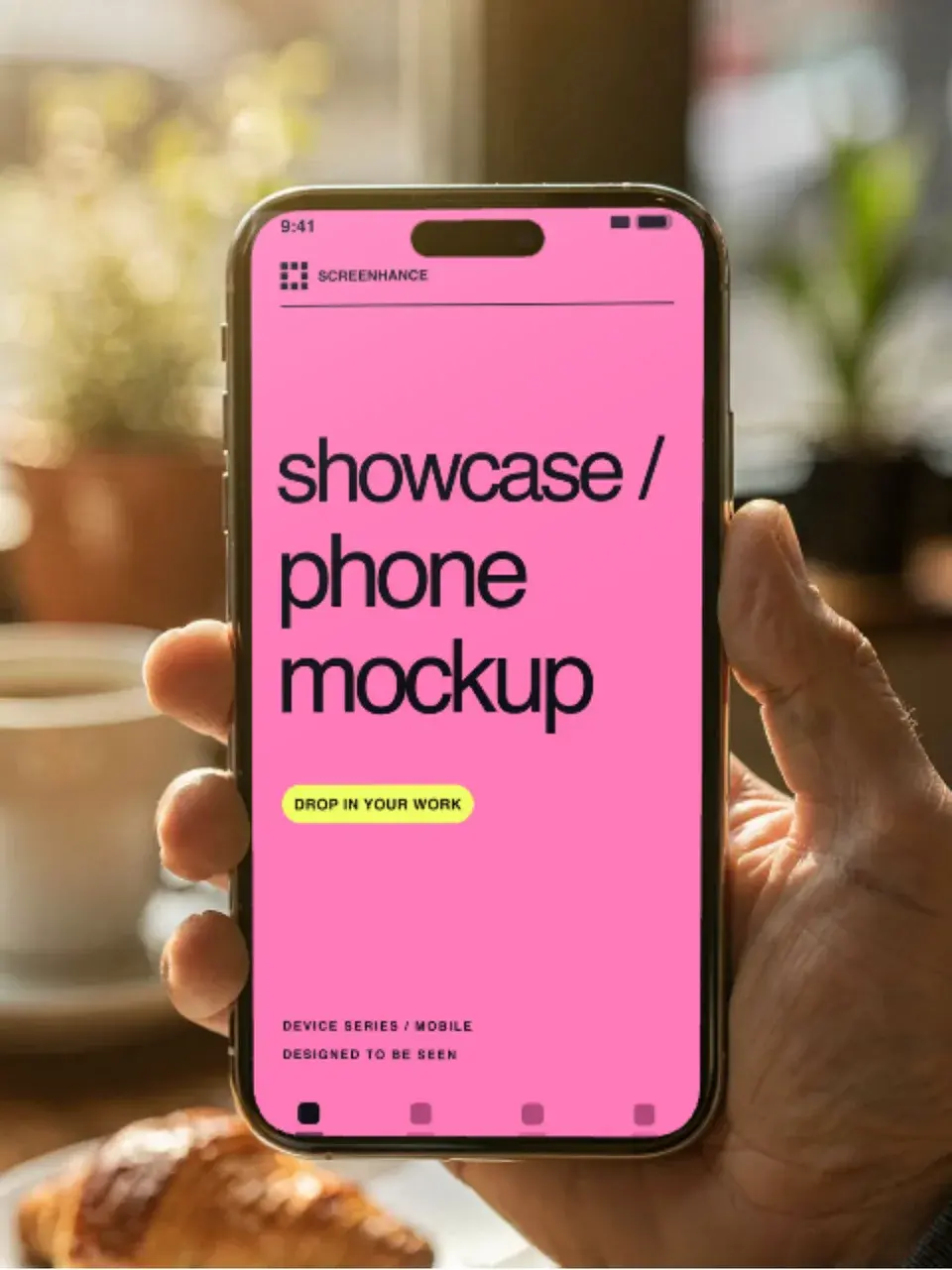
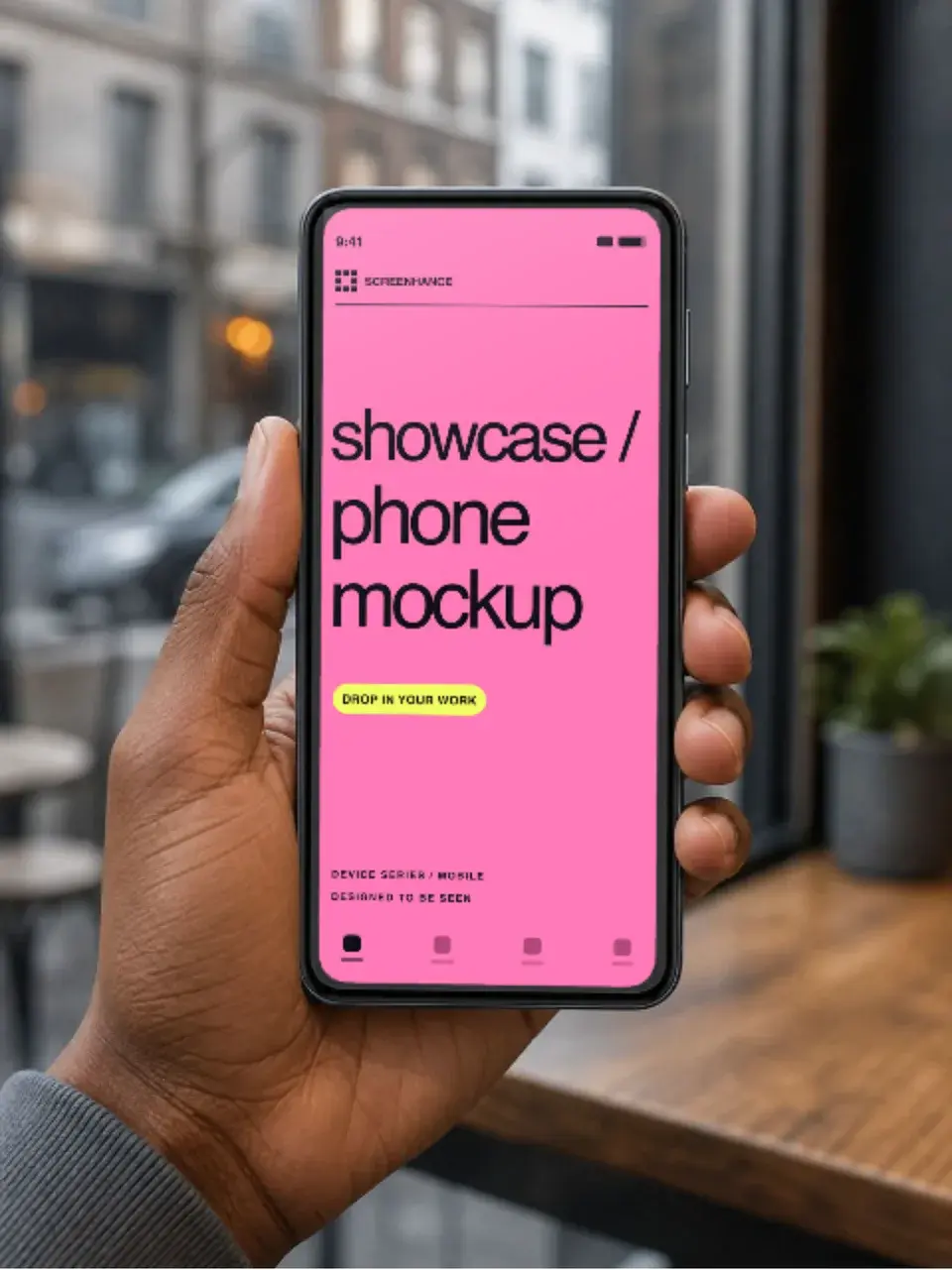
Screenhance examples
Two editable starting points from the Screenhance library, selected for this mockups guide.
Make a free device mockup
Free to start. No credit card required.
Keep reading
Related, product-tested guides from Screenhance.
Best Free Mockup Tools in 2026: A Practical Comparison
We tested 8 free mockup generators in 2026 and ranked them by speed, quality, and device frame variety. See which ones are actually worth using.
24 Feb 2026 · 9 min read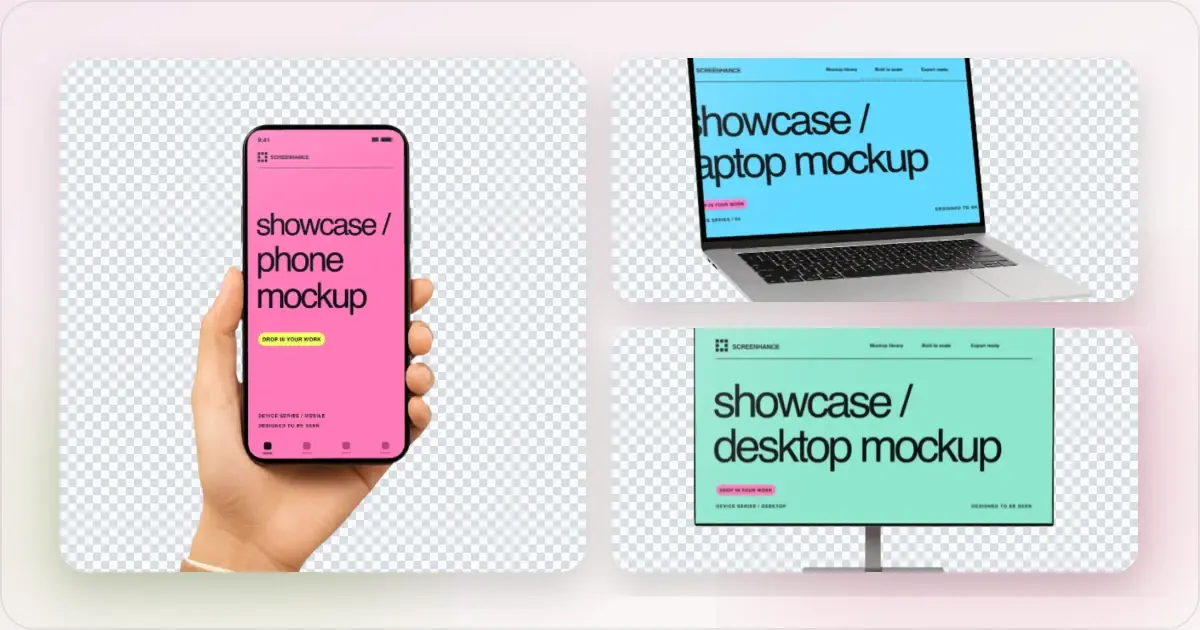
Apple Watch Mockup Guide: Framing watchOS Apps in 2026
How to create Apple Watch mockups that sell a watchOS app: choosing 46mm vs 42mm, capturing clean watch screenshots, and the iPhone-plus-Watch layout.
29 May 2026 · 6 min read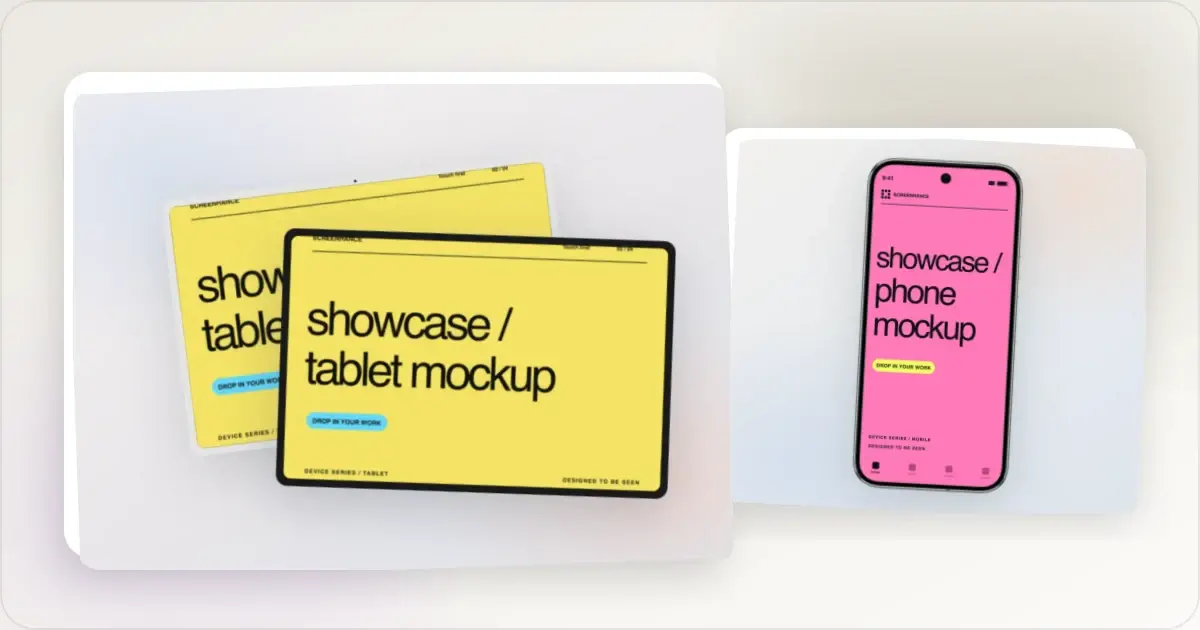
Google Pixel Mockup Guide for Android Marketing in 2026
Choose and use a Google Pixel frame for Android marketing, compare it with a Galaxy treatment, and prepare accurate Play Store visuals.
29 May 2026 · 5 min read