
Best Screenshot Beautifier Tools in 2026
A roundup of the best screenshot beautifier and mockup tools in 2026. Honest reviews of Screenhance, Shots.so, Canva, SmartMockups, Placeit, and more.
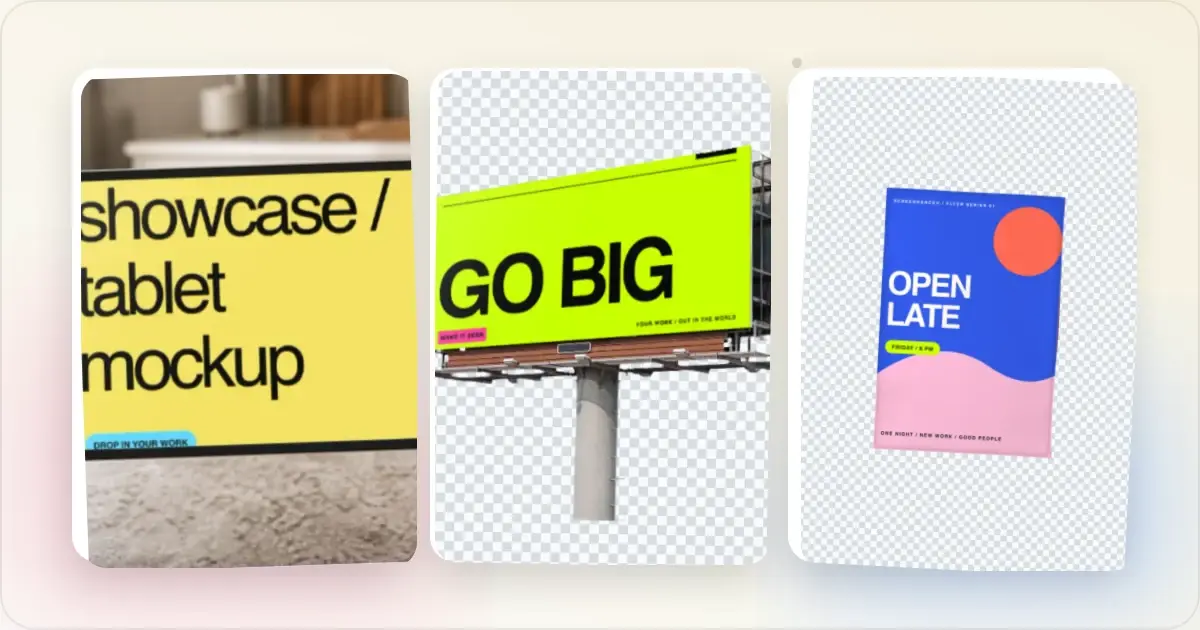
Raw screenshots do not belong on your landing page, App Store listing, or social media feed. They look flat, lack context, and fail to communicate the quality of your product. A screenshot beautifier takes that raw capture and turns it into a polished visual that actually sells.
The market for these tools has grown significantly, and 2026 offers more options than ever. This roundup covers the best screenshot beautifier tools available right now, with honest assessments of what each does well and where it falls short.
What to Look for in a Screenshot Beautifier
Before diving into individual tools, here are the features that matter most:
- Speed — How quickly can you go from raw screenshot to finished visual?
- Device frames — Does it offer current models like iPhone 16 and MacBook Pro?
- Background options — Gradient presets, solid colors, custom colors
- Export quality — Resolution, format options, and watermark policies
- Platform support — Can it generate App Store sets, social media sizes, and marketing assets?
- Pricing — What is available for free versus what requires a paid plan?
1. Screenhance
Best for: Editable screenshot-to-launch production across images, store sets, motion, and video Screenhance is a browser-based product-visual editor. Start from editable visual templates, device and stylized frames, photorealistic scenes, coordinated store-set templates, or a blank canvas, then refine layers, text, assets, annotations, backgrounds, and motion. What sets it apart:- an expanding catalogue of editable templates for product visuals, Product Hunt, websites, social, features, and more
- device and stylized frames plus photorealistic device, print, apparel, and outdoor scenes
- coordinated App Store, Google Play, and Chrome Web Store set templates with translation across 16 locales
- editable motion styles with GIF/WebM export
- Launch Kit for coordinated assets from a brief, screenshots, logo, and palette
- Studio MP4/WebM video from screen recordings with frames, backgrounds, cursor motion, captions, and audio
- PNG, WebP, and JPEG export at up to 3x; the free tier carries a small watermark
- You need a freely animated cinematic 3D device scene
- You need Canva-style live multiplayer editing
- You need maximum stock-catalog or model-photography variety rather than connected launch production
Screenhance earns the top spot because it covers the most common screenshot beautification needs faster than any other tool on this list. For app developers, indie hackers, and marketers who need device mockups regularly, it is the most efficient option available.
2. Shots.so
Best for: Minimal, clean screenshot beautification for developersShots.so has a loyal following among developers and indie makers. Its interface is elegantly minimal, and it handles the core job of making screenshots look better with gradient backgrounds and browser frames.
What sets it apart:- Beautifully simple interface with minimal learning curve
- Code screenshot support with syntax highlighting
- Strong community adoption, especially among developers
- Clean browser frame mockups
- Watermark-free on the free tier
- Limited device frame selection compared to dedicated mockup tools
- No App Store screenshot set generation
- Static images only, no GIF or video export
- Fewer platform-specific templates
Shots.so is an excellent choice if your primary need is making individual screenshots look polished for social media or blog posts. For more complex workflows involving App Store sets or animated content, you may need to pair it with another tool. Read our full Shots.so vs Screenhance comparison for more detail.
3. Canva
Best for: Screenshot mockups as part of larger design compositionsCanva is not a dedicated screenshot tool, but its massive template library includes device mockup templates. If you already use Canva for other design work, staying in one tool has real convenience value.
What sets it apart:- All-in-one design platform covering social media, presentations, print, and more
- Collaborative editing for teams
- Large template library including some device mockup options
- Drag-and-drop interface accessible to non-designers
- Extensive text, icon, and illustration libraries for composing complete designs
- Device mockup templates can be hard to find among thousands of unrelated templates
- Device frames are not always current since they depend on template creators
- No automated App Store screenshot generation
- Slower workflow for mockups compared to purpose-built tools
- Many mockup templates require Canva Pro
Canva works well when you need a mockup combined with other design elements. For standalone screenshot beautification, a dedicated tool is faster. See our detailed Canva vs Screenhance comparison for the full breakdown.
4. SmartMockups
Best for: Photorealistic lifestyle mockups and physical product visualizationSmartMockups excels at placing your design into realistic scenes. Think of a laptop on a wooden desk, a phone held in someone's hand, or your design on a t-shirt. For lifestyle-style product imagery, it is hard to beat.
What sets it apart:- Huge library of photorealistic mockup templates
- Covers both digital devices and physical products like apparel, packaging, and print
- Integration with Canva
- Professional quality output resembling studio photography
- Template browsing workflow is slower than direct mockup generation
- Free tier includes watermarks on many templates
- New device models may take longer to appear in the template library
- No App Store screenshot set generation
- No animated exports
Smartmockups is a strong choice when Canva integration or maximum stock-catalog variety is the priority. Screenhance now offers photorealistic scenes across device, print, apparel, and outdoor formats while keeping those scenes connected to store sets, launch assets, motion, and Studio video. Our Smartmockups vs Screenhance comparison covers the workflow difference.
5. Placeit by Envato
Best for: Maximum template variety across every product categoryPlaceit has the largest template library of any mockup platform. Thousands of templates cover devices, apparel, social media, video, logos, and more. If you need variety and do not mind browsing, Placeit delivers.
What sets it apart:- Enormous template library spanning nearly every mockup category
- Video mockup templates
- Regular new template additions
- Bundled logo maker and design tools
- Expensive at $14.95 per month or $7.95 per individual download
- Template quality is inconsistent across the large library
- Interface includes significant upselling and promotional content
- Slower workflow due to template browsing
- No automated App Store screenshot set generation
Placeit is a strong fit when maximum catalog breadth across mockups, logos, and templated creative is the requirement. Screenhance is the stronger fit when device and physical scenes must remain part of a coordinated software launch with store sets, motion, and product video. See our Placeit vs Screenhance comparison for a detailed breakdown.
6. Device Frames
Best for: Simple, free, open-source device framesDevice Frames is a lightweight tool that does exactly what its name suggests. It places your screenshot inside a device frame with minimal fuss. No account required, no premium upsells.
What sets it apart:- Free and open-source
- Extremely simple interface
- No account or signup required
- Lightweight and fast
- Very limited features beyond basic device frames
- Few background and styling options
- Small device library
- Minimal customization
- Basic export quality
Device Frames is a good option for quick, no-frills mockups when you do not need polish or advanced features.
Choosing the Right Tool
The best screenshot beautifier depends on your specific workflow:
- For complete product-launch production: Screenhance combines screenshot styling, device and stylized frames, photorealistic scenes, store sets, localization, animated assets, Launch Kit, and Studio video.
- For minimal static beautification: Shots.so delivers clean results with a simple interface, especially for developers sharing screenshots on social media.
- For design compositions: Canva works best when your mockup is part of a larger design with text, icons, and branding elements.
- For maximum stock-catalog breadth: Smartmockups and Placeit provide very large scene libraries; Screenhance provides device and physical scenes inside the connected launch workflow.
- For free and simple: Device Frames handles basic device framing without cost or complexity.
Many creators can reduce overlap by choosing one tool around their primary workflow. Start with available trials or free tiers, test your actual workflow, and upgrade only when you hit a real limitation.
What Most Tool Roundups Miss
After reading dozens of "best screenshot tools" roundups, four blind spots show up consistently. Pay attention to these before picking from any list.
Roundup recency. Most "2026" roundups are 2024 articles with the year updated in the headline. A screenshot tool review that still mentions iPhone 13 mockups, Big Sur menu bars, or pre-redesign Chrome chrome isn't current — and the recommendations are stale even if the brand names still exist. Affiliate skew. Roundups frequently rank tools by affiliate commission rate, not quality. If the same tool appears as #1 in five different roundups despite mediocre output, check whether the writer is in the tool's affiliate program. Trust roundups that mention free tools without affiliate links alongside the paid options. Use-case agnosticism. A roundup that recommends one tool for "all use cases" is recommending nothing. App Store screenshots, Product Hunt galleries, blog OG cards, and lifestyle mockups have different requirements. The best tool for App Store sets (app-store-screenshot-generator) isn't the same as the best for one-off Twitter screenshots. Pricing math evasion. Many roundups list price-per-month without computing total cost of ownership. A $12/month tool with 50/month exports is more expensive at volume than a $20/month unlimited tool. Always do the math at your actual usage before picking.The roundup you'd actually trust: one that names its evaluation criteria upfront, mentions when a free tier is genuinely enough, and discloses affiliate relationships. If the article doesn't do those three things, treat the rankings as advertising.
How to Test a Screenshot Tool in 30 Minutes
Don't commit to a tool based on its marketing copy. Run this 30-minute test before subscribing.
Minute 0-5: Sign up and inspect the free tier. What's locked behind paid? Watermark, resolution, export formats, device frames? Make sure the free tier lets you fully evaluate quality before paying. Minute 5-15: Build a real mockup. Take a real screenshot from your actual product. Drop it into the tool. Pick a device frame, a background, edit the headline. Export. Time the whole workflow. If it takes longer than 90 seconds, the tool is too slow for daily use. Minute 15-20: Test the worst-case export. Largest dimensions, highest resolution, most complex template. Look for compression artefacts, slow exports, or browser crashes. Tools that struggle at the high end will frustrate you eventually. Minute 20-25: Compare to your current solution. Open the same mockup in your current tool. Side by side, which one would you ship? Be honest about the gap — many "modern" tools are noticeably worse than what you're already using. Minute 25-30: Check the licensing and team workflow. Can you use the output commercially? Are there usage caps? If you're on a team, does the free tier support collaborative editing or are you locked out until paid?A tool that passes this test in 30 minutes earns a 30-day trial. A tool that fails — slow exports, ugly watermark, missing frames — wastes more time than it saves no matter how good its marketing looks.
Related Reading
- Screenshot Beautifier Online: Transform Plain Screenshots Instantly - Full guide to beautifying screenshots
- Screenhance vs Canva for Product Mockups - Detailed Canva comparison
- Placeit vs Screenhance: Mockup Generator Comparison - Detailed Placeit comparison
- Mockup Generator Tool - Try Screenhance for free
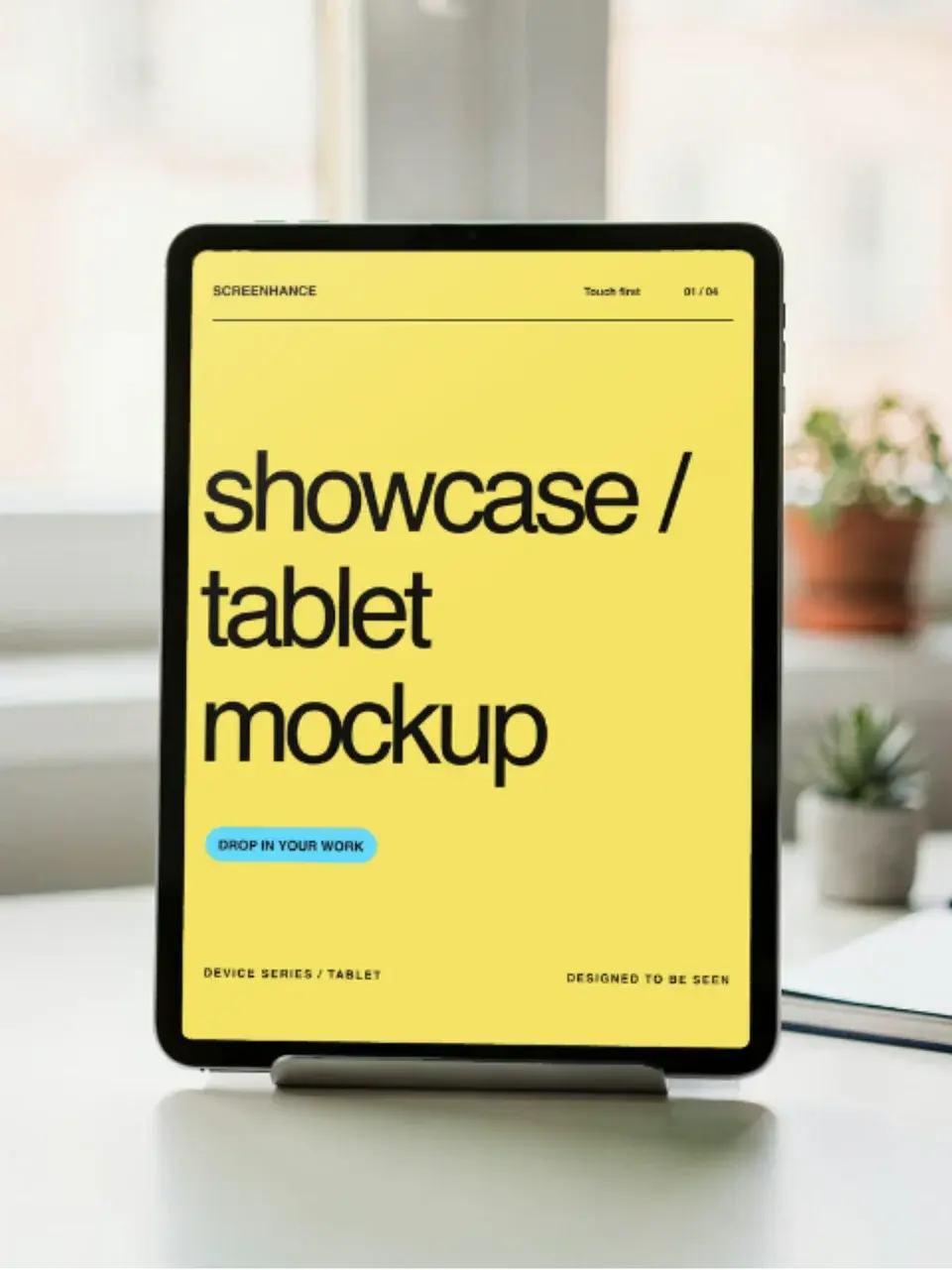
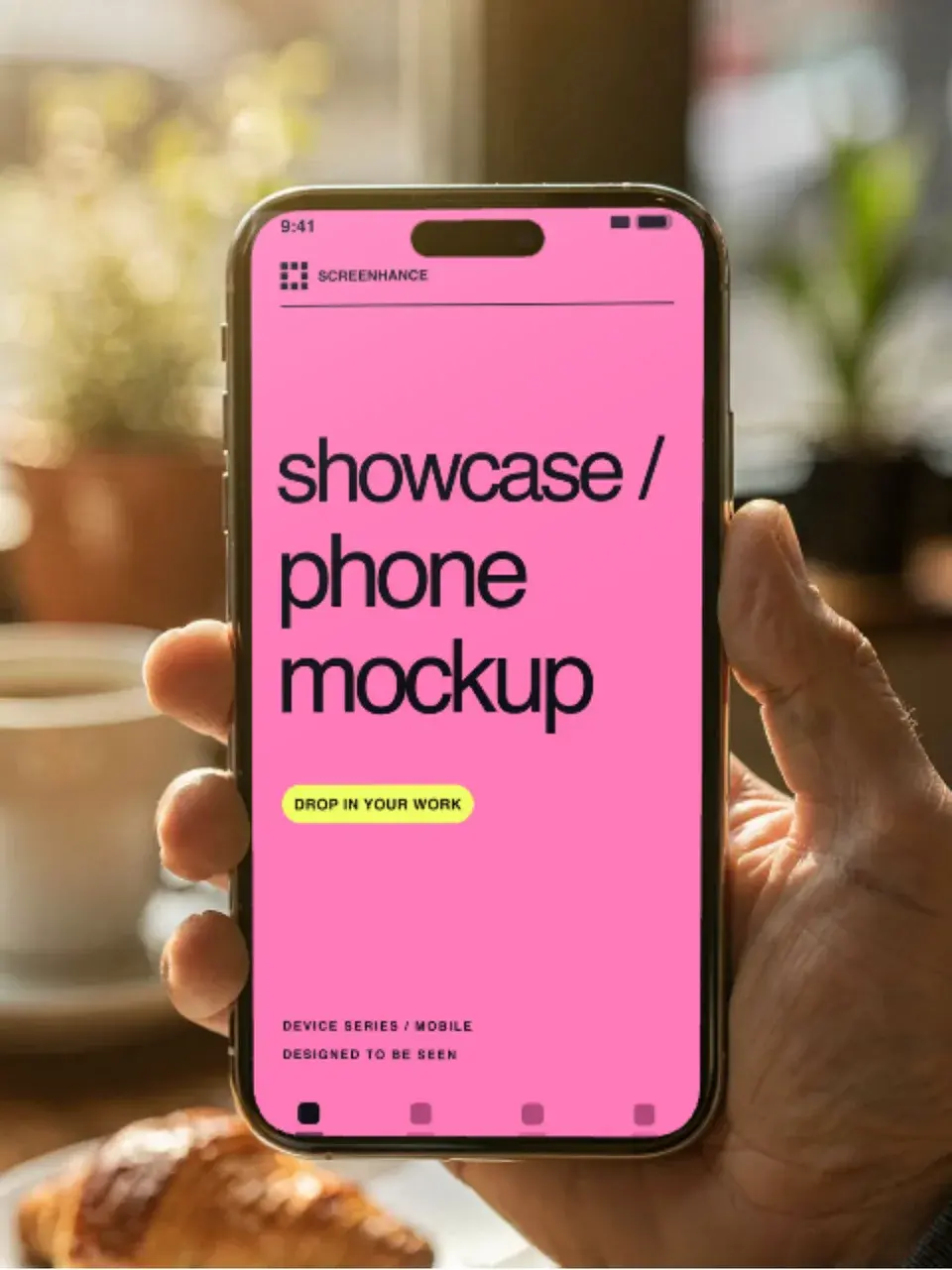
Screenhance examples
Two editable starting points from the Screenhance library, selected for this mockups guide.
Edit, annotate, reframe, and present a screenshot in one place
Free to start. No credit card required.
Keep reading
Related, product-tested guides from Screenhance.
Apple Watch Mockup Guide: Framing watchOS Apps in 2026
How to create Apple Watch mockups that sell a watchOS app: choosing 46mm vs 42mm, capturing clean watch screenshots, and the iPhone-plus-Watch layout.
29 May 2026 · 6 min read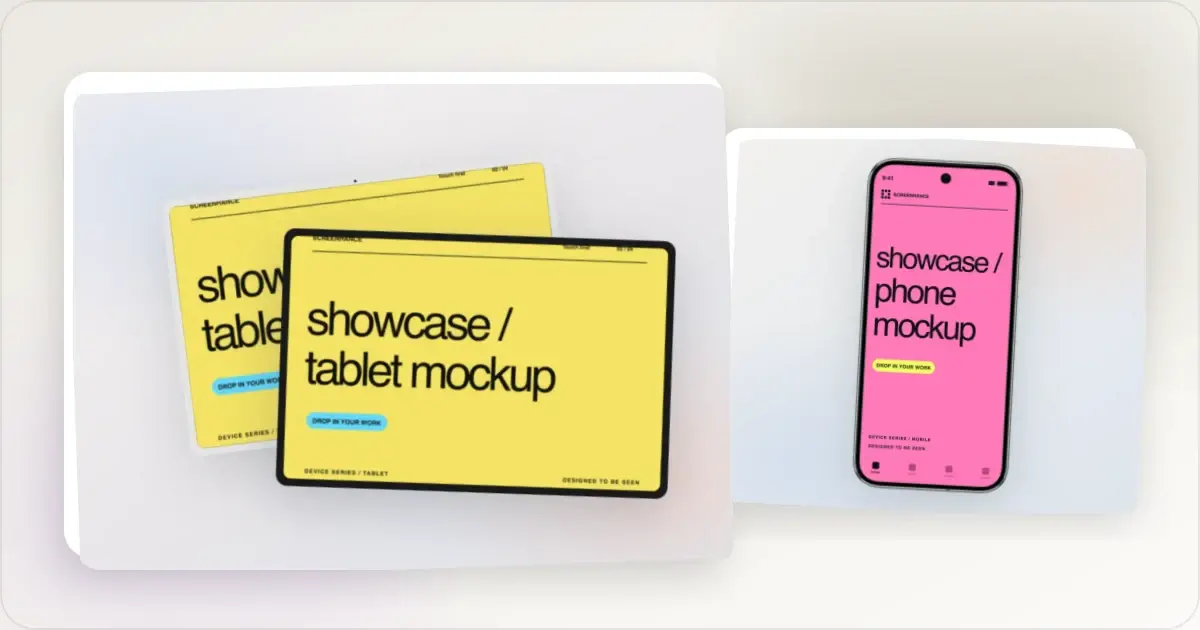
Google Pixel Mockup Guide for Android Marketing in 2026
Choose and use a Google Pixel frame for Android marketing, compare it with a Galaxy treatment, and prepare accurate Play Store visuals.
29 May 2026 · 5 min read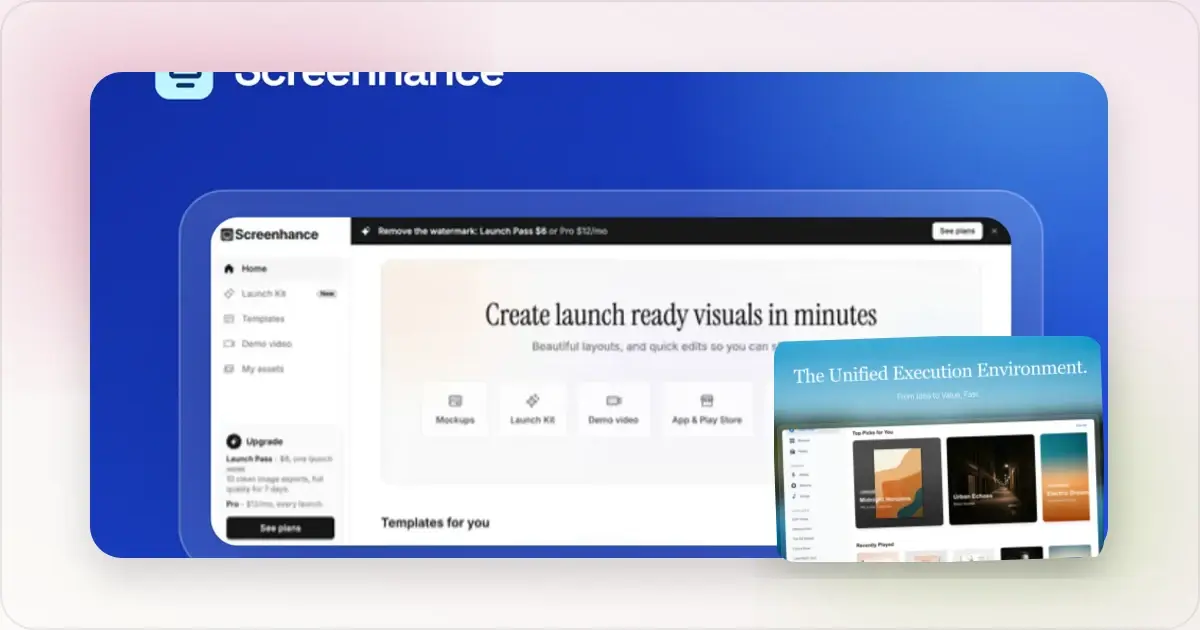
AI Mockup Generators in 2026: Where They Help and Where They Fail
A practical guide to AI mockup generators: when generated scenes help, when real product screenshots matter, and how to build a repeatable launch workflow.
13 May 2026 · 6 min read