
Screenshot Tools in 2026: CleanShot, Screen Studio, and Where Mockup Generators Fit
A 2026 map of screenshot tools: capture, recording, visual editing, mockups, store sets, launch assets, and product video.
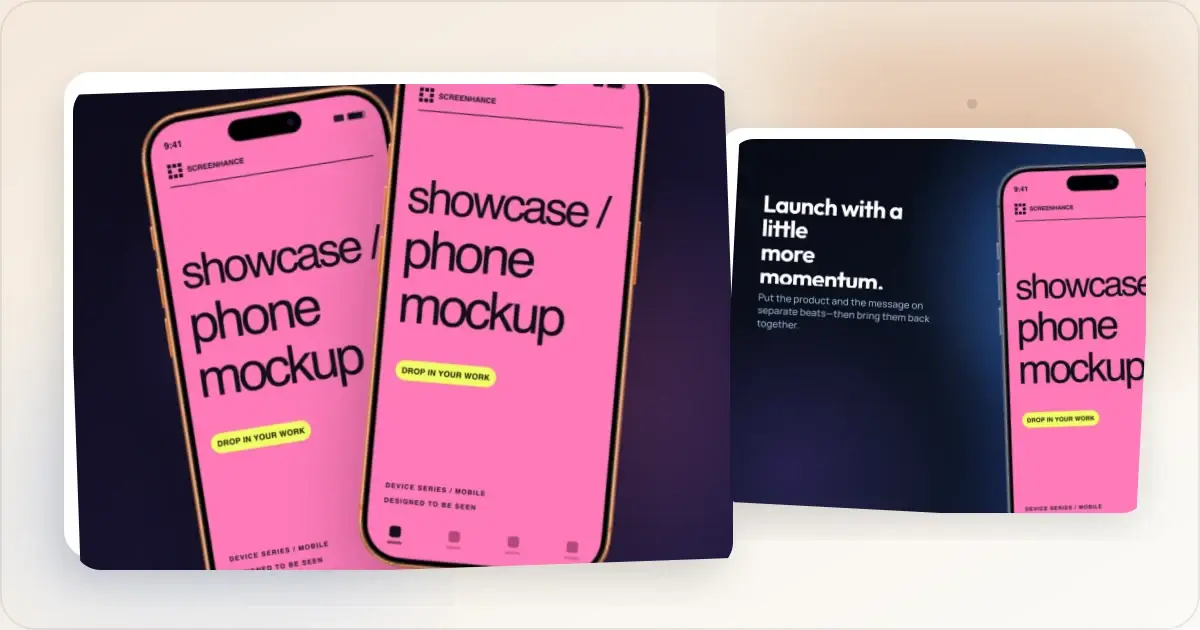
"Screenshot tool" is an overloaded category in 2026. It covers capture (CleanShot X, Shottr, native OS tools), recording and product video (Screenhance Studio, Screen Studio, ScreenFlow), and turning screenshots into editable launch visuals (Screenhance, Shots.so, Previewed). The categories now overlap: Screenhance spans recording, product video, mockups, store sets, motion, and launch graphics, while dedicated capture tools remain useful for grabbing and annotating source images.
The TL;DR: a capture tool gets the source image; Screenhance can handle almost everything after that, including recording directly in Studio, editing visual compositions, producing store sets, placing artwork into device and stylized frames or photorealistic scenes, and exporting images, animations, or video.
Category 1: Screen capture tools
The job: Take a screenshot of part of a screen, optionally with annotations, then save or share it. Output is a static image (PNG, JPEG, WebP). The best tools in 2026:CleanShot X (macOS)
The category leader. Captures any region, window, or full screen. Annotation toolbar built in (arrows, text, blur, highlight). Cloud sync via CleanShot Cloud. Frame feature adds browser chrome to captures.
Price: $29 one-time on Setapp standalone, or included with Setapp subscription at $9.99/month. Strong: Native macOS capture, annotation, and cloud-sharing options for async teams. Weak: macOS only. Frame feature is narrower than dedicated mockup tools.Shottr (macOS)
A free macOS capture option with a smaller feature set than CleanShot X.
Price: Free. Strong: Free, fast, focused. Weak: No cloud sync. Annotation toolbar is more limited.Native macOS Screenshot (Cmd-Shift-4)
Built into macOS. Captures region, window, or full screen. Markup tool for basic annotation. Improved significantly in macOS 26 with new annotation features.
Strong: Free, always available, native. Weak: Annotation toolbar is basic. No cloud sync. No frame feature.ShareX (Windows)
The Windows equivalent of CleanShot X. Open-source, free, deep feature set.
Strong: Free, powerful, Windows-native. Weak: UI is dated by 2026 standards. Setup has a learning curve.Snipping Tool (Windows)
Microsoft's built-in capture tool. Improved significantly in Windows 11 with annotation and recording support.
Strong: Free, native, capable enough for most users. Weak: Annotation is basic. No cloud sync.Category 2: Screen recording tools
The job: Record the screen with motion, often with cursor highlights, click animations, and post-recording polish. Output is video (MP4, WebM, GIF). The best tools in 2026:Screen Studio (macOS)
A polished native macOS recording option with smooth cursor motion, automatic zoom on click, and presentation chrome. Check its official site for the current billing model.
Price: $89 (Hobby), $189 (Standard), $389 (Pro), all one-time. Strong: Output quality, one-time price, macOS-native speed. Weak: macOS only.ScreenFlow (macOS)
More traditional screen recorder with a fuller editor. Better for longer-form video work (courses, in-depth tutorials).
Price: $169 one-time. Strong: Mature, deep editing capabilities. Weak: Output polish lags Screen Studio. Steeper learning curve.Loom (cross-platform)
Async video communication tool. Records screen and webcam, shares via link. Best for team communication, not marketing assets.
Price: Free for basic. Business at $12.50/user/month. Strong: Async sharing. Cross-platform. Weak: Output polish does not match Screen Studio. Subscription model.QuickTime Player (macOS, free)
macOS built-in. Records the screen at native speed. No post-processing.
Strong: Free, native, simple. Weak: Raw output. No cursor polish, no zoom, no chrome.OBS Studio (cross-platform, free)
Open-source streaming and recording tool. Excellent for live streaming. Capable but overengineered for simple screen recording.
Strong: Free, powerful, cross-platform. Weak: Learning curve is real. Output polish requires manual post-processing.Category 3: Mockup generators (screenshot beautifiers)
The job: Take a screenshot or short video clip and turn it into a framed marketing mockup with a device frame, gradient background, and headline. Output is a static image or animated GIF/WebM at marketing-specific dimensions (App Store 1290 x 2796, Product Hunt 1270 x 760, OG 1200 x 630). The best tools in 2026:Screenhance (web, cross-platform) — visual editor, mockups, store sets, and Studio
Built for turning screenshots and recordings into complete product-launch visuals. The layer editor includes editable templates, device and stylized frames, photorealistic scenes, text, assets, annotations, backgrounds, and editable motion styles. The store editor adds coordinated set templates and translation across 16 locales. Studio records the screen and produces polished MP4/WebM video with frames, backgrounds, cursor motion, captions, and audio.
Strong: One connected system for a quick browser image, device and physical mockups, App Store/Google Play/Chrome Web Store sets, Product Hunt and OG graphics, GIF/WebM motion, Launch Kit, and product video. Choose a specialist instead when: you need OS-native capture annotation and cloud sharing, a freely controlled cinematic 3D scene, or a stock-scene catalog counted in the thousands.Start with the App Store screenshot generator.
Shots.so (web)
Minimalist indie-favorite screenshot beautifier. Drop in a screenshot, get a clean framed image with a gradient.
Strong: Free tier, delightful UI, fast. Weak: No App Store screenshot sets. Smaller template library. Limited animation.Previewed (web)
Mockup generator popular with iOS developers. Mature device frame library.
Strong: Strong iOS device frame coverage. Community-trusted. Weak: $12+/month subscription only. No one-time launch option. Limited animation.Smartmockups (web)
Broad mockup library covering devices, apparel, and lifestyle scenes. Owned by Canva.
Strong: Massive library, Canva integration. Weak: $19/month standalone. No animated exports.Mockuuups Studio (web)
5,000+ static lifestyle mockup scenes.
Strong: Largest library by raw count, photographic feel. Weak: Static only, no animation, no App Store screenshot set workflow.The realistic connected stack
Most teams can now use one lightweight capture tool for source screenshots and Screenhance for visual editing, mockups, store sets, motion, and video. Studio removes the need for a separate recorder when the goal is a polished product demo.
For solo founders shipping mobile apps
- Capture: Native macOS Screenshot (Cmd-Shift-4) or Shottr (free).
- Mockup: Screenhance Launch Pass ($6) for the launch, or Pro ($12/month) ongoing.
Total: $6 one-time or $12/month.
For solo founders shipping web SaaS with video demos
- Capture: Native macOS Screenshot or Shottr.
- Recording and product video: Screenhance Studio.
- Mockups and launch assets: the same Screenhance workspace.
The important advantage is operational: one visual direction covers the demo, website images, social assets, and launch gallery.
For design-leaning teams with broader needs
- Capture: CleanShot X ($29 one-time or Setapp $9.99/month).
- Product visuals and recording: Screenhance for the editor, mockups, store sets, motion, and Studio video.
- Specialist design: Add Figma, Photoshop, or a motion/3D tool only for work that needs their specific depth.
For agencies producing client work
- Capture: CleanShot X.
- Production: Screenhance for repeatable product visuals, device and physical scenes, store sets, motion, and Studio video.
- Specialist additions: Use a stock catalog, 3D renderer, or long-form video editor only when the brief specifically requires it.
Why teams over-tool this stack
A common pattern in 2026: teams buy 4 to 6 tools that overlap. CleanShot for capture, Screen Studio for recording, Figma for layout, Smartmockups for mockups, Canva for marketing, plus a dedicated OG image tool. Combined cost is $60 to $100/month for capability that two tools (a capture tool + a mockup generator) cover for $12 to $22/month.
Over-tooling happens when each product is purchased for one attractive feature without checking overlap. Start from the required jobs—capture, frame, caption, and export—and add specialist tools only when the launch genuinely needs them.
The honest answer: pick the simplest stack that covers the actual launch surfaces (App Store, Product Hunt, landing page, social cards). Add specialty tools only when a specific use case demands them.
Frequently Asked Questions
Should I use CleanShot X or Screen Studio?
They solve different source-capture jobs. CleanShot X is a Mac screenshot utility with fast annotation and sharing. Screen Studio is a native Mac screen recorder. Screenhance can then provide the product-facing production layer, and its own Studio can replace the separate recorder when a browser-based product-video workflow is preferred.
Do I need a dedicated mockup generator?
For polished launch assets (App Store screenshots, Product Hunt galleries, OG cards) at exact dimensions: yes. Building these manually in Figma or Photoshop takes 3 to 5 times longer than a dedicated tool. For internal documentation or quick Twitter shots, CleanShot X's Frame feature is enough.
What is the cheapest screenshot tool stack in 2026?
Start with the native screenshot tool on your operating system and Screenhance's free tier. That lets you evaluate the full editor, templates, frames, scenes, store workflow, motion, and Studio before choosing the paid tier that matches the required export volume and watermark policy.
Is CleanShot X worth $29 over the free macOS Screenshot tool?
For teams that capture more than 5 screenshots per day with annotation: yes. The annotation toolbar and cloud sync save real time. For occasional use (a few screenshots per week), the native macOS tool is enough.
Can mockup generators record the screen?
Most do not. Traditional mockup generators take an existing screenshot (or short video clip) and frame it, so a dedicated tool (Screen Studio, QuickTime, OBS) handles the capture and the generator handles the framing afterward. Screenhance is the exception: its Studio records the screen directly (up to 5 minutes on the free tier with a watermarked preview, 45 minutes on Pro with clean MP4 export), then frames the result in the same tool.
Which tool covers App Store screenshots?
A dedicated App Store screenshot generator is the right answer. Screen capture tools (CleanShot, Shottr) capture the underlying screen content; they don't compose framed marketing screenshots at Apple's required dimensions. Screen Studio records video; not the right format for the static screenshot slots in App Store Connect. Mockup generators that ship App Store size workflows specifically (Screenhance, AppMockUp, partial Previewed) are the category that fits this job.
Related reading
- Screenhance Studio vs Screen Studio
- Animated App Demos in 2026: Screen Studio, Jitter, Rotato, Screenhance
- The 7 Best Mockup Tools for Mobile App Launches in 2026
- The 8 Best Mockup Tools for Web Designers in 2026
- App Store Screenshot Generator
Conclusion
The 2026 screenshot landscape still contains capture utilities, recording tools, and product-visual editors, but those categories now overlap. Screenhance spans the post-capture workflow and records product video in Studio, so many teams can use a native capture shortcut plus one connected product-launch workspace. Specialist tools remain valuable when a brief specifically requires hosted async messaging, long-form editing, custom keyframed motion, or 3D rendering.
Screenhance examples
Two editable starting points from the Screenhance library, selected for this motion guide.


Turn a raw screenshot into a finished product visual
Free to start. No credit card required.
Keep reading
Related, product-tested guides from Screenhance.
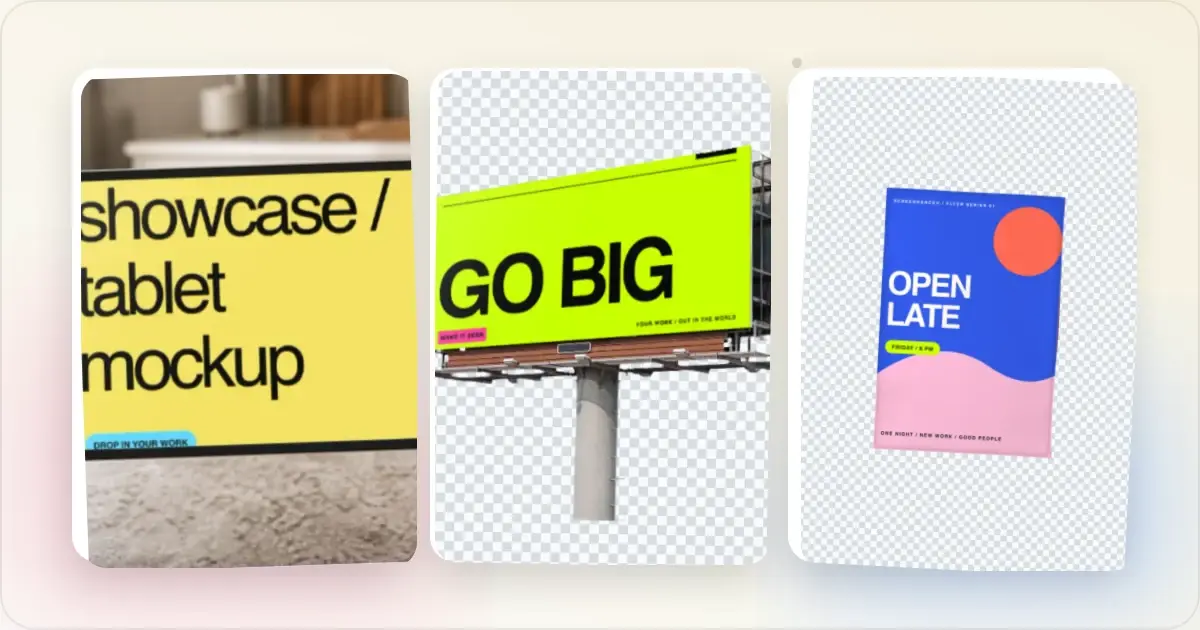
Best Screenshot Beautifier Tools in 2026
A roundup of the best screenshot beautifier and mockup tools in 2026. Honest reviews of Screenhance, Shots.so, Canva, SmartMockups, Placeit, and more.
7 Feb 2026 · 9 min read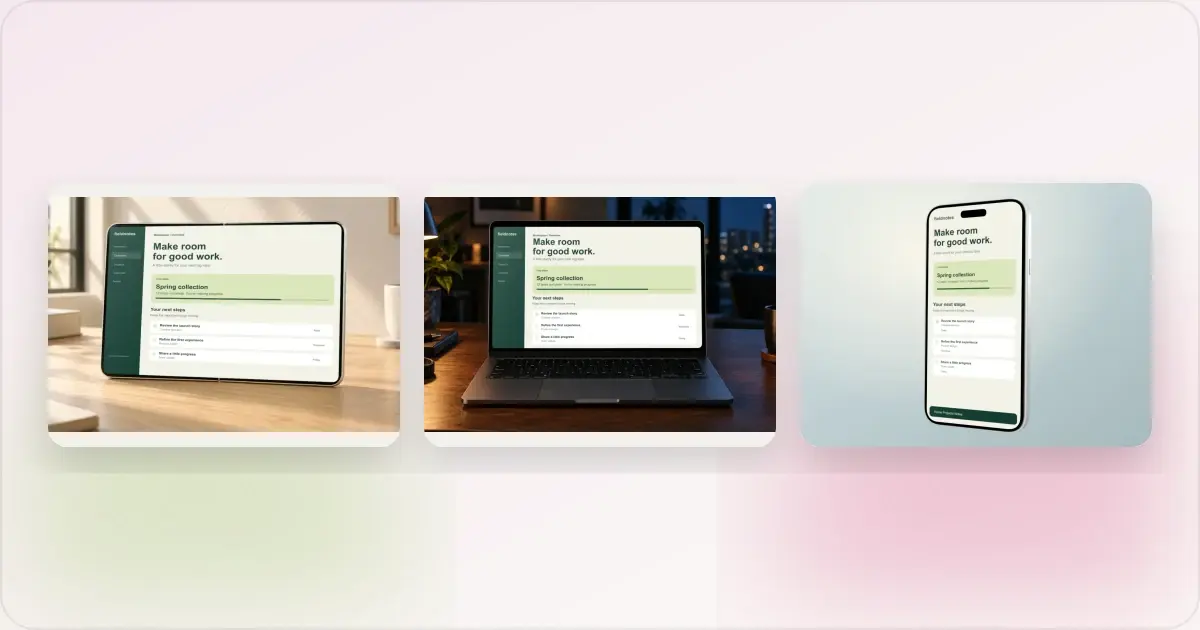
Same App, Three Motion Styles: Real Animated Mockup Exports
Compare actual Duo, MacBook and iPhone 18 animated mockup exports using the same sample app. See how scene, pacing and screen holds change the result.
17 Sept 2026 · 4 min read
GIF vs MP4 for Animated Mockups: File Size and Screen Clarity
Compare real Duo and MacBook GIF and MP4 exports: measured file sizes, actual downloads, screen-detail crops and a responsive video example.
11 Sept 2026 · 4 min read