
Shots.so vs Screenhance: Feature Comparison for 2026
An in-depth comparison of Shots.so and Screenhance for 2026. Covers pricing, export options, templates, device frames, and which tool fits your workflow.
By Sharon Onyinye
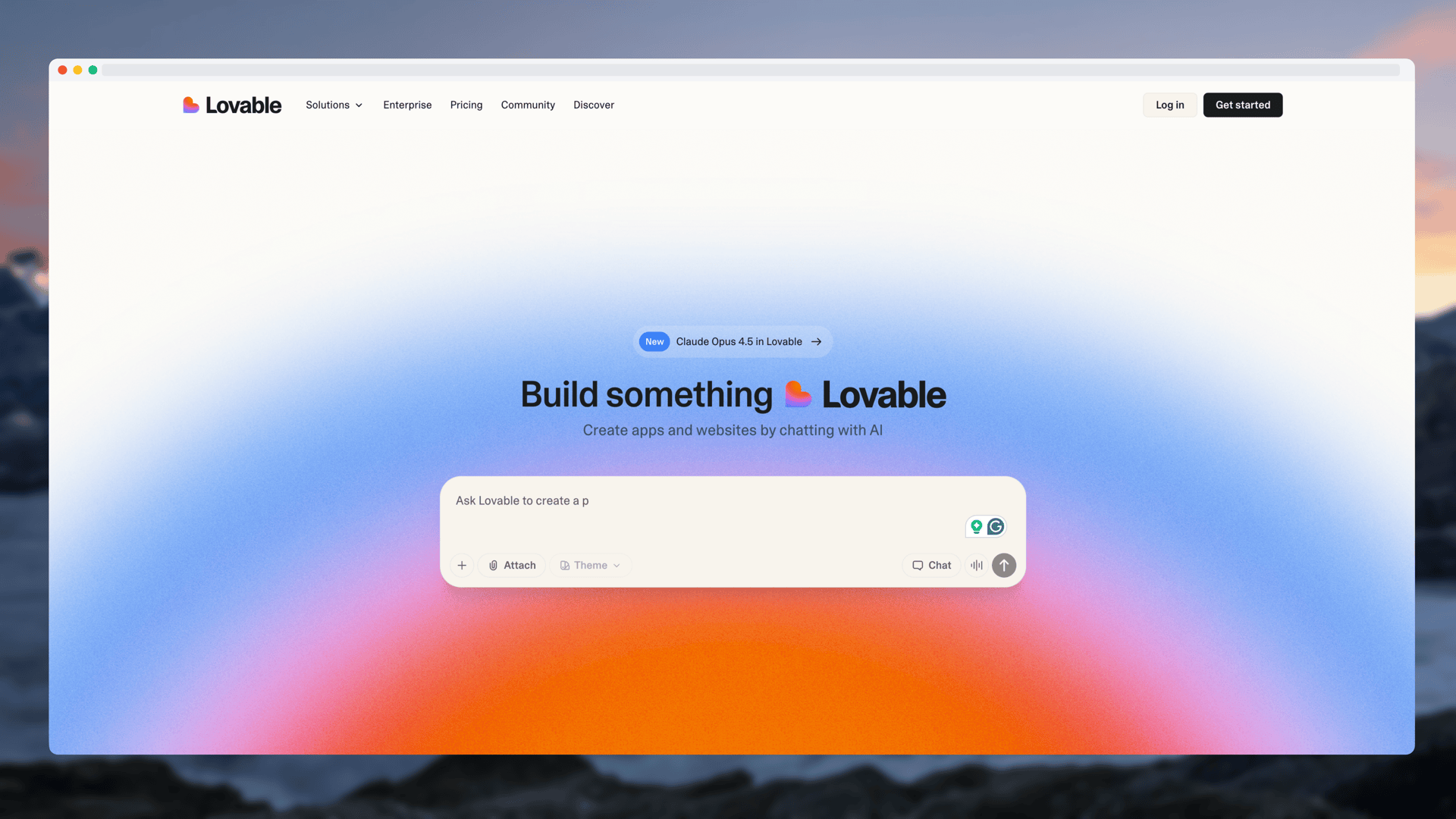
Shots.so has been a go-to screenshot beautifier for developers and indie hackers for years. Its clean interface and fast workflow earned it a loyal community. But in 2026, the screenshot and mockup tool space has evolved, and Screenhance has emerged as a strong alternative with a broader feature set.
If you are deciding between the two, this feature-by-feature comparison will help you make the right choice for your workflow.
Quick Overview
Shots.so is a screenshot beautifier focused on making individual screenshots look polished. It adds gradient backgrounds, device frames, and browser chrome to your screenshots. It is known for its minimal, elegant interface and strong adoption among developers. Screenhance is a screenshot beautifier and mockup generator that extends beyond basic beautification. It covers device mockups, App Store screenshot sets, animated exports, and platform-specific templates. It is designed for anyone who needs professional visuals from screenshots, from solo founders to marketing teams.Feature Comparison
Backgrounds and Styling
Both tools offer gradient backgrounds, solid color backgrounds, and custom color pickers. Screenhance has a larger library of pre-built gradient presets, which means less time tweaking colors and more time exporting finished mockups. Shots.so keeps its options tighter and more curated, which some users prefer for its simplicity.
Both support shadow effects, border radius adjustments, and padding controls. For basic styling, you will get professional results from either tool.
Device Frames
This is where the tools start to diverge. Screenhance maintains a broader library of device frames that is updated as new devices launch. You will find iPhone 16, MacBook Pro, MacBook Air, iPad Pro, iPad Air, and various Android devices. Having current device frames matters for credibility. Showing your app in a three-year-old device frame subtly undermines your marketing.
Shots.so offers device frames as well, including iPhone and MacBook options. The selection is more limited, particularly for tablet and Android devices. For the most common use cases like iPhone and browser frames, both tools have you covered.
Export Options
Screenhance supports PNG, JPEG, and WebP export at various resolutions. It also supports animated exports, including GIF and video files. This is a significant differentiator. Animated mockups showing your app in motion within a device frame perform better on social media, landing pages, and Product Hunt galleries than static images. Shots.so focuses on static image exports. PNG is the primary format. If your needs are limited to static screenshots for blog posts, documentation, or social media, this is sufficient. But if you need animated content, you will need a separate tool alongside Shots.so.App Store Screenshot Generation
Screenhance can generate complete App Store and Google Play screenshot sets from a single upload. It outputs properly sized images for every required device dimension, including iPhone 6.7-inch, iPhone 6.1-inch, iPad 12.9-inch, and the corresponding Android sizes. For app developers, this feature alone can save hours of manual work per release.
Shots.so does not offer App Store screenshot set generation. If you ship mobile apps, this is a meaningful gap.
Templates
Screenhance offers pre-built templates optimized for specific platforms: social media posts, App Store listings, Product Hunt gallery images, and landing page hero sections. These templates give you a starting point that is already sized correctly for each platform, so you spend less time adjusting dimensions.
Shots.so takes a more minimal approach. Rather than offering platform-specific templates, it provides a clean canvas where you style your screenshot from scratch each time. This works well if you have a specific look in mind, but takes longer if you want something optimized for a particular platform.
Batch Export
Screenhance supports bulk export, allowing you to process multiple screenshots through the same styling settings and export them all at once. This is valuable for creating consistent sets of mockups for a product page, pitch deck, or app listing.
Shots.so processes screenshots individually. For occasional use this is fine, but it becomes time-consuming when you need to style and export a series of related images.
Code Screenshots
Shots.so has built-in support for code screenshots with syntax highlighting. This is a genuine strength for developers who share code snippets on social media alongside their app screenshots. Having code beautification in the same tool is convenient.
Screenhance is focused on app and website screenshots rather than code. If code screenshots are a regular part of your content, Shots.so has an edge here.
Pricing
Both tools offer free tiers. Shots.so provides basic screenshot beautification for free with watermark-free exports. Screenhance similarly offers a free tier with device frames, gradient backgrounds, and watermark-free exports.
Premium features on both platforms require paid plans. Screenhance's paid tier includes bulk export, App Store screenshot generation, animated exports, and additional device frames. Shots.so's paid tier unlocks additional features and higher resolution exports.
The value comparison comes down to which premium features matter for your work. If you need App Store sets and animated exports, Screenhance's premium plan delivers more relevant value. If you need clean static beautification with code screenshot support, Shots.so's premium may align better.
Which Should You Choose?
Choose Screenhance if you:
- Ship mobile apps and need App Store or Google Play screenshot sets
- Want animated GIF or video mockups
- Need a wide variety of current device frames including tablets and Android
- Create content for multiple platforms and want pre-sized templates
- Regularly batch export sets of mockups
- Need a screenshot beautifier that extends into mockup generation
Choose Shots.so if you:
- Primarily need simple, static screenshot beautification
- Value a minimal interface with fewer options to consider
- Regularly share code screenshots with syntax highlighting
- Want a tool with strong community recognition among developers
- Need quick browser-framed screenshots without additional complexity
The Honest Take
Both Shots.so and Screenhance are solid tools. Shots.so is the more focused option, doing one thing cleanly. Screenhance is the more capable option, covering a wider range of mockup and screenshot workflows.
For developers sharing the occasional screenshot on social media, Shots.so is a great choice. For founders, marketers, and app developers who create visuals across multiple platforms regularly, Screenhance's broader feature set starts saving meaningful time.
The best way to decide is to try both. Both free tiers are genuinely usable, so you can test your actual workflow in each tool and see which one fits.
Where Shots.so Beats Screenhance on Speed and Simplicity
There is a real category of user for whom Shots.so is the correct choice and Screenhance is overkill. If your job is mostly to drop a screenshot into a tweet, a Discord channel, or a blog post once or twice a week, the cognitive overhead of any tool with more than three settings is wasted. Shots.so wins on that axis. The interface is two or three controls deep, the default gradients are tasteful, and you are exporting a usable PNG in under fifteen seconds. There is no template browser, no platform picker, no device size dropdown. For a developer who just wants a clean image, that minimalism is a feature.
The mobile workflow inside Shots.so is also competitive. The site renders well on a phone browser, and you can paste a screenshot directly from the iOS share sheet and download the framed version without leaving Safari. Screenhance's mobile workflow is functional but heavier, because the tool assumes you might want to enter a more involved editing session. If you regularly take a screenshot on your phone and immediately want to post it polished, the lighter tool is the faster tool. The same applies to code screenshots. Shots.so's syntax highlighting pipeline is fast, the language detection is usually right, and the resulting image holds up at small sizes on a timeline. Screenhance does not try to compete in that category, and you should not pretend it does.
When Screenhance's Wider Toolset Becomes Worth the Switch
The decision flips the moment your output stops being one image and starts being a set. App Store listings are the most obvious example. A single iOS app needs screenshots in at least three device dimensions, and most teams produce five to ten variants per dimension. Shots.so will produce a beautiful single image but leaves you to manually crop and resize for every required slot. Screenhance generates the complete set from one upload, including the localized variants for additional markets if you have them ready. For a launch week where you are pushing builds daily, that difference compounds.
The same shift applies to animated exports. A Product Hunt gallery, a landing page hero, or a Twitter thread about a feature launch all perform measurably better with motion than with stills. Screenhance produces a framed GIF or MP4 from a screen recording in roughly the same number of clicks Shots.so needs for a static PNG. If your launch motion includes any video at all, you are already going to need an animated mockup tool, and combining that with your static screenshot tool means one fewer subscription and one fewer place for brand styling to drift. The third category that justifies the switch is batch processing. A founder writing a launch post with twelve screenshots will save thirty to forty minutes by uploading all twelve at once and applying a shared style, rather than processing them one at a time. None of these workflows are better in Shots.so. They are just possible, and that is the threshold for switching.
Frequently Asked Questions
What does the Shots.so free tier actually include?
The free tier covers single-image beautification with a curated set of gradients, basic browser and device frames, and watermark-free PNG export. The limits hit you on premium frames, higher resolution exports, and any kind of batch or animated output. For occasional static screenshots the free tier is genuinely sufficient, which is part of why the tool earned its reputation.
Does Shots.so support animated exports yet?
As of early 2026 Shots.so does not offer animated export of screen recordings inside a device frame. The roadmap has signaled interest in the area but the workflow most people need, framing an MP4 inside a phone shell with a styled background, is not a first-class feature there. If animation matters for your launch, a tool with native animated mockup support is the safer choice.
How does the Shots.so mobile workflow compare?
Shots.so works well in mobile Safari and accepts screenshots pasted directly from the iOS share sheet. The editor is light enough to use on a phone without much friction. Screenhance is usable on mobile but is built with the assumption that most editing happens at a desk, which is the right call when your session involves multiple devices and an App Store set but the wrong call when you just want to post a single framed screenshot from your phone.
Can I switch from Shots.so to Screenhance mid-launch?
Yes, and many teams do this without much disruption. Most Shots.so users have settled on a small set of preferred gradients and frame styles, both of which can be recreated as presets in Screenhance in a few minutes. The bigger lift is rebuilding any shared internal templates so that the team produces a consistent look from the new tool. Plan a thirty minute migration session before the launch rather than during it.
Can I import existing Shots.so designs into Screenhance?
There is no direct file format that ports a Shots.so design into Screenhance with all settings intact. The practical migration path is to keep the original source screenshots somewhere accessible, then re-frame them in Screenhance using the equivalent style. Because the source screenshots are the durable artifact, treat your previous Shots.so exports as finished images and only re-process them in the new tool when you need a different size, an animated version, or an App Store-compliant variant.
Related Reading
- Shots.so Alternative: Purpose-Built Screenshot Beautifier - Full comparison page
- Screenhance vs Canva for Product Mockups - How Screenhance compares to Canva
- SmartMockups vs Screenhance: Which Mockup Tool Should You Use? - Another popular tool compared
- Screenshot Beautifier Online: Transform Plain Screenshots Instantly - Guide to beautifying screenshots
Ready to create stunning visuals?
Free to start, no credit card required.