
How to Make Screenshots That Go Viral on Twitter/X
Twitter is visual. Learn how to create scroll-stopping screenshots that get likes, retweets, and followers.
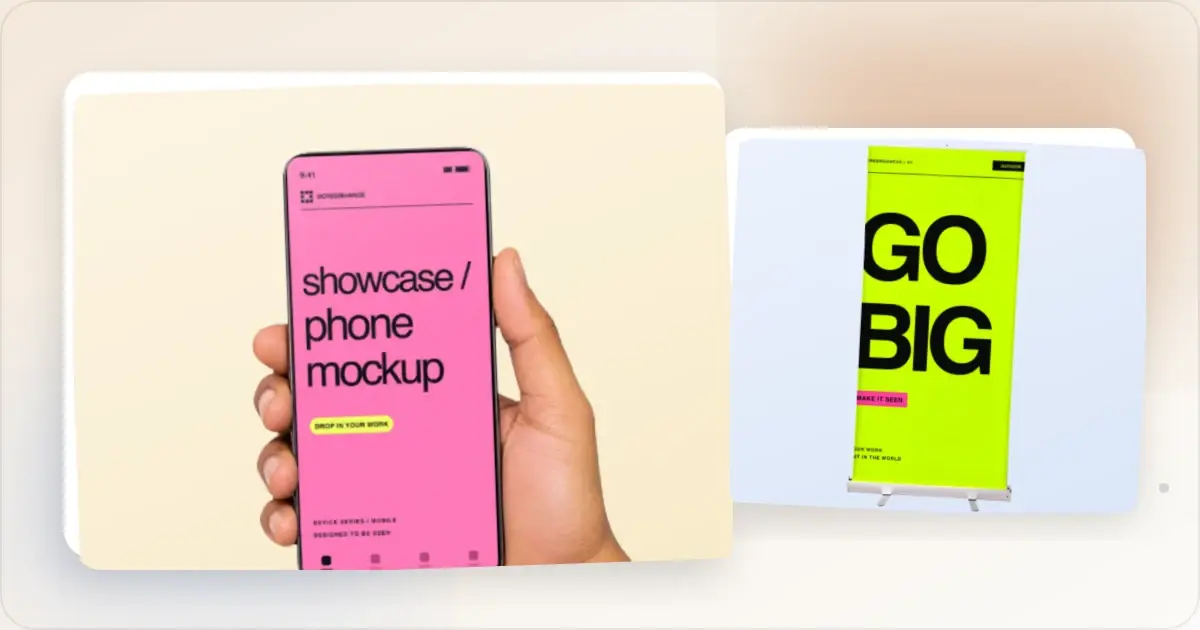
A raw screenshot and a composed mockup serve different purposes. The right choice is the one that makes the post easier to understand without misrepresenting the product.
Here's how to create Twitter screenshots that remain clear in a busy feed. No visual guarantees engagement, so treat these as design and testing principles rather than an algorithm formula.
Why Screenshots Work on Twitter
Twitter/X is text-led, but an image can show product UI, code, or a result that would be difficult to explain in the post alone. Use a screenshot when it adds information, not because images carry a guaranteed reach advantage.
The Anatomy of a Viral Screenshot
1. Instant Clarity
People scan feeds quickly, so the screenshot should communicate its main point without requiring a full-size view.
Bad: Full-screen app with 50 UI elements
Good: Cropped view of one impressive feature
2. Visual Polish
Raw screenshots look lazy. A screenshot beautifier adds these elements to signal effort:
- Device frames (browser, phone, laptop)
- Clean backgrounds (gradients, solid colors)
- Subtle shadows for depth
3. High Contrast
Twitter feeds are busy. Low-contrast screenshots disappear.
- Dark mode UI? Light background
- Light mode UI? Dark or colorful background
- Avoid gray-on-gray
4. Readable at Thumbnail Size
Most people see your image as a small preview before expanding. Key elements should be visible even at small sizes.
Best Screenshot Types for Twitter
Build in Public Updates
Share your progress with before/after shots, metrics, or feature releases.
What works:
- Revenue screenshots (with context)
- User growth charts
- Before/after UI comparisons
- Bug fixes and improvements
Feature Announcements
Launching something new? Show it in action. A Twitter card generator helps you create and preview a feed-sized composition.
What works:
- Product in a device frame
- Animated GIFs showing the feature
- Comparison with old version
Tutorials and Tips
Screenshots can make an abstract tutorial or configuration example concrete.
What works:
- Step-by-step visual guides
- Code snippets (use a good theme)
- Settings or configuration examples
Testimonials and Social Proof
Screenshots of positive feedback build trust.
What works:
- Customer DMs (with permission)
- Review screenshots
- Usage statistics
Twitter Image Specifications
Common landscape starting size: 1200 x 675 pixels (16:9)X can render several aspect ratios and may change presentation by client or post context. Keep important content away from the edges and preview the post before publishing.
Other useful canvases:- 1200 x 1200 (square) - useful for a single focal point
- 1200 x 1500 (4:5) - more vertical space; verify the feed preview before publishing
Export enough resolution for the rendered size and inspect the compressed upload for legibility.
Step-by-Step Process
1. Capture clean screenshots - Hide sensitive data, use realistic dummy content
2. Crop to the important part - Don't show your entire screen
3. Add device frame - Use a social media mockup generator to add browser, phone, or laptop frames
4. Choose background - Match your brand colors or use gradients
5. Export for the intended feed size - 1200x675 is a practical landscape starting canvas
6. Write useful post copy - Give the image enough context to make sense on its own
What NOT to Do
Don't post raw screenshotsThey look unprofessional and blend into the feed.
Don't use tiny textIf people can't read it, they won't engage.
Don't overcrowdOne clear message per image. Save the rest for a thread.
Don't forget mobileTest how the image looks in a narrow feed and at thumbnail size.
Don't use generic stock imagesYour product/work should be the star.
Designing for the Twitter Timeline, Not the Tweet Composer
A common mistake is composing only for the large preview instead of checking the timeline, where the image appears alongside the author's name, post text, controls, and surrounding posts.
Three rules that follow from this.
Lead with sufficient contrast. Subtle gradients can become hard to distinguish in a small timeline preview. Use a clear focal point and test the image at the size it actually appears in the desktop and mobile clients you care about. Keep the centrepiece inside a safe area. Feed presentation can vary by aspect ratio, client, and multi-image layout. Preview the post and keep essential text and UI away from the image edges. Use on-image text only when it adds context. A short headline can help the image stand alone, but duplicating the whole post body wastes space and creates an accessibility burden. Keep any essential message in the post text or alt text as appropriate.When to Use Animated Twitter Screenshots
X supports static images, animated GIFs, and video uploads. A WebM exported for the web may need conversion to a video format accepted by X before upload.
- Static is easier to inspect for screenshots with text or detail — UI mockups, comparisons, and information the reader may want to study.
- Animation can explain a change over time for product demos and before/after transitions when motion carries useful information.
- Don't animate decoratively. A subtly looping gradient on an otherwise static screenshot adds nothing and inflates file size. Animation should reveal something static can't.
Screenhance can export animated templates as GIF or WebM. Use GIF directly where appropriate, or convert WebM to a video format currently accepted by X. Static templates can also be exported as PNG, WebP, or JPEG. Keep the loop focused on one interaction and verify the upload in the destination client.
Frequently Asked Questions
What's the best aspect ratio for a Twitter screenshot post?
16:9 (1200×675) is a useful landscape starting canvas, while square and portrait images can suit other compositions. X's rendering varies by client and post layout, so preview the actual post and keep critical content inside a generous safe area.
Should Twitter screenshots include my logo or branding?
A small logo in the bottom corner, yes — it credits you when the image gets re-shared. Don't overdo it: large logos take attention from the product and read as marketing-heavy. The exception is announcement posts (launches, milestones) where stronger branding earns its space.
Does dark mode vs light mode change Twitter screenshot performance?
There is no universal performance advantage for either theme. Match the product state the intended audience is likely to encounter, and test both only if theme is a meaningful creative variable.
How important is the alt text on a Twitter screenshot?
Alt text makes the image understandable to people using screen readers or when the visual cannot be seen. Describe the information the screenshot conveys rather than stuffing keywords or repeating the post verbatim.
Should I post the same screenshot to LinkedIn and Twitter?
Cross-post the design system, not necessarily the same file. Preview the image in each destination and export crops that preserve legibility. Adapt the surrounding copy to the audience rather than assuming an identical post will be distributed differently by an undocumented algorithm.
Twitter Thread Screenshots Done Right
Threads are a separate beast from single-image posts. The screenshots inside a thread serve a different job: maintaining momentum across multiple posts, not stopping a scroll.
Thread #1 (the hook). A single bold image that establishes the topic. This is the only screenshot in the thread that needs to compete for first-impression attention. Treat it like a single-image post — high contrast, on-image text, clear focal point. Threads #2-5 (the proof). Supporting screenshots that prove or detail the claim made in #1. These can be denser — more text, more UI detail, more before/after — because readers who've reached this point are already engaged. Consistency matters here: use the same frame style and background across all proof screenshots so the thread reads as cohesive. Thread #6+ (the payoff). A summary or call-to-action screenshot. Could be a checklist, a quote-card-style takeaway, or a "try it yourself" CTA with a screenshot of your tool. Keep it simple — readers at this point want closure, not more information.The mistake most threads make: same template on every screenshot. The result is repetitive and signals that no thought went into the visual sequencing. Vary the composition (full-bleed product shot vs. quote card vs. annotated diagram) while keeping the colour palette and typography consistent.
Memes and Reaction Posts: The Other Twitter Screenshot Pattern
Outside of product marketing, the most common Twitter screenshot use is meme or reaction posts — screenshots of other tweets, news headlines, or chat conversations. These follow different rules.
Screenshot the original cleanly. No URL bar, no notifications bar, no time stamps from your phone's interface. Crop tight to just the content. Use a phone's native screenshot, not a phone-of-a-phone secondary capture. Don't add a Screenhance-style frame. Polished frames around screenshot-of-a-tweet content reads as trying too hard. Raw screenshots are the convention; respect it. Respect attribution. Even on reaction posts, credit the original. Reposting someone's words without attribution can mislead viewers and damage trust. Watch for privacy and moderation. Screenshots of harassment, personal information, or private messages can violate platform rules or harm the people shown. Get permission where appropriate, redact sensitive details, and consider whether a paraphrase would communicate the point more responsibly.The product-marketing patterns covered earlier and the meme patterns described here are completely separate playbooks. Don't try to apply marketing polish to reaction posts; don't try to apply reaction-post informality to product launches. The audience expects one or the other based on context.
Related Reading
- How to Make Your Screenshots Go Viral on Social Media - Broader social media tips
- Screenshot Size Guide: Dimensions for Every Platform - All platform dimensions
- How to Create Compelling Before & After Mockups - Before/after techniques
Frequently Asked Questions
What size should Twitter images be?
A 1200 x 675 pixel (16:9) canvas is a practical landscape starting point. X supports other aspect ratios, and rendering varies by client and post layout, so preview the post and export enough resolution for its displayed size.
Why do my screenshots look blurry on Twitter?
X recompresses uploaded images. Start with enough source resolution for the displayed size, compare PNG with other accepted formats for interface text, and avoid details that disappear in the feed preview.
Should I add text to Twitter screenshots?
It depends on the content. For product mockups, let the visual speak. For educational content, overlay text can help. Keep any text large enough to read at thumbnail size.
How do I make screenshots stand out in the Twitter feed?
Use sufficient contrast, crop to the relevant product state, and add a device frame or background only when it provides useful context. Test the image at its actual feed size before publishing.
Conclusion
Clear visuals can make a product update easier to understand, but no treatment guarantees reach or engagement.
Choose between a raw screenshot and a composed mockup based on which one communicates the post most honestly.
See how your link looks when shared
Paste a public page URL to inspect its Open Graph tags, image dimensions and missing metadata. The card is an approximation; each platform controls its final preview.
Screenhance examples
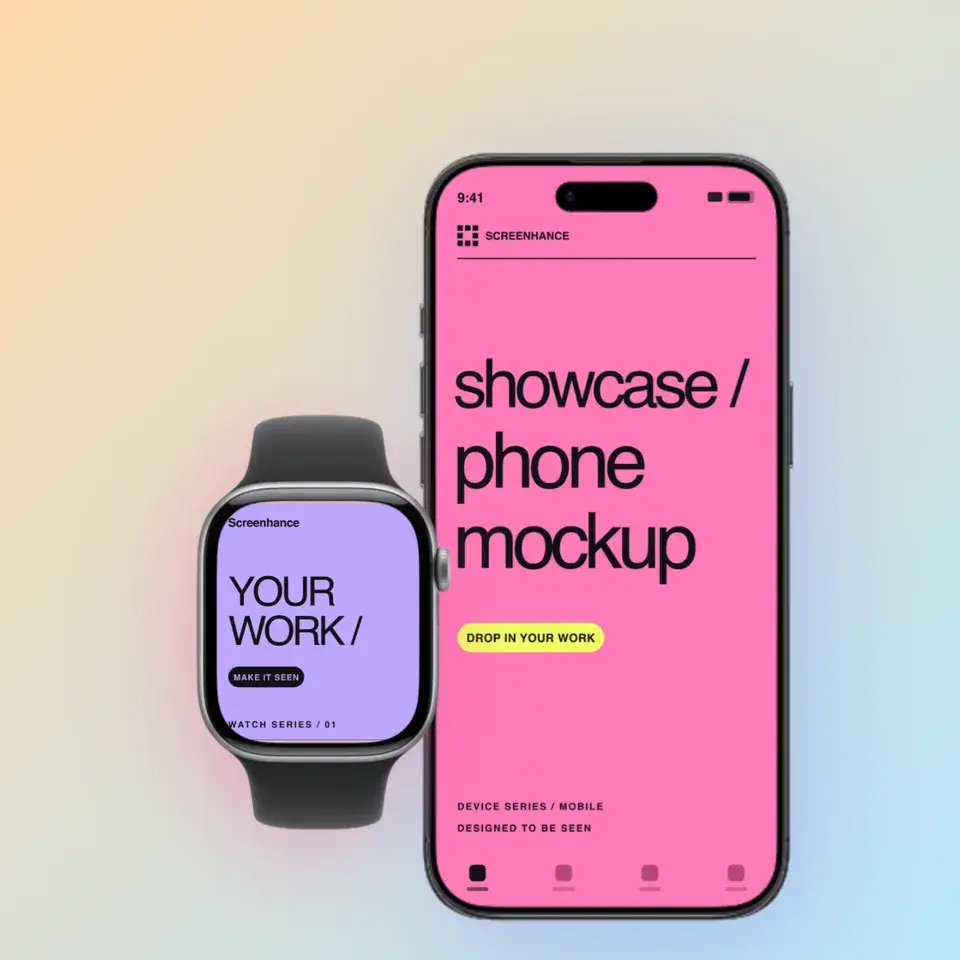
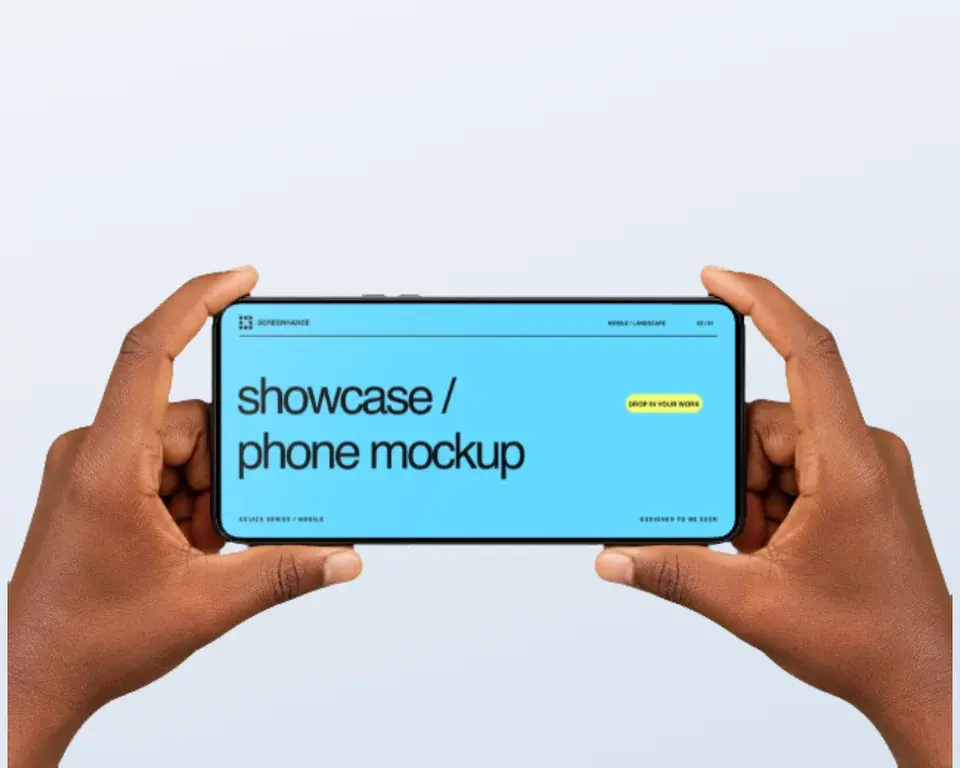
Two editable starting points from the Screenhance library, selected for this mockups guide.
Make a social card that earns clicks
Free to start. No credit card required.
Keep reading
Related, product-tested guides from Screenhance.
Twitter/X Card Dimensions 2026: The Complete Image Size Guide
The definitive 2026 guide to Twitter/X card image sizes. Exact dimensions for summary cards, large image cards, in-stream photos, and more.
7 Feb 2026 · 11 min read
How to Present Product Screenshots on Social Media
Prepare clear product screenshots for X, LinkedIn, Instagram, and other feeds with practical layouts, crops, captions, and testing advice.
21 Apr 2026 · 7 min read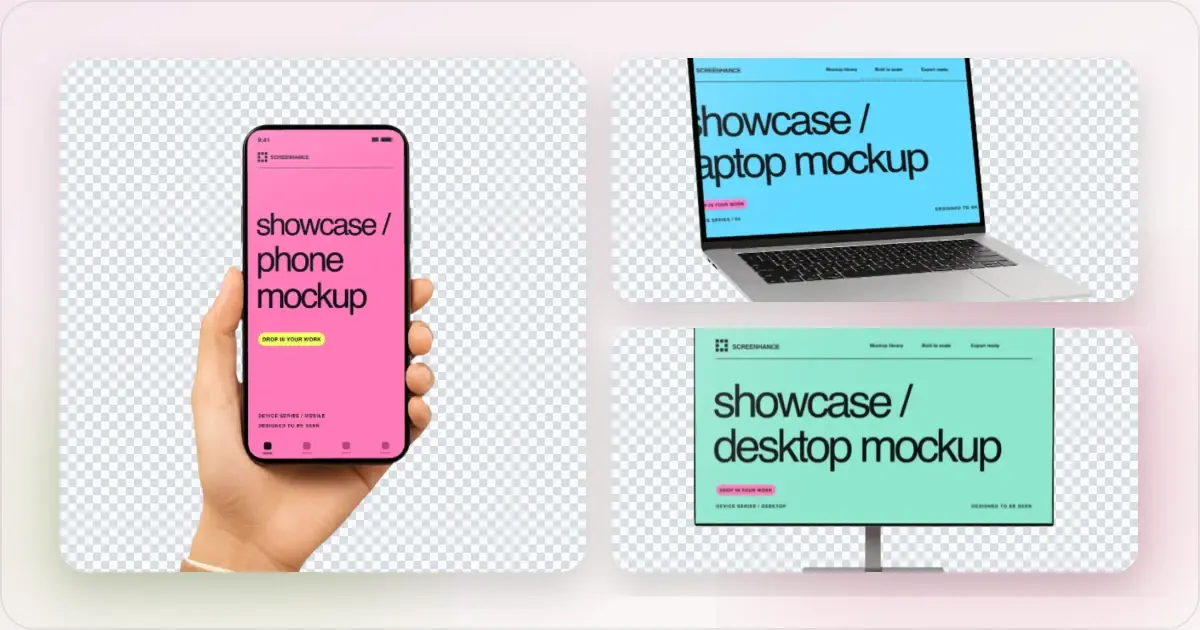
Apple Watch Mockup Guide: Framing watchOS Apps in 2026
How to create Apple Watch mockups that sell a watchOS app: choosing 46mm vs 42mm, capturing clean watch screenshots, and the iPhone-plus-Watch layout.
29 May 2026 · 6 min read