
The Complete Guide to Browser Mockups for Web Apps
Learn when a browser mockup helps, how to choose a frame, protect privacy, crop responsive UI, and use static or animated versions across web and marketing.
If you are building a web app, a browser mockup can add useful context to a product screenshot. The frame should clarify that context without shrinking or obscuring the interface.
Here's everything you need to know.
What a browser frame can add
A raw product capture can already be the clearest presentation. Add browser chrome only when it supplies useful information, such as:
- Platform context — the viewer can distinguish a web interface from a mobile or desktop-native app
- Page context — a truthful URL or tab label can identify the part of the product being shown
- A crop boundary — window chrome can contain a dashboard or page within a larger composition
A generated URL bar is not proof that a product is live. Do not use one as a trust claim or display a destination that people cannot actually visit.
Browser Mockup Styles
There are several common styles:
Minimal browser frameBasic window chrome, controls, and optionally a URL bar. This leaves more room for the product UI.
Full browser chromeTabs and additional controls can be useful when navigation or extensions are part of the story. Remove unrelated personal controls and data.
Browser-specific frameA Chrome, Safari, or other recognizable frame can establish a particular environment. Use it only when that environment is supported or the frame is clearly illustrative.
Generic frameA neutral window outline avoids implying support for one named browser and keeps the hardware context subordinate to the UI.
When to Use Each Style
Marketing pages: use a frame when the page needs to establish web context; omit it when the product crop is already clear. Documentation: retain browser controls that are relevant to the instruction and crop unrelated controls. Social media: choose a composition that remains readable in the destination preview. Presentations: match the frame to the supported product and the size at which the slide will be viewed.Common Mistakes
Using outdated browser framesBrowser interfaces change. If the asset claims to show a current named browser, compare the frame with that version before publishing.
Including the full browser UIBookmarks, extensions, account avatars, and autofill state can expose private data. Include controls only when they help explain the product.
Wrong aspect ratioPreserve the source capture's aspect ratio. A browser composition can be wide, square, or portrait when the destination calls for it, but the UI should not be stretched.
Low resolutionBrowser frames can make a soft source image more obvious. Capture enough intrinsic resolution for the intended rendered size and inspect the final export after compression.
The Quick Way
Creating browser mockups used to require Figma or Photoshop. Now you can:
- Upload your screenshot
- Select a browser frame style
- Choose a background
- Export
With a browser mockup generator like Screenhance, the framing is handled in the editor; final timing depends on cropping, redaction, copy, and review.
Background options
Choose a background that preserves contrast and keeps the product legible:
- Gradients add depth and visual interest
- Solid colors keep focus on your product
- Matching brand colors create cohesion
- Subtle shadows add dimension
For landing page hero sections specifically, a hero image generator can help you create browser mockups with backgrounds optimized for above-the-fold placement.
Responsive Considerations
If your product is responsive, possible treatments include:
- Desktop browser mockup as the primary image
- A real mobile capture alongside the desktop view
- Or a composition showing multiple screen sizes
A MacBook mockup generator can supply laptop context for the desktop capture. Do not infer mobile support from a scaled desktop screenshot; show the real responsive interface.
Chrome vs Safari vs Generic Frames
The browser chrome you choose sends a signal whether you mean to or not. Pick deliberately.
Chrome frame. Use when Chrome context is relevant or the product has been verified in Chrome. It does not prove cross-browser support. Safari frame. Gives a recognizable macOS browser context and can suit products whose audience or workflow is explicitly Mac-oriented. Generic / minimal frame. A thin window with no browser-specific marks keeps focus on the screenshot and avoids implying browser-specific support. Dark-mode chrome. Check contrast at the final rendered size. A dark frame can work with either a dark or light interface when the separation remains clear.Consistency can help a related series feel coherent, but a browser frame does not need to appear on every surface. Use a different crop or omit the frame when the destination has a different job.
URL Bar Hygiene
Treat the URL bar as product content, not neutral decoration.
- Use a truthful URL — show a public production destination when appropriate, or a clearly neutral example when exposing a real path would be private.
- No autofill or visited-link styling. Pre-render a clean URL bar.
- No browser extension icons crowding the right side.
- Tab title should match the screenshot context — avoid unrelated working titles or private customer names.
The same applies to dock icons in MacBook mockups and the status bar in iPhone screenshots. Everything inside the frame should look like a real moment of usage, not a workspace.
Frequently Asked Questions
Should I use a real browser screenshot or a generated frame?
A generated frame is useful when you want clean chrome and no personal extensions, autofill state, or bookmarks. A real browser capture can be more truthful when those controls are relevant. In either case, remove private data and avoid presenting a fabricated URL as a live destination.
What's the best aspect ratio for browser mockups on a landing page?
16:10 (for example, 1600 × 1000) is a practical laptop-like starting canvas, while 16:9 can suit wider dashboards. A square or portrait crop can still work when the destination or focused UI calls for it; the frame itself should make the device context clear.
How do I show a dark-mode product without making the page feel heavy?
Test the screenshot against both the page background and surrounding copy. A border, shadow, or subtle contrasting field can separate a dark interface without requiring the whole landing page to use the same mode.
Are animated browser mockups worth the effort?
Motion can help when a real interaction—such as dragging, typing, or expanding—cannot be understood from a still. It does not universally outperform static imagery. Compare both versions on your page, protect load performance, respect reduced-motion preferences, and provide a static poster or fallback.
Should the browser frame include a back/forward arrow and refresh icon?
For realism, yes. For a minimal aesthetic, no — strip everything except the traffic lights and URL bar. The choice should match your brand. Whichever you pick, apply it consistently across every browser mockup on your site.
Browser mockups for different surfaces
The same browser mockup performs very differently depending on where it appears. Treat each surface as having its own design brief.
Landing page hero. Use a browser-specific or minimal frame, an accurate URL treatment, and a product screen that matches the headline. Preview colors and UI text at narrow viewport sizes. The hero can also be a place to test a short animation against a static version. Feature section. A lighter or minimal window outline can keep focus on the feature copy. Crop to the relevant UI when a full view would become unreadable, but retain the complete screen when surrounding context is necessary. A feature screenshot generator makes focused variants easier to repeat. Pricing page. Use a browser mockup only when it explains a plan difference or included product experience. Keep the frame secondary to accurate pricing and feature information. Blog header / OG card. Use a focused crop that remains legible in a link preview. Supply a staticog:image asset and test the public URL in the destinations that matter.
App Store / Play Store screenshots. Store assets must represent the submitted app accurately. Show a web companion only when it is relevant to the app experience and permitted by the current store rules; do not imply that a browser interface is part of the mobile app when it is not.
When Browser Mockups Are the Wrong Tool
Sometimes the answer isn't a browser frame at all.
Code samples. A code block may be clearer without browser chrome. Keep the frame only when the code is genuinely being shown inside a browser-based editor or documentation page. Spreadsheets and data tables. Compare a focused crop with a framed version. Keep enough surrounding context to identify the product without making the data unreadable. Mobile-first products. Use the context in which the product is actually used. A mobile-browser capture, an iPhone or Android device frame, or a frameless crop can each be accurate depending on the experience. Internal docs and engineering wikis. Raw, cropped captures are often sufficient. Add a frame only when browser controls are part of the instruction.Related Reading
- How to Display Screenshots on Your SaaS Landing Page - Landing page best practices
- Figma vs Photoshop vs Mockup Generators - Comparing your tool options
- How to Present Screenshots in Your Design Portfolio - Portfolio presentation tips
Conclusion
A browser mockup is one presentation option, not a requirement. Use it when the frame supplies accurate web context, remove private browser data, and inspect the final crop at its destination size.
Screenhance examples
Two editable starting points from the Screenhance library, selected for this mockups guide.
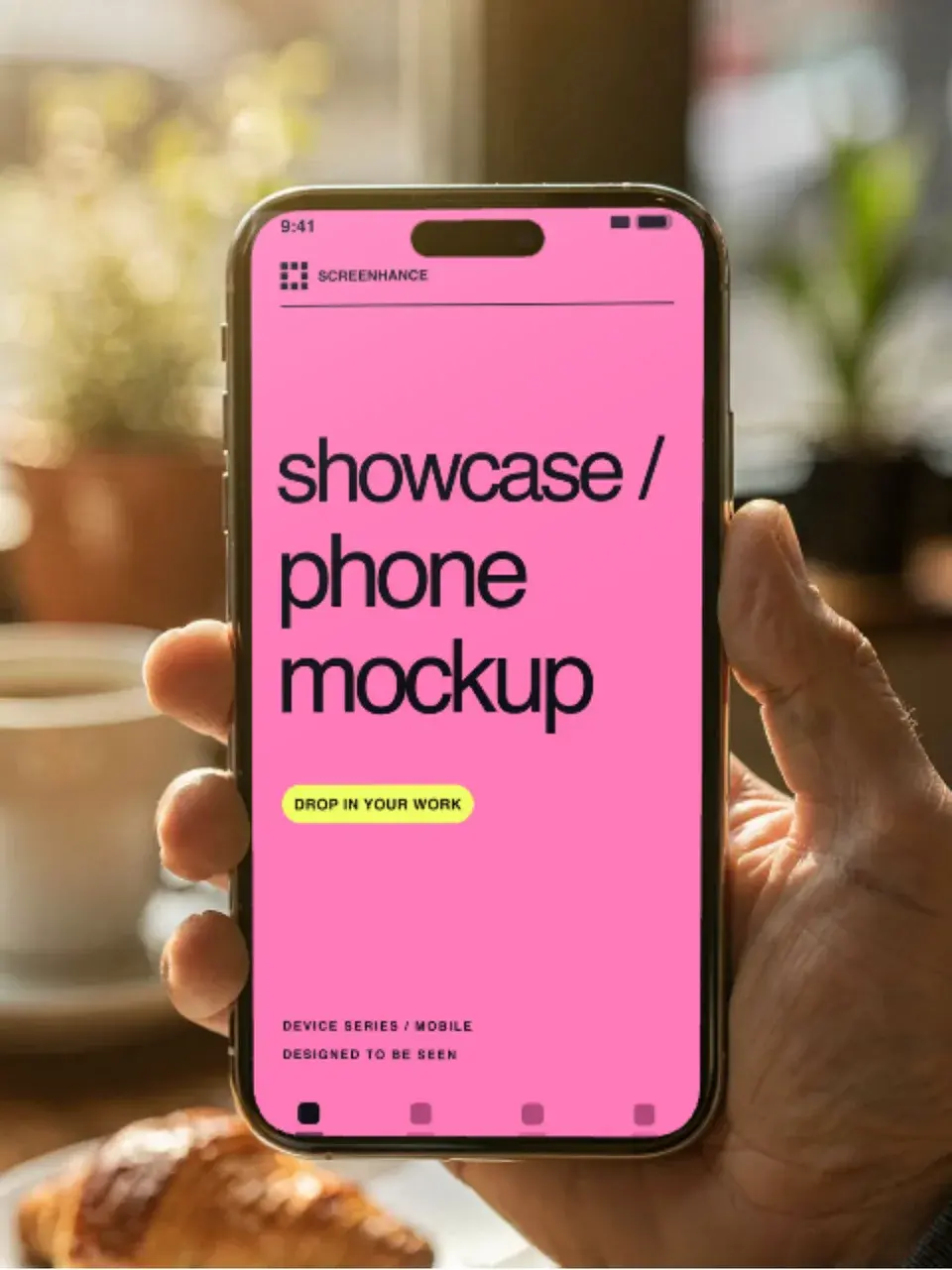
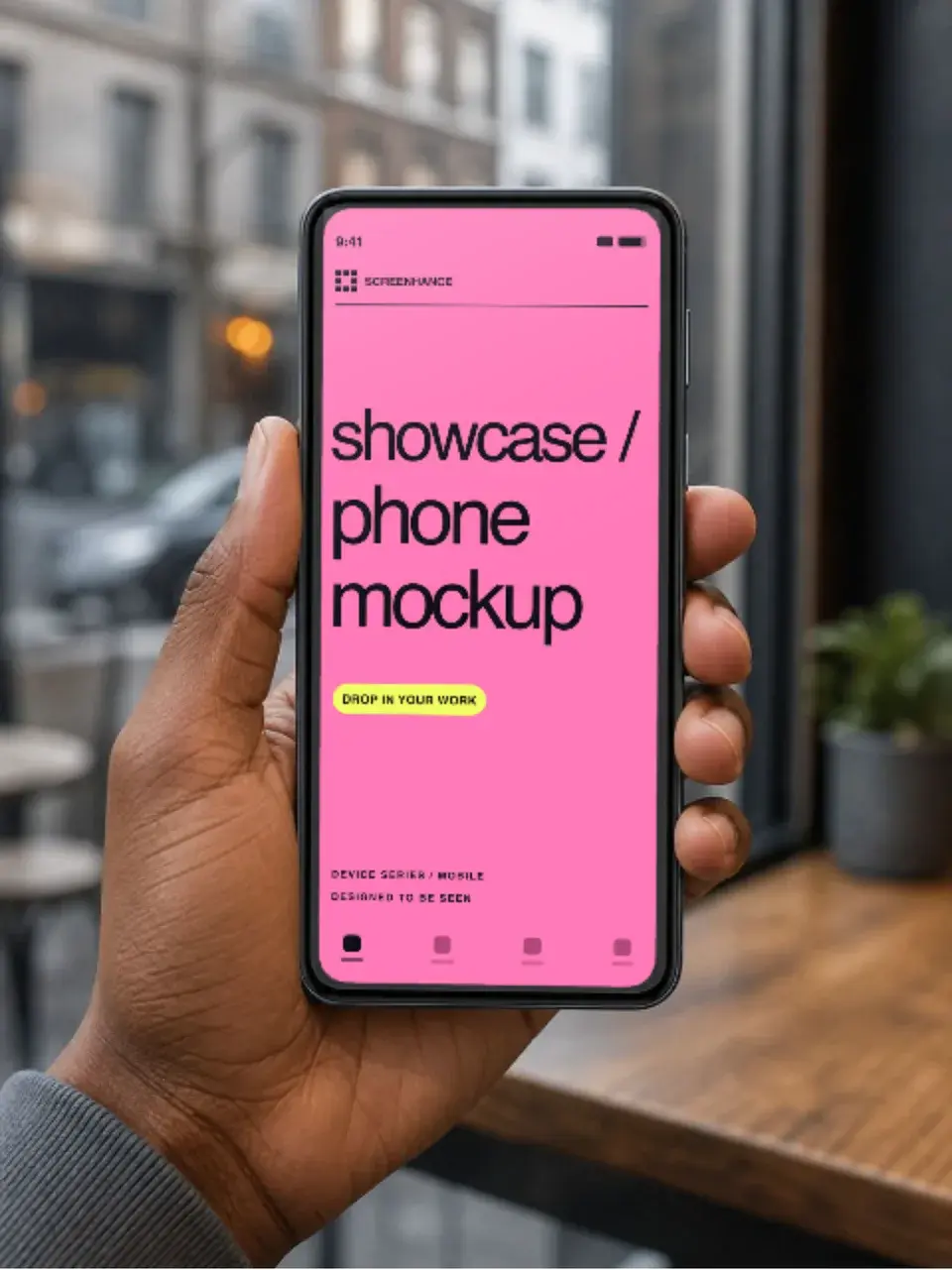
Make a free device mockup
Free to start. No credit card required.
Keep reading
Related, product-tested guides from Screenhance.
MacBook Mockup Guide for SaaS Products
Choose, crop and export a MacBook mockup that keeps your SaaS interface readable across landing pages, decks and launch assets.
7 Feb 2026 · 9 min read
Website Screenshot Mockups: Showcase Your Site Beautifully
Turn plain website screenshots into polished mockups with browser frames, backgrounds, and multi-device layouts. A complete guide.
7 Feb 2026 · 6 min read
Apple Watch Mockup Guide: Framing watchOS Apps in 2026
How to create Apple Watch mockups that sell a watchOS app: choosing 46mm vs 42mm, capturing clean watch screenshots, and the iPhone-plus-Watch layout.
29 May 2026 · 6 min read