
OG Image Size in 2026: 1200×630 + Every Platform's Dimensions
Open Graph images should be 1200×630 px. Check your URL preview free, then compare exact sizes for Facebook, X, LinkedIn, Slack, Discord and WhatsApp.
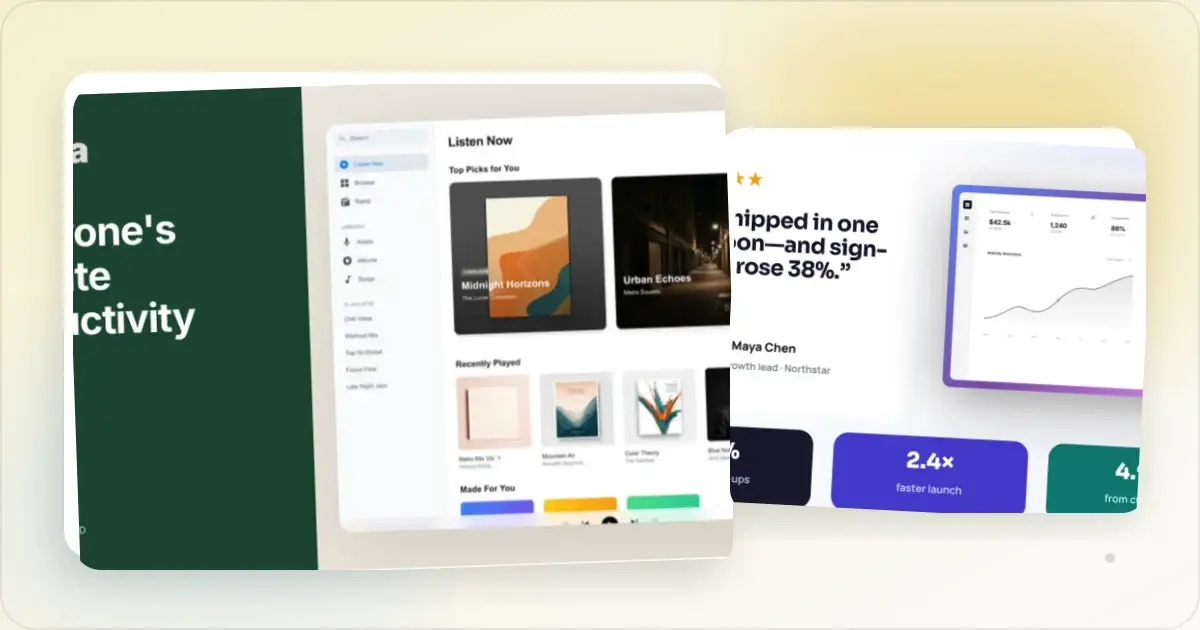
OG image dimensions at a glance
| Destination or use | Canvas size | Aspect ratio | What to check |
|---|---|---|---|
| General Open Graph share image | 1200 × 630 px | About 1.91:1 | A practical starting canvas; test the published URL on your priority platforms. |
| LinkedIn link preview | 1200 × 627 px | About 1.91:1 | LinkedIn's published recommendation; inspect the live URL with Post Inspector. |
| Square crop stress test | 630 × 630 px crop of the wide canvas | 1:1 | Our layout exercise below, not a platform requirement. |
Generate a perfectly sized 1200x630 OG image
The Open Graph protocol defines metadata rather than a universal image size. The LinkedIn row follows its link-sharing guidance, checked on 11 October 2026. Slack, Discord and other apps can choose different treatments for the same source image.
Choose a canvas and test the published page
Start with a 1200 × 630 px canvas when you want one share image for several destinations. Keep the title, logo, and important product UI away from the outer edges so the design remains legible if a service crops, scales, pads, or shows a compact preview.
Then test the published page on the services that matter to your audience. Preview behaviour depends on more than dimensions: the page must be crawlable, its metadata must resolve correctly, and the image URL must be publicly accessible.
You can create the working asset with the Screenhance OG image generator, inspect a published page with the OG image checker, compare 12 original OG image examples with layout analysis, and use the OG image best-practices guide for layout advice.
See what survives a smaller or cropped preview
This original layout exercise starts with a 1200 × 630 composition. The dashed inset is our design margin, 80 pixels from each edge, not a safe zone promised by any platform. The square panel is a deliberately centered crop to stress-test the layout; it is not a screenshot of a particular social network.
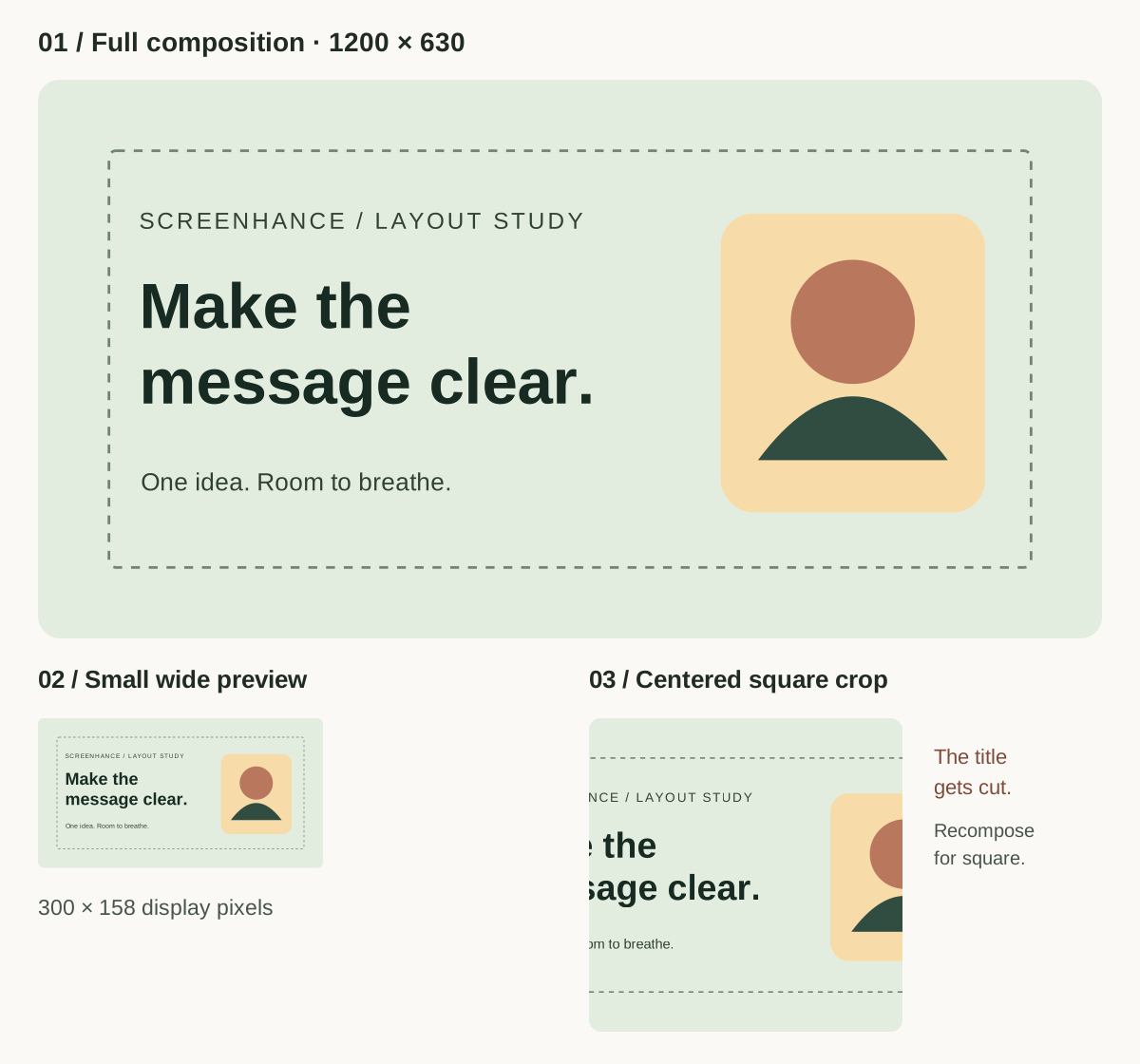
| Test performed on 11 September 2026 | What it tells you |
|---|---|
| Full 1200 × 630 canvas | Check composition and export dimensions. |
| Same image at 300 × 158 display pixels | Check whether the short headline still reads without zooming. |
| Centered 630 × 630 crop of the source | See whether a compact treatment loses important content near the sides. |
The crop loses part of the left-aligned title. That is a useful failure: if a square destination matters, make a dedicated composition with the message centered instead of assuming a wide card will survive every crop. The small wide preview keeps the overall hierarchy but leaves little room for detailed interface text.
Check your live preview, then test the actual shared URL on your priority platform. For alternate compositions, see the original OG examples and their layout analysis.What the Open Graph protocol actually requires
The Open Graph protocol requires these four basic properties:
og:titleog:typeog:imageog:url
It also defines structured image properties such as og:image:type, og:image:width, og:image:height, and og:image:alt. The protocol recommends adding og:image:alt whenever an image is present. It does not prescribe 1200 × 630 or any other universal pixel size.
<meta property="og:title" content="A clear title for the shared page" />
<meta property="og:type" content="website" />
<meta property="og:url" content="https://example.com/page" />
<meta property="og:image" content="https://example.com/share-image.jpg" />
<meta property="og:image:type" content="image/jpeg" />
<meta property="og:image:width" content="1200" />
<meta property="og:image:height" content="630" />
<meta property="og:image:alt" content="Product dashboard showing the weekly report" />
Use absolute HTTPS URLs in the final page. If the image is generated dynamically, make sure a crawler can fetch it without signing in, accepting cookies, or running client-side application code.
Platform guidance you can verify
Use LinkedIn Post Inspector to see what LinkedIn can fetch from a public URL and to request a fresh inspection after metadata changes.
Slack
Slack's official unfurl documentation says Slack crawls commonly used Open Graph and X metadata when it creates link previews. It does not publish one universal image dimension or file-size limit for ordinary page unfurls in that guide.
Treat 1200 × 630 as a design starting point, not a Slack guarantee. Slack can suppress unfurling for a message, so the link title and surrounding message still need to make sense without an image.
X, Facebook, Discord, and messaging apps
These services control their own preview layouts, caching, and eligibility rules. A 1200 × 630 image is a sensible shared source asset, but do not promise an exact crop, card width, or refresh time without testing the current product.
If one destination is commercially important, publish the page first and test the real URL in that destination. Where a platform supports its own metadata, you can provide a destination-specific image without changing the general og:image.
Design one image that degrades well
Keep the message short
The page title and post text already carry context. Use the image for one clear idea rather than a paragraph. Preview it at a small size before export; share cards are often much smaller than the design canvas.
Protect the edges
Leave breathing room around logos, headlines, and interface details. This is not a universal “safe-zone” measurement—each service can render the image differently—but it reduces damage from modest cropping or padding.
Show real product evidence
Use a genuine product screen or an accurate visual of the page being shared. Avoid invented ratings, fabricated customer quotes, and claims the destination page cannot support.
Choose an appropriate format
JPEG is often efficient for photography and complex gradients. PNG is useful for flat graphics and sharp interface details. Optimize the file without making small text unreadable, and verify that the final public URL returns the expected image content type.
Publishing checklist
1. Export a 1200 × 630 working image, or use the exact recommendation for your priority destination.
2. Add the four required Open Graph properties.
3. Add image type, width, height, and meaningful alt text.
4. Use absolute, public HTTPS URLs for both the page and image.
5. Check the page's rendered HTML to confirm the metadata is present server-side.
6. Inspect the published URL with a platform tool such as LinkedIn Post Inspector.
7. Share the URL privately on important destinations and check desktop and mobile layouts.
8. If you change the image, version its URL and inspect again; do not assume every service refreshes immediately.
Static or dynamically generated images?
A static file is the simplest choice for a landing page or article whose visual changes rarely. A dynamically generated image can be useful when the title, author, date, or product data changes per page. Either approach is valid if the final image URL is stable, public, fast to fetch, and represented accurately in the metadata.
Frequently asked questions
Is 1200 × 630 the official Open Graph image size?
No. The Open Graph protocol defines metadata properties, not a required pixel size. Screenhance recommends 1200 × 630 as a practical 1.91:1 working canvas for a shared asset.
Will 1200 × 630 render without cropping everywhere?
No image size can guarantee identical rendering across every service and layout. Keep important content away from the edges and test the published URL on the destinations that matter.
Should I create a separate image for LinkedIn?
Not necessarily. A 1200 × 630 image is very close to LinkedIn's 1200 × 627 recommendation. If LinkedIn is a priority and exact composition matters, export a dedicated 1200 × 627 version and inspect it with LinkedIn Post Inspector.
Why is my old image still showing?
Link-preview services cache fetched metadata and images on their own schedules. Confirm the live HTML first, use a versioned image URL when practical, and use the destination's official inspection or debugging tool where one is available. Do not rely on a universal cache duration.
Does an OG-image checker reproduce every platform exactly?
No. A checker can verify metadata and show a useful approximation, but only the destination controls its production rendering. Treat a checker as a publishing diagnostic, then test the real shared URL.
Next step
Create a focused 1200 × 630 starting asset in the OG image generator, publish complete metadata, and validate the live URL. The measurement is the easy part; reliable crawling and a legible, honest design are what make the preview useful.
See how your link looks when shared
Paste a public page URL to inspect its Open Graph tags, image dimensions and missing metadata. The card is an approximation; each platform controls its final preview.
Screenhance examples
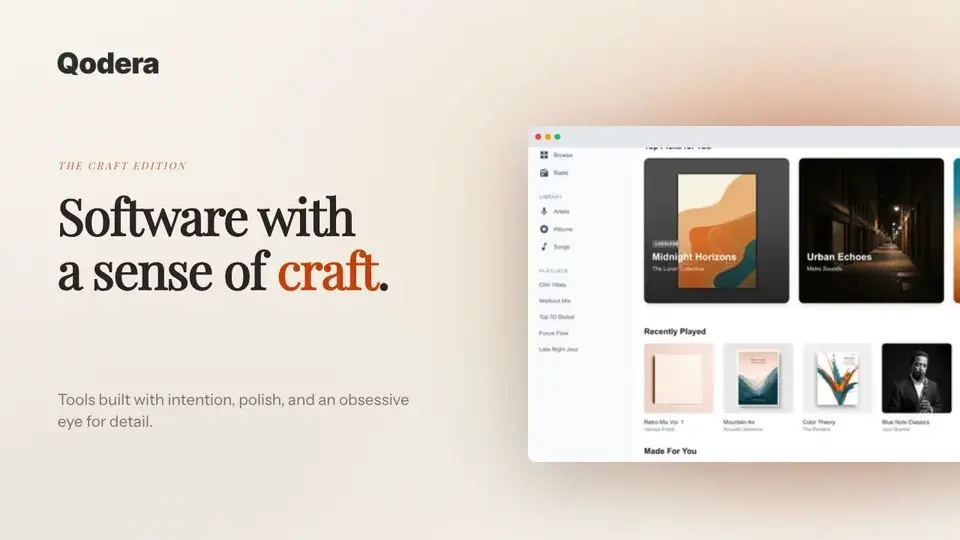
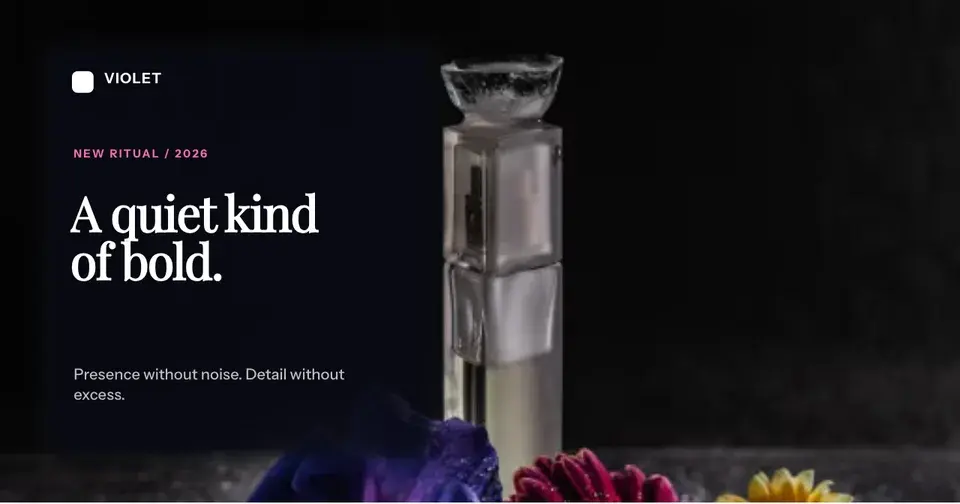
Two editable starting points from the Screenhance library, selected for this social and web guide.
Generate a perfectly sized 1200x630 OG image
Free to start. No credit card required.
Keep reading
Related, product-tested guides from Screenhance.
Twitter/X Card Dimensions 2026: The Complete Image Size Guide
The definitive 2026 guide to Twitter/X card image sizes. Exact dimensions for summary cards, large image cards, in-stream photos, and more.
7 Feb 2026 · 11 min read
OG Image Best Practices in 2026: What Gets Clicked on X, LinkedIn, and Slack
Design readable OG images, preview them across platforms, and measure whether headline and layout changes improve clicks for your own audience.
7 Feb 2026 · 11 min read
12 Instagram Mockup Examples for Better Product Launches
Explore 12 original Instagram mockup examples for feed posts, carousels, Reels, Stories, profiles, reviews, launch graphics, and product scenes.
1 Sept 2026 · 9 min read