
App Store Screenshots for Germany: A Practical 2026 Guide
How to localize App Store screenshots for Germany: German text layout, Sie or du, in-app captures, regional details, export, and measurement.
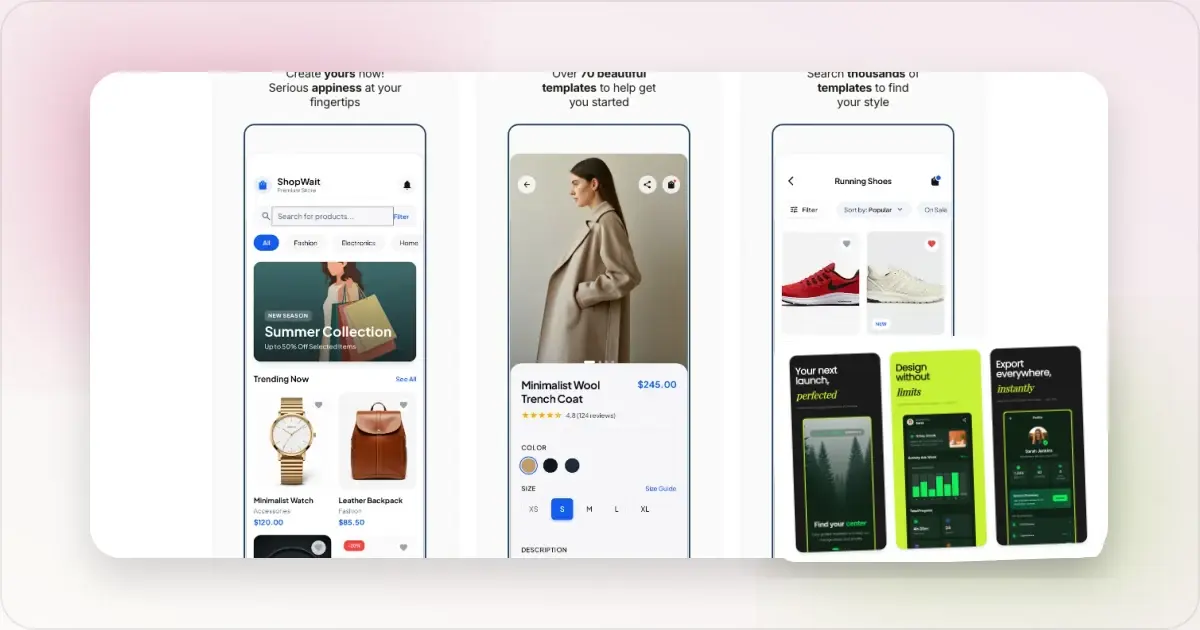
German App Store screenshots need room for the words the product actually uses. Compound nouns, register, and locale-specific formatting can expose a layout designed too tightly around English copy.
This guide explains how to make a German set without relying on a universal expansion percentage or a promised conversion lift. Whether Germany should be your next localization depends on your app's own traffic, customer value, retention, and product readiness.
Prioritize Germany from product data
In App Store Connect, review product page views, downloads, proceeds, retention, and acquisition sources for Germany. Include support conversations and customer research if you have them. Localization is a stronger candidate when German users already show intent and the app can serve them after install.
Apple separates localized App Store metadata from languages in the app binary. German screenshots do not translate the interface. Plan the listing alongside the product and support experience, following Apple's localization guidance.
The text expansion problem
German can produce longer labels and compound nouns where English uses a short word. For example:
- "Settings" → "Einstellungen" (Latin script, but 11 characters vs 8)
- "Start your free trial" → "Starten Sie Ihre kostenlose Testversion" (40 chars vs 21)
- "Get organized" → "Organisieren Sie sich" (or longer, depending on register)
- "Notifications" → "Benachrichtigungen" (18 chars vs 13)
There is no dependable expansion percentage for every caption. Translate first, render the actual copy, and adjust each layout from what you see.
The structural fix: Build your master template with German overflow in mind from the start. Three approaches:1. Generous text areas. Design caption regions with extra horizontal and vertical room so longer translations fit without changing font size. The downside is the English version looks slightly under-filled. Most teams accept this trade-off because the German overflow problem is the larger cost.
2. Two-line captions by design. If captions are 1 line in English, design for 2 lines. German translations fill the second line naturally; English versions can use the extra line for a sub-caption or leave it blank.
3. Per-locale adjustment. Rewrite for clarity before reducing font size. If the type must change, preserve hierarchy and legibility across the full set.
A flexible text area plus a concise translation brief is more reliable than a global font-size rule.
Compound nouns and breaking
Long compounds can overflow a narrow caption area or break awkwardly. Ask a German-native reviewer to approve any manual break or shorter rephrasing; do not insert a hyphen simply to force the English layout to fit.
Formal vs informal: Sie or du?
German distinguishes formal Sie from familiar du. Neither is automatically correct for an industry or age group. Match the voice used in the app, onboarding, website, and customer support.
Ask a German-native reviewer to check pronouns, possessives, verb forms, capitalization, feature names, and the full sequence for consistency. Competitor listings can reveal category conventions, but they do not replace the product's own style decision.
Use safe, accurate sample data
Use synthetic names, email addresses, messages, and account details in every locale. Show a permission or consent state only when it helps explain the real feature; do not add one as a marketing signal or hide a material part of the experience. This is sound screenshot practice globally, not a Germany-specific App Review rule.
In-app content: German UI, German formatting
Same principle as Japan localization: switch the Simulator or device to German locale before capturing app screenshots, so the UI itself renders in German rather than English-with-translated-overlays.
Verify navigation, buttons, system dialogs, dates, times, decimal separators, currency, units, and truncation in the underlying UI. Let the product's locale-aware formatting generate these values rather than hardcoding German-looking strings for the screenshot.
When to combine Germany with other DACH locales
App Store Connect currently lists German as one metadata localization rather than separate German (Germany), German (Austria), and German (Switzerland) choices. The language shown can depend on storefront, device settings, your available localizations, and the primary language.
Use region-neutral copy when one German set serves several storefronts. If a screenshot shows pricing, addresses, legal language, spelling, or region-specific availability, verify that it is accurate wherever the localization can appear. Apple's App Store localization reference documents the supported languages and storefront fallbacks.
The workflow
Once German translations are reviewed and ready:
1. Audit the source layout for flexibility. If captions are tightly fitted to the English string, make room before duplicating the set.
2. Duplicate the master for German. Swap captions, paste reviewed German strings, verify font rendering for compound nouns.
3. Re-shoot app screenshots in German locale. Switch Simulator: Settings → General → Language & Region → German. Capture fresh screenshots so UI, dates, currency, and sample content match.
4. Export the required assets. Screenhance's App Store screenshot translator can help maintain localized captions and exports in one workflow.
5. Upload to the German localization. Follow Apple's current instructions to localize app information and upload screenshots.
Measuring the impact
Take a baseline before publishing and compare equivalent periods in App Store Connect. Segment by Germany and acquisition source, and note campaigns, featuring, seasonality, pricing, or app releases that overlap the change.
Review product-page conversion, activation and retention after install, search and acquisition-source mix, and support feedback about language or product expectations. Do not use a generic uplift target as a quality test. Use a controlled test where available and change one major variable at a time.
Frequently Asked Questions
How much does German App Store screenshot localization cost?
The cost depends on the number of captions, product complexity, reviewer expertise, revisions, and whether the app UI also needs localization. Get a quote for translation, native review, design QA, and ongoing updates rather than relying on a universal price or payback period.
Should I use du or Sie in my German screenshots?
Use the form that matches the app's established German voice, then apply it consistently across the listing, product, and support content. Ask a native reviewer to judge the whole sequence in context.
Do I need different screenshots for Germany vs Austria vs Switzerland?
App Store Connect currently offers one German metadata localization. Make region-specific examples accurate for every storefront where it may appear, and consult Apple's current localization mapping before upload.
Why are German captions so much longer than English?
German can use long compounds and constructions that do not fit an English text box. The amount varies by sentence. Translate and render the actual caption, then rewrite or adapt its text area instead of applying a fixed expansion rule.
Can I use AI translation for German?
Use it for a draft, not final approval. Native review is still needed for register, compounds, idiom, terminology, and the rendered line breaks.
Does Apple App Review treat German listings differently?
Apple applies its review guidelines to the listing. We found no Apple documentation for stricter screenshot review in Germany. Use synthetic data, avoid misleading claims, and follow the same privacy and metadata standards in every locale.
Should I localize for German before or after French?
Compare territory-level traffic, activation, retention, proceeds, and support capacity. French and German need different native review, so choose the audience for which the product has the clearest evidence rather than applying a category ranking.
Related Reading
- App Store Screenshot Translator - Build localized screenshot sets in one workflow
- App Store Screenshots for France - French register and regional review
- App Store Screenshots for Japan - Japanese typography and register guidance
- App Store Screenshots for South Korea - The Korea-specific guide for the other major Asian market
- App Store Screenshots by Market - The per-market hub this Germany-specific guide builds on
- App Store Screenshot Dimensions 2026 - Check the current export requirements
Check your image dimensions
Check the pixel size and file format for App Store screenshots. Files stay in your browser and are not stored.
This checks dimensions and file type only. Check the selected display slot, colour profile, transparency and artwork separately. A matching size does not guarantee store approval.
Accepted App Store screenshot sizes
- iPhone · Duo outer: 1398 × 2034 (landscape 2034 × 1398)
- iPhone · Duo inner: 2007 × 2853 (landscape 2853 × 2007)
- iPhone · Dynamic Island (large display): 1260 × 2736 (landscape 2736 × 1260)
- iPhone · Dynamic Island (large display): 1320 × 2868 (landscape 2868 × 1320)
- iPhone · Dynamic Island (large display): 1290 × 2796 (landscape 2796 × 1290)
- iPhone · Face ID (large display): 1284 × 2778 (landscape 2778 × 1284)
- iPhone · Face ID (large display): 1242 × 2688 (landscape 2688 × 1242)
- iPhone · Dynamic Island (medium display): 1179 × 2556 (landscape 2556 × 1179)
- iPhone · Dynamic Island (medium display): 1206 × 2622 (landscape 2622 × 1206)
- iPhone · Face ID (medium display): 1170 × 2532 (landscape 2532 × 1170)
- iPhone · Face ID (medium display): 1125 × 2436 (landscape 2436 × 1125)
- iPhone · Face ID (medium display): 1080 × 2340 (landscape 2340 × 1080)
- iPhone · Home Button (large display): 1242 × 2208 (landscape 2208 × 1242)
- iPhone · Home Button (medium display): 750 × 1334 (landscape 1334 × 750)
- iPhone · 4": 640 × 1096 (landscape 1136 × 600)
- iPhone · 4": 640 × 1136 (landscape 1136 × 640)
- iPhone · 3.5": 640 × 920 (landscape 960 × 600)
- iPhone · 3.5": 640 × 960 (landscape 960 × 640)
- iPad · 13": 2064 × 2752 (landscape 2752 × 2064)
- iPad · 13": 2048 × 2732 (landscape 2732 × 2048)
- iPad · 11": 1488 × 2266 (landscape 2266 × 1488)
- iPad · 11": 1668 × 2420 (landscape 2420 × 1668)
- iPad · 11": 1668 × 2388 (landscape 2388 × 1668)
- iPad · 11": 1640 × 2360 (landscape 2360 × 1640)
- iPad · 10.5": 1668 × 2224 (landscape 2224 × 1668)
- iPad · 9.7": 1536 × 2008 (landscape 2048 × 1496)
- iPad · 9.7": 1536 × 2048 (landscape 2048 × 1536)
- iPad · 9.7": 768 × 1004 (landscape 1024 × 748)
- iPad · 9.7": 768 × 1024 (landscape 1024 × 768)
Specifications checked 2026-10-13. Apple’s source requirements.
Screenhance examples
Two editable starting points from the Screenhance library, selected for this app stores guide.
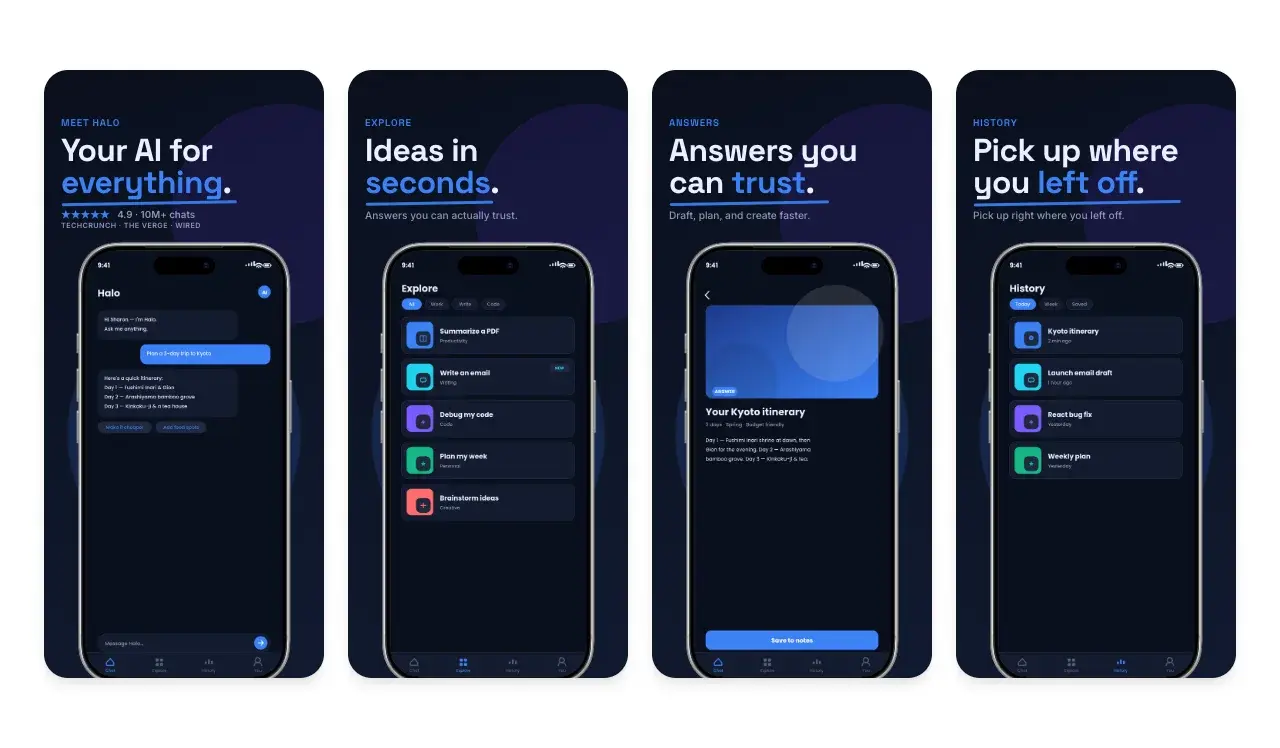
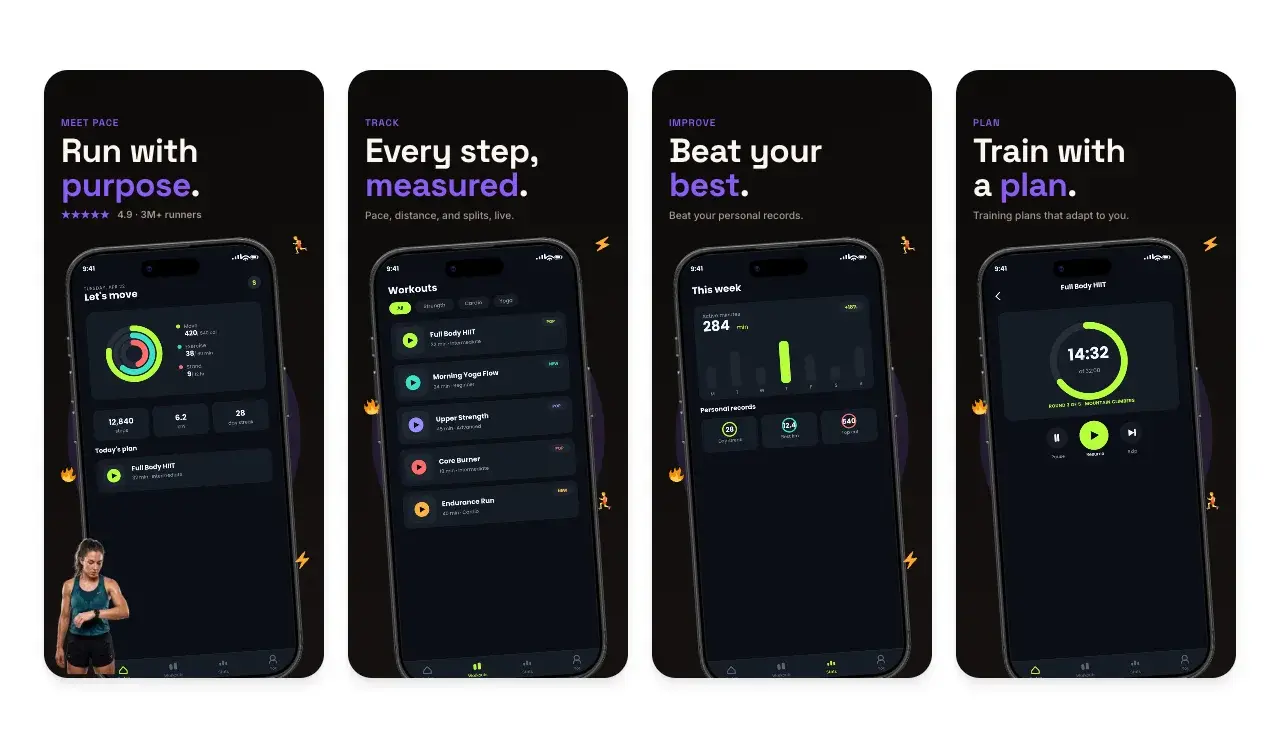
Generate App Store screenshots free
Free to start. No credit card required.
Keep reading
Related, product-tested guides from Screenhance.
9 App Design Examples That Explain the Product Clearly
Study nine original app design concepts and the specific hierarchy, screenshots, contrast, and story decisions that make each product easier to understand.
20 Aug 2026 · 8 min read
The State of App Store Screenshots in 2026: Requirements and Testing
A current, source-linked guide to App Store screenshot requirements, localization, Product Page Optimization, and the checks to run before upload.
4 Jul 2026 · 3 min read
Best Google Play Screenshot Generators in 2026: 7 Compared
Compare seven Google Play screenshot generators across Android frames, phone and tablet workflows, localization, motion, pricing, and free access.
15 Jun 2026 · 6 min read