
App Store Screenshots for South Korea: A Practical 2026 Guide
How to localize App Store screenshots for South Korea: Korean register, Hangul typography, in-app captures, native review, export, and measurement.
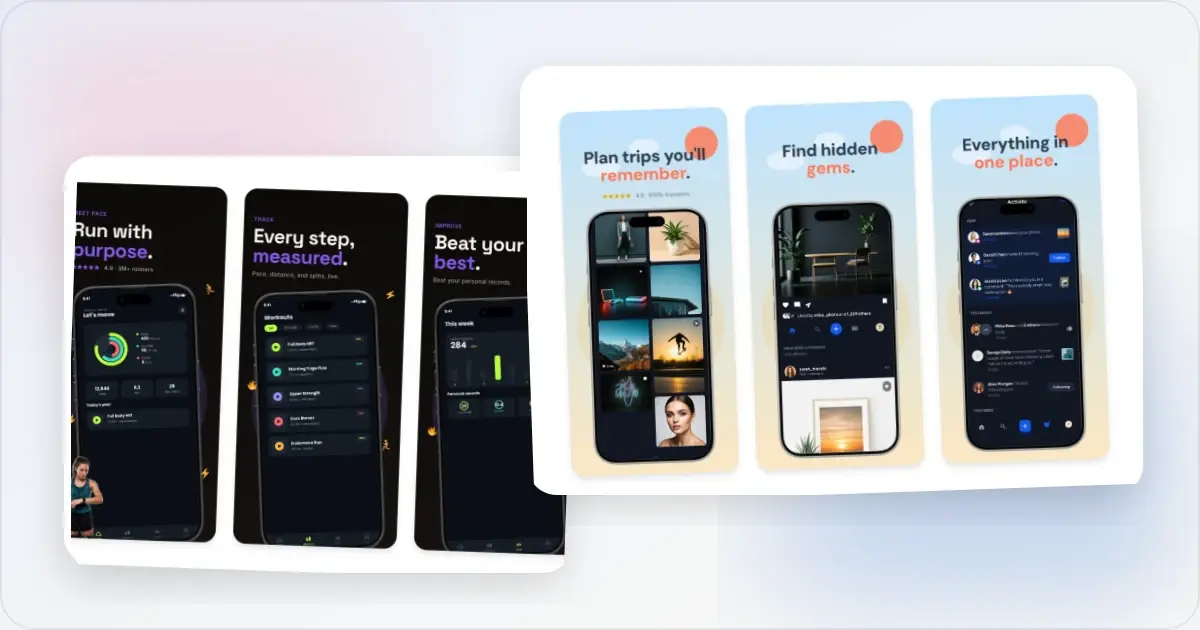
Korean App Store screenshots should sound like the product, show the product in Korean, and use a consistent level of formality. Translating English headlines without reviewing register or the underlying UI can make an otherwise polished set feel disconnected.
This guide covers Korean copy, Hangul typography, captures, export, and measurement. It does not assume South Korea is automatically a priority for every app; use your own App Store Connect and product data to decide.
Start with your own South Korea signal
Review product page views, downloads, proceeds, retention, support requests, and organic discovery from South Korea. A Korean localization is a stronger candidate when people are already finding the app and the product can support them after install.
Store metadata and the app binary are localized separately. Adding Korean screenshots does not translate the interface. Apple's app localization guidance recommends planning the product, metadata, screenshots, and quality assurance together.
What to translate (and what to leave alone)
Korean localization is more than vocabulary substitution. The register and tone matter as much as the words:
Translate with native-speaker review: Caption headlines, app description, keywords, release notes, and in-app onboarding. Give the reviewer the complete sequence and the feature being shown, not isolated English strings. Translate carefully, watch for register: Feature lists, benefit statements, and calls to action. The correct speech level depends on the product's established Korean voice and relationship with the user, not a universal category rule. Keep names consistent: Product, brand, device, and feature names should use the same forms as the app and its Korean support content. Some remain in Latin script and some have an established Hangul form. Do not invent a separate spelling for the screenshot.The register decision: 합니다체 vs 해요체 vs 반말
Three speech levels often considered for short product copy are 합니다체 (formal-polite), 해요체 (conversational-polite), and 반말 (casual). Each can be appropriate in the right brand context; none is a safe default for every app.
Brief the translator on the register already used in the app, onboarding, website, and customer support. Ask a Korean-native reviewer to check pronouns, sentence endings, feature terminology, and the entire sequence for consistency.
Hangul glyph density and font sizing
Hangul syllable blocks have a different visual rhythm from Latin text, so character counts do not predict how a translated caption will fit. There is no universal size or length adjustment. Render the approved Korean copy before changing the layout.
Fonts: Use a Korean-capable typeface with complete Hangul glyphs and suitable licensing. If the app has a Korean design system, use its type choices as the starting point so the marketing and interface feel connected. Mixed Hangul and Latin strings: Captions that mix Hangul and Latin characters ("AI로 분석하기" = "Analyze with AI") need careful font pairing. Some Korean fonts pair badly with their Latin fallback and create visible weight mismatches. Test mixed strings before shipping.Sample content that signals "made for Korea"
Beyond translated captions, coherent sample content helps the screenshot describe the same product experience:
Names: When a local example helps explain the feature, use plausible synthetic Korean names. Do not add names as decoration or expose a real person's information. Currency, dates, and times: Let the app's Korean locale formatting produce them and verify the rendered result. Do not hardcode a Korean-looking example solely for the screenshot. Locations and integrations: Show a Korean location or third-party integration only when it is available and relevant to the product state. Cultural references are not a substitute for a localized experience.In-app content: switch the locale, capture fresh
Same principle as Japan and Germany localizations: switch Simulator or device to Korean locale before capturing app screenshots, so the underlying UI renders in Korean rather than English-with-translated-overlays.
Specifically watch for:- App navigation labels in Korean (홈/탐색/프로필/설정 instead of Home/Explore/Profile/Settings)
- Date and currency formatting in Korean conventions
- Sample data using Korean names and locations
- Push notification examples shown in Korean
If the app is not localized in Korean, keep the listing honest. Korean captions can describe an English-language product, but they should not imply that the interface or support is available in Korean.
Choose between Korean and another locale
Compare territory-level demand, retention, proceeds, support load, and product-language readiness. Japanese and Korean require different native reviewers even when the production template is shared. Prioritize the audience for which you have the clearest product signal rather than demographic stereotypes.
A practical production workflow
Once Korean translations are reviewed and the register is confirmed:
1. Build a Korean version from the approved source set. Reuse the structure, then adapt the layout to the actual copy.
2. Swap captions per screenshot. Paste reviewed Korean strings and resolve line breaks without forcing the English line count.
3. Use a complete Hangul typeface. Check licensing, mixed Latin text, weight, and mobile-size legibility.
4. Re-shoot in-app screenshots in Korean locale. Simulator: Settings → General → Language & Region → Korean.
5. Export the required assets. Screenhance's App Store screenshot translator can help maintain localized captions and exports in one workflow.
6. Upload to the Korean localization. Apple's localization reference lists Korean as a supported App Store localization. Follow the current screenshot upload instructions.
Measuring the impact
Take a baseline before the Korean assets go live. Compare equivalent periods in App Store Connect and segment by South Korea and acquisition source. Note any release, pricing, campaign, featuring, or seasonal change that could affect the result.
Review product-page conversion, activation and retention after install, source mix, and qualitative support feedback. Localized keywords can help users search for the app in supported storefronts, according to Apple's app information documentation. Keywords and screenshots have different jobs, so do not attribute a ranking change to screenshots alone.
Frequently Asked Questions
Is Korean App Store localization worth it for a small indie app?
It can be when the app already has relevant traffic from South Korea and can support users after install. Compare that opportunity with the translation, product, support, and QA work required.
How is Korean App Store localization different from Japanese?
The production steps can share a template, but the languages, scripts, line-breaking behaviour, and register decisions are different. Use a native reviewer for each language and adapt the layout to the rendered copy rather than treating both as one CJK variant.
Should I use Apple SD Gothic Neo or Noto Sans KR for screenshots?
Start with the typeface used by the app's Korean UI or a Korean-capable family that matches the brand. Verify glyph coverage, licensing, weight consistency, and legibility in the exported screenshot.
Can I use AI translation for Korean?
Use it for a draft, not final approval. A Korean-native reviewer should check register, idiom, terminology, and the rendered line breaks.
Should I localize Hangul and use Korean keywords in App Store Connect?
Localize keywords when they accurately describe the product and match how people search. Apple documents that localized keywords can make an app searchable in storefronts that support that language. Research keywords separately from screenshot captions because their purpose and constraints differ.
What if my app isn't localized for Korean yet?
Do not imply that it is. Korean captions can accurately describe an English-language product, but review activation, retention, and support outcomes before expanding the campaign or promising future language support.
Related Reading
- App Store Screenshot Translator - The tool that ships this multi-language workflow
- App Store Screenshot Localization for Japan - The Japan-specific guide for the other major CJK market
- App Store Screenshot Localization for Germany - German text layout and register guidance
- App Store Screenshot Localization Guide - The general playbook this Korea-specific guide builds on
- App Store Screenshot Dimensions 2026 - Check the current export requirements
Check your image dimensions
Check the pixel size and file format for App Store screenshots. Files stay in your browser and are not stored.
This checks dimensions and file type only. Check the selected display slot, colour profile, transparency and artwork separately. A matching size does not guarantee store approval.
Accepted App Store screenshot sizes
- iPhone · Duo outer: 1398 × 2034 (landscape 2034 × 1398)
- iPhone · Duo inner: 2007 × 2853 (landscape 2853 × 2007)
- iPhone · Dynamic Island (large display): 1260 × 2736 (landscape 2736 × 1260)
- iPhone · Dynamic Island (large display): 1320 × 2868 (landscape 2868 × 1320)
- iPhone · Dynamic Island (large display): 1290 × 2796 (landscape 2796 × 1290)
- iPhone · Face ID (large display): 1284 × 2778 (landscape 2778 × 1284)
- iPhone · Face ID (large display): 1242 × 2688 (landscape 2688 × 1242)
- iPhone · Dynamic Island (medium display): 1179 × 2556 (landscape 2556 × 1179)
- iPhone · Dynamic Island (medium display): 1206 × 2622 (landscape 2622 × 1206)
- iPhone · Face ID (medium display): 1170 × 2532 (landscape 2532 × 1170)
- iPhone · Face ID (medium display): 1125 × 2436 (landscape 2436 × 1125)
- iPhone · Face ID (medium display): 1080 × 2340 (landscape 2340 × 1080)
- iPhone · Home Button (large display): 1242 × 2208 (landscape 2208 × 1242)
- iPhone · Home Button (medium display): 750 × 1334 (landscape 1334 × 750)
- iPhone · 4": 640 × 1096 (landscape 1136 × 600)
- iPhone · 4": 640 × 1136 (landscape 1136 × 640)
- iPhone · 3.5": 640 × 920 (landscape 960 × 600)
- iPhone · 3.5": 640 × 960 (landscape 960 × 640)
- iPad · 13": 2064 × 2752 (landscape 2752 × 2064)
- iPad · 13": 2048 × 2732 (landscape 2732 × 2048)
- iPad · 11": 1488 × 2266 (landscape 2266 × 1488)
- iPad · 11": 1668 × 2420 (landscape 2420 × 1668)
- iPad · 11": 1668 × 2388 (landscape 2388 × 1668)
- iPad · 11": 1640 × 2360 (landscape 2360 × 1640)
- iPad · 10.5": 1668 × 2224 (landscape 2224 × 1668)
- iPad · 9.7": 1536 × 2008 (landscape 2048 × 1496)
- iPad · 9.7": 1536 × 2048 (landscape 2048 × 1536)
- iPad · 9.7": 768 × 1004 (landscape 1024 × 748)
- iPad · 9.7": 768 × 1024 (landscape 1024 × 768)
Specifications checked 2026-10-13. Apple’s source requirements.
Screenhance examples
Two editable starting points from the Screenhance library, selected for this app stores guide.
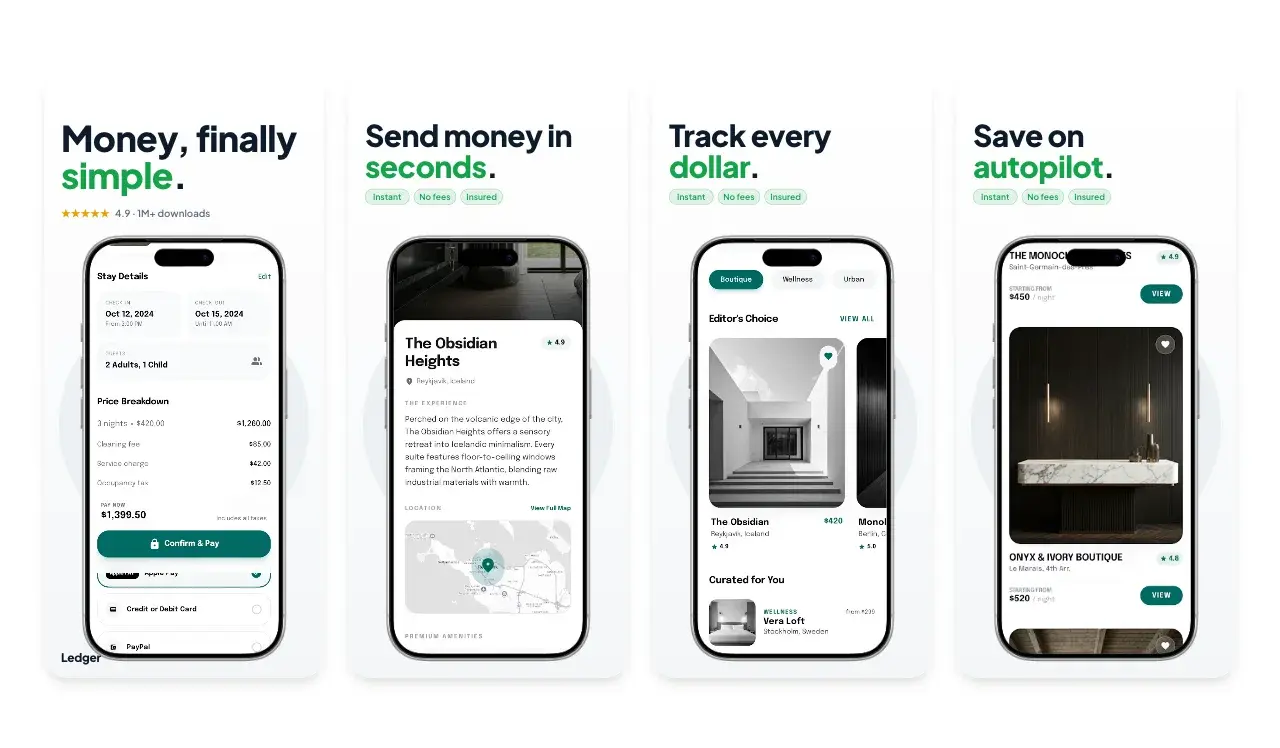
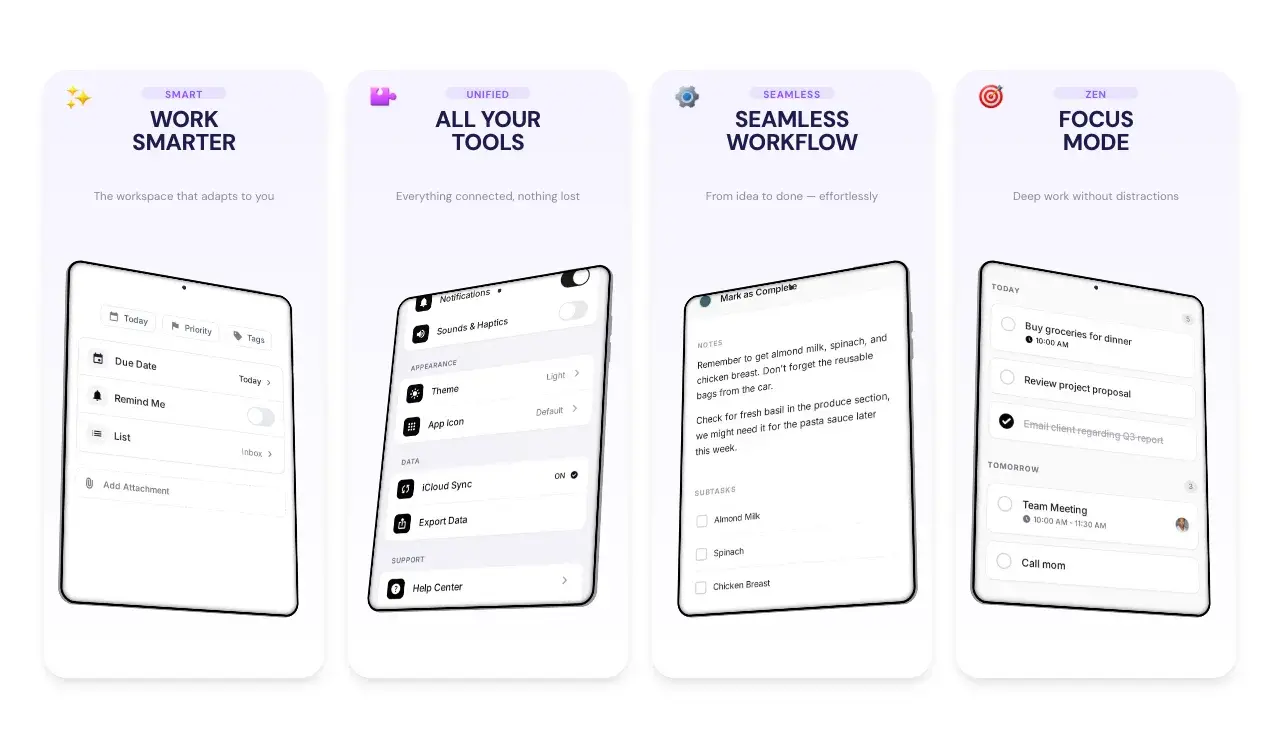
Generate App Store screenshots free
Free to start. No credit card required.
Keep reading
Related, product-tested guides from Screenhance.
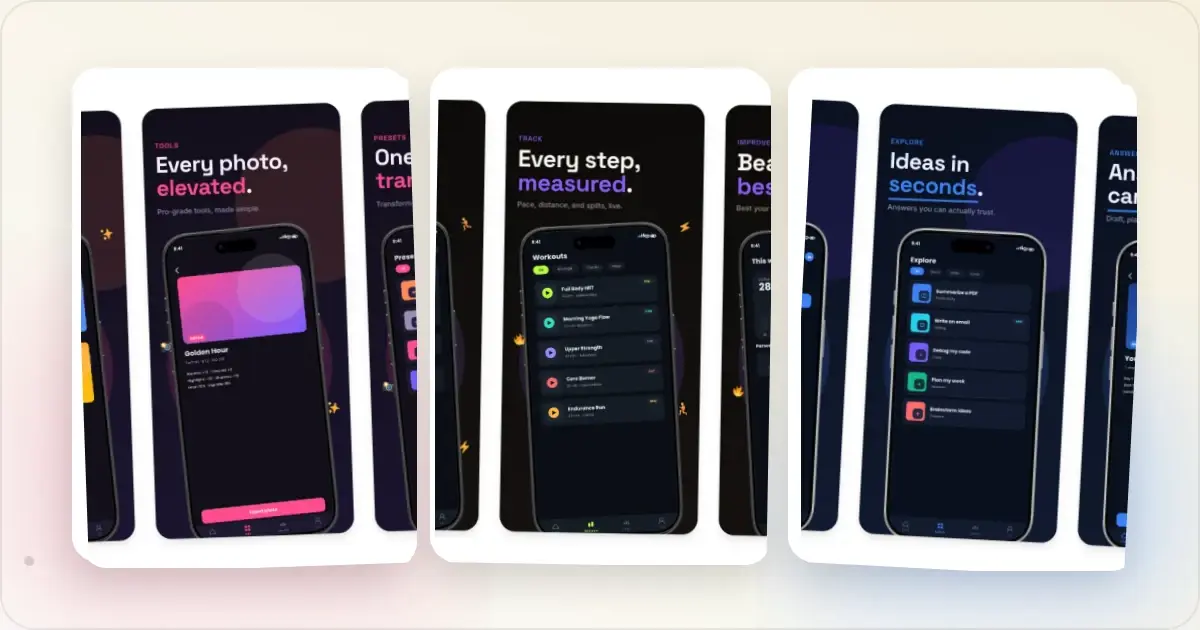
9 App Design Examples That Explain the Product Clearly
Study nine original app design concepts and the specific hierarchy, screenshots, contrast, and story decisions that make each product easier to understand.
20 Aug 2026 · 8 min read
The State of App Store Screenshots in 2026: Requirements and Testing
A current, source-linked guide to App Store screenshot requirements, localization, Product Page Optimization, and the checks to run before upload.
4 Jul 2026 · 3 min read
Best Google Play Screenshot Generators in 2026: 7 Compared
Compare seven Google Play screenshot generators across Android frames, phone and tablet workflows, localization, motion, pricing, and free access.
15 Jun 2026 · 6 min read