Use Cases
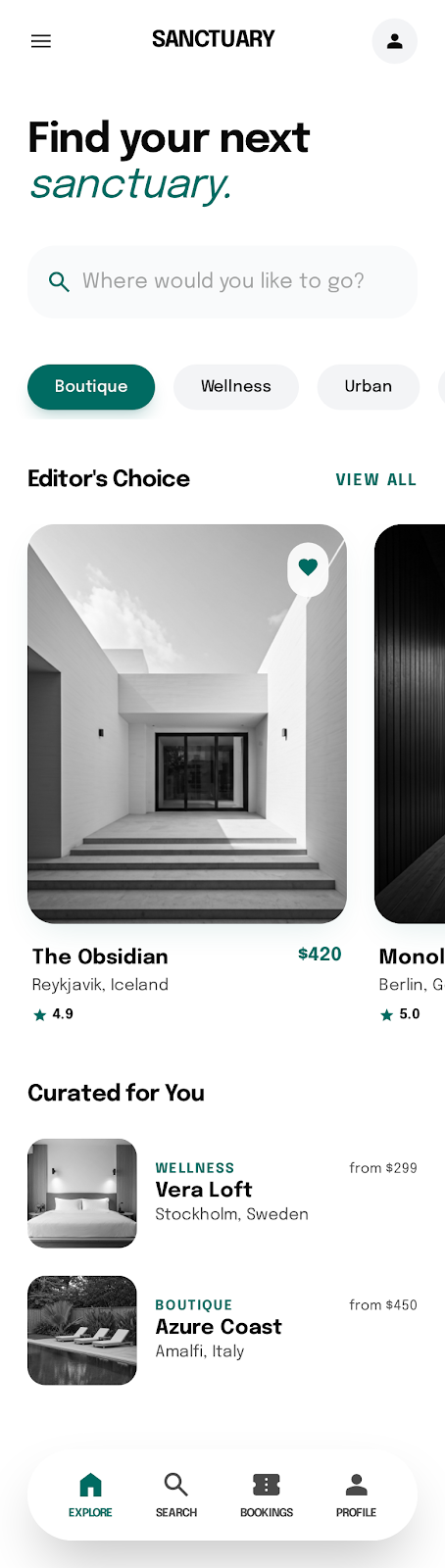
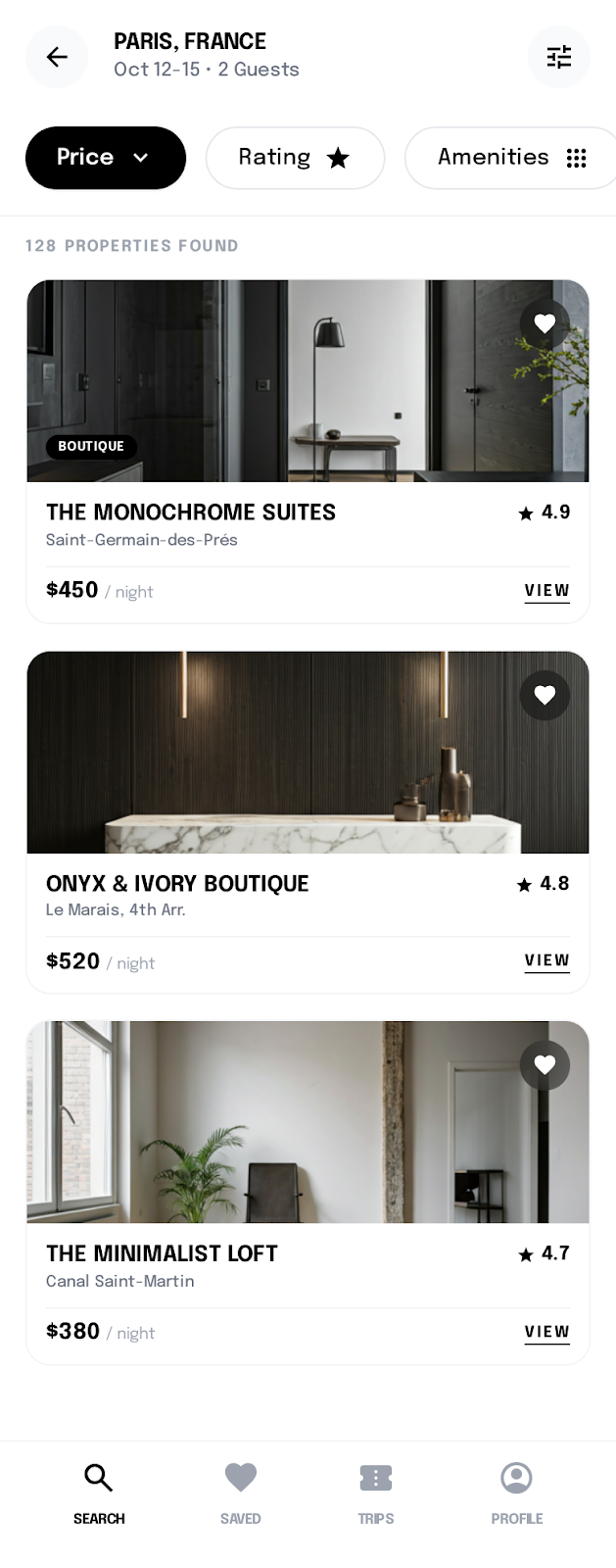
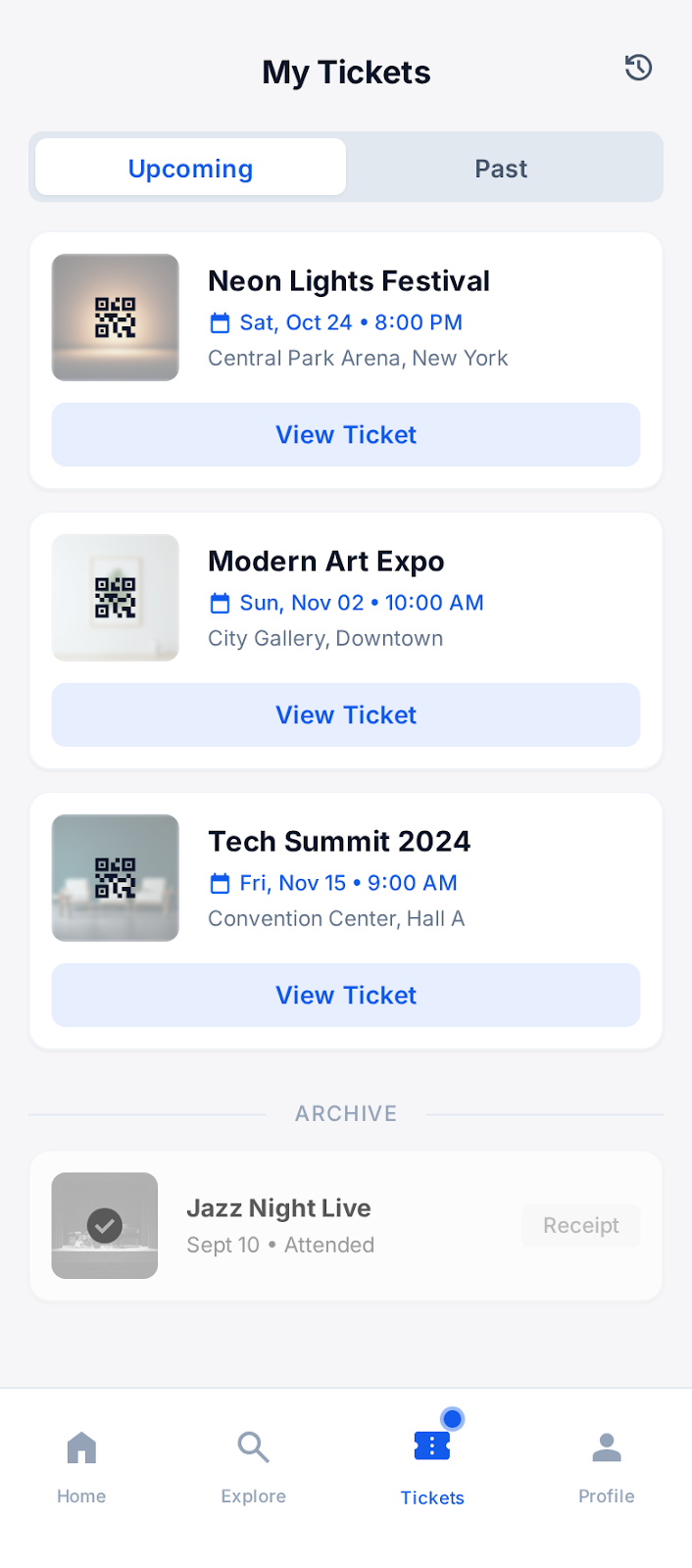
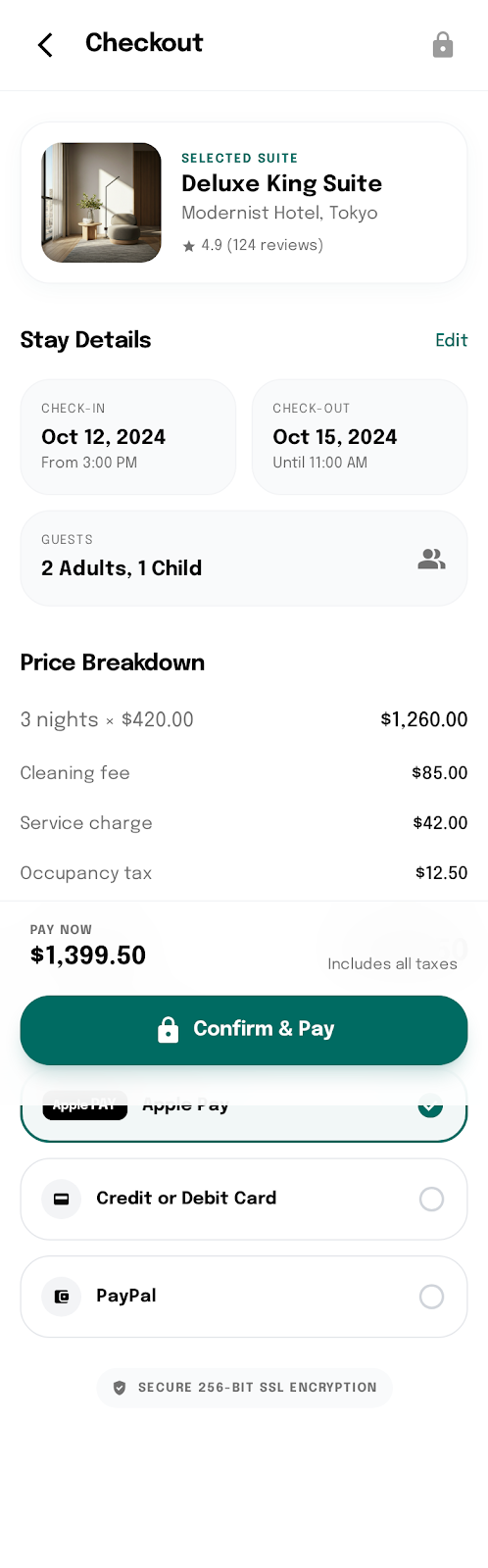
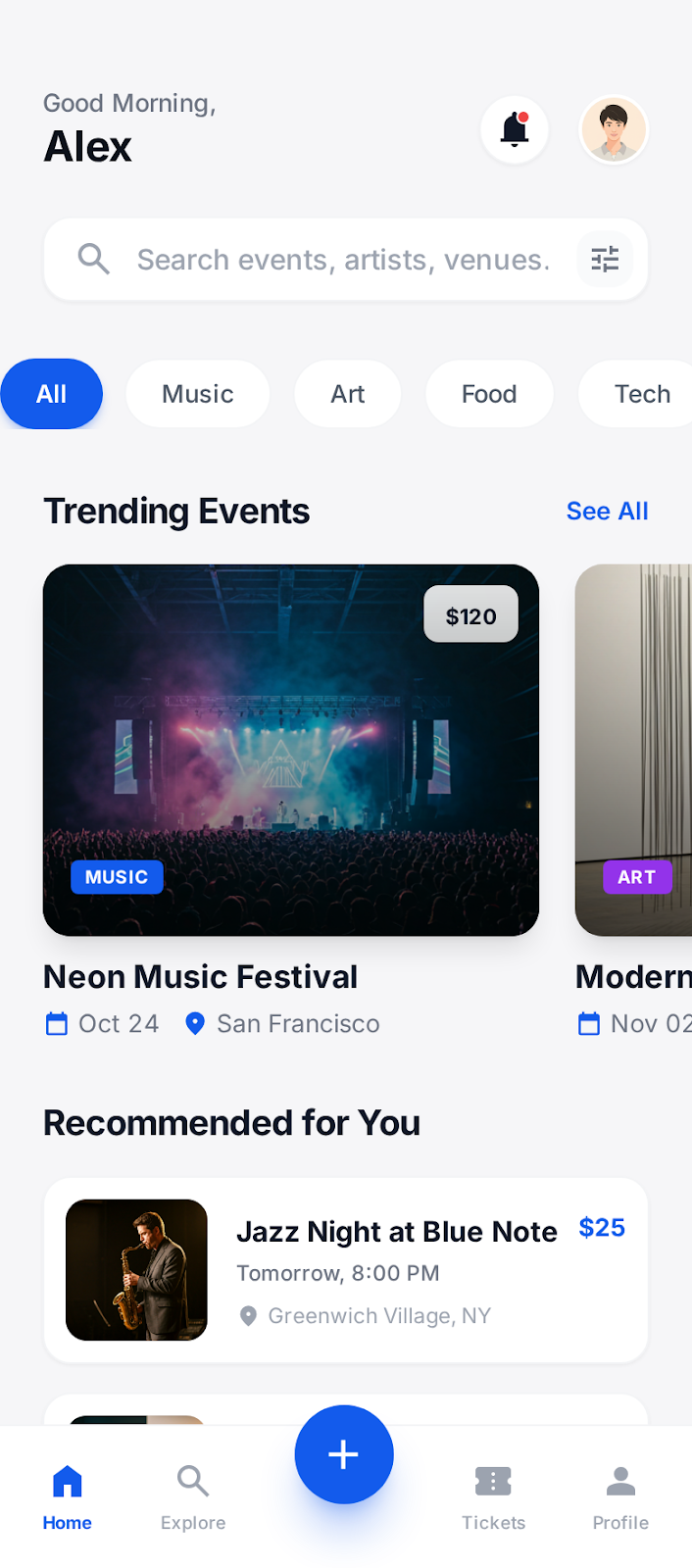
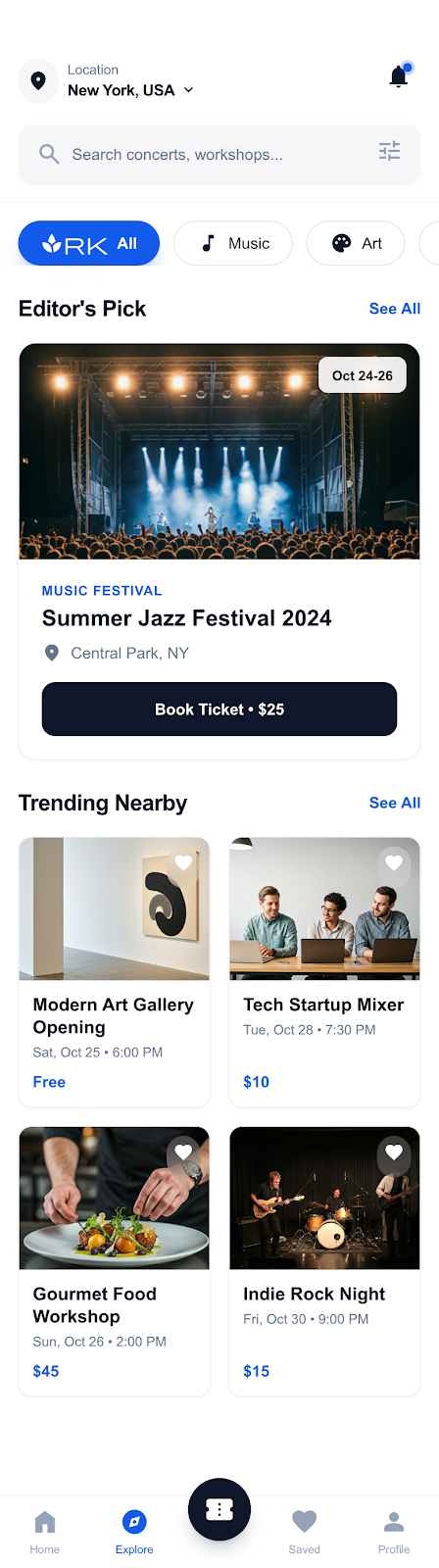
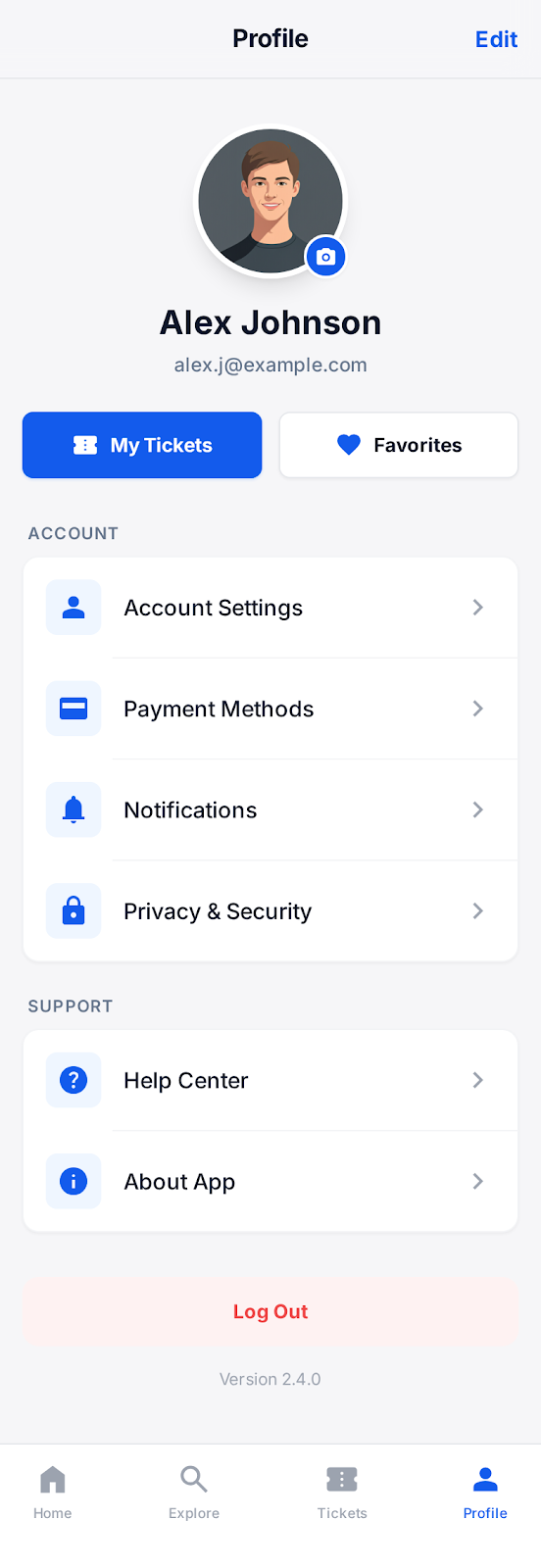
Create professional screenshots for iOS App Store and Google Play in minutes. Templates, device frames, and text overlays — no design skills needed.
Loved by 2,000+ creators
Pick a template, upload your screenshots, and export every size Apple and Google require. Each template has multiple slides ready to customize.
No credit card required
Both Stores Supported
iOS App Store and Google Play from one design
40+ Device Frames
iPhone, iPad, Android phones and tablets
Text & Captions
Add headlines, descriptions, and feature callouts
Batch Export
Export all sizes and slides in one click
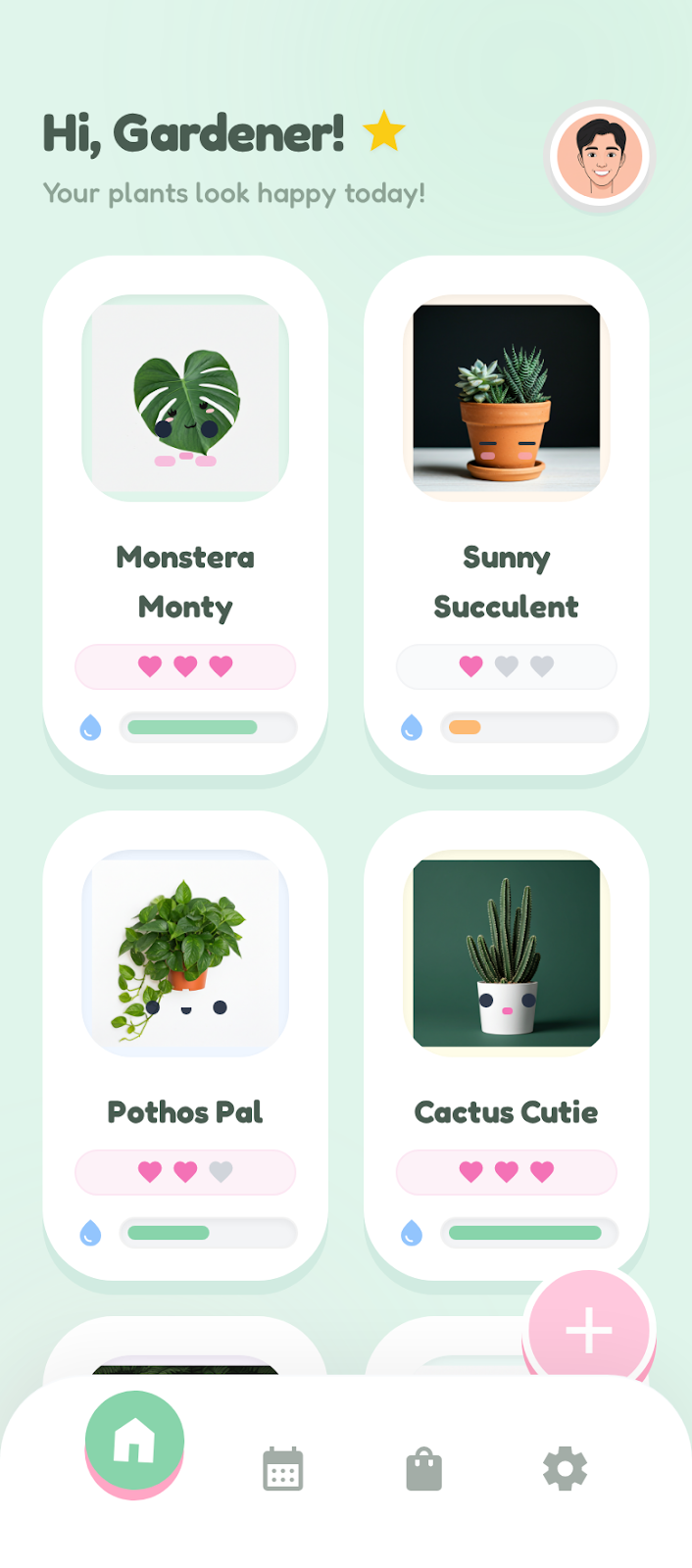
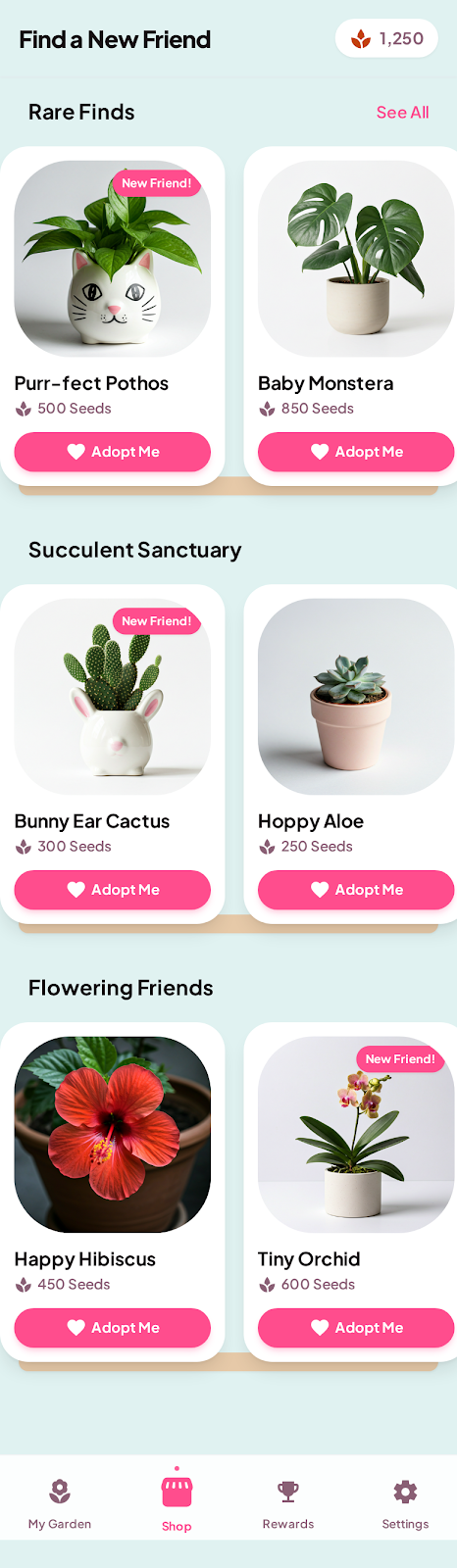
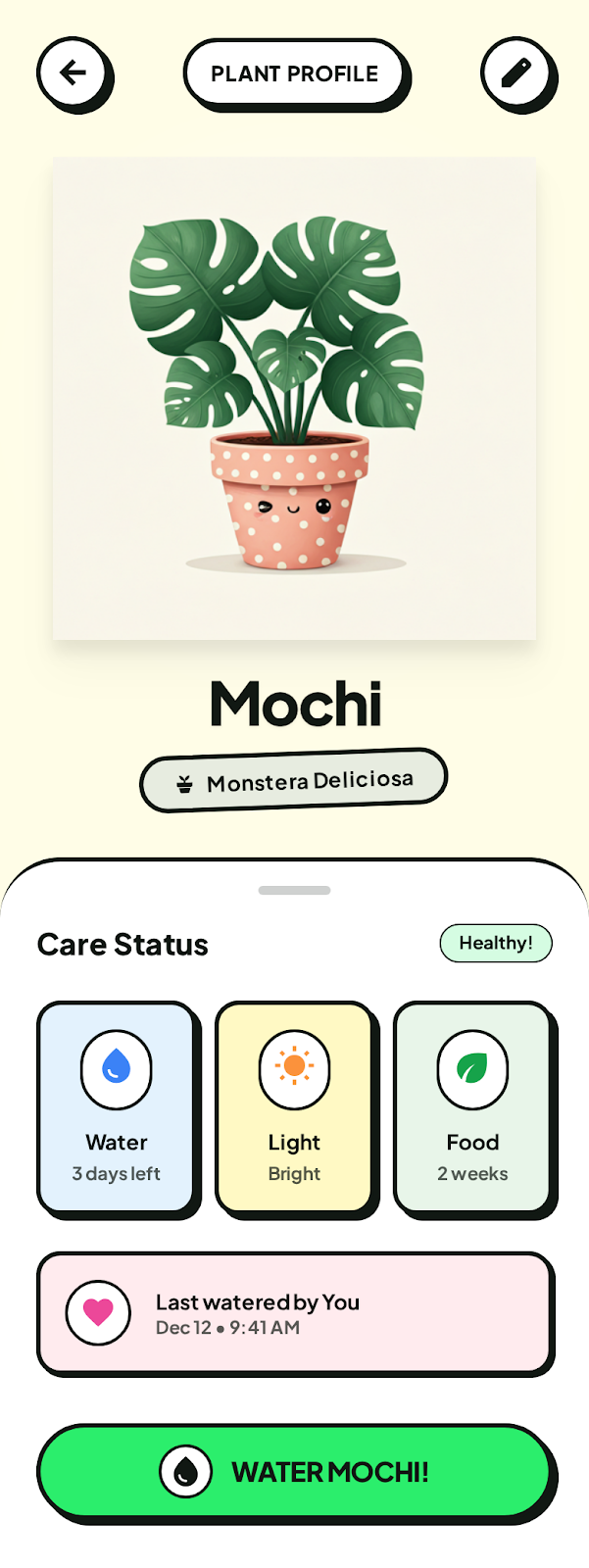
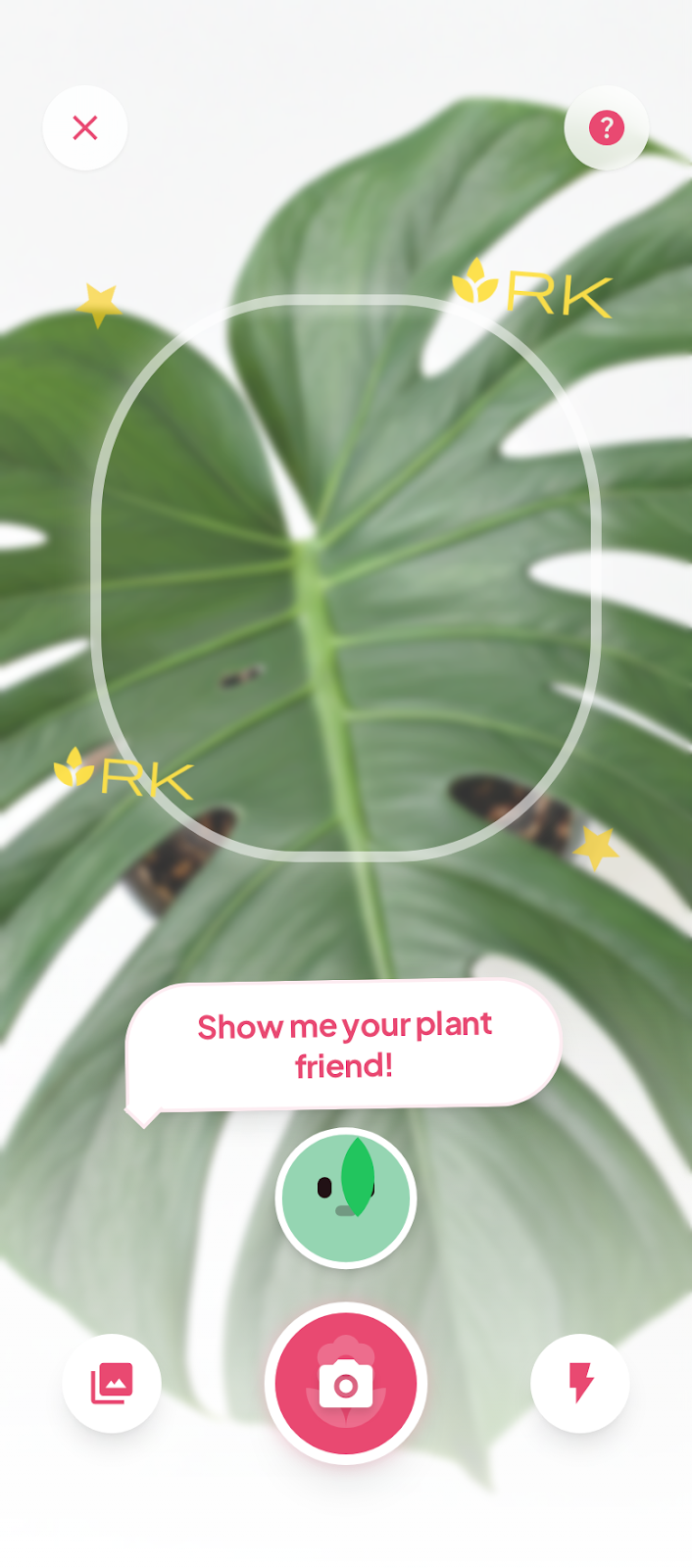
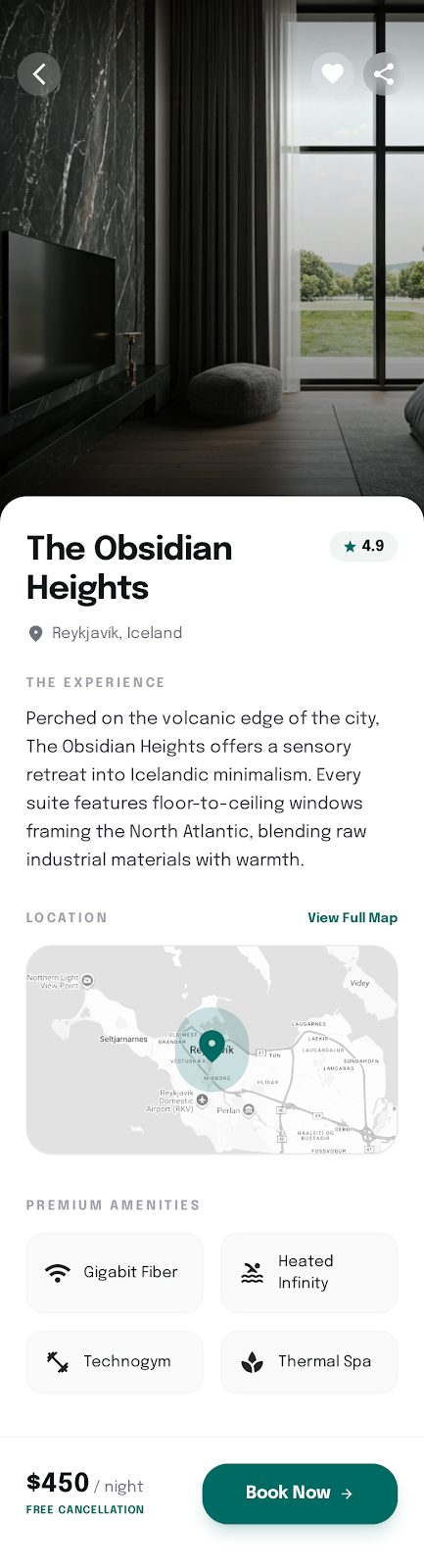
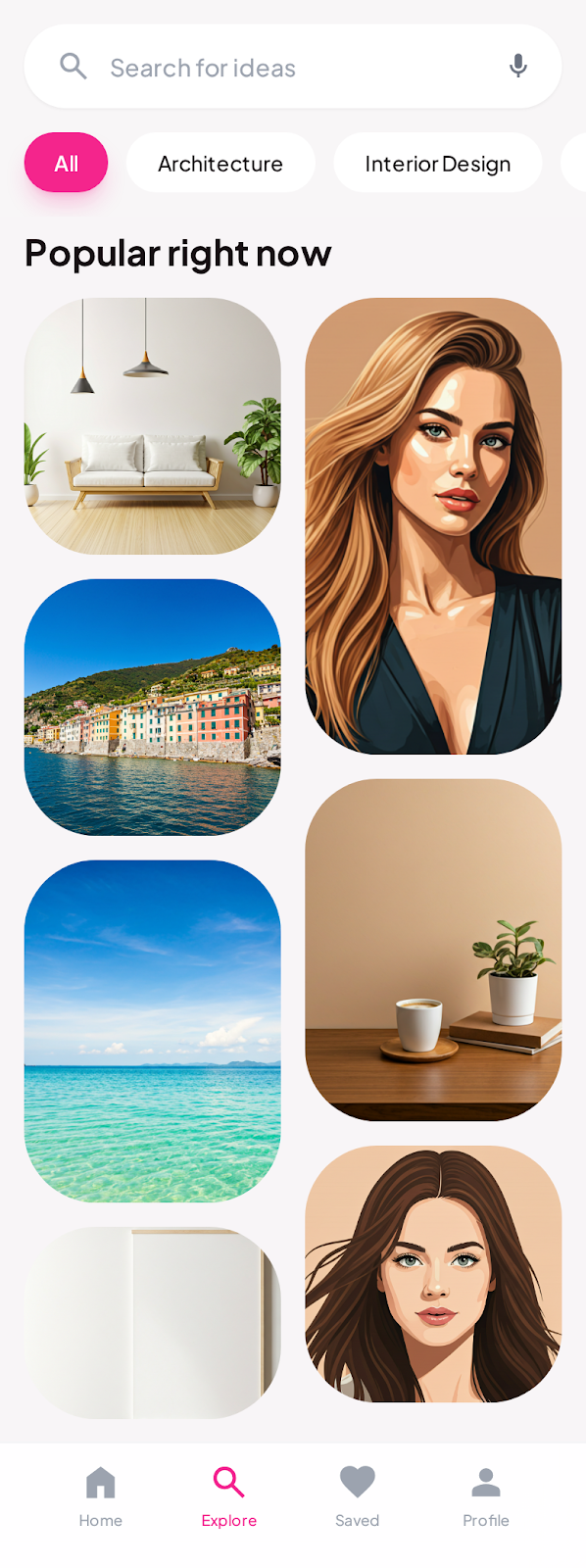
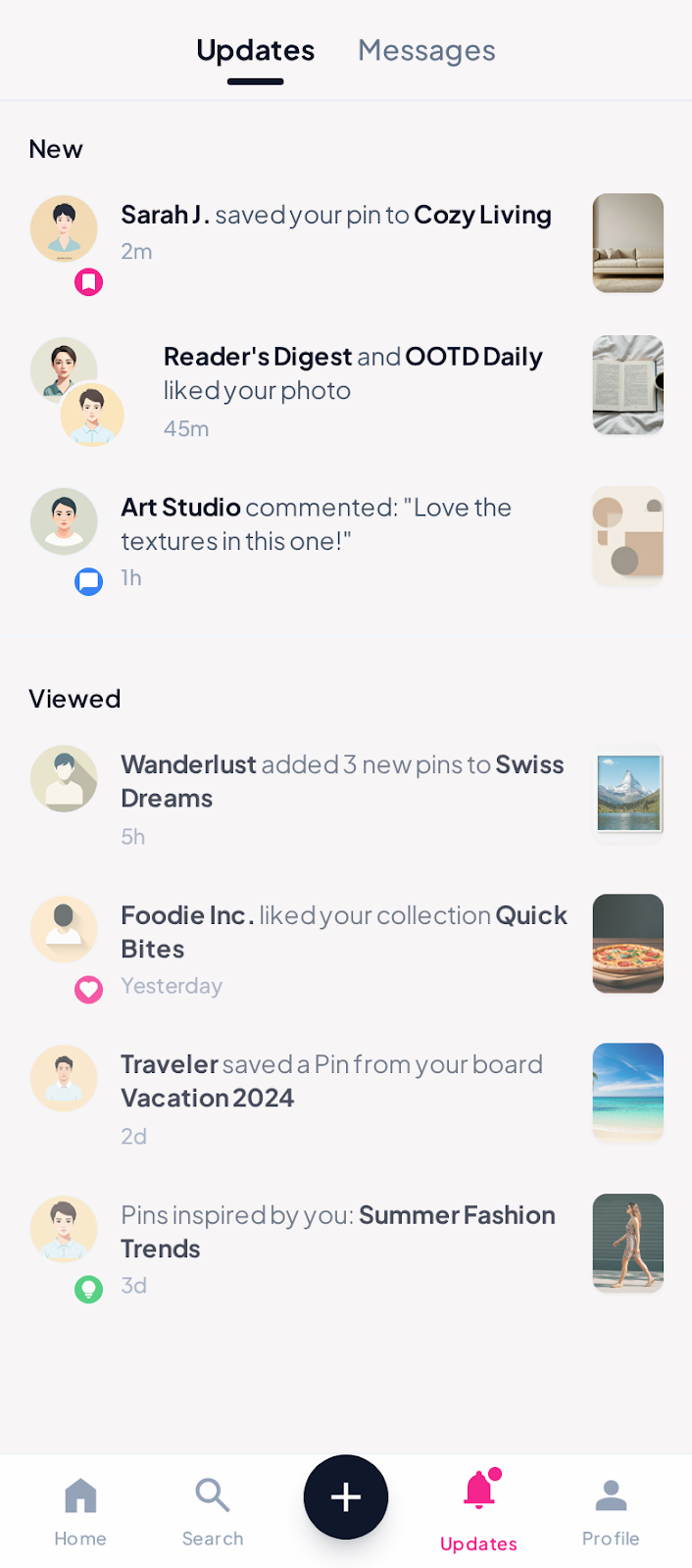
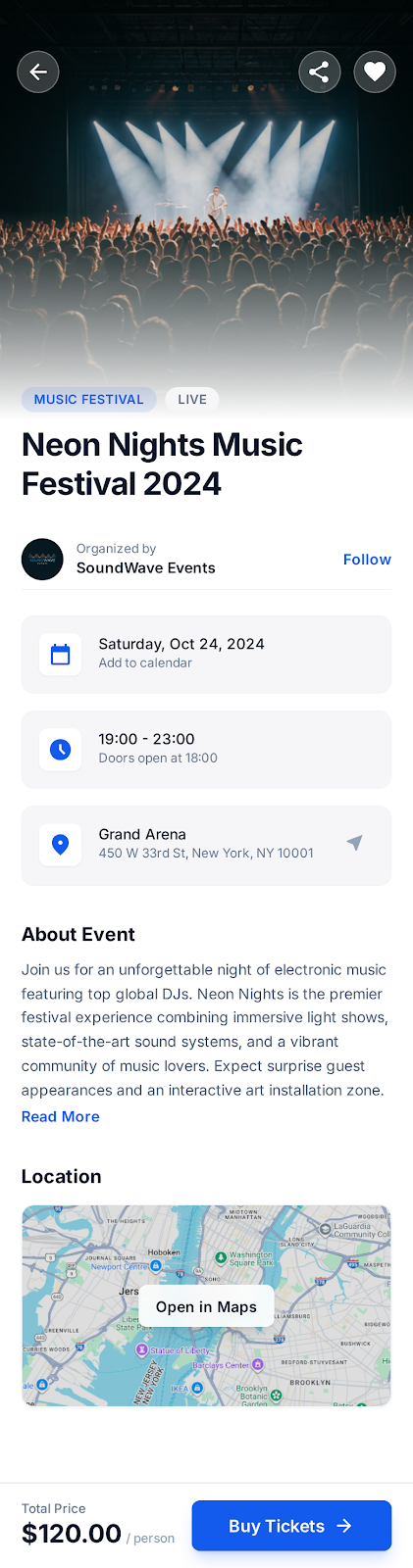
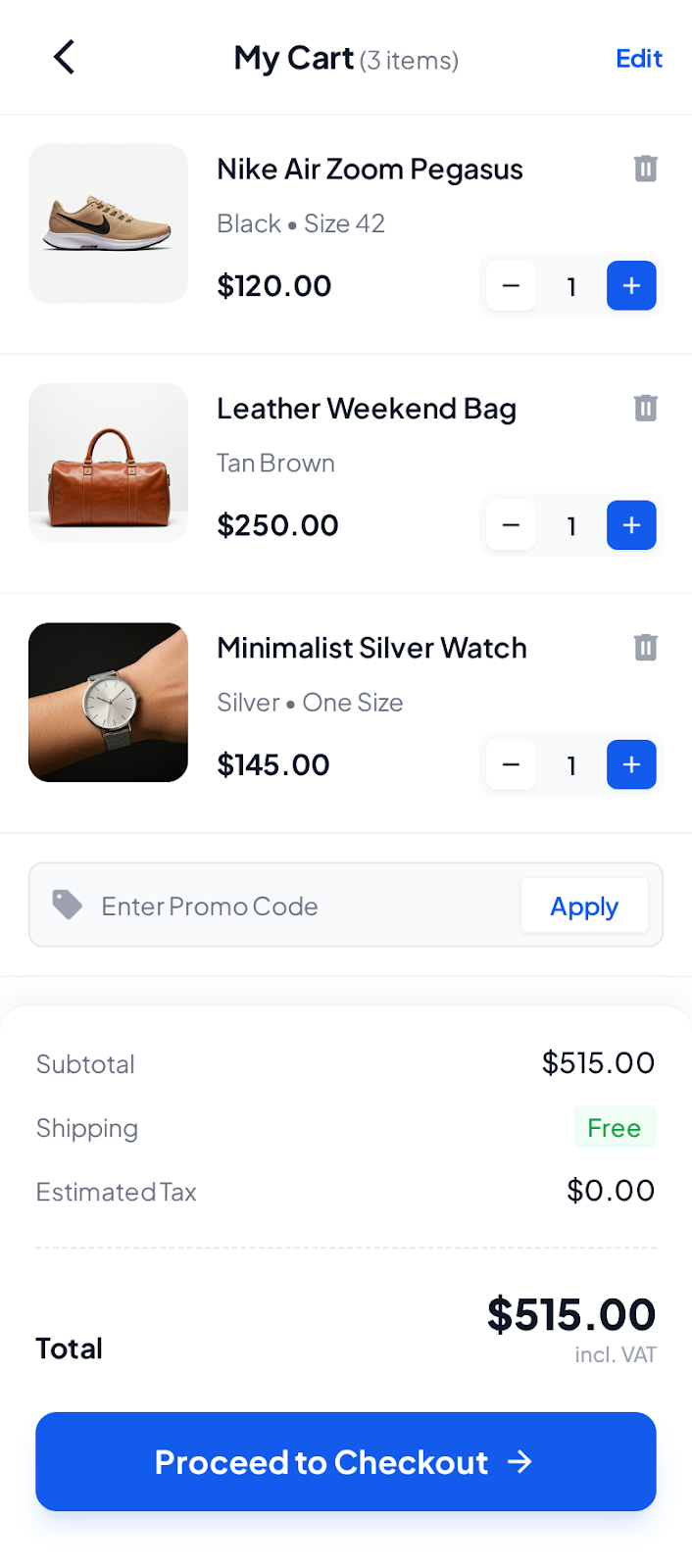
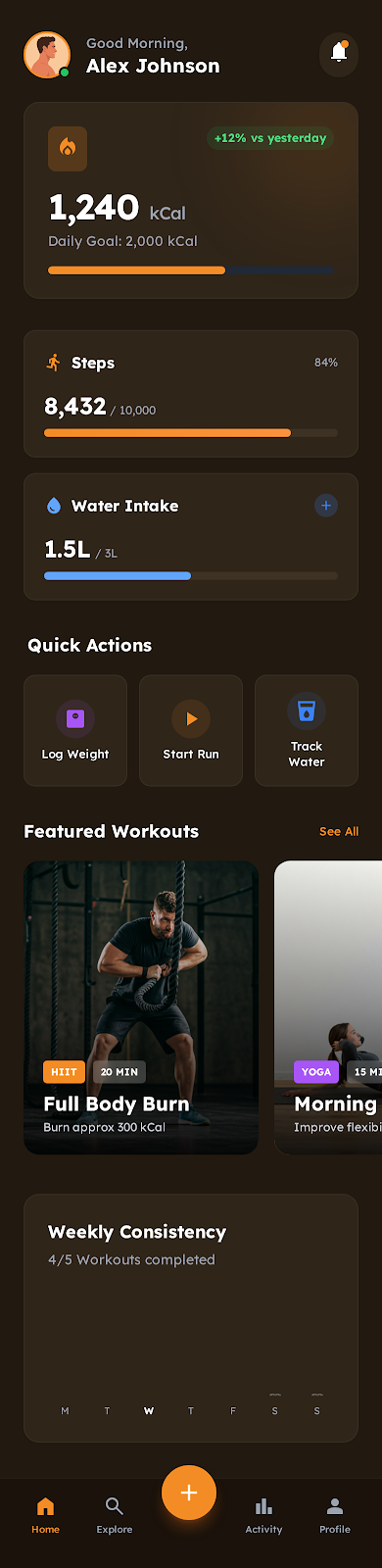
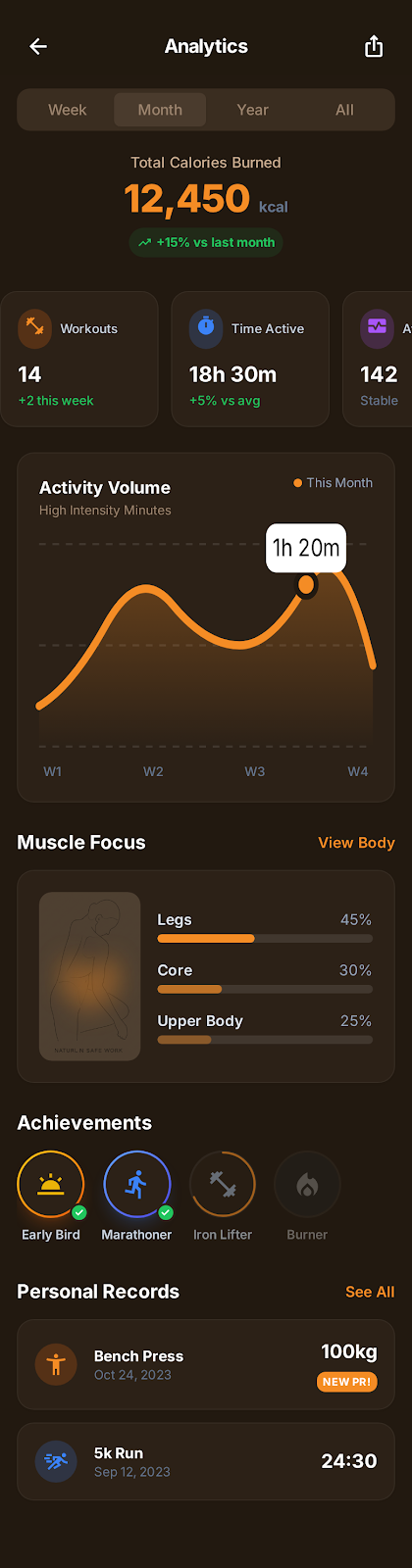
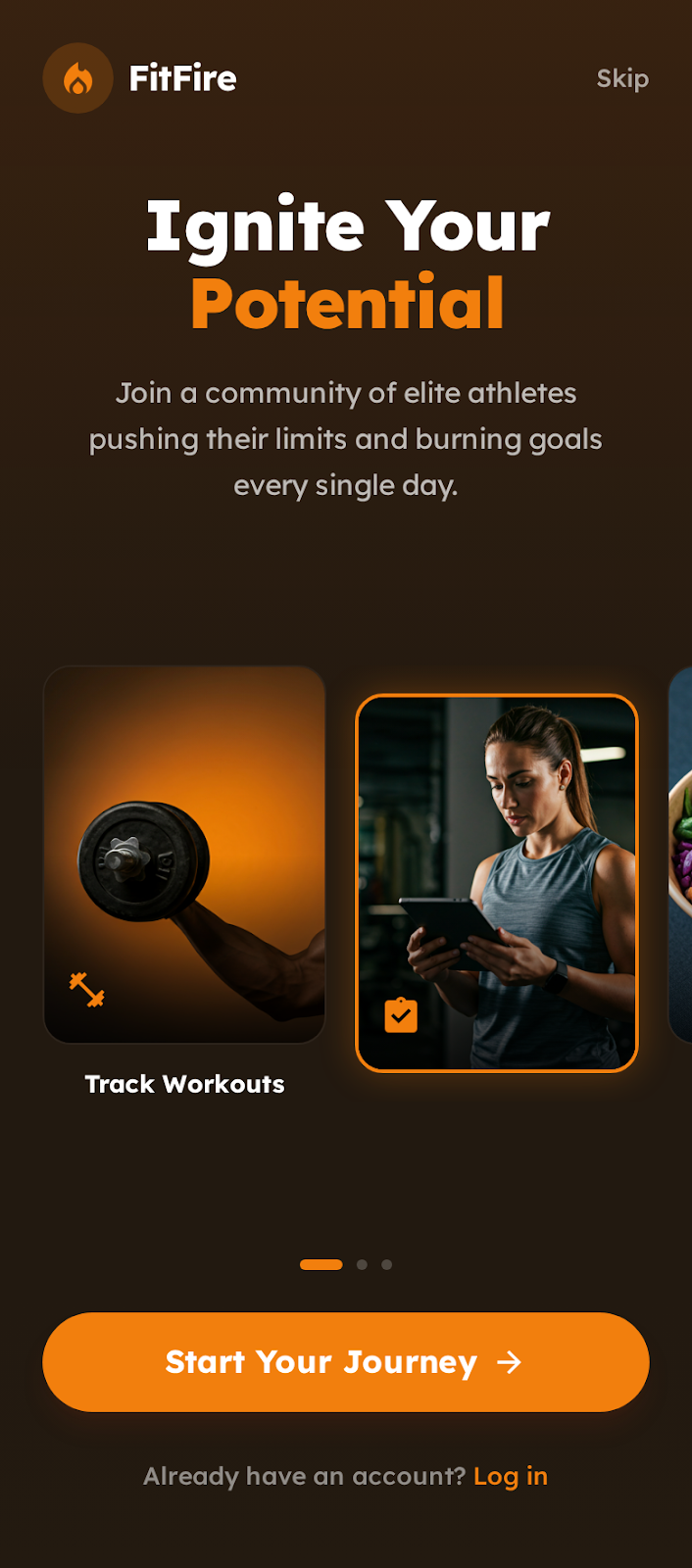
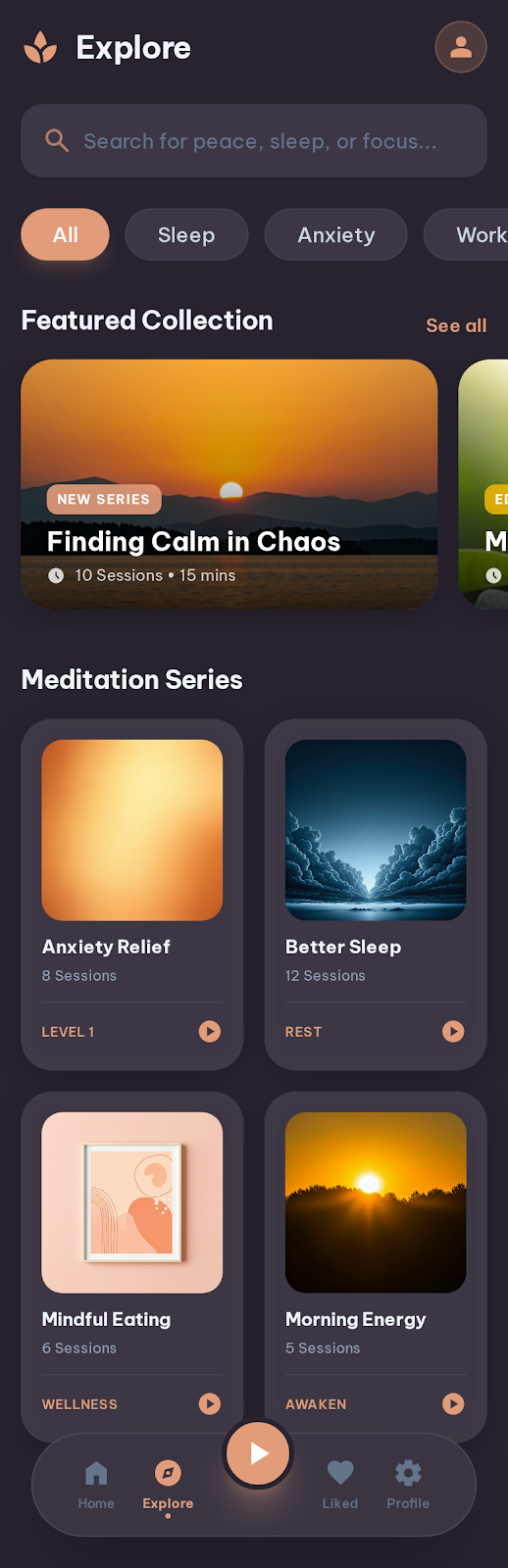
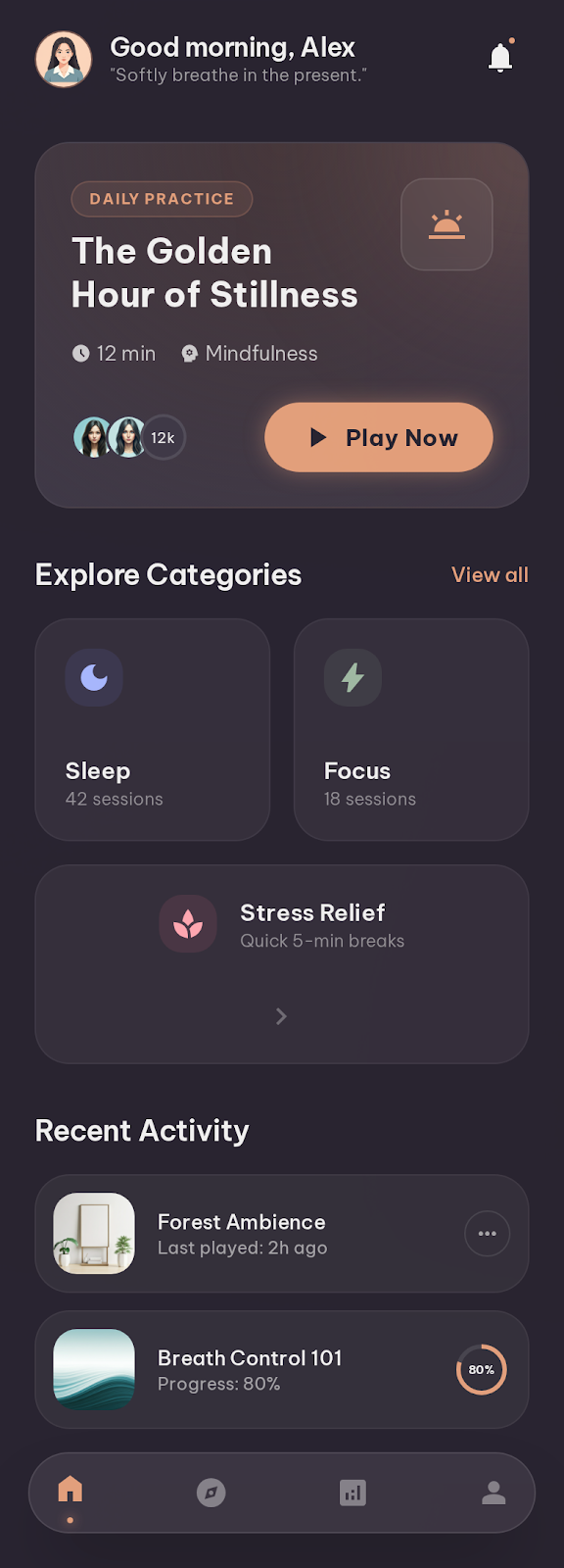
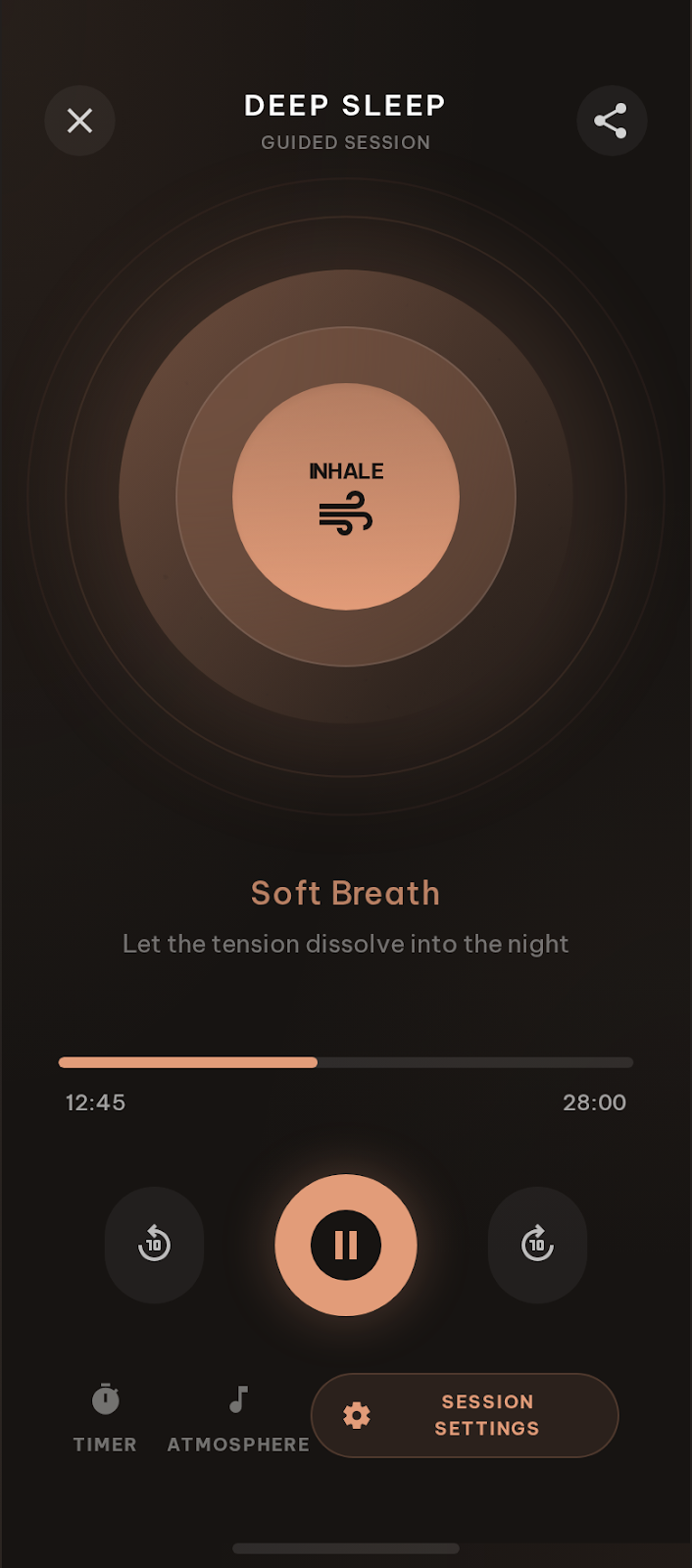
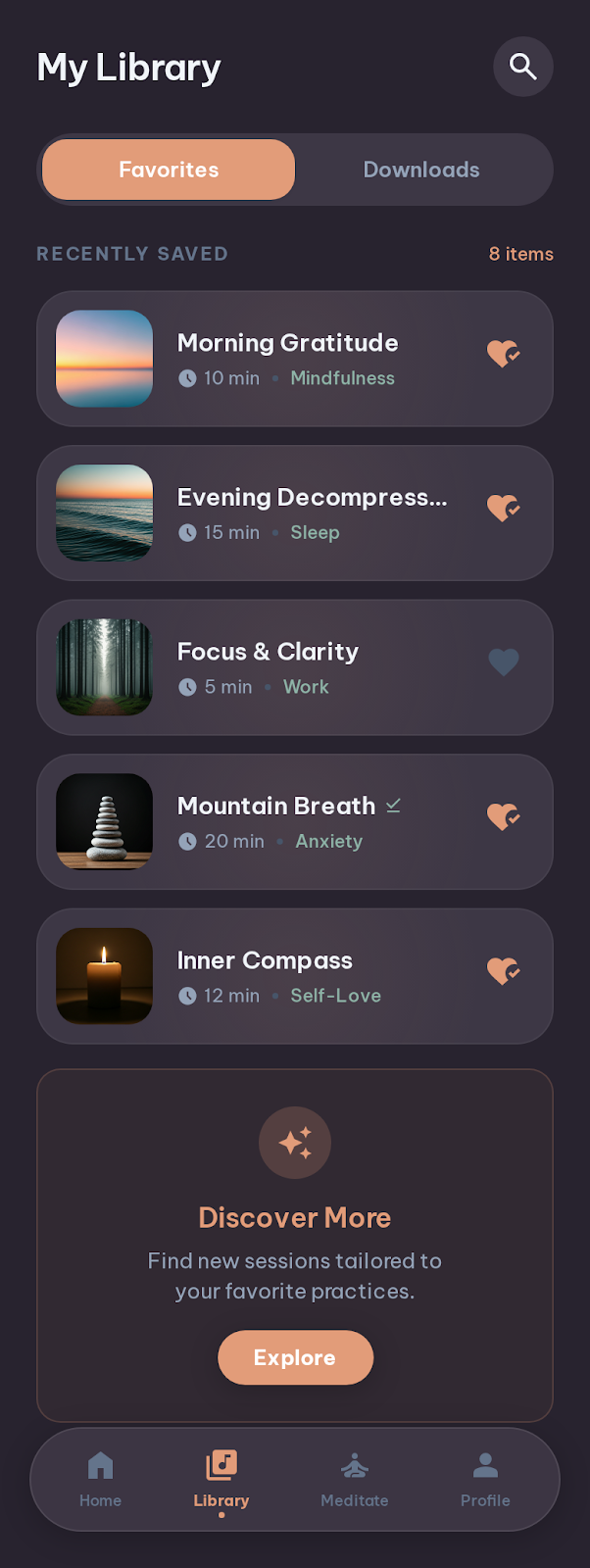
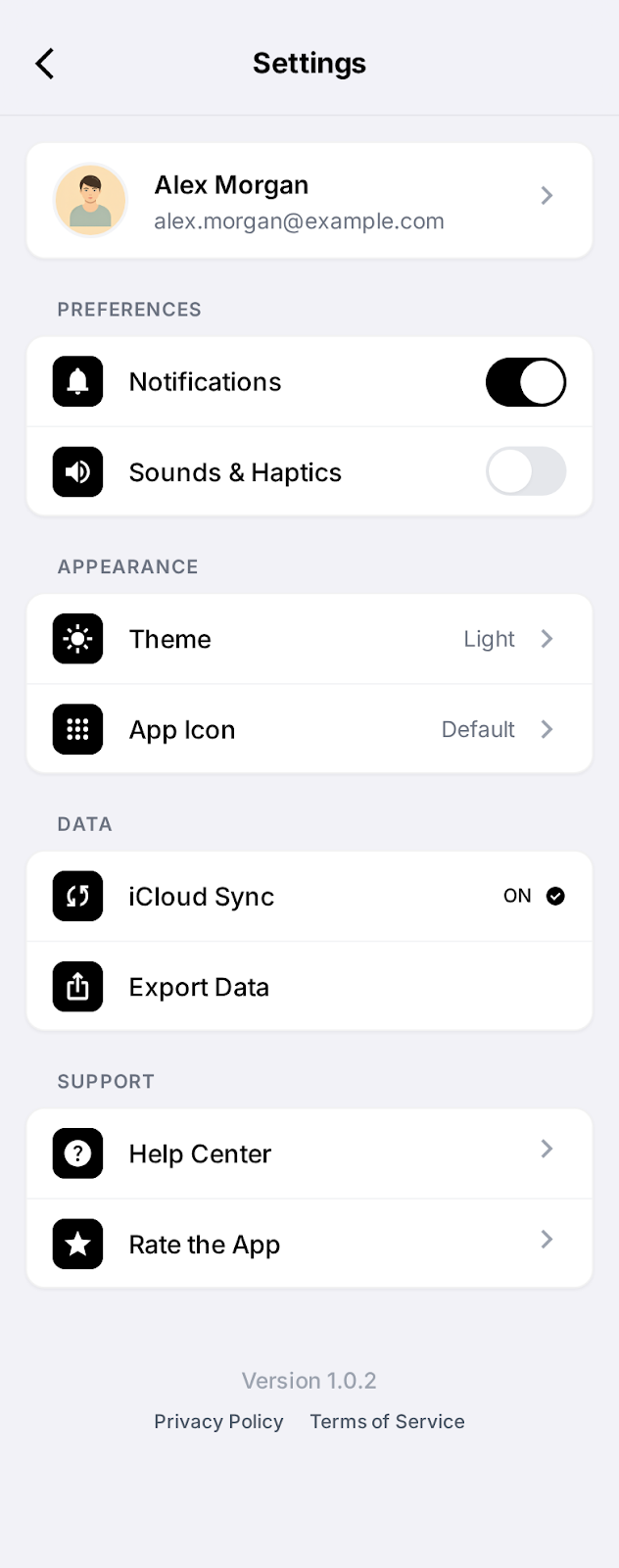
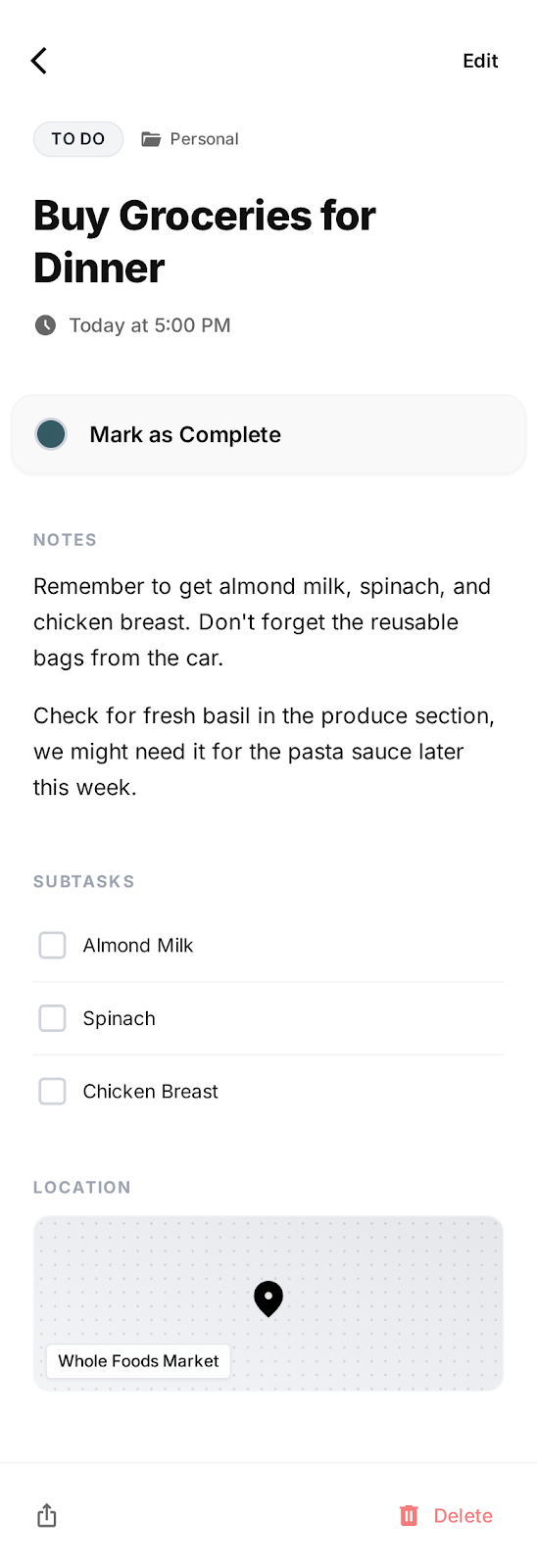
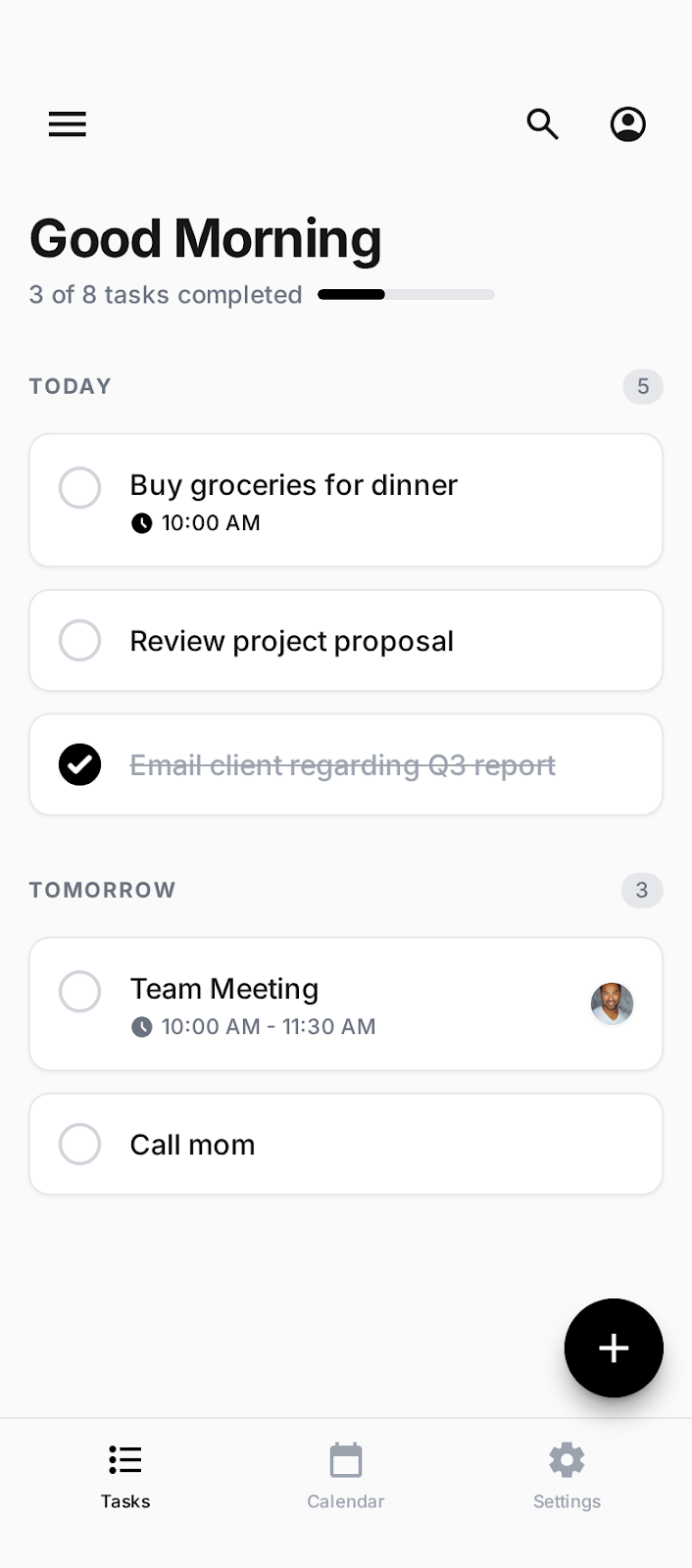
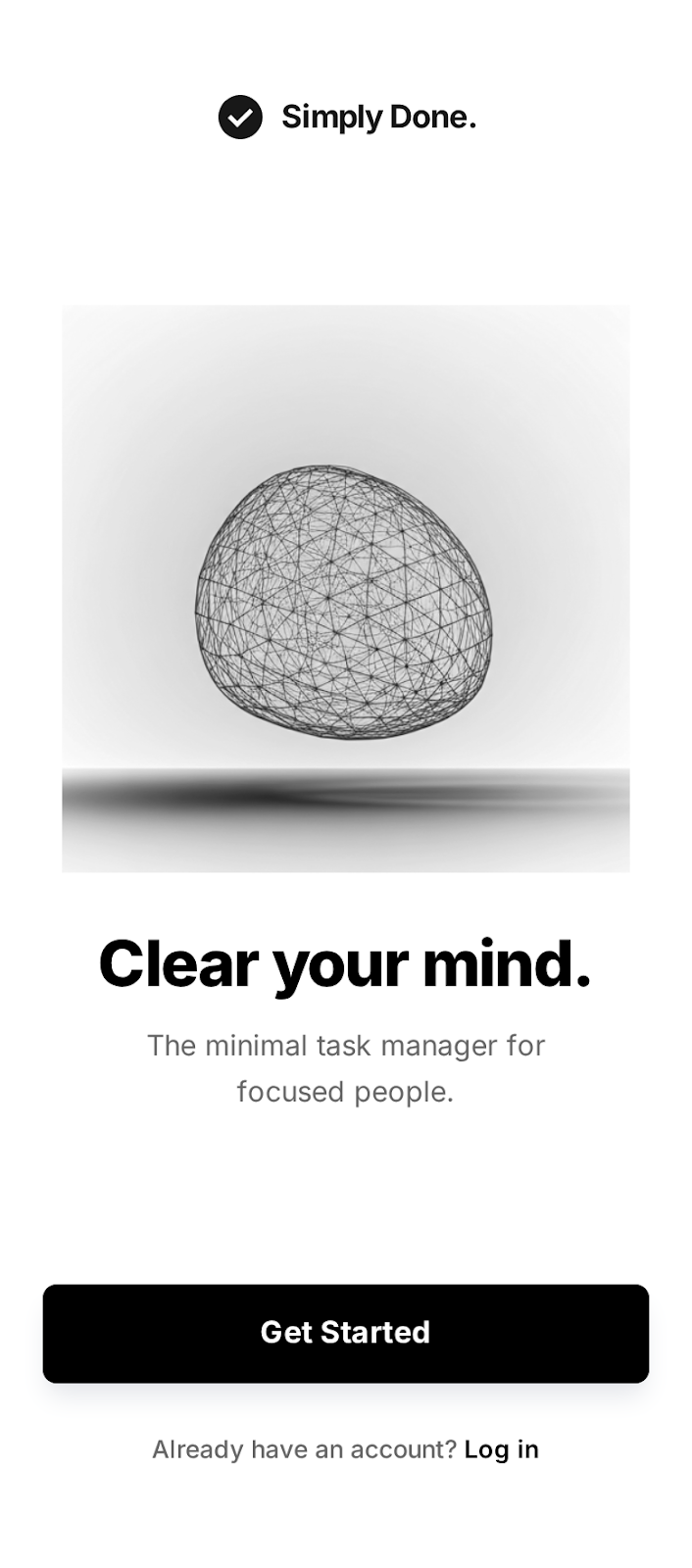
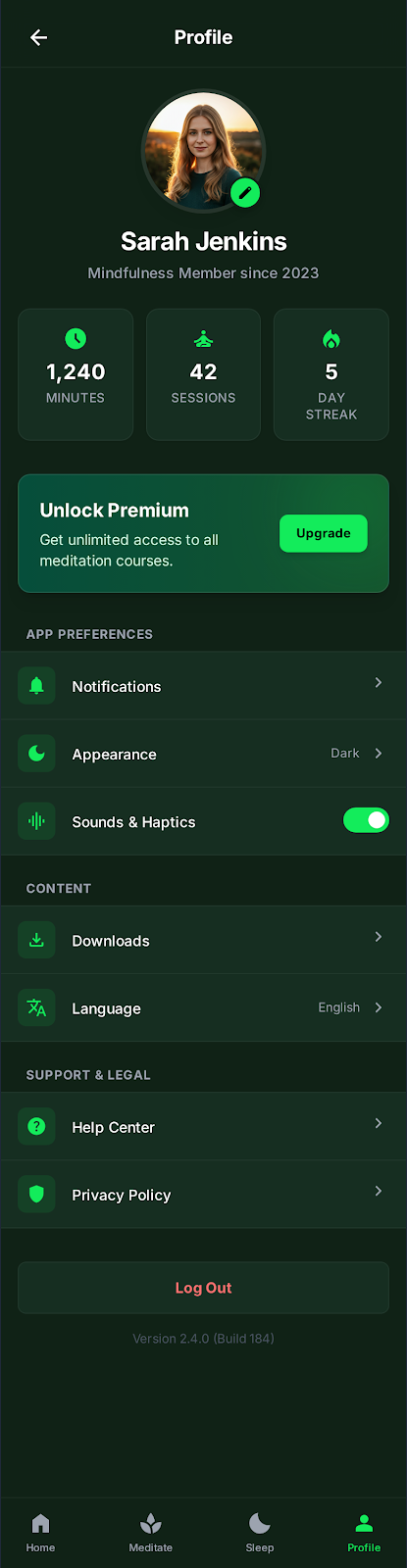
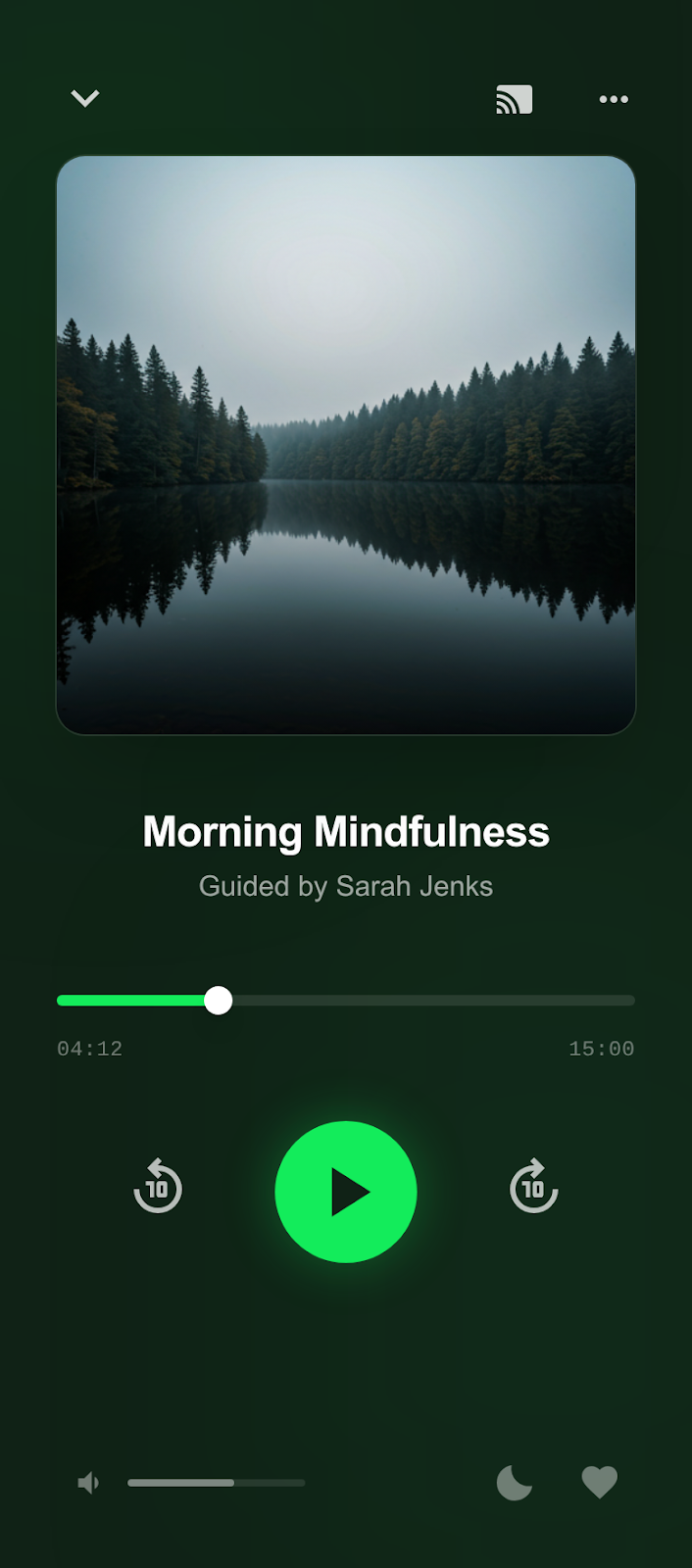
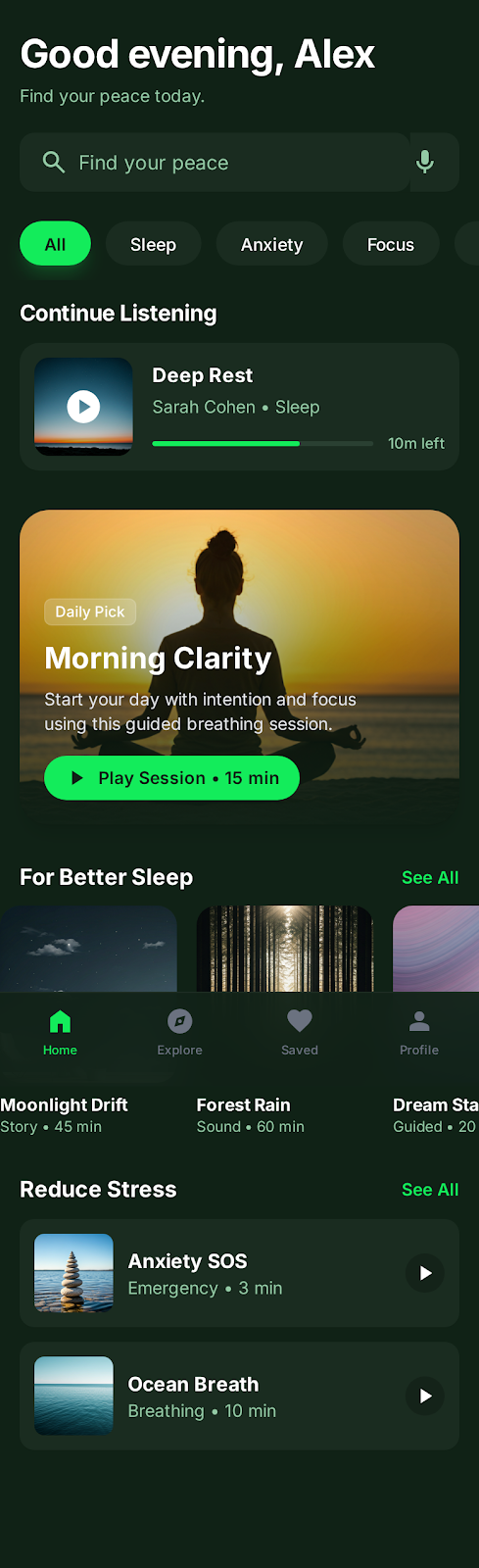
An app screenshot maker is a tool that helps you create polished, marketing-ready screenshots for app store listings. Instead of uploading raw screenshots from your phone, you wrap them in device frames, add gradient backgrounds, overlay feature text, and produce the kind of visuals that actually get people to download your app.
With Screenhance, you design one set of screenshots — complete with captions like "Track your goals" or "Chat in real time" — then export it in every size Apple and Google require. No Figma, no Photoshop, no resizing each image by hand.
Read the guide: How to Create App Store Screenshots That Convert →
No matter what your app does, great screenshots help it stand out. Here's how different categories benefit.
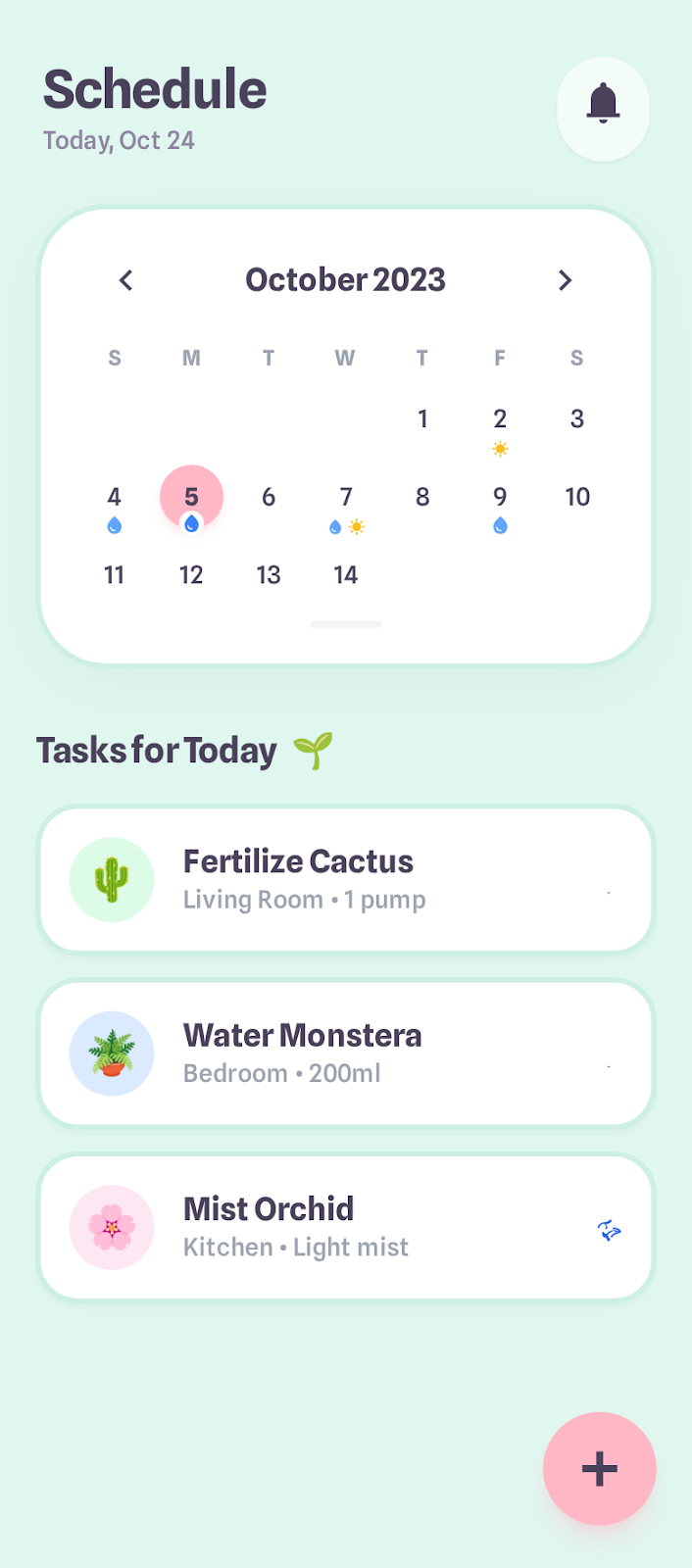
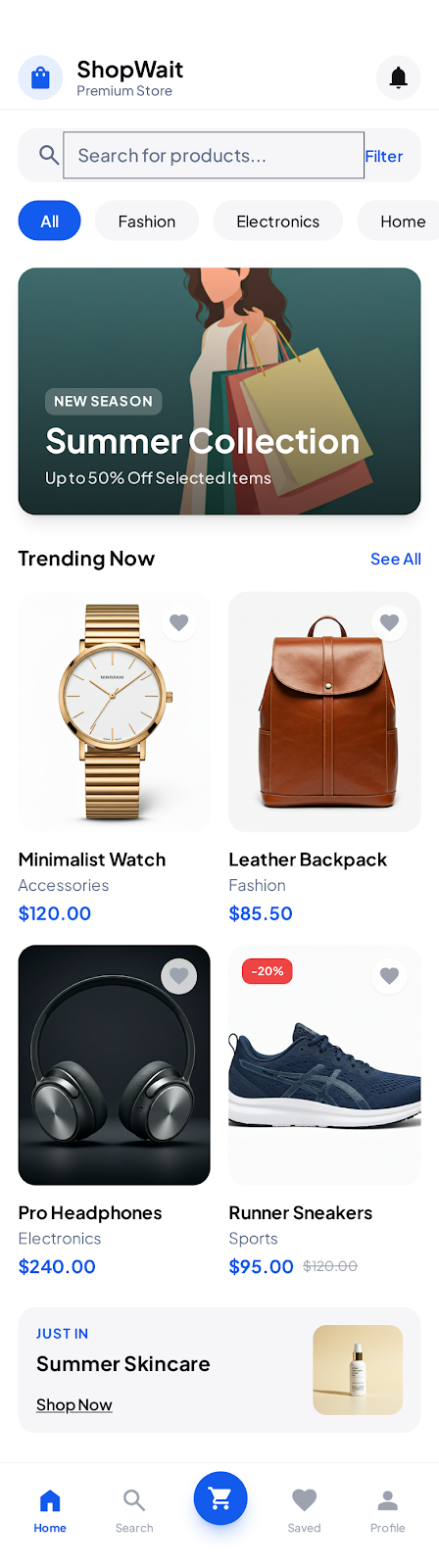
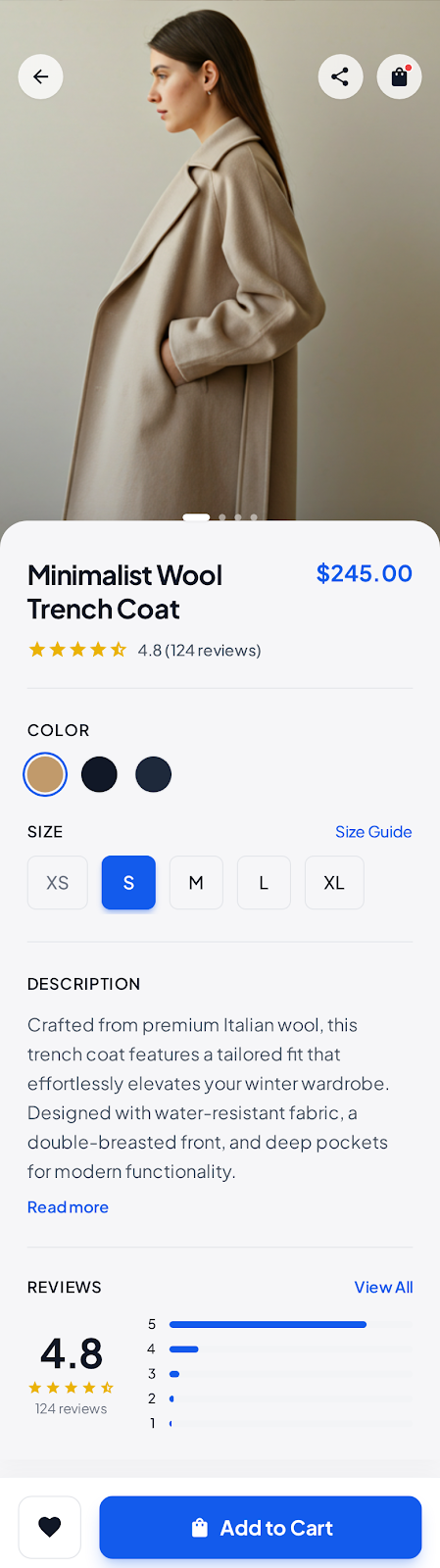
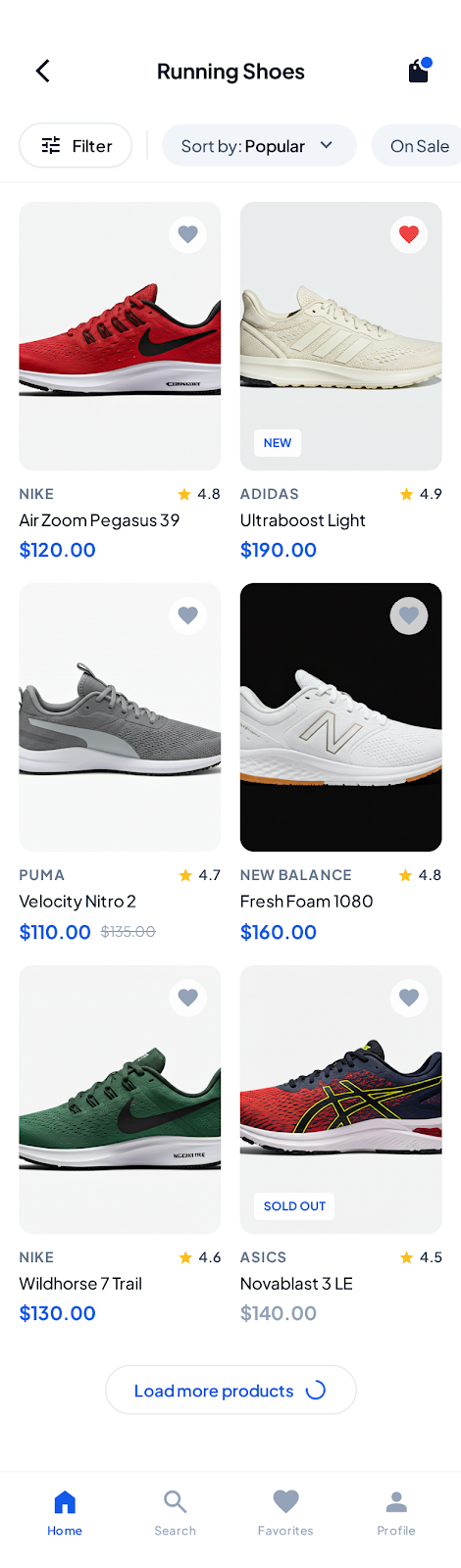
Showcase gameplay, characters, and in-game worlds with vibrant device-framed screenshots that drive installs.
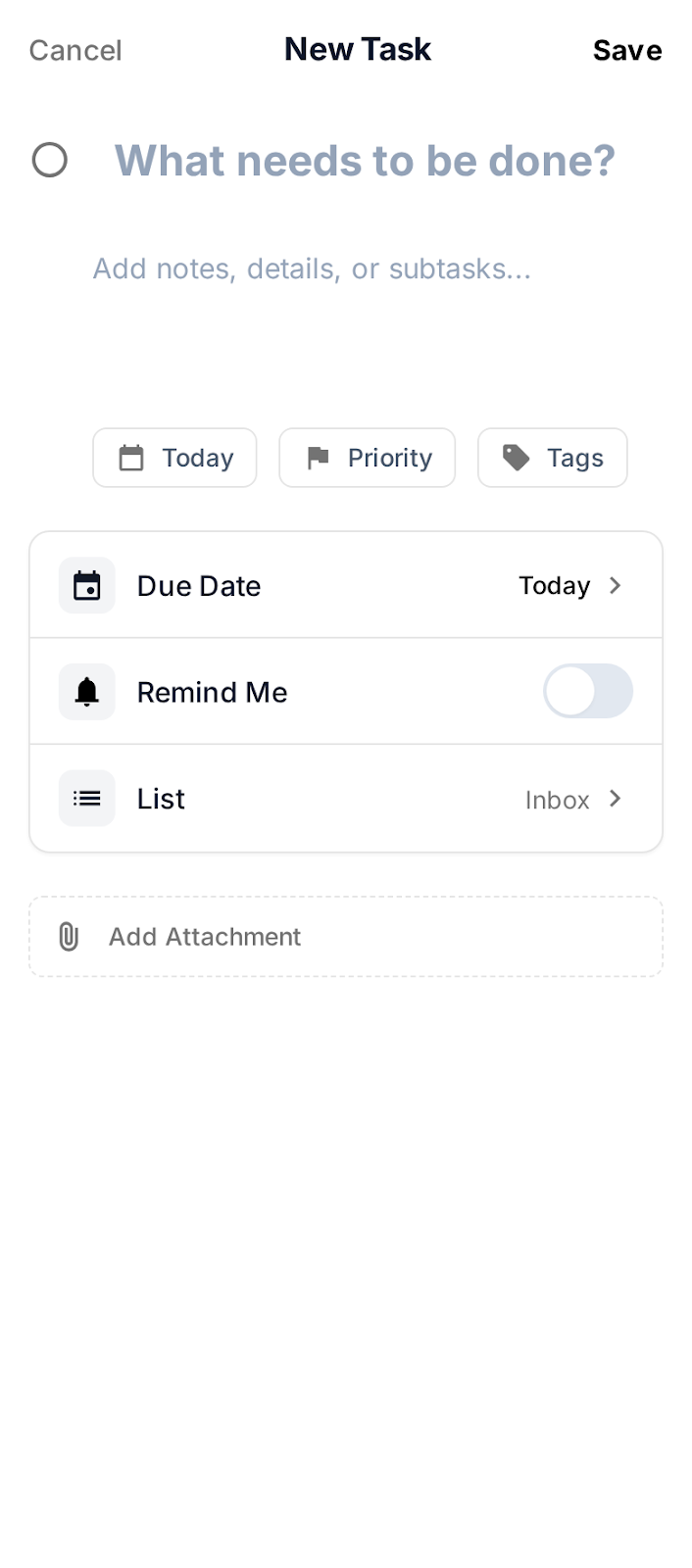
Highlight workflows, dashboards, and key features so users understand the value before downloading.
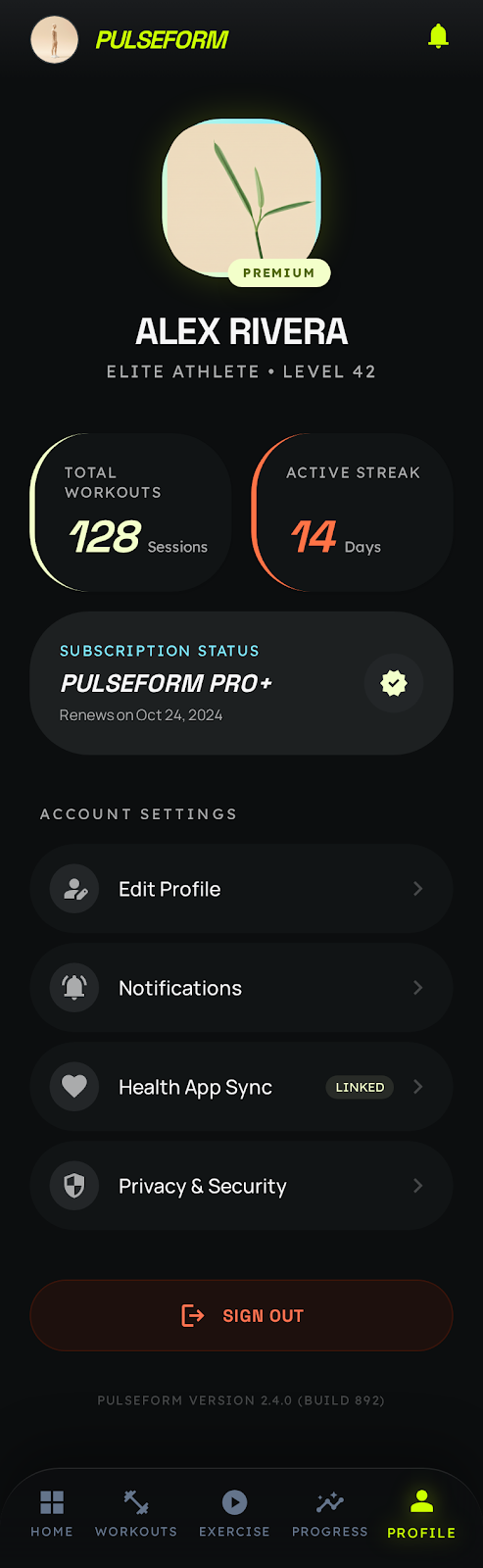
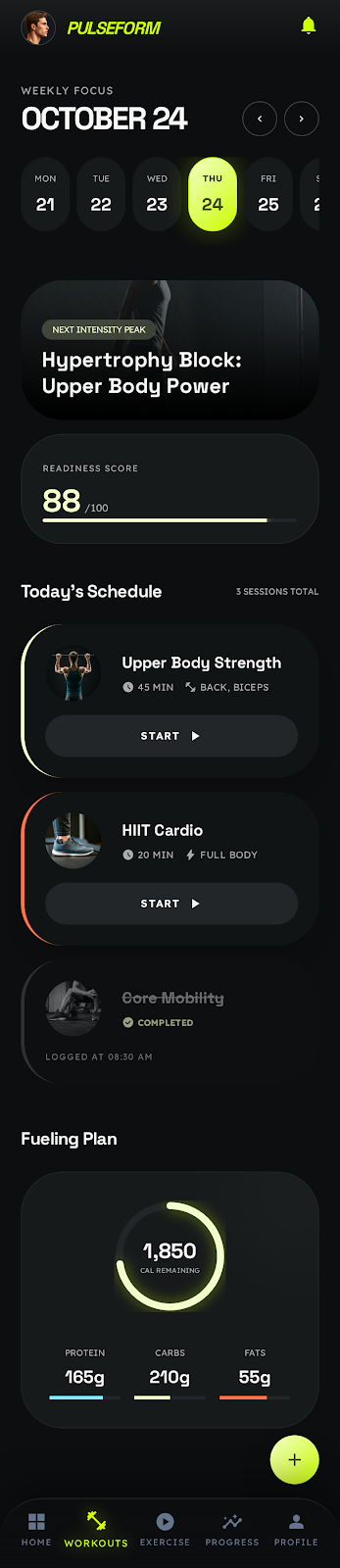
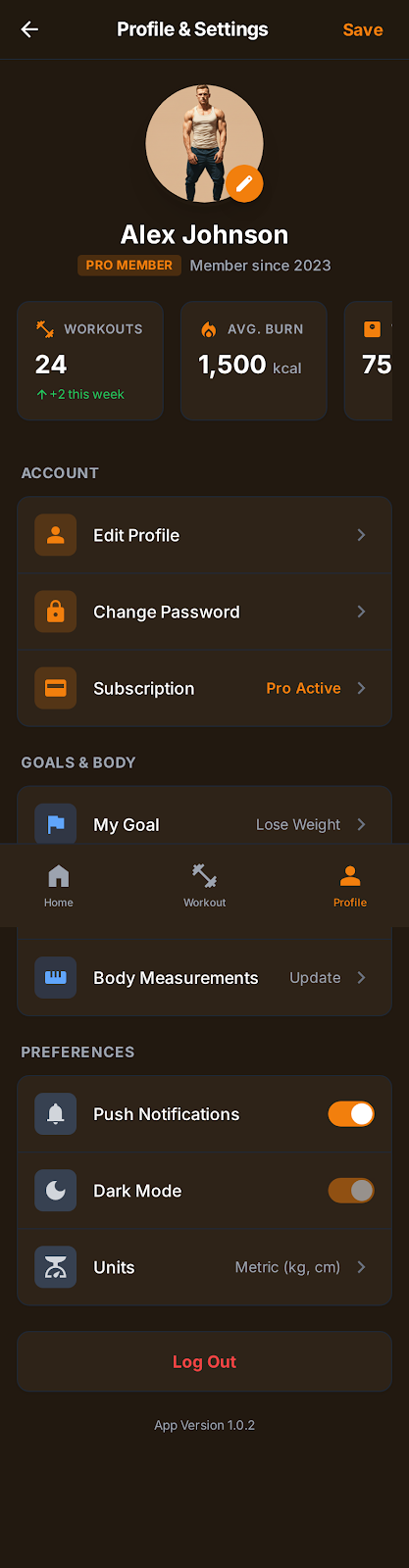
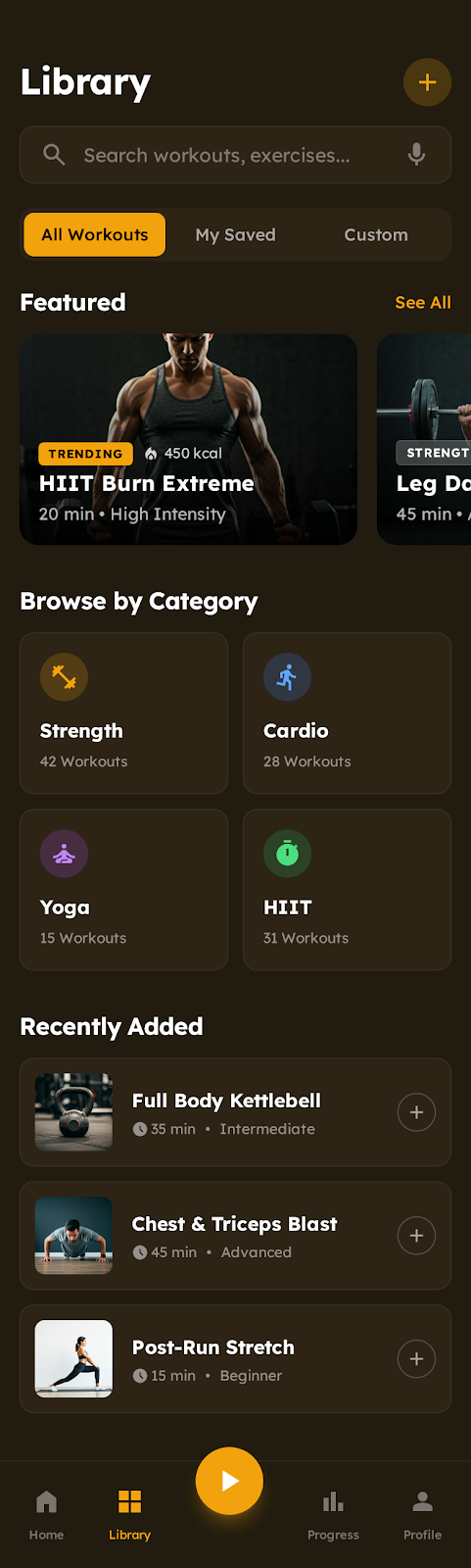
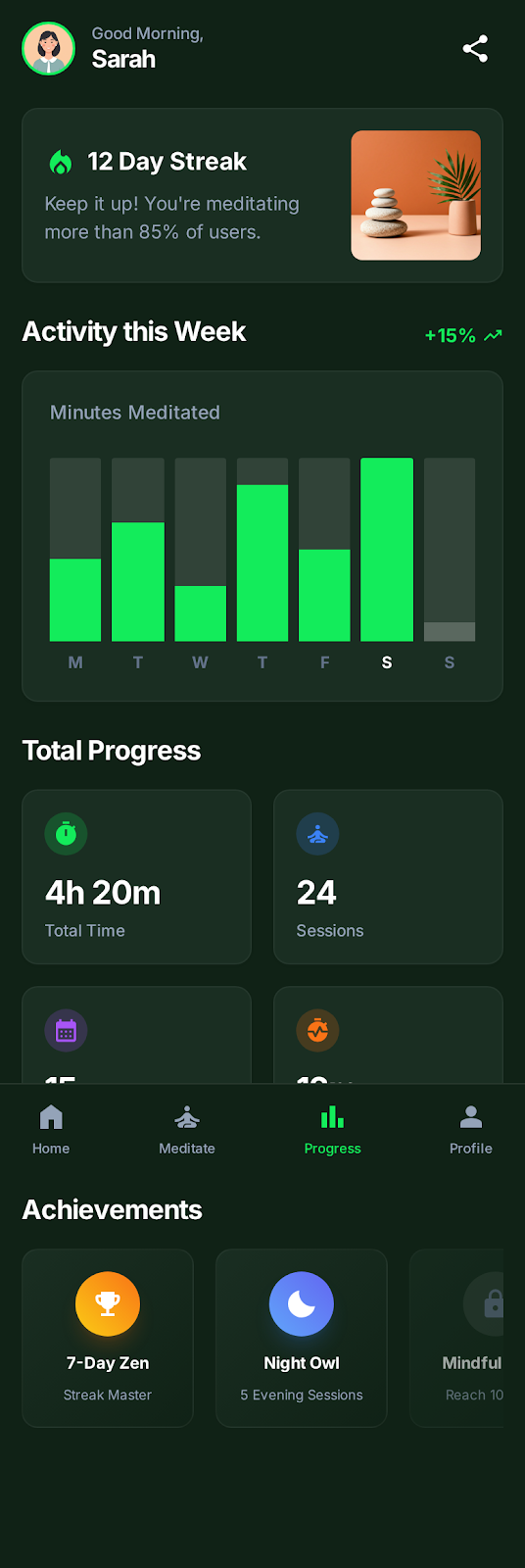
Display workout tracking, nutrition plans, and progress charts in clean, motivating screenshot designs.
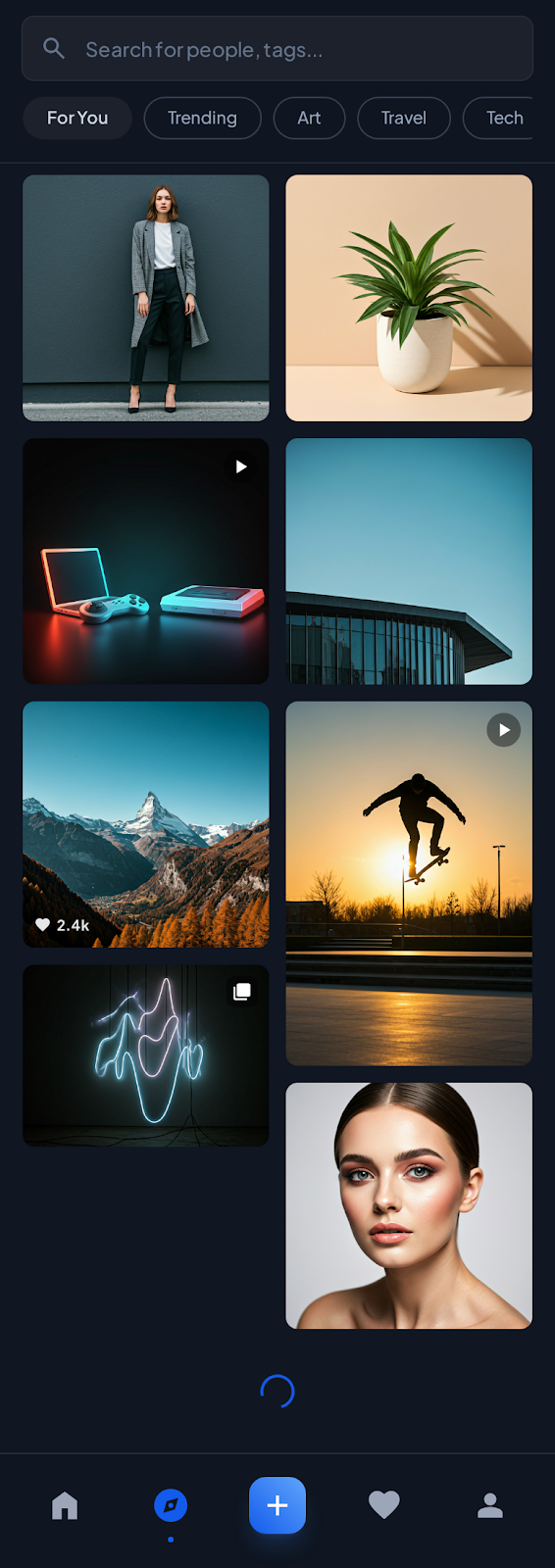
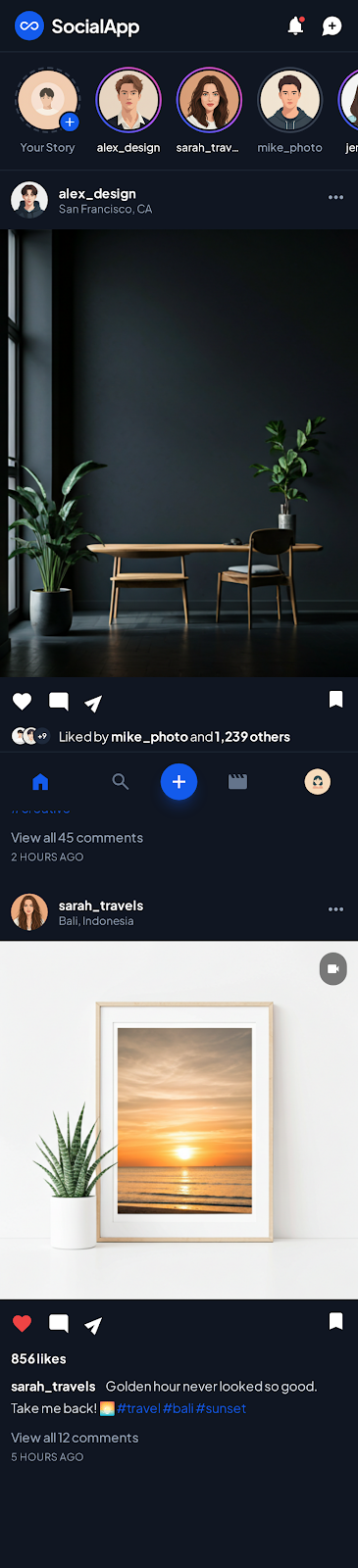
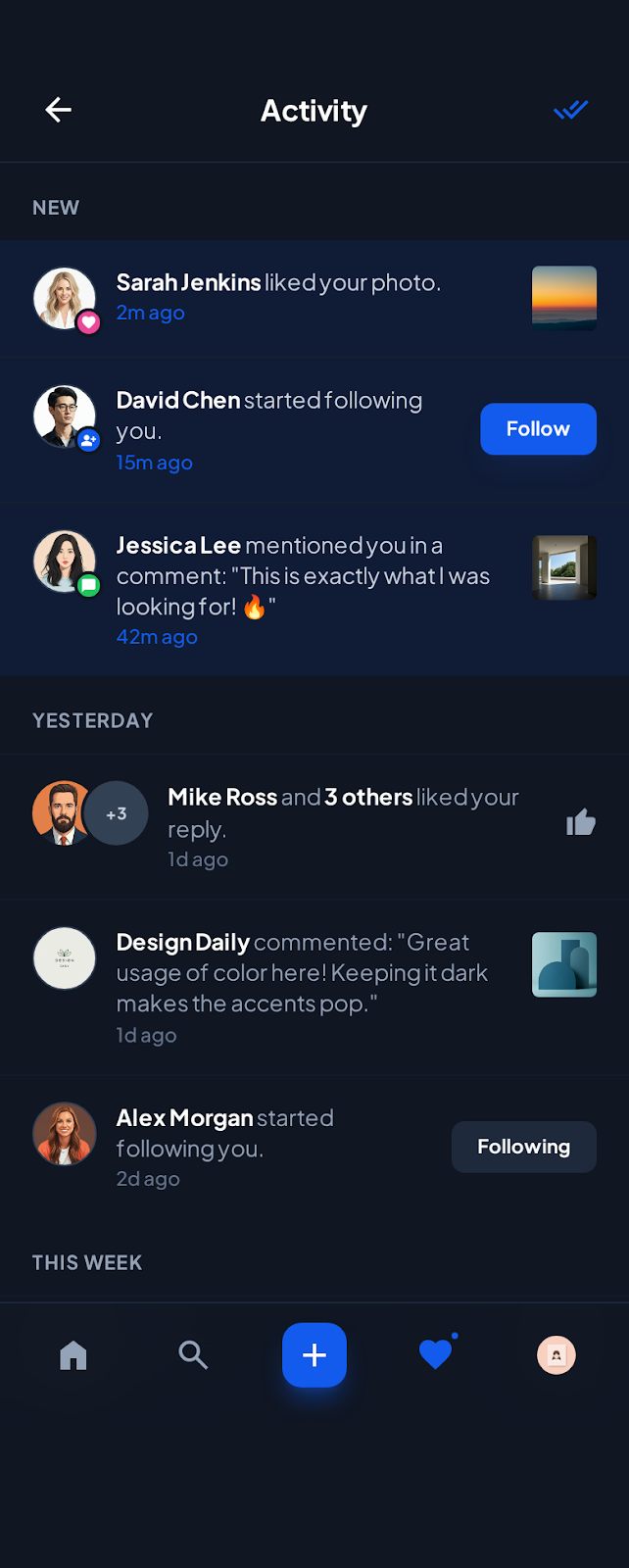
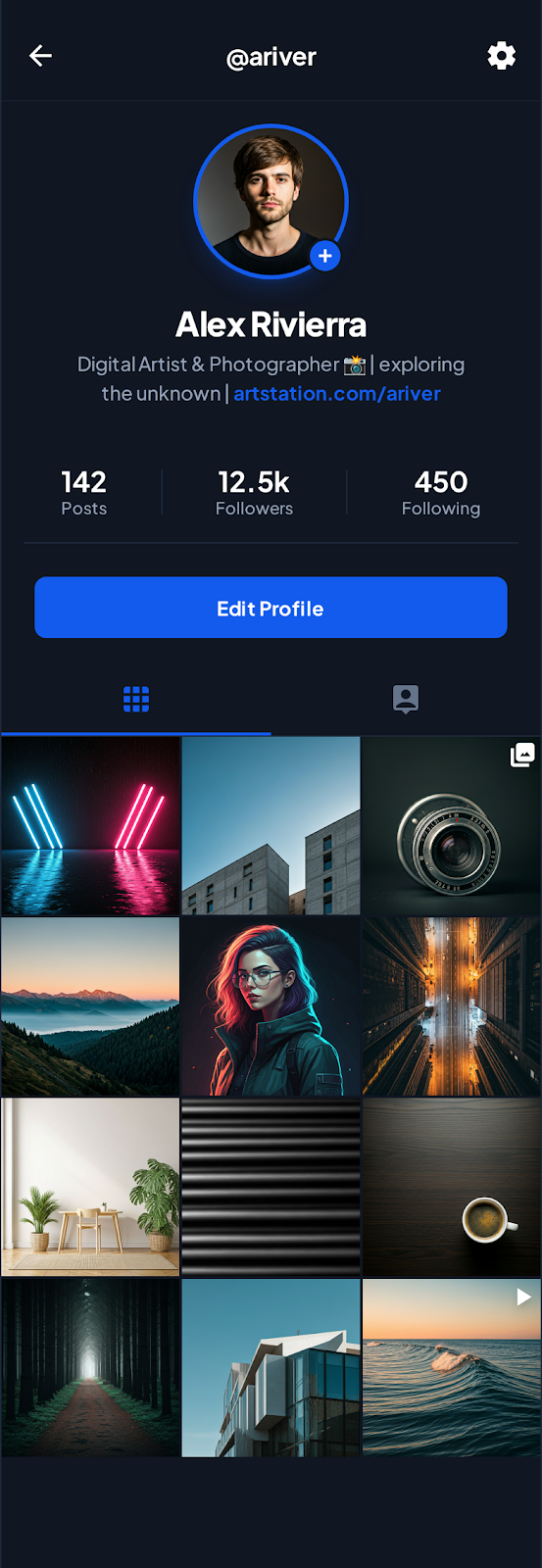
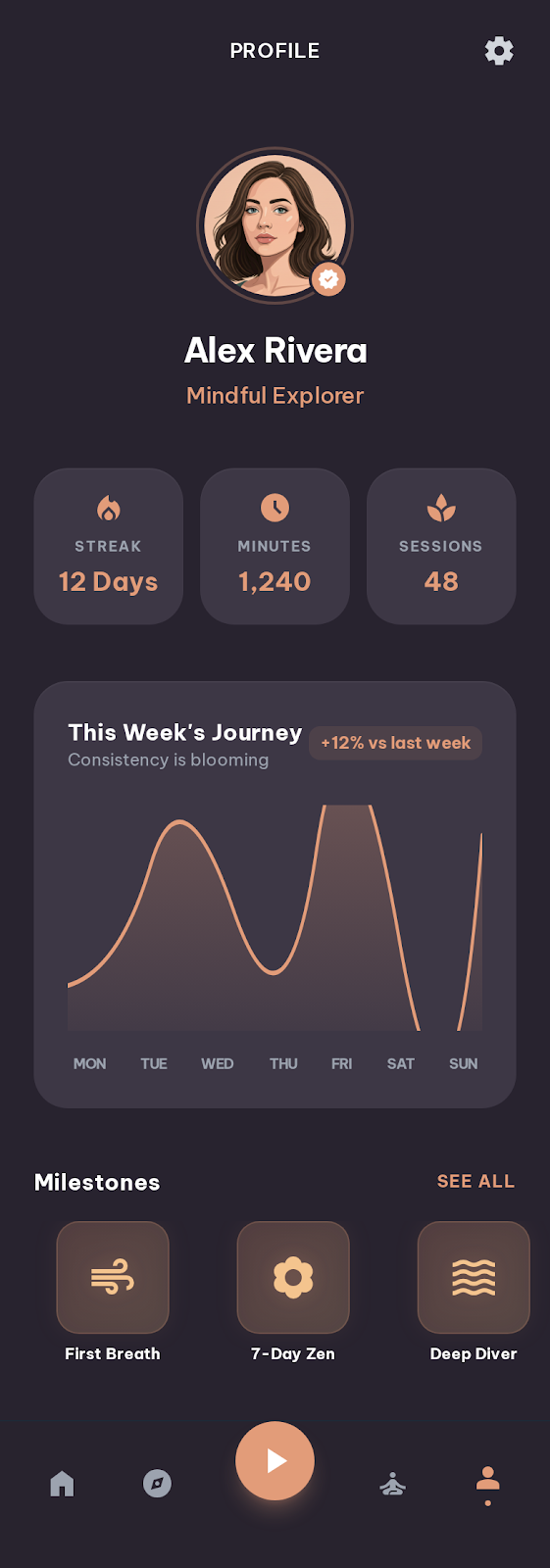
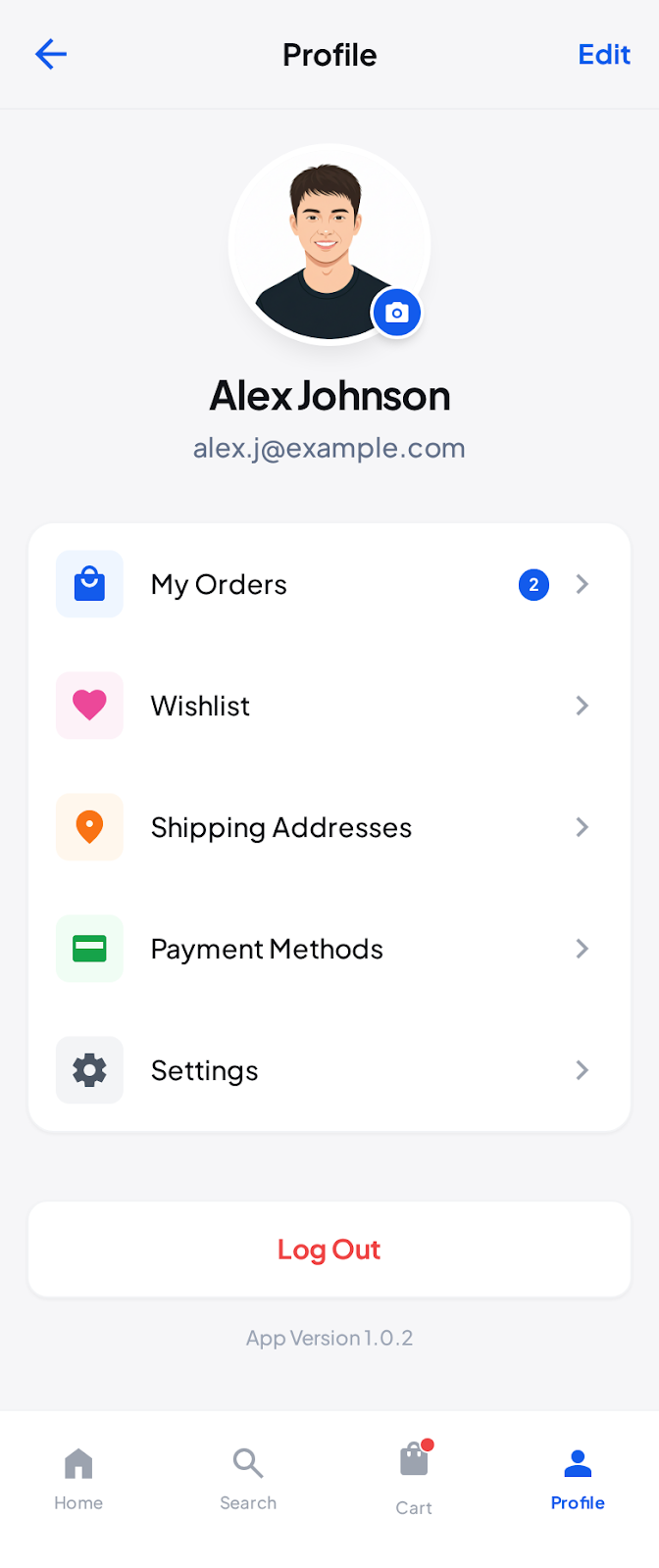
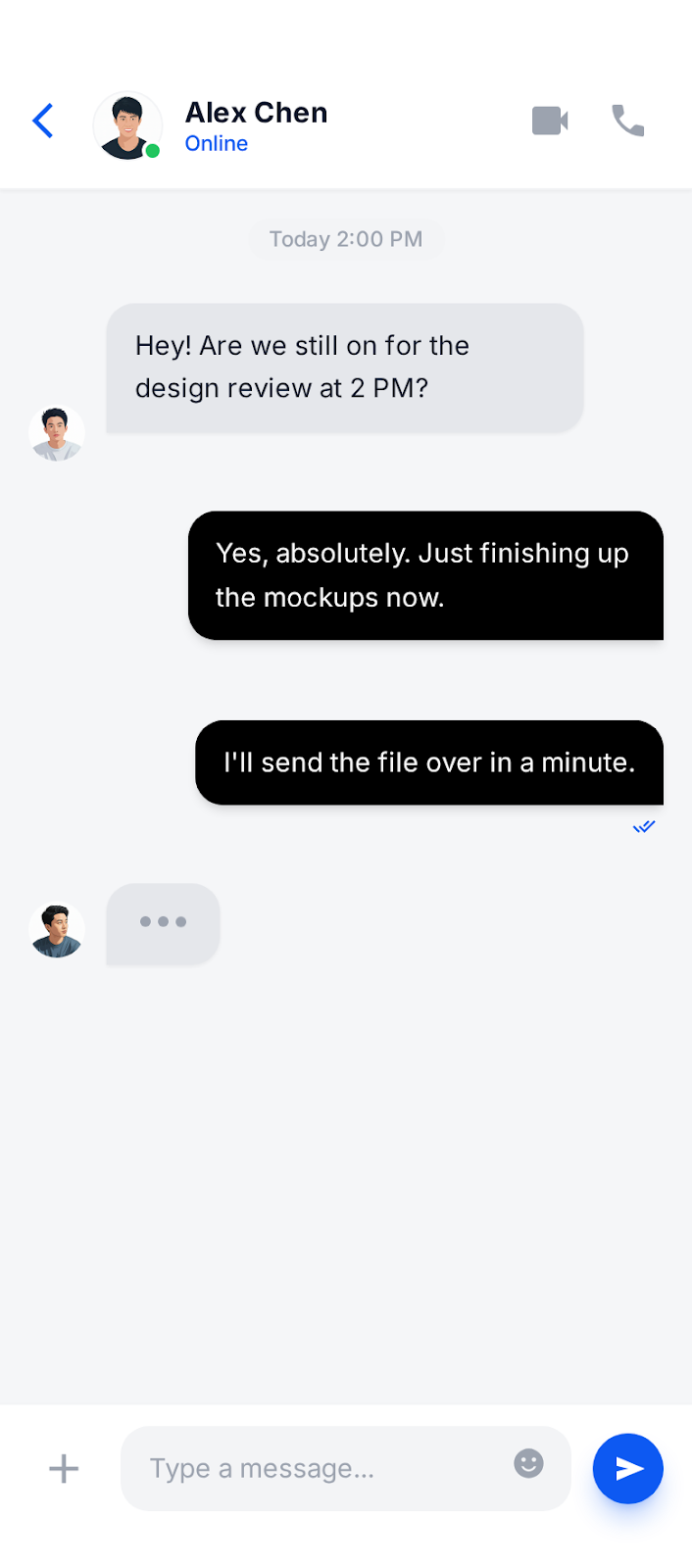
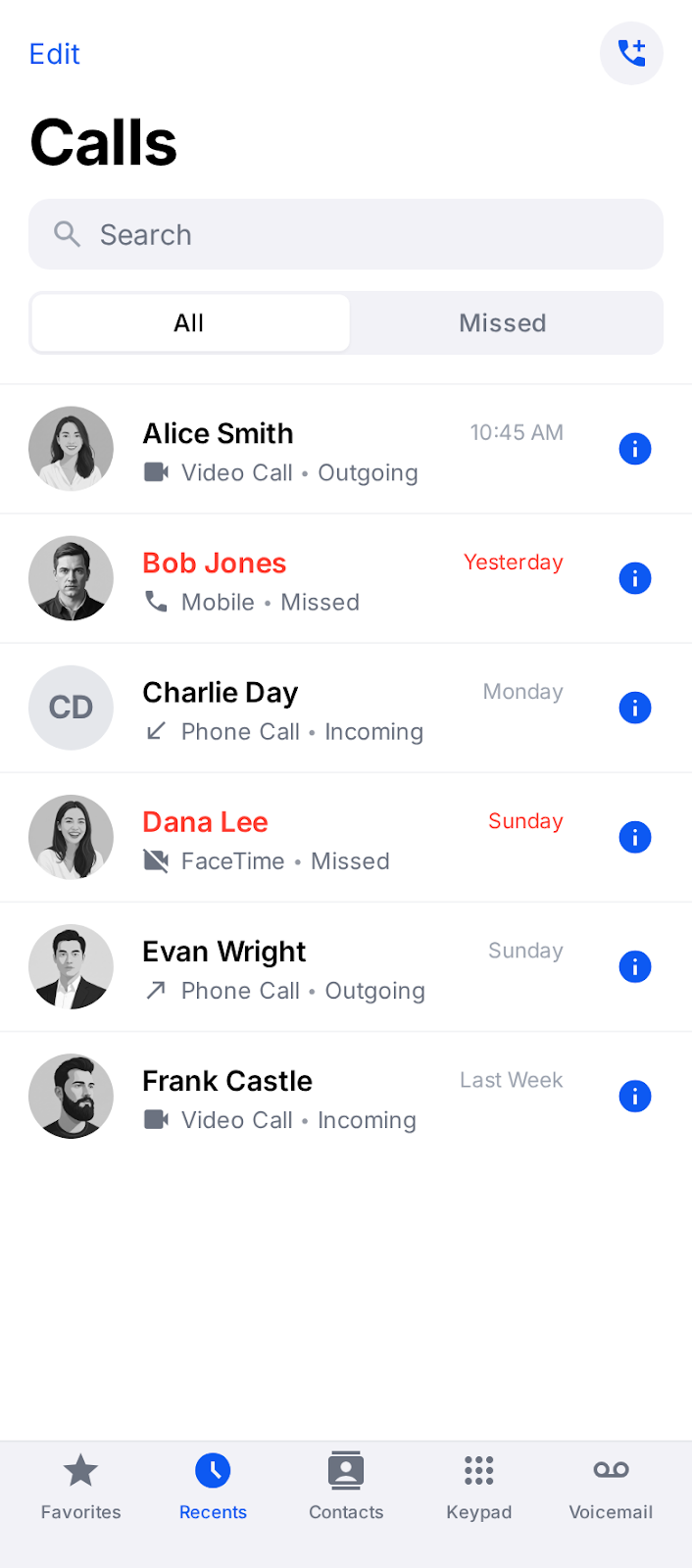
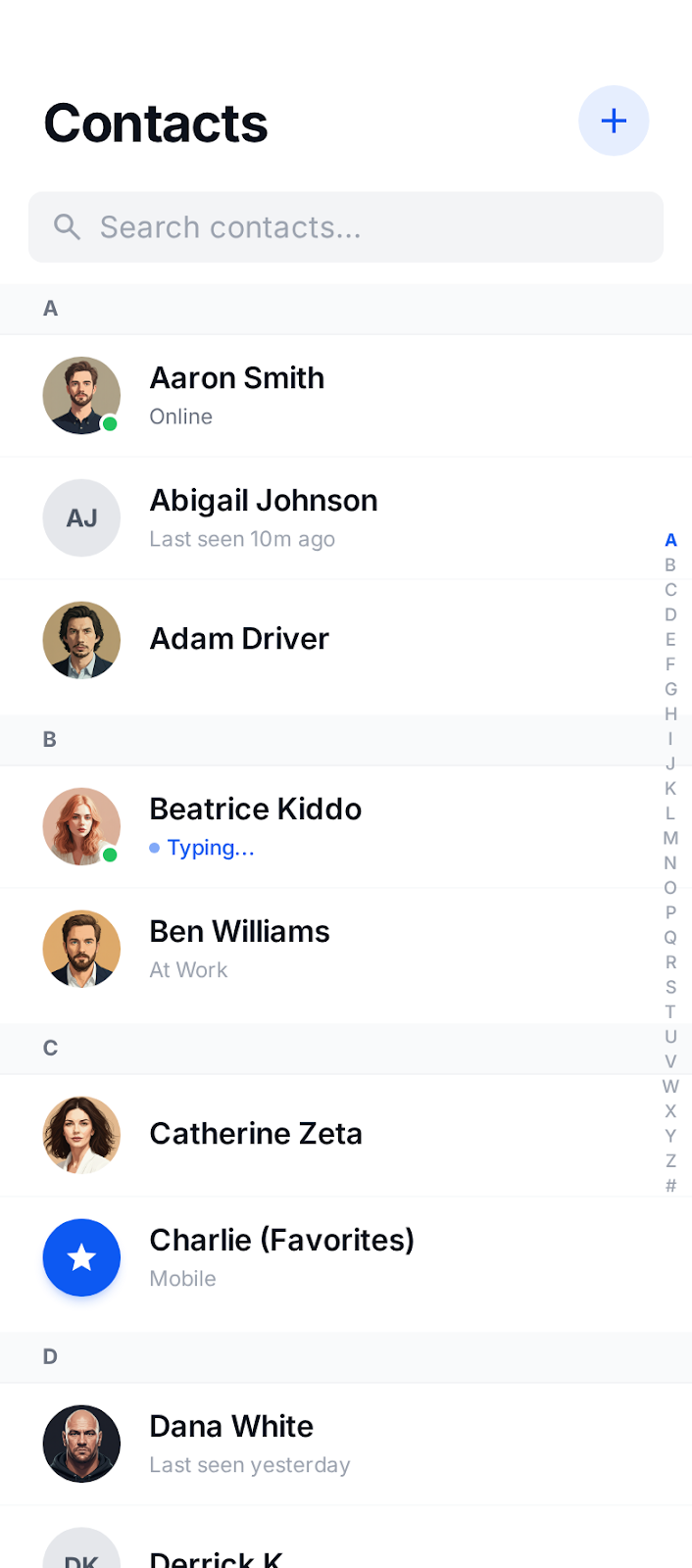
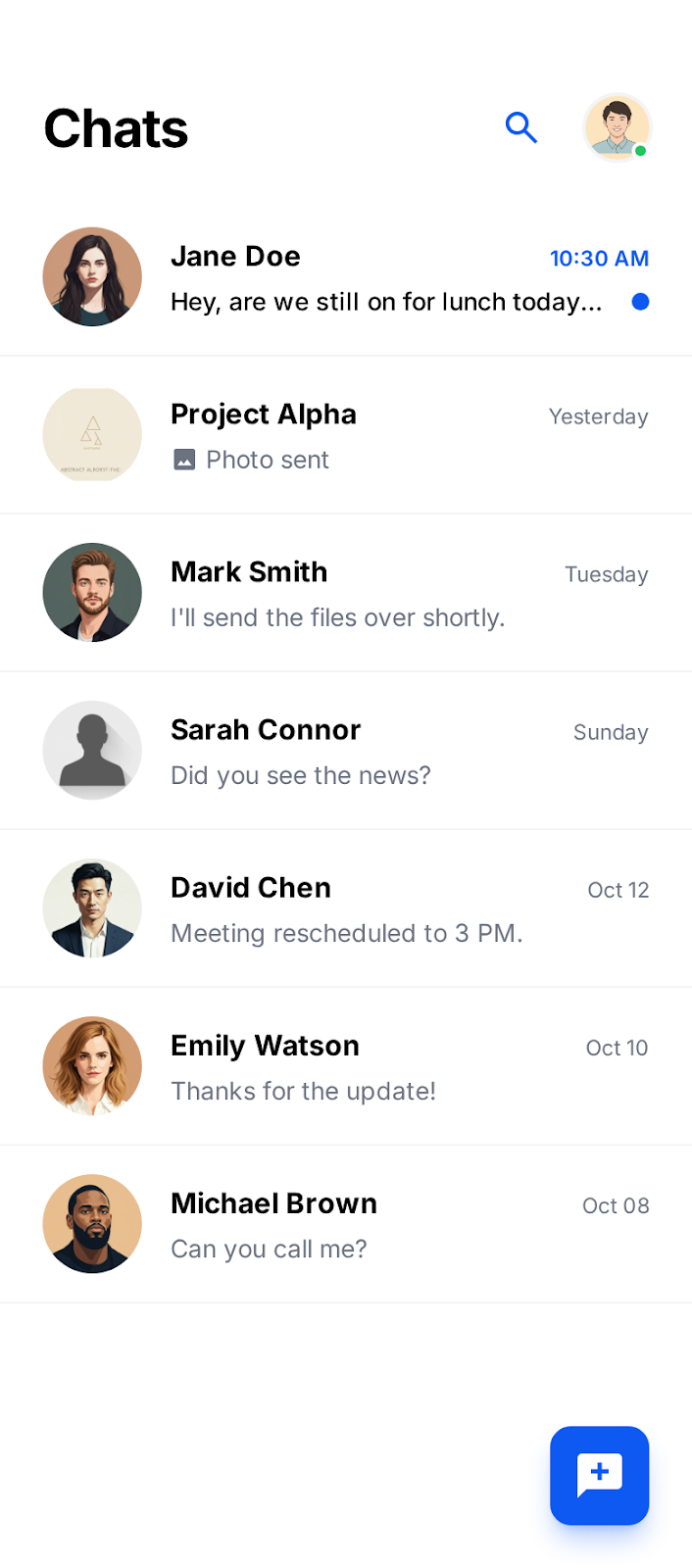
Show messaging, profiles, and community features in realistic device frames that feel familiar to users.
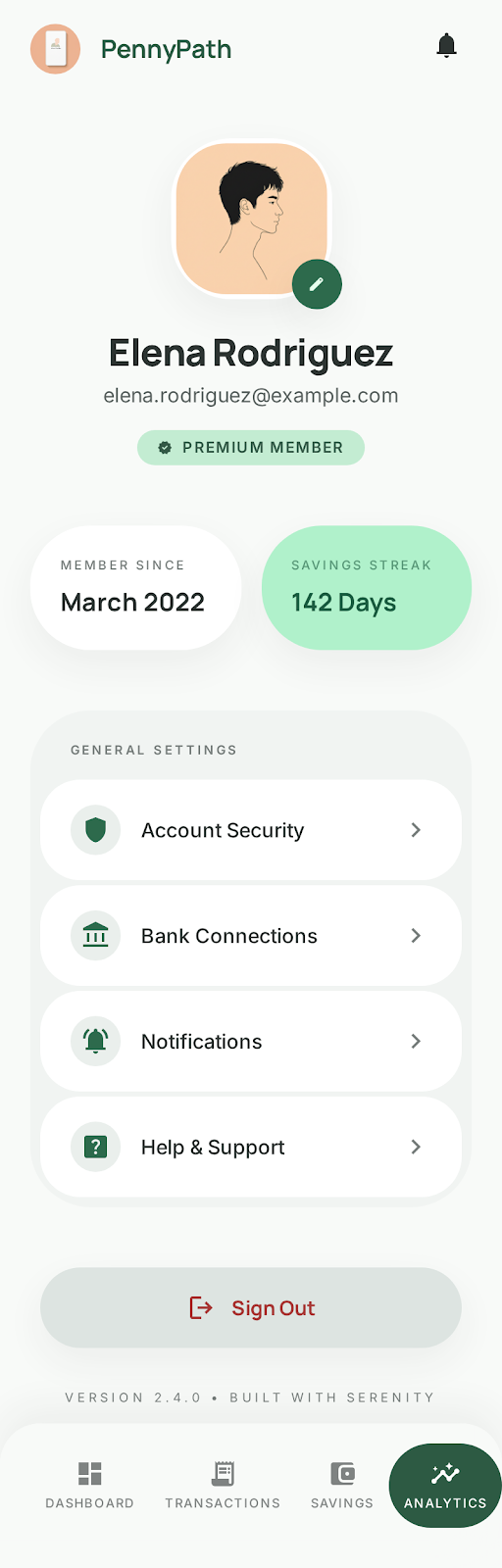
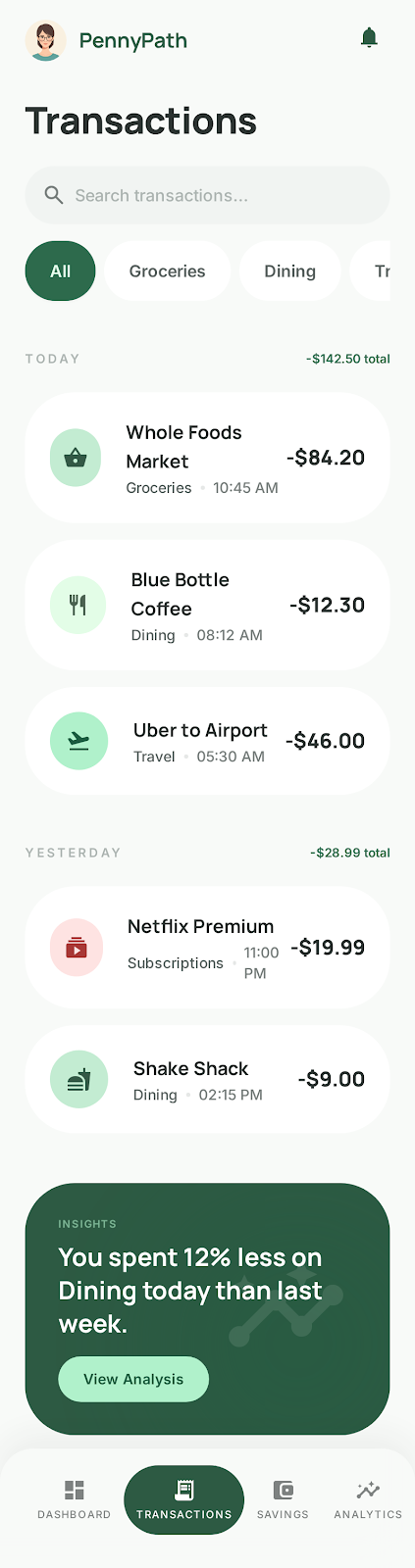
Present budgeting tools, transaction views, and analytics with professional screenshots that build trust.
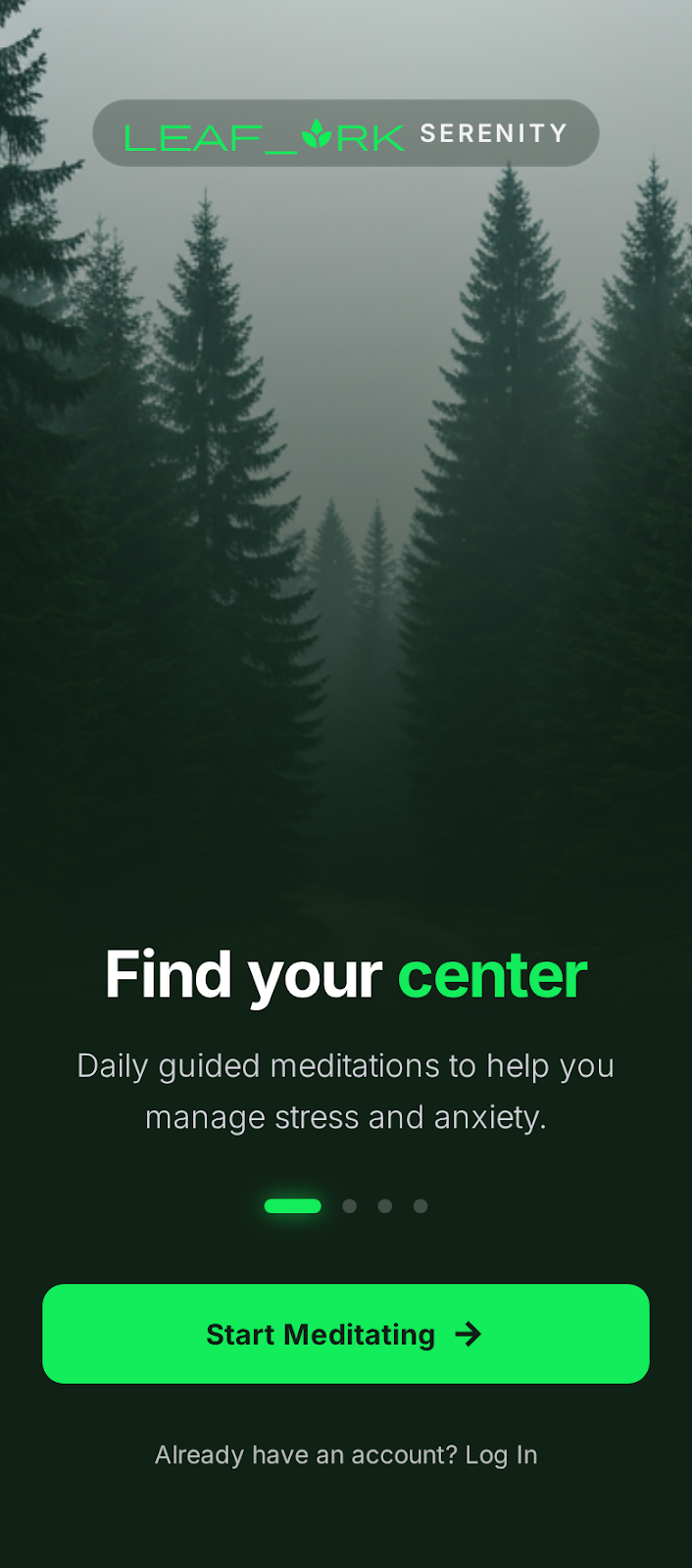
Feature course content, quizzes, and learning progress in polished screenshots that appeal to students and parents.
Create professional mockups in three simple steps. No design skills required.
Drag and drop or select any screenshot, design, or image from your device.
Pick from iPhone, iPad, MacBook, browser frames and beautiful gradient backgrounds.
Download as PNG, WebP, JPEG, GIF, or video. Ready for marketing in seconds.
The fastest way to create professional mockups without learning complex design tools.
Unlike Figma or Photoshop, Screenhance is built for non-designers. Anyone can create professional mockups.
Generate polished mockups in seconds, not hours. Perfect for fast-moving teams and launches.
Export as PNG, WebP, JPEG for images, or GIF and WebM for animated visuals.
Choose from gradients, solid colors, or transparent backgrounds. No need to design your own.
See how Screenhance stacks up against other app screenshot tools.
| Feature | Screenhance | Figma | Canva | Screenshot.Guru |
|---|---|---|---|---|
| Design skills needed | None | Advanced | Basic | None |
| Multi-size export | Yes (all sizes at once) | Manual per size | Manual per size | Limited sizes |
| Device frames built in | Yes (40+) | No (plugins required) | Limited | Basic |
| App Store templates | Yes (purpose-built) | Community templates | Generic templates | Limited |
| Text overlays | Yes | Yes | Yes | No |
| Batch export | Yes (all slides + sizes) | Manual | Pro only | No |
| Google Play support | Yes | Manual setup | Manual setup | No |
| Price (paid) | $6/week or $8/month | $15/month | $13/month | $10/month |
Screenhance supports both Apple App Store and Google Play Store. You can create screenshots for all required sizes including iPhone 6.9", 6.7", 6.5", 5.5", iPad 13", and Google Play phone and tablet formats — all from a single design.
Yes. You can add text captions, headlines, and descriptions to any screenshot. Choose from multiple fonts, adjust colors, and position text anywhere on the slide to highlight your app's key features and benefits.
Yes — both Apple and Google require separate sizes for phones and tablets. Screenhance lets you design once and export all required sizes automatically, so you don't have to create separate designs for each device.
Apple allows up to 10 screenshots per device size. Most successful apps use 5-8 screenshots covering key features, onboarding flow, and social proof. Google Play allows up to 8 screenshots per device type.
Yes. With Screenhance you design one set of screenshots and batch export every required size — iPhone, iPad, and Android — in a single click. No need to resize or recreate anything manually.
Yes. The free plan includes 3 exports per month with full access to all templates. Pro plans unlock unlimited batch export, higher resolution output, and additional features.
Explore more ways to create stunning visuals with Screenhance.
Free online mockup generator for all devices
Try it freeTransform plain screenshots into beautiful mockups
Try it freeCreate stunning iPhone device mockups
Try it freeShowcase apps in iPad Pro and Air frames
Try it freeProfessional screenshots can increase your conversion rate by up to 30%. Pick a template, drop in your screenshots, and export in minutes.