
App Store Screenshots for France: A Practical 2026 Guide
How to localize App Store screenshots for France: vous or tu, accents, French and French Canadian variants, in-app captures, export, and measurement.
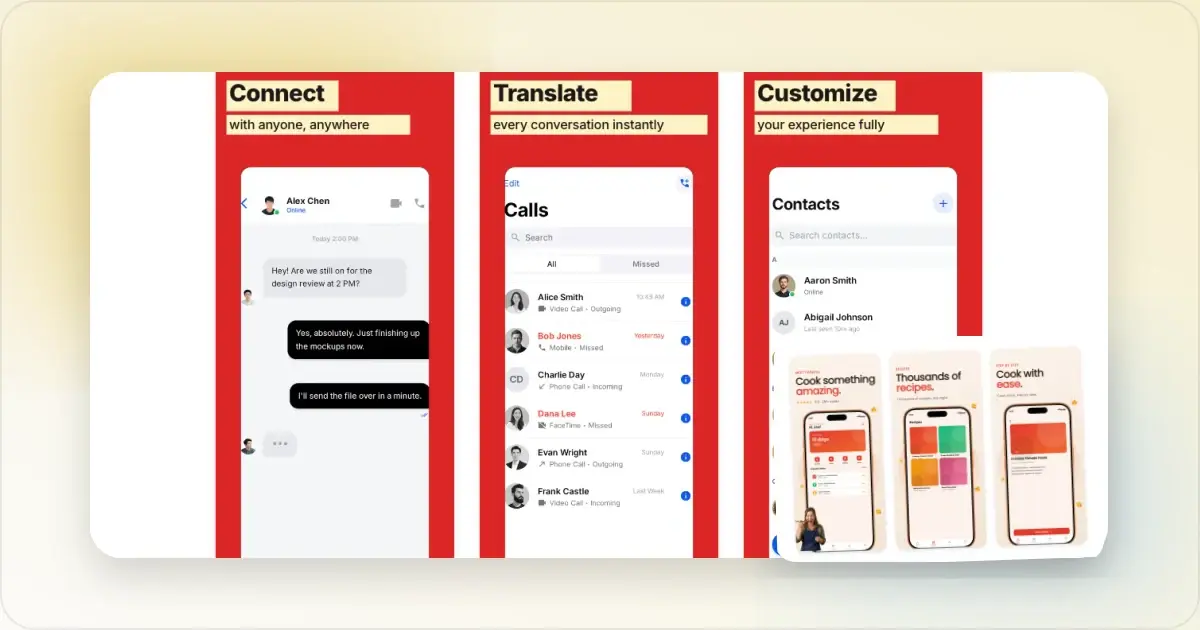
French App Store screenshots need a clear register, correct accents, and a product capture that matches the language promised by the captions. The work is not finished when an English headline has a grammatically correct French translation.
This guide focuses on practical French-language QA. It does not assume France should be every app's next market or promise a standard conversion lift. Use your own App Store Connect data to choose and evaluate the localization.
Decide from your own France data
Review product page views, downloads, proceeds, retention, support requests, and acquisition sources for France. A French set is a stronger investment when French-language visitors already show intent and the app can support them after install.
App Store metadata and the languages inside the app are separate. Localized screenshots do not translate the binary. Apple's localization guidance recommends considering the product, App Store metadata, screenshots, and quality assurance together.
What to translate (and what to leave alone)
French localization is more than vocabulary substitution. The register and tone matter as much as the words:
Translate with native-speaker review: Caption headlines, app description, keywords, release notes, and in-app onboarding text. Give the reviewer the complete screenshot sequence and the feature being shown. Translate carefully, watch for register: Feature lists, benefit statements, and calls to action. Brief the translator on the register already used by the product instead of choosing from the app category alone. Keep names consistent: Product, brand, device, and feature names should match the forms used by the app and its French support content. Do not invent a translation only for the screenshot.The register decision: vous or tu?
French distinguishes formal or plural vous from familiar singular tu. Neither is a universal default for an app category. Match the voice used in the app, onboarding, website, and customer support.
Give a French-native reviewer the entire screenshot sequence and ask them to check pronouns, possessives, verb forms, feature names, natural phrasing, and consistency. Competitor listings can show category conventions, but they do not replace the product's own style decision.
Accent characters: the trust signal everyone underestimates
French uses accent characters extensively: é, è, ê, à, â, ç, î, ô, ù, û. Apps that ship French marketing with missing or incorrect accents leak trust on every screenshot:
The common failure modes:- "Creez votre compte" instead of "Créez votre compte"
- "Decouvrez nos offres" instead of "Découvrez nos offres"
- "A propos" instead of "À propos"
- "Reglages" instead of "Réglages"
Use a reviewer who delivers Unicode strings with proper accents, and verify the rendering pipeline preserves them in the final export.
Fonts: Use a typeface with complete French glyph coverage and suitable licensing. Check uppercase accents as carefully as lowercase accents, and test the exported text at mobile size.Text expansion (less dramatic than German, but real)
French captions vary in length relative to English. For example:
- "Settings" → "Réglages" (8 chars vs 8, similar)
- "Notifications" → "Notifications" (13 chars vs 13, identical, false friend)
- "Get started for free" → "Commencez gratuitement" (22 chars vs 20, similar)
- "Manage your tasks" → "Gérez vos tâches" (16 chars vs 17, similar)
Some captions stay near-identical in length while others become much longer. Render the approved translation, rewrite for clarity where needed, and then adapt the text area. Do not shrink the whole locale because one caption overflows.
Quebec French: when to localize separately
App Store Connect currently supports French and French (Canada) as separate metadata choices. French used in France and Canada is mutually intelligible, but vocabulary, idiom, punctuation, legal wording, and product terminology can differ.
Use your App Store Connect data to decide whether French (Canada) needs a dedicated review. When reusing the structure, ask a Canadian French reviewer to check customer-facing language and region-specific examples. Apple's App Store localization reference documents the supported choices and storefront mapping.
Use accurate French sample content
Beyond translated captions, coherent sample content helps the screenshot describe the same product experience:
Names and addresses: When a regional example helps explain the feature, use plausible synthetic French data. Never show a real person's account, message, address, or payment details. Currency, dates, times, and phone numbers: Let the product's locale-aware formatting generate them and verify the result. Do not hardcode a French-looking value just for marketing.In-app content: switch to French locale, capture fresh
If the app supports French, switch the simulator or device to the intended language and region before capturing, so the UI matches the captions.
Watch specifically for:- App navigation labels in French (Accueil/Explorer/Profil/Réglages instead of Home/Explore/Profile/Settings)
- Date and currency formatting in French conventions
- Sample data that is relevant, plausible, and synthetic
Choose between French and another locale
Compare territory-level demand, activation, retention, proceeds, support capacity, and product-language readiness. French and German require different native reviewers even when they share a production template. Prioritize the audience with the clearest evidence rather than a category ranking.
The workflow
Once French translations are reviewed and accent characters are verified:
1. Build a French version from the approved source set. Reuse the structure, then adapt each layout to the actual copy.
2. Swap captions per screenshot. Paste reviewed French strings with proper accents intact. Verify the rendering preserves é, è, ê, à, â, ç, î, ô, ù, û correctly.
3. Re-shoot in-app screenshots in French locale. Simulator: Settings → General → Language & Region → French.
4. Export the required assets. Screenhance's App Store screenshot translator can help maintain localized captions and exports in one workflow.
5. Upload to the intended localization. Follow Apple's guidance to localize app information and upload screenshots for other localizations.
Measuring the impact
Record a baseline before publishing and compare equivalent periods in App Store Connect. Segment by France and acquisition source, and note campaigns, featuring, pricing, seasonality, or app releases that overlap the change.
Review product-page conversion, activation and retention after install, acquisition-source mix, support feedback, and any rendering defects. Do not diagnose the result against a generic lift or timeline. Use a controlled test where available and avoid changing screenshots, pricing, and onboarding simultaneously.
Frequently Asked Questions
How much does French App Store screenshot localization cost?
The cost depends on the number of captions, product complexity, reviewer expertise, regional variants, revisions, and whether the app UI also needs localization. Get a quote for translation, native review, design QA, and ongoing updates rather than relying on a universal price or payback period.
Should I use vous or tu in my French screenshots?
Use the form that matches the established French product voice and relationship with the user. Apply it consistently across the listing and app, and ask a native reviewer to judge the complete sequence in context.
Do I need separate French translations for France and Quebec?
App Store Connect treats French and French (Canada) as separate localization choices. The structure may be reusable, but the copy should be reviewed for Canadian French terminology, tone, punctuation, and regional examples. Use your audience data to decide whether to publish both.
Why are accent characters so important in French screenshots?
French uses extensive accents (é, è, ê, à, â, ç, î, ô, ù, û), and missing accents read as "this brand doesn't know French" to French speakers. "Creez" instead of "Créez" is technically intelligible but signals careless localization. Verify your rendering pipeline preserves Unicode accents, most modern pipelines do, but some font/encoding combinations strip them silently.
Can I use AI translation for French?
Use it for a draft, not final approval. Native review is still needed for register, idiom, feature terminology, accents, and the rendered design.
Does Apple App Review treat French listings differently?
Apple applies its review guidelines to the listing. We found no Apple documentation for separate France-specific screenshot review rules. Use synthetic data, accurate claims, and the same metadata standards in every locale.
Should I localize French before or after Spanish?
Compare traffic, activation, retention, proceeds, customer research, and support capacity for the relevant storefronts. Each language needs native review, so prioritize the audience for which the product has the clearest evidence.
Related Reading
- App Store Screenshot Translator - The tool that ships this multi-language workflow
- App Store Screenshot Localization for Japan - The Japan-specific guide using the same playbook
- App Store Screenshot Localization for Germany - German text layout and register guidance
- App Store Screenshot Localization for South Korea - The Korea-specific guide for the other major Asian market
- App Store Screenshot Localization Guide - The general playbook this France-specific guide builds on
- App Store Screenshot Dimensions 2026 - Check the current export requirements
Check your image dimensions
Check the pixel size and file format for App Store screenshots. Files stay in your browser and are not stored.
This checks dimensions and file type only. Check the selected display slot, colour profile, transparency and artwork separately. A matching size does not guarantee store approval.
Accepted App Store screenshot sizes
- iPhone · Duo outer: 1398 × 2034 (landscape 2034 × 1398)
- iPhone · Duo inner: 2007 × 2853 (landscape 2853 × 2007)
- iPhone · Dynamic Island (large display): 1260 × 2736 (landscape 2736 × 1260)
- iPhone · Dynamic Island (large display): 1320 × 2868 (landscape 2868 × 1320)
- iPhone · Dynamic Island (large display): 1290 × 2796 (landscape 2796 × 1290)
- iPhone · Face ID (large display): 1284 × 2778 (landscape 2778 × 1284)
- iPhone · Face ID (large display): 1242 × 2688 (landscape 2688 × 1242)
- iPhone · Dynamic Island (medium display): 1179 × 2556 (landscape 2556 × 1179)
- iPhone · Dynamic Island (medium display): 1206 × 2622 (landscape 2622 × 1206)
- iPhone · Face ID (medium display): 1170 × 2532 (landscape 2532 × 1170)
- iPhone · Face ID (medium display): 1125 × 2436 (landscape 2436 × 1125)
- iPhone · Face ID (medium display): 1080 × 2340 (landscape 2340 × 1080)
- iPhone · Home Button (large display): 1242 × 2208 (landscape 2208 × 1242)
- iPhone · Home Button (medium display): 750 × 1334 (landscape 1334 × 750)
- iPhone · 4": 640 × 1096 (landscape 1136 × 600)
- iPhone · 4": 640 × 1136 (landscape 1136 × 640)
- iPhone · 3.5": 640 × 920 (landscape 960 × 600)
- iPhone · 3.5": 640 × 960 (landscape 960 × 640)
- iPad · 13": 2064 × 2752 (landscape 2752 × 2064)
- iPad · 13": 2048 × 2732 (landscape 2732 × 2048)
- iPad · 11": 1488 × 2266 (landscape 2266 × 1488)
- iPad · 11": 1668 × 2420 (landscape 2420 × 1668)
- iPad · 11": 1668 × 2388 (landscape 2388 × 1668)
- iPad · 11": 1640 × 2360 (landscape 2360 × 1640)
- iPad · 10.5": 1668 × 2224 (landscape 2224 × 1668)
- iPad · 9.7": 1536 × 2008 (landscape 2048 × 1496)
- iPad · 9.7": 1536 × 2048 (landscape 2048 × 1536)
- iPad · 9.7": 768 × 1004 (landscape 1024 × 748)
- iPad · 9.7": 768 × 1024 (landscape 1024 × 768)
Specifications checked 2026-10-13. Apple’s source requirements.
Screenhance examples
Two editable starting points from the Screenhance library, selected for this app stores guide.
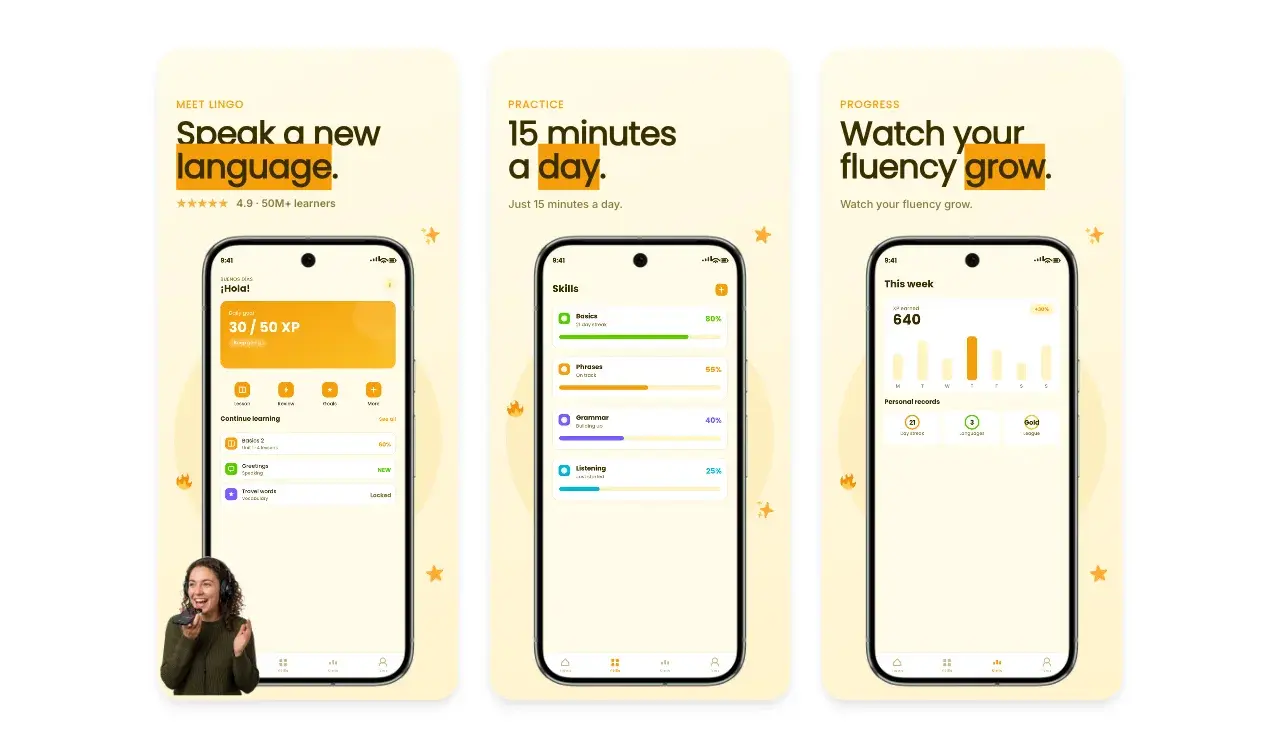
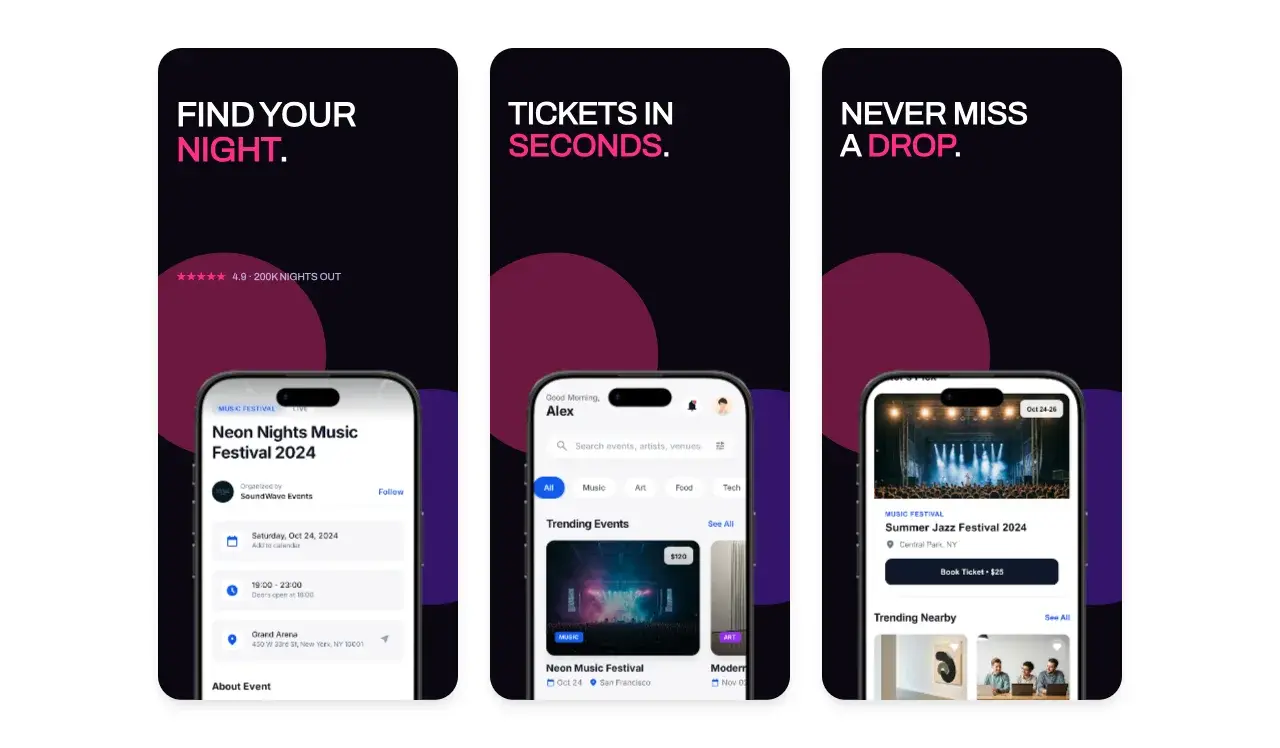
Generate App Store screenshots free
Free to start. No credit card required.
Keep reading
Related, product-tested guides from Screenhance.
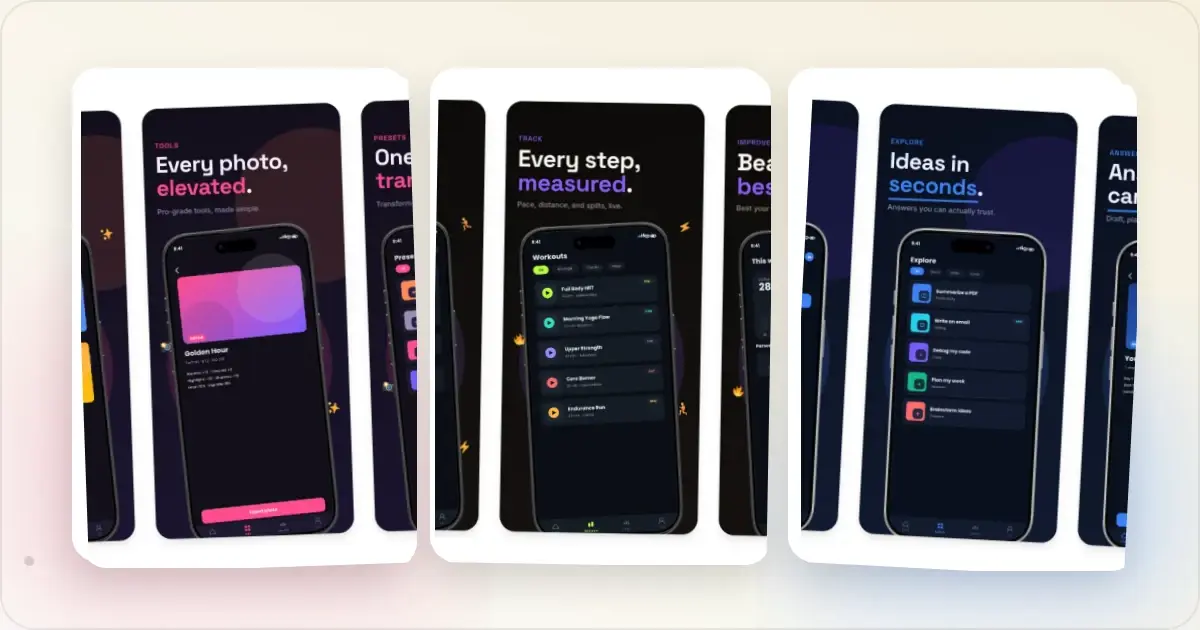
9 App Design Examples That Explain the Product Clearly
Study nine original app design concepts and the specific hierarchy, screenshots, contrast, and story decisions that make each product easier to understand.
20 Aug 2026 · 8 min read
The State of App Store Screenshots in 2026: Requirements and Testing
A current, source-linked guide to App Store screenshot requirements, localization, Product Page Optimization, and the checks to run before upload.
4 Jul 2026 · 3 min read
Best Google Play Screenshot Generators in 2026: 7 Compared
Compare seven Google Play screenshot generators across Android frames, phone and tablet workflows, localization, motion, pricing, and free access.
15 Jun 2026 · 6 min read