
50 Screenshot Background Ideas: Gradients, Colors & Styles That Pop
Stop using plain white backgrounds for your screenshots. Here are 50 background ideas — gradients, mesh, glass, and aurora styles — organized by use case.
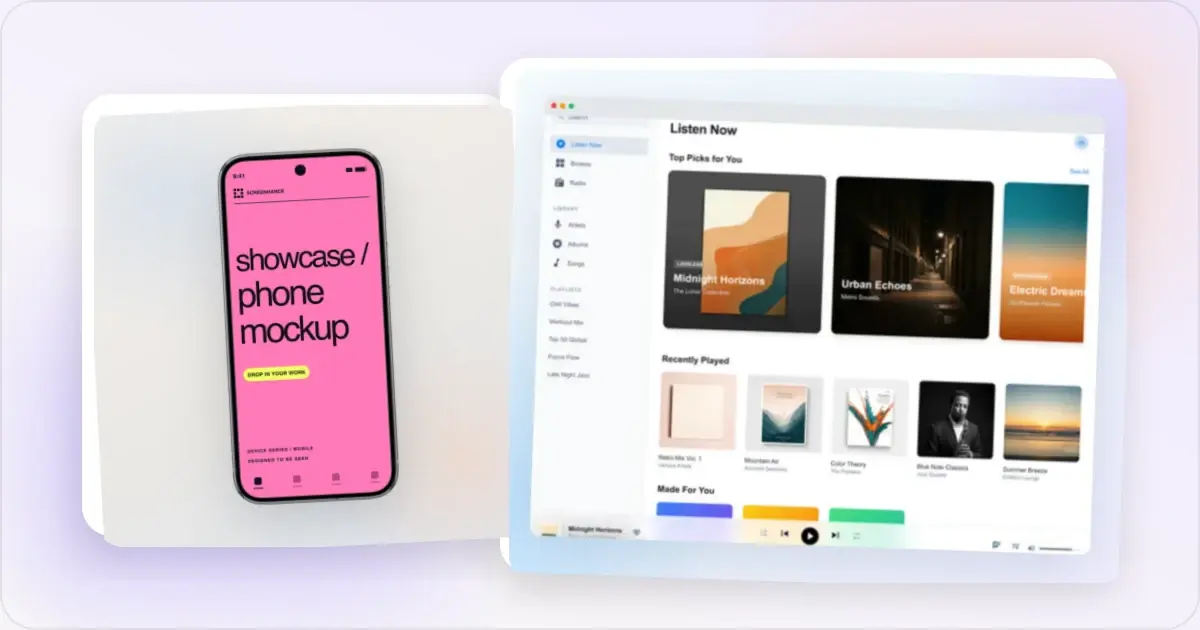
A plain white background makes your screenshot look like a support ticket. The right background transforms it into a polished visual that communicates quality, builds trust, and grabs attention.
Your background choice affects how users perceive your product before they even look at the UI. Here are 50 background ideas organized by style, with guidance on when to use each one.
Why Your Background Choice Matters
Background selection is not just aesthetic — it is psychological:
- Brand perception — Colors trigger associations. Blue signals trust. Green signals growth. Black signals premium. Your background primes users before they evaluate your product
- Readability — The wrong background makes your UI hard to see. The right one creates contrast that draws the eye to your app
- Consistency — A cohesive background style across all your screenshots builds recognition and professionalism
The goal is always the same: make your screenshot the star, and let the background support it.
Section 1: Gradient Backgrounds
Gradients add depth and visual interest without competing with your UI. These 10 combinations work across App Store listings, landing pages, and social media.
1. Blue to Purple
A versatile gradient that works for tech products and SaaS tools. The blue anchors trust while the purple adds a creative edge. Use this for developer tools, productivity apps, and AI products.
2. Sunset Orange to Pink
Warm and energetic. This gradient works well for creative apps, social platforms, and lifestyle products. It catches the eye in App Store search results without feeling aggressive.
3. Dark Navy to Black
Premium and elegant. This gradient is ideal for dark mode screenshots, finance apps, and any product that wants to convey sophistication. The subtle transition avoids the flatness of pure black.
4. Green to Teal
Fresh and modern. A natural choice for fintech apps, health and wellness products, and sustainability-focused tools. The teal keeps it from feeling too organic.
5. Coral to Warm Pink
Approachable and friendly. Works beautifully for social apps, lifestyle products, and anything targeting a creative audience. Coral has been trending in app design for its warmth without being overwhelming.
6. Yellow to Orange
High energy and attention-grabbing. Use this for productivity apps, fitness tools, and any product that wants to convey action and momentum. Be careful with text contrast — white text can be hard to read on yellow.
7. Indigo to Violet
Deep and sophisticated. This gradient works well for AI and machine learning products, design tools, and developer platforms. It feels modern without being trendy.
8. Mint to Seafoam
Clean and calming. Ideal for minimalist apps, note-taking tools, and health products. This gradient communicates simplicity and clarity — perfect if your app's selling point is being easy to use.
9. Rose Gold to Champagne
Luxurious and refined. Use this for fashion apps, premium subscriptions, and lifestyle brands. The metallic warmth signals quality without being flashy.
10. Electric Blue to Cyan
Bold and modern. Works well for startup products, communication tools, and tech platforms. This gradient has strong visibility in App Store search results and social media feeds.
Section 2: Solid Color Backgrounds
Sometimes a solid color is all you need. These 10 options provide clean backdrops that let your UI take center stage.
11. Pure Black (#000000)
The premium choice. Pure black works for dark mode app screenshots, music apps, and any product positioning itself as high-end. Pair with white or gold text for maximum contrast.
12. Off-White (#F5F5F5)
Softer than pure white, off-white avoids the clinical feel while keeping things clean and minimal. Great for productivity apps, note-taking tools, and documentation products.
13. Deep Navy (#0A1628)
Professional and trustworthy. Deep navy is the go-to for enterprise SaaS products, B2B tools, and finance applications. It communicates reliability without the heaviness of pure black.
14. Warm Gray (#E8E4DF)
Neutral and sophisticated. Warm gray works for design tools, portfolio apps, and creative platforms. It provides enough contrast for most UI colors while staying unobtrusive.
15. Brand Blue (#2563EB)
A strong, trustworthy blue. Use this when you want to convey reliability and professionalism. Works across industries — from productivity to healthcare to education.
16. Soft Lavender (#E8E0F0)
Gentle and creative. Soft lavender is a great choice for creative tools, meditation apps, and products targeting artistic audiences. It adds personality without overwhelming the screenshot.
17. Pale Yellow (#FEF9C3)
Warm and inviting. Works well for note-taking apps, productivity tools, and educational products. The warmth draws attention while remaining easy on the eyes.
18. Forest Green (#064E3B)
Bold and grounded. Forest green works for sustainability apps, outdoor products, and health-focused tools. It communicates growth and natural quality.
19. Charcoal (#1F2937)
The developer favorite. Charcoal provides a dark backdrop without the starkness of pure black. Ideal for developer tools, code editors, and technical products.
20. Cream (#FFFBEB)
Soft and approachable. Cream is perfect for lifestyle apps, recipe tools, and food-related products. It feels warm and inviting — like your app is a comfortable space.
Section 3: Mesh and Aurora Backgrounds
Mesh gradients and aurora effects create organic, fluid backgrounds that feel modern and dynamic. These 10 ideas add visual complexity without distracting from your UI.
21. Blue-Purple Mesh
Multiple blue and purple blobs blending together. Creates a cosmic, expansive feel. Works well for AI products, space-themed apps, and creative tools.
22. Warm Sunset Mesh
Orange, pink, and yellow blobs creating a warm, organic gradient. Ideal for social apps, travel products, and lifestyle brands.
23. Northern Lights Aurora
Green, blue, and purple light streaks against a dark background. Eye-catching and unique. Use for premium products, entertainment apps, and products that want to stand out.
24. Pink-Peach Mesh
Soft pink and peach blending together. Feminine and approachable. Great for beauty apps, wellness products, and creative platforms.
25. Ocean Depth Mesh
Deep blue and teal mesh with dark edges. Creates a sense of depth and immersion. Works for meditation apps, music products, and deep-focus tools.
26. Tropical Aurora
Bright green and turquoise light effects. Energetic and fresh. Good for fitness apps, travel products, and seasonal promotions.
27. Midnight Mesh
Dark purple, navy, and black blending together. Dramatic and premium. Use for dark mode screenshots, entertainment apps, and gaming products.
28. Pastel Cloud Mesh
Light pink, blue, and lavender softly blending. Dreamy and gentle. Works for journaling apps, baby products, and calm-focused tools.
29. Fire Aurora
Red, orange, and gold light streaks. Intense and attention-grabbing. Use sparingly — best for launch announcements, gaming apps, and energy-focused products.
30. Emerald Mesh
Green and gold mesh gradients. Rich and natural. Works for finance apps positioning as growth-oriented, environmental products, and garden tools.
Section 4: Glass and Frosted Backgrounds
Glassmorphism adds a modern, layered feel to screenshots. These 10 styles use frosted glass effects over gradient or colored backgrounds.
31. Frosted White on Blue Gradient
A translucent white glass panel over a blue gradient. Clean and modern. Works for SaaS dashboards, analytics tools, and corporate products.
32. Dark Glass on Purple
Translucent dark glass over a purple gradient. Premium and sleek. Ideal for dark mode apps, music players, and entertainment products.
33. Frosted Panel on Warm Gradient
Translucent glass over an orange-to-pink gradient. Warm but refined. Good for creative tools, social apps, and marketing products.
34. Icy Glass on Mint
Translucent glass with a cool mint background. Fresh and clean. Works for health apps, productivity tools, and communication platforms.
35. Blurred Background Glass
Your app screenshot subtly blurred and used as its own background, with a frosted glass panel holding the sharp version. Creates a cohesive, immersive effect.
36. Multi-layer Glass
Multiple frosted panels at different opacities on a gradient background. Creates depth and dimension. Best for feature comparison screenshots.
37. Glass on Dark
Subtle frosted glass on a near-black background. Minimal and premium. Works for developer tools, finance apps, and professional products.
38. Colored Glass Tint
Glass panel with a slight color tint matching your brand. Adds brand consistency while keeping the modern glassmorphism feel.
39. Glass with Border Glow
Frosted glass panel with a subtle colored border that glows. Eye-catching without being distracting. Works for product launches and feature announcements.
40. Stacked Glass Cards
Multiple glass cards layered at angles, each showing a different screenshot. Creates a dynamic, interactive feel. Great for showing multiple features.
Section 5: Textured and Pattern Backgrounds
Textures and patterns add subtle visual interest. These 10 ideas provide enough detail to be interesting without overpowering your screenshot.
41. Noise and Grain
A subtle noise texture over a solid color or gradient. Adds a tactile, premium quality. Works across almost any product category. Keep the noise at 5-10% opacity for best results.
42. Dot Grid
A fine dot grid pattern over a light or dark background. Clean and technical. Works for developer tools, design apps, and productivity products.
43. Abstract Blobs
Large, soft-edged abstract shapes in muted colors. Organic and modern. Works for creative tools, social apps, and lifestyle products.
44. Geometric Lines
Thin geometric line patterns — triangles, hexagons, or diamonds. Technical and structured. Good for enterprise SaaS, analytics tools, and data products.
45. Subtle Topography
Topographic map-style contour lines in low opacity. Unique and interesting without being distracting. Works for outdoor apps, mapping tools, and travel products.
46. Paper Texture
A subtle paper texture over a warm color. Organic and approachable. Great for note-taking apps, journaling tools, and educational products.
47. Diagonal Stripes
Thin diagonal stripes at low opacity over a gradient. Adds movement and energy. Works for fitness apps, action-oriented products, and dynamic brands.
48. Isometric Grid
An isometric grid pattern over a dark background. Technical and three-dimensional. Perfect for 3D tools, architecture apps, and game development products.
49. Wave Lines
Gentle wave patterns flowing across the background. Fluid and calming. Works for music apps, meditation tools, and audio products.
50. Circuit Board
Abstract circuit board patterns at low opacity. Technical and innovative. Best for developer tools, hardware products, and AI applications.
How to Choose the Right Background
Picking from 50 options can be overwhelming. Here is a framework to narrow it down:
Match Your Brand
Your screenshot background should feel like it belongs to your product. If your app uses a blue color scheme, start with blue-based gradients or navy solids. Consistency between your app and your marketing materials builds trust.
Consider Contrast
Your UI needs to be clearly visible against the background. Light app interfaces work best on dark backgrounds. Dark mode UIs pop against lighter backgrounds. Always check readability at the smallest display size your screenshots will appear on.
Think About Context
Where will these screenshots be displayed?
- App Store — Gradients and solid colors work best. Avoid overly complex patterns that get lost at small sizes
- Landing page — More creative backgrounds work here since they are displayed at larger sizes
- Social media — Bold, high-contrast backgrounds grab attention in crowded feeds
- Documentation — Minimal backgrounds keep the focus on content
Test Multiple Options
Try 3-4 different backgrounds with the same screenshot and compare them side by side. The right choice is often not the one you expected.
Background Mistakes to Avoid
Too Busy
If the background draws more attention than your app's UI, it is too busy. Patterns and textures should be subtle — 5-15% opacity at most. Your screenshot is the star, not the background.
Low Contrast With UI
A light gradient behind a light-themed app creates a washed-out mess. A dark gradient behind a dark mode app makes the interface disappear. Ensure clear contrast between your background and your UI.
Clashing Colors
If your app uses warm colors and your background uses cool blues, the combination feels disjointed. Pick background colors from the same color family as your product or use complementary colors intentionally.
Inconsistent Across Your Set
Using a different background for each screenshot in your App Store listing looks unprofessional. Choose one background style and apply it to your entire set. Consistency signals quality.
How to Apply Backgrounds in Screenhance
Applying any of these background styles takes seconds with Screenhance:
1. Upload your screenshot and select a device frame
2. Open the background panel — Browse gradient presets, solid colors, or mesh options
3. Customize — Adjust colors, direction, and intensity to match your brand
4. Preview — Check how your screenshot looks against the background at different sizes
5. Export — Download at the correct dimensions for your target platform
Screenhance includes 50+ built-in gradient and background presets, so you can try many of the ideas in this post without creating custom colors from scratch.
Frequently Asked Questions
What background color is best for app screenshots?
There is no single best background color — it depends on your app's UI and brand. Gradient backgrounds work well for most use cases because they add visual interest without distracting from content. Start with colors that complement your app's color scheme. Dark backgrounds work best with light-themed UIs, and vice versa.
Should I use the same background for all screenshots?
Yes. Consistency across your screenshot set signals professionalism and makes your listing look cohesive. Use the same background style, colors, and intensity for all screenshots. You can vary captions and device positioning while keeping the background constant.
How do I match my background to my brand colors?
Start with your primary brand color as the dominant background color. For gradients, use your secondary brand color as the second stop. If your brand colors are too vibrant for a background, try a desaturated or darker version. The background should complement your brand, not overpower it.
Do gradient backgrounds affect App Store approval?
No. Apple does not restrict background styles in your screenshots. You can use gradients, solid colors, patterns, or any other background style. The only requirements are correct pixel dimensions and that screenshots accurately represent your app.
Related Reading
- Screenshot Beautifier Online: Transform Plain Screenshots Instantly - Complete beautification guide
- Screenshot Beautifier - Try backgrounds and frames instantly
- How to Take Better Screenshots: Tips for Professional Results - Better source screenshots
- How to Create App Store Screenshots That Actually Convert - Conversion strategies
- Best Free Mockup Tools in 2026 - Tool comparison
Conclusion
Your screenshot background is not decoration — it is a design decision that affects how users perceive your product. A thoughtful background choice adds professionalism, creates contrast, and makes your app look like something worth downloading.
Start with one of these 50 ideas, match it to your brand, and apply it consistently across your screenshot set. The difference between a raw screenshot on white and a polished screenshot on the right background is often the difference between a scroll-past and a download.
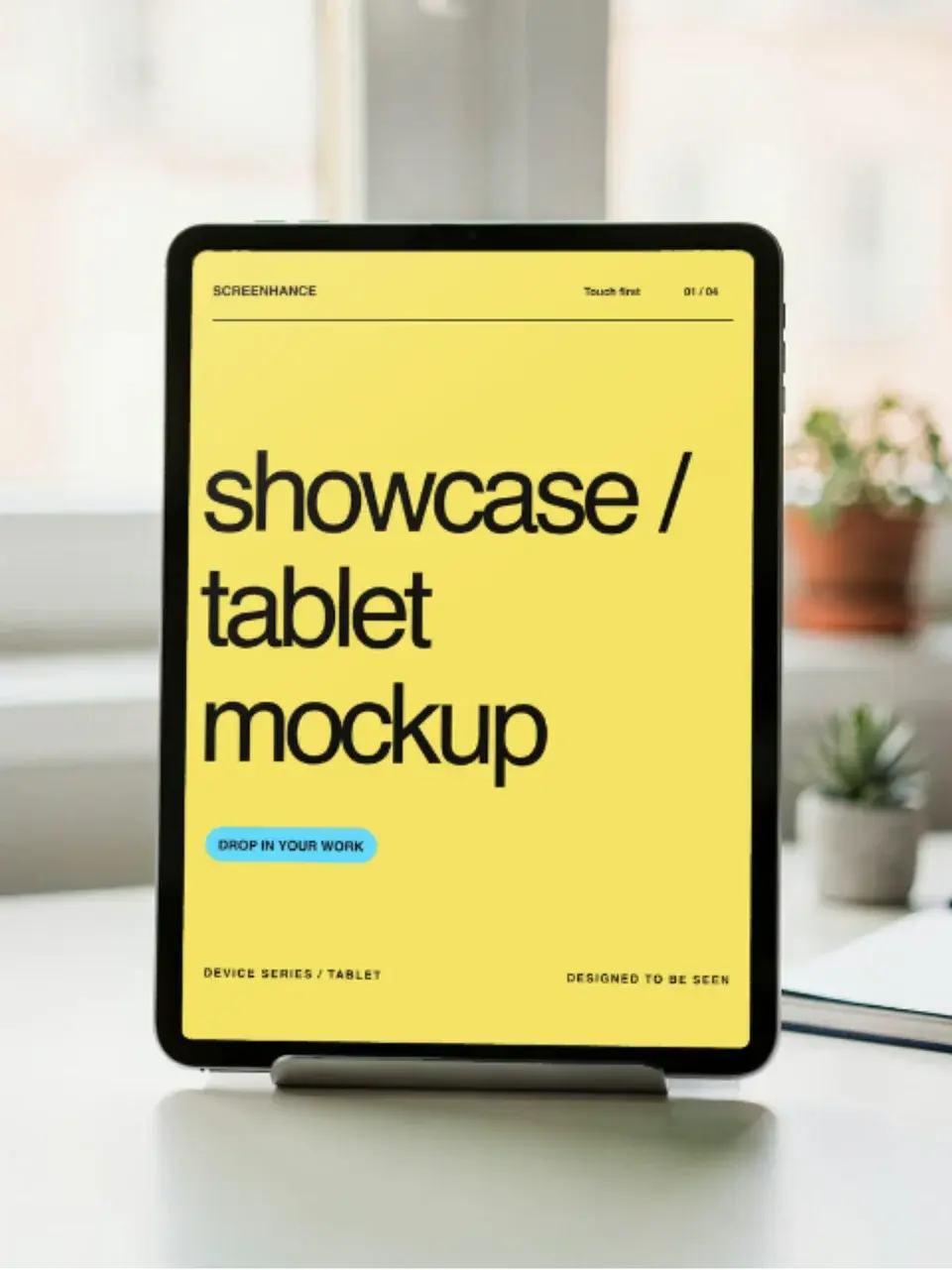
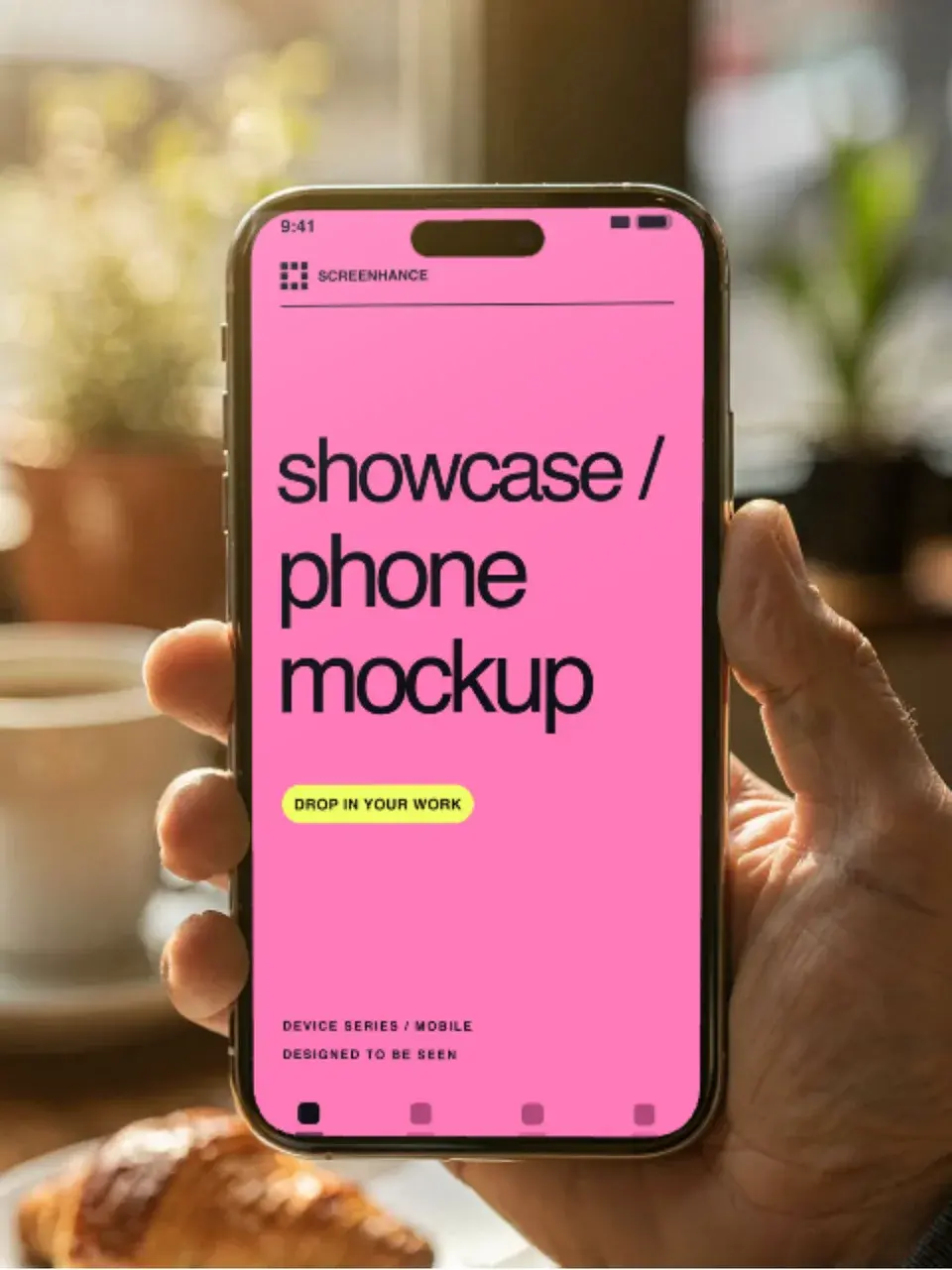
Try these backgrounds free with Screenhance.Screenhance examples
Two editable starting points from the Screenhance library, selected for this mockups guide.
Ready to create stunning visuals?
Free to start. No credit card required.
Keep reading
Related, product-tested guides from Screenhance.
How to Create Beautiful Notion Cover Images
Create a clear custom Notion cover from a screenshot or mockup, choose a useful crop, and keep the page readable across desktop and mobile.
21 Apr 2026 · 7 min read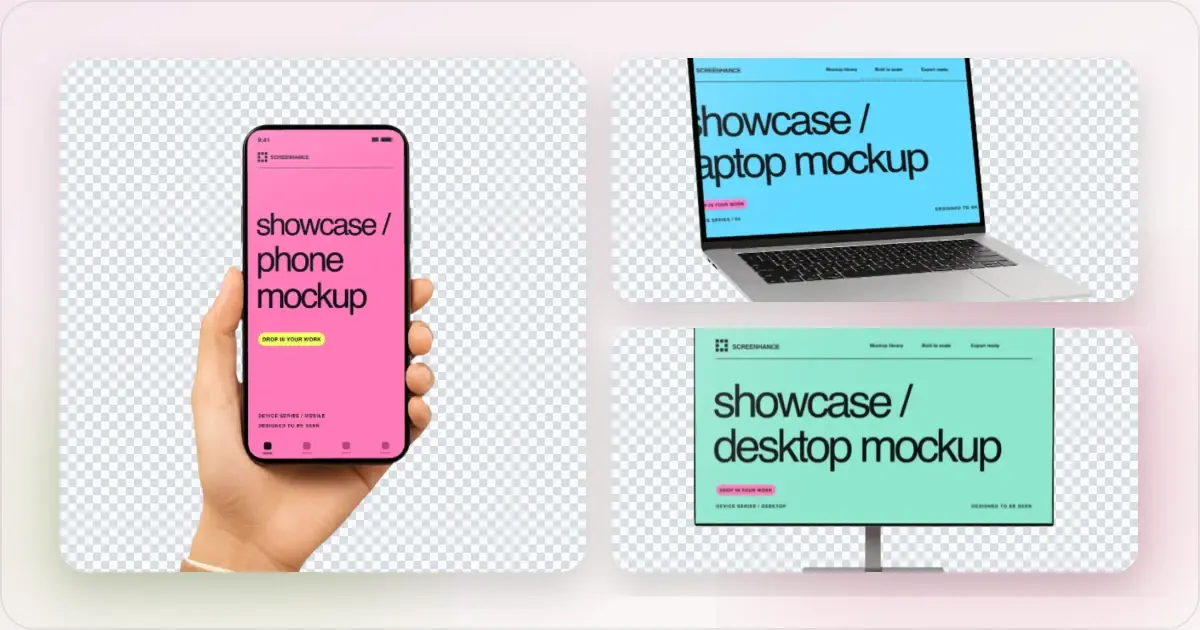
Apple Watch Mockup Guide: Framing watchOS Apps in 2026
How to create Apple Watch mockups that sell a watchOS app: choosing 46mm vs 42mm, capturing clean watch screenshots, and the iPhone-plus-Watch layout.
29 May 2026 · 6 min read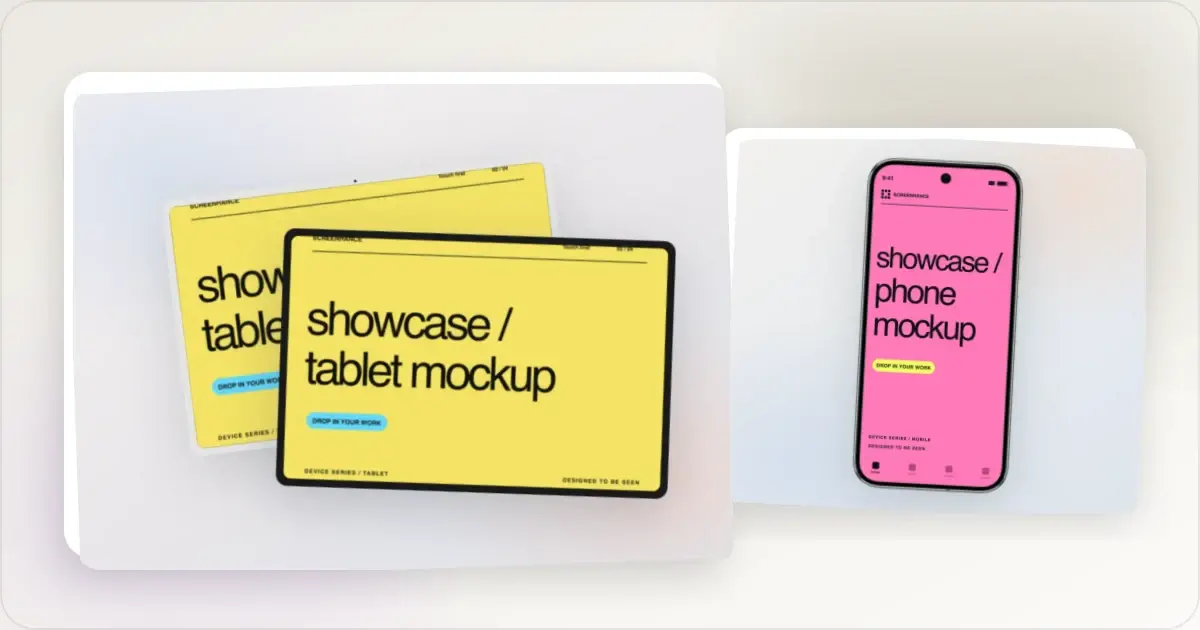
Google Pixel Mockup Guide for Android Marketing in 2026
Choose and use a Google Pixel frame for Android marketing, compare it with a Galaxy treatment, and prepare accurate Play Store visuals.
29 May 2026 · 5 min read