
Dynamic OG Images: How to Auto-Generate Social Cards for Every Page
Compare manual, programmatic, and hybrid ways to create Open Graph images for blogs, e-commerce, and SaaS pages.

When a site has many articles, products or user-generated pages, creating every link-preview image by hand may become difficult to maintain. Dynamic Open Graph images are one option: a renderer combines a stable template with page data such as a title, category or product image.
Automation is not automatically the right choice. A small site may be better served by a few carefully made static images. This guide explains the trade-offs and the reliability work a dynamic system needs.
Why Dynamic OG Images Matter
An Open Graph image gives services that support the protocol an image to use when presenting a shared URL. The Open Graph protocol defines the core og:image property and optional structured properties such as the image URL, type, width, height and alt text. Each sharing service still controls how a preview is rendered.
Several page types can be represented with one carefully tested template:
- Blogs can combine a post title, category and illustration in a reusable layout.
- E-commerce can use the current product image and name, subject to image permissions and availability.
- SaaS products can give feature pages, documentation and changelog entries relevant previews.
Without page-specific metadata, services may use a site-wide fallback or show a preview without the intended image. That is a presentation issue, not evidence that the page will receive less traffic.
Dynamic generation can improve coverage, but only if the renderer handles missing data, long text, fonts, caching and failures.
The Three Approaches to Dynamic OG Images
There are three common approaches, each with different maintenance and review costs.
1. Template-Based with a Visual Tool
You design a template once, then manually swap in page-specific content for each new image. This keeps a person in the review loop without requiring a rendering service.
With Screenhance's OG image generator, the workflow is straightforward:
- Upload a screenshot of the page or product
- Pick a device frame and background that matches your brand
- Add your headline text
- Export at 1200 × 630 when that size matches the services you are targeting
The editor provides a structured starting point; the time and design decisions depend on the page and source material.
Useful when: Content volume is manageable and each image benefits from review. Pros: Direct visual review and no image-rendering infrastructure. Cons: Still requires a human in the loop for each image.2. Fully Programmatic (Vercel OG, Satori, Puppeteer)
This approach generates images at build time or on request using code. A template receives page data and returns an image.
For a current Next.js application, the official metadata and OG image guide documents opengraph-image files and ImageResponse. Next.js says ImageResponse uses @vercel/og, Satori and Resvg to turn supported JSX and CSS into PNG. It supports a subset of CSS, so a browser layout cannot always be copied directly.
- Set background colors, gradients, or images
- Position text dynamically based on title length
- Include logos, author avatars, or category badges
- Output at standard OG dimensions
For example, a current Next.js App Router project can colocate an image route with a dynamic blog segment:
// app/blog/[slug]/opengraph-image.tsx
import { ImageResponse } from "next/og";
import { getPost } from "@/lib/posts";

export const size = { width: 1200, height: 630 };
export const contentType = "image/png";

export default async function Image({ params }: { params: Promise<{ slug: string }> }) {
    const { slug } = await params;
    const post = await getPost(slug);

    return new ImageResponse(
        <div
            style={{
                width: "100%",
                height: "100%",
                display: "flex",
                alignItems: "center",
                padding: "80px",
                background: "#111827",
                color: "white",
                fontSize: "64px",
            }}
        >
            {post.title}
        </div>,
        size,
    );
}
Next.js uses the special file convention to add the corresponding metadata. Add real error handling for an unknown slug, load licensed fonts deliberately, and test titles at the longest lengths your content model allows.
A browser-based renderer such as Puppeteer or Playwright can capture HTML and CSS, but it brings a browser runtime, resource-loading and deployment considerations. Test it in the environment where it will run.
Useful when: Pages are created from structured data and manual generation would not be sustainable. Pros: Repeatable generation and coverage for routes created from data. Cons: Requires engineering setup, monitoring and test cases for content variation.3. Hybrid Approach
Some teams use static, reviewed images for high-visibility pages and a programmatic template for larger content collections. The split should follow editorial importance and maintenance cost, not an arbitrary page count.
The hybrid workflow:- Design a branded template using a social card generator
- Export it as your design reference
- Implement a code-based generator that approximates that template for bulk pages
- Manually create images for pages that need bespoke art direction
This preserves editorial control where it matters while providing broader automated coverage.
When Each Approach Makes Sense
Choose template-based if:
- Your publishing volume fits a manual review step
- Individual pages need art direction rather than data substitution
- A marketer or designer owns the image workflow
- You want each OG image to feel unique and intentional
Choose programmatic if:
- You have many data-driven pages, such as a product catalog or user profiles
- New pages are created automatically (user-generated content, dynamic routes)
- Your team can own the renderer, tests, cache policy and monitoring
- Consistency matters more than uniqueness
Choose hybrid if:
- You have a mix of high-value and bulk content
- Different parts of the site have different editorial and publishing needs
- You can define which routes use reviewed art and which use generated templates
Getting the Most from Dynamic OG Images
Regardless of which approach you choose, these principles apply:
Keep Text Short and Large
Preview the image at the small sizes used in feeds and messaging apps. Allow long titles to wrap or truncate predictably, and test real content rather than relying on a universal word limit.
Use High-Contrast Backgrounds
Use sufficient contrast between text and its background. Also test the preview against light and dark interfaces because the surrounding theme is controlled by the destination service.
Include a Visual Element
Use a screenshot, illustration or product image when it adds information. A text-only composition can be appropriate for an article; do not add decoration solely to imply an engagement benefit.
Brand Consistently
Whether you generate images manually or programmatically, use a stable palette, logo treatment and type hierarchy so related previews feel connected.
Test Before You Ship
Inspect the generated HTML, fetch the image as an unauthenticated client, and use the current tools offered by your target services. For example, LinkedIn documents its Post Inspector for refreshing a URL and checking a newly fetched preview. Test template changes before deploying them widely.
Common Mistakes to Avoid
Forgetting small previews. Text and interface details may be reduced substantially in feeds. Inspect the design at several sizes. Using the same image for every page without intent. A site-wide fallback is useful, but important routes may benefit from an image that identifies the page. Ignoring platform differences. Services can crop, resize or omit previews differently. A 1200 × 630 image is a common starting point, not a guarantee across every service. Test the destinations you support. Not setting a fallback. Provide sensible site-level metadata for routes that lack a page-specific image, and make the generator return an explicit error rather than an invalid image response.The Bottom Line
Choose the smallest system that covers your publishing needs. Start with representative pages, verify the metadata and image response, and add automation only when it reduces ongoing work without removing necessary editorial review.
Build vs Buy: When a Third-Party OG Service Is the Right Call
Dynamic images introduce a build-or-buy decision: maintain the rendering code yourself or use a hosted service or editor.
A self-hosted generator gives you control over templates, data access and deployment. It also makes your team responsible for font loading, missing glyphs, unusually long content, image fetch failures, caching and runtime limits. Estimate those responsibilities using your own stack rather than a generic maintenance figure.
A third-party service can reduce infrastructure work, but review its data handling, availability, image limits, cache controls, font support, export rights and pricing. Self-hosting may be preferable when images contain private data, rendering is part of the product, or the template needs capabilities the service does not offer.
The middle ground is to use a tool such as Screenhance's OG image generator for reviewed assets and code for routes that genuinely need data-driven rendering. Document which path owns each route so pages do not silently fall back to stale or generic images.
OG Image Caching, CDN, and the Stale-Image Trap
Caching is a frequent source of confusing previews because your application, CDN and destination service can each store a response.
When a preview is stale, check the HTML response and image URL first, then the image response and cache headers. Finally, use the destination's official refresh or inspection tool where one is available. LinkedIn notes that refreshing a URL affects new posts, not previews already attached to existing posts.
A versioned image URL can help distinguish materially different assets. A content hash in the path is more explicit than a date chosen by hand, but query-string behavior can vary by cache. Update the metadata and invalidate your own CDN deliberately rather than assuming a new URL will refresh every existing post.
Set cache headers based on how often the underlying content changes and whether the URL is content-addressed. There is no universal ideal TTL. Test origin and CDN behavior, and do not automate requests to third-party inspection tools unless their documented API permits it.
Frequently Asked Questions
How expensive is at-edge OG image generation in practice?
It depends on the provider, runtime, cache-hit rate, number of generated variants, image size and traffic. Include bandwidth, build or invocation usage, storage and maintenance time in the estimate. Use the current pricing and usage data from your own provider rather than a generic cost claim.
Vercel OG or Cloudflare Workers — which is better for OG generation?
Compare the current platform documentation against your requirements: supported rendering features, runtime and deployment model, cache controls, observability, data location and price. For Next.js, start with the official ImageResponse documentation. For another platform, use its current first-party documentation and test your actual template before choosing.
How do I version OG images so social platforms re-fetch after a redesign?
A content-derived path such as /og/blog/my-post-a7c4f.png makes a changed asset addressable at a new URL. Update the page's metadata at the same time, purge your own caches as needed and inspect important destinations. A new URL can prompt a fresh fetch, but it does not rewrite previews already attached to existing posts.
What is the best way to debug an OG image that is not rendering correctly?
Fetch the public page and confirm the final og:image is an absolute URL. Request that image without browser cookies and verify its status, content type, dimensions and file size. Check redirects, robots or firewall rules and cache headers. Then use an official inspection tool, such as LinkedIn Post Inspector, where available. Different tools expose different diagnostics, so do not assume one will identify every failure.
Should I always have a static fallback image alongside dynamic generation?
A site-wide static image is useful for routes without page-specific metadata. Do not assume a crawler will automatically fall back to a second image after the first URL returns an error; behavior varies. Make the primary dynamic response reliable, monitor failures, and ensure route-level metadata resolves to a valid image.
Related Reading
- OG Image Best Practices — design and implementation principles
- How to Create OG Images — step-by-step creation guide
- Free OG Image Generator Guide — create a reviewed static asset
- OG Image Size Guide — dimensions and platform-specific checks
See how your link looks when shared
Paste a public page URL to inspect its Open Graph tags, image dimensions and missing metadata. The card is an approximation; each platform controls its final preview.
Screenhance examples
Two editable starting points from the Screenhance library, selected for this social and web guide.
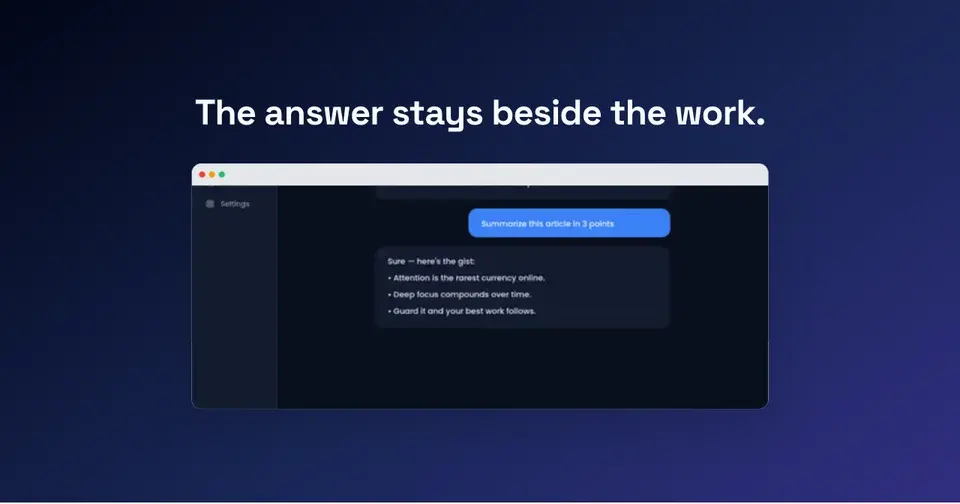

Generate a social-ready OG image free
Free to start. No credit card required.
Keep reading
Related, product-tested guides from Screenhance.

12 Instagram Mockup Examples for Better Product Launches
Explore 12 original Instagram mockup examples for feed posts, carousels, Reels, Stories, profiles, reviews, launch graphics, and product scenes.
1 Sept 2026 · 9 min read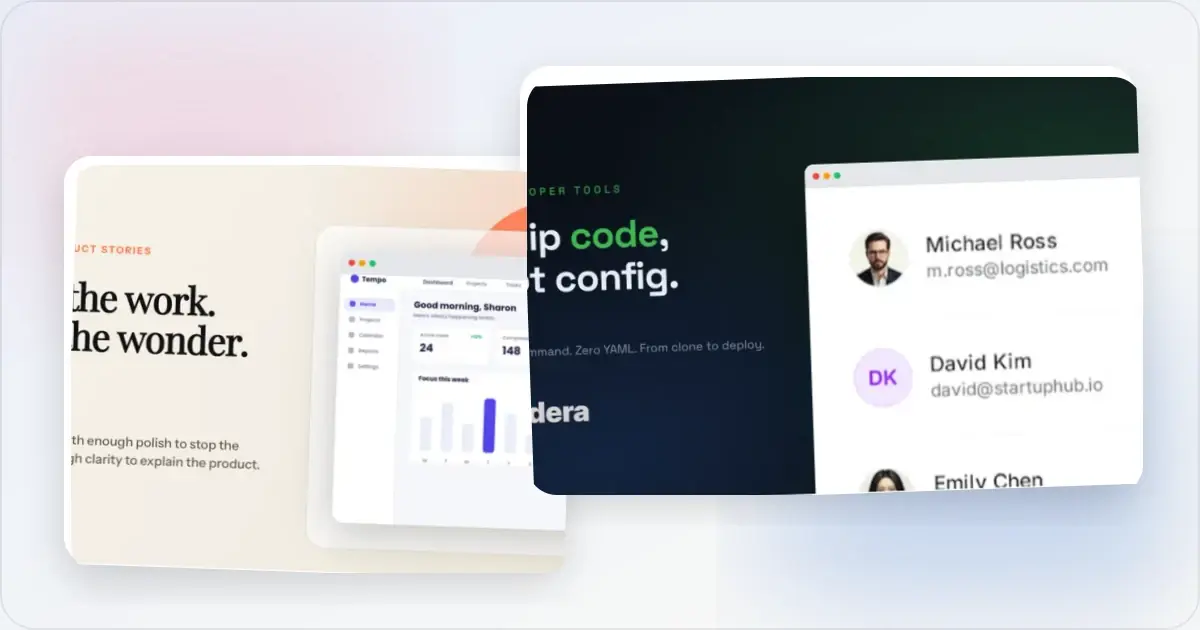
12 OG Image Examples With the Layout Logic Explained
Explore twelve original OG image examples and learn how product proof, hierarchy, contrast, crops, photography, metrics, and quotes change the composition.
20 Aug 2026 · 7 min read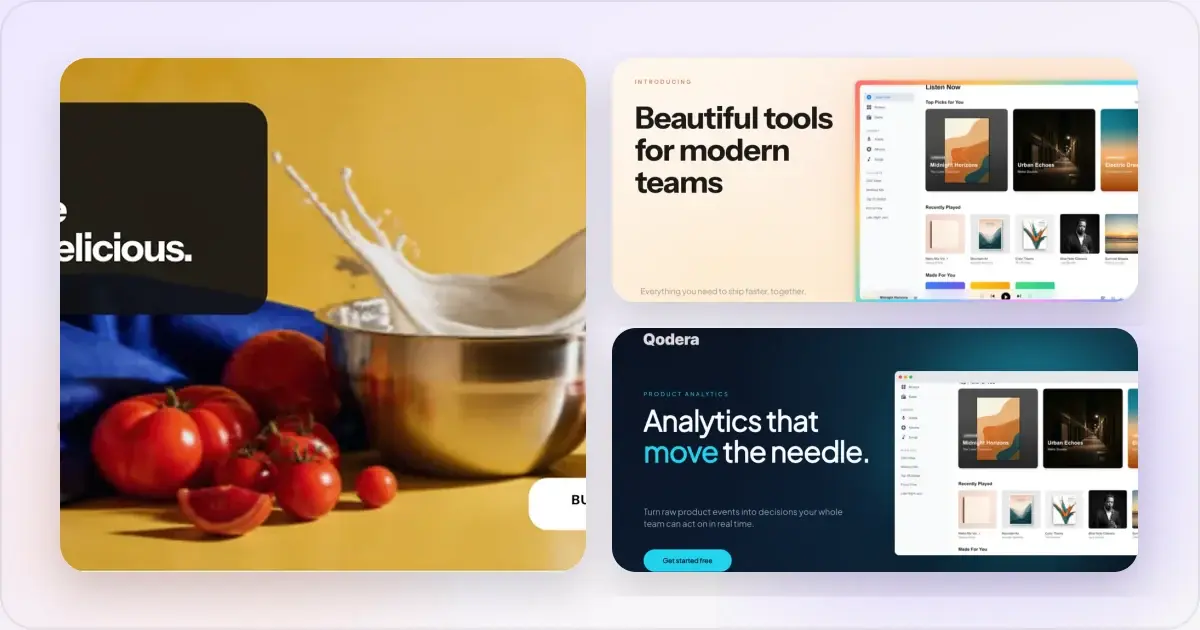
How to Blur Part of a Screenshot (and When to Redact Instead)
Blur emails, names, and API keys in a screenshot in your browser, free. When blur is enough, when to redact instead, and the two-minute workflow.
2 Jul 2026 · 4 min read