
Screenshot Size Guide: Dimensions for Every Platform in 2026
What size should your screenshots be? Here are the exact dimensions for App Store, social media, websites, and more.
By Sharon Onyinye
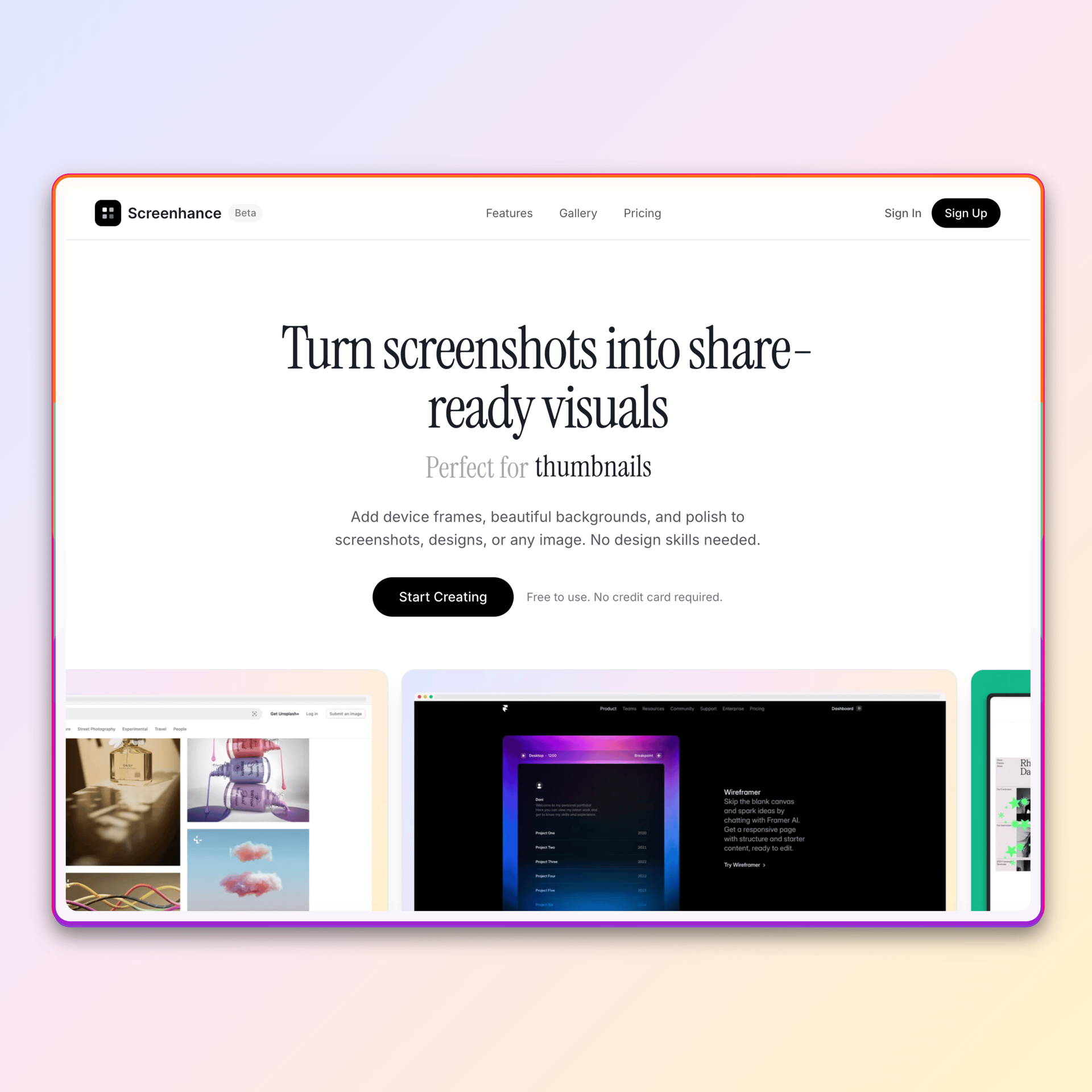
Wrong screenshot sizes look unprofessional. They get cropped awkwardly, appear blurry, or waste space.
Here are the exact dimensions you need for every platform.
App Store Screenshots
Apple has specific requirements. An iOS screenshot generator can handle these automatically:
iPhone 6.7" (iPhone 15 Pro Max)- 1290 x 2796 pixels (portrait)
- 2796 x 1290 pixels (landscape)
- 1284 x 2778 pixels (portrait)
- 2778 x 1284 pixels (landscape)
- 1242 x 2208 pixels (portrait)
- 2208 x 1242 pixels (landscape)
- 2048 x 2732 pixels (portrait)
- 2732 x 2048 pixels (landscape)
Pro tip: Design for the largest size first, then scale down.
Google Play Screenshots
Phone- Minimum: 320 x 320 pixels
- Maximum: 3840 x 3840 pixels
- Recommended: 1080 x 1920 pixels (portrait)
- Recommended: 1920 x 1080 pixels (landscape)
Social Media
Twitter/X- In-feed images: 1200 x 675 pixels (16:9)
- Single image: 1200 x 1200 pixels works well
- Maximum: 4096 x 4096 pixels
- Shared images: 1200 x 627 pixels
- Square posts: 1200 x 1200 pixels
- Square: 1080 x 1080 pixels
- Portrait: 1080 x 1350 pixels (4:5)
- Landscape: 1080 x 566 pixels
- Shared images: 1200 x 630 pixels
- Recommended minimum: 600 x 315 pixels
Website Hero Images
For landing pages and marketing sites:
Desktop- 1920 x 1080 pixels (Full HD)
- 2560 x 1440 pixels (2K) for high-res displays
- Device mockup with background: 1600 x 900 pixels minimum
- Export at 2x (3200 x 1800) for retina displays
Product Hunt
- Gallery images: 1270 x 760 pixels recommended
- Thumbnail crops to approximately 16:9
- Design with this ratio in mind
The Retina Rule
For any screen display, export at 2x resolution:
- If displaying at 800px wide, export at 1600px
- If displaying at 1200px wide, export at 2400px
This ensures sharp images on high-DPI displays (most modern screens).
File Format Tips
PNG- Best for screenshots with text
- Lossless quality
- Larger file sizes
- Good for photos and complex images
- Smaller file sizes
- Some quality loss
- Best of both worlds
- Smaller than PNG, better than JPEG
- Wide browser support now
Quick Reference Table
| Platform | Dimensions | Ratio |
|----------|-----------|-------|
| App Store (iPhone) | 1290 x 2796 | 9:19.5 |
| Google Play | 1080 x 1920 | 9:16 |
| Twitter | 1200 x 675 | 16:9 |
| LinkedIn | 1200 x 627 | ~2:1 |
| Instagram Square | 1080 x 1080 | 1:1 |
| Instagram Portrait | 1080 x 1350 | 4:5 |
| Website Hero | 1920 x 1080 | 16:9 |
| Product Hunt | 1270 x 760 | ~16:9 |
Frequently Asked Questions
What size should App Store screenshots be?
For iPhone 15 Pro Max (6.7"), use 1290 x 2796 pixels in portrait or 2796 x 1290 pixels in landscape. Always design for the largest device size first, then scale down for smaller devices.
What resolution should I export screenshots at?
Export at 2x resolution for retina displays. If your image displays at 800px wide on screen, export it at 1600px wide. This ensures sharp, crisp images on modern high-DPI screens.
What's the best image size for Twitter?
Use 1200 x 675 pixels (16:9 ratio) for images that display well in the Twitter feed. Single images at 1200 x 1200 pixels also work well and won't get cropped awkwardly.
What size are Product Hunt gallery images?
Product Hunt recommends 1270 x 760 pixels for gallery images. The thumbnail crops to approximately 16:9, so design with this ratio in mind.
Should I use PNG or JPEG for screenshots?
Use PNG for screenshots with text, UI elements, or sharp edges. Use JPEG for photo-heavy images where file size matters more than perfect quality.
Related Reading
- PNG vs JPEG vs WebP: Which Format for Your Screenshots? - Choose the right format
- How to Create App Store Screenshots That Convert - App Store optimization tips
- How to Make Your Screenshots Go Viral on Social Media - Social media best practices
Conclusion
Using the right dimensions isn't optional—it's the difference between professional and amateur.
Bookmark this guide and reference it before exporting. A product screenshot tool can handle the correct dimensions for you, so your screenshots look great everywhere they appear.