
How to Create an Effective Landing Page Hero Image
Create a clear, fast, responsive landing-page hero image with real product screenshots, practical layouts, accessibility, and testing guidance.
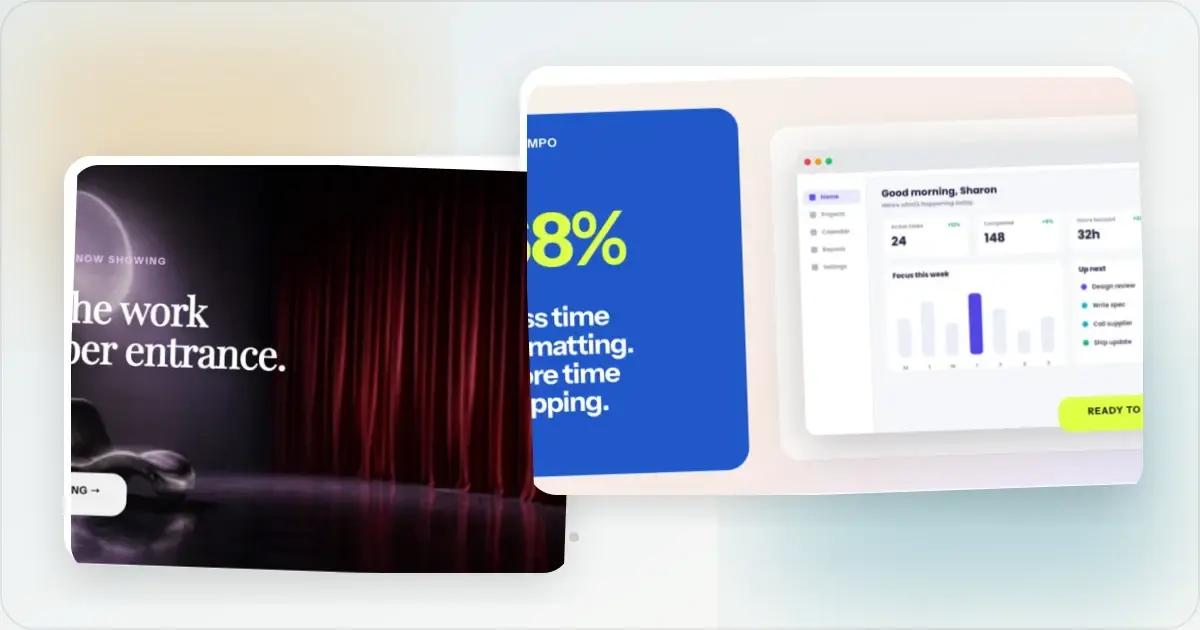
The hero image is one of the first elements many landing-page visitors see. It should help the headline explain what the product is without making the page slow or difficult to read.
Creating a useful hero image does not require a design degree. It requires a clear product view, a layout that survives responsive cropping, and an export that remains sharp without delaying the page.
What a hero image needs to do
The hero section is visible near the start of the page on many viewports, though the exact fold depends on the device and browser. Its image contributes to the page's first impression.
A useful hero image can communicate the product category, show a credible current interface, and give visitors a reason to inspect the rest of the page. It should support the headline rather than carry the entire promise alone.
Generic stock photos often say little about a specific interface. If the product has a visual UI, a real screenshot can answer questions that an unrelated photo cannot. Treat that as a hypothesis to test on your own page, not a universal conversion result.
What Makes a Great Hero Image
Clear hero images often share a few practical traits.
Show the product in context. One approach is placing a real screenshot inside a browser, laptop, or phone frame. Use the frame only when it adds context and does not make the UI too small. Use clean, uncluttered backgrounds. A subtle gradient or solid color background keeps the focus on your product. Busy backgrounds compete with your screenshot for attention. Choose background colors that complement your brand palette without overwhelming the mockup. Highlight a representative view of the product. Choose the screenshot that best supports the page promise. A populated workflow may explain a project-management tool, while a labelled chart with accurate sample data may explain an analytics product. Settings or an empty state can still be appropriate when that is the feature the headline names. Keep text readable. Some hero sections pair the image with adjacent copy while others use a short overlay. Avoid duplicating the entire headline or shrinking text to fit an arbitrary word limit. Export for the rendered size. Use responsive image sources with enough intrinsic pixels for the largest rendered slot, then inspect high-density and standard displays. Avoid a blanket 2× export when it creates an unnecessarily heavy file.Common Hero Image Layout Patterns
These three layout patterns are useful starting points. Each works for a different content shape.
Centered Product Mockup
A single device mockup sits centered below or beside the headline. The layout is focused and straightforward to implement.
When to use it: When you have one primary product view that tells the whole story. Works especially well for web apps, dashboards, and tools with a strong visual interface. Tips for this layout:- Give the mockup breathing room with generous padding
- Add a subtle drop shadow to lift the device off the background
- Make sure the screenshot is readable at the displayed size
- Consider a slight perspective tilt for added dimension
Split Screen Layout
The page divides roughly in half, with headline and call-to-action text on one side and the product view on the other. This gives both copy and interface room without requiring an overlay.
When to use it: When your headline and subheadline need space to breathe, or when your product screenshot benefits from a larger display area. This is a strong choice for products where the value proposition needs explanation alongside the visual. Tips for this layout:- Keep the text side concise so the visual gets enough space
- Align the mockup vertically with the headline for visual balance
- On mobile, stack the text above the image rather than shrinking both
Multi-Device Composition
Multiple device frames arranged together, typically a laptop flanked by a tablet and phone, or a desktop monitor with a phone overlapping it. This pattern communicates that your product works across platforms.
When to use it: When cross-platform availability is a selling point. If your SaaS product has both a web app and a mobile app, this layout showcases that range. It is also effective for responsive websites where you want to show the experience adapts to any screen size. Tips for this layout:- Use depth and layering so devices overlap slightly
- Keep the primary device (usually desktop) largest and most prominent
- Show the real interface for each supported device rather than scaling one capture into several frames
- Use only the devices needed to explain the cross-platform behavior and keep each screen legible
Tips for Maximum Above-the-Fold Impact
Beyond the image itself, a few additional considerations affect how well your hero section performs.
Optimize for load speed. Use an appropriate modern format, responsivesrcset or framework image component, explicit dimensions, and compression that preserves UI text. There is no universal 400 KB threshold: judge the asset in the page's Core Web Vitals budget and avoid lazy-loading the likely LCP image.
Design for narrow viewports. Test the hero around 375 px wide as well as on larger screens. Create a separate mobile crop if a wide desktop composition makes the product unreadable.
Test different screenshots. Compare product views when the page has enough traffic for a meaningful experiment. A feature detail, overview, or onboarding screen may fit different promises; the headline and image should remain aligned in every variant.
Align the image with your headline. If the headline says "Track your team's progress in real time," the hero image should show that view. Misalignment makes the page harder to understand.
The Quick Way
Figma or Photoshop provide detailed control, while a template-based tool can reduce repeated work when you need several variants.
With a hero image generator like Screenhance, you can upload a screenshot, choose an appropriate frame and background, and export a high-resolution composition. It reduces repeated layout setup and makes controlled visual variants easier to produce.
Reusable layouts make it easier to create a few meaningfully different variants. Run a controlled test only when the page has enough traffic and a clear success measure; otherwise use comprehension checks and destination previews without presenting them as conversion evidence.
Frequently Asked Questions
What dimensions should a landing page hero image be?
Export for the actual aspect ratio and rendered width rather than forcing every hero into 1920 × 1080. Supply responsive variants, keep important content visible at narrow widths such as 375 px, and use a separate mobile crop when the desktop composition cannot survive naturally.
Should I use a screenshot or an illustration for my hero?
For SaaS products and web apps, a real product screenshot directly answers “What does this product look like?” An illustration can still be appropriate for an abstract service or early concept. Compare the treatments when the choice is important rather than claiming one always wins.
How often should I update my hero image?
Update the hero when it no longer represents the product, the page promise changes, or a well-designed experiment supports a different treatment. Review it as part of release and brand maintenance; an arbitrary quarterly redesign is unnecessary when the product and message have not changed.
Related Reading
- How to Create SaaS Hero Images That Convert - Deep dive into SaaS-specific hero strategies
- Landing Page Mockup Generator - Create polished landing page visuals quickly
- How to Display Screenshots on Your SaaS Landing Page - Best practices for landing page screenshot placement
- The Complete Guide to Browser Mockups for Web Apps - Everything about browser frame mockups
- Website Screenshot Mockups: Showcase Your Site Beautifully - Guide to creating polished website mockups
Conclusion
The hero image works with the headline, supporting copy, and call to action to form the page's first impression.
Show the real product when that clarifies the offer, use a device frame only when it adds context, and keep the background subordinate to the UI. Choose a responsive layout, optimize the asset as part of the whole page, and test meaningful variations with your own audience.
Treat the hero as one part of the complete page rather than attributing the page's result to a single image.
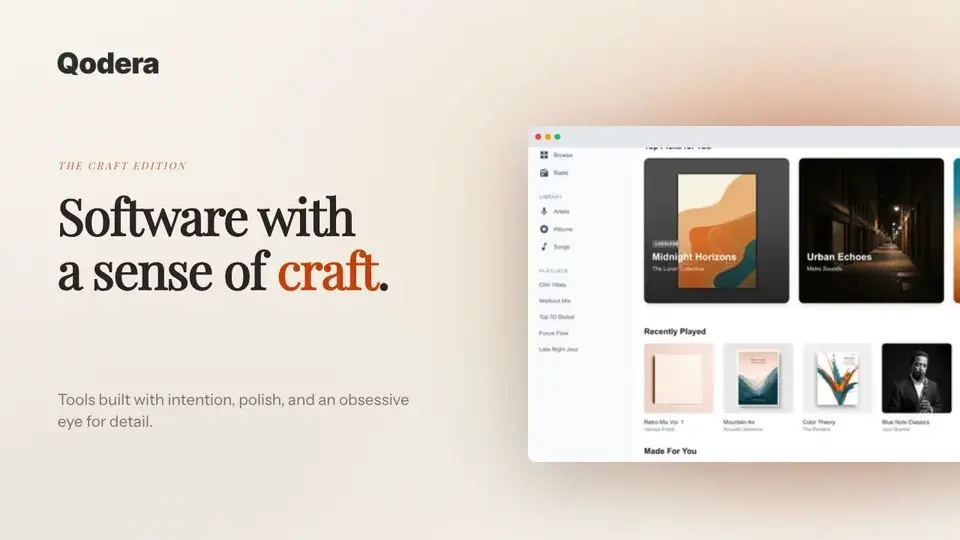
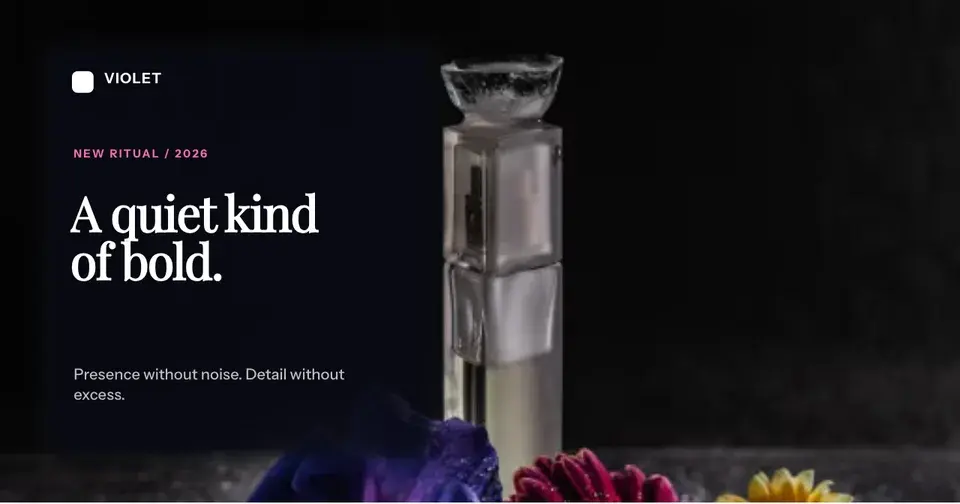
Screenhance examples
Two editable starting points from the Screenhance library, selected for this social and web guide.
Ready to create stunning visuals?
Free to start. No credit card required.
Keep reading
Related, product-tested guides from Screenhance.
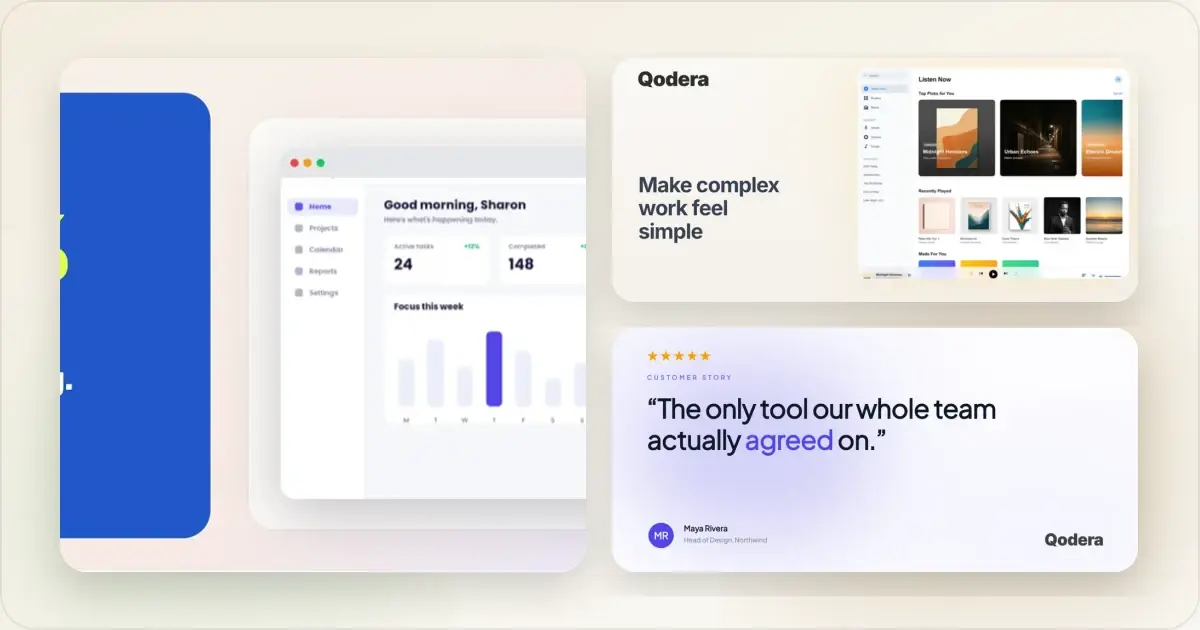
Hero Image Mobile Optimization: Display Beautiful Visuals on Every Screen
Most hero images look great on desktop and terrible on mobile. Here's how to build responsive hero visuals that work beautifully on every screen size.
7 Feb 2026 · 8 min read
How to Create Beautiful Notion Cover Images
Create a clear custom Notion cover from a screenshot or mockup, choose a useful crop, and keep the page readable across desktop and mobile.
21 Apr 2026 · 7 min read
How to Create SaaS Hero Images That Convert
Create accurate, responsive SaaS hero images that show the product clearly and support the landing-page message.
21 Apr 2026 · 9 min read