
Product Hunt Visual Strategy: A Practical Guide for Makers
Plan a clear Product Hunt thumbnail and gallery, coordinate launch visuals across channels, and avoid common submission mistakes.
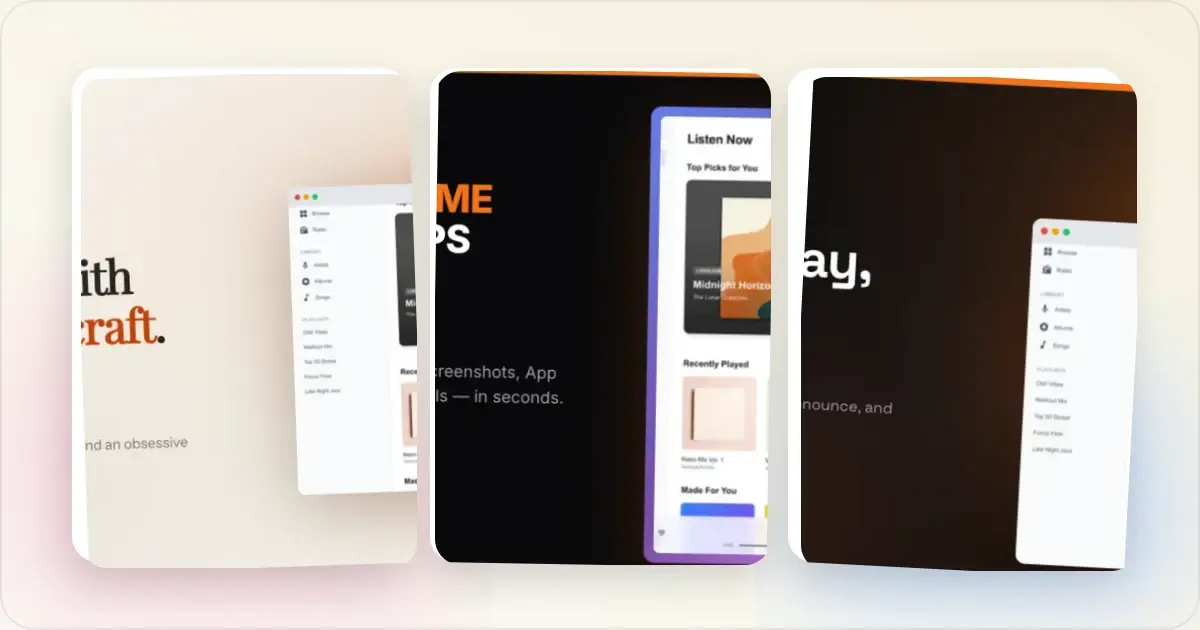
Product Hunt gives makers several ways to explain a launch: a thumbnail, tagline, gallery, description, video and first comment. Visuals do not determine the ranking, but they can make the product easier to understand when someone opens the page.
Product Hunt says its ranking uses points rather than a raw upvote total, and that its system considers signals intended to reflect genuine community interest. The full formula is not public. Treat the gallery as product communication, not as a shortcut to a badge or ranking. See Product Hunt's explanations of points and homepage ranking.
Start With the Submission Requirements
Product Hunt's posting guide currently recommends a 240 × 240-pixel square thumbnail and 1270 × 760-pixel gallery images. An animated thumbnail GIF should be under 3 MB, and a gallery needs at least two images before it is visible. Check the official guide again before exporting because platform requirements can change.
The Product Hunt gallery and thumbnail size guide keeps those two assets separate and includes an export checklist for each.
A 1200 × 630 Open Graph image is useful for your own landing page, but it is a separate asset from the Product Hunt thumbnail and gallery.
Give Every Gallery Image One Job
Think of the gallery as a short product explanation rather than a fixed launch formula.
The first gallery image
Use the first image to establish what the product is. Depending on the product, that might be a legible screenshot with a short benefit statement, a device or browser mockup that identifies the platform, or a simple diagram for a product that is difficult to show in one screen.
Text-free hero art can work when the interface is self-explanatory. A concise headline can help when the category or value is not obvious. Choose based on the product.
Supporting gallery images
Use the remaining images to answer the questions a prospective user is likely to have: what it helps them do, how the main workflow works, which constraints matter, and what they can do next. Include proof only when it is attributed, permitted and properly qualified.
You do not need one slide for every question. A simple product may need only a few images; a technical workflow may need more. Keeping each image focused generally makes the sequence easier to scan.
An optional closing image
The Product Hunt page already links to the product, so a dedicated closing slide is optional. It can be useful when availability, pricing or another next step needs explanation.
Maintain Continuity Across Assets
Consistency can help visitors recognize that separate assets belong to the same launch.
Gallery Consistency
Use a small palette, consistent margins and a repeatable type hierarchy. Device frames and background treatments can vary when the content needs a different presentation.
Cross-Platform Consistency
Your Product Hunt gallery, social posts and website link preview have different shapes and contexts. They can share a palette, type treatment and message hierarchy without reusing one exported file everywhere.
Use an OG image generator to create a separate social-sharing image that matches the campaign. It does not replace the Product Hunt thumbnail or gallery.
Profile Consistency
Use the correct product logo and current profile information. Avoid changing recognizable brand assets solely to make every surface look identical.
Share the Launch Without Manipulating Votes
Share the launch with people who are likely to find it relevant and invite honest discussion. Product Hunt's sharing guidance warns against mass messaging, asking directly for upvotes, incentives and coordinated voting.
There is no required sequence of teaser, launch-hour and evening posts. If you share more than once, give each update a reason to exist: a walkthrough, a lesson from the launch or an answer to a recurring question. Avoid repeating the same image and request.
Common Visual Problems
Inconsistent Visual Style
A gallery assembled from several product generations can confuse visitors. Use current screenshots and a modest set of shared design rules.
No Device Context
Use a frame when it adds useful platform context. Full-screen UI, diagrams and deliberately cropped screenshots may be clearer without one.
Walls of Text on Images
Move supporting detail into the description or first comment. Keep essential qualifications next to any statistic so the claim is not misleading; there is no universal word limit for an image.
Generic Stock Photos
Show the actual product when it is relevant to the claim. Decorative photography can support a composition, but it should not substitute for evidence of how the product works.
Low Resolution
Export at Product Hunt's current recommended gallery dimensions and inspect the uploaded draft. Starting with sufficiently large source screenshots helps small interface text remain legible.
Forgetting the Separate Thumbnail
Product Hunt recommends a separate square 240 × 240 thumbnail. Design and test it at small sizes instead of relying on a rectangular gallery composition.
Final Review
A useful visual strategy does not require a particular design style. It requires accurate product material and deliberate choices.
- Use the first image to establish what the product is
- Structure the gallery around questions a prospective user has
- Use shared design rules across the gallery
- Extend that consistency to your social posts and OG images
- Share the launch in line with Product Hunt's promotion guidance
- Test the thumbnail, gallery and destination page before publishing
The Product Hunt launch checklist can help coordinate the gallery with the rest of the submission.
The goal is a launch page that accurately explains the product and still works if a visitor sees only part of the gallery.
Review Current Launches Carefully
Recent Product Hunt pages can provide useful references for crop, type size and sequence. They cannot reveal why a product ranked where it did. Do not infer a causal design rule from a handful of featured launches or copy a competitor's distinctive composition.
Instead, review examples from your category for practical questions: Is the product legible at gallery size? Does the thumbnail remain recognizable? Which product questions are answered visually, and which are left to the description? Use those observations as inputs, then test them against your own positioning.
Visual Coordination Across Launch Tweet, OG Card, and PH Gallery
Product Hunt, a social post and a website link preview are separate rendering targets for the same campaign.
Create a correctly sized asset for each destination you plan to use. Shared palette and headline language can provide continuity while allowing each composition to fit its destination.
Create the Product Hunt gallery at its recommended size and its separate square thumbnail. Then adapt the visual system to an Open Graph card and post image using the current requirements of the destinations you support. Use the same OG image generator workflow you use for your blog so the website preview matches the launch.
Preview each surface rather than assuming it will use the same image. A social network may fetch the Product Hunt page's metadata when someone shares that URL, while your own landing page uses the Open Graph metadata you control.
Frequently Asked Questions
What visual style trends should I follow for a 2026 launch?
There is no required visual style. Start with your product's identity and prioritize legibility. Use current launches for rendering references, not as evidence that a color or illustration trend causes better placement.
Is a designer-made gallery actually worth it versus a founder-made one?
It depends on the complexity of the story, the brand system and the team's capacity. A founder can create an effective, consistent gallery with a Product Hunt gallery generator. A designer may help when the product needs custom illustration, a complex diagram or close brand review.
Should I optimize for Featured or Notable status?
Design for accurate communication. Product Hunt decides which products are featured, and its ranking system is not a visual checklist. Do not make unsupported design changes solely to chase a label.
Should the gallery be designed for a particular launch hour?
No. Product Hunt says scheduled launches go live at 12:01 AM Pacific Time, but the visual requirements do not change by hour. Design for real browsing contexts: the square thumbnail should remain recognizable when small and the gallery should be readable on both mobile and desktop.
Is it ever okay to "hijack" the visual conventions of a bigger competitor?
Use category conventions only where they improve comprehension, such as a recognizable browser or phone context. Do not copy a competitor's distinctive composition, brand assets, screenshots or wording. Build from your own product and visual identity.
Related Reading
- How to Create Product Hunt Launch Visuals — prepare gallery mockups for a launch
- Product Hunt Gallery and Thumbnail Sizes — export the separate gallery and square-thumbnail files
- OG Image Best Practices — improve social-sharing previews
- How to Create OG Images — build a separate Open Graph image for your landing page
Screenhance examples
Two editable starting points from the Screenhance library, selected for this launches guide.
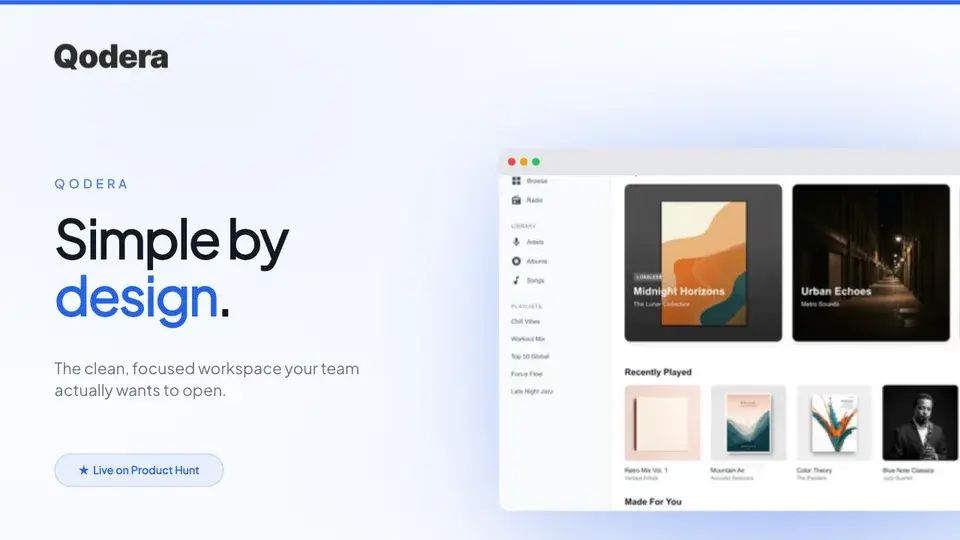
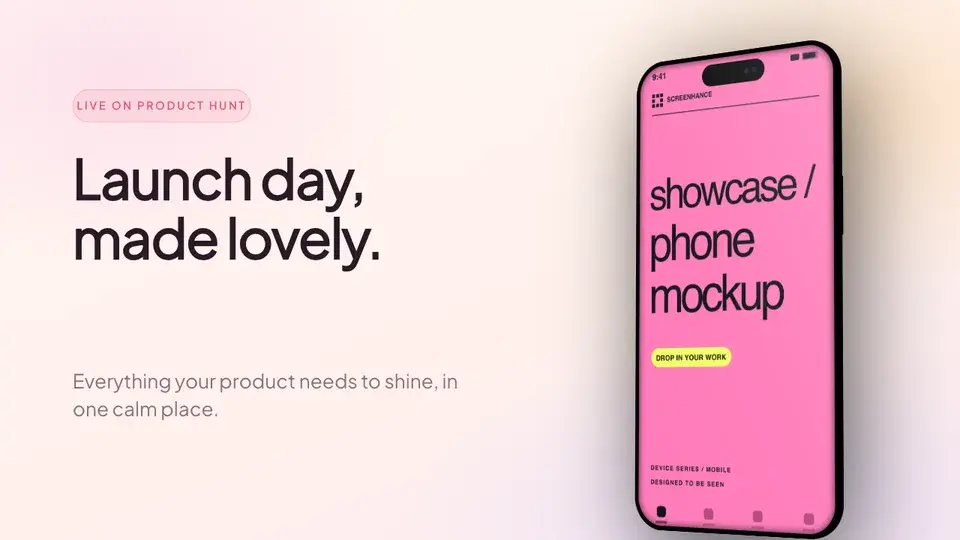
Make a Product Hunt gallery that gets upvotes
Free to start. No credit card required.
Keep reading
Related, product-tested guides from Screenhance.
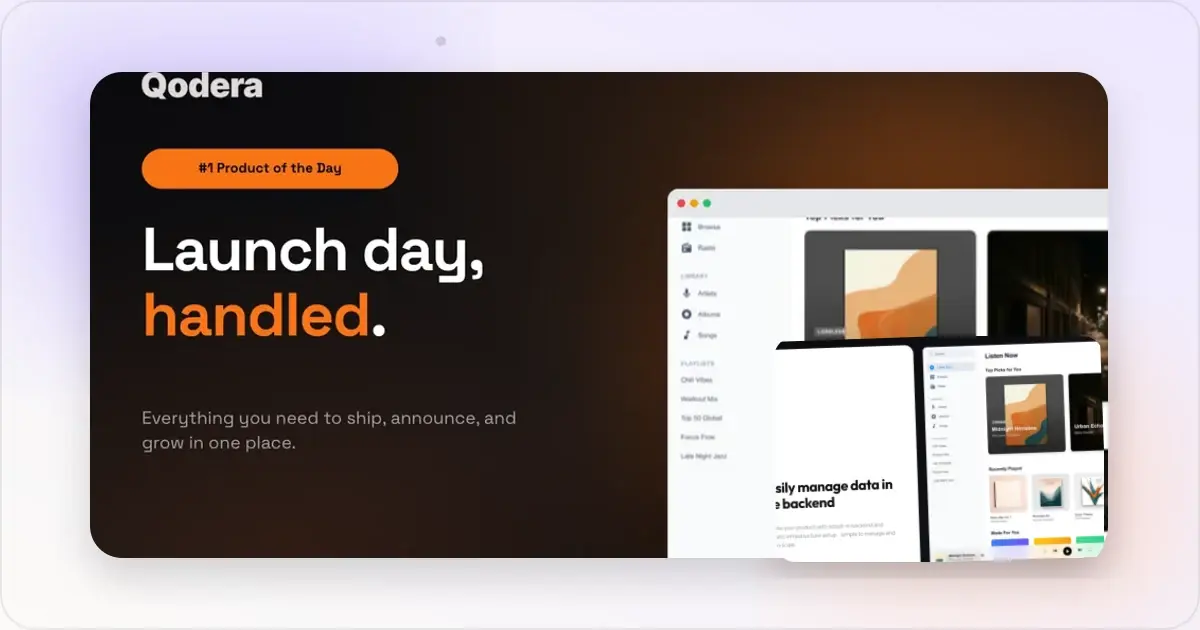
Best Mockup Tools for Product Hunt Launches: 2026 Comparison
Compare the best tools for creating Product Hunt gallery images. Screenhance, Figma, Canva, Photoshop, and Shots.so: honest pros, cons, and pricing.
7 Feb 2026 · 12 min read
Product Hunt Gallery Examples: What Top-Voted Products Do Right
Analyze the visual patterns behind successful Product Hunt galleries. Learn the structures, styles, and strategies that top-voted products use to win upvotes.
7 Feb 2026 · 11 min read
Product Hunt Gallery and Thumbnail Sizes (2026)
Use Product Hunt's current 1270 × 760 gallery recommendation, a separate 240 × 240 thumbnail, and a clear visual sequence for your launch.
21 Apr 2026 · 6 min read