
How to Create Product Hunt Launch Visuals That Stand Out
Your Product Hunt gallery can make or break your launch. Here's how to create visuals that grab attention and drive upvotes.
By Sharon Onyinye
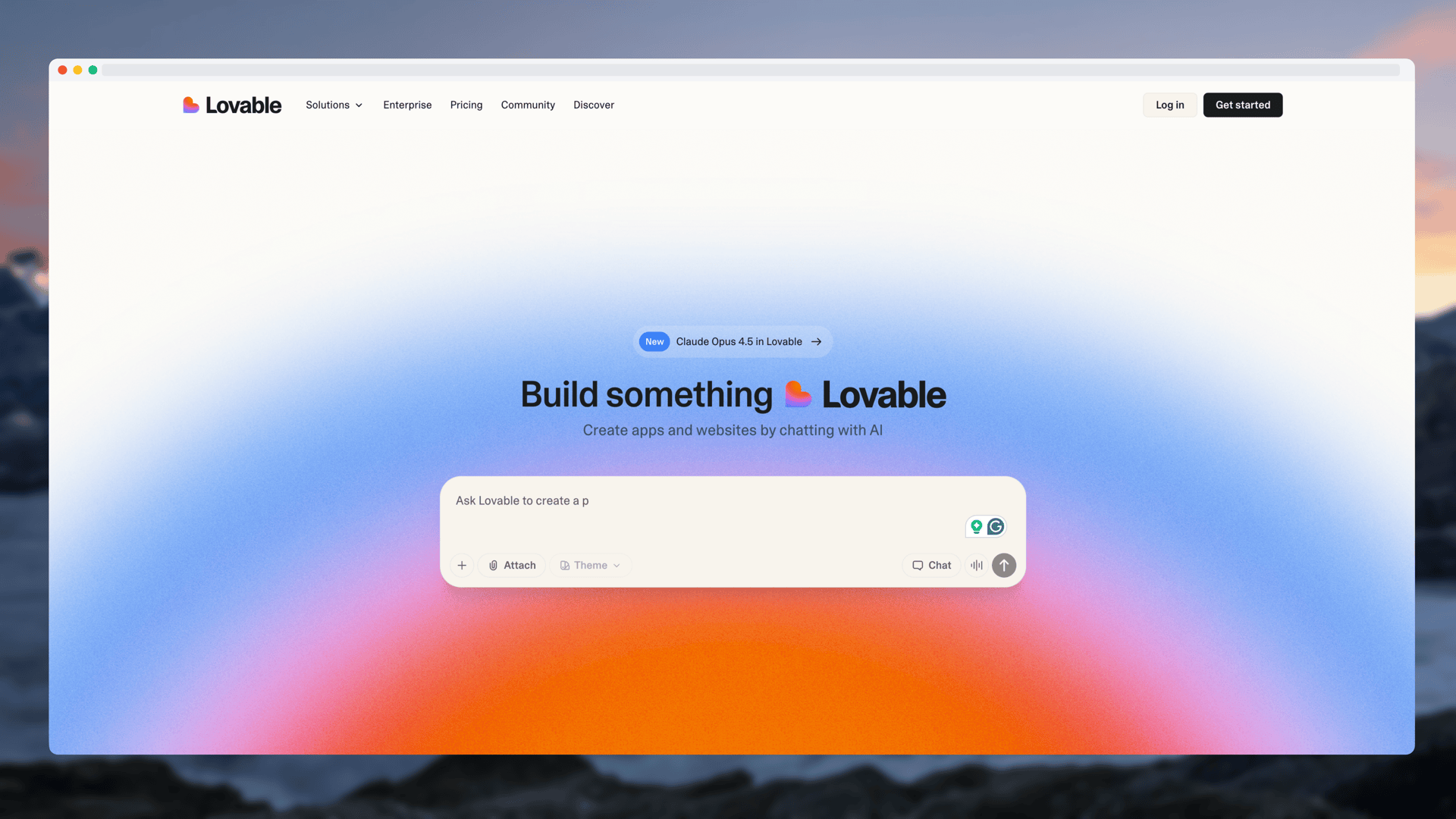
Product Hunt launches are visual competitions. With dozens of products launching every day, your gallery images are often what makes someone stop scrolling and click.
Here's how to create visuals that actually get attention.
The First Image Matters Most
Your first gallery image appears as the thumbnail. It needs to:
- Show what your product does immediately
- Be visually striking
- Work at small sizes
- Stand out from typical SaaS screenshots
This isn't the place for a plain screenshot. Use a mockup with a beautiful background that pops.
What Your Gallery Should Include
A strong Product Hunt gallery typically has 4-6 images:
- Hero shot - Your product in a beautiful device frame
- Feature highlights - 2-3 key features with context
- Before/after - If applicable, show the transformation
- Social proof - Testimonials or user numbers (if you have them)
- Pricing or CTA - Make it easy to understand next steps
Design Tips That Work
Use consistent stylingAll your images should feel like they belong together. Use the same:
- Background colors or gradients
- Device frames
- Typography (if adding text)
- Spacing and margins
A screenshot of your dashboard is boring. That same screenshot in a MacBook frame with a gradient background? Now it looks like a real product.
Keep text minimalIf you add text overlays, keep them short:
- 3-5 words max per image
- Focus on benefits, not features
- Use a readable font size
Product Hunt displays images at roughly 16:9. Design for this ratio to avoid awkward cropping.
Common Mistakes to Avoid
- Using raw screenshots without any styling
- Inconsistent design across images
- Too much text that's unreadable at small sizes
- Low resolution exports
- Outdated device frames (iPhone X in 2025 looks dated)
The Quick Workflow
Here's a fast way to create your launch gallery:
- Screenshot your product's key screens
- Upload each to a mockup generator
- Apply the same device frame and background to all
- Export at high resolution
- Add to Product Hunt in the right order
With a tool like Screenhance, this whole process takes about 10 minutes for 5 images.
Timing Your Visual Prep
Don't leave visuals until launch day. Use the Product Hunt launch checklist to stay on track and prepare them at least a day before:
- Create all your gallery images
- Get feedback from someone who hasn't seen your product
- Make sure they tell a coherent story
- Test how they look at thumbnail size
Related Reading
- How to Make a Mockup: Complete Beginner's Guide - Step-by-step mockup tutorial
- How to Create Product Hunt Mockups That Get Upvotes - Detailed mockup guide for Product Hunt
- 7 Screenshot Mistakes That Make Your Product Look Amateur - Avoid these common pitfalls
- Best Screenshot Size: Complete Guide - Optimal dimensions
Conclusion
Your Product Hunt gallery is a visual pitch. A Product Hunt gallery generator can help you create cohesive images quickly. Every image should reinforce why someone should care about your product.
Keep it professional, keep it consistent, and make sure that first image stops the scroll.
Good luck with your launch.