
Product Hunt Gallery Examples: What Top-Voted Products Do Right
Analyze the visual patterns behind successful Product Hunt galleries. Learn the structures, styles, and strategies that top-voted products use to win upvotes.
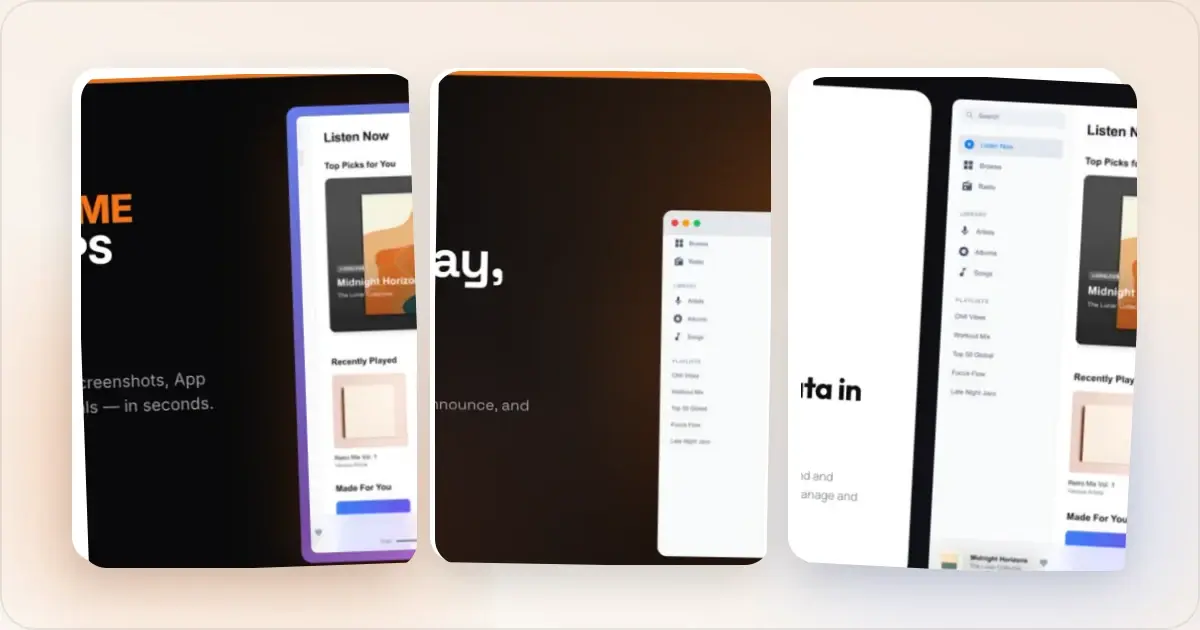
Every day, dozens of products launch on Product Hunt. Most get a handful of polite upvotes and fade away. A few break out with hundreds or thousands of upvotes.
The difference is rarely the product alone. It is almost always the presentation.
After studying the visual patterns of top-voted Product Hunt launches, clear patterns emerge. The best galleries are not just pretty — they follow a deliberate structure that guides visitors from curiosity to conviction.
Here is what works and why.
The Winning Gallery Structure
Top-performing Product Hunt galleries almost always follow a variation of the same four-part sequence. Think of it as a visual pitch deck.
Part 1: The Hero Shot
The first image opens the gallery story after a visitor reaches the launch page. It should confirm the promise quickly and make the product immediately recognizable. Product Hunt uses a separate square thumbnail in the feed, so design that asset alongside the gallery rather than expecting this image to be cropped into one.
Winning hero shots share these traits:
- The product is clearly visible. Not an abstract illustration. Not a logo on a gradient. The actual product interface, shown in a device frame.
- Bold, high-contrast design. The background pops. The device frame is clean. The overall image is visually distinct from the typical Product Hunt feed.
- Minimal or zero text. The best hero shots let the product speak. If there is text, it is a short tagline — three to five words maximum.
- Connected to the thumbnail. Reuse the same palette, product identity, and visual tone as the separate 240 x 240 thumbnail.
Part 2: Feature Highlights
Images two through four typically showcase the product's core features. Each image focuses on one feature or benefit — never two or three crammed together.
Effective feature slides follow a simple formula: a short headline at the top, the product screenshot in the center, and a clean background tying it all together.
The headline describes the benefit, not the feature name. "Save 3 hours a week" works better than "Automated Reporting Dashboard."
Part 3: Proof and Context
Images five and six often shift from features to credibility. This is where top launches include:
- Before and after comparisons. These are extremely effective. Show the painful "before" state and the beautiful "after" state side by side. It makes the value proposition visceral and immediate.
- Social proof. Testimonials from beta users, user counts, or recognizable company logos. Even a single genuine testimonial adds credibility.
- Use case scenarios. Show different types of users benefiting from the product. This helps visitors see themselves in the story.
Part 4: The Closing CTA
The last image should give the viewer a clear next step. Top galleries often end with:
- A pricing overview (especially if there is a free tier)
- A "Get started" message with the product URL
- A special launch-day offer
This final image turns passive gallery viewers into active users.
Visual Patterns That Win
Beyond the overall structure, several specific visual patterns appear again and again in top-voted launches.
Consistent Branding Across All Images
The number one visual mistake in Product Hunt galleries is inconsistency. When each image looks like it was designed separately — different colors, different fonts, different background styles — the gallery feels amateur.
Top galleries look like a cohesive set. Same color palette. Same device frames. Same typography. Same background treatment. When you flip through the images, it feels like pages of a well-designed book, not a random collection of screenshots.
Device Frames That Match the Product
Web apps use browser frames. Mobile apps use phone frames. Desktop tools use laptop frames. This sounds obvious, but many launches show raw screenshots without any device context.
Device frames do two things: they immediately communicate what platform the product runs on, and they make the screenshot look polished and intentional. A raw screenshot looks like a bug report. A framed screenshot looks like a product.
Bold First Frames
The thumbnails that stand out in the Product Hunt feed share a common trait: high visual contrast. Dark backgrounds with light product interfaces. Vibrant gradient backgrounds behind clean device frames. Bold color choices that do not blend into the white feed background.
Muted, soft, pastel galleries tend to disappear in the feed. The products that catch your eye use confident colors.
Showing the Actual Product
The most successful galleries show real product UI — not conceptual illustrations, not stock photos, not abstract graphics. Visitors want to see what they are going to use. They want to evaluate the interface, the design quality, and the functionality at a glance.
Abstract hero images might look artistic, but they fail the fundamental test: "What does this product actually do?"
Short, Benefit-Focused Headlines
When text appears on gallery images, it works best when it is:
- Short. Three to five words. Not a paragraph.
- Benefit-oriented. "Ship faster" beats "CI/CD Pipeline Management Tool."
- Large enough to read at small sizes. If you have to zoom in, the text is too small.
Top launches treat gallery text as headlines, not body copy. Every word earns its place.
Patterns to Avoid
Studying failures is just as instructive as studying successes.
Walls of Text
Some launches try to cram their entire pitch into gallery images. Bullet points, paragraphs, feature lists — all rendered as text on images. This always fails. Gallery images are visual — let them be visual.
Generic Stock Photography
A stock photo of someone smiling at a laptop tells the viewer nothing about your product. It signals that you did not invest time in your launch visuals, which makes people wonder what else you did not invest in.
Inconsistent Image Quality
Mixing high-quality mockups with raw screenshots or low-resolution exports breaks trust. If image three looks polished but image four looks like a hasty screenshot, the overall impression drops.
No Clear Story
Some galleries are just a random assortment of screenshots with no logical flow. The viewer finishes the gallery without understanding what the product does or why they should care.
How to Apply These Patterns
You do not need to be a designer to build a gallery that follows these patterns. The structure is straightforward.
- Start with a bold hero shot showing your product in a device frame
- Follow with 2-3 feature highlights, each with a short benefit headline
- Add proof — before/after, testimonials, or use cases
- Close with a CTA or pricing slide
- Keep the visual style consistent across every image
A Product Hunt gallery generator can handle the design execution. Upload your screenshots, select consistent device frames and backgrounds, and export at the right dimensions. The patterns above are about what you put in each slot and how you sequence them.
The best Product Hunt galleries are not the ones with the fanciest design. They are the ones that tell a clear, compelling visual story in eight images or fewer.
Spend your time on the structure and the story. The design will follow.
Five Real Gallery Patterns That Earned Featured Slots
After watching enough Featured launches across 2025 and into 2026, the winning galleries cluster into a handful of repeatable patterns. None of these are templates you should copy directly — the patterns work because they fit the product. But the structural moves are worth naming.
Pattern one: the side-by-side hero. Two product surfaces displayed in the same frame — a desktop app on the left, the mobile companion on the right, sharing one background. Works when your product spans devices and the cross-device story is itself the pitch. Fails when you cram in two unrelated screens to seem more substantial than you are. Pattern two: the annotated screenshot. A single product screenshot with three or four short callout labels pointing at specific UI elements. Works for developer tools, complex dashboards, and anything where the surface area is dense and unfamiliar. The trick is that the callouts have to feel like documentation, not like marketing arrows — small, neutral, clearly tied to a specific pixel. Pattern three: the negative-space hero. Product screenshot occupying a third of the frame, the rest is a confident flat color with a four-word headline. Works when your product is visually clean and the story is "this thing exists and it is beautiful." Fails when the product's appeal is functional and you have wasted two-thirds of your hero on emptiness. Pattern four: the comparison ladder. Slide two or three is structured as "without [our product]" versus "with [our product]," shown as two stacked or side-by-side compositions. Works when the pain point is visible — messy spreadsheets versus clean dashboards, ugly defaults versus polished output. Has to feel honest; a fake "before" image is the fastest way to lose the comments section. Pattern five: the maker letter. The closing slide is a short, hand-written-feeling note from the founder — three sentences, a signature, no formal CTA. Works in indie-leaning launches where the human story is part of the product. Looks contrived when the rest of the gallery is corporate.The connecting thread across all five: each pattern matches one specific product type. The galleries that fail are usually the ones that picked a pattern because it looked cool on someone else's launch, not because it fit their product's actual shape.
Anti-Patterns That Scream "First Launch"
The opposite signal is just as legible. Certain gallery moves immediately telegraph that the founder has not shipped a Product Hunt launch before, and that signal alone costs upvotes regardless of how good the underlying product is.
The clearest tell is the gradient mesh background that does not match anything else on the founder's site. It is a 2023-era default in design tools, it shows up everywhere, and seasoned PH viewers have learned to associate it with rushed launches. A second tell is the screenshot floating without a device frame, edges aliased against the background — the visual equivalent of submitting a blurry photo for a passport. A third is the four-word slogan that reads like a generated tagline ("Reimagining productivity." "Work, evolved." "Built for builders.") with no concrete content underneath.
The deeper anti-pattern is gallery sequencing that has no narrative gradient. Eight feature slides in a row, each showing a different unrelated screen, with no hero moment, no proof slide, no resolution. The viewer finishes the gallery without ever feeling the story land. Compare with a tight five-slide gallery that opens strong, builds, proves, and closes — the shorter sequence wins every time because each image was given a job. Run your gallery through the Product Hunt launch checklist before you upload, and if any image cannot answer "what is this one for?", cut it.
Frequently Asked Questions
Is it okay to copy a gallery pattern from a successful launch?
Copy the structure, not the surface. If a Featured launch uses an annotated-screenshot hero and your product has a similarly dense UI, the annotated-screenshot approach is fair game — it is a design pattern, not someone's intellectual property. What you should not copy is the specific palette, typography, illustration style, or exact composition. Anyone who saw both launches will recognize the lift, and Product Hunt's audience is small enough that the same people see most launches. Borrowing structure flatters the original. Borrowing surface looks like plagiarism.
Should I use a template or design something fully original?
For 90% of launches, a well-executed template beats an "original" design done in a hurry. The visual quality bar on Product Hunt has risen to the point where amateur originality reads worse than competent templating. Use a Product Hunt gallery generator to start from a base that is already at minimum bar, then customize the palette, headline language, and screenshot composition to make it yours. Reserve fully bespoke design for the rare case where your visual identity is itself the product (a design tool, an art platform, a creative app).
How many images should the gallery actually have?
The honest answer is five to seven. Galleries shorter than five feel underbuilt; the viewer expected a story and got fragments. Galleries longer than seven hit diminishing returns — most viewers stop scrolling around slide six, and any feature you put after that is invisible to most of your audience. If you are tempted to ship eight or more slides, the gallery is doing the work that should live on your landing page. Pick the strongest seven, kill the rest.
Should I include a photo of the founder somewhere in the gallery?
Almost never in the gallery itself. The maker photo lives in the maker panel beside the launch — that is where the founder credibility surfaces. Putting a founder photo inside a gallery slide consumes a slot that should be selling the product. The one exception is the "maker letter" pattern described above, where the human voice is the closing CTA and a small founder portrait reinforces it. Even then, it works as a closing move, not as an early slide.
Does the order of feature slides matter, or just the hero and CTA?
Order matters more than people assume. The slides immediately after the hero are where casual viewers decide whether to keep scrolling, so put your strongest, most legible feature there — not your most complete or most technical one. Save the dense or nuanced features for slides four and five, where the audience has self-selected into "I want to understand this." The proof slide (testimonials, metrics, social validation) should come right before the closing CTA, not buried in the middle, because its job is to convert the viewer who is on the fence at the end of the scroll.
Related Reading
- How to Create Product Hunt Mockups That Get Upvotes - Detailed guide to creating effective PH mockups
- How to Create Product Hunt Launch Visuals That Stand Out - Complete visual strategy for launch day
- Product Hunt Gallery Size: Image Dimensions That Get Clicks - Exact specs and dimensions for your gallery
- Visual Branding for Startups: How to Look Professional from Day One - Building cohesive visual identity across platforms
Screenhance examples
Two editable starting points from the Screenhance library, selected for this launches guide.
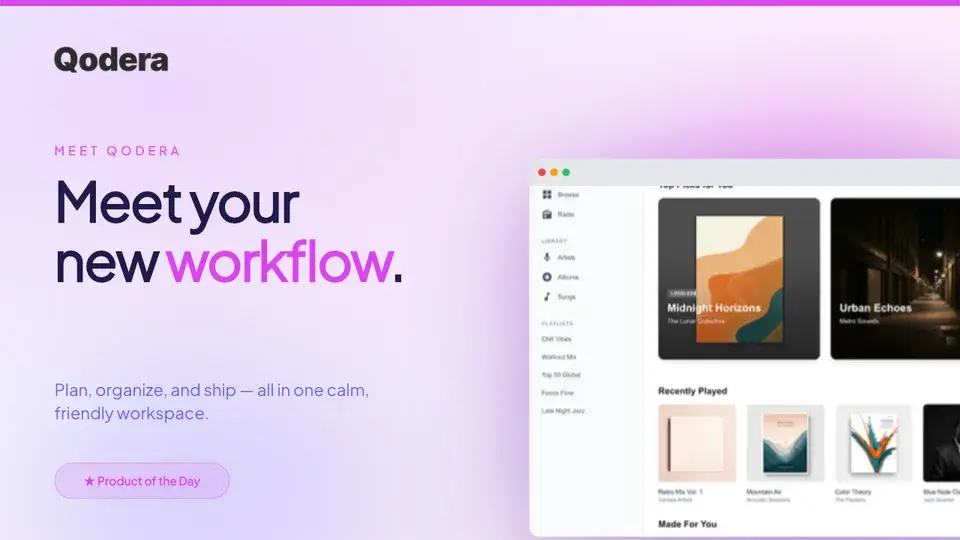
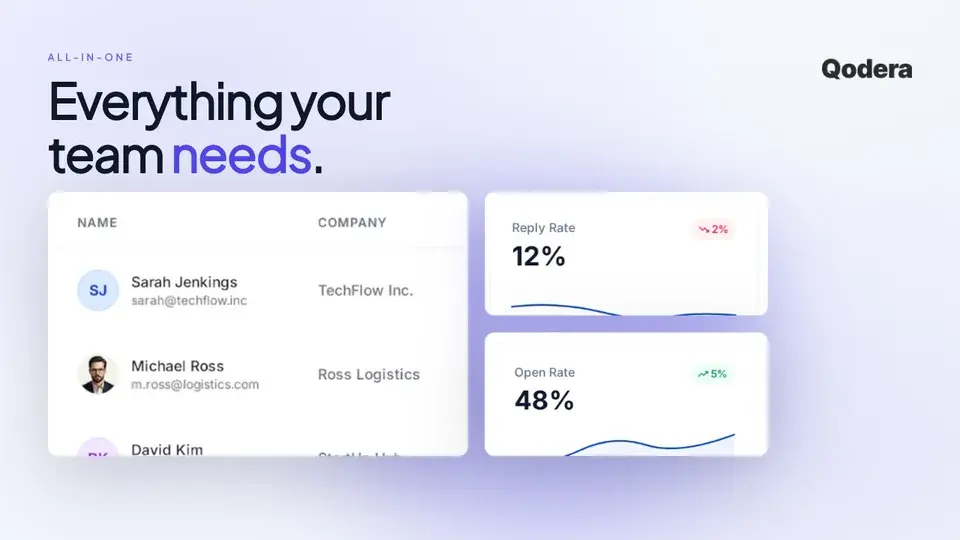
Make a Product Hunt gallery that gets upvotes
Free to start. No credit card required.
Keep reading
Related, product-tested guides from Screenhance.
Product Hunt Gallery and Thumbnail Sizes (2026)
Use Product Hunt's current 1270 × 760 gallery recommendation, a separate 240 × 240 thumbnail, and a clear visual sequence for your launch.
21 Apr 2026 · 6 min read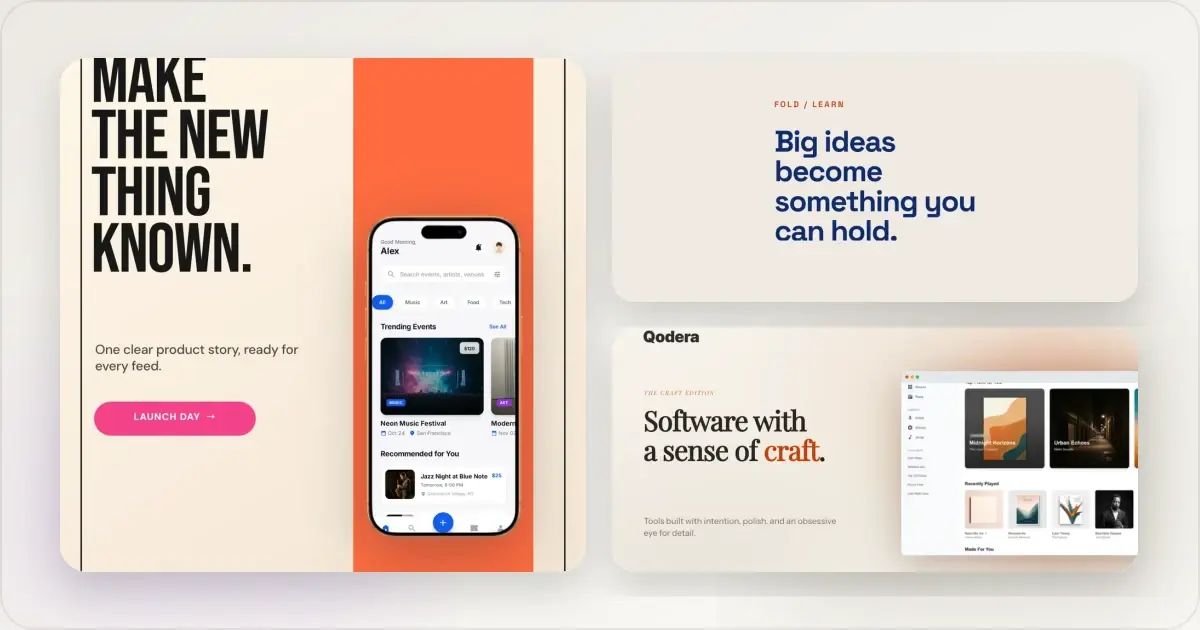
14 Best Fonts for App Screenshots and Launch Graphics
Choose readable fonts for App Store screenshots, Google Play graphics, social posts, and launch visuals, with practical pairings and editable examples.
1 Sept 2026 · 10 min read
How to Launch an App in 2026: The Complete Step-by-Step Checklist
The complete 2026 app launch checklist: a 4-6 week timeline across pre-launch, launch day, and post-launch, plus every store, Product Hunt, and OG asset needed.
4 Jul 2026 · 8 min read