
How to Create Compelling Before & After Mockups
Before and after comparisons are powerful marketing tools. Learn how to create them effectively for maximum impact.
Before and after comparisons make a change easy to see. They can show a transformation and tell a short visual story.
Here's how to create them effectively.
Why Before/After Works
Humans are wired to notice change. A before/after comparison:
- Shows clear value proposition
- Creates an emotional response
- Makes benefits tangible
- Tells a story without words
That makes the format useful when the difference itself is the message.
Types of Before/After Mockups
Product improvementsShow how your product has evolved. Old UI vs new UI. Version 1.0 vs 2.0.
Customer transformationsShow the result of using your product. Messy data vs organized dashboard. Plain screenshot vs polished mockup.
Process comparisonsOld way vs new way. Manual process vs automated. Complex vs simple. This format works especially well in changelog screenshots where you can show how a feature improved between versions.
Design Principles
Keep them comparableSame device frame, same size, same positioning. The only difference should be the content.
Make the difference obviousDon't be subtle. The improvement should be immediately visible.
Use labels"Before" and "After" text helps viewers understand what they're seeing.
Consistent stylingSame backgrounds, same shadows, same padding. Professional presentation.
Layout Options
Side by sideClassic approach. Before on left, after on right. Works for most cases.
StackedBefore on top, after below. Good for vertical content or mobile viewing.
SliderInteractive comparison where users drag to reveal. Great for websites.
AnimatedGIF or video transitioning between states. Eye-catching for social media.
For Screenshot Tools
If you're showing raw screenshots vs mockups:
Before: Plain screenshot, maybe slightly desaturated or smaller After: Same screenshot in a beautiful device frame with gradient backgroundThe contrast sells the value of using a mockup generator.
For UI Redesigns
Before: Old interface (or competitor's interface) After: Your improved versionMake sure the content is similar enough that the UI improvement is clear.
Social Media Tips
Before/after posts are easy to scan when:
- The change is visible at feed size
- They're easy to understand
- They invite engagement
- They're shareable
For a clear comparison:
- Use bold, clear labels
- Make the transformation dramatic
- Keep the comparison fair
- Add a brief caption explaining the change
Common Mistakes
Unfair comparisonsDon't use a terrible "before" that misrepresents the actual starting point.
Inconsistent framingDifferent device sizes or angles make comparison difficult.
Too subtleIf viewers have to squint to see the difference, it's not compelling.
Missing contextLabel the states or explain what changed and why it matters.
Quick Process
To create a before/after mockup:
- Capture both screenshots
- Use the same device frame for both
- Use the same background
- Arrange side by side or stacked
- Add "Before" and "After" labels
- Export
You can build the composition in a mockup generator and reuse the same framing for both states.
Side-by-Side vs Stacked vs Slider
There are three serious layouts for before/after. Each one optimises for a different reading context.
Side-by-side (horizontal). Two frames at the same height, before on the left, after on the right. This suits landing pages, blog posts, and case studies with enough horizontal space. On mobile, switch to a stack before the frames become too small to read. Stacked (vertical). Before on top, after below. This suits narrow content columns and lets each frame use more of the available width. Slider (interactive). A draggable divider revealing before/after of the same composited image. Use it when direct interaction adds value, and provide keyboard controls, accessible labels, and a static fallback. Check the implementation's page-weight cost rather than assuming a fixed library size.For social posts that need to work everywhere, use stacked. For long-form content, use side-by-side. Use a slider only on the marketing page where the comparison is the headline — not in a footer or sidebar where it'll be missed.
Pairing Before/After With a Measured Outcome
A before/after mockup is more credible when the visual change is paired with a result you can substantiate. For example:
Before [old screenshot]
>
After [new screenshot]
>
Result: Removed three steps from sign-up.
A measured outcome can anchor the visual change to a product or business result, showing that the update was not merely cosmetic. Use a percentage only when you can also disclose the baseline, sample, measurement window, and relevant caveats.
Avoid percentages without a window ("+200%" is meaningless without a timeframe and starting point). Avoid vanity metrics like "more visually appealing" — let the visual prove that itself.
If your before/after doesn't have a verifiable number behind it, lead with the qualitative outcome ("removed three steps from signup") rather than inflating numbers. The internet is unforgiving about made-up stats.
Frequently Asked Questions
Where should the "Before" go — left or top?
Left for horizontal layouts, top for vertical. Western reading order goes left-to-right and top-to-bottom, so this matches the expected timeline (older state first, current state second). Reversing it confuses readers unless you label the transition with bold "Before" / "After" callouts.
How do I avoid the "fake before" problem?
Use real, dated screenshots when possible — same content, same data, same browser. If you have to recreate the old state, label the image as "reconstructed" in the caption. Audiences are good at spotting a too-perfect before, and one fake comparison undermines every legitimate one in your portfolio.
Should I animate the transition between before and after?
Sometimes. A brief crossfade in a WebM or GIF can dramatise the change, while a static side-by-side lets readers study both states at their own pace. Choose the format for the destination and provide a static fallback when motion is not available or is reduced by user preference.
Are before/after mockups appropriate for B2B?
Yes, particularly when the comparison is paired with evidence that matters to the intended buyer, such as cost, time-to-value, or ticket volume. Avoid the "ugly competitor screenshot vs polished us" framing; a fair comparison is easier to trust.
What's the best aspect ratio for before/after on social media?
Square (1080×1080) is a useful starting point for Instagram and LinkedIn feeds; 1200×675 (16:9) is a common landscape canvas for Twitter/X; and 1270×760 is commonly used for Product Hunt gallery images. Preview each destination before publishing because rendering can change. Build the comparison inside your social card generator with enough source resolution for every planned crop.
For Instagram specifically, the Instagram mockup examples guide shows a matched before-and-after layout alongside native feed, carousel, Story, profile, and launch formats.
Before/After Patterns That Travel Beyond Your Audience
Some before/after formats are understandable even without the surrounding post. These three patterns are useful starting points.
The "I rebuilt X" pattern. A recognisable product or category pattern alongside your alternative. Existing context can make the "before" easier to understand. Stay specific and respectful, credit the original work, and explain the reasoning behind your redesign. The "we shipped this" pattern. Your own product's previous version next to the new one, with a release date and a short note on what drove the change. This gives existing customers useful context and creates a compact visual changelog. The teardown pattern. A public website or app dissected with annotated before/after frames showing specific changes to typography, hierarchy, or flow. This can demonstrate design reasoning when the tone is constructive and the original team is credited.Vague "look how much better this is" posts give readers little to evaluate. Explain the specific change or lesson so the comparison is useful outside its original context.
Avoiding the Three Trust Traps in Before/After Marketing
Before/after marketing has a credibility problem because it's so easy to fake. Avoid these specific traps and your work will read as honest.
Trap 1: the staged "before." A deliberately ugly mockup created to make the "after" look better. Audiences are unforgiving when they spot it — typography that's worse than any real product would ship, fake error states, deliberately bad colour pairings. If the comparison wouldn't survive a screenshot of a real prior version, don't ship it. Trap 2: the cropped outcome. "Conversion went up 300%" sourced from a chart cropped to make a 0.3% absolute change look dramatic. Show the full y-axis. If the lift isn't actually large enough to be a hero stat, lead with the qualitative outcome instead ("removed three steps from signup") and let the visuals carry the proof. Trap 3: the misleading timeframe. "Result after one week" when the data window covers an unusual launch spike. Disclose the timeframe, baseline, and any unusual conditions so readers can interpret the result fairly.A before/after that states its caveats gives readers enough context to decide whether the result applies to them.
Related Reading
- How to Make Your Screenshots Go Viral on Social Media - Social media tips for before/after posts
- How to Present Screenshots in Your Design Portfolio - Use before/after in case studies
Conclusion
Before/after mockups can show a transformation in an instant.
The key is making the comparison fair, the difference obvious, and the presentation professional.
Use them where the change itself helps explain the story: marketing pages, social posts, and case studies.
Screenhance examples
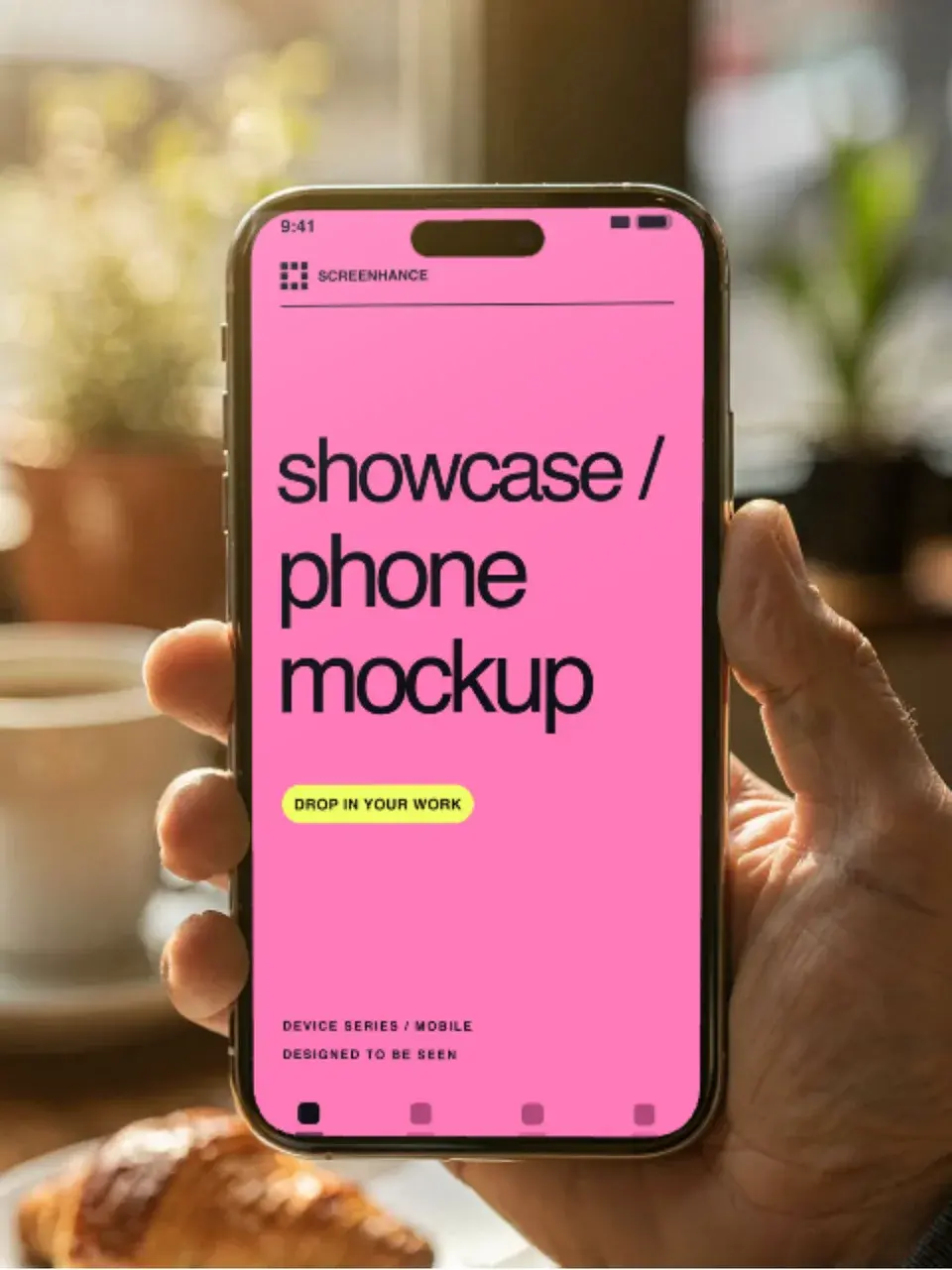
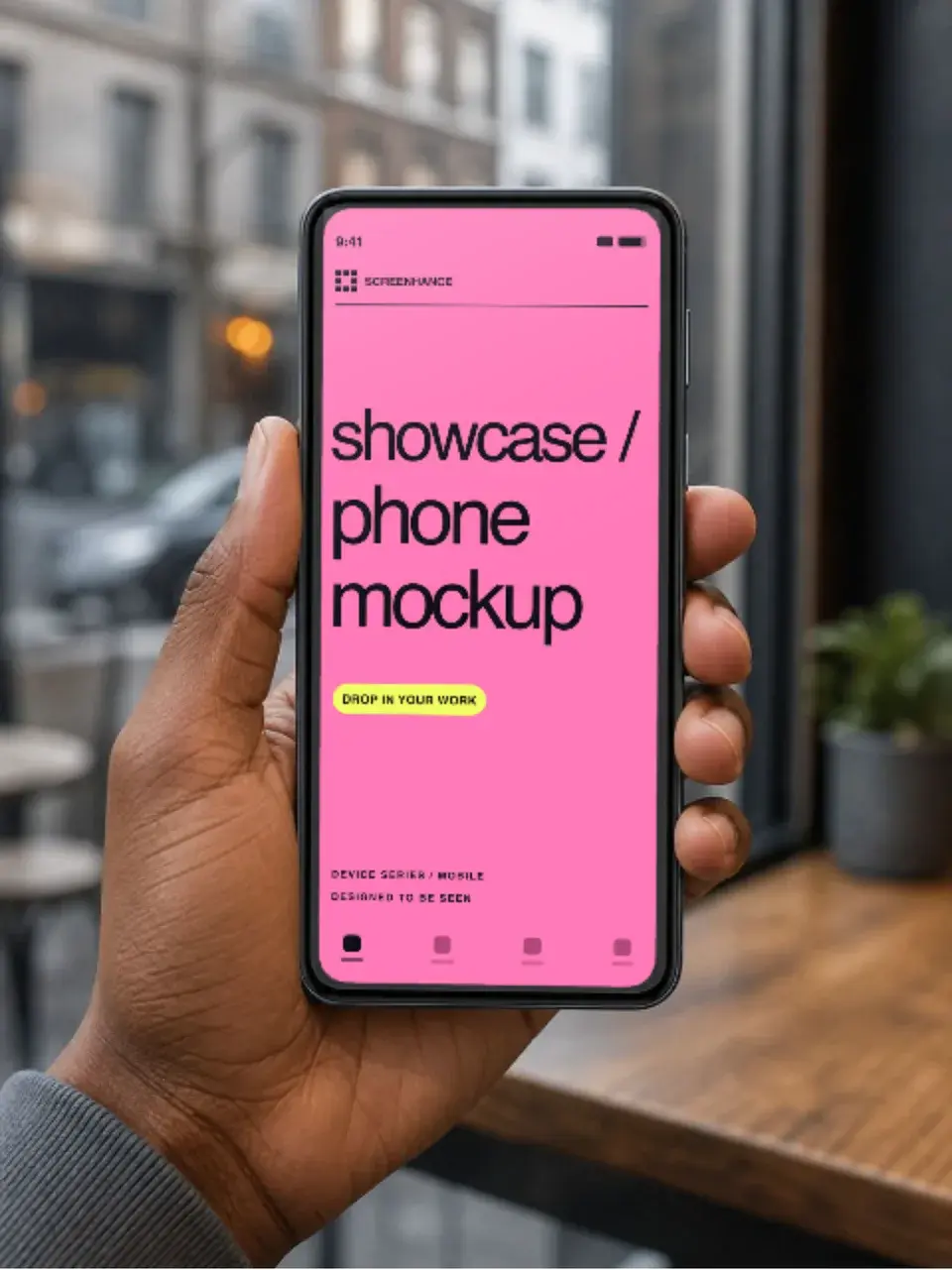
Two editable starting points from the Screenhance library, selected for this mockups guide.
Make a free device mockup
Free to start. No credit card required.
Keep reading
Related, product-tested guides from Screenhance.
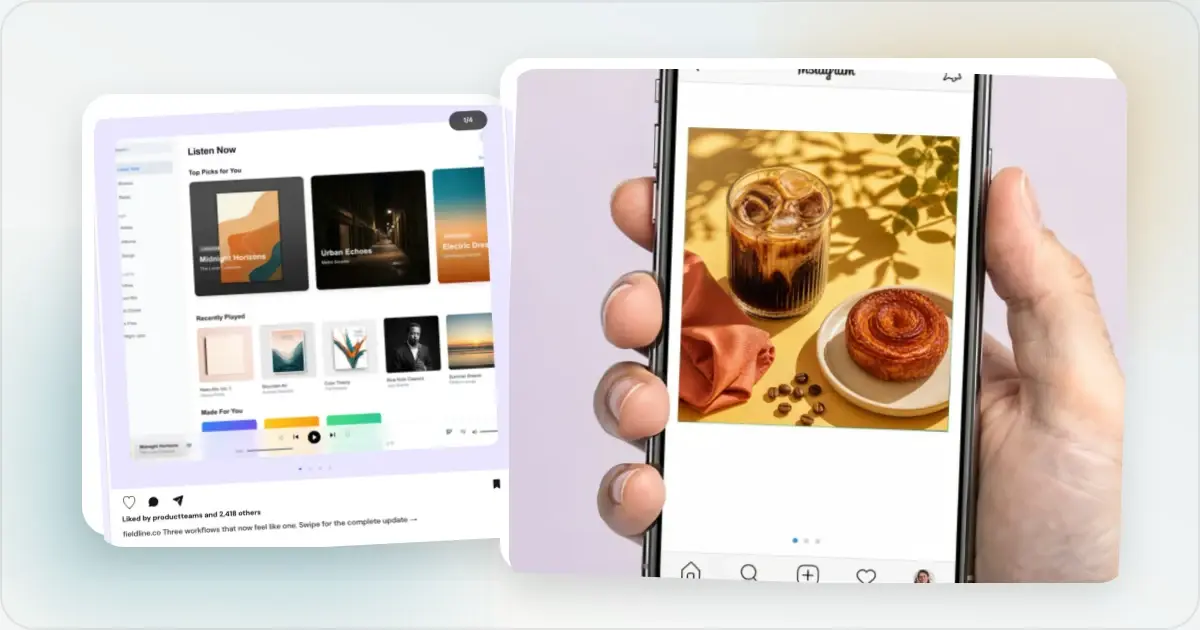
12 Instagram Mockup Examples for Better Product Launches
Explore 12 original Instagram mockup examples for feed posts, carousels, Reels, Stories, profiles, reviews, launch graphics, and product scenes.
1 Sept 2026 · 9 min read
Figma vs Photoshop vs Mockup Generators: Which Should You Use?
Compare Figma, Photoshop, and modern mockup generators for product visuals, store listings, physical scenes, motion, and launch production.
21 Apr 2026 · 5 min read
Apple Watch Mockup Guide: Framing watchOS Apps in 2026
How to create Apple Watch mockups that sell a watchOS app: choosing 46mm vs 42mm, capturing clean watch screenshots, and the iPhone-plus-Watch layout.
29 May 2026 · 6 min read