
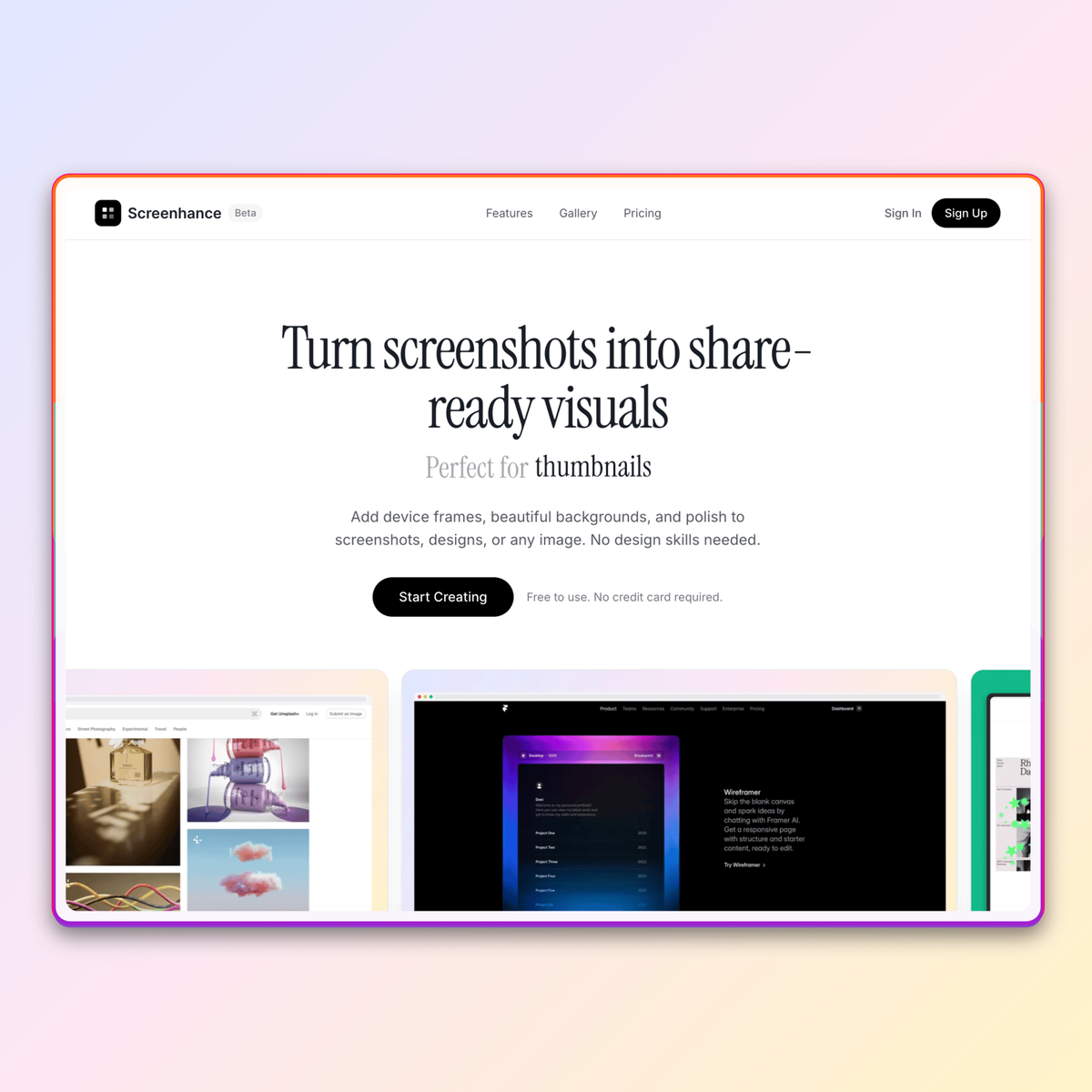
Turn screenshots into share-ready visuals
Add device frames, beautiful backgrounds, and polish to screenshots, designs, or any image. No design skills needed.
Free to use. No credit card required.
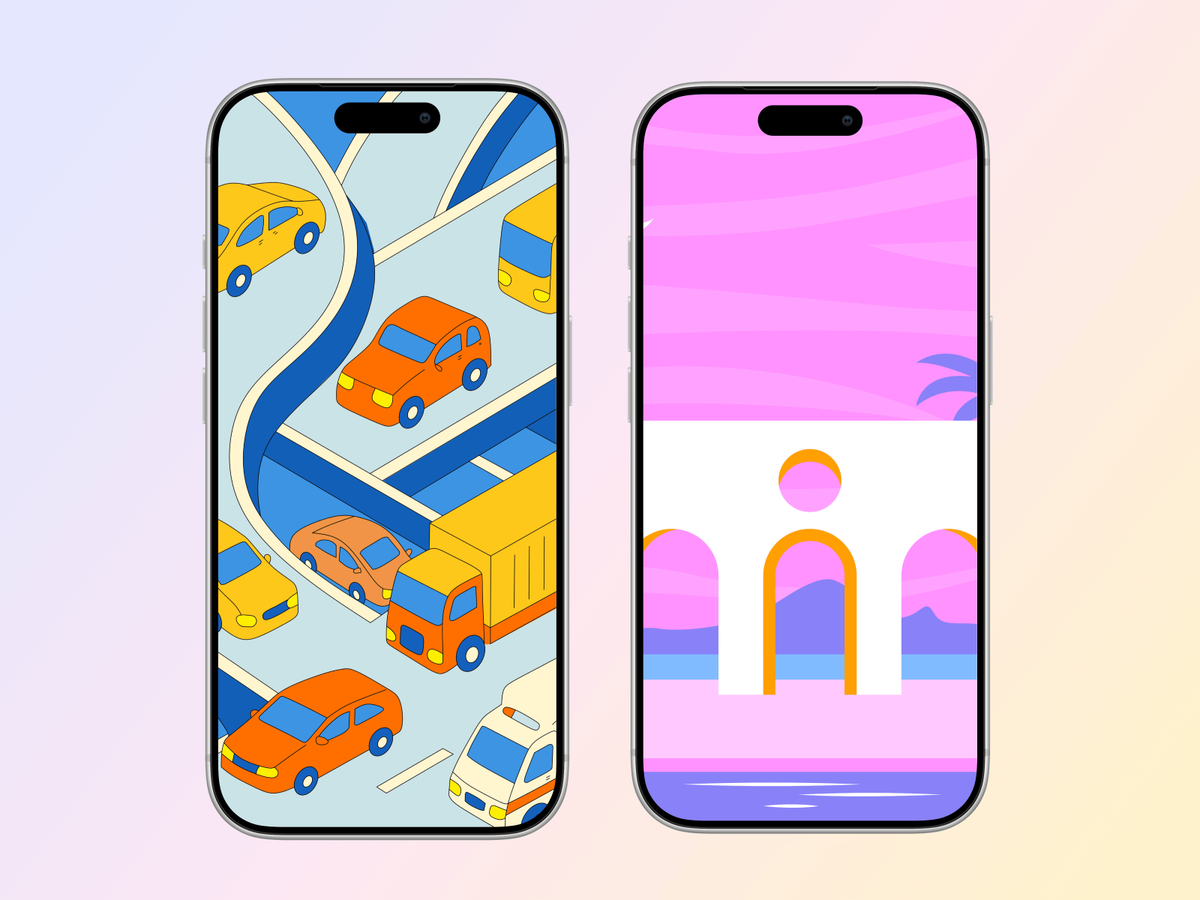
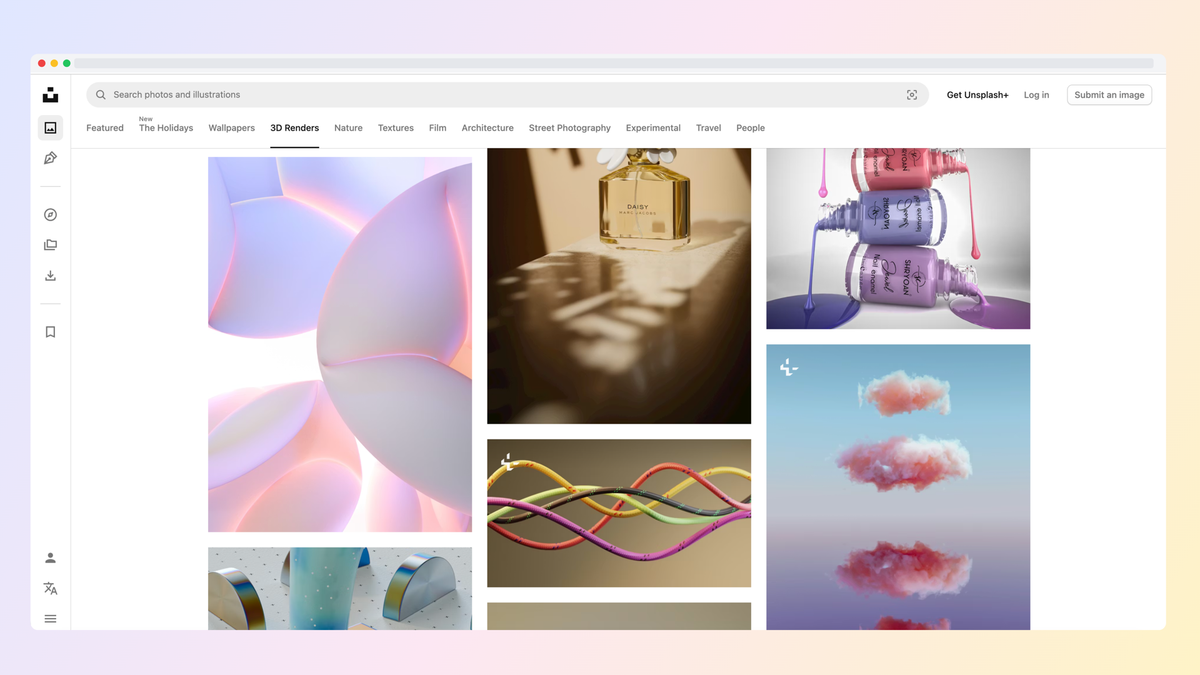
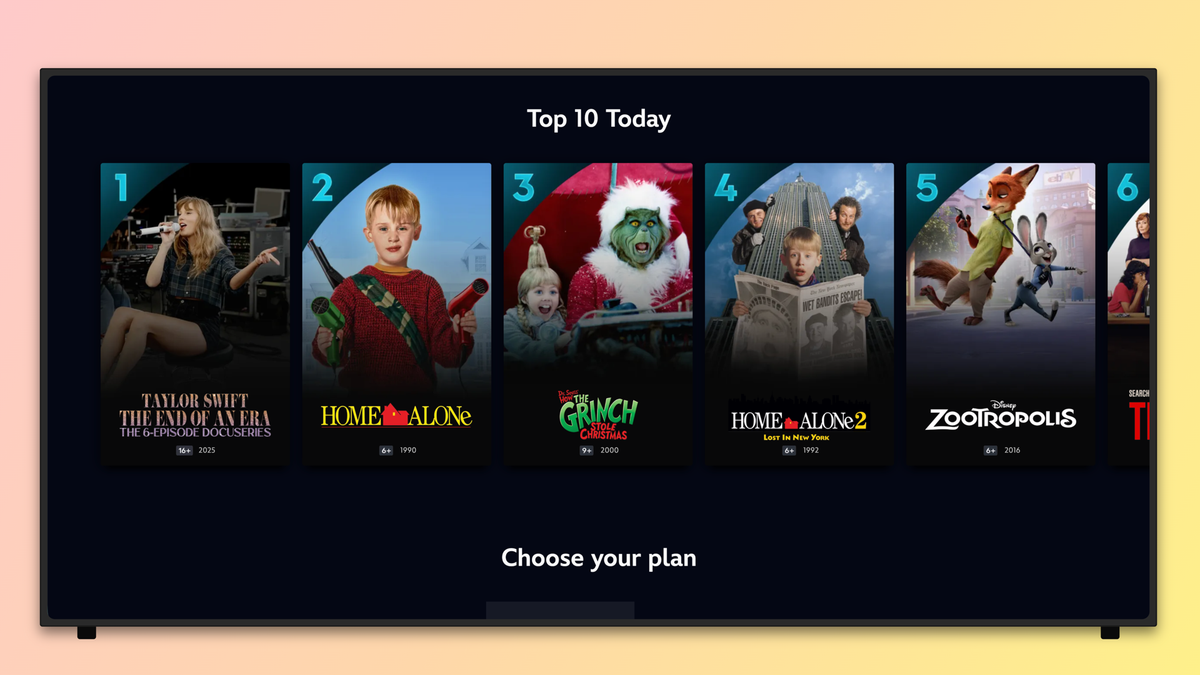
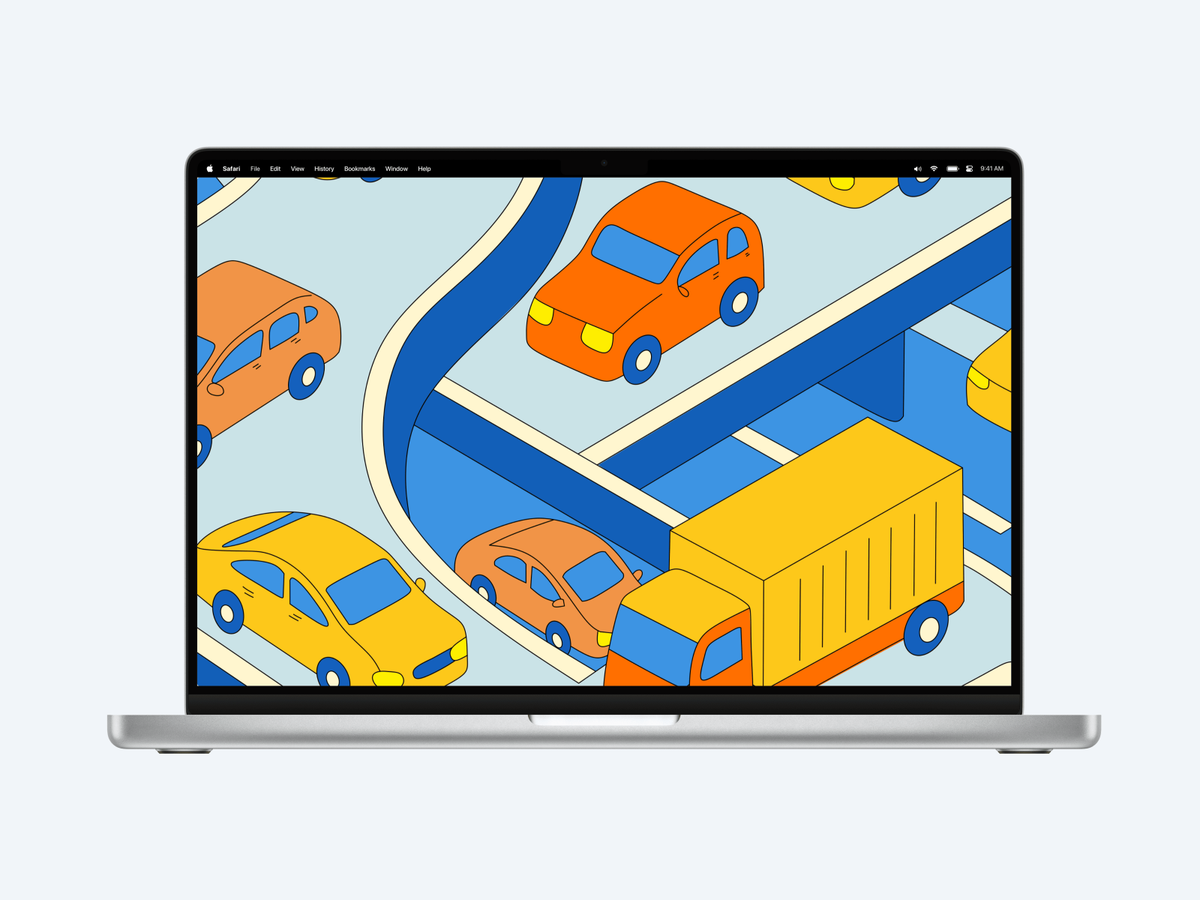
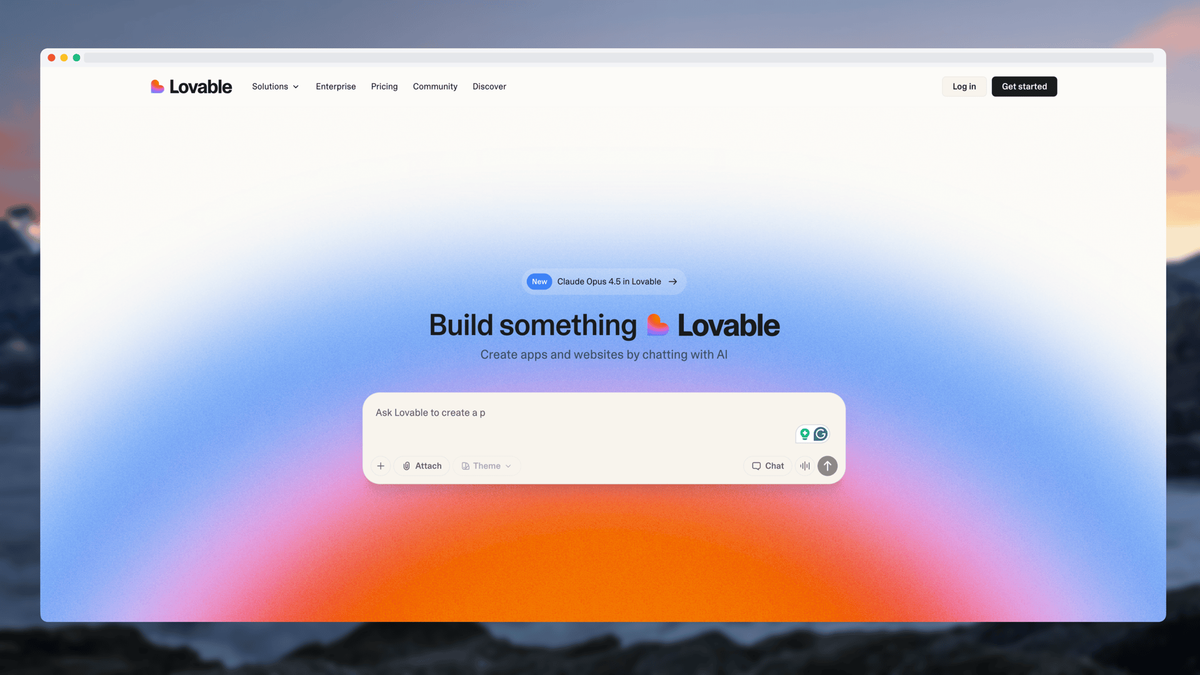
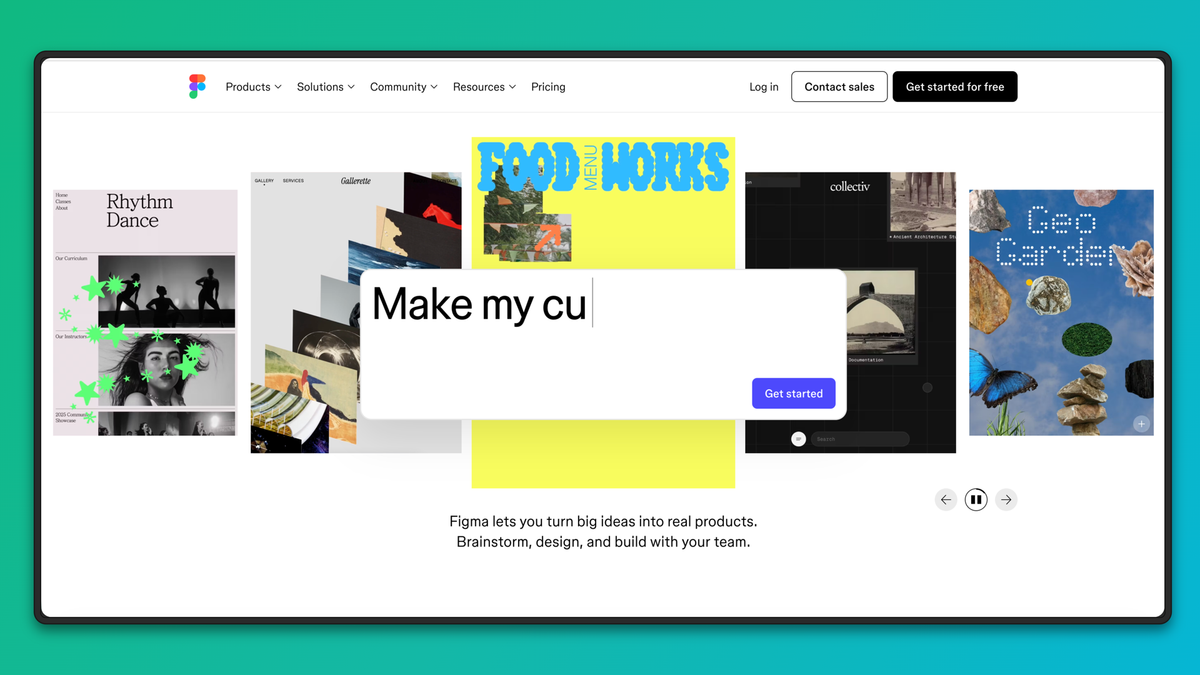
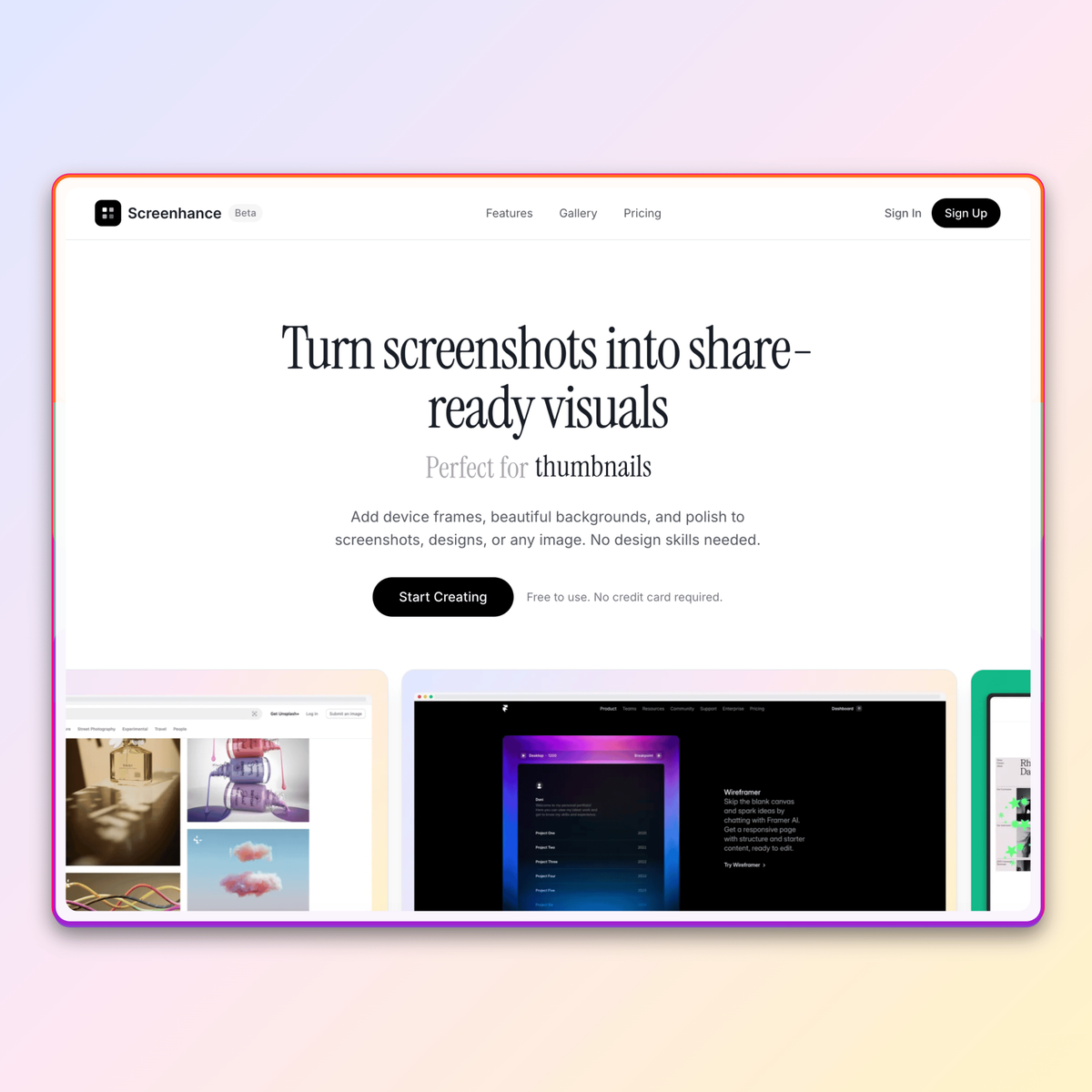
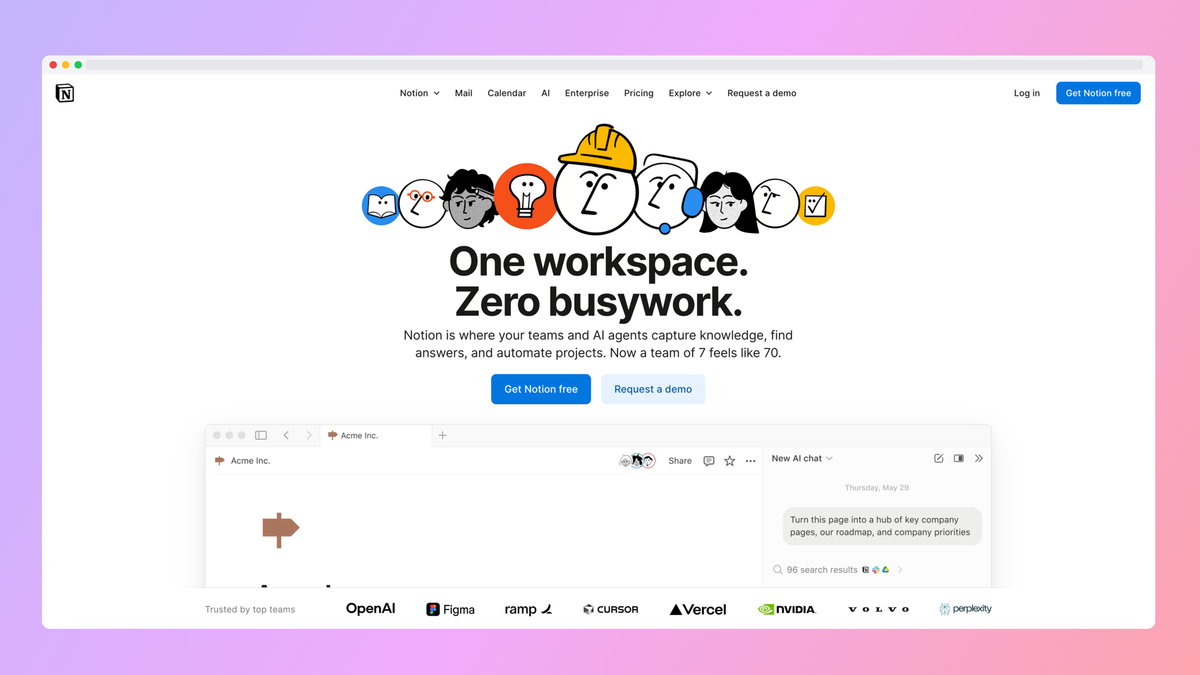
Everything you need
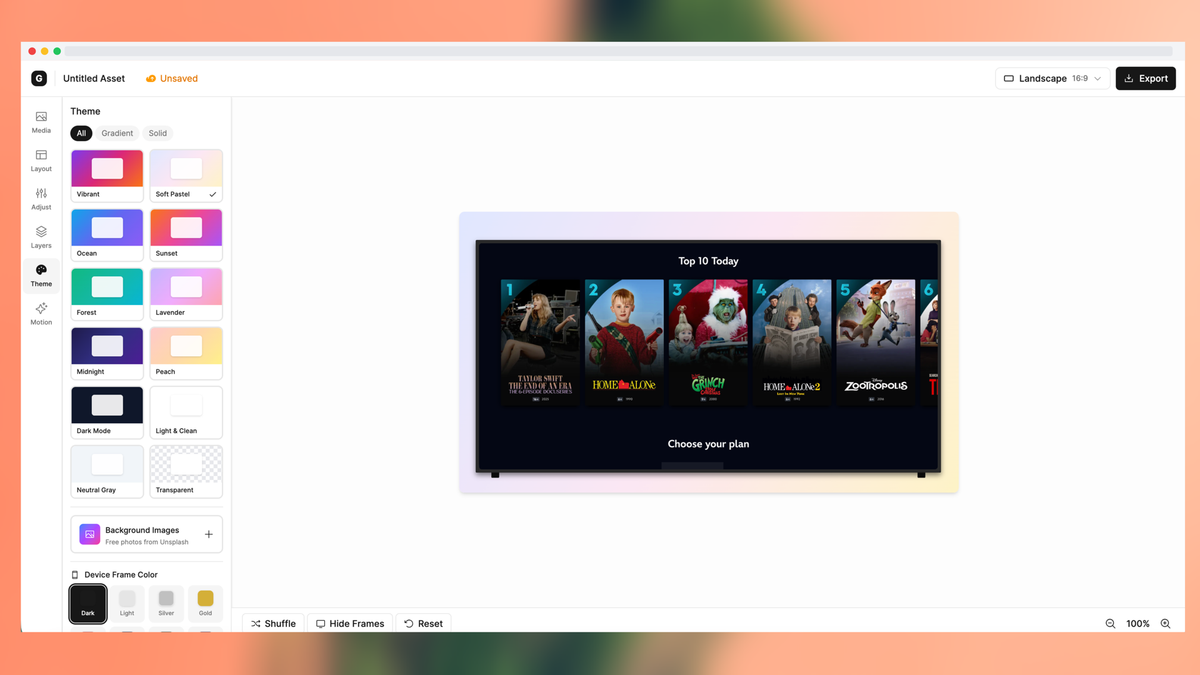
A canvas editor built for speed. Upload, customize, export.
15+ Layouts
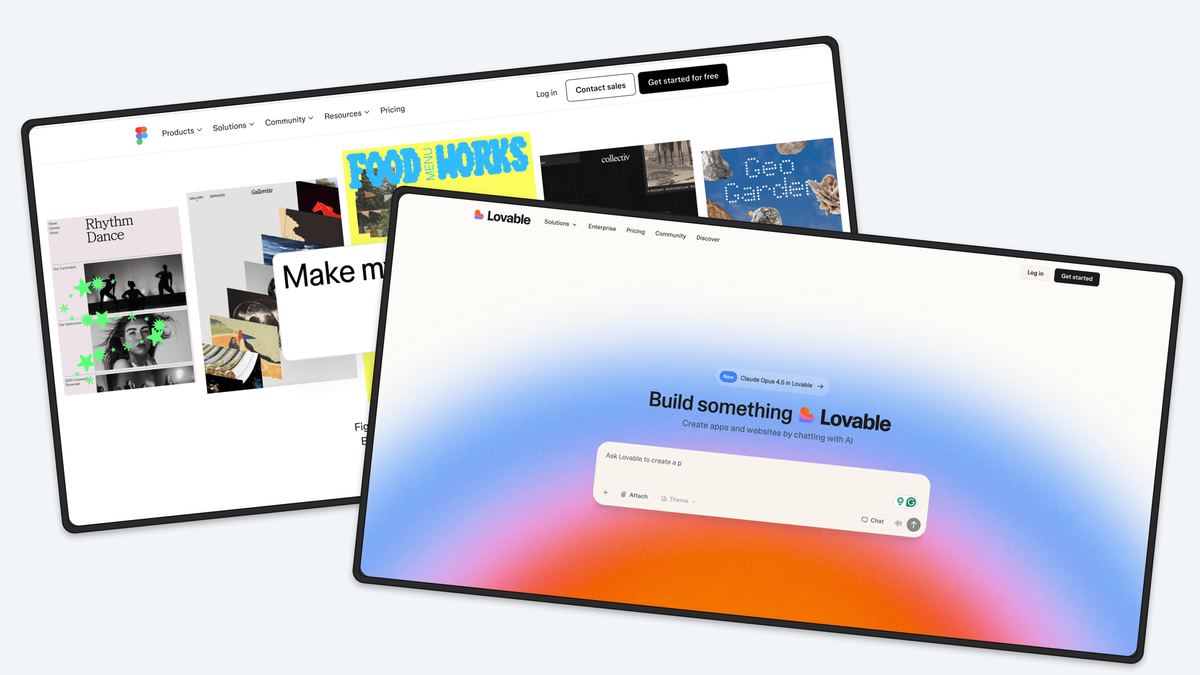
Hero, grid, stack, cascade—pick a layout that fits your story.
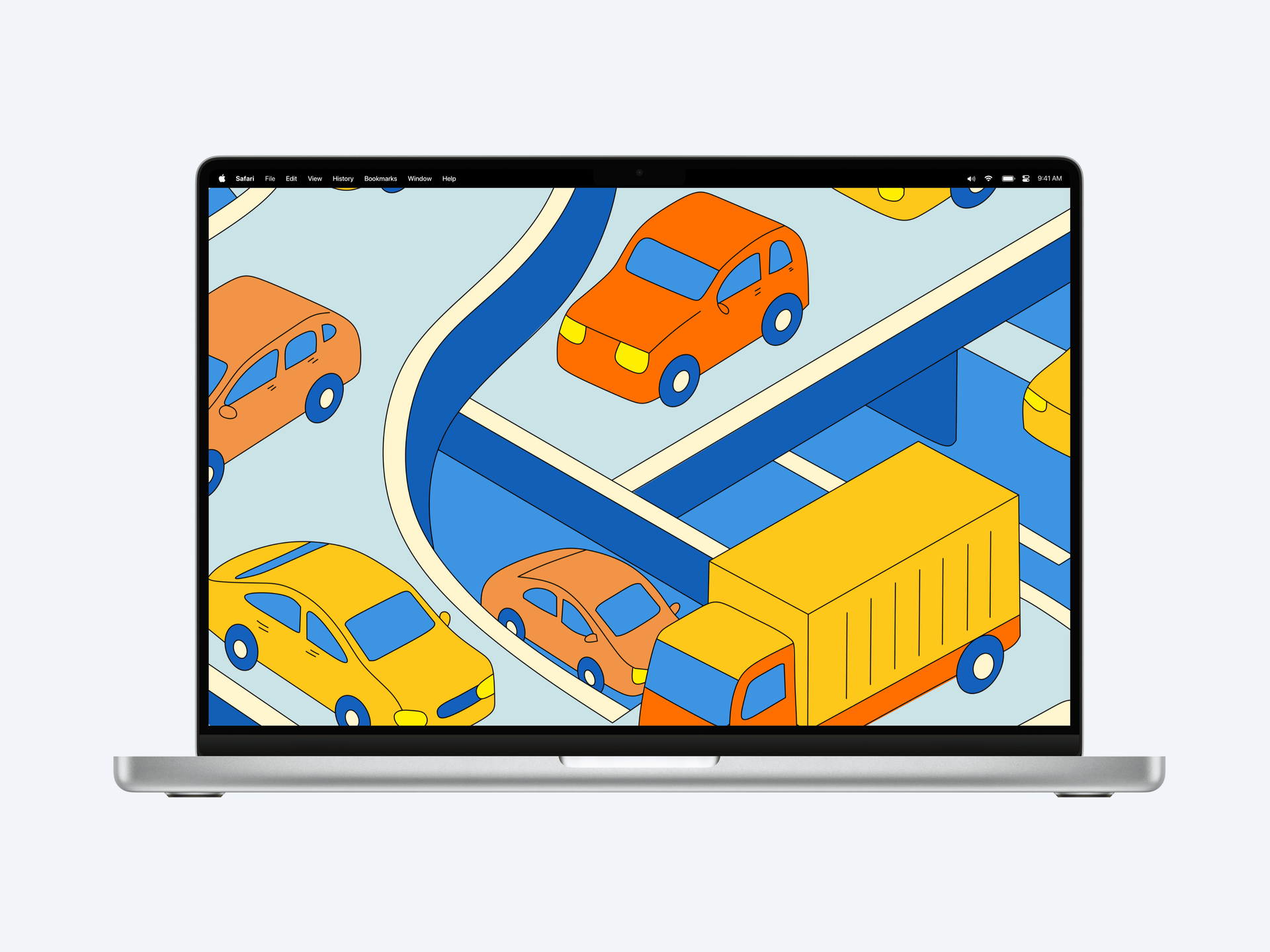
Device Frames
Phone, tablet, laptop mockups in multiple colors and styles.
Beautiful Themes
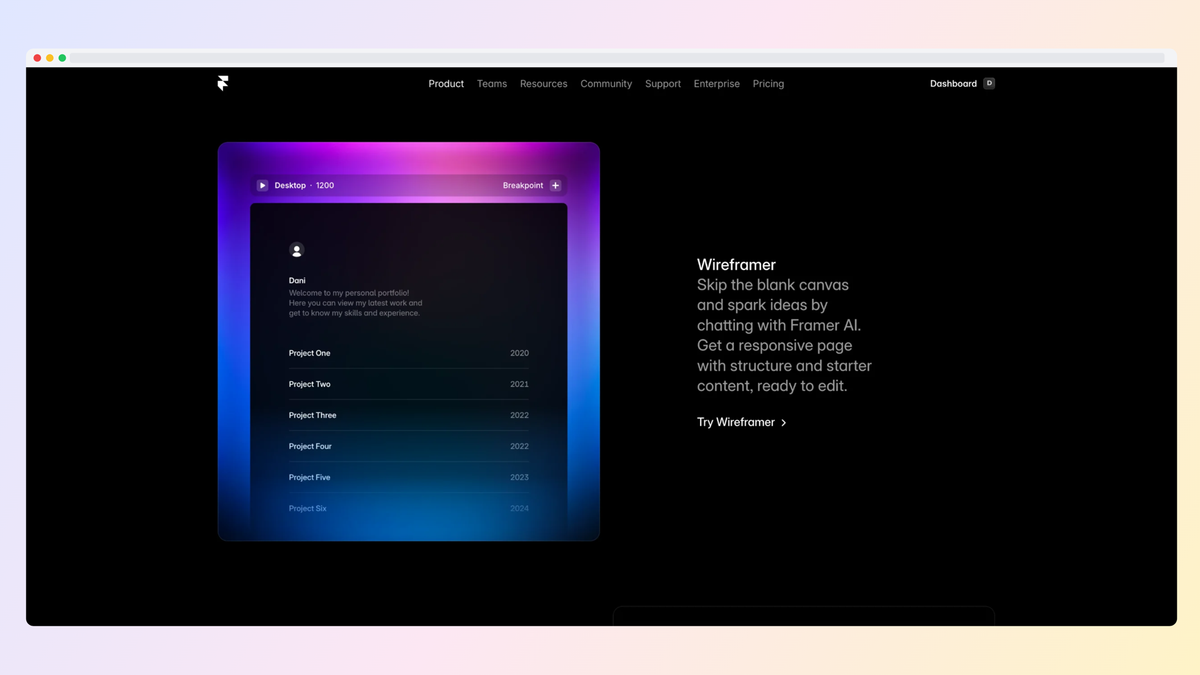
Gradients, glass effects, aurora backgrounds. Light and dark modes.
Motion Effects
Add subtle animations like float, reveal, and parallax. Export as GIF or video.
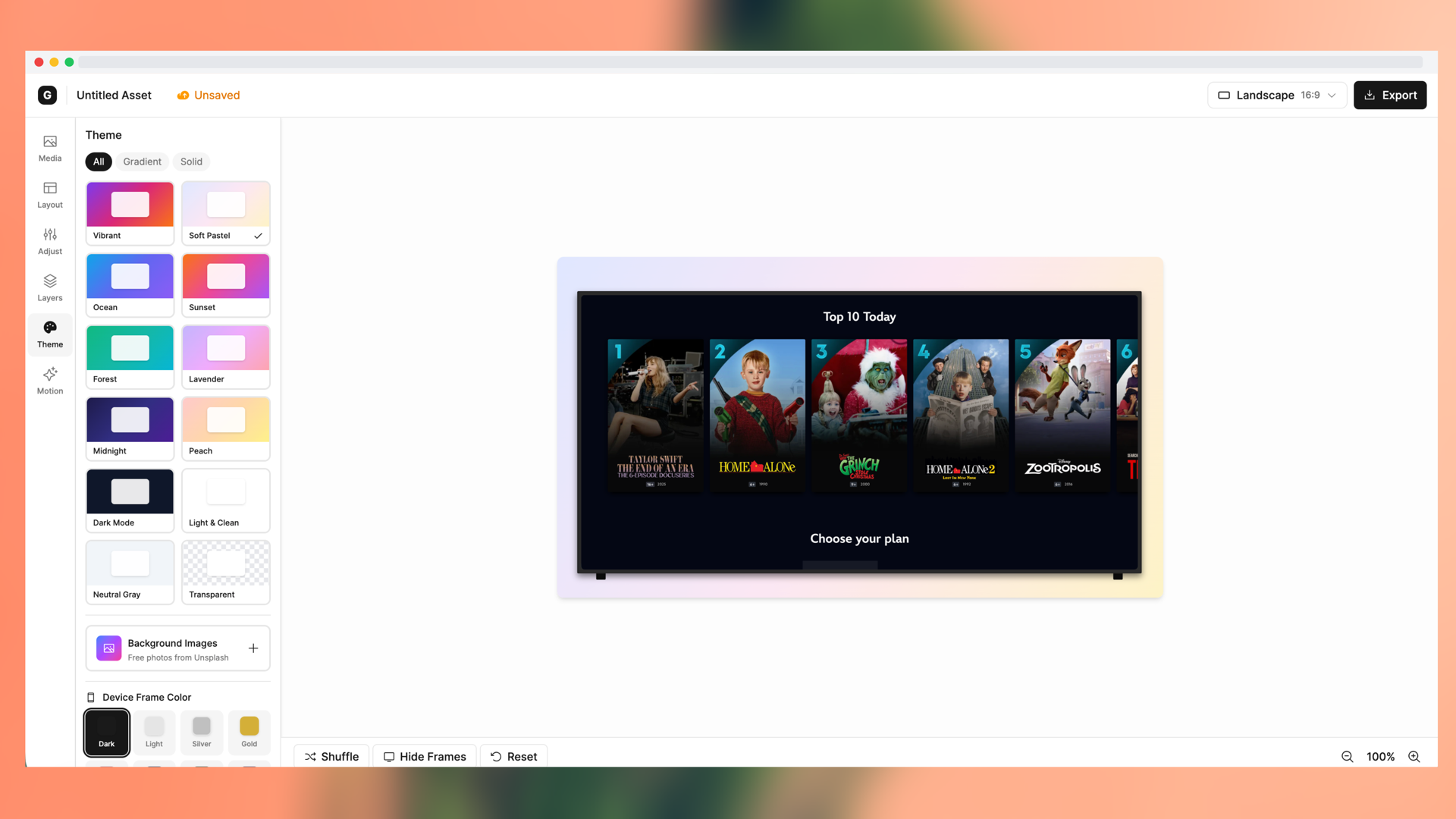
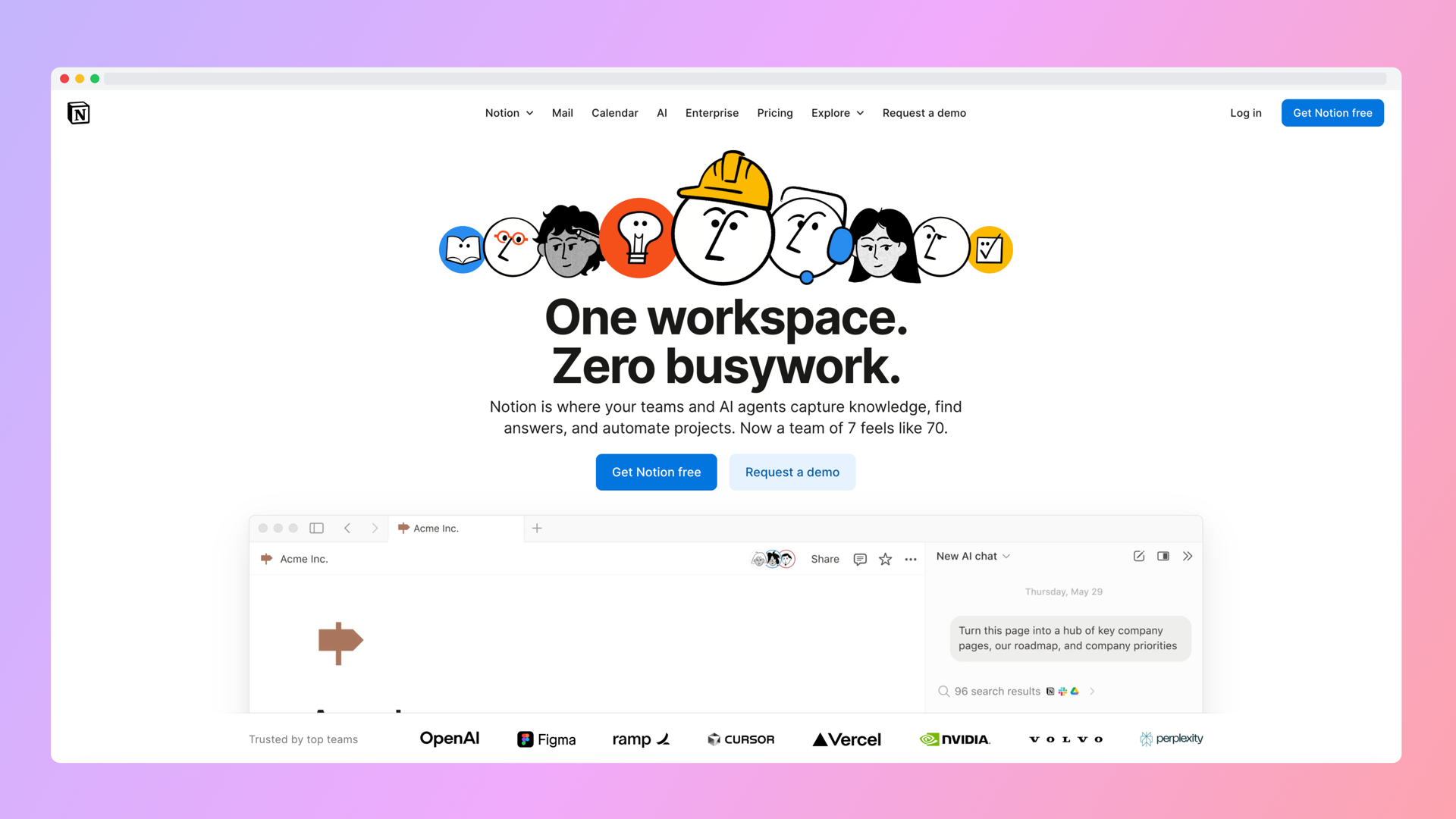
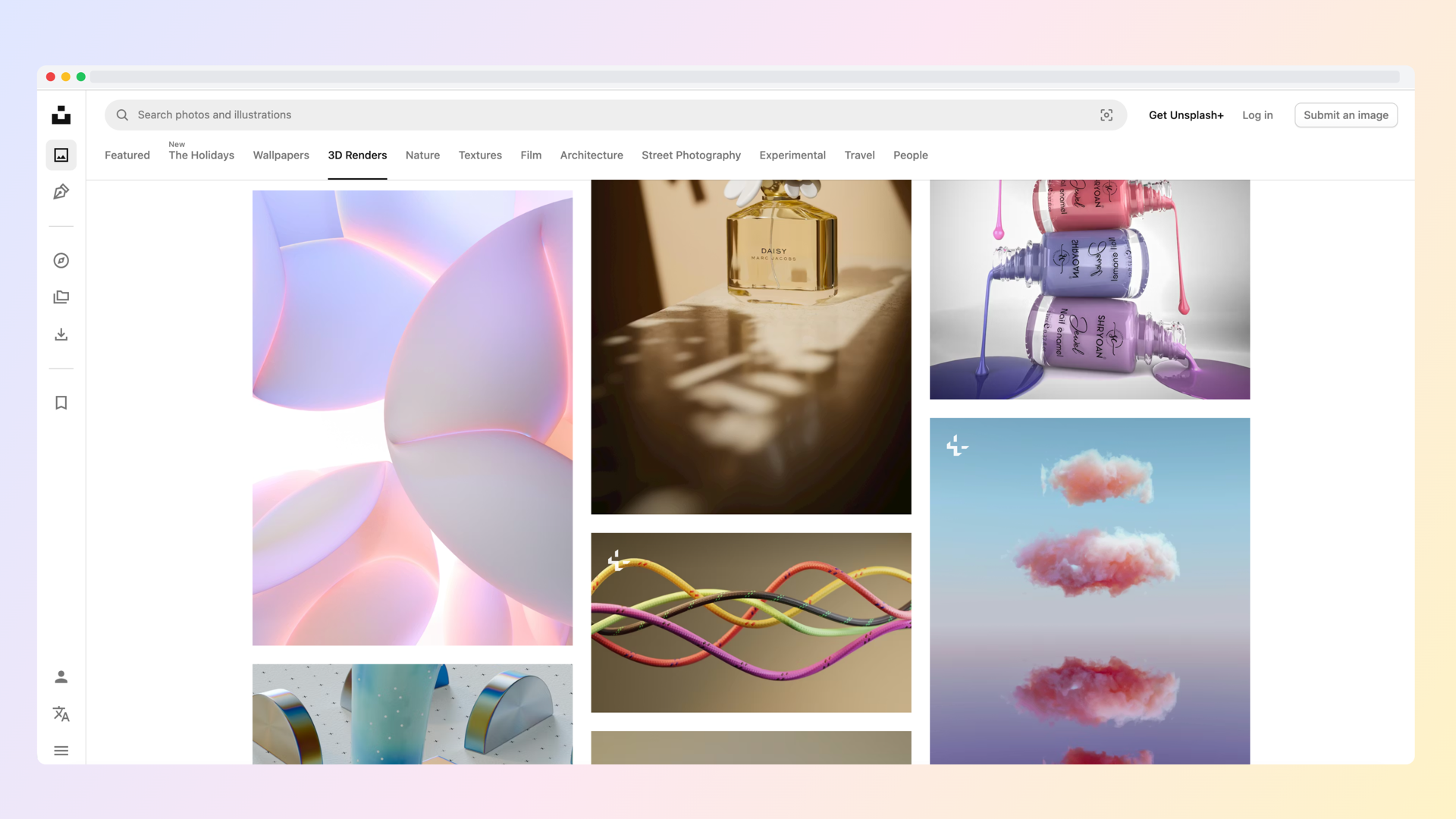
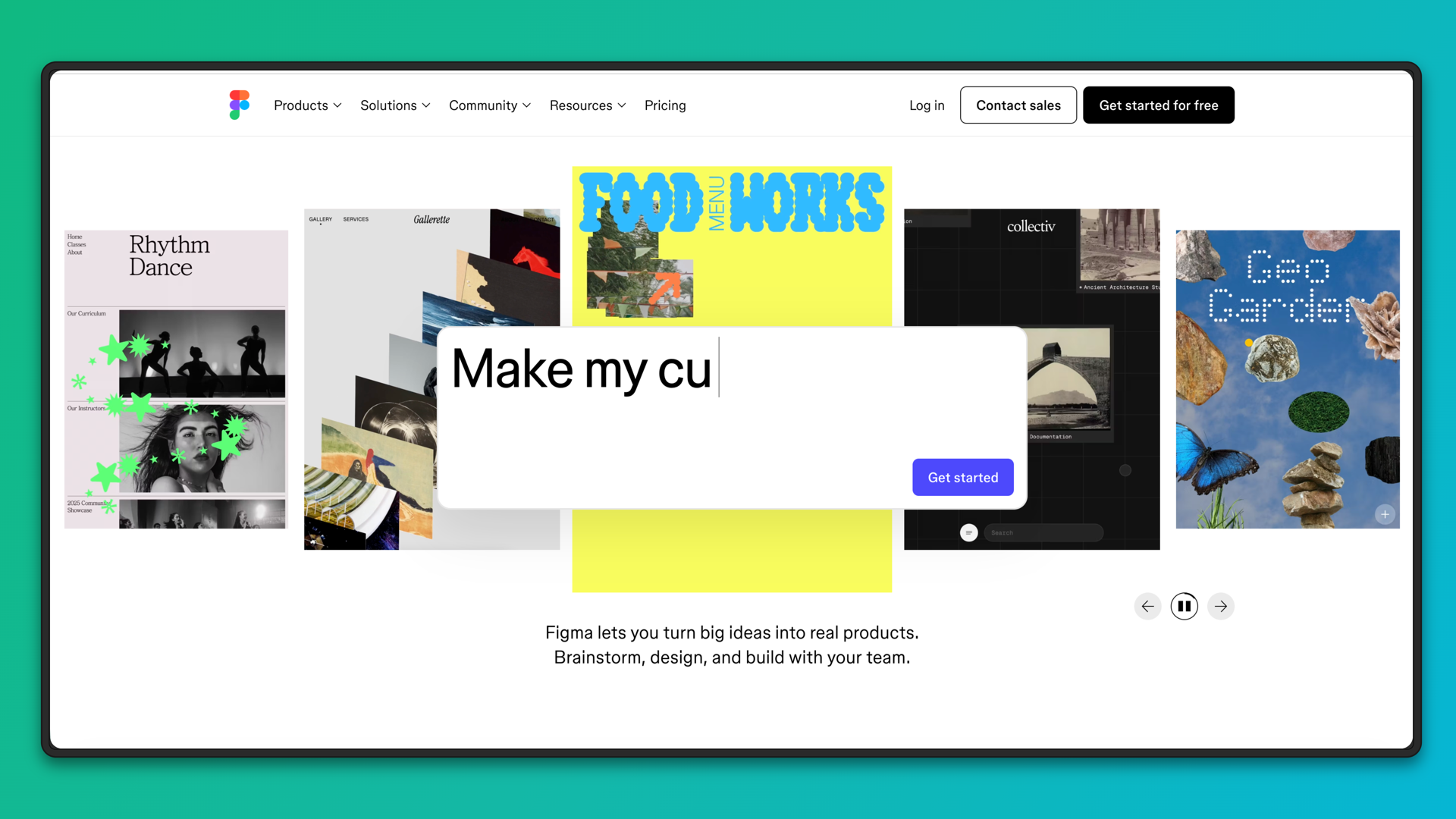
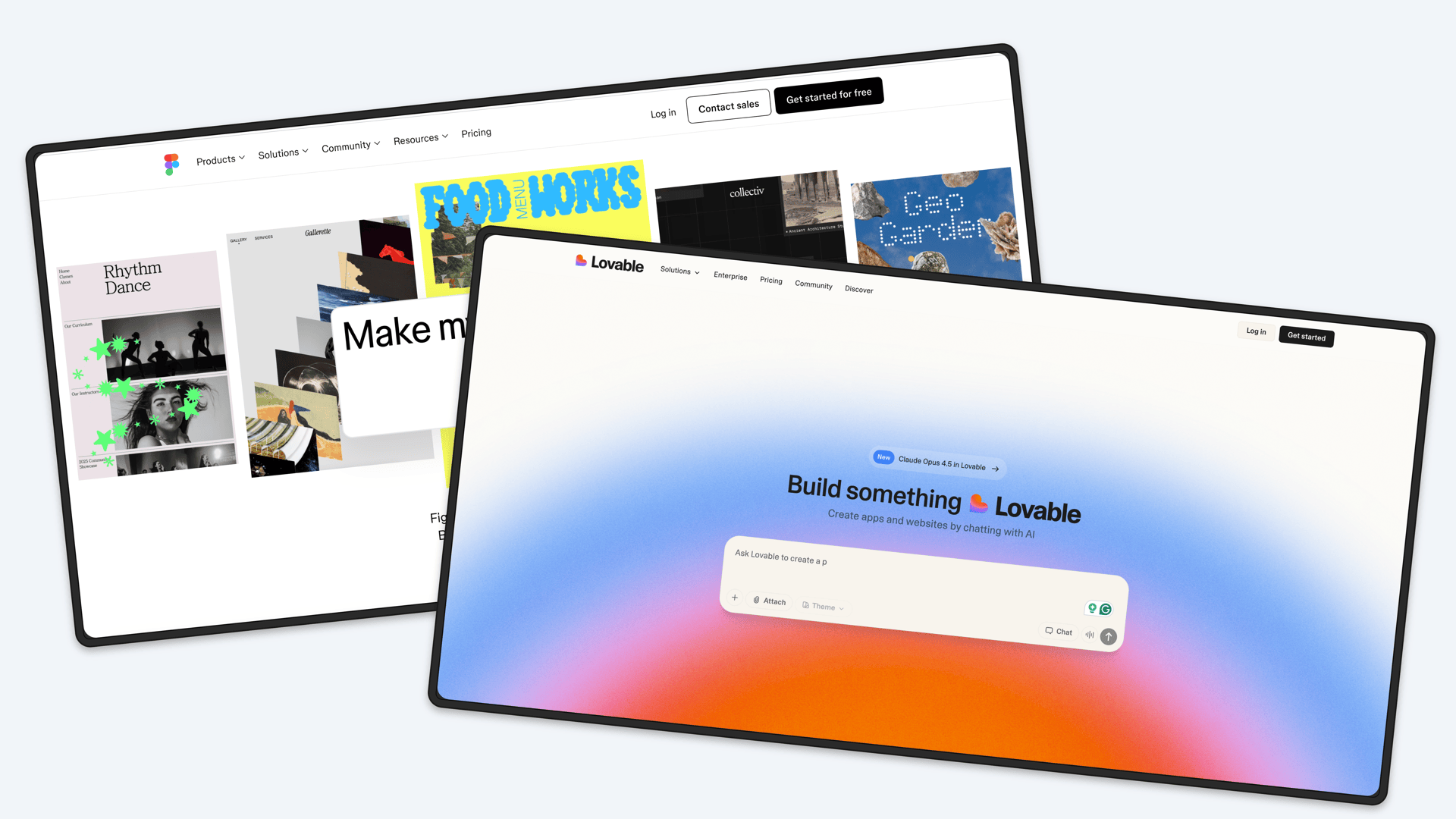
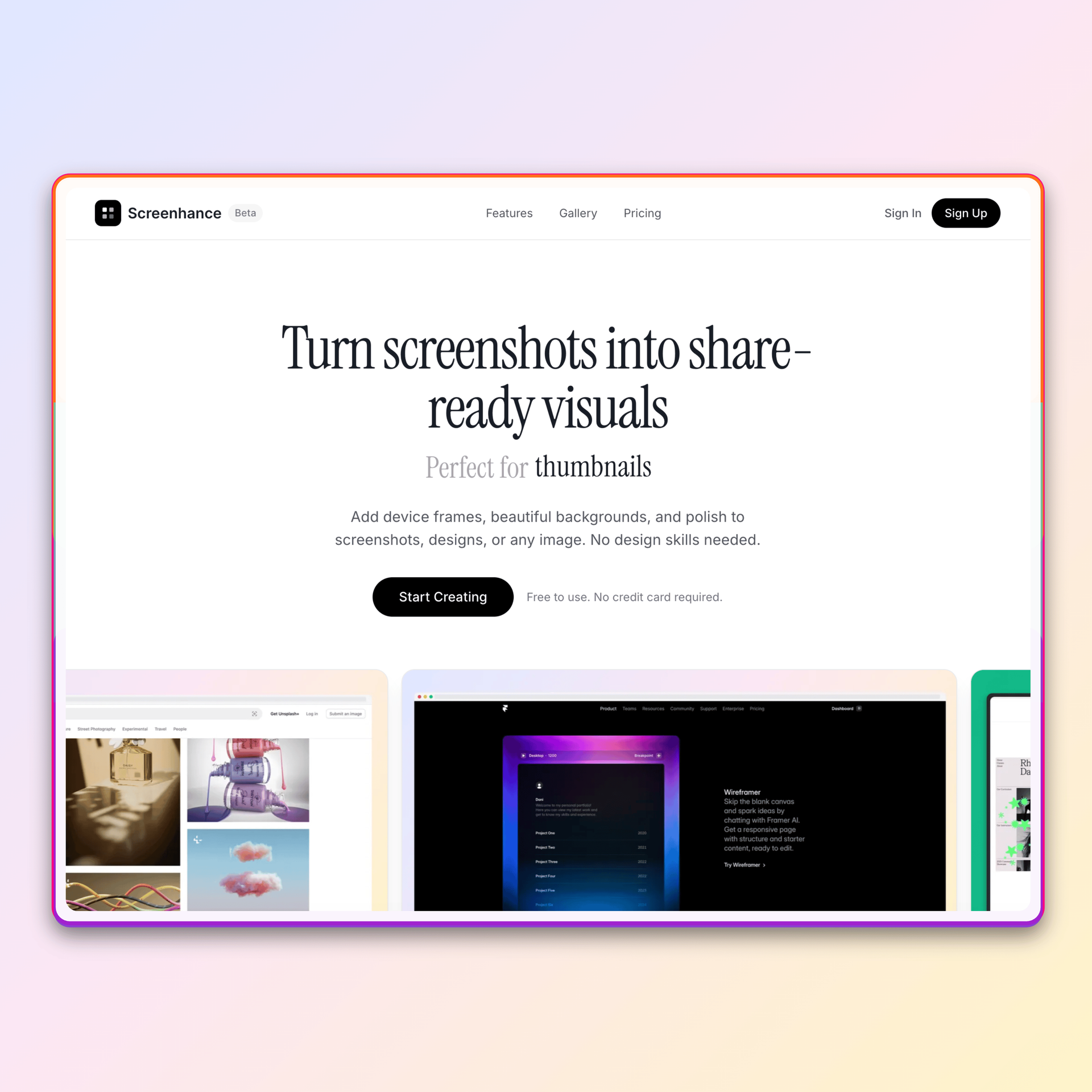
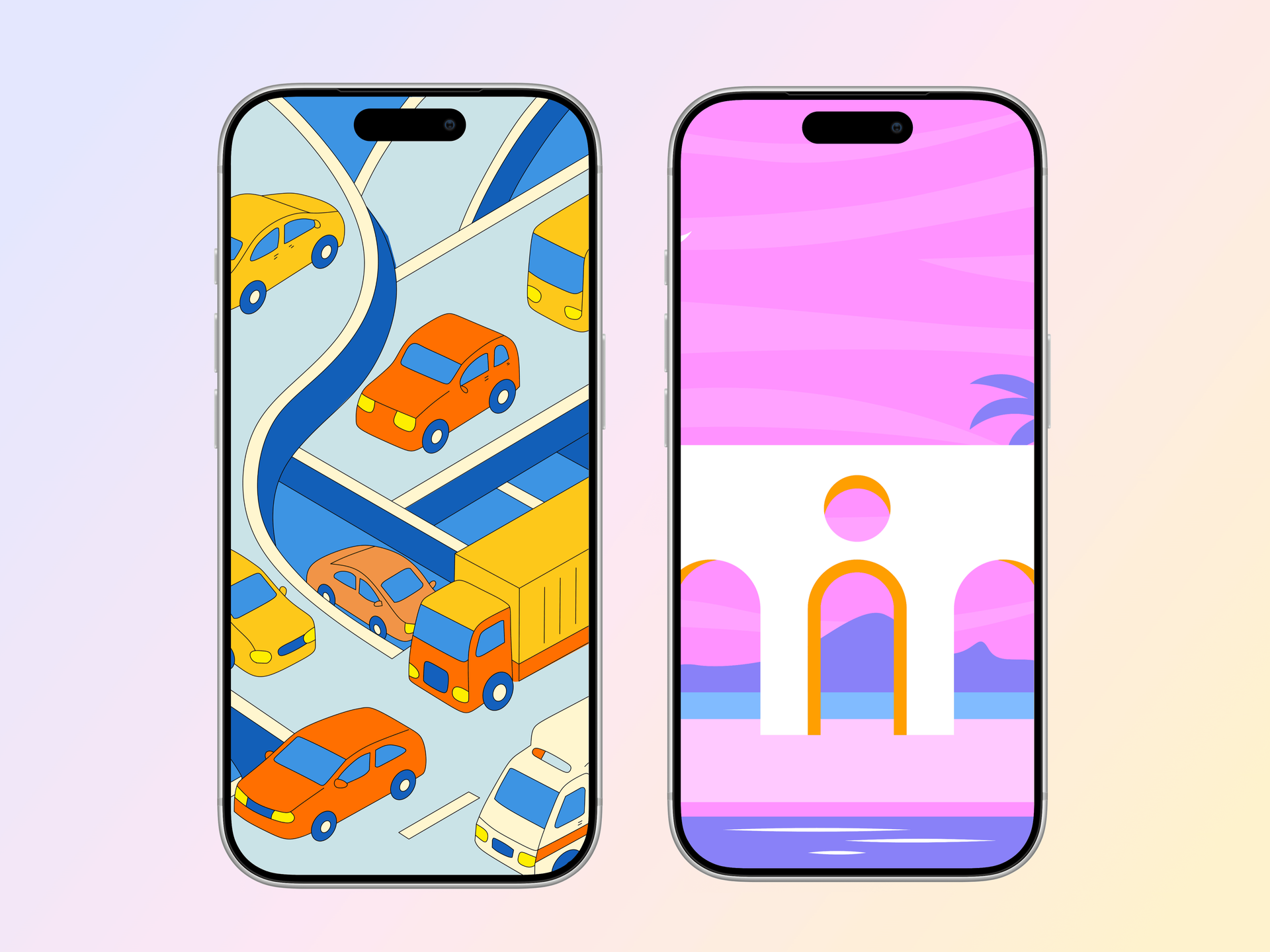
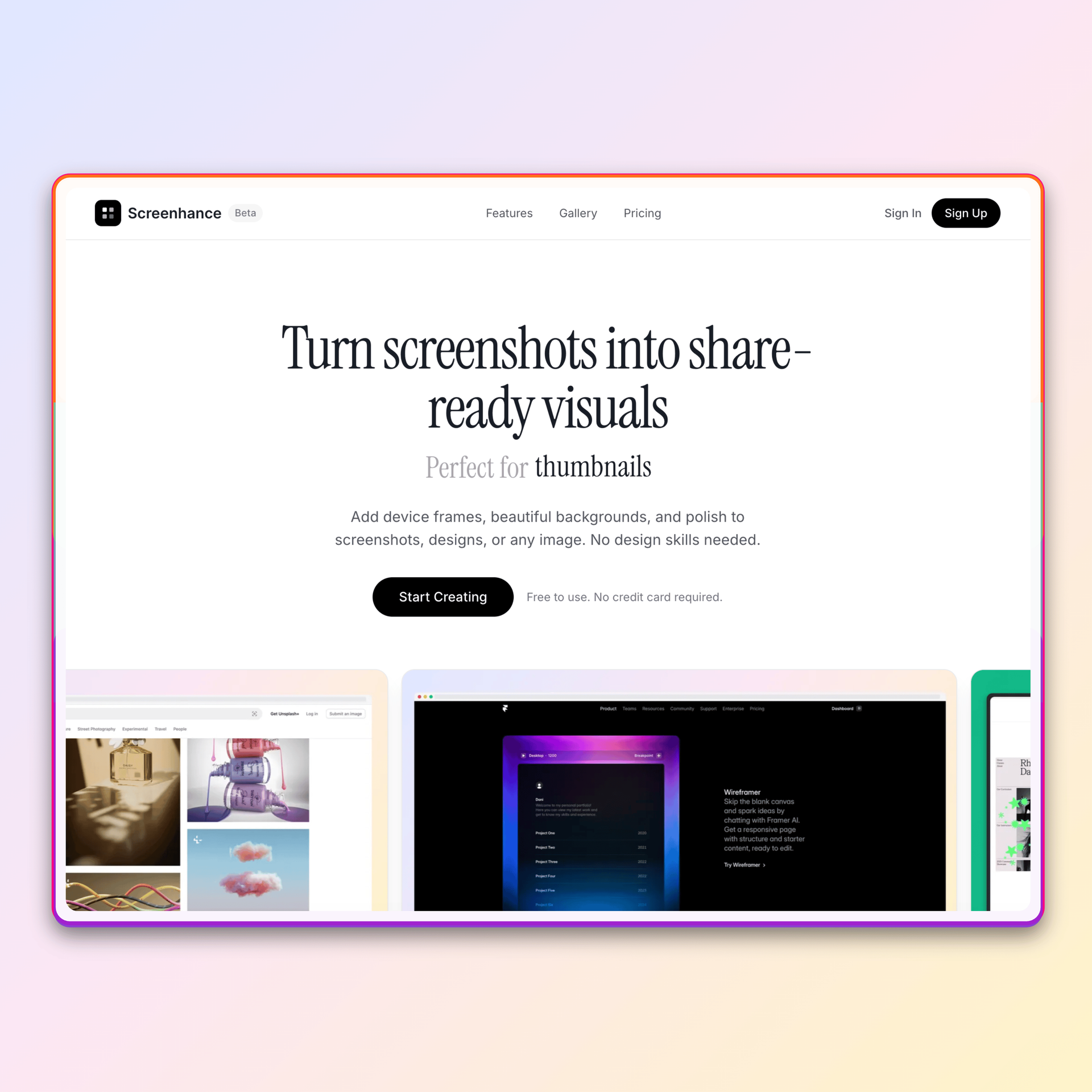
Made with Screenhance
See what's possible. Real outputs from the editor.
Loved by creators
Join thousands of creators making beautiful visuals with Screenhance.
Sarah Chen
Product Designer
Screenhance has completely transformed how I create marketing visuals. What used to take hours in Figma now takes minutes.
Marcus Johnson
Indie Hacker
Finally, a tool that makes my screenshots look professional without needing design skills. My landing page conversions are up 40%!
Emily Rodriguez
Content Creator
The device frames and backgrounds are gorgeous. I use Screenhance for all my social media posts now.
David Kim
SaaS Founder
Best investment for our marketing team. The export quality is incredible and the interface is so intuitive.
Lisa Thompson
Marketing Lead
We've replaced 3 different tools with Screenhance. The time savings alone make it worth every penny.
Alex Patel
Freelance Developer
My clients love the mockups I create. Screenhance makes me look like a pro designer even though I'm not.
Rachel Green
UX Researcher
Perfect for creating presentation-ready screenshots. The motion effects are a game changer for demos.
Tom Wilson
Startup CEO
Screenhance helped us launch our product with beautiful visuals. Highly recommend for any startup.
Sarah Chen
Product Designer
Screenhance has completely transformed how I create marketing visuals. What used to take hours in Figma now takes minutes.
Marcus Johnson
Indie Hacker
Finally, a tool that makes my screenshots look professional without needing design skills. My landing page conversions are up 40%!
Emily Rodriguez
Content Creator
The device frames and backgrounds are gorgeous. I use Screenhance for all my social media posts now.
David Kim
SaaS Founder
Best investment for our marketing team. The export quality is incredible and the interface is so intuitive.
Lisa Thompson
Marketing Lead
We've replaced 3 different tools with Screenhance. The time savings alone make it worth every penny.
Alex Patel
Freelance Developer
My clients love the mockups I create. Screenhance makes me look like a pro designer even though I'm not.
Rachel Green
UX Researcher
Perfect for creating presentation-ready screenshots. The motion effects are a game changer for demos.
Tom Wilson
Startup CEO
Screenhance helped us launch our product with beautiful visuals. Highly recommend for any startup.
Lisa Thompson
Marketing Lead
We've replaced 3 different tools with Screenhance. The time savings alone make it worth every penny.
Alex Patel
Freelance Developer
My clients love the mockups I create. Screenhance makes me look like a pro designer even though I'm not.
Rachel Green
UX Researcher
Perfect for creating presentation-ready screenshots. The motion effects are a game changer for demos.
Tom Wilson
Startup CEO
Screenhance helped us launch our product with beautiful visuals. Highly recommend for any startup.
Sarah Chen
Product Designer
Screenhance has completely transformed how I create marketing visuals. What used to take hours in Figma now takes minutes.
Marcus Johnson
Indie Hacker
Finally, a tool that makes my screenshots look professional without needing design skills. My landing page conversions are up 40%!
Emily Rodriguez
Content Creator
The device frames and backgrounds are gorgeous. I use Screenhance for all my social media posts now.
David Kim
SaaS Founder
Best investment for our marketing team. The export quality is incredible and the interface is so intuitive.
Lisa Thompson
Marketing Lead
We've replaced 3 different tools with Screenhance. The time savings alone make it worth every penny.
Alex Patel
Freelance Developer
My clients love the mockups I create. Screenhance makes me look like a pro designer even though I'm not.
Rachel Green
UX Researcher
Perfect for creating presentation-ready screenshots. The motion effects are a game changer for demos.
Tom Wilson
Startup CEO
Screenhance helped us launch our product with beautiful visuals. Highly recommend for any startup.
Sarah Chen
Product Designer
Screenhance has completely transformed how I create marketing visuals. What used to take hours in Figma now takes minutes.
Marcus Johnson
Indie Hacker
Finally, a tool that makes my screenshots look professional without needing design skills. My landing page conversions are up 40%!
Emily Rodriguez
Content Creator
The device frames and backgrounds are gorgeous. I use Screenhance for all my social media posts now.
David Kim
SaaS Founder
Best investment for our marketing team. The export quality is incredible and the interface is so intuitive.
Simple pricing
Start free. Upgrade when you need more.
Save 31% with yearly billing — $99/year
Free
Get started and see what Screenhance can do.
- 3 exports per month (resets monthly)
- PNG format only
- 1x resolution
- Watermarked outputs
- Basic layouts & themes
Pro
Everything you need for professional visuals.
- Unlimited exports
- All formats (PNG, WebP, JPEG, GIF, WebM)
- Up to 3x resolution
- No watermarks
- All layouts, themes & device frames
- Custom background uploads
Week Pass
All Pro features for 7 days. Perfect for launches.
- 30 exports total for 7 days
- All Pro formats & resolutions
- No watermarks
- Full feature access
- Valid for 7 days
Frequently asked questions
Everything you need to know about Screenhance.
You can upload 1-4 product screenshots per design. We support PNG, JPG, and WebP formats. For best results, use clean screenshots that clearly show your product's UI—the editor handles the rest.
Not at all. Screenhance is built for developers, founders, and marketers who want professional results without learning design tools. Choose a layout, pick a theme, and customize with simple controls. No Figma or Photoshop required.
You can export as PNG, WebP, or JPEG for static images. For animated visuals, export as GIF or WebM video. Pro users get up to 3x resolution for crisp Retina displays.
The free plan gives you 3 exports per month, PNG format, 1x resolution, and access to basic layouts and themes. Outputs include a small watermark. It's a great way to try Screenhance before upgrading.
The Week Pass is perfect for Product Hunt launches or one-time projects. For $6, you get all Pro features for 7 days with 30 exports included. No subscription required.
Yes! All assets you create are yours to use however you want—on your website, social media, pitch decks, documentation, app stores, and more. No attribution required.
Still have questions? Reach out to us